
Community listing page, reviews may not be monitored by the author.
Thaumic Tracker

No reviews yet
Track Thaumaturge research requirements on your HUD, including custom research from datapacks and KubeThaum.

Community voices
Reviews
No reviews yet. Be the first to review this project!
Get it on
Available Platforms
About
Project Details
For authors
Embed Badge
If you're the author of this project, you can embed a live badge anywhere that supports HTML or Markdown. It updates automatically whenever ratings change.
Use HTML for any page that supports it, or Markdown for README files and Markdown-based descriptions.
Identifiers
Platform IDs
About
Description
Thaumic Tracker
Keep your research in sight while you play.
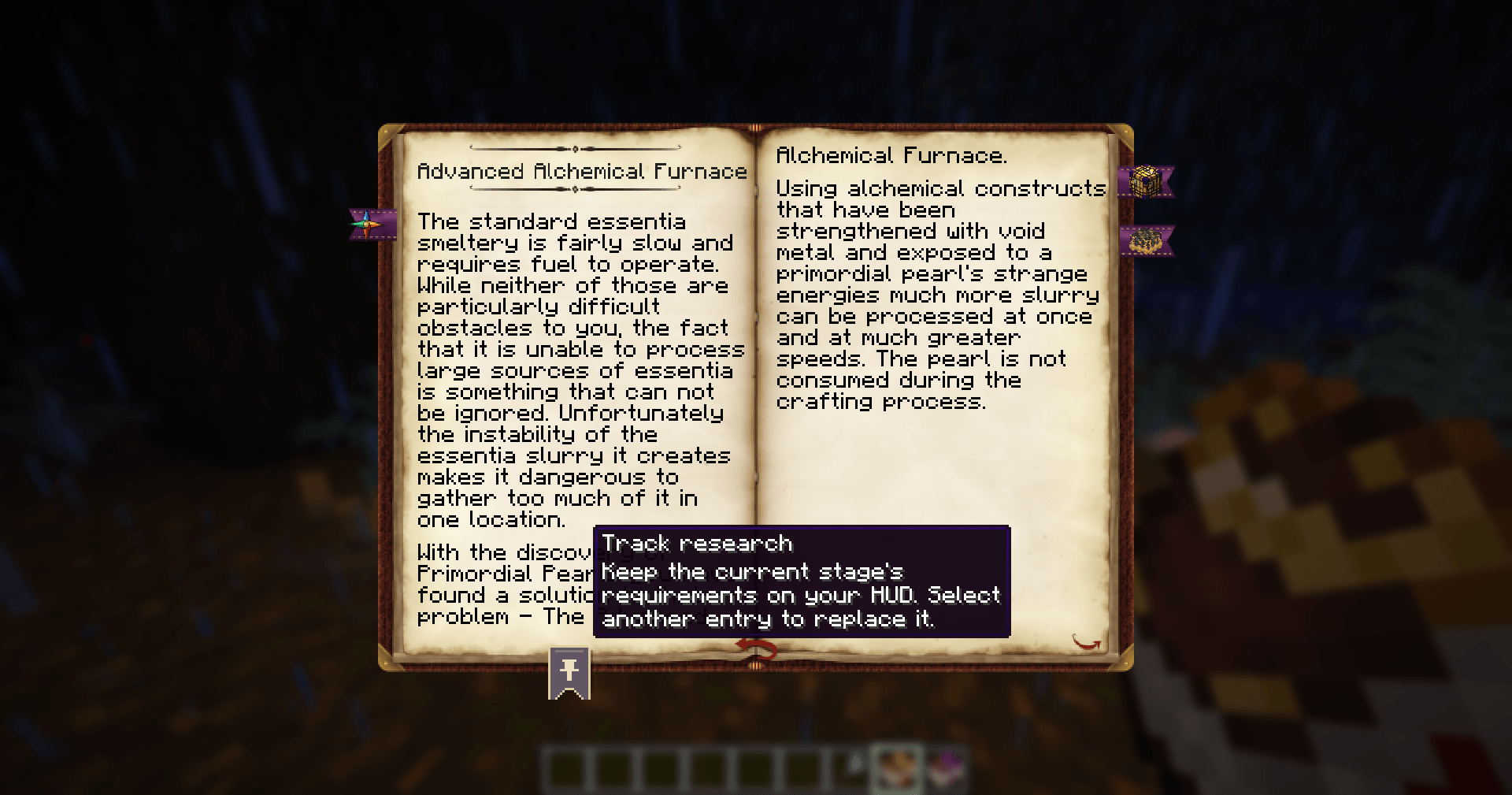
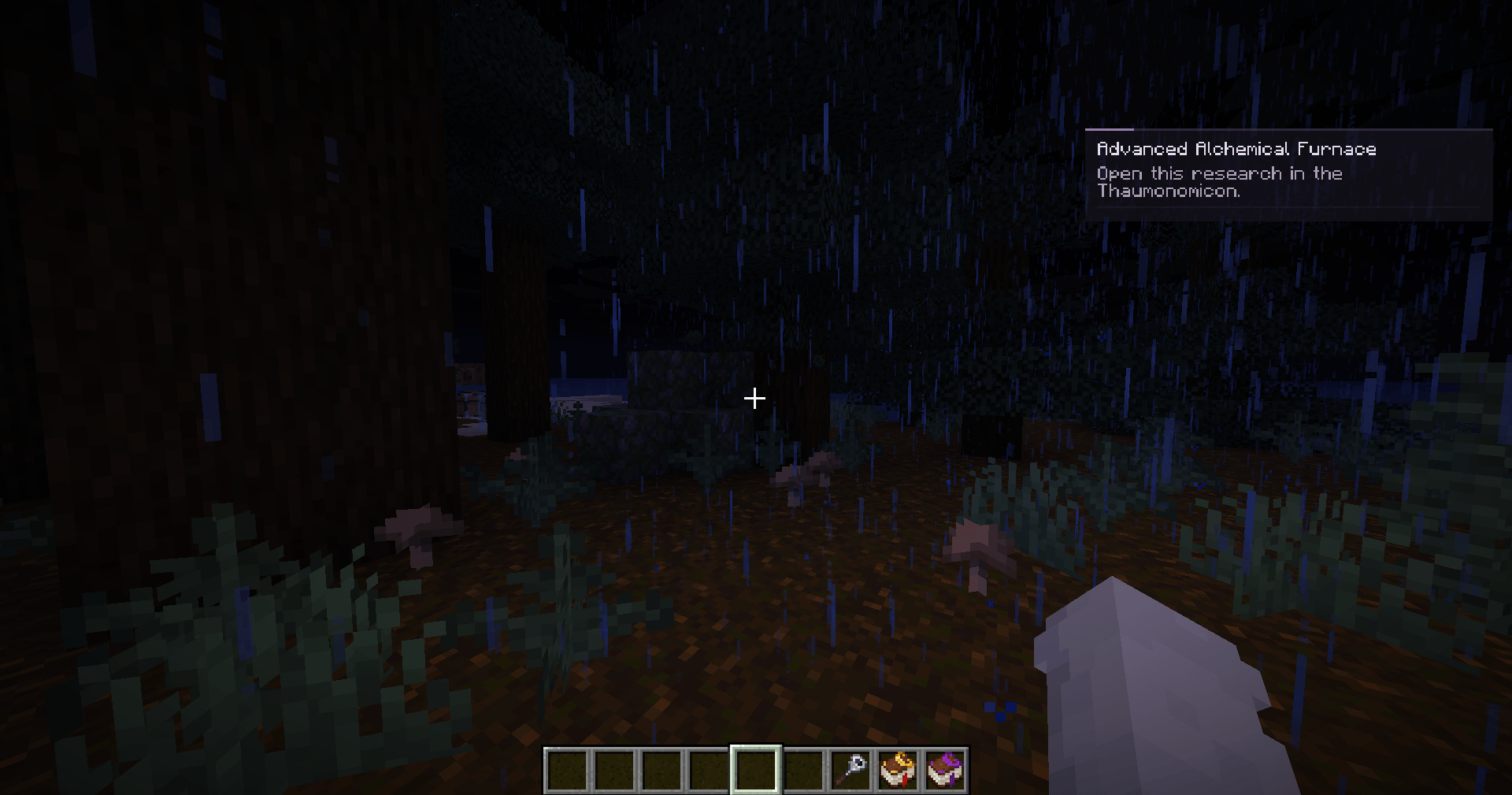
Thaumic Tracker adds a compact research panel for Thaumaturge. Pin an entry in the Thaumonomicon, close the book, and follow its requirements while gathering materials, exploring, or working at your base.
Spend less time reopening the book to check what you still need.
Follow your research
- Pin an entry directly from its page in the Thaumonomicon.
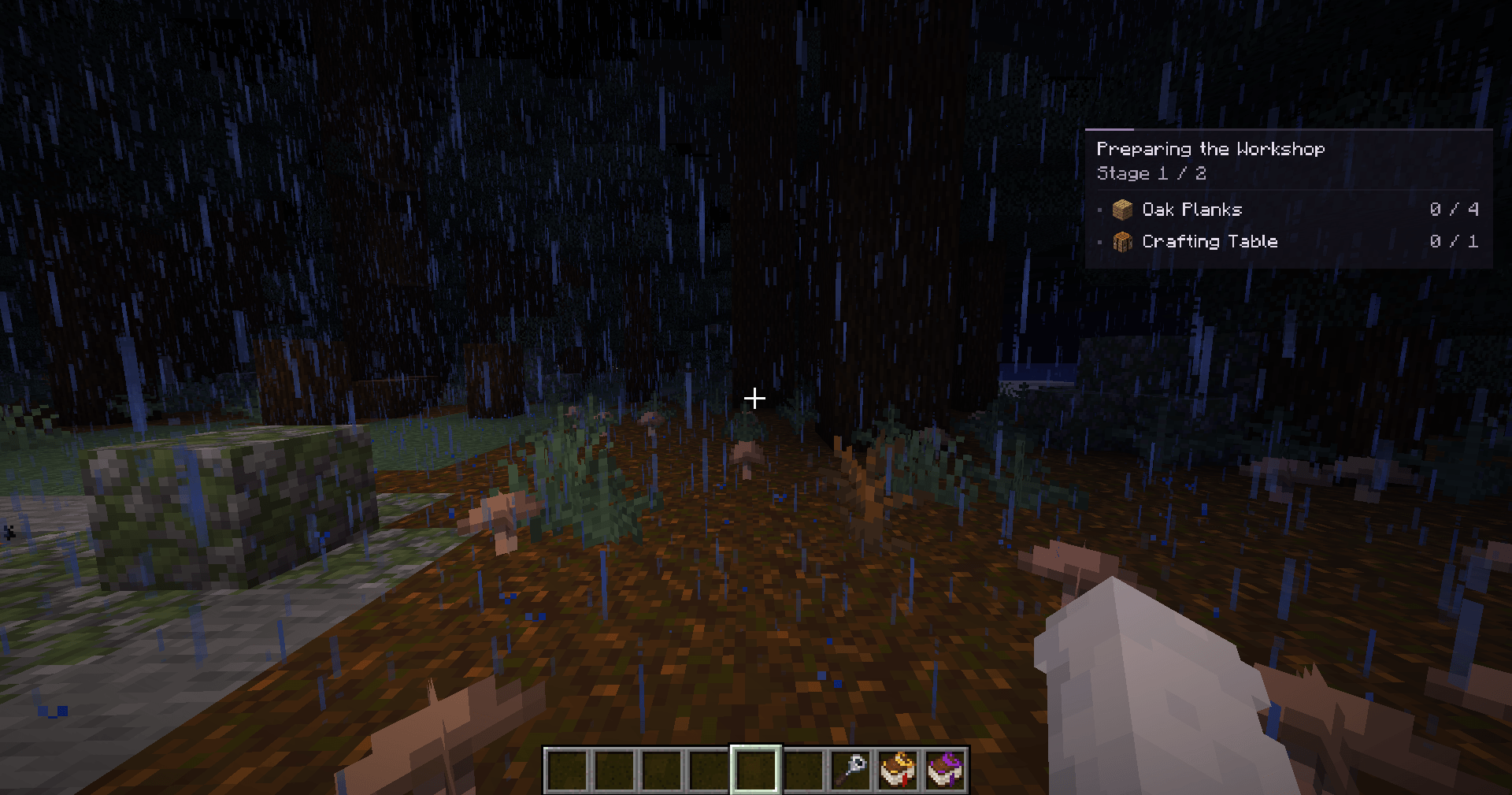
- See your requirements together: items, crafting, prerequisite research, theory notes, and observation aspects.
- Watch your progress with item counts and check marks for satisfied requirements.
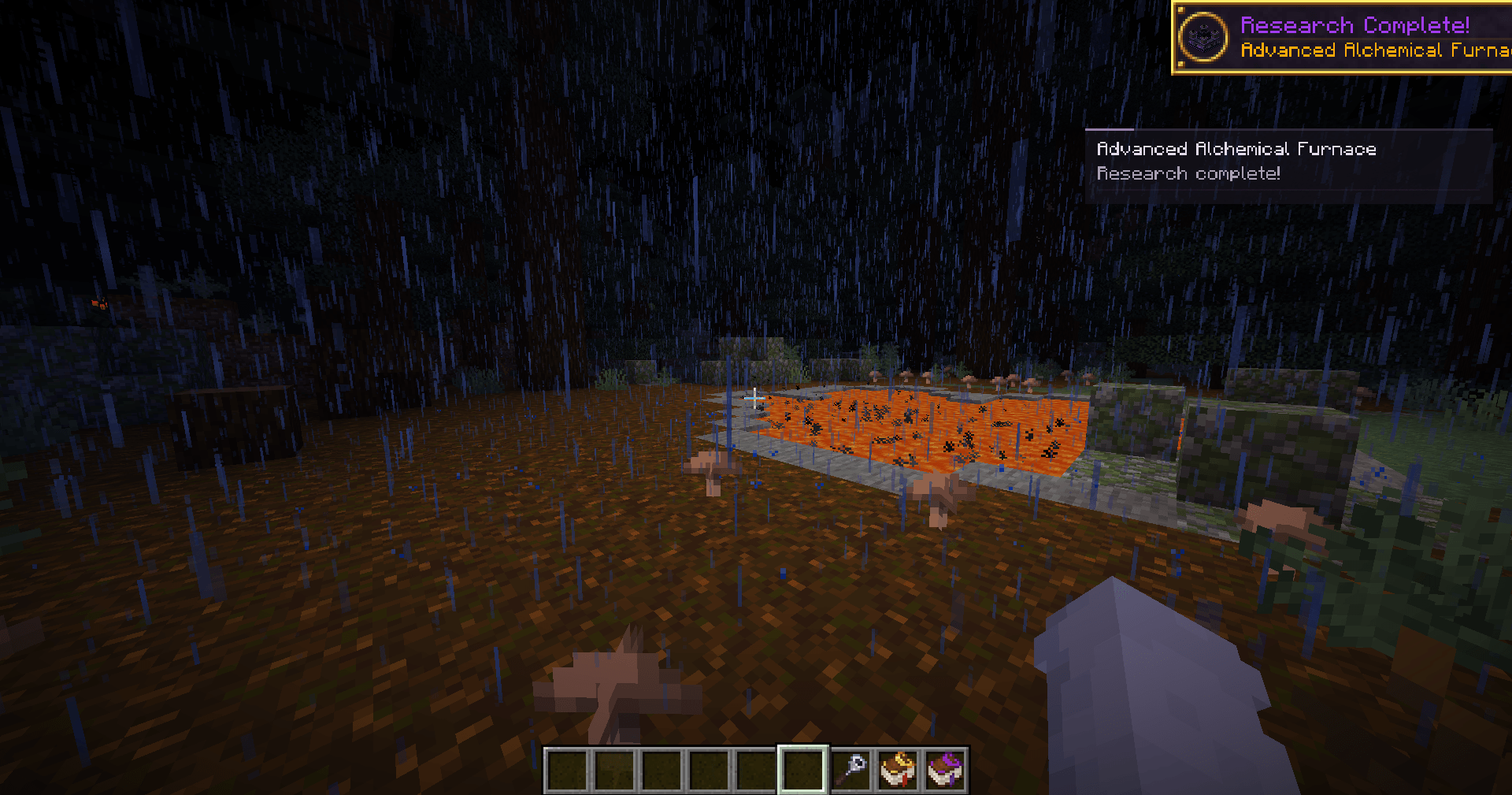
- Follow each stage automatically after advancing it in the book.
- Return to your research with your selection remembered for each world, server, and player account.
The panel reflects your current progress. Advance stages in the Thaumonomicon as usual, and the tracker will show what comes next.
From the book to your HUD
Working on an entry that needs iron ingots, a theory note, and another completed research?
Pin it once and keep playing. The panel shows how many ingots you have, whether the note has been learned, and whether the prerequisite is complete.
Long requirement lists are split into pages to keep the panel compact.
Getting started
- Open a research entry in the Thaumonomicon.
- Click the pin ribbon at the bottom of the left page.
- Close the book to see the tracking panel.
Press J to hide or show the panel and ] to switch requirement pages. Both keys can be changed in Minecraft's controls.
To track something else, pin another entry. To stop tracking, click the selected entry's ribbon again.
Made for your modpack
Custom research from datapacks and KubeThaum works through the same Thaumaturge research system. Pin custom entries just like built-in research, without additional tracker configuration.
KubeThaum is optional.
Installation
Install Thaumic Tracker on your client, alongside Thaumaturge and its required dependencies.
The server does not need Thaumic Tracker. Each player can install it to use their own research panel.
Guides and links
Screenshots
Gallery
-
 Thaumic Tracker Example 1
 -
 Thaumic Tracker Example 2
 -
 Thaumic Tracker Example 3
 -
 Thaumic Tracker Example 4
 -
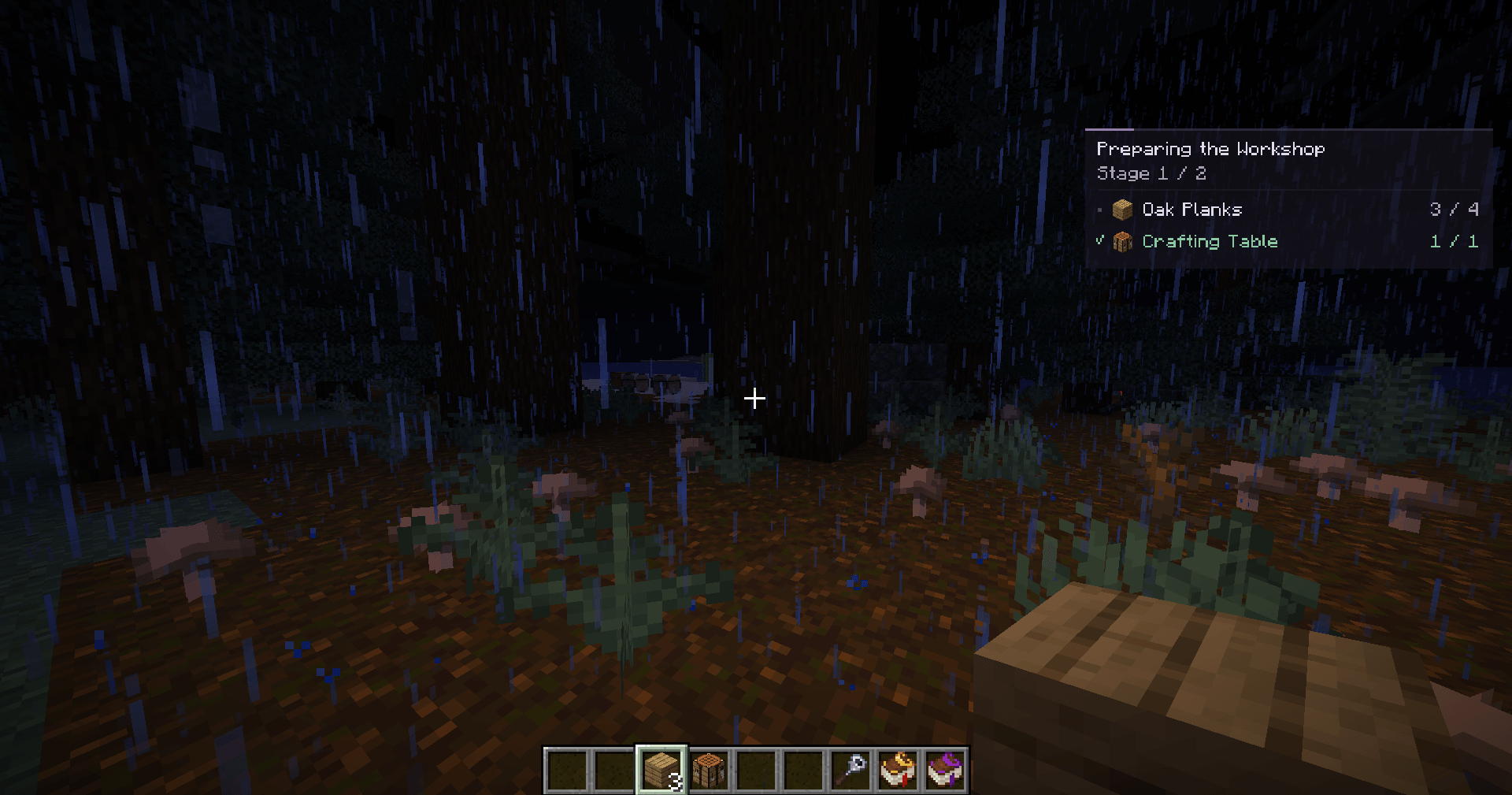 Thaumic Tracker Example 5
Versions
Files
Relations
Project Relations
More like this
Similar Mods
Suggestions use data such as tags, dependencies, dependents, descriptions, titles, and more to rank how much they overlap with this mod.
On ModDex
Community snapshot
By the numbers
Statistics
 (opens in a new tab)
Get it on
Available Platforms
On ModDex
Community snapshot
By the numbers