Community listing page, reviews may not be monitored by the author.
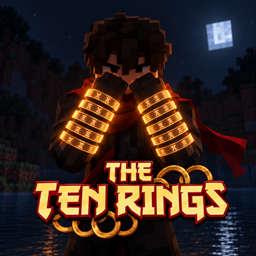
The Legend Of The Ten Rings: Shang Chi's Legacy

No reviews yet
Wield the power of the Ten Rings! Unleash lightning whips, devastating slams, and powerful shields. Summon your rings through dimensional rifts, customize your energy, and command the battlefield.

Community voices
Reviews
No reviews yet. Be the first to review this project!
Get it on
Available Platforms
About
Project Details
For authors
Embed Badge
If you're the author of this project, you can embed a live badge anywhere that supports HTML or Markdown. It updates automatically whenever ratings change.
Use HTML for any page that supports it, or Markdown for README files and Markdown-based descriptions.
Identifiers
Platform IDs
Resources
External Links
About
Description
Ten Rings: Ancient Power brings Shang-Chi-inspired combat to Minecraft Java Edition 1.20.1 on Forge. Become the wielder of ten engraved magical rings, launch ricocheting attacks, form energy whips, control enemies with telekinetic force, and combine powerful movement abilities with devastating ground strikes.
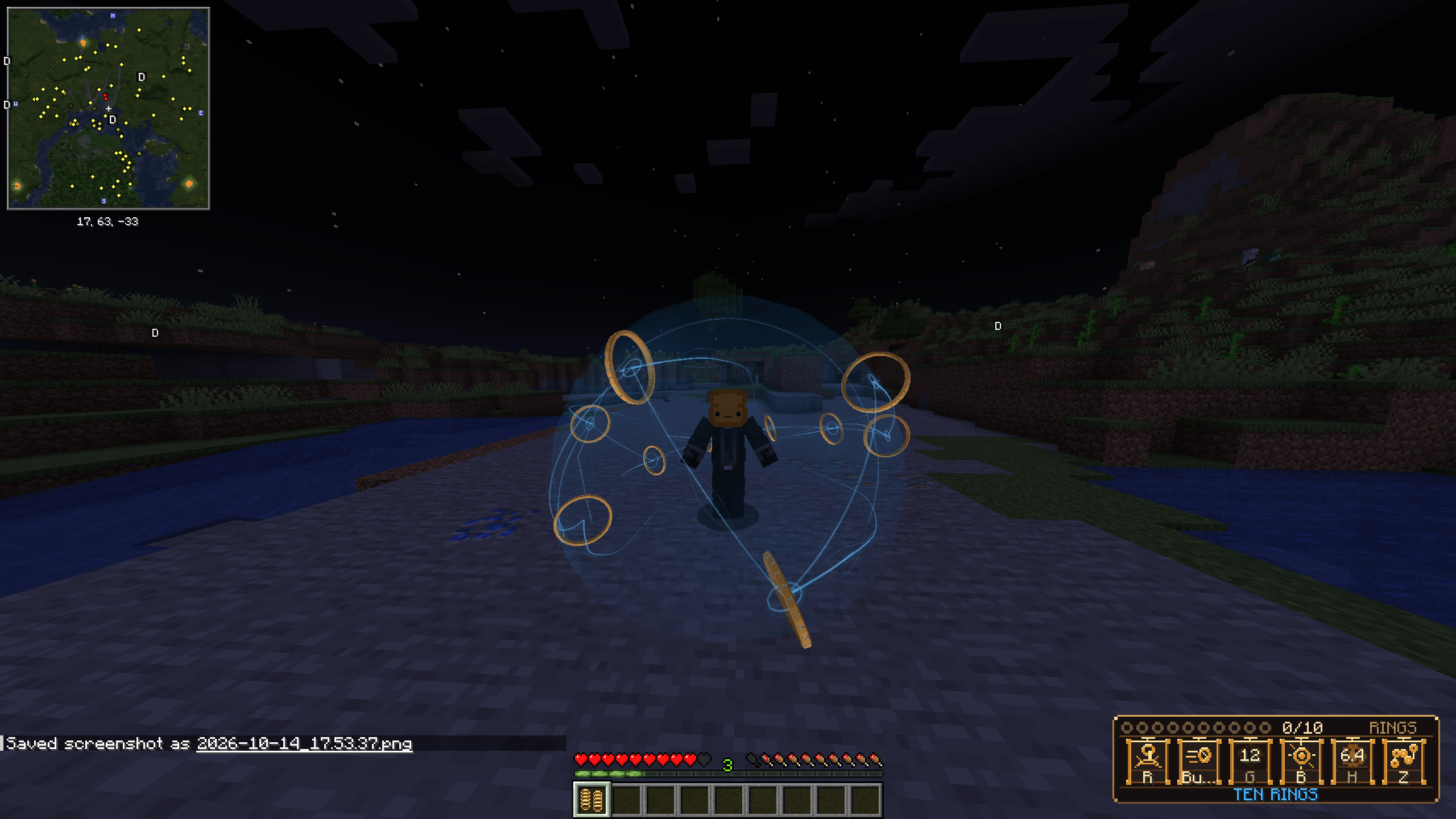
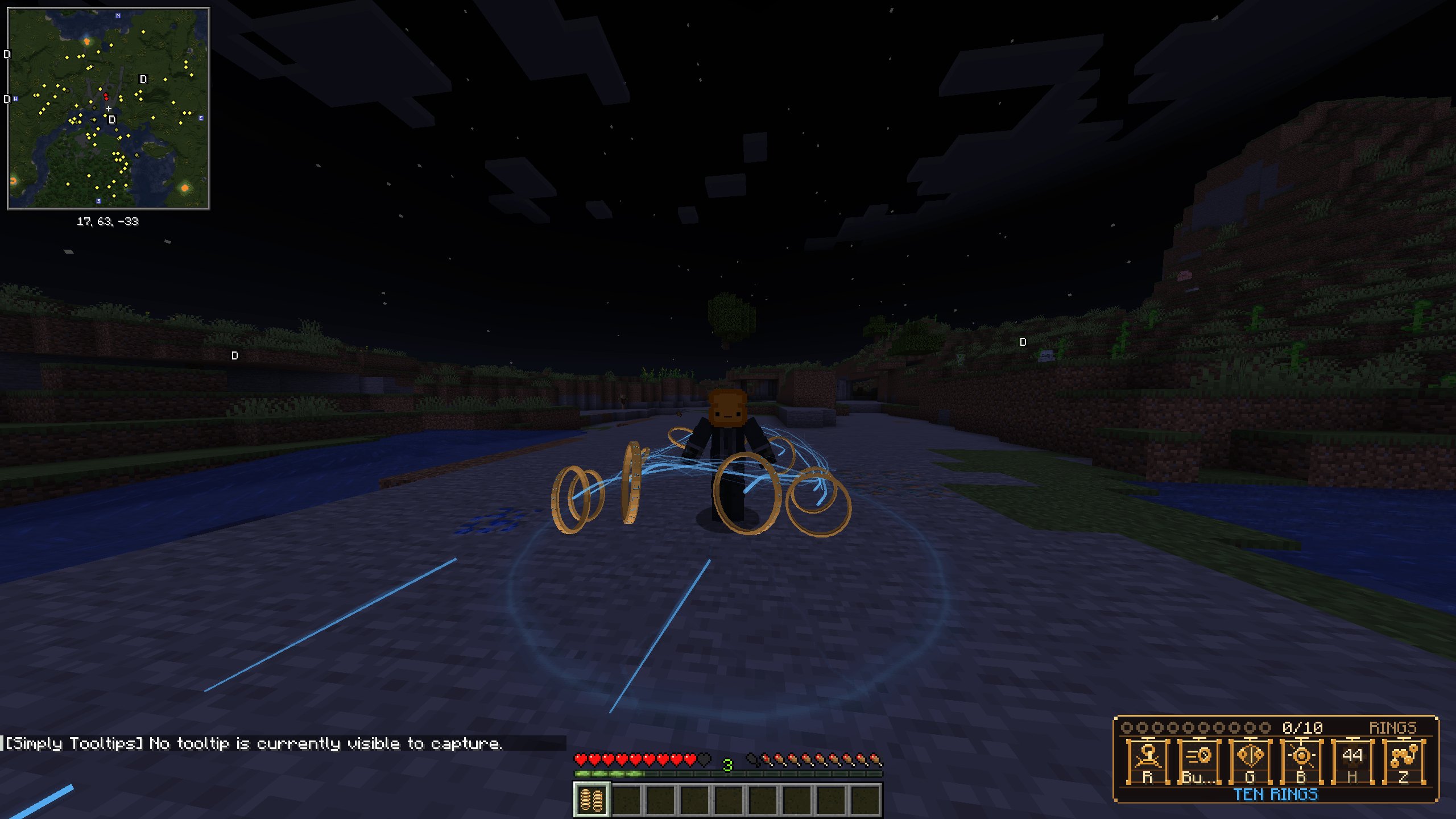
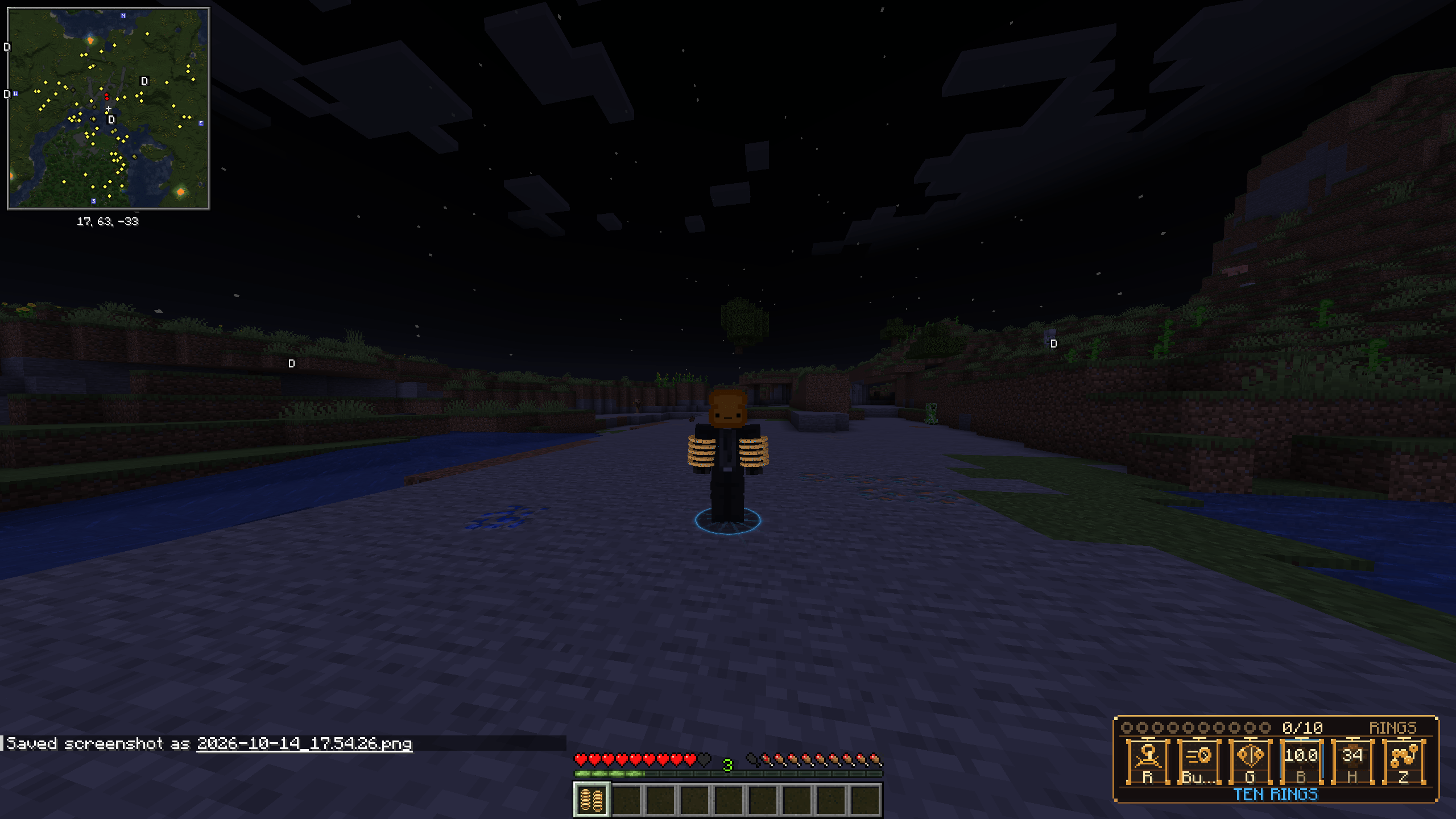
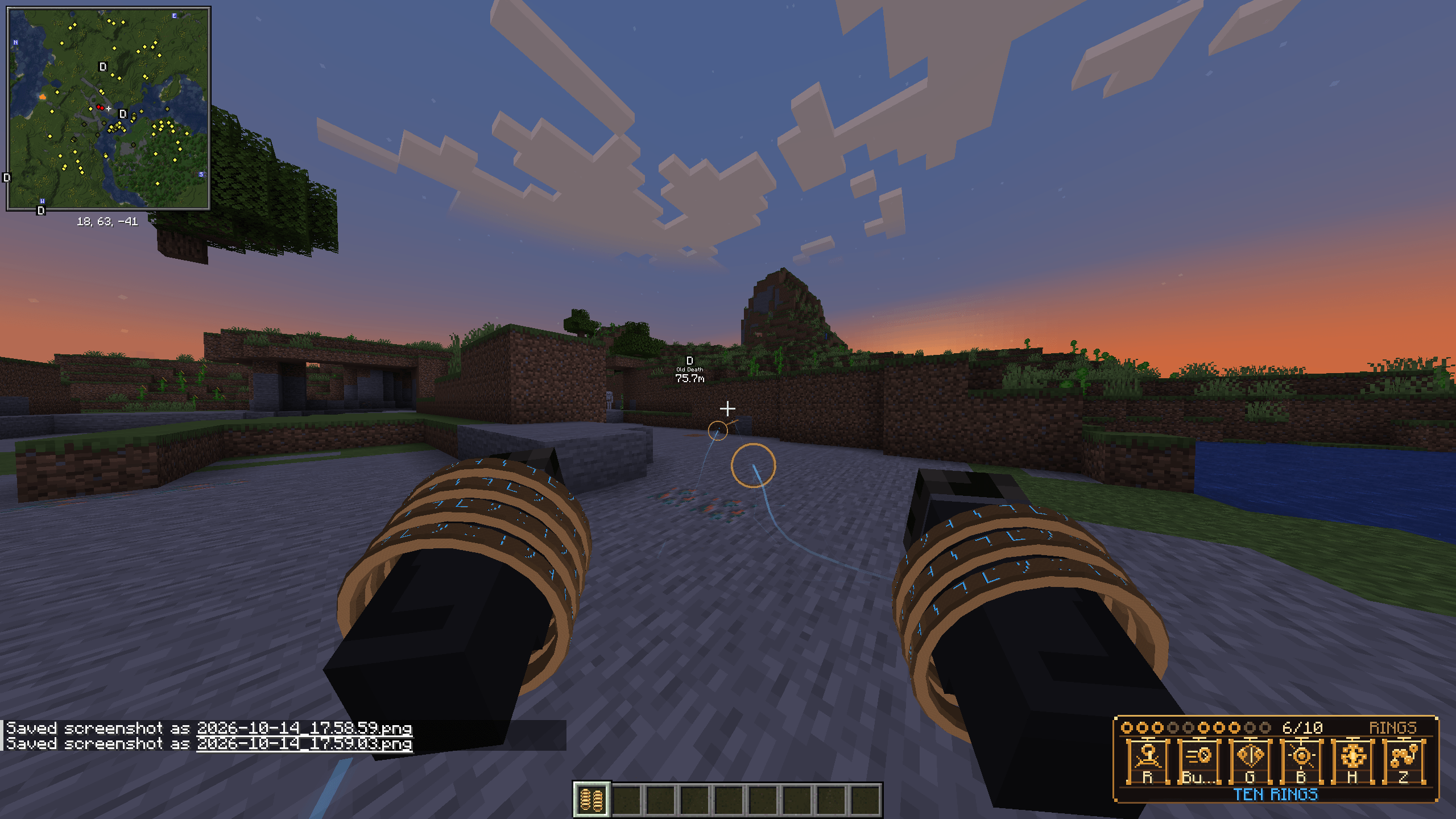
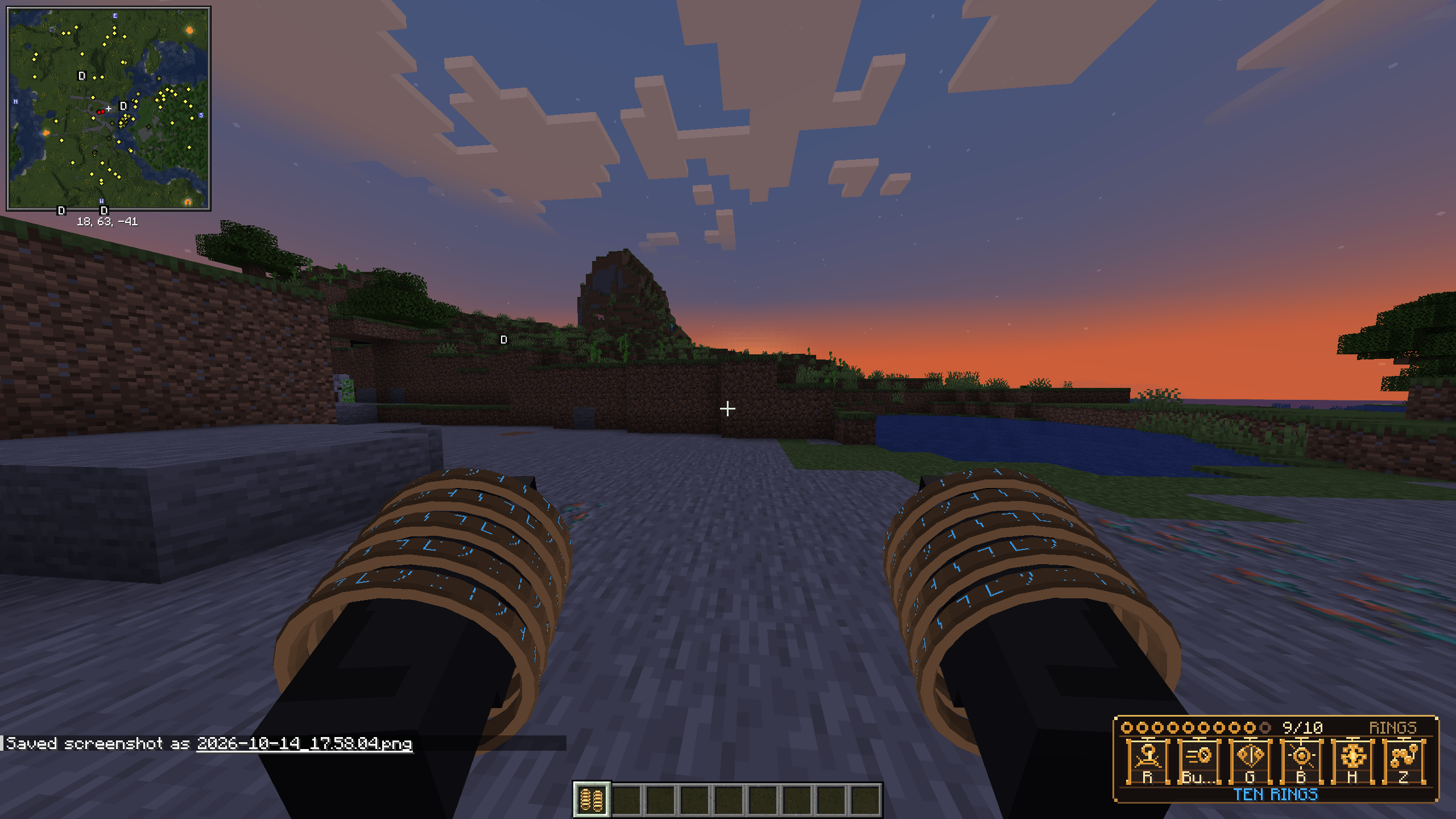
Each ring moves independently, with five resting on each forearm. Glowing engravings, customizable energy colors, magical trails, metallic impacts, and cinematic sound effects accompany your abilities.
To obtain the rings in Survival, find a Rift Sigil in an unopened Ancient City chest, Bastion treasure chest, or End City treasure chest. Eligible chests have a 12% chance by default, adjustable by the server.
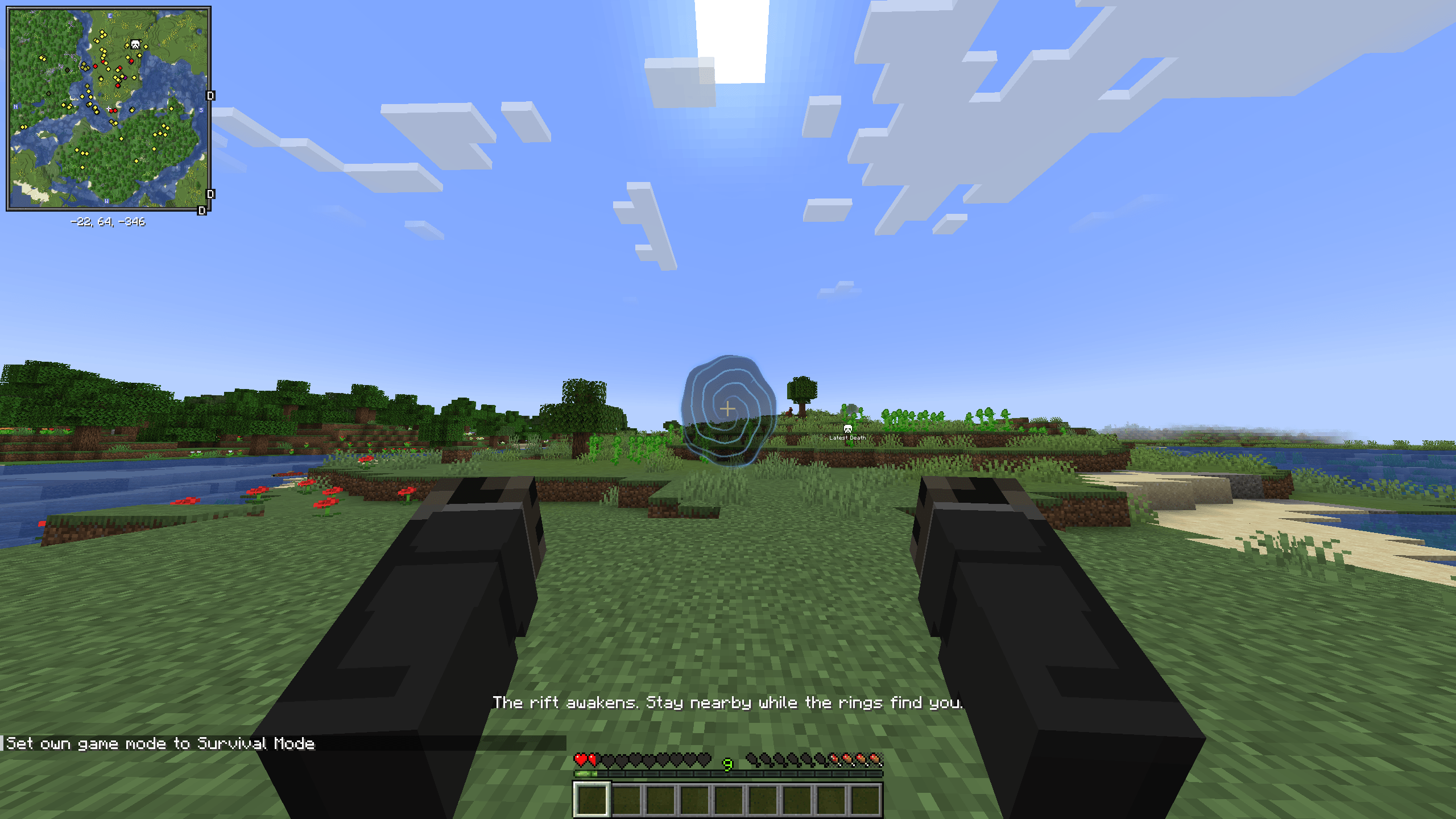
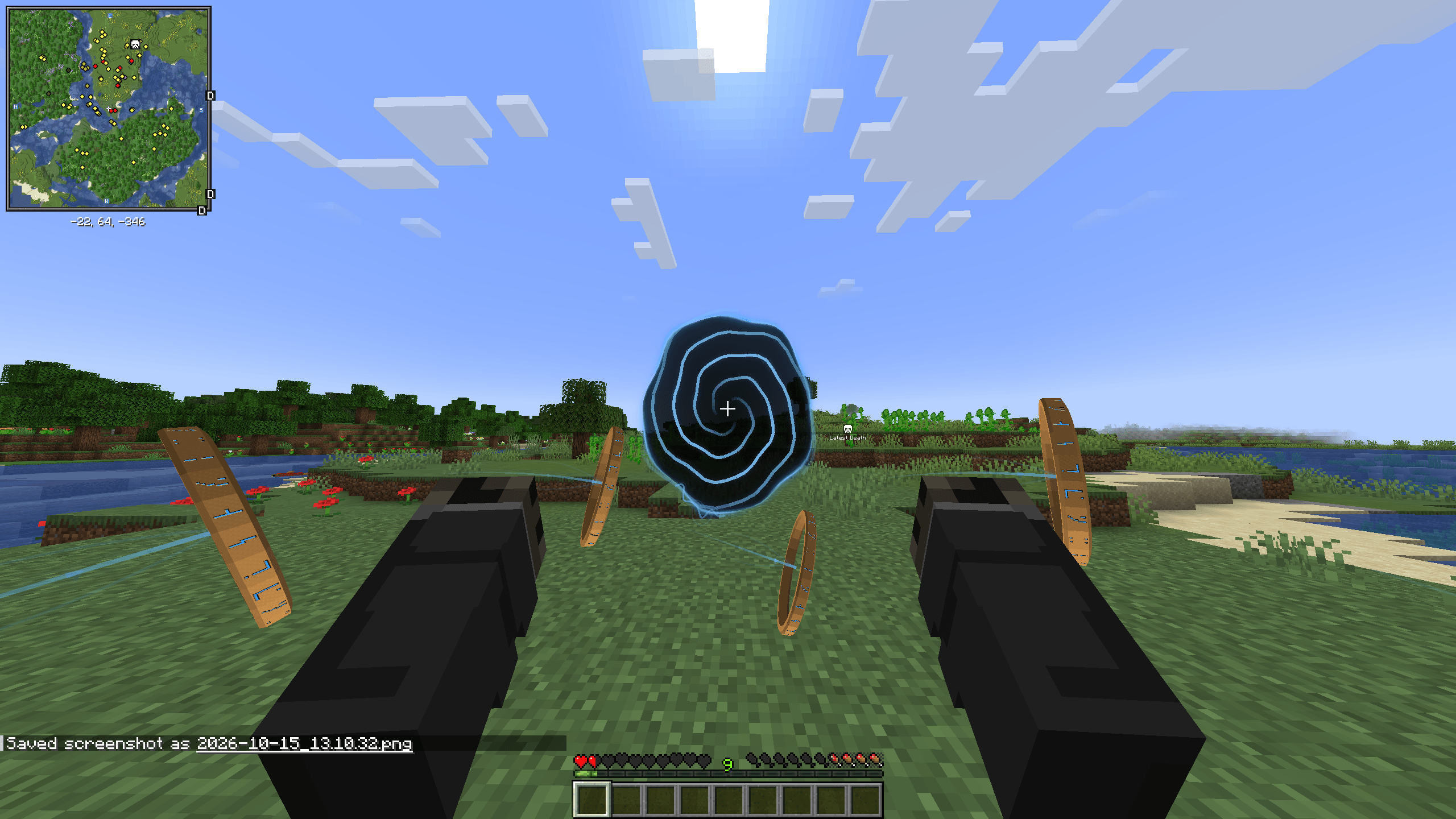
Use the sigil while standing on solid ground with plenty of open space in front of you. A dimensional rift opens, and ten rings emerge individually, orbit around you, and attach to your arms from elbow to hand. A final burst of energy completes the bond.
Your initial energy color is chosen before the ceremony begins, so the rift, magical energy, and initial rune glow match. You can customize those colors afterward. Bonding is once per player by default, and the old Wither/Dragon acquisition method is no longer used.
Once bonded, keep the Ten Rings artifact anywhere in your player inventory. You do not need to hold it to use combat mode or your special abilities. Losing or transferring the artifact removes access until you recover it.
The mod has two main modes:
- Normal Mode: Your mouse controls work normally for mining, attacking, placing blocks, eating, and using items. Special ability keys remain available while you carry your valid artifact.
- Combat Mode: Press R to switch your mouse controls to ring combat. Your arms and rings become your weapons, and held-item models disappear. The actual items remain in their slots—your sword stays in your inventory, and a held Totem of Undying can still save you. Press R again to restore normal controls and held-item rendering.
These are the default controls:
| Input | Action |
|---|---|
| R | Toggle Combat Mode |
| Left-click in Combat Mode | Launch one available ring |
| Tap right-click in Combat Mode | Launch five rings from one arm |
| Hold right-click in Combat Mode | Form and maintain dual energy whips |
| Left-click with whips active | Perform a whip attack |
| Shift + right-click | Grab a valid enemy under your crosshair |
| Left-click while grabbing | Throw the captured enemy |
| Aim steeply downward and throw | Slam the captured enemy downward |
| Release Shift or right-click | Release your Grab |
| Hold and release V | Charge and launch a Dash |
| Aim upward while dashing | Use Sky Dash |
| Assigned Slam key | Perform grounded Ring Slam or airborne Slam |
| Hold and release C | Charge and release an energy volley/blast |
| G | Activate the magical Shield |
| B | Release a radial shockwave |
| Z | Perform the special whip sweep |
| H | Activate the Ten Rings Assault ultimate |
| K | Open Ten Rings Settings |
| V when your bonded artifact is missing | Attempt Rift Recall |
Slam starts unbound on a fresh installation. Assign it through Options → Controls → Ten Rings, or use the Rebind button in the controls guide. R is now reserved for Combat Mode.
Outside Combat Mode, Grab requires holding the artifact in either hand. Inside Combat Mode, carrying it in your inventory is sufficient. Grab uses Shift + right-click
A short right-click tap fires a complete five-ring volley, launching rapidly from hand to elbow. Successful volleys alternate arms when possible. You need a full arm of available rings to launch one.
Holding right-click instead commits to Whip Mode. The default tap/hold threshold is 0.25 seconds, and a single gesture never activates both attacks. Releasing Shift during Grab ends the grab without turning the same held click into whips.
Returning rings dock in the opposite order—elbow to hand—and can pass through solid terrain to reach you. Their intended return damage remains active, while offensive projectiles still collide with terrain.
Movement abilities let you close distances or attack from above. Charged Dash provides 5–50 blocks of powered movement by default, with natural momentum potentially carrying you farther afterward. Aim upward for Sky Dash, then activate your assigned Slam key while airborne to drive downward into a powerful ground shockwave. The aerial Slam strikes on actual ground contact and protects against fall damage during its intended sequence.
Carrying your valid rings also grants 4 armor points by default, equivalent to two armor icons. This is real armor protection that stacks with worn armor and remains active while rings are deployed. The separate magical Shield blocks ordinary damage while active; exceptional sources such as the void can still bypass it.
Press K to customize the mod. The settings interface includes searchable categories, numerical fields, sliders, Apply/Cancel controls, and category resets. You can:
- Choose Gold, Blue, Red, Purple, Green, Cyan, Pink, White, Orange, Teal, or Black energy.
- Set rune glow independently or use MATCH_ENERGY.
- Drag the pixel-art ability HUD to your preferred position.
- Adjust available visual, audio, camera-shake, and cinematic settings.
- View effective gameplay settings, including ranges, damage, cooldowns, armor, and movement tuning.
Energy customization changes magical effects and appropriate HUD accents. The physical rings retain their metallic appearance. Gameplay settings require the appropriate server permissions.
The Controls & Demonstrations screen teaches the current controls with animated previews using the actual ring models and engravings. Select an ability, rotate its preview, pause or replay it, reduce motion, or open the rebinding menu. These demonstrations are isolated from gameplay and do not consume items or trigger real attacks.
If you lose your bonded artifact, Rift Recall can recover it through another dimensional sequence with the keybind V, subject to the server’s recovery rules and cooldown. It preserves your saved energy color and does not create an additional usable copy. The recall binding is separate from Dash and stays hidden from the combat HUD.
You can also pass the rings to another player through a cinematic trust transfer. Carry your bonded artifact and use:
/tenrings trust PlayerNameThe recipient must be eligible, online in your dimension, and have inventory space. This permanently transfers ownership: the recipient gains the rings and recovery rights, and you give them up.
The available commands are:
| Command | Purpose | Permission |
|---|---|---|
/tenrings trust <player> |
Transfer your artifact and bond to an eligible player | Bonded owner |
/tenringsbond skip |
Finish your active ceremony if you have already viewed it | Eligible player |
/tenrings give |
Begin the Rift bonding ceremony for yourself | Operator / cheats |
/tenrings bond status <player> |
Inspect a player’s bond and recovery status | Operator / cheats |
/tenrings bond reset <player> |
Reset a bond so the player can bond again | Operator / cheats |
/tenrings cooldown reset |
Reset your ability cooldowns | Operator / cheats |
/tenrings combo set <0–30> |
Set your current combo count | Operator / cheats |
/tenrings debug |
Display your current ring and ability state | Operator / cheats |
/give @s tenrings:rift_sigil |
Give yourself a Rift Sigil | Operator / cheats |
Use @s in the bond status/reset commands to target yourself. Resetting preserves inventory contents but makes the retained artifact dormant until rebonding. /tenrings give starts the actual ceremony and refuses duplicate grants to an existing owner.
The mod requires Minecraft Java 1.20.1, Forge 47.4.x, and Java 17. No additional mods are required. For multiplayer, install the same Ten Rings version on both the server and every client.
this mod was made with the help of AI due to my lack of experience
Screenshots
Gallery
-
 2026-10-14_17.53.43.png 2026-10-14_17.53.43.png
 -
 2026-10-14_17.54.22.png 2026-10-14_17.54.22.png
 -
 2026-10-14_17.54.33.png 2026-10-14_17.54.33.png
 -
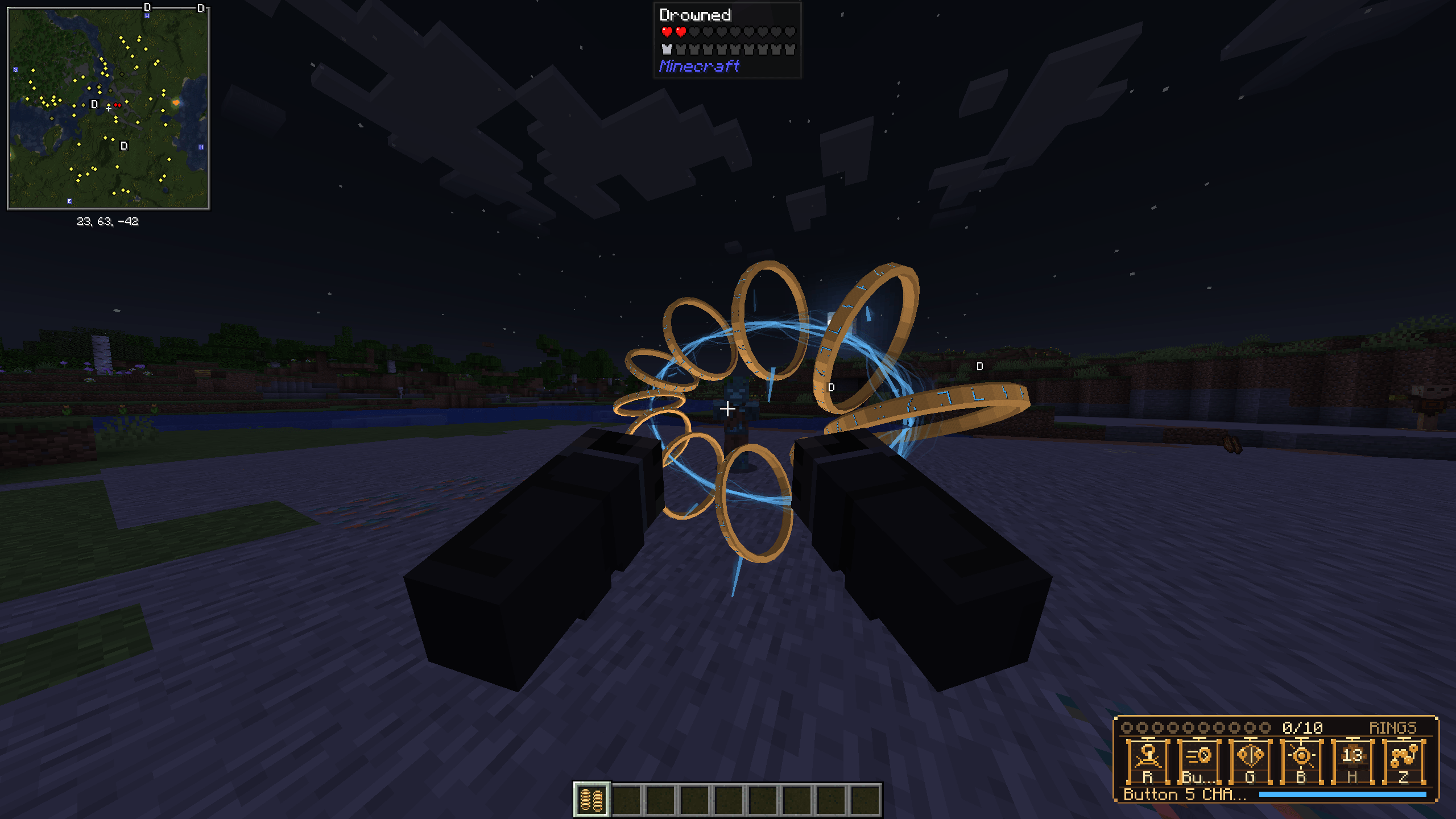 2026-10-14_17.54.54.png 2026-10-14_17.54.54.png
 -
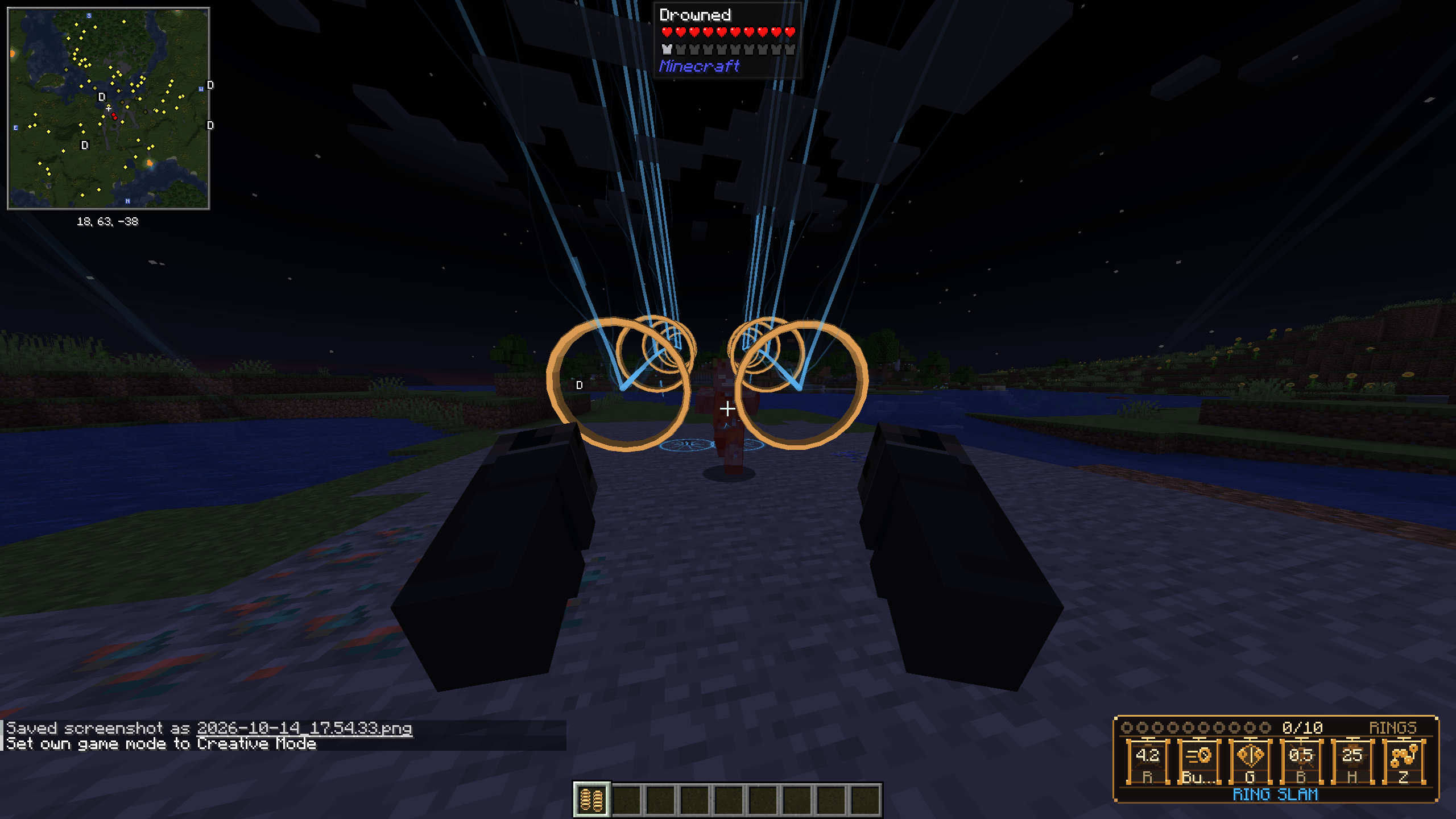 2026-10-14_17.54.42.png 2026-10-14_17.54.42.png
 -
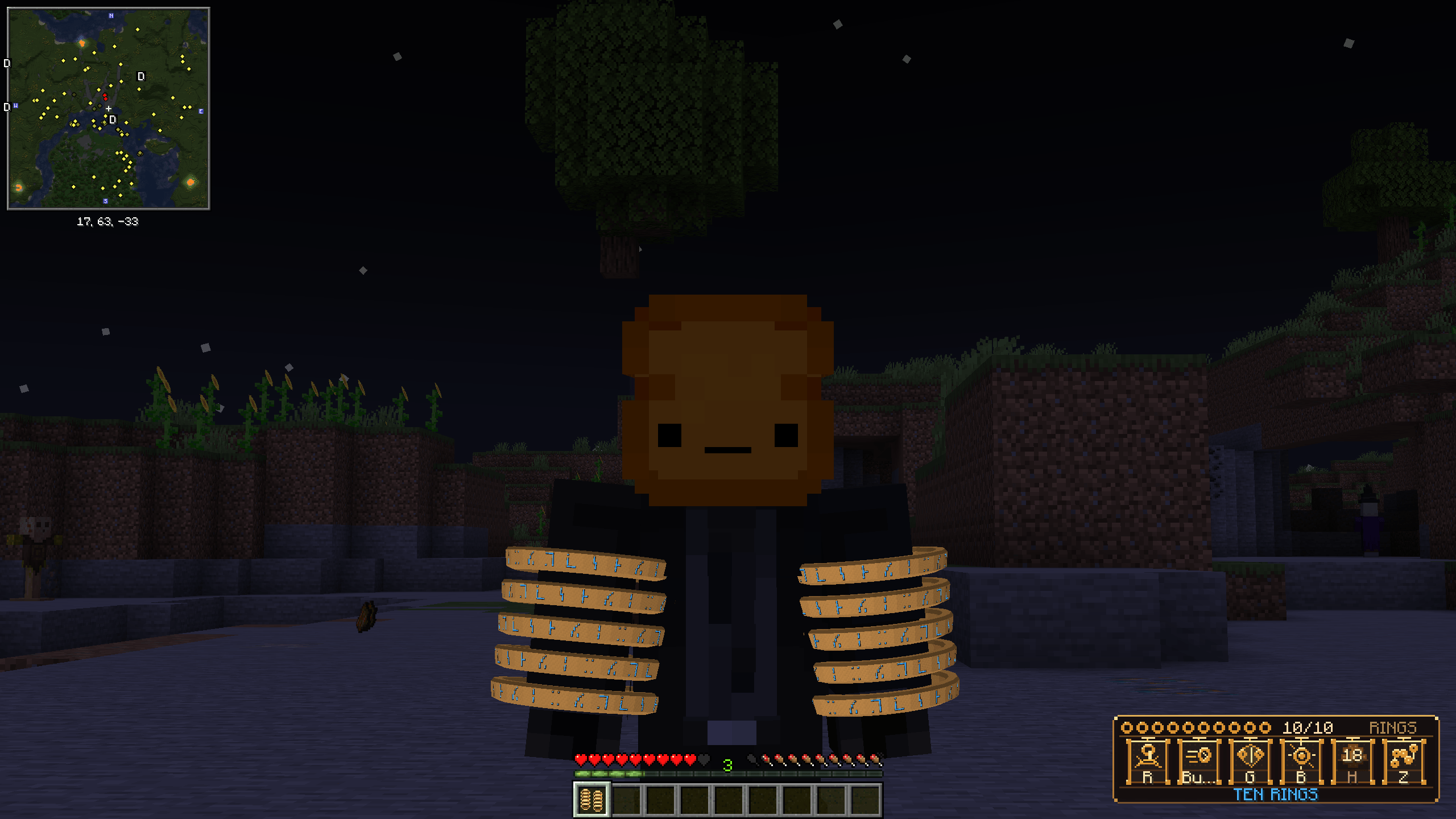 2026-10-14_17.53.30.png 2026-10-14_17.53.30.png
 -
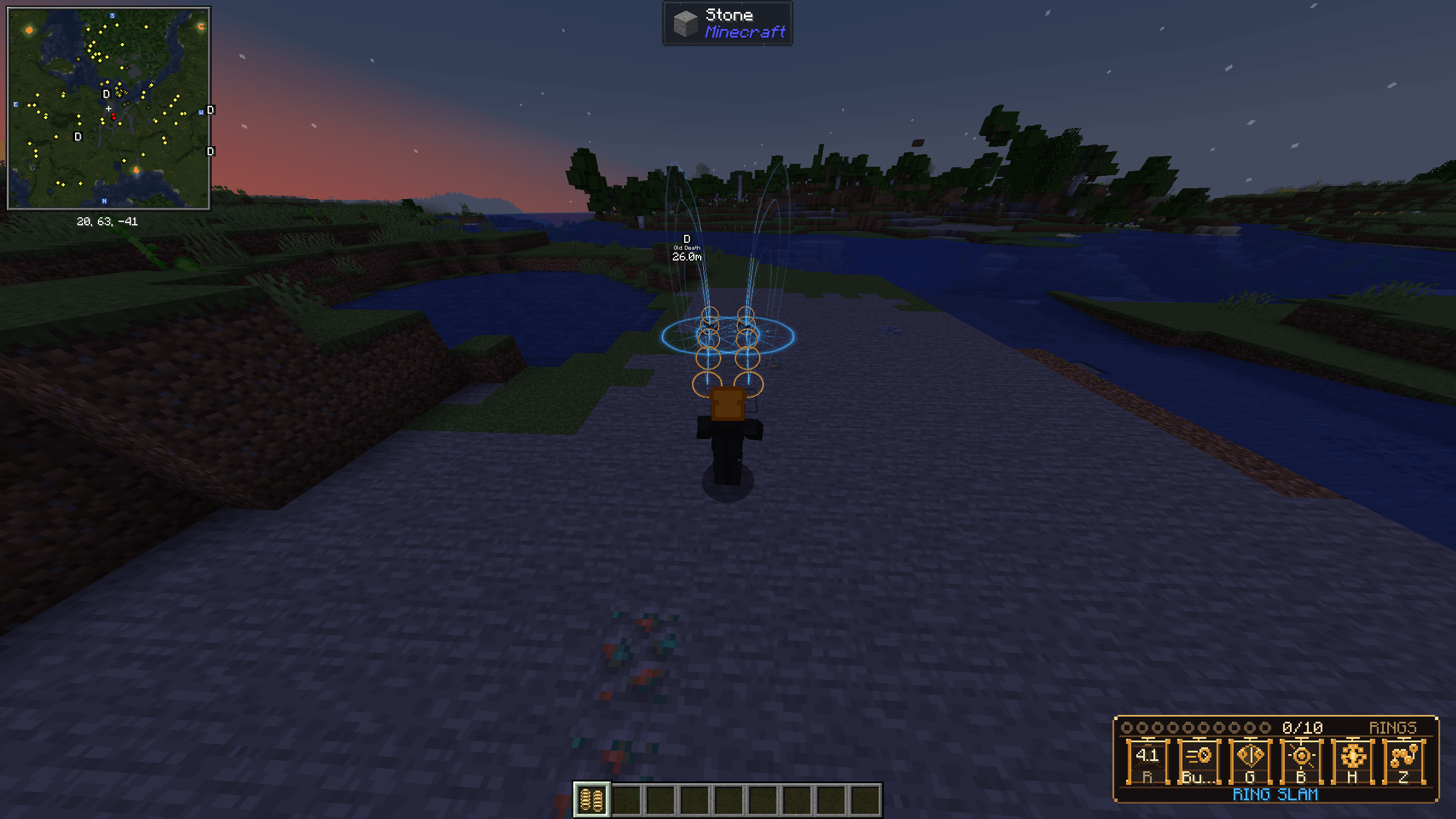 2026-10-14_17.57.48.png 2026-10-14_17.57.48.png
 -
 2026-10-14_17.59.06.png 2026-10-14_17.59.06.png
 -
 2026-10-14_17.58.59.png 2026-10-14_17.58.59.png
 -
 2026-10-15_13.10.32.png 2026-10-15_13.10.32.png
 -
 2026-10-15_13.10.36.png 2026-10-15_13.10.36.png
 -
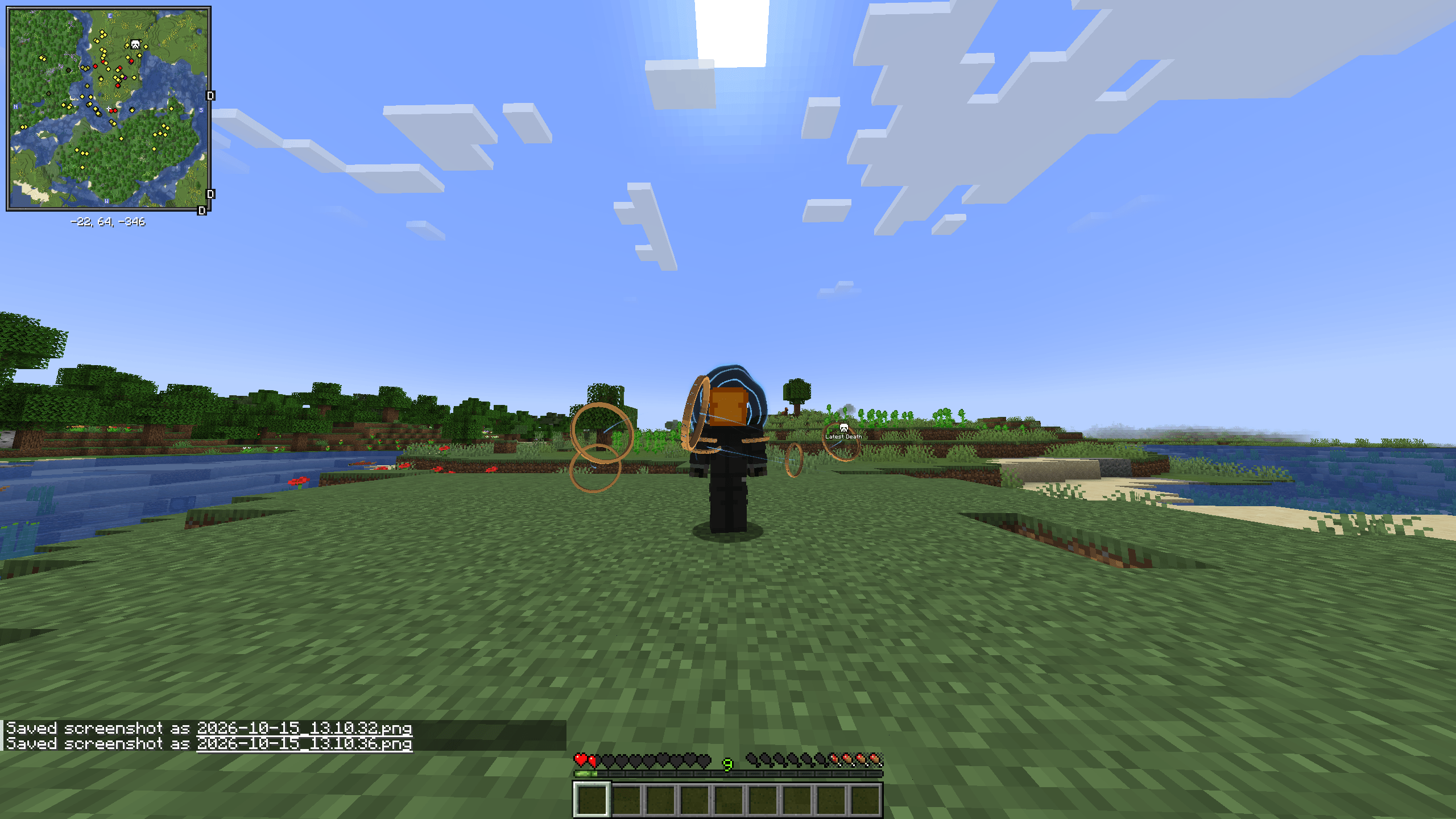 2026-10-15_13.10.38.png 2026-10-15_13.10.38.png
 -
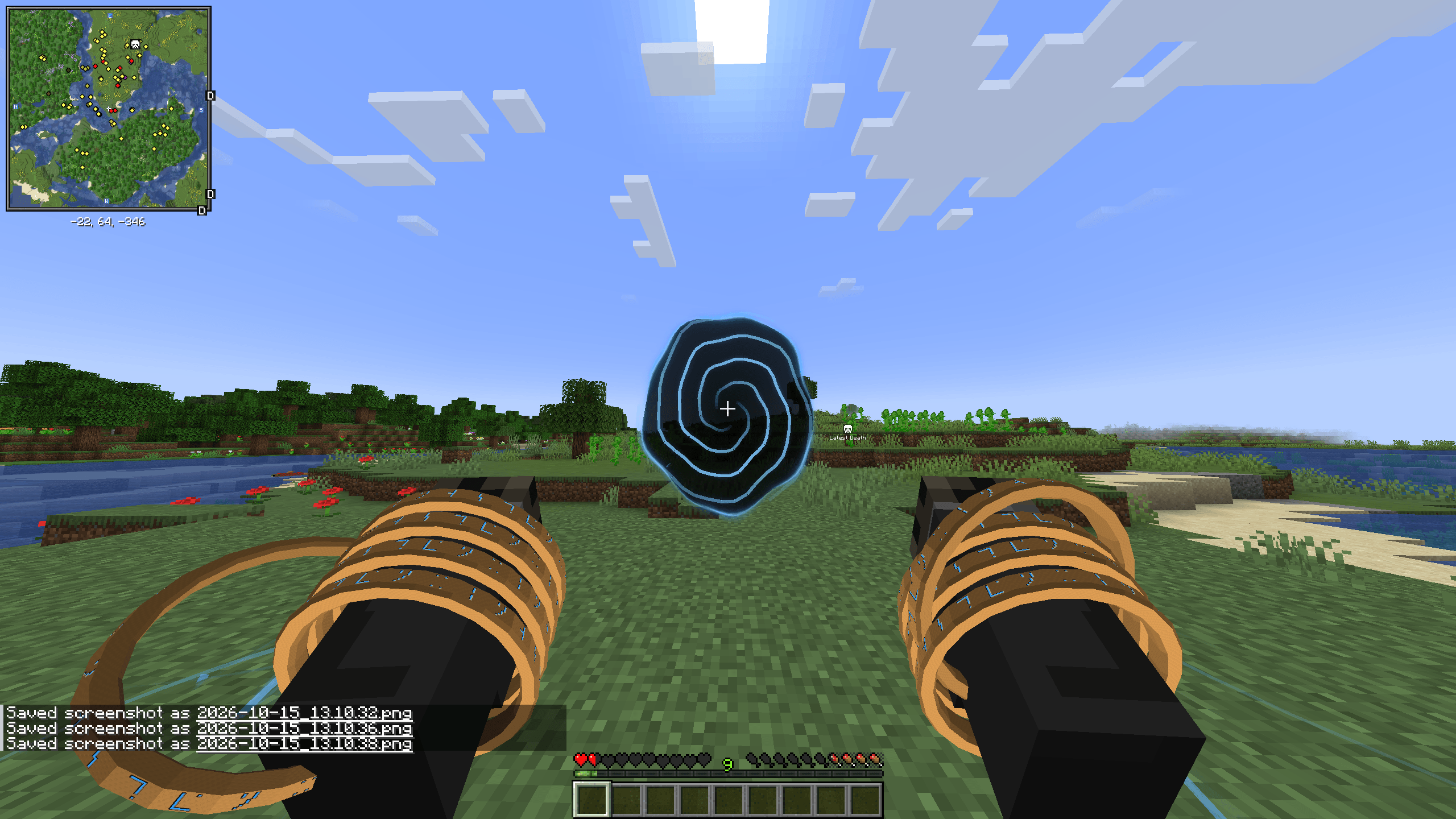 2026-10-15_13.10.39.png 2026-10-15_13.10.39.png
 -
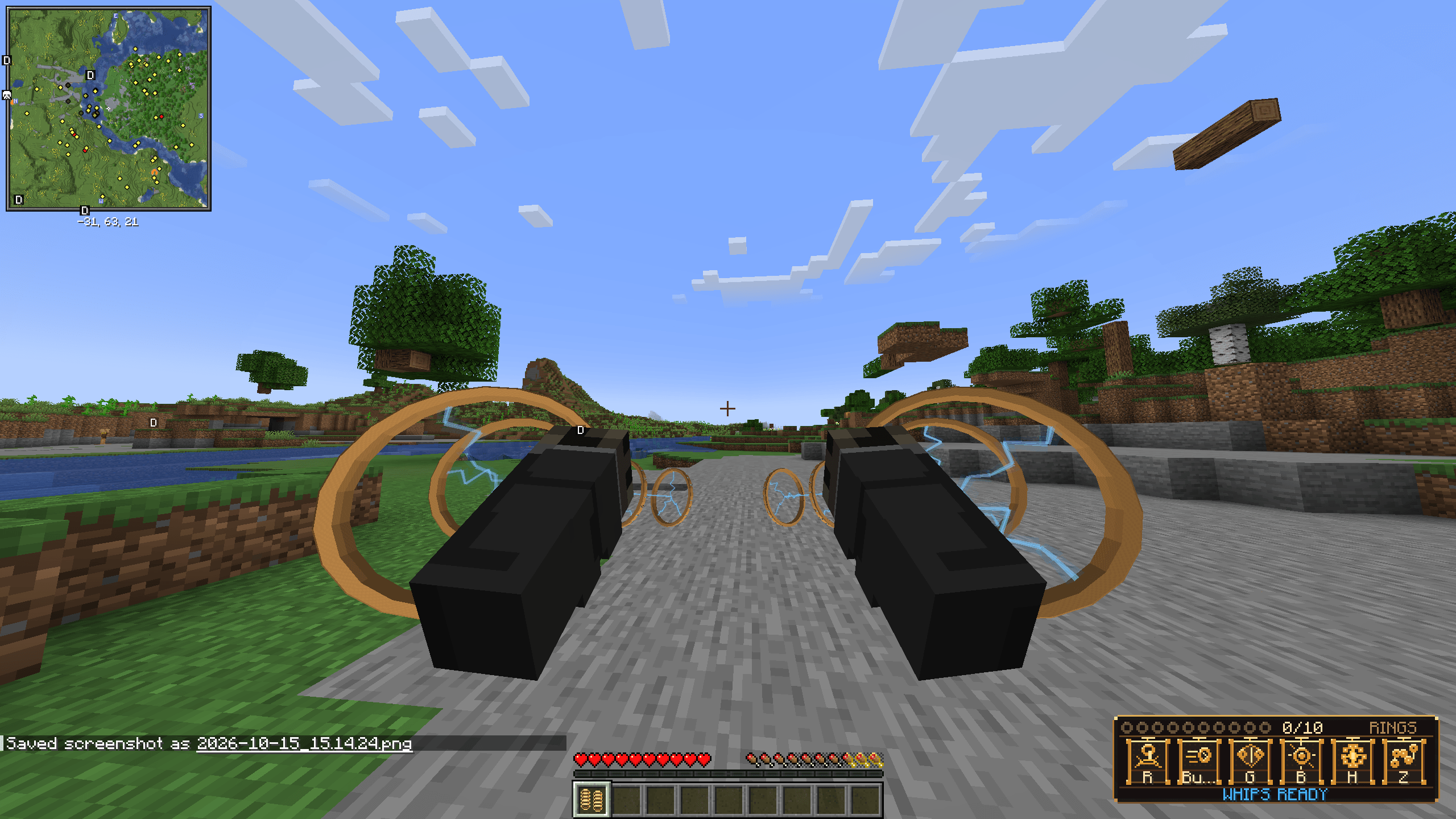 2026-10-15_15.14.30.png 2026-10-15_15.14.30.png
 -
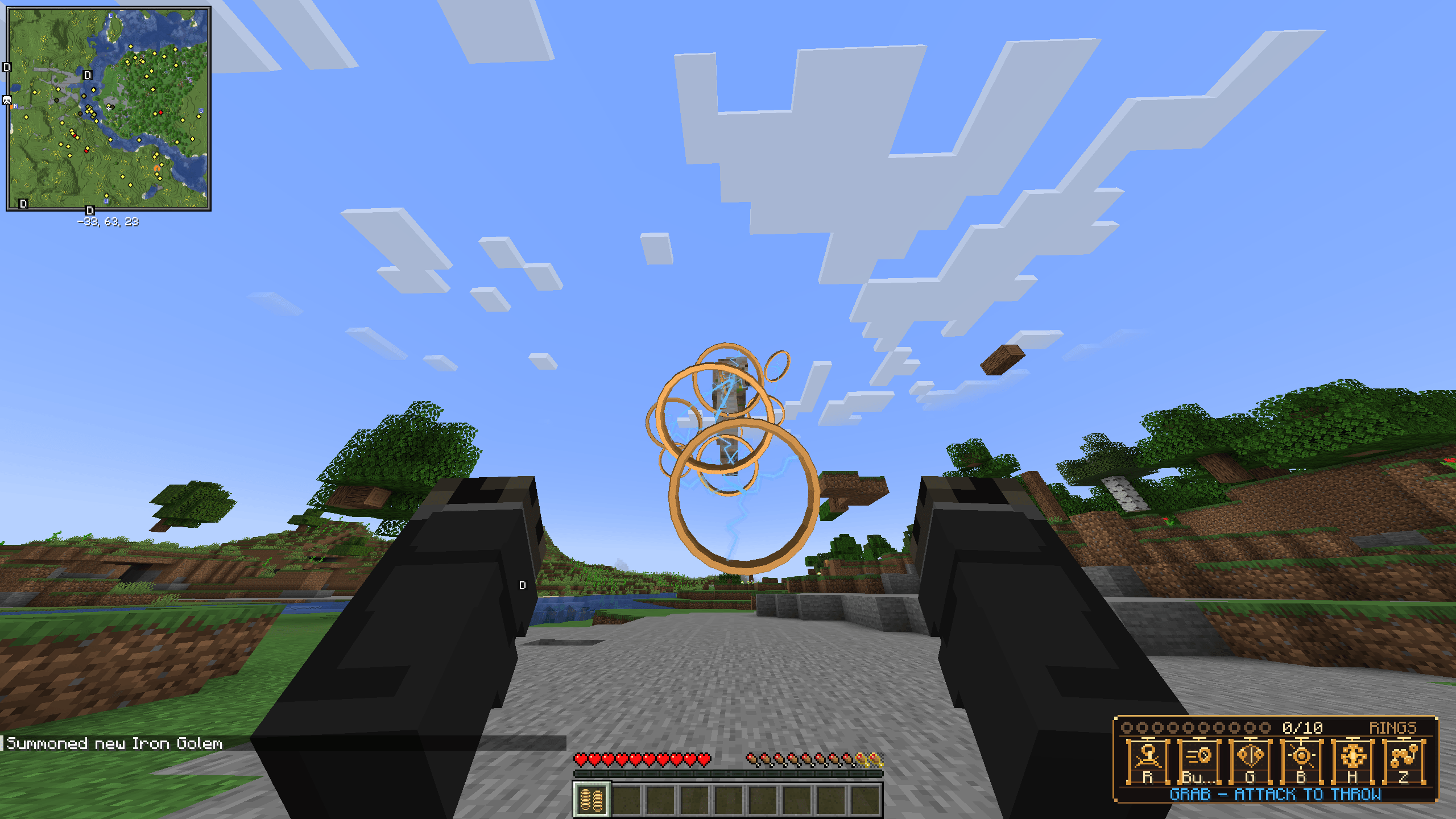 2026-10-15_15.14.48.png 2026-10-15_15.14.48.png
 -
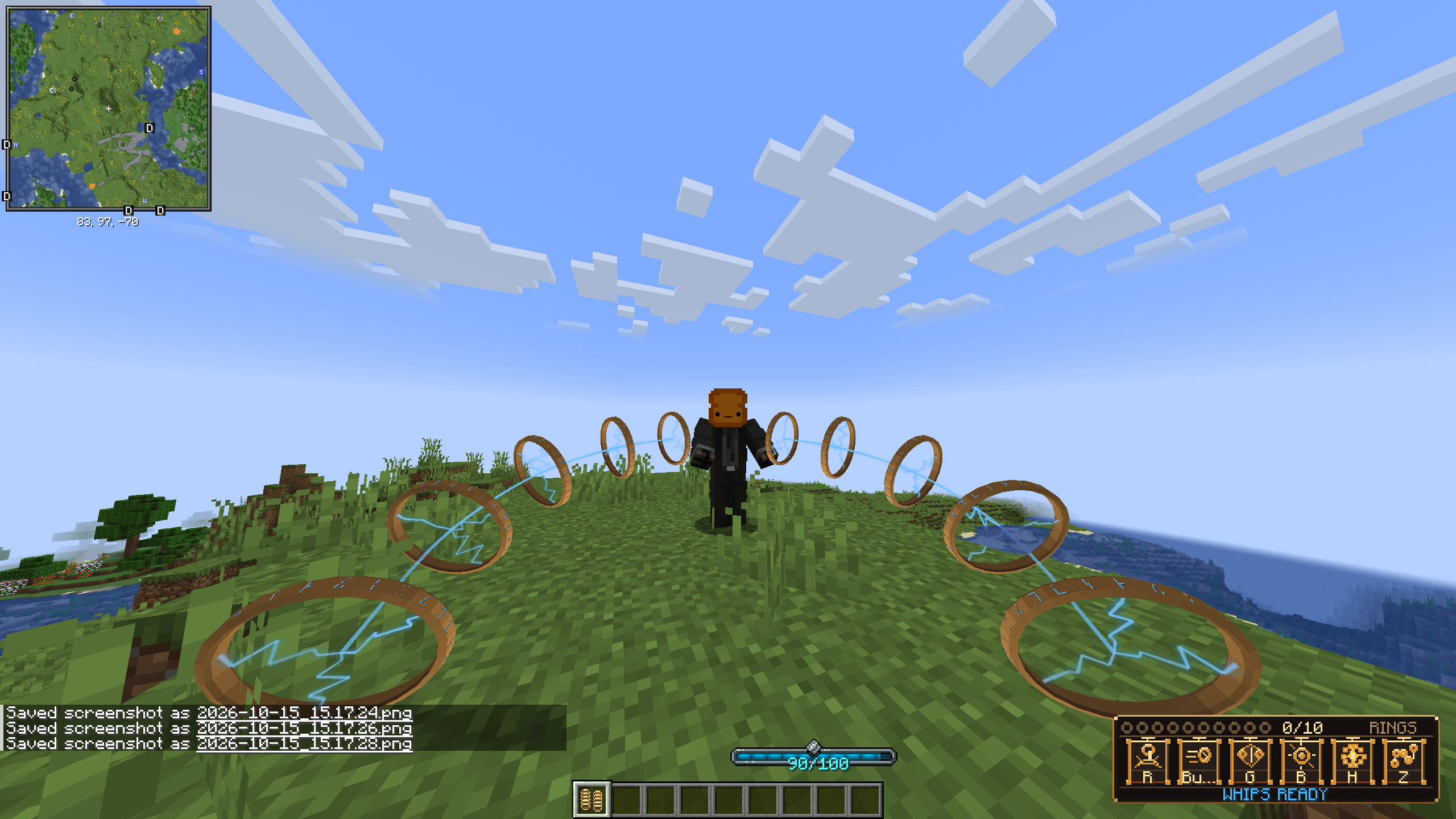 2026-10-15_15.17.32.png 2026-10-15_15.17.32.png
 -
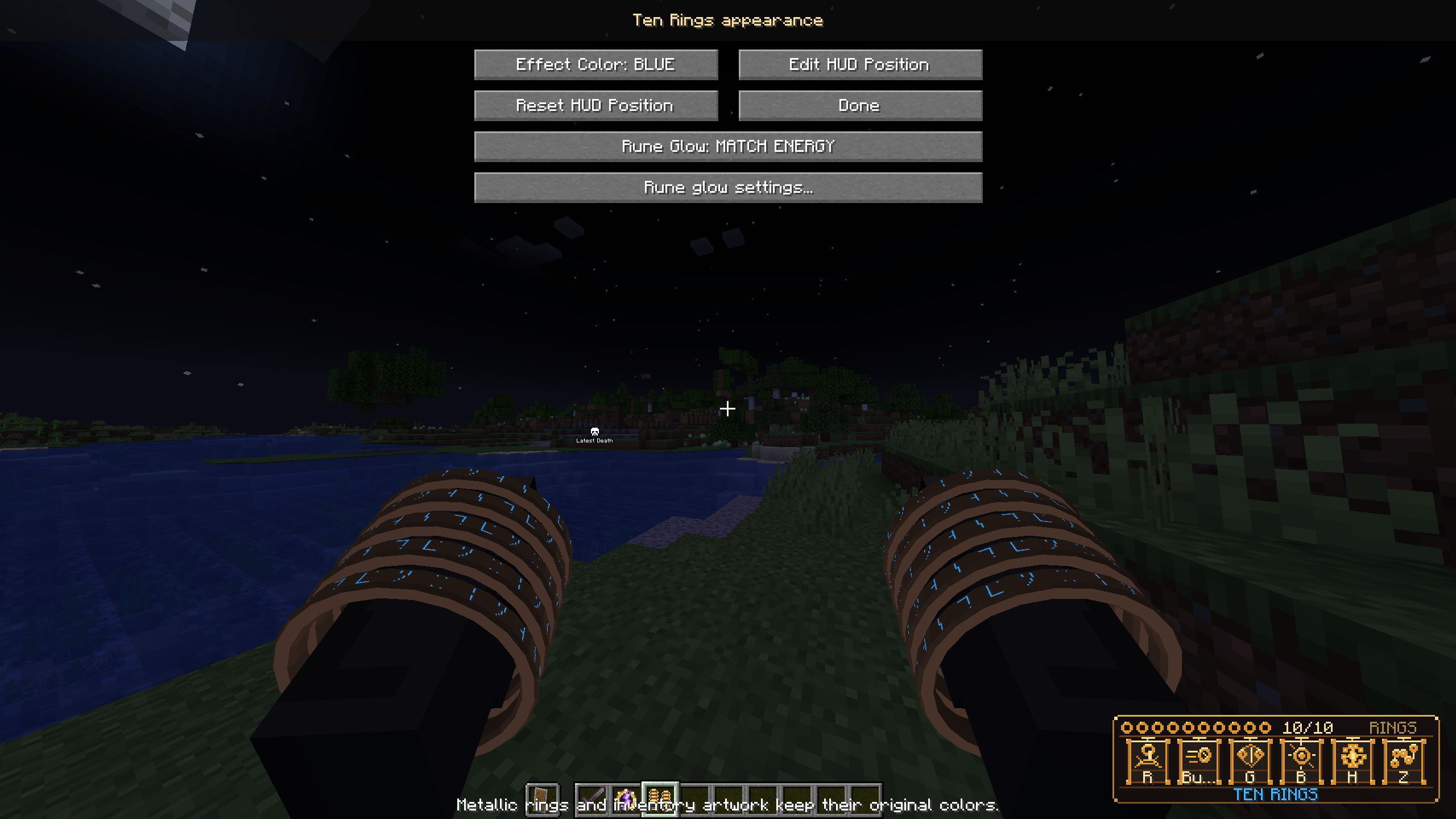 image-attachment_6839b559-dbb3-4f20-b3c3-92c6d7f34bef.png
Versions
Files
Relations
Project Relations
More like this
Similar Mods
Suggestions use data such as tags, dependencies, dependents, descriptions, titles, and more to rank how much they overlap with this mod.
On ModDex
Community snapshot
By the numbers
Statistics

Get it on
Available Platforms
On ModDex
Community snapshot
By the numbers
Statistics
Resources