
The Sixth Sense
No reviews yet
Provides clean and simple visual alerts for incoming threats.
Community voices
Reviews
Click once to include, again to exclude, again to clear
No reviews yet. Be the first to review this project!
Get it on
Available Platforms
 Modrinth
Compatibility
Supported Environments
About
Project Details
For authors
Embed Badge
If you're the author of this project, you can embed a live badge anywhere that supports HTML or Markdown. It updates automatically whenever ratings change.
Use HTML for any page that supports it, or Markdown for README files and Markdown-based descriptions.
Identifiers
Platform IDs
Resources
External Links
About
Description
The Sixth Sense
The Sixth Sense is a minimalist warning mod that alerts you to dangers approaching from behind or outside your field of view without cluttering the vanilla UI. The icons only appear at the bottom of your screen when there is immediate danger.
Skeleton Warning: Appears when a skeleton is aiming at you nearby. The icon fills up based on the bow's draw speed, allowing you to anticipate exactly when the arrow will be fired.
Skeleton
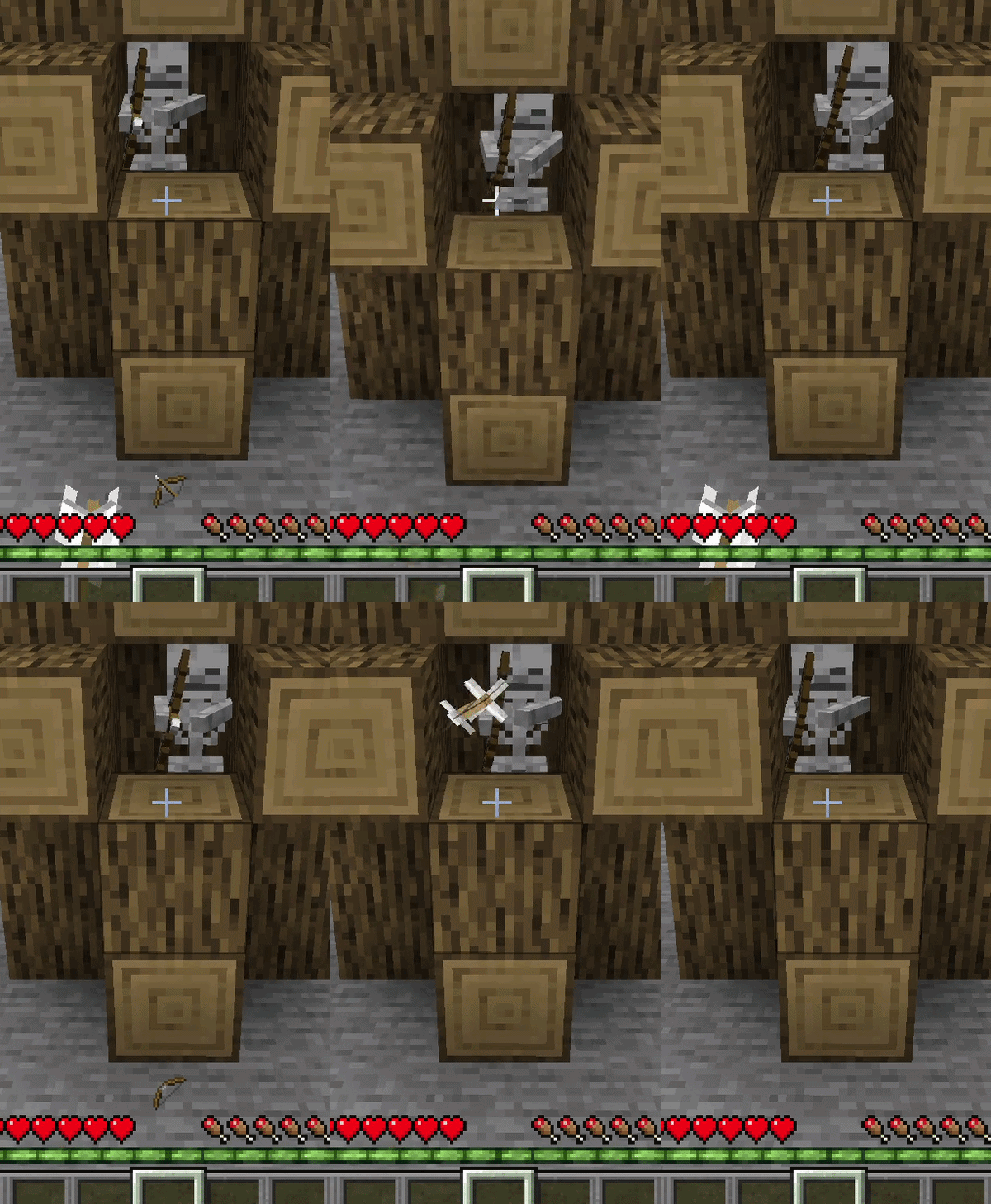 !
!
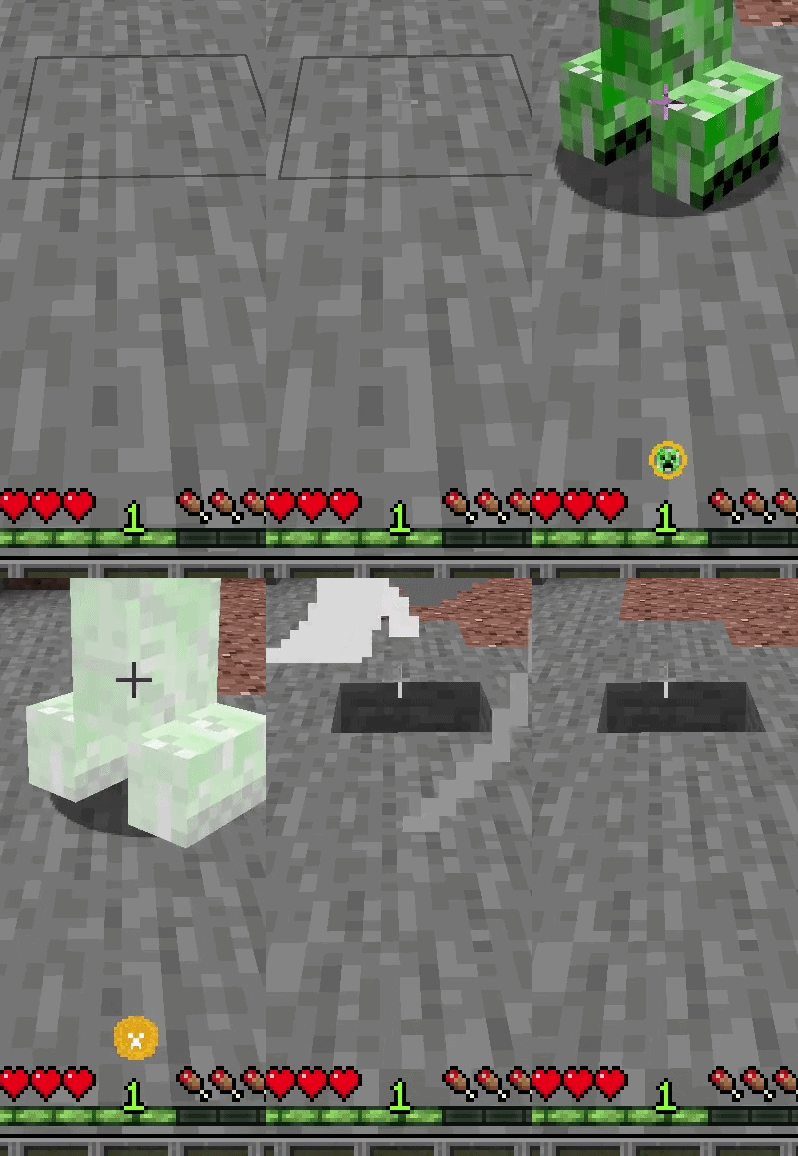
Creeper Warning: Appears on screen if a Creeper is silently sneaking up behind you and is about to explode. The warning icon becomes more intense as the explosion moment approaches.
Creeper
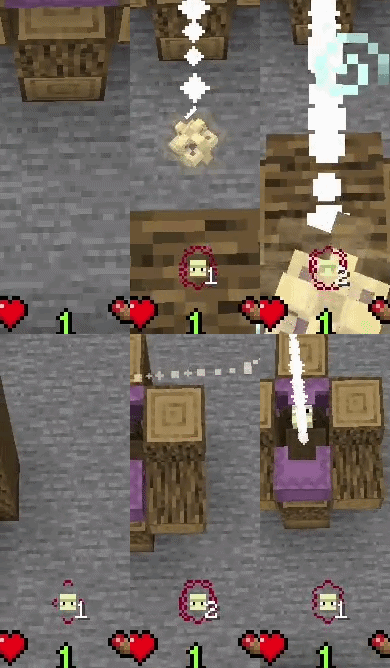
Shulker Warning: Detects incoming Shulker bullets flying towards you. A small counter next to the icon allows you to track exactly how many bullets are chasing you.
Shulker
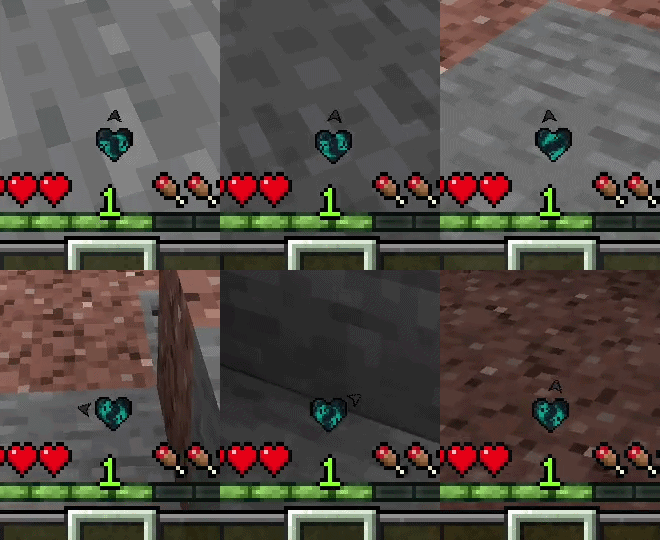
Warden Warning & Compass: Displays a beating heart on your screen when a Warden is nearby. As the Warden gets closer, the heartbeat speeds up and starts shaking. A small arrow orbiting the heart acts as a compass, pointing in the direction the Warden is hiding or approaching from.
Warden
Ghast Warning: Appears when a Ghast is preparing to shoot or a fireball is flying towards you. The warning features a smooth, spinning fireball animation and displays the exact distance of the threat in meters. If you dodge the fireball and it flies past you, the alert instantly disappears.
Ghast
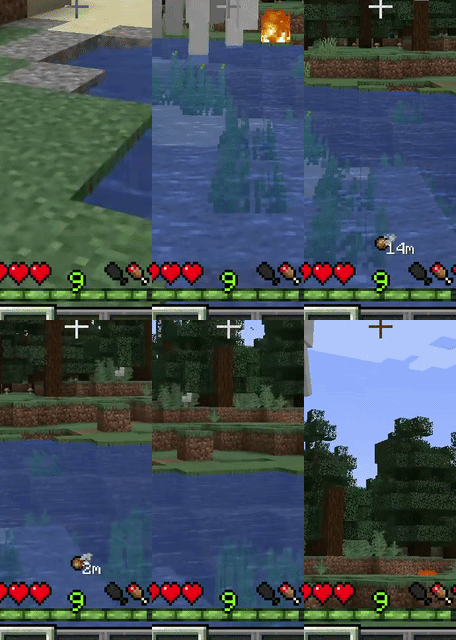
Quick Toggle: You can completely enable or disable the mod's HUD at any time with a single keybind (Default: Numpad 0).
Optional Customization: Through the mod's config file, you can disable any warnings you don't want or enable an optional feature that shows the Warden's exact distance from you in meters.
Screenshots
Gallery
Versions
Files
Relations
Project Relations
More like this
Similar Mods
Suggestions use data such as tags, dependencies, dependents, descriptions, titles, and more to rank how much they overlap with this mod.
On ModDex
Community snapshot
By the numbers
Statistics

Want to reach Minecraft players?
We're looking for a server hosting partner to feature here and other parts of the site. Interested? Send us a message!
Get in touchGet it on
Available Platforms
On ModDex
Community snapshot
By the numbers
Statistics
Resources