Community listing page, reviews here may not be monitored by the author.
Thermite


No reviews yet
A fabric mod that adds a body temperature system.
Community voices
Reviews
No reviews yet. Be the first to review this project!
Get it on
Available Platforms
Compatibility
Supported Environments
Must be installed on both the client and the server.
About
Project Details
For authors
Embed Badge
If you're the author of this project, you can embed a live badge anywhere that supports HTML or Markdown. It updates automatically whenever ratings change.
Use HTML for any page that supports it, or Markdown for README files and Markdown-based descriptions.
Identifiers
Platform IDs
About
Description
License
This mod is available under the MIT license.
Dependencies
Fabric Api >=0.83.1 for mc 1.20.1
CompleteConfig >=2.4.0 for mc 1.20.1
Roughly Enough Items (Recommended)
Description
This is a fabric mod that adds a body temperature system based on what biome you are in, the time of day, weather conditions and what blocks are around you. If you get too cold or hot you will start to take damage, but there are ways to maintain a good temperature.
In vanilla minecraft, biomes have there own built in temperature. This mod takes that temperature and determines how cold or hot you should feel. So it should work with any modded biome as long as its biome temperature is set appropriately.
Heating
Heat making blocks will slowly increase your temperature if you are less than 3 blocks away. Torches increase temperature by 3, fire also 3, lava 8 and campfires 16. You can also increase your temperature by wearing leather armor. Boots increase by 1, leggings 2, chestplate 3 and helmet 1.
Cooling
Cold making blocks do the opposite of heat making blocks and cool you down but within a shorter range (2 blocks). Ice decreases by 1, packed ice decreases by 3 and blue ice decreases by 6. This is useful if you are in a hot climate since you can just put some ice under your floor and that will cool you down, or in the nether if you don't have fire resistance.
You will also become colder if it rains, snows, its nighttime or if you get in water. Fire resistance will stop you from taking any damage from high temperature. So if you are too hot drink fire resistance or make ice juice. (use REI to see ice juice recipe). Ice juice is very useful in the nether before you get fire resistance.
Brick Fireplace Mechanics
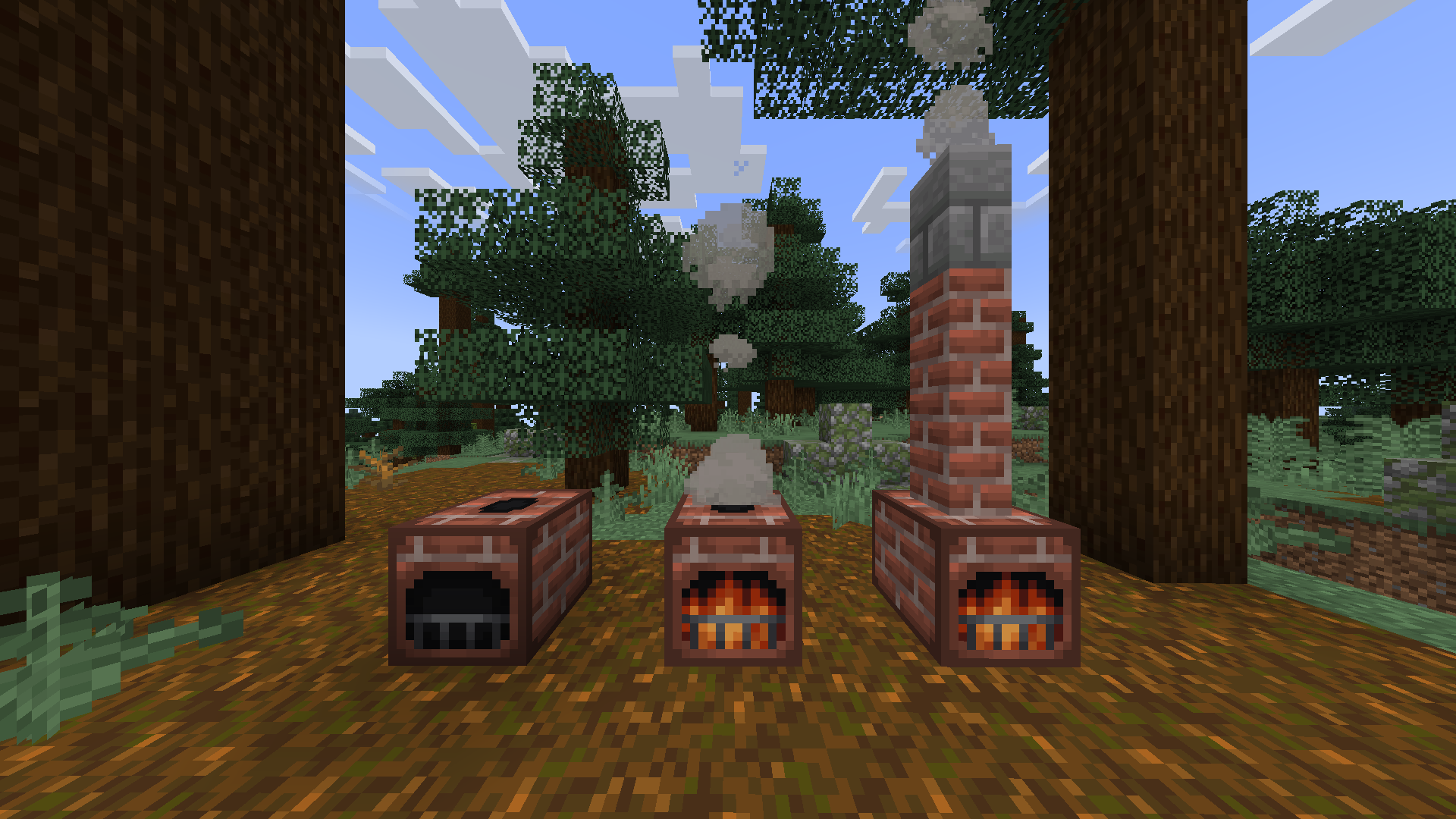
The brick fireplace block, when lit, will heat you up by 16 in a large radius. You can light it by right clicking it with fuel items. Coal and charcoal fuel it for 60 seconds, coal blocks 540 seconds and sticks 5 seconds.
Putting brick walls, cobblestone walls or stone brick walls above the fireplace cause the smoke it makes to come out above the walls like a chimney.
Ice Box Mechanics
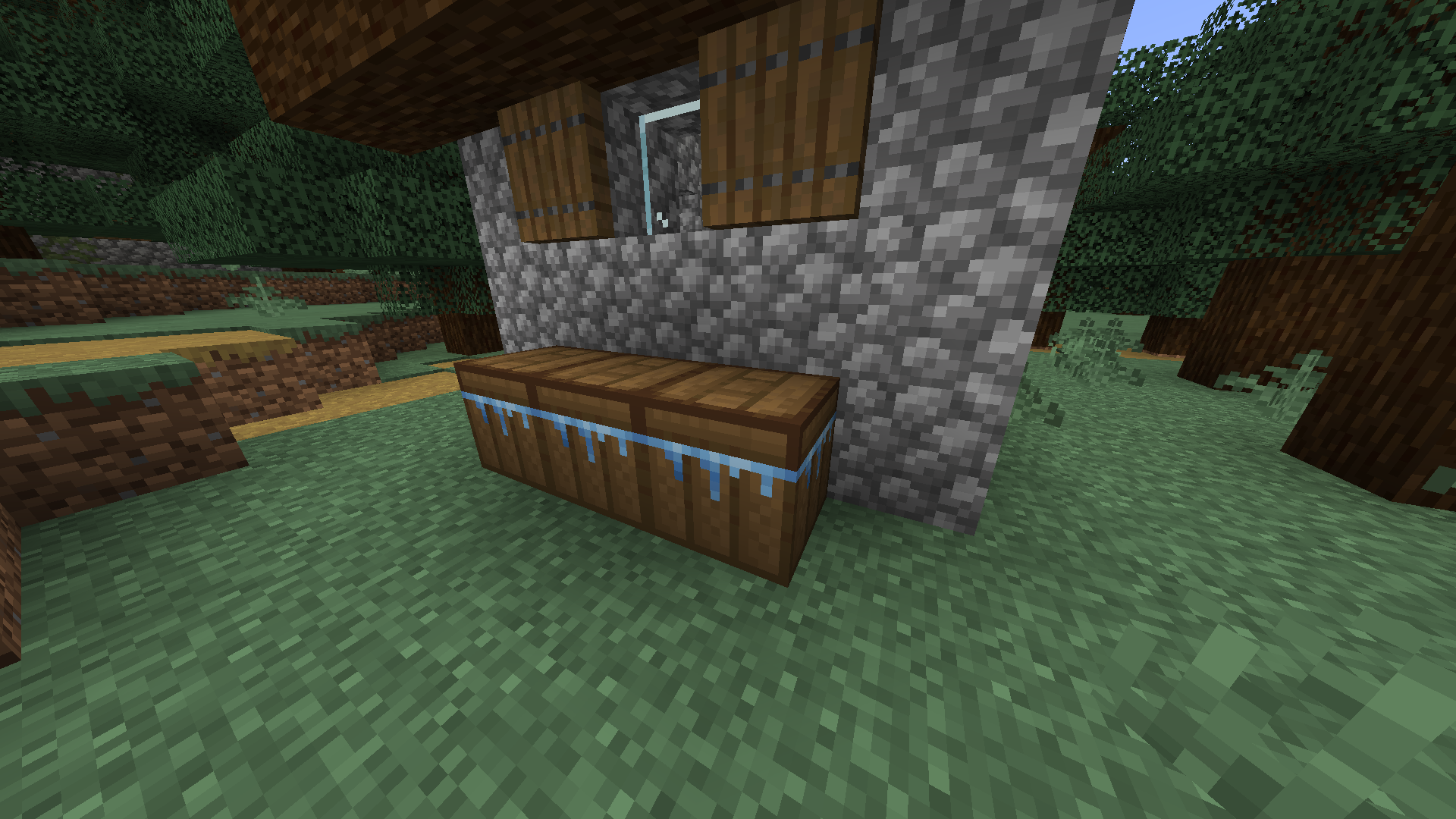
The ice box is a new block added that can be used to get ice easier before getting silk touch. First craft and empty ice box (use REI for recipe). Then you can right click it with a water bottle to fill it with water. For it to make ice it needs to be in a cold or frigid climate (taiga biomes and snowy biomes will be fine). When you have filled it and it is in a cold or frigid climate you just have to wait and it will freeze. Once it has frozen you can right click it and it will give you 3 ice and turn back into an empty ice box.
When it is in a frozen state it will act like packed ice and cool you down by 3 if you are near enough. But it will slowly melt and turn back into its unfrozen state in biomes than are not cold or frigid. The hotter the biome the faster it melts.
Temperature Display and Thermometer
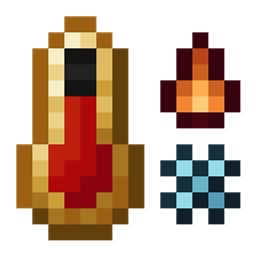
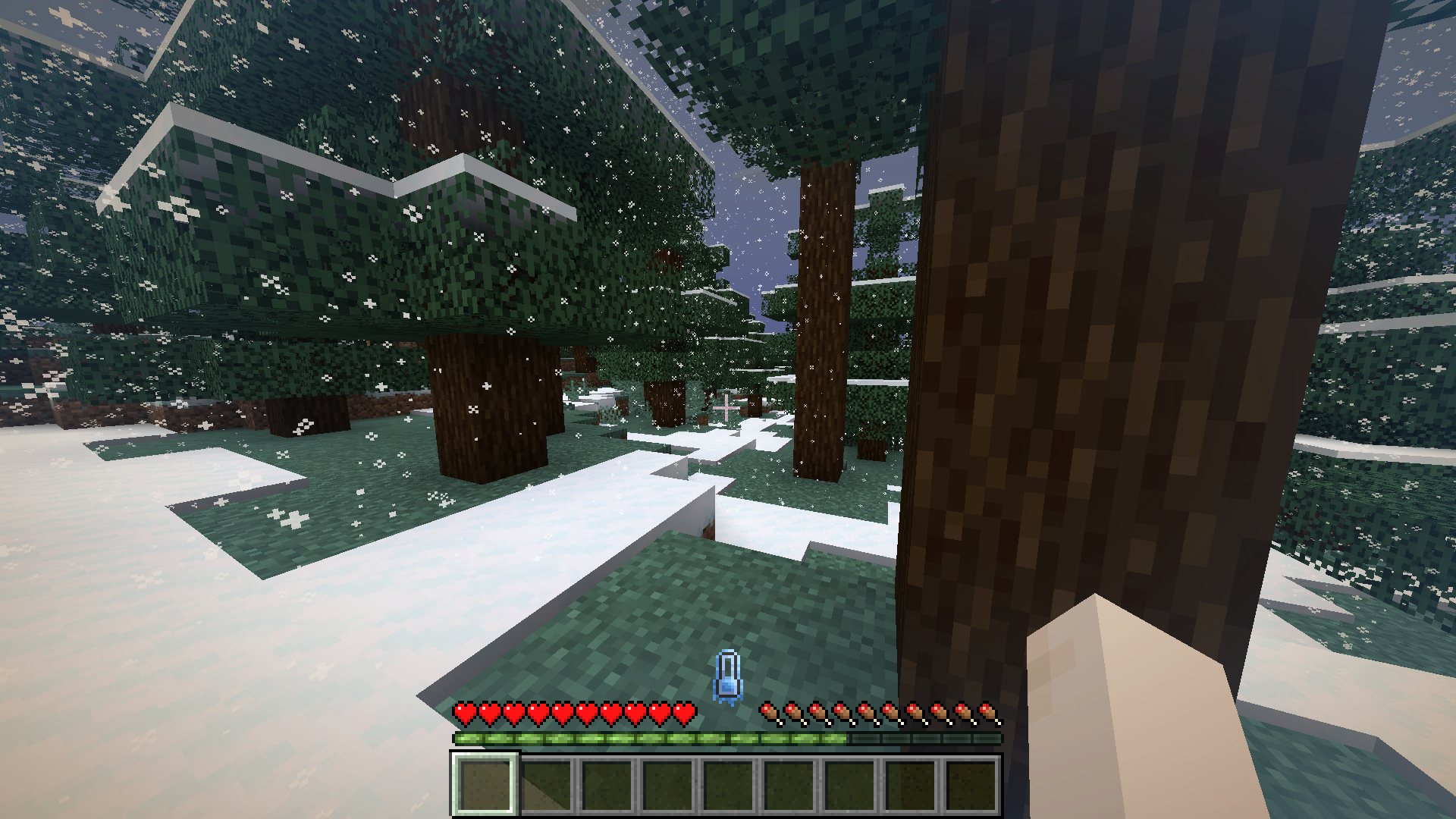
The temperature display is a thermometer in the center of your hotbar. It will start turning blue as you get colder and start turning orange as you get hotter. It will become icy if you are getting colder and fiery if you are getting hotter. It will also shake if you are hot or cold enough to take damage.
Neutral:
<img src="" rel="noopener nofollow" target="_blank">https://cdn-raw.modrinth.com/data/ggmtYNuc/images/e3c69a4f9be896e32cf14ebd37f4cf240fa9cfd5.png" width="50%" height="50%">
Cold:
<img src="" rel="noopener nofollow" target="_blank">https://cdn-raw.modrinth.com/data/ggmtYNuc/images/a8fa37f97c493955b0fbfec647f91c89a26280ba.png" width="50%" height="50%">
Hot:
<img src="" rel="noopener nofollow" target="_blank">https://cdn-raw.modrinth.com/data/ggmtYNuc/images/5c7f92d95cd94c9c6629885d9a5194349a0cb30f.png" width="50%" height="50%">
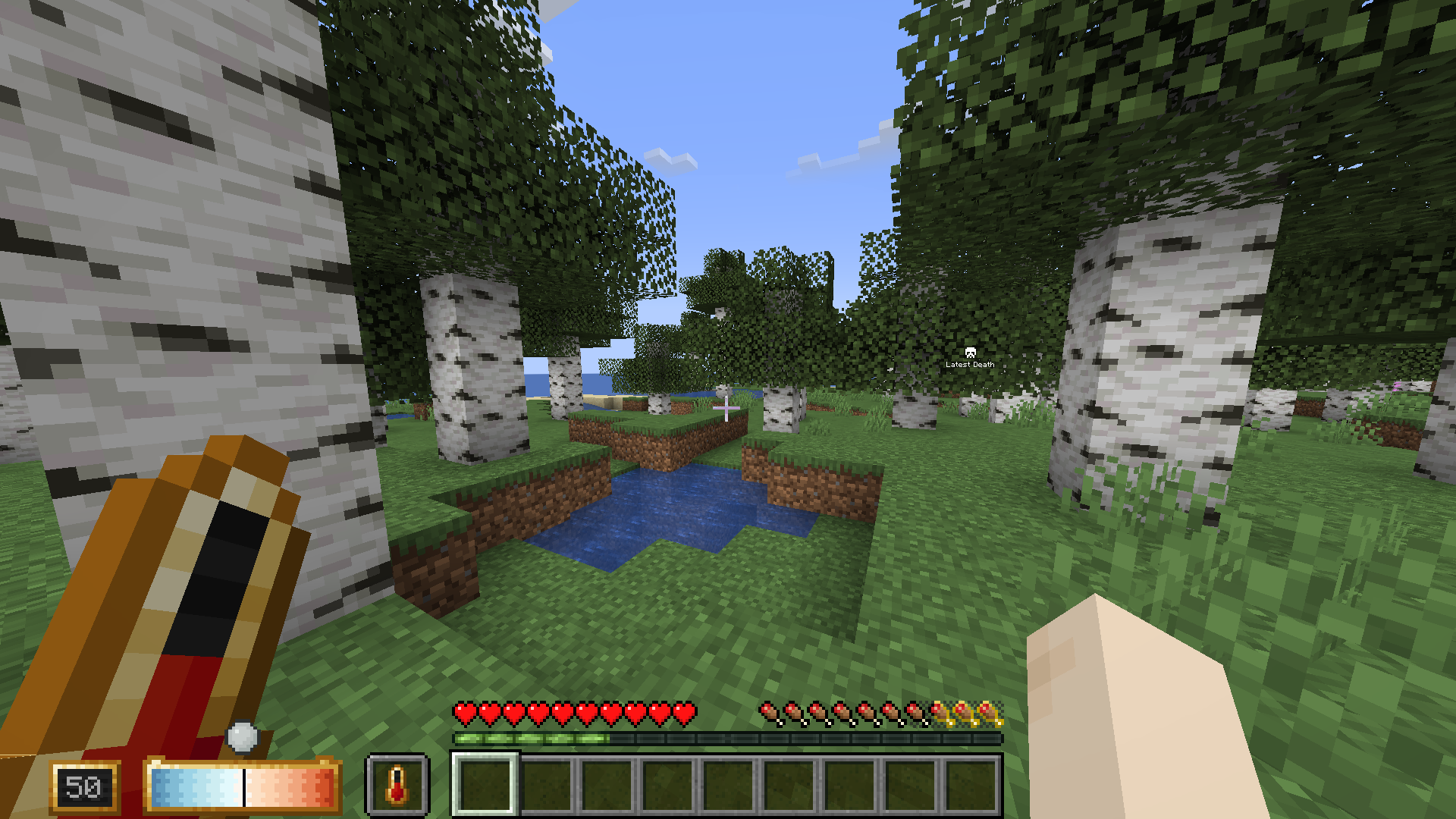
The temperature display alone does not show your exact temperature as a number, but if you hold a thermometer in your offhand a display will pop up on your left showing your exact temperature. the number it shows is not any specific unit of temperature like celsius or fahrenheit. 50 is your preferred temperature.
<img src="" rel="noopener nofollow" target="_blank">https://cdn-raw.modrinth.com/data/ggmtYNuc/images/d7174e2fc4a91741f75495a9c9cf50f4167ae4d2.png" width="50%" height="50%">
Compatible
Compatible with Fabric Seasons. Your temperature will be affected by the current season.
Incompatible
Incompatible with C2ME.
Config
Config file path is "config/therm.conf", if you want something added to the config create an issue on github.
License
This mod is available under the MIT license.
Dependencies for Latest Version
Fabric Api >=0.83.1 for mc 1.20.1
CompleteConfig >=2.4.0 for mc 1.20.1
Roughly Enough Items (Recommended)
Description
This is a fabric mod that adds a body temperature system based on what biome you are in, the time of day, weather conditions and what blocks are around you. If you get too cold or hot you will start to take damage, but there are ways to maintain a good temperature.
In vanilla minecraft, biomes have there own built in temperature. This mod takes that temperature and determines how cold or hot you should feel. So it should work with any modded biome as long as its biome temperature is set appropriately.
Heating
Heat making blocks will slowly increase your temperature if you are less than 3 blocks away. Torches increase temperature by 3, fire also 3, lava 8 and campfires 15. You can also increase your temperature by wearing leather armor. Boots increase by 1, leggings 2, chestplate 3 and helmet 1.
By putting any piece of leather armor in the crafting table along with wool cloth, you can increase the warmth it provides. You can only do this twice with each armor piece.
Cooling
Cold making blocks do the opposite of heat making blocks and cool you down but within a shorter range (2 blocks). Ice decreases by 1, packed ice decreases by 3 and blue ice decreases by 6. This is useful if you are in a hot climate since you can just put some ice under your floor and that will cool you down, or in the nether if you don't have fire resistance.
You will also become colder if it rains, snows, its nighttime or if you get in water. The fire protection enchantment will cool you down 0.5 per level and fire resistance will stop you from taking any damage from high temperature. So if you are too hot drink fire resistance or make ice juice. (use REI to see ice juice recipe). Ice juice is very useful in the nether before you get fire resistance or fire protection.
Wind
When it is windy you will see particles showing the direction the wind is flowing. Being exposed to the wind will cool you down. It will get more windy the higher up you are.
Ice Box Mechanics
The ice box is a new block added that can be used to get ice easier before getting silk touch. First craft an empty ice box (use REI for recipe). Then you can right click it with a water bottle to fill it with water. For it to make ice it needs to be in a cold or frigid climate (taiga biomes and snowy biomes will be fine). When you have filled it and it is in a cold or frigid climate you just have to wait and it will freeze. Once it has frozen you can right click it and it will give you 3 ice and turn back into an empty ice box.
When it is in a frozen state it will act like packed ice and cool you down by 3 if you are near enough. But it will slowly melt and turn back into its unfrozen state in biomes than are not cold or frigid. The hotter the biome the faster it melts.
Brick Fireplace Mechanics
The brick fireplace block, when lit, will heat you up by 16 in a large radius. You can light it by right clicking it with fuel items. Coal and charcoal fuel it for 60 seconds, coal blocks 540 seconds and sticks 5 seconds.
Putting brick walls, cobblestone walls or stone brick walls above the fireplace cause the smoke it makes to come out above the walls like a chimney.
Temperature Display and Thermometer
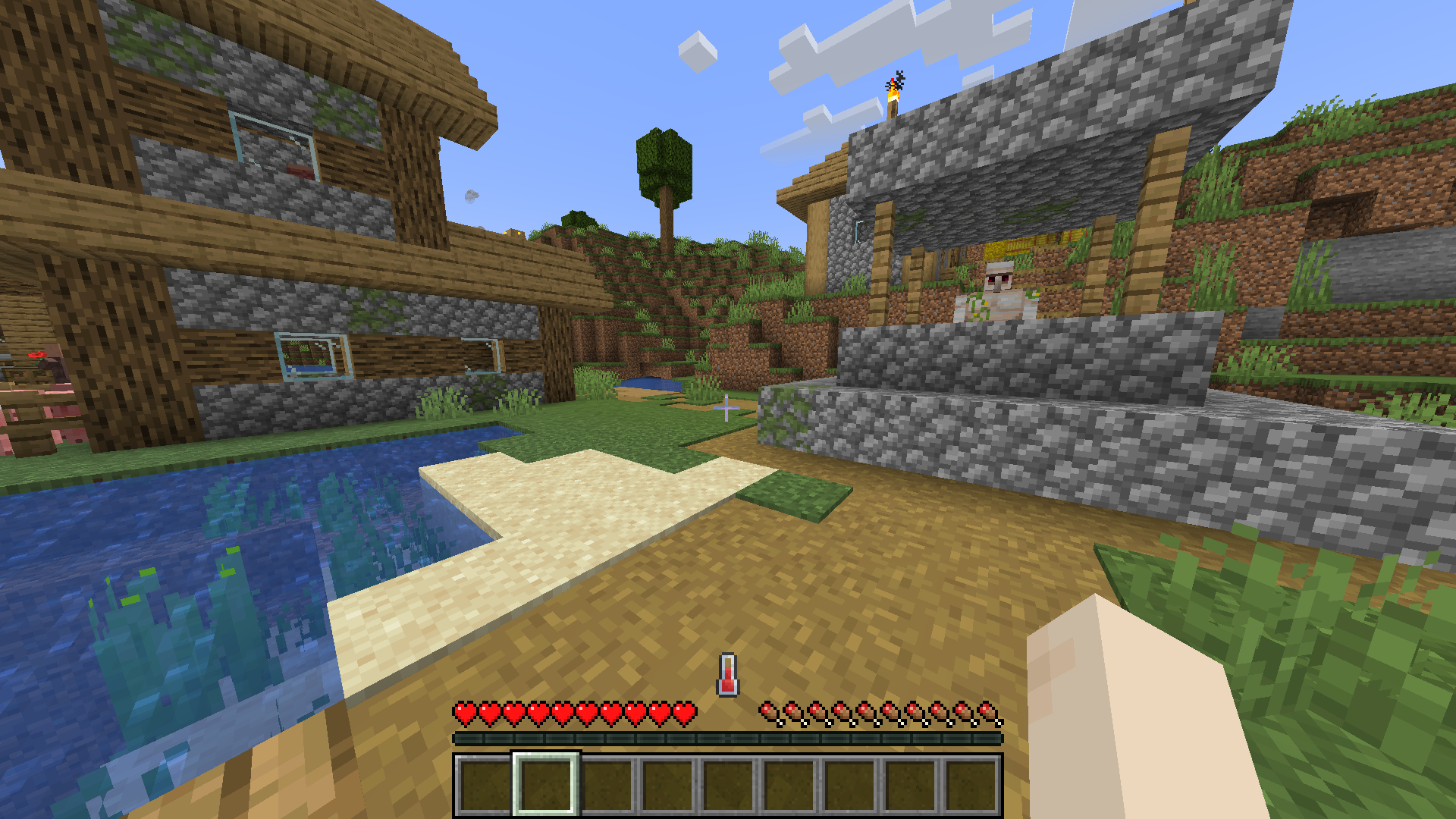
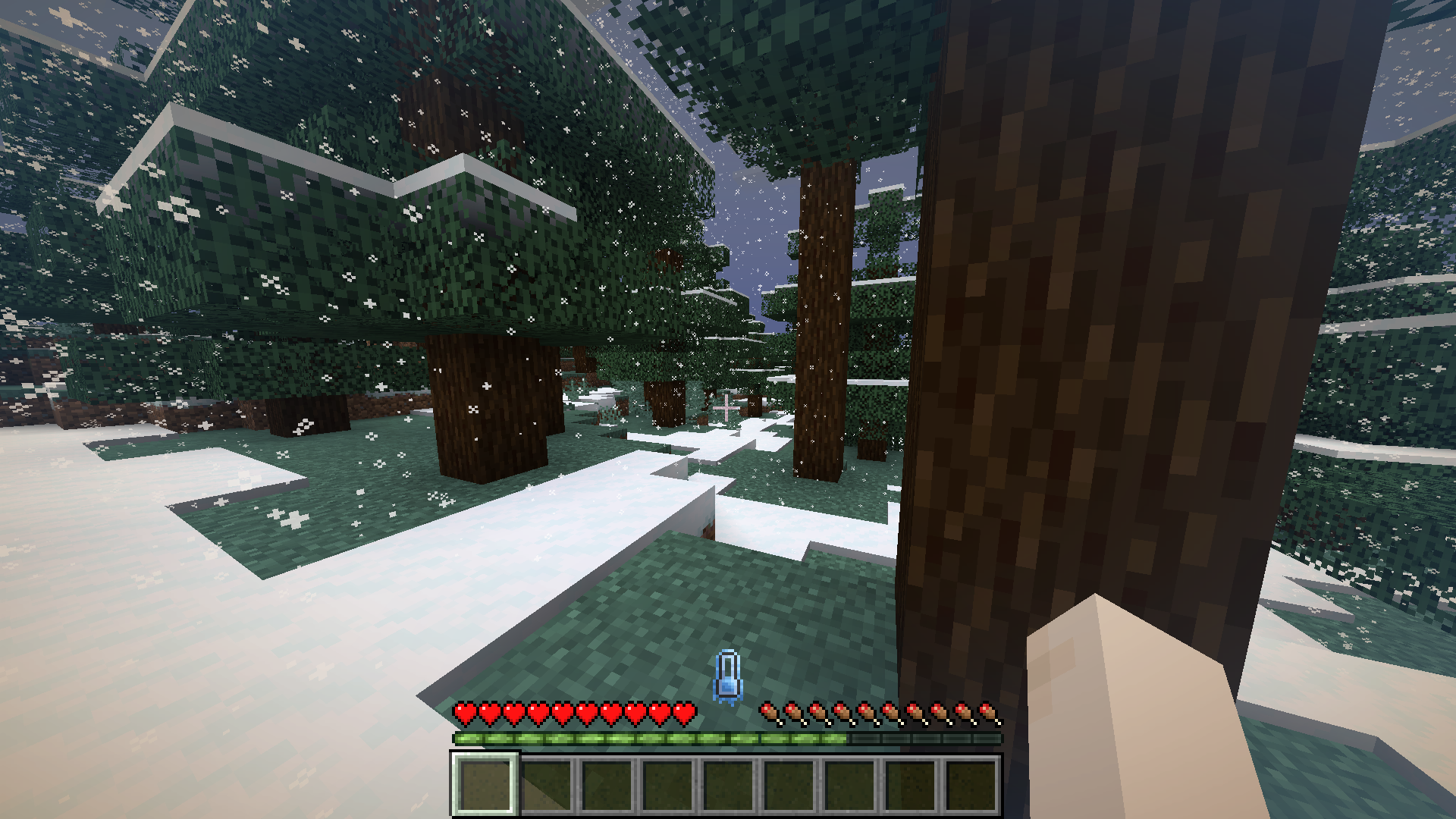
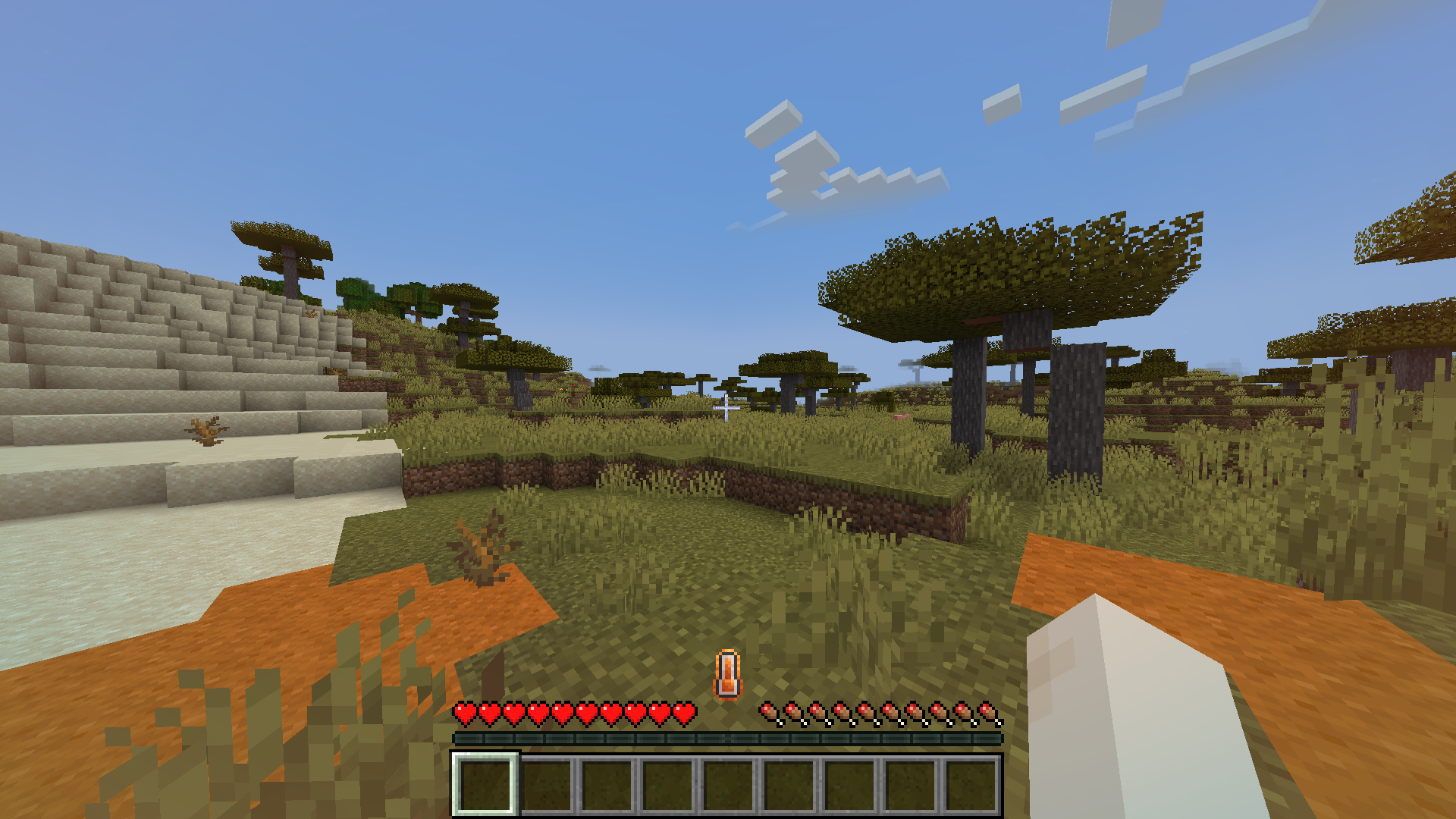
The temperature display is a thermometer in the center of your hotbar. It will start turning blue as you get colder and start turning orange as you get hotter. It will become icy if you are getting colder and fiery if you are getting hotter. It will also shake if you are hot or cold enough to take damage.
Neutral:
Cold:
Hot:
The temperature display alone does not show your exact temperature as a number, but if you hold a thermometer in your offhand a display will pop up on your left showing your exact temperature. the number it shows is not any specific unit of temperature like celsius or fahrenheit. 50 is the most neutral.

Compatible
Compatible with Fabric Seasons. Your temperature will be affected by the current season.
Incompatible
Incompatible with C2ME.
Config
Config file path is "config/therm.conf", if you want something added to the config create an issue on github.
Screenshots
Gallery
-
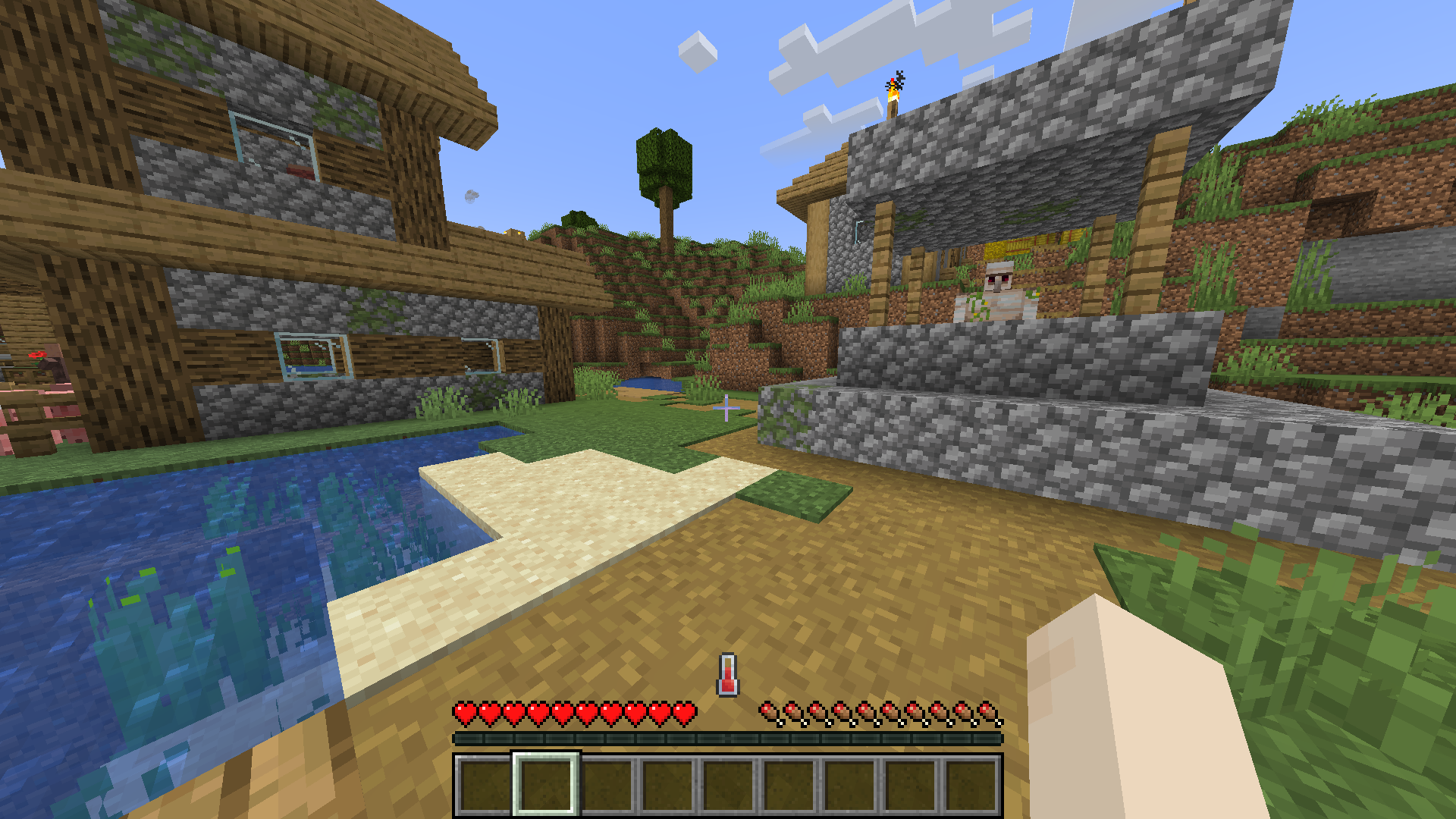 Neutral
 -
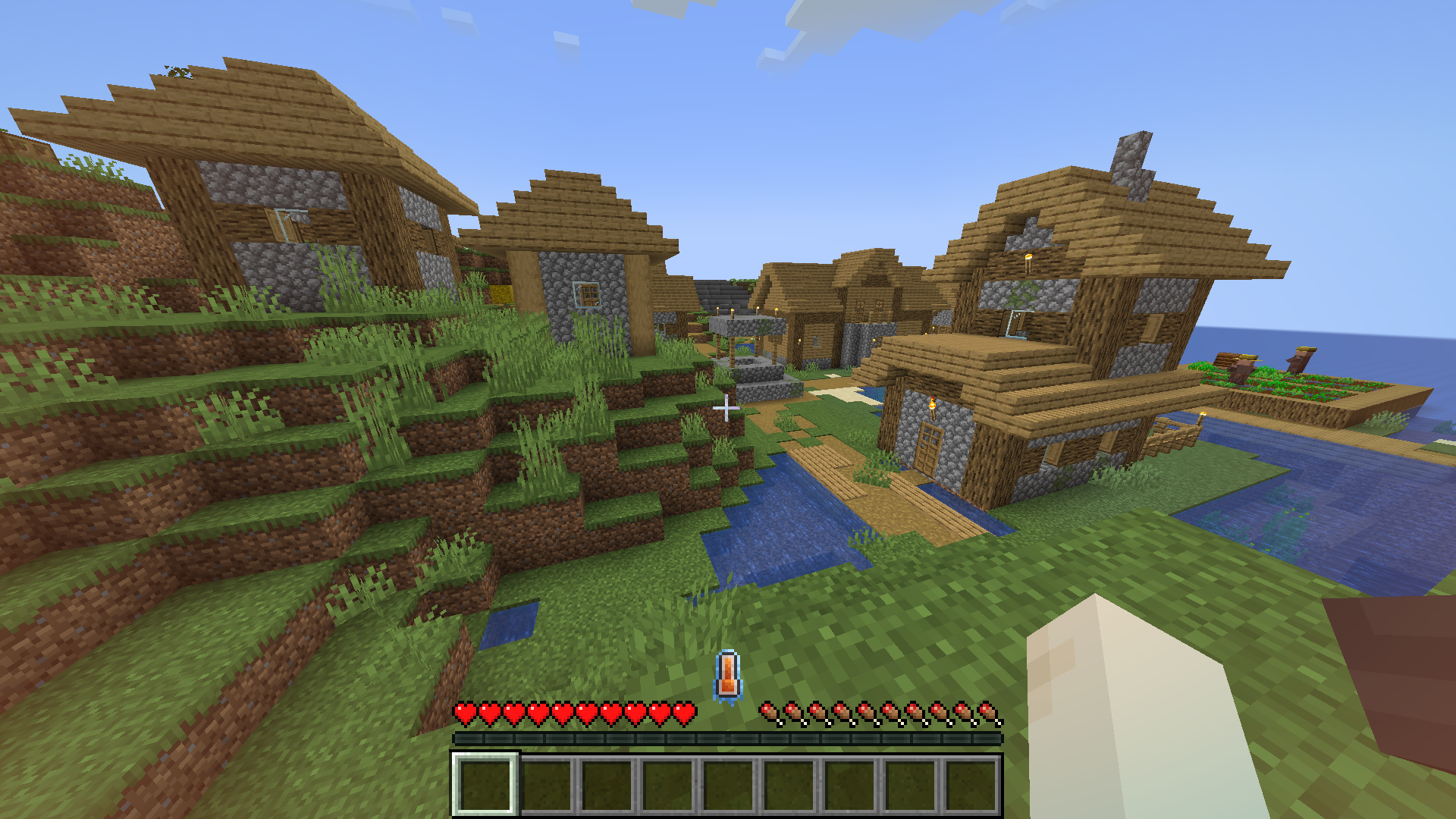 Cooling Down
 -
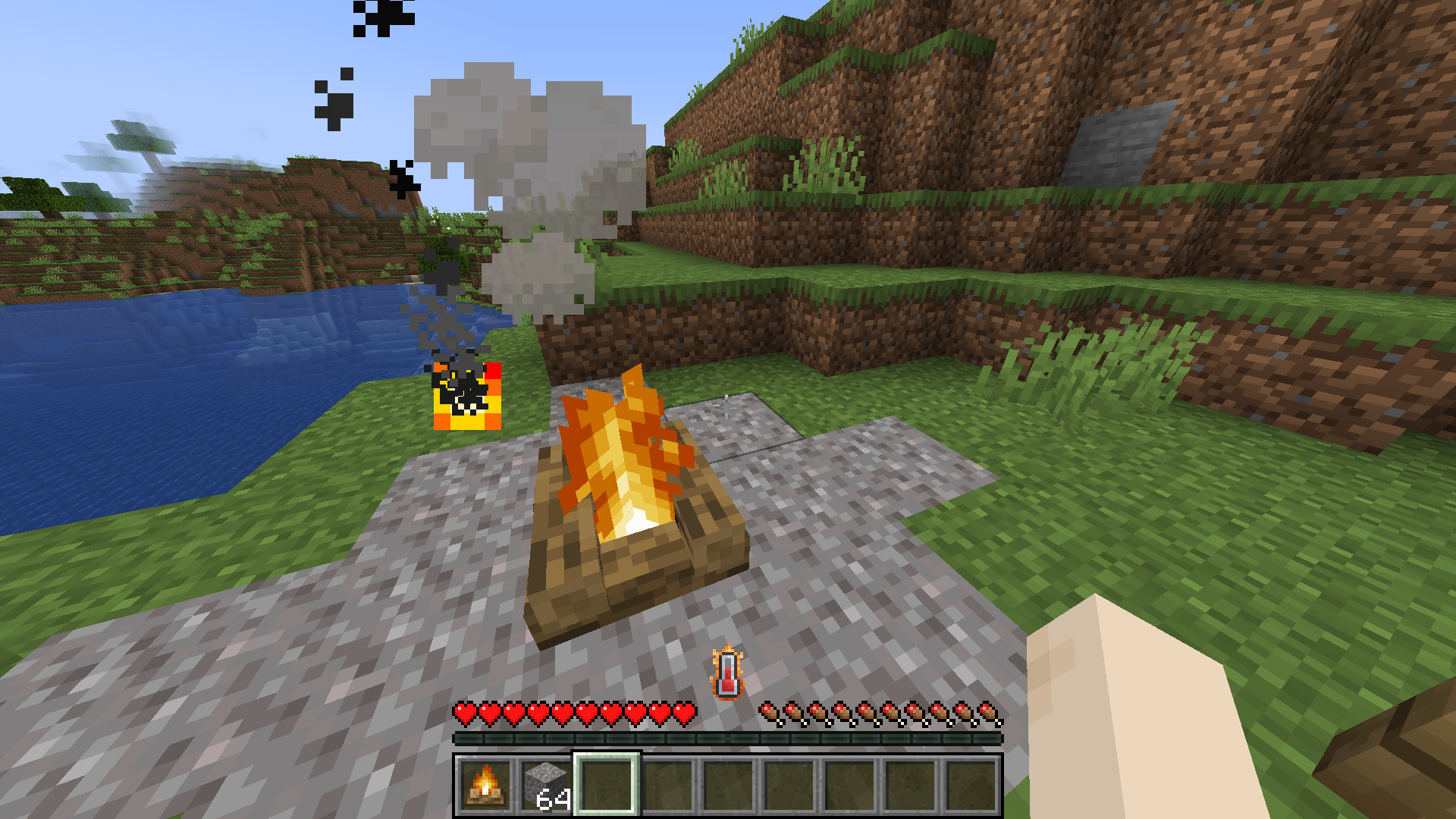 Heating Up
 -
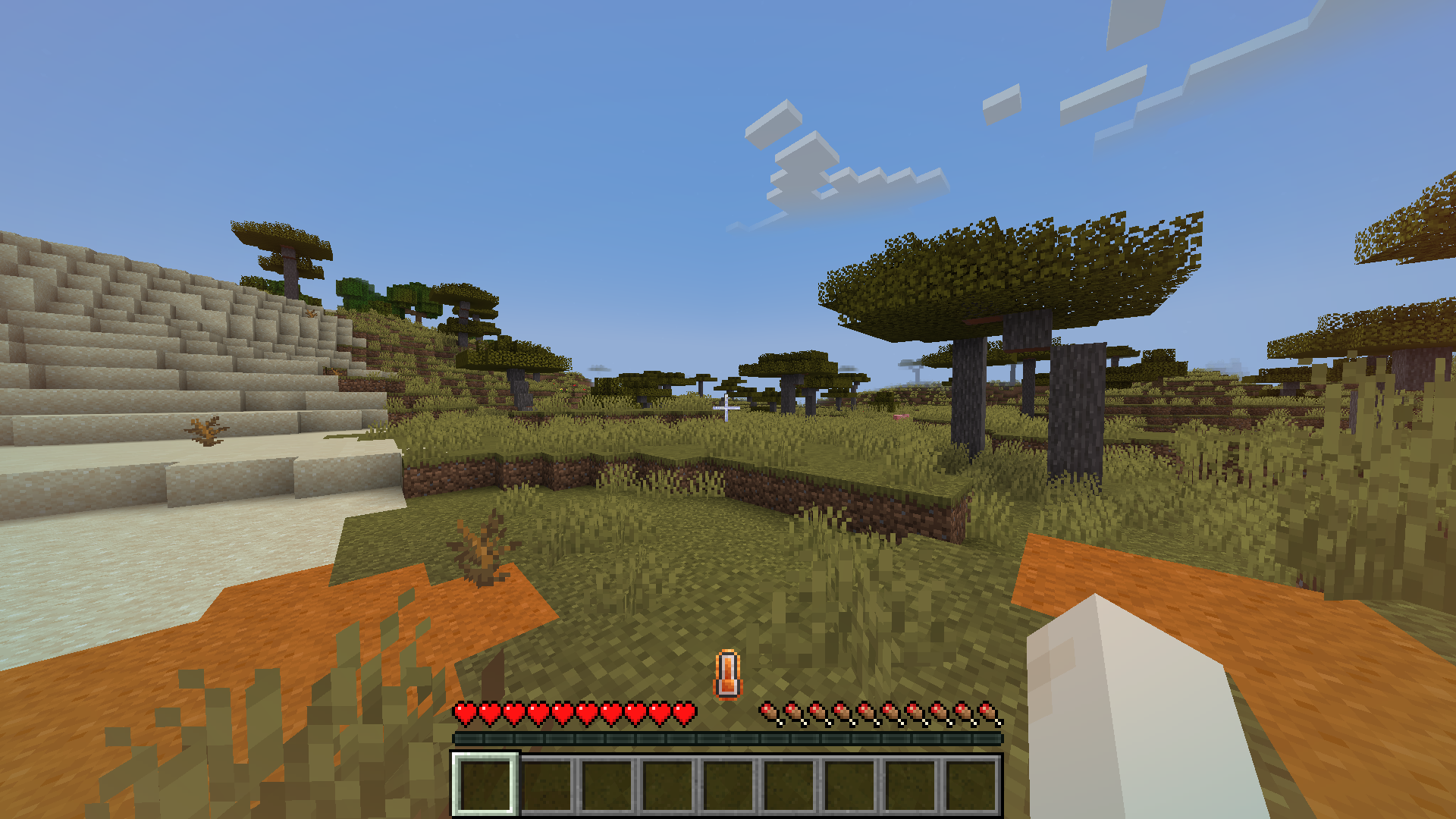 Hot
Hot -
 Cold
Cold -
 Brick Fireplace
 -
 Frozen Ice Boxes
 -
 Using Thermometer
-
 Cold
Cold -
 Hot
Hot -
 Cooling Down
 -
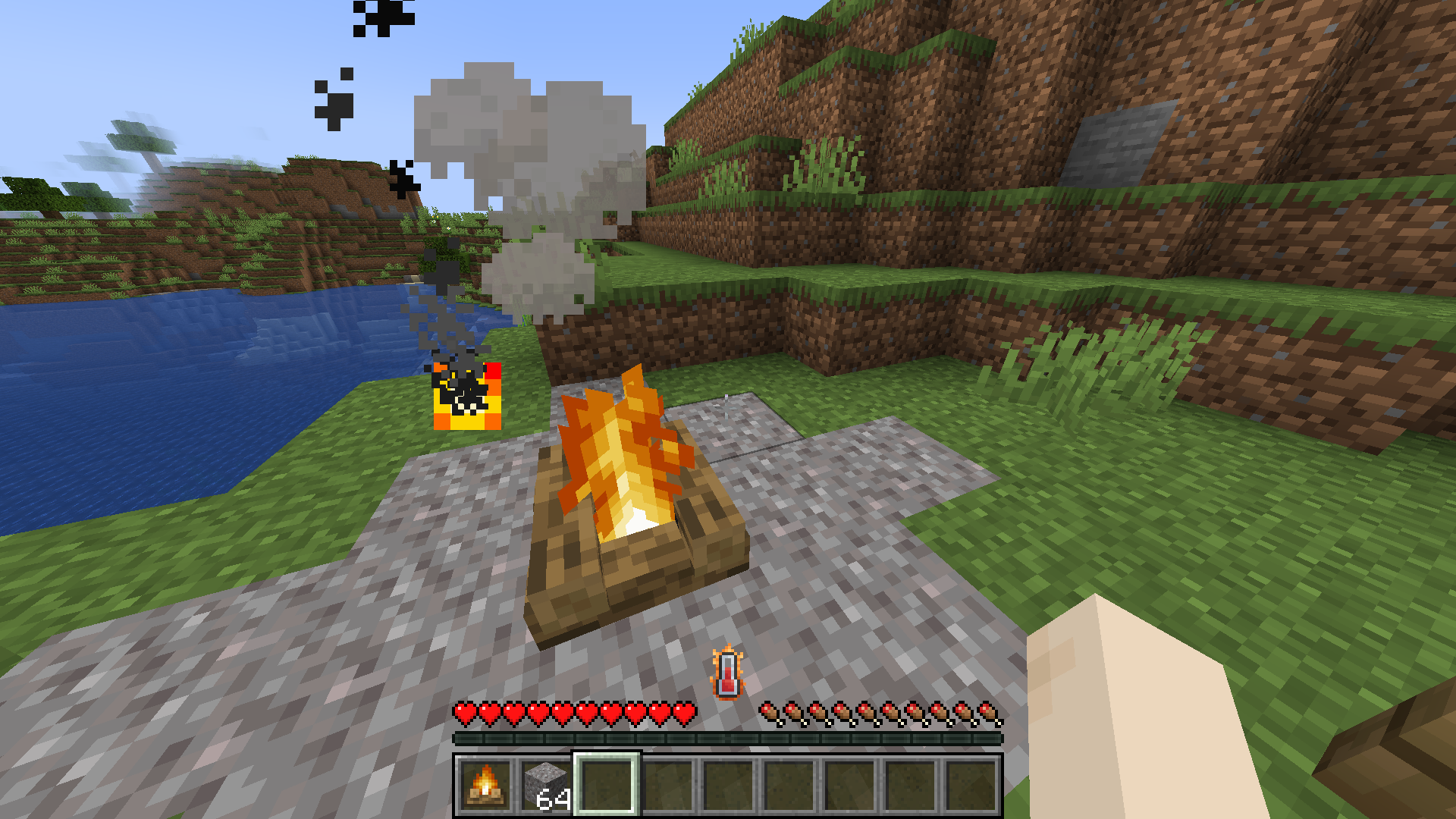 Warming Up
 -
 Neutral Temperature
 -
 Frozen Ice Boxes
 -
 Brick Fireplace
Versions
Files
Relations
Project Relations
More like this
Similar Mods
Suggestions use data such as tags, dependencies, dependents, descriptions, titles, and more to rank how much they overlap with this mod.
On ModDex
Community snapshot
By the numbers
Statistics
Want to reach Minecraft players?
We're looking for a server hosting partner to feature here and other parts of the site. Interested? Send us a message!
Get in touchGet it on
Available Platforms
On ModDex
Community snapshot
By the numbers