Community listing page, reviews here may not be monitored by the author.
Throwable Lights

No reviews yet
Throw torches, soul torches, redstone torches, and lanterns with a configurable keybind.
Community voices
Reviews
No reviews yet. Be the first to review this project!
Get it on
Available Platforms
About
Project Details
For authors
Embed Badge
If you're the author of this project, you can embed a live badge anywhere that supports HTML or Markdown. It updates automatically whenever ratings change.
Use HTML for any page that supports it, or Markdown for README files and Markdown-based descriptions.
Identifiers
Platform IDs
Resources
External Links
About
Description
# 🕯️ Throwable Torches
Turn your torches into throwable utility items.
**Throwable Torches** adds a simple and natural way to throw light sources in Minecraft. Instead of manually placing a torch every time, throw it in the direction you're looking and let Minecraft handle the placement.
## ✨ Features
* 🕯️ **Throw Torches** — Throw normal Torches through the air.
* 🔥 **Soul Torches** — Throw Soul Torches with their normal appearance and behavior.
* 🔴 **Redstone Torches** — Throw Redstone Torches just like the regular torch.
* 🏮 **Lanterns** — Throw Lanterns while preserving their normal standing and hanging placement behavior.
* 🎯 **Natural Projectile Physics** — Items travel forward with a natural arc and gravity.
* 🧱 **Normal Minecraft Placement** — When a projectile hits a suitable surface, it attempts to place the corresponding block using Minecraft's normal placement rules.
* ↩️ **Surface Bouncing** — If the hit surface doesn't allow placement, the projectile bounces/deflects instead of disappearing immediately.
* 📦 **No Item Loss** — If a projectile eventually stops without being placed, the corresponding item is dropped.
* 🎮 **Configurable Keybind** — Throw using a dedicated keybind that can be changed from **Options → Controls → Key Binds**.
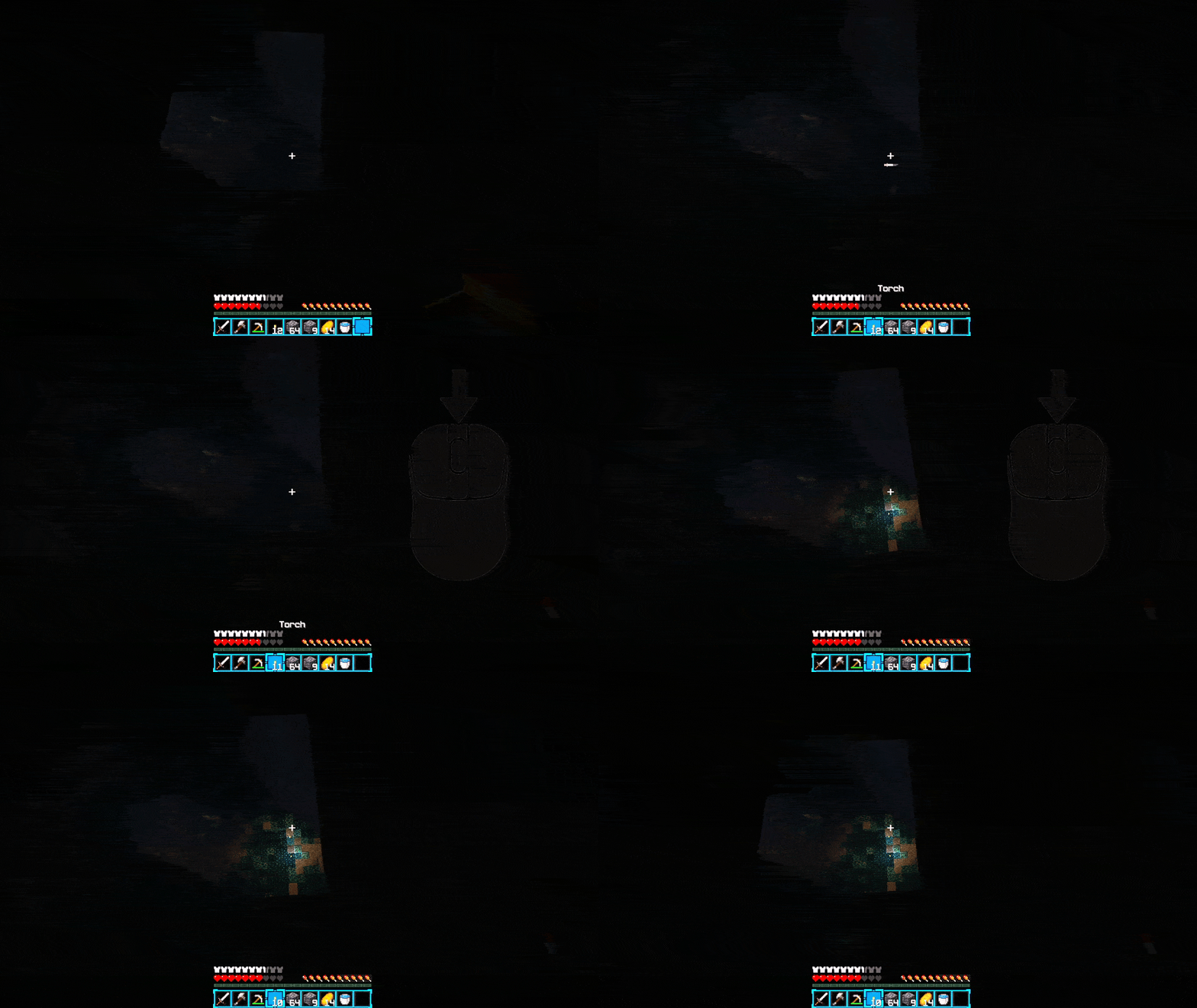
* 🖱️ **Default Middle Mouse Button** — The throw key is set to **Mouse Button 3 (Middle Mouse Button)** by default.
* ⬇️ **Vanilla Drop Preserved** — The normal **Q** key still works exactly like vanilla Minecraft.
* 🌐 **Server Authoritative** — Item consumption, projectile spawning, collision, placement, and item drops are handled server-side for reliable multiplayer behavior.
## 🎮 How to Use
1. Hold a supported item.
2. Press your **Throw** key.
3. The item is consumed and thrown in the direction you're looking.
4. If it reaches a valid surface, it attempts to place itself normally.
5. If placement isn't possible, it bounces and continues moving.
6. If it eventually stops without placing, the item drops.
### Supported Items
| Item | Supported |
| ----------------- | --------- |
| 🕯️ Torch | ✅ |
| 🔥 Soul Torch | ✅ |
| 🔴 Redstone Torch | ✅ |
| 🏮 Lantern | ✅ |
## ⚙️ Controls
The default throw key is **Middle Mouse Button (MMB)**.
You can change it anytime through:
**Options → Controls → Key Binds → Throwable Torches**
Your normal **Q** drop key remains completely unchanged.
## 🌐 Multiplayer
Throwable Torches is designed with multiplayer in mind. The server controls item consumption, projectile behavior, collision, placement, and drops, helping keep the behavior consistent between players and the server.
## 📦 Compatibility
**Minecraft:** 1.21.11
**Mod Loader:** Fabric
Simple, lightweight, and focused on one thing:
**Throw it. Place it. Keep moving.**
Screenshots
Gallery
-
 freecompress-Mouse.gif freecompress-Mouse.gif
Versions
Files
Relations
Project Relations
More like this
Similar Mods
Suggestions use data such as tags, dependencies, dependents, descriptions, titles, and more to rank how much they overlap with this mod.
On ModDex
Community snapshot
By the numbers
Statistics
Want to reach Minecraft players?
We're looking for a server hosting partner to feature here and other parts of the site. Interested? Send us a message!
Get in touchGet it on
Available Platforms
On ModDex
Community snapshot
By the numbers
Statistics
Resources