Community listing page, reviews here may not be monitored by the author.
Tickwise

No reviews yet
Real-time server performance monitoring that measures tick costs, attributes lag to players and chunks, and helps identify exactly what is causing server performance issues.
Community voices
Reviews
No reviews yet. Be the first to review this project!
Get it on
Available Platforms
About
Project Details
For authors
Embed Badge
If you're the author of this project, you can embed a live badge anywhere that supports HTML or Markdown. It updates automatically whenever ratings change.
Use HTML for any page that supports it, or Markdown for README files and Markdown-based descriptions.
Identifiers
Platform IDs
Resources
External Links
About
Description
🟢 Tickwise
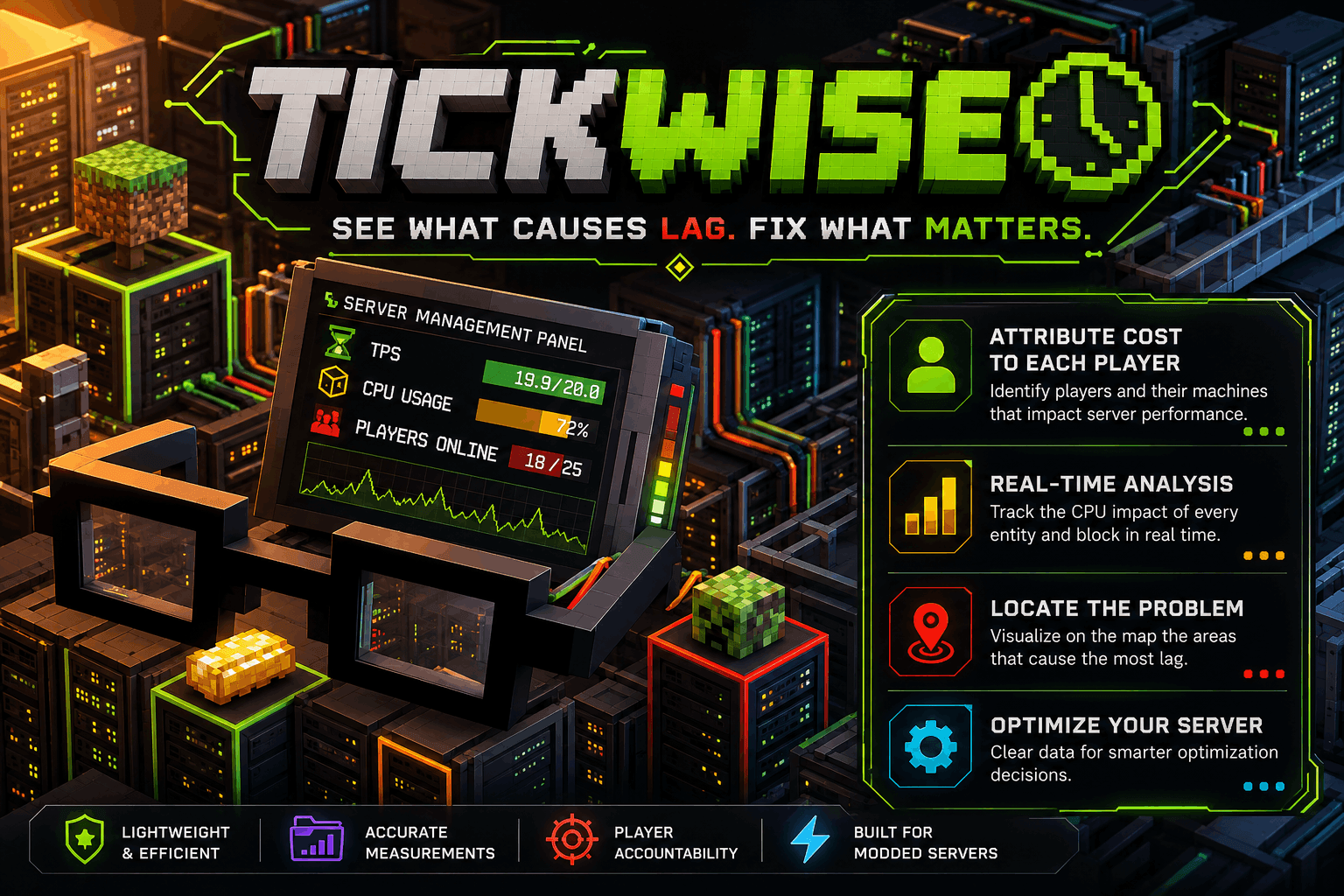
See what causes lag. Fix what matters.
Tickwise is a lightweight server-side performance monitoring mod designed to help modded Minecraft servers identify what is actually causing performance issues, who is responsible, and where it happens.
Unlike traditional performance monitoring tools that primarily provide aggregated technical data, Tickwise connects server performance directly to players, chunks, machines, entities, mods, and locations.
🔍 What does Tickwise do?
Tickwise measures the real CPU cost of objects that tick on your server and turns that data into information that is easy to understand.
It can track performance by:
- 👤 Player
- 🗺️ Chunk
- ⚙️ Block Entity
- 👾 Entity
- 📦 Mod
- 🧩 Entity / Block Entity Type
This makes it possible to quickly answer questions such as:
Which player is causing the most server load?
Which chunk is responsible for the lag?
Which machine or entity is consuming the most tick time?
📊 Real-Time Performance Data
Tickwise continuously collects performance data on the server and aggregates it over time.
The system tracks:
- MSPT
- Individual tick costs
- Player performance impact
- Chunk performance impact
- Entity and block entity costs
- Mod-level performance impact
- Unassigned / orphaned ticking objects
Performance data is maintained using a rolling window with an exponential average over approximately 60 seconds.
👤 Player Attribution
One of Tickwise's main features is its ability to associate performance costs with players.
When possible, ownership is resolved through:
- Claim systems such as FTB Chunks or Open Parties and Claims
- Tickwise's own chunk-based ownership system
- An unassigned / orphaned category
Tickwise never stores ownership for every individual block. Instead, its fallback system operates at the chunk level, keeping the tracking lightweight and efficient.
🖥️ Player HUD
Tickwise isn't only an administrator tool.
Players can optionally see their own performance impact directly in-game.
The HUD can display information such as:
Base: 2.1 ms/t — 7%
The widget can be configured with different thresholds and colors:
🟢 Low impact 🟠 Moderate impact 🔴 High impact
The HUD remains hidden below the configured threshold so normal players aren't constantly presented with performance information.
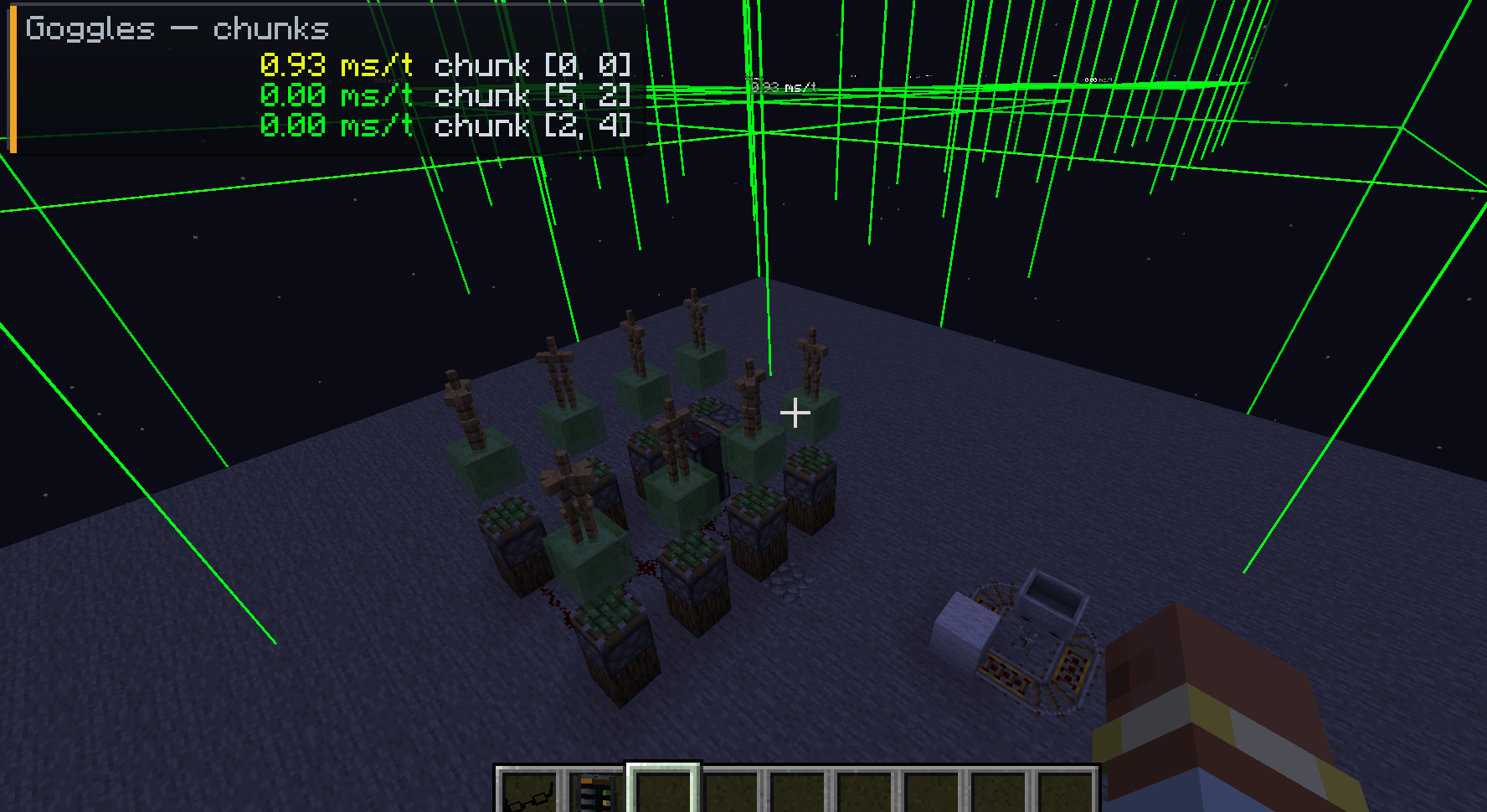
🗺️ Performance Heatmap
Tickwise includes an optional chunk performance overlay.
Press the configurable keybind to request performance data for the chunks around you and visualize their cost directly in the world.
The overlay can show:
- 🟢 Low-cost chunks
- 🟠 Medium-cost chunks
- 🔴 High-cost chunks
- Exact performance costs in microseconds
Players can always inspect their own areas, while administrator permissions can be required to inspect other players' areas.
🧑💻 Administrator Commands
Tickwise provides several commands for server administrators:
/tickwise top players [limit]
/tickwise top chunks [limit]
/tickwise top mods [limit]
/tickwise top types [limit]

/tickwise inspect <player>

/tickwise report

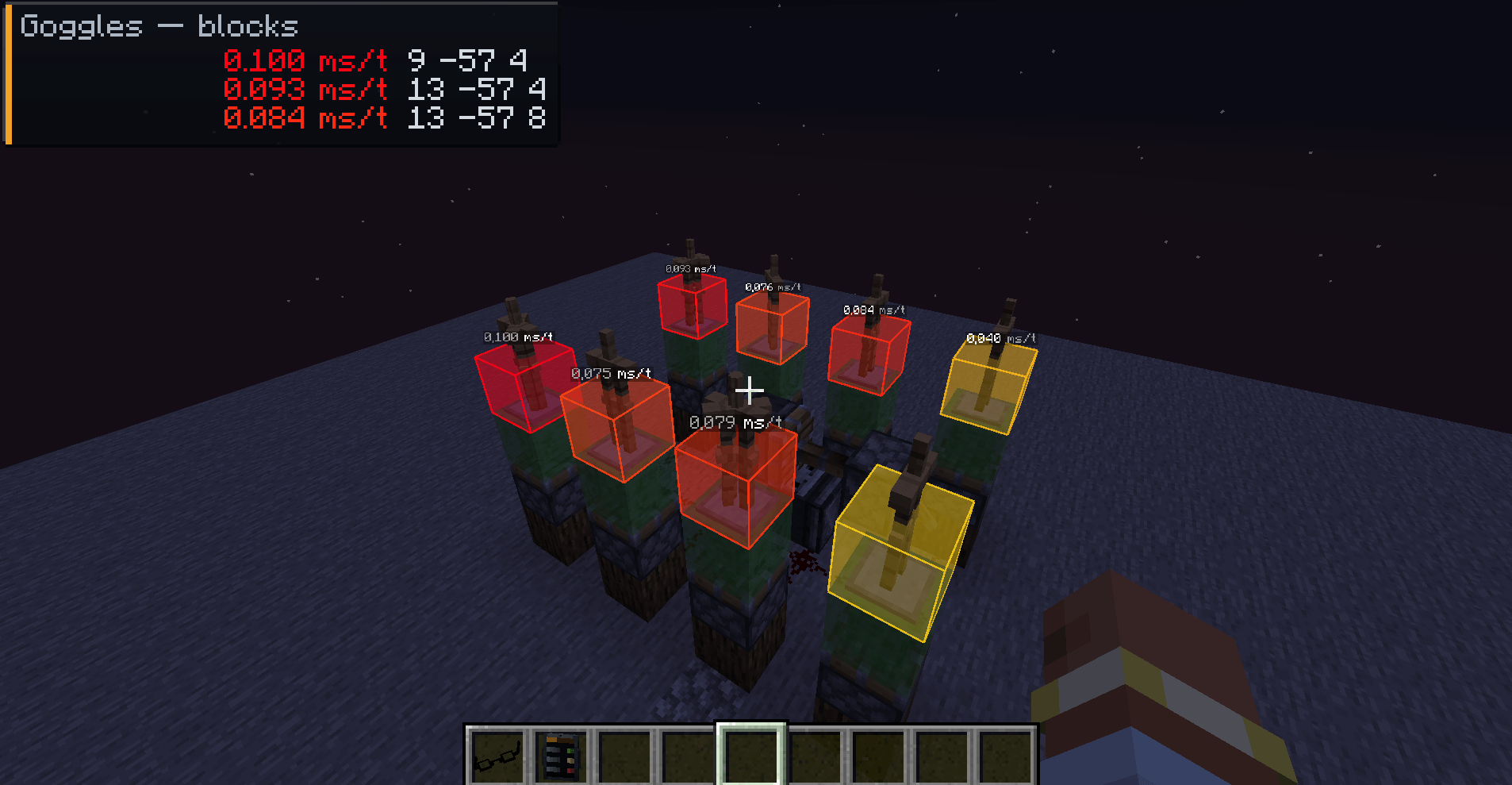
/tickwise goggles
📋 Reports
Reports can contain information about:
- Highest-impact players
- Most expensive chunks
- Expensive mods
- Expensive entity types
- Unassigned ticking blocks
- Entity clusters
- Item piles
- Chunks loaded without nearby players
An optional Discord webhook can also be used when generating reports.
🧩 Built for Modded Minecraft
Tickwise is designed specifically for large modded servers and modpacks.
Its architecture is built around a shared vanilla-based core with loader-specific integrations, allowing the majority of the performance-critical code to remain shared between platforms.
Supported loaders
- 🟩 NeoForge
- 🟦 Fabric
Target version
Minecraft 1.21.1
The architecture is designed with future ports in mind, while development focuses first on Minecraft 1.21.1.
⚡ Designed to Stay Lightweight
A performance monitoring mod shouldn't become part of the performance problem.
Tickwise therefore uses tick sampling instead of instrumenting every server tick.
By default, the mod measures 1 tick out of every 20, then extrapolates the results.
On ticks that aren't being measured, the hot path performs only a simple boolean check with zero allocations.
Performance target
Less than 1% average MSPT overhead
This is a core requirement of the project, not an optional optimization.
🛡️ Safe by Design
Tickwise is designed to coexist with large and complex modpacks.
The project aims to ensure:
- No crash caused by another mod
- Soft integrations for optional dependencies
- No runtime dependency on third-party APIs
- Server-side measurement
- Network packets for client synchronization
- No unnecessary allocations in the hot path
- No business logic duplicated between loaders
🚧 What Tickwise Does Not Do
Tickwise focuses on measurement and visibility, not automatic punishment.
It currently does not:
- ❌ Throttle or slow down players' machines
- ❌ Automatically punish players
- ❌ Ban players
- ❌ Replace Java-level profiling tools
- ❌ Run as a client-only mod
Automatic machine throttling is planned for a future version once enough production data exists to implement it safely.
🎯 The Goal
Large modded servers can contain hundreds of mods, thousands of machines and enormous amounts of ticking entities.
When performance starts dropping, finding the cause shouldn't require guessing.
Tickwise turns server performance into actionable information.
🟢 Measure. 🟢 Attribute. 🟢 Locate. 🟢 Optimize.
Tickwise — See what causes lag. Fix what matters.
Screenshots
Gallery
-
 Tickwise.png Tickwise.png
 -
 Goggles Block
 -
 Goggles Chunk
 -
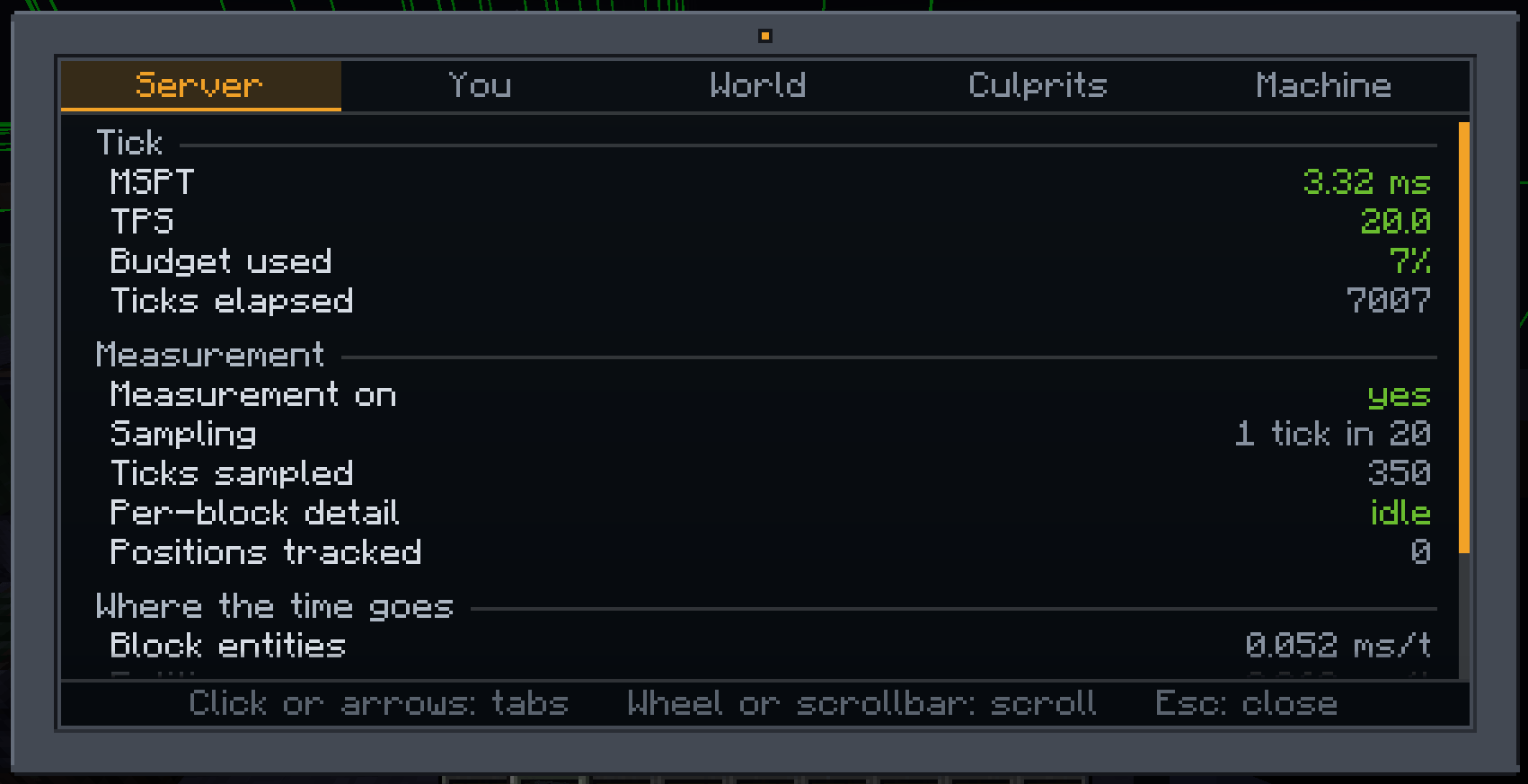 Tablet - Server
 -
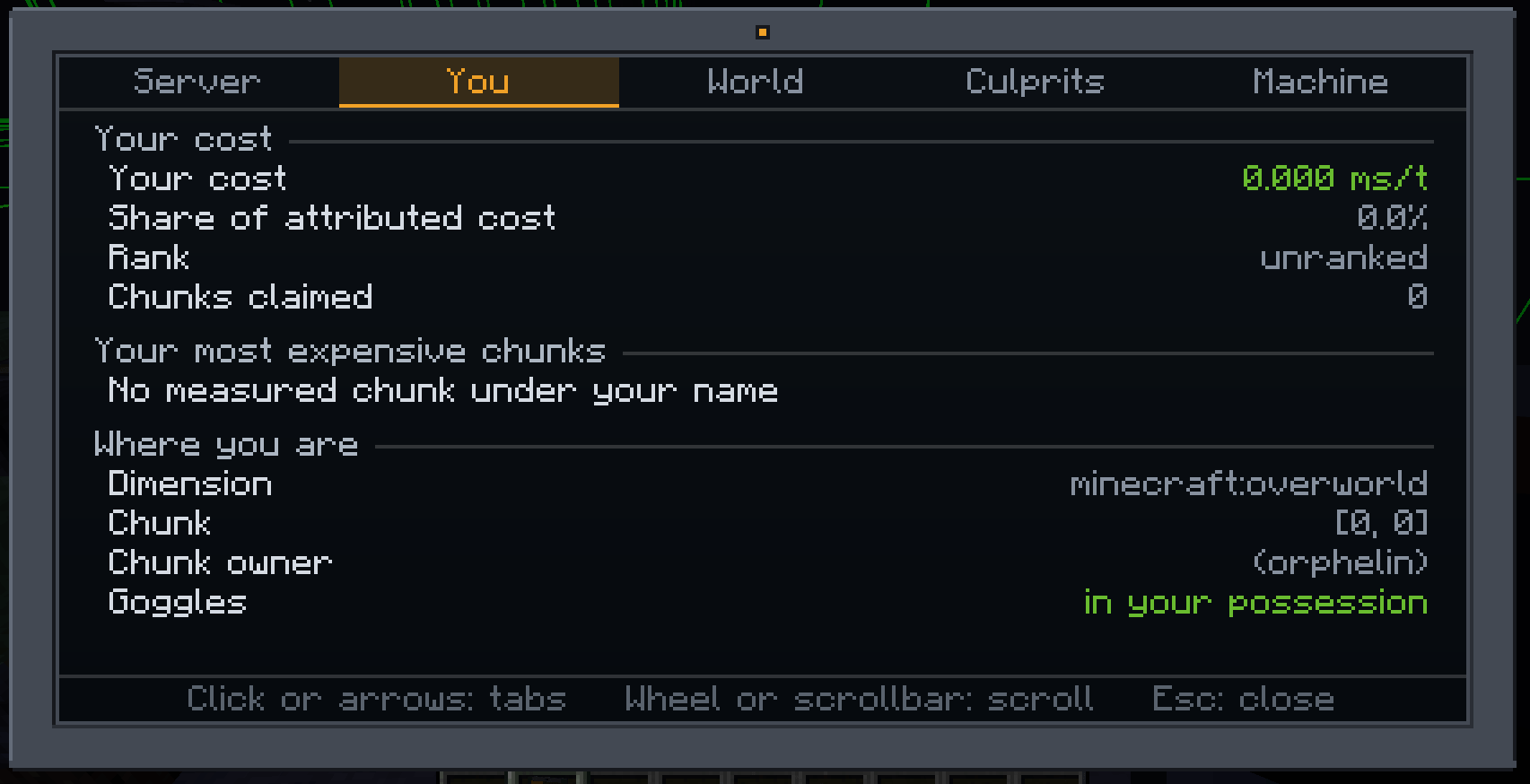 Tablet - You
 -
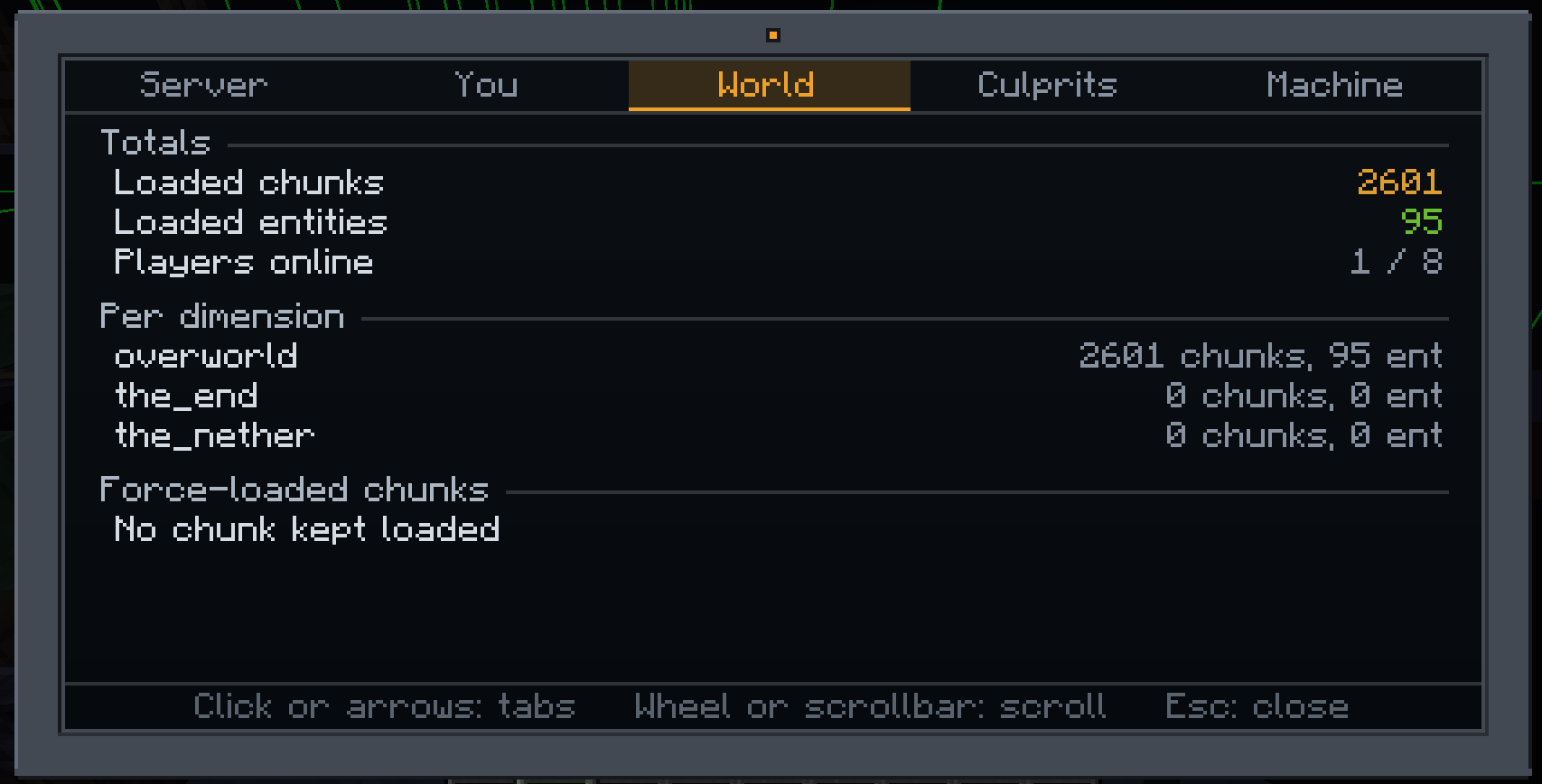 Tablet - World
 -
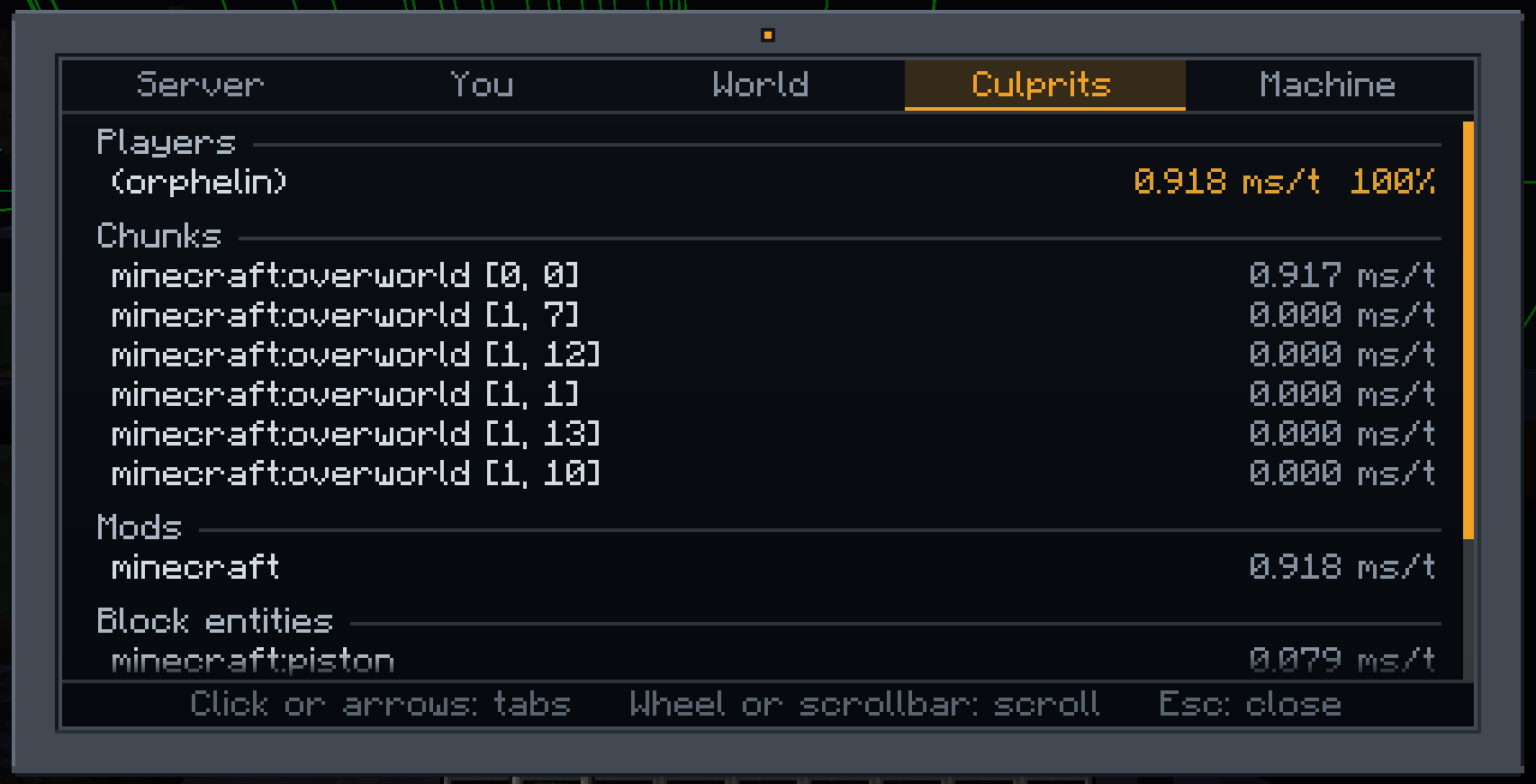 Tablet - Culprits
 -
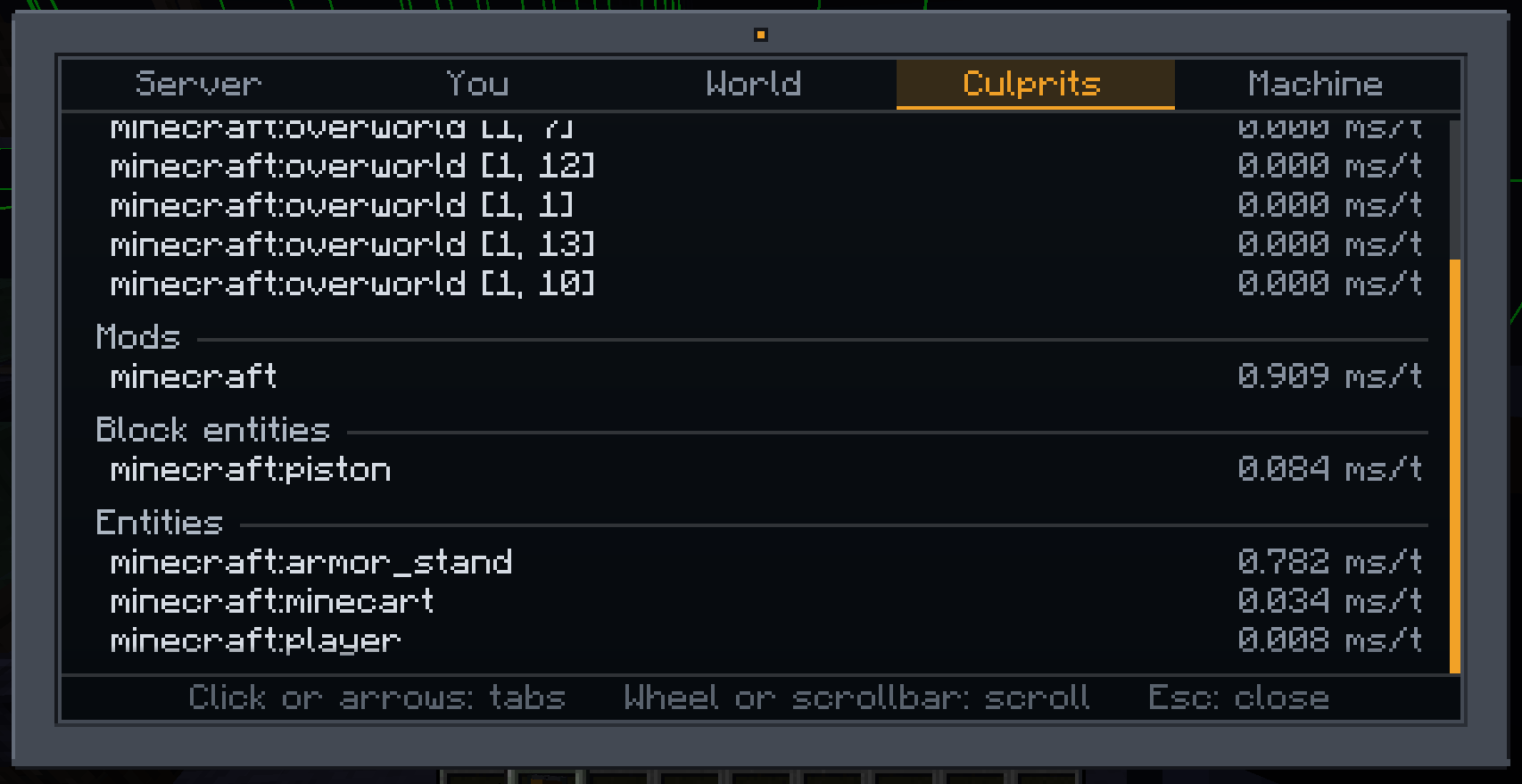 Tablet - Culprits #2
 -
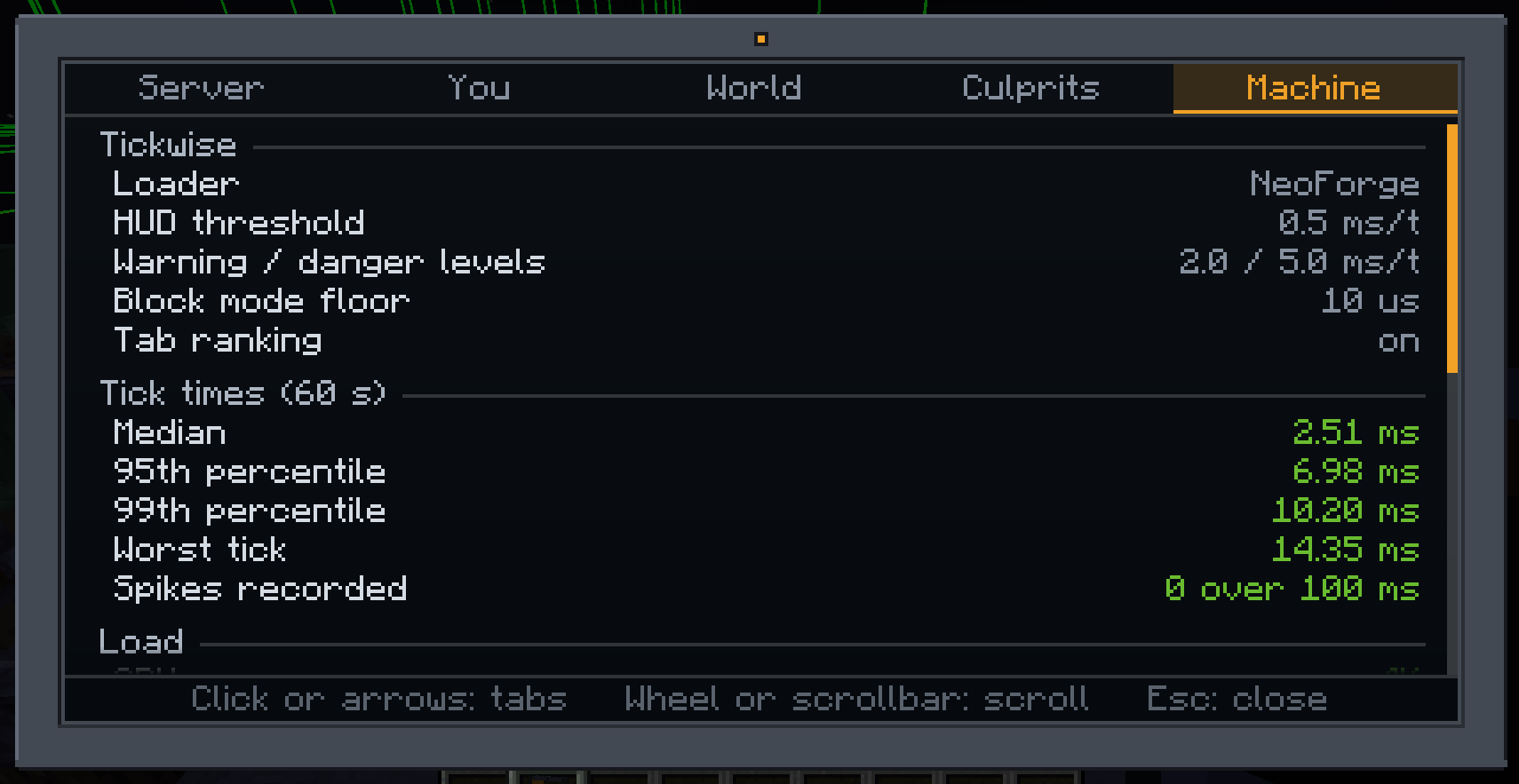 Tablet - Machine
 -
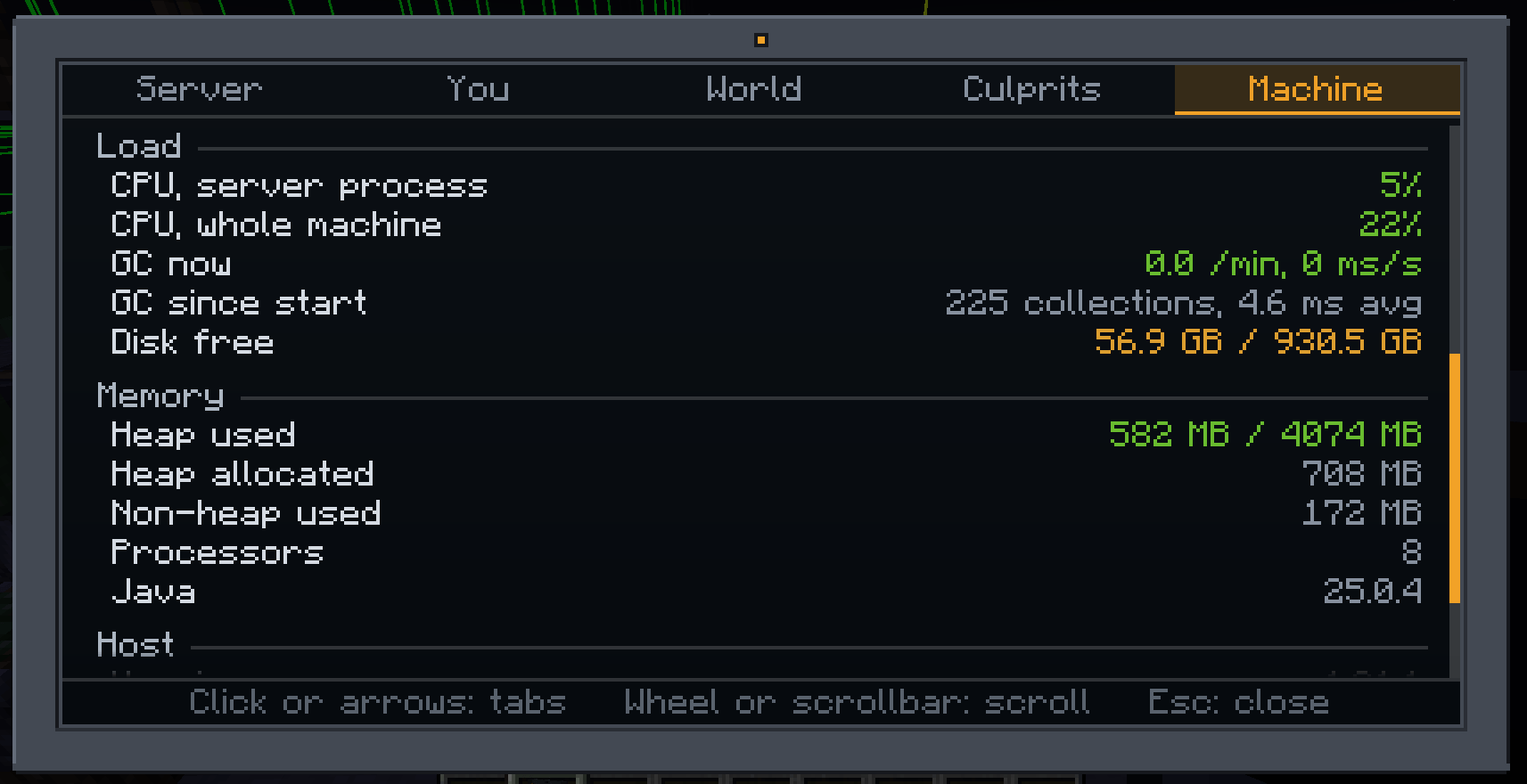 Tablet - Machine #2
 -
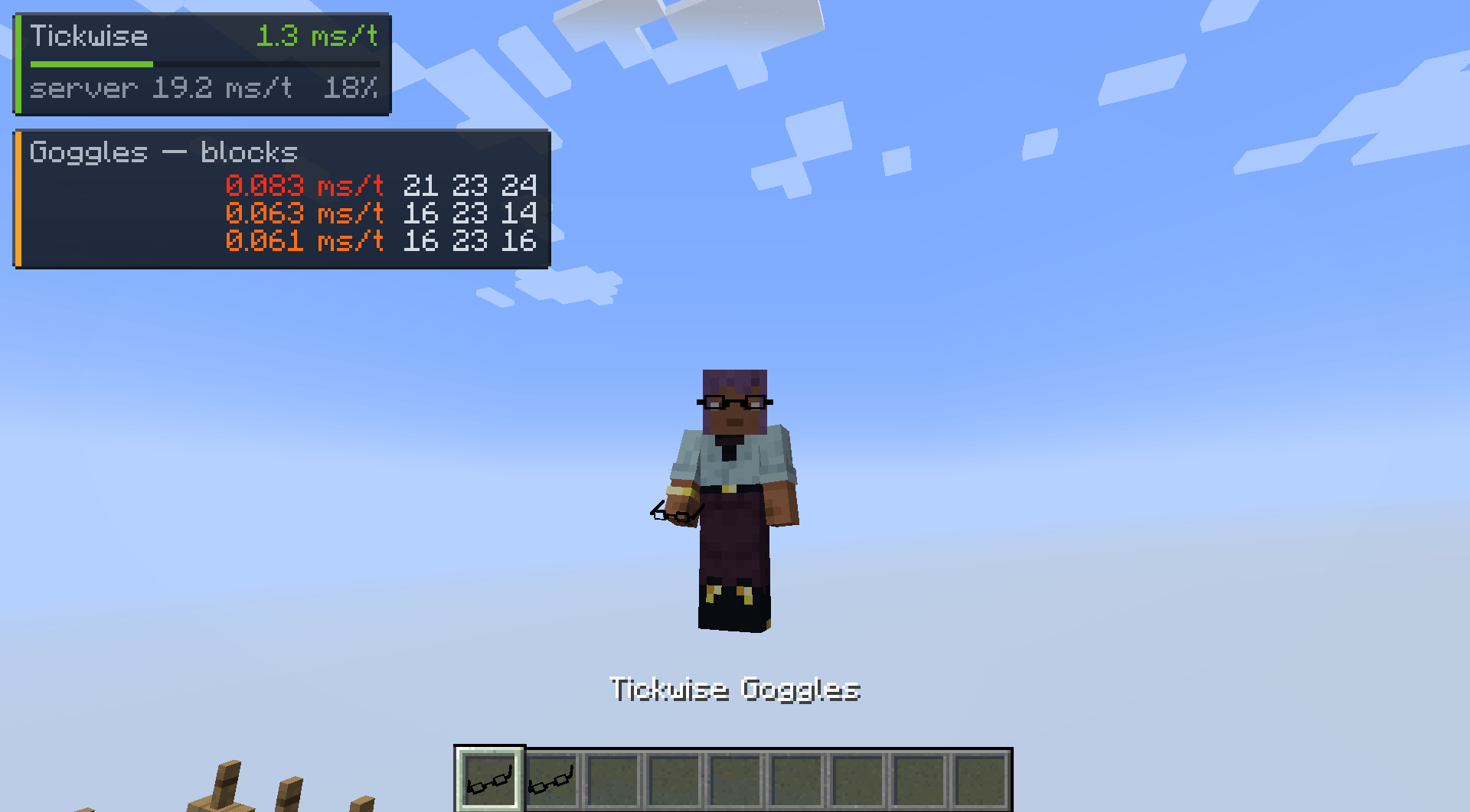 Goggles Item
Versions
Files
Relations
Project Relations
More like this
Similar Mods
Suggestions use data such as tags, dependencies, dependents, descriptions, titles, and more to rank how much they overlap with this mod.
On ModDex
Community snapshot
By the numbers
Statistics
Want to reach Minecraft players?
We're looking for a server hosting partner to feature here and other parts of the site. Interested? Send us a message!
Get in touchGet it on
Available Platforms
On ModDex
Community snapshot
By the numbers
Statistics
Resources