Community listing page, reviews may not be monitored by the author.
Tintara

No reviews yet
A painting mod inspired by OpenBlocks, featuring craftable, placeable paint buckets, dye-filled paints, paintbrushes, and a wide variety of colors to paint your Minecraft builds or pull off hilarious pranks.

Community voices
Reviews
No reviews yet. Be the first to review this project!
Get it on
Available Platforms
About
Project Details
For authors
Embed Badge
If you're the author of this project, you can embed a live badge anywhere that supports HTML or Markdown. It updates automatically whenever ratings change.
Use HTML for any page that supports it, or Markdown for README files and Markdown-based descriptions.
Identifiers
Platform IDs
Resources
External Links
About
Description
⚠️ Important Disclaimer 🤖
🎨 Tintara was developed entirely using artificial intelligence (AI). I strongly recommend thoroughly testing the mod before using it, as it may contain bugs, unexpected behavior, or compatibility issues.
🛠️ I created this mod solely because I needed this functionality for a private Minecraft server. I decided to publish it as well, since there was nothing to lose by sharing it with others who might find it useful.
🔄 If updates, bug fixes, or improvements are needed, I will do my best to provide them.
❗ Use at your own risk, and please report any issues you encounter.
------------------------------------------------------------------------------------
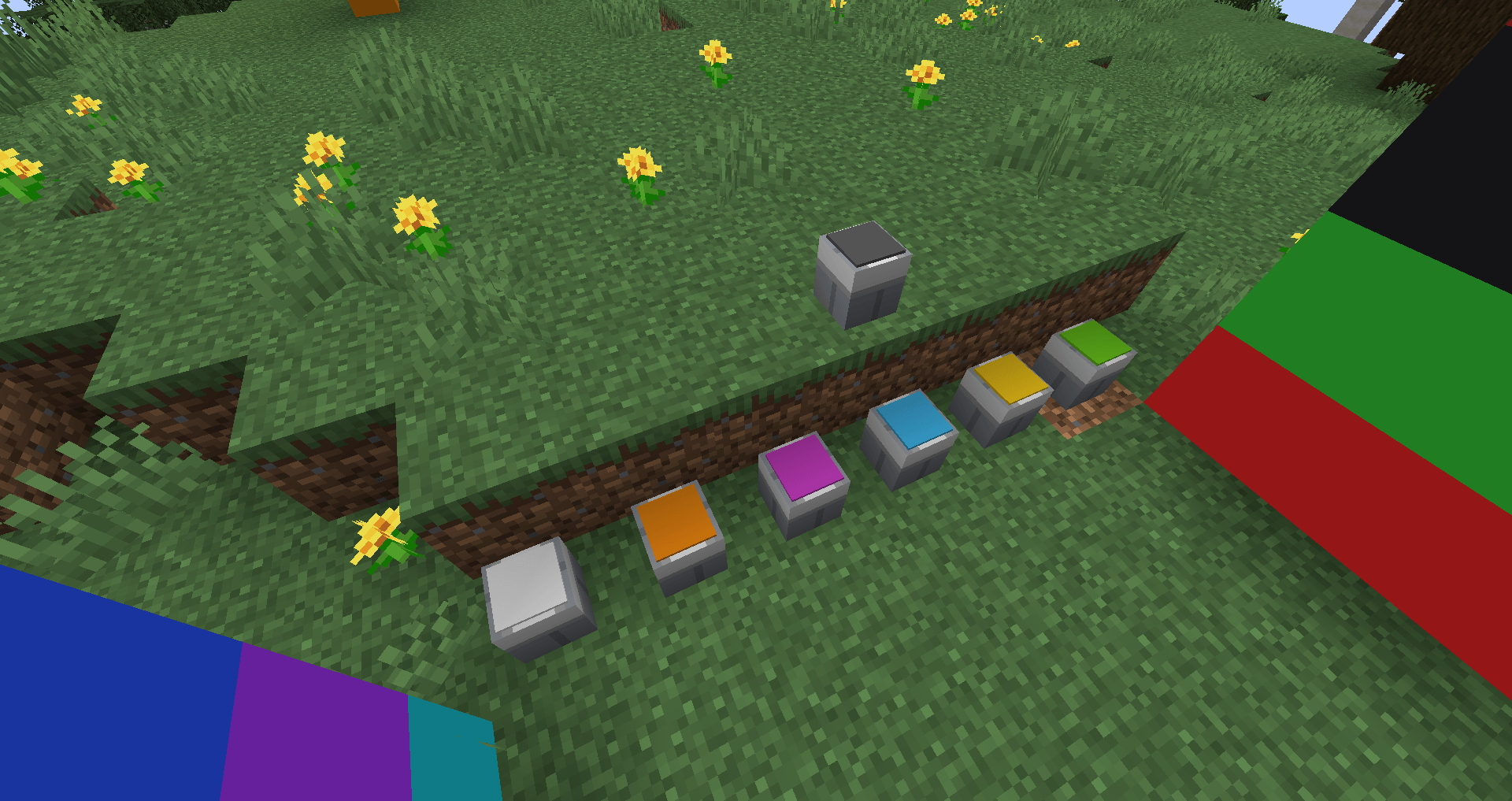
Tintara is a decorative mod featuring a painting system inspired by the classic OpenBlocks. Craft placeable paint buckets, fill them with dyes, and use a paintbrush to collect and apply paint. Explore a wide variety of colors and bring your Minecraft builds to life!
------------------------------------------------------------------------------------
🎨 How to Use Tintara
Tintara offers two ways to obtain paint buckets:
🪣 Method 1: Craft Colored Paint Buckets
Craft a paint bucket using the color you want in a crafting table.
💡 Tip: I recommend using JEI (Just Enough Items) to find the available recipes and colors.
🎨 Method 2: Fill an Empty Paint Bucket
-
Craft an empty paint bucket.
-
Place it on the ground.
-
Right-click the bucket with the dye of your choice to fill it with the corresponding paint color.
💡 Tip: Search for @Tintara in JEI to find the mod's items and recipes.
🖌️ How to Collect Paint
-
Place a filled paint bucket on the ground.
-
Right-click the bucket with your paintbrush.
-
That's it! Your brush is ready to use.
🌈 Choose your colors, grab your brush, and bring your Minecraft builds to life!
Screenshots
Gallery
-
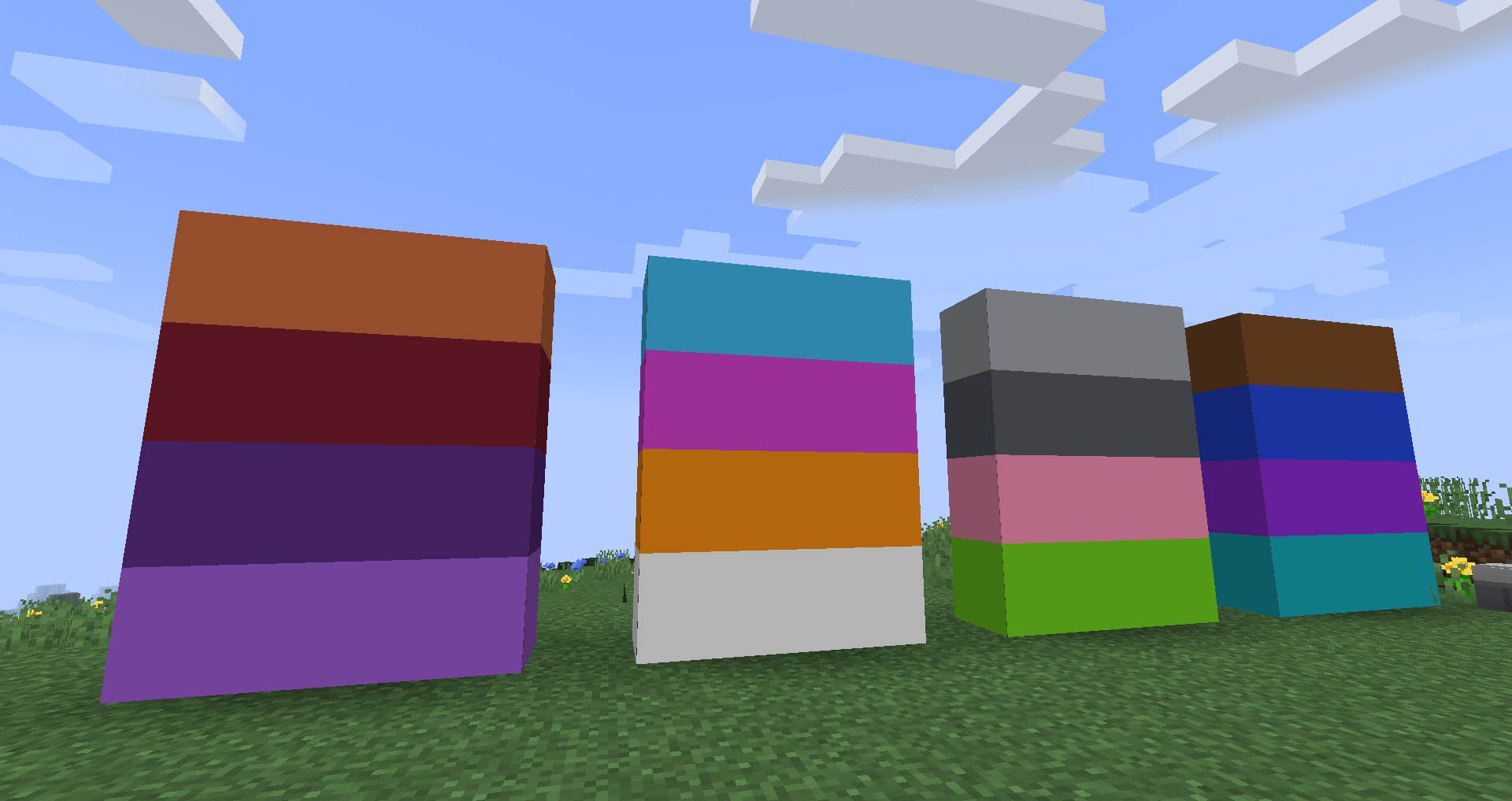 2026-10-16_19.32.49.png 2026-10-16_19.32.49.png
 -
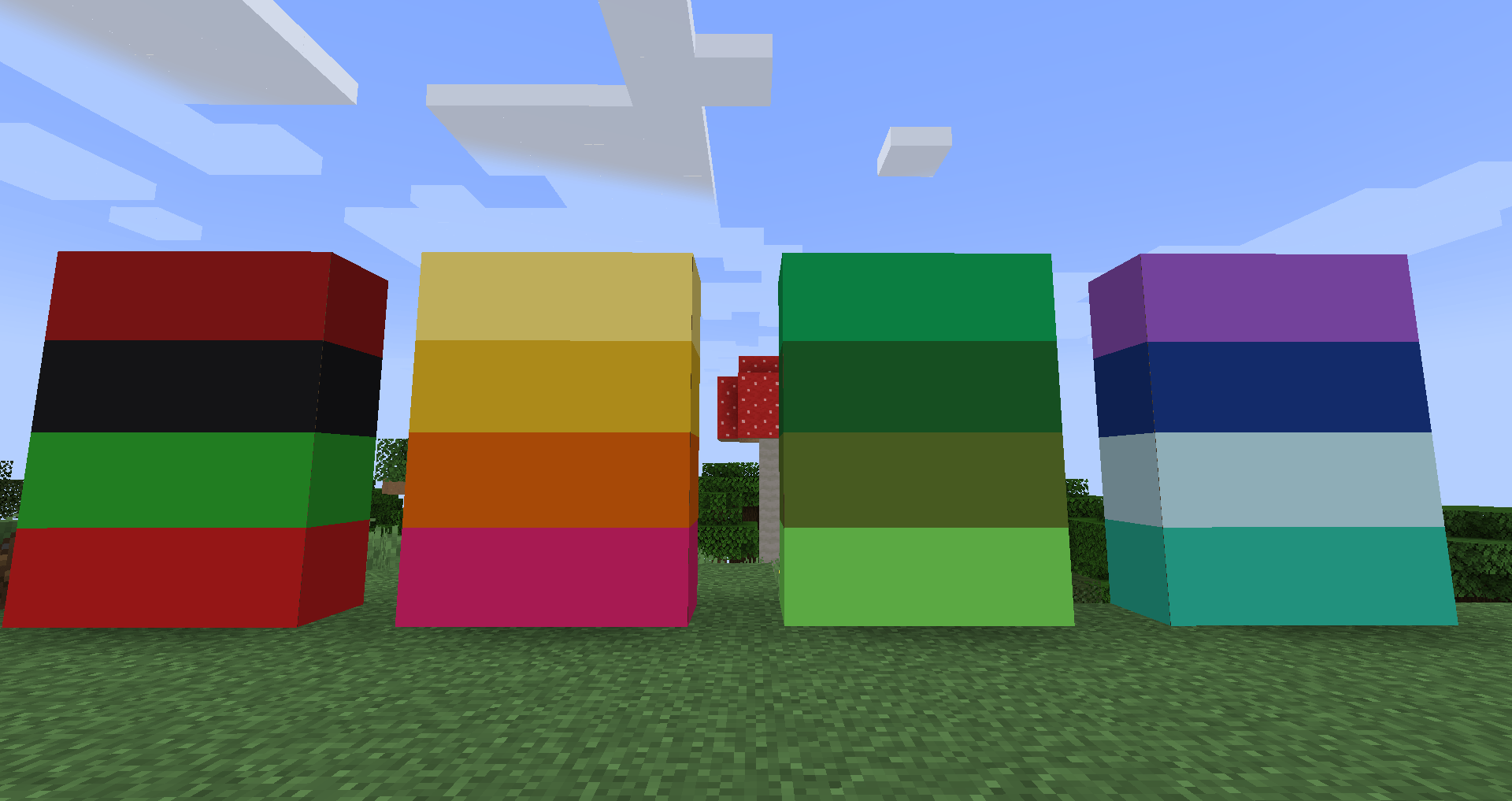 2026-10-16_19.33.14.png 2026-10-16_19.33.14.png
 -
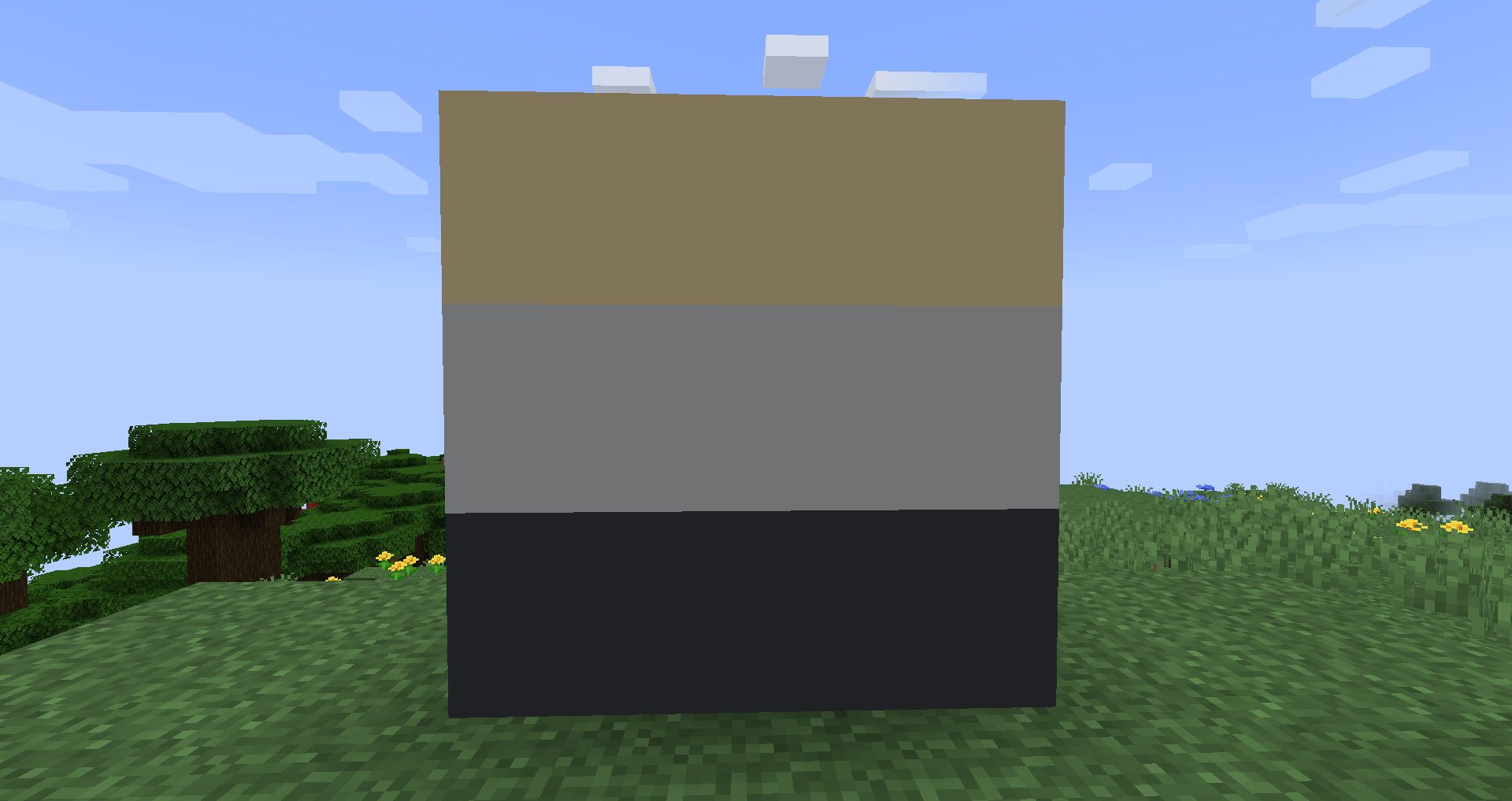 2026-10-16_19.33.32.png 2026-10-16_19.33.32.png
 -
 2026-10-16_19.33.41.png 2026-10-16_19.33.41.png
Versions
Files
Relations
Project Relations
More like this
Similar Mods
Suggestions use data such as tags, dependencies, dependents, descriptions, titles, and more to rank how much they overlap with this mod.
On ModDex
Community snapshot
By the numbers
Statistics

Get it on
Available Platforms
On ModDex
Community snapshot
By the numbers
Statistics
Resources