
Community listing page, reviews here may not be monitored by the author.
Tiny Pickup Animation

No reviews yet
Minecraft mod that replaces the default item pickup animation with a modern, satisfying effect - covering pickups, crafting, enchanting, smelting and more.

Community voices
Reviews
No reviews yet. Be the first to review this project!
Get it on
Available Platforms
Compatibility
Supported Environments
Runs entirely on the client. Works on vanilla servers.
About
Project Details
For authors
Embed Badge
If you're the author of this project, you can embed a live badge anywhere that supports HTML or Markdown. It updates automatically whenever ratings change.
Use HTML for any page that supports it, or Markdown for README files and Markdown-based descriptions.
Identifiers
Platform IDs
Resources
External Links
About
Description
Tiny Pickup Animation
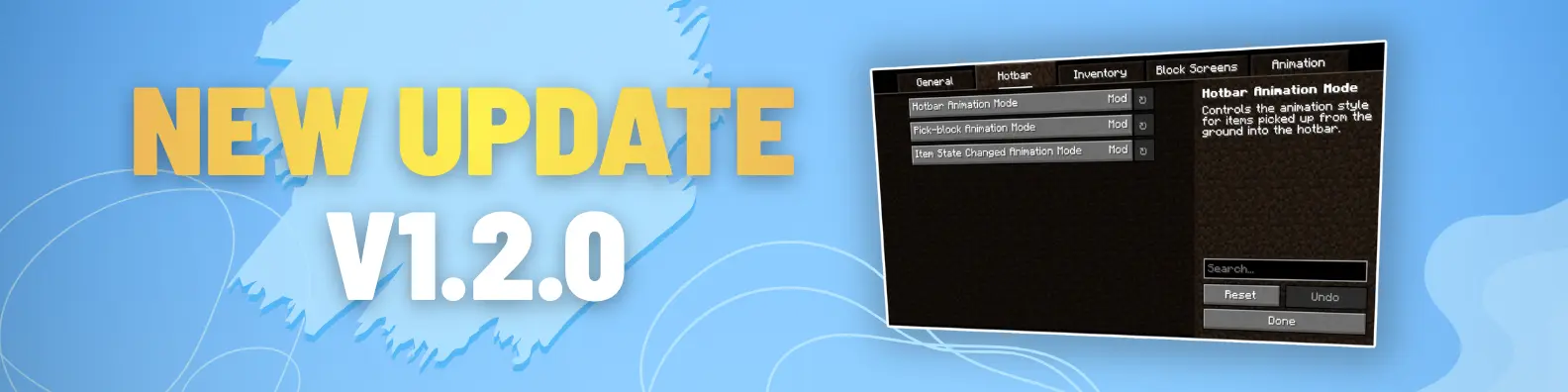
Tiny Pickup Animation replaces Minecraft's outdated item pickup animation with a modern, satisfying system - now covering pickups, hotbar, inventory, crafting, smelting, stonecutter, and more. v1.2.0 brings a major overhaul with improved smoothness and expanded coverage. Small detail, big difference. Enjoy!
==📢DISCORD SERVER (TEST)📢==
All the feedback, questions, suggestions can go into this server: https://discord.gg/BdxuyD7ZwU


Features:
- replaces the default pickup animation with a smoother, modern animation for hotbar slots
- adds the same animation when picking up items directly from the ground (while opened inventory screen)
- adds animation for crafting output in both the 2x2 inventory grid and the crafting table
- adds animations for workstations, including brewing stand, anvil, loom, enchanting table, etc.
- adds pickup animation when swapping items between hotbar slots
- adds animation for furnace output when smelting completes
- adds animation when using pick block (middle click)
- compatible with Minecraft 1.20.x, 1.21.x
Future Plans/Ideas:
- add villagers and wandering traders screen animations
- add hover animation on items in menus like stonecutter, loom
My YouTube channel: https://www.youtube.com/@cat_metalhead
Installation:
- Download the mod file (.jar)
- Make sure you have Fabric Profile installed
- Copy the downloaded .jar mod file into the mods folder
- Launch Minecraft using the Fabric profile
- Enjoy!
Screenshots
Gallery
-
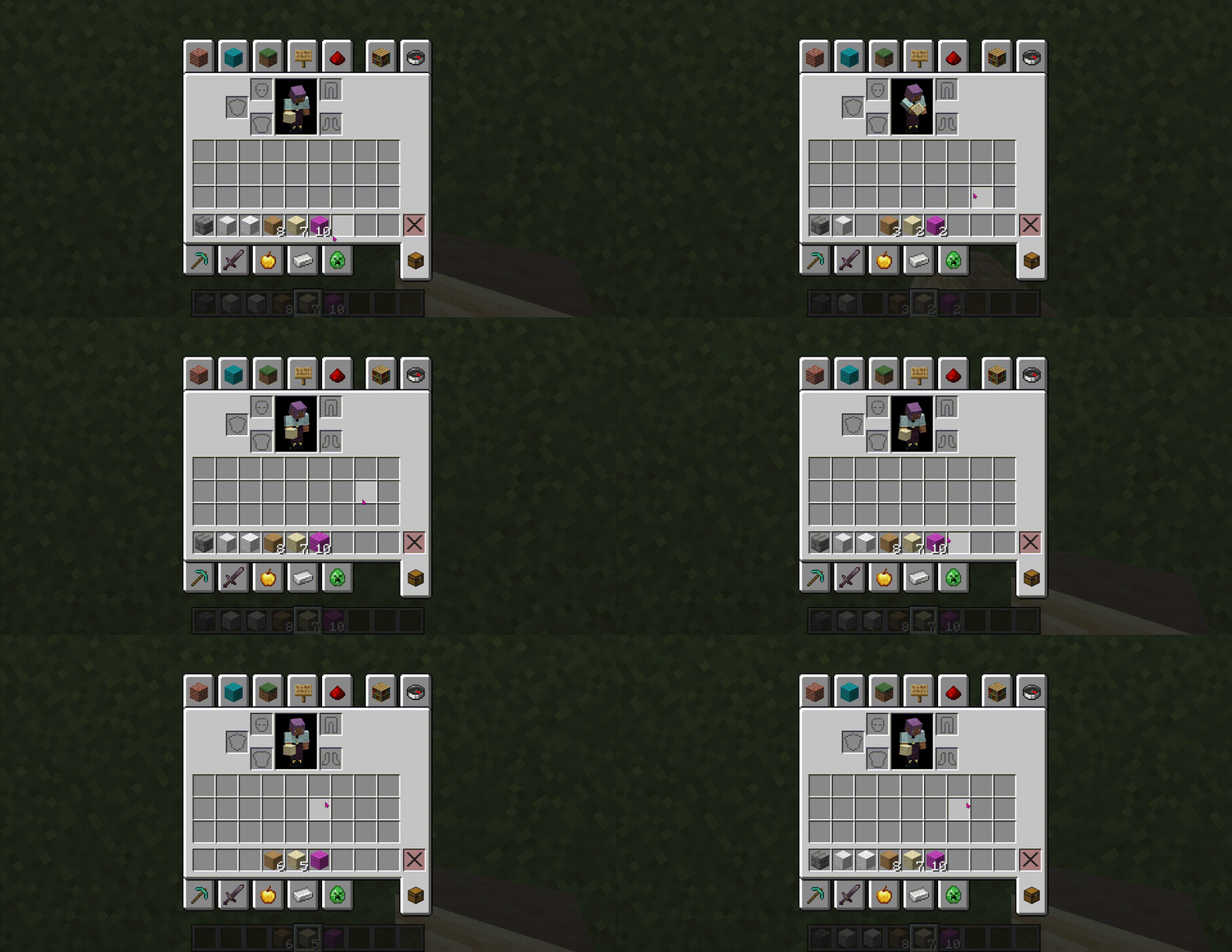 Item Pickups (screen) Preview Item Pickups (screen) Preview
Versions
Files
Relations
Project Relations
More like this
Similar Mods
Suggestions use data such as tags, dependencies, dependents, descriptions, titles, and more to rank how much they overlap with this mod.
On ModDex
Community snapshot
By the numbers
Statistics

 (opens in a new tab)
Get it on
Available Platforms
On ModDex
Community snapshot
By the numbers
Statistics
Resources