
Community listing page, reviews may not be monitored by the author.
Titan Relics

No reviews yet
Explore colossal ruins, uncover archaeology and follow expedition maps to recover ancient machinery.

Community voices
Reviews
No reviews yet. Be the first to review this project!
Get it on
Available Platforms
About
Project Details
For authors
Embed Badge
If you're the author of this project, you can embed a live badge anywhere that supports HTML or Markdown. It updates automatically whenever ratings change.
Use HTML for any page that supports it, or Markdown for README files and Markdown-based descriptions.
Identifiers
Platform IDs
Resources
External Links
About
Description
Colossal ruins of a forgotten age
Official website · English · Website auf Deutsch
Player guide · Source code · Report a bug
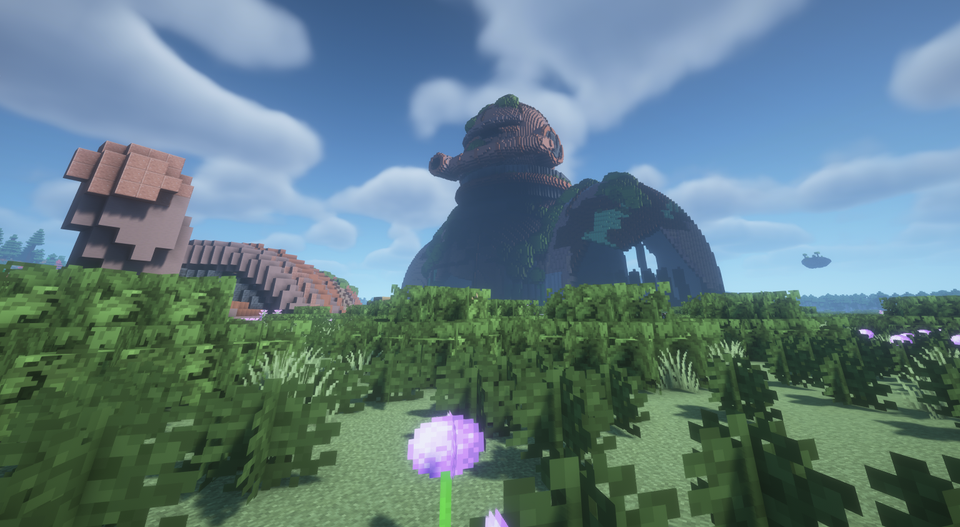
Explore the remains of an age of giants. Titan Relics adds monumental structures to Minecraft's Overworld: abandoned colossi, weathered obelisks, titan skulls, a World Tree and a ruined tower.
Bring a brush, follow recovered expedition maps and investigate the machinery left behind. Some discoveries offer useful equipment; others leave you to make sense of their place in the landscape.
Relics to discover
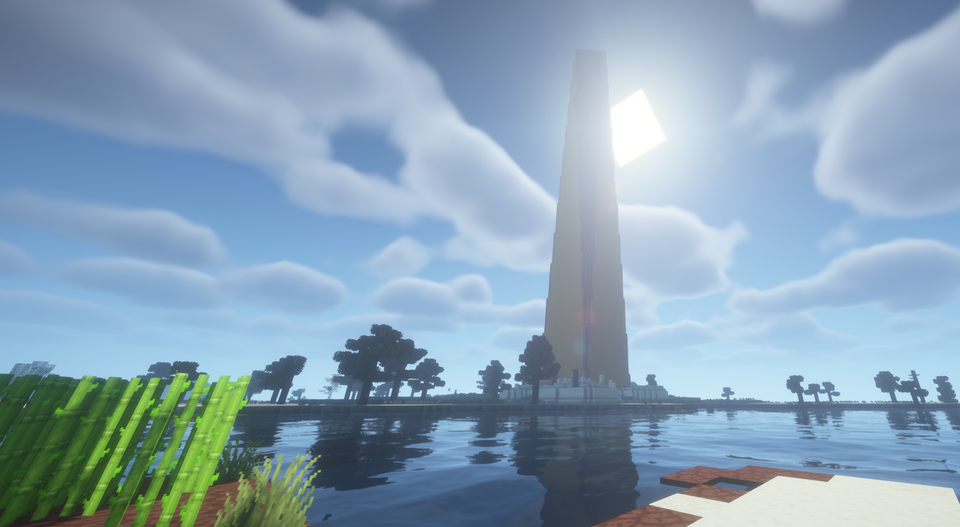
Obelisks
Search the archaeological remains around these landmarks. Brushing suspicious blocks can reveal expedition maps and other finds.
Titan skulls
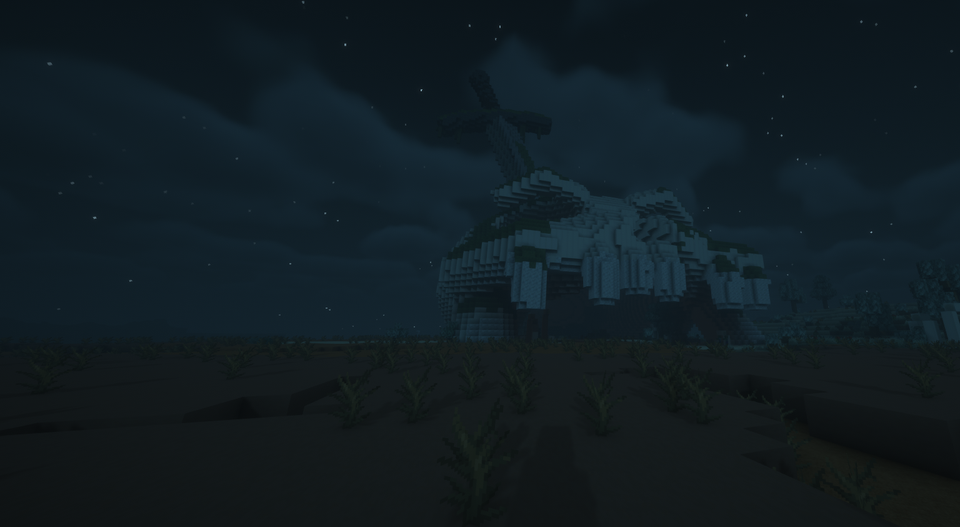
Find enormous remains scattered across suitable landscapes, including crowned skulls and a skull pierced by a towering sword.
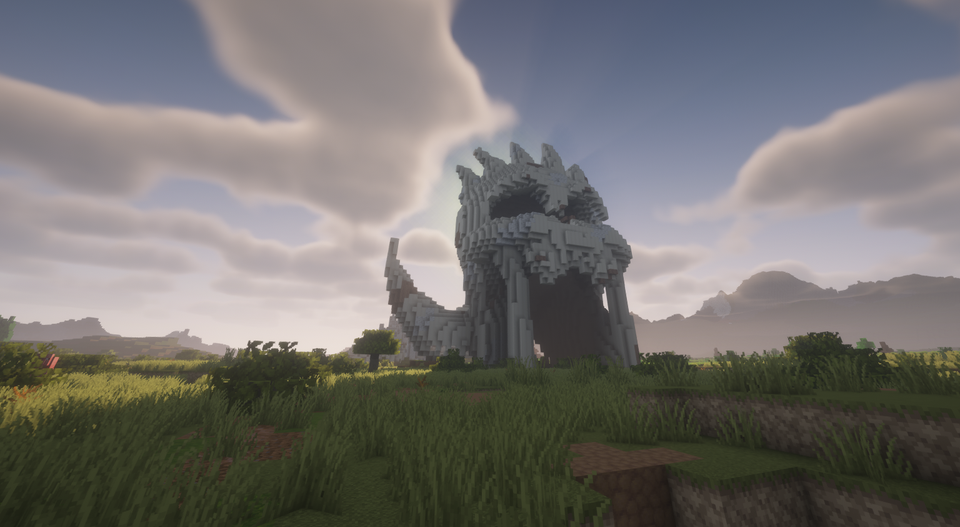
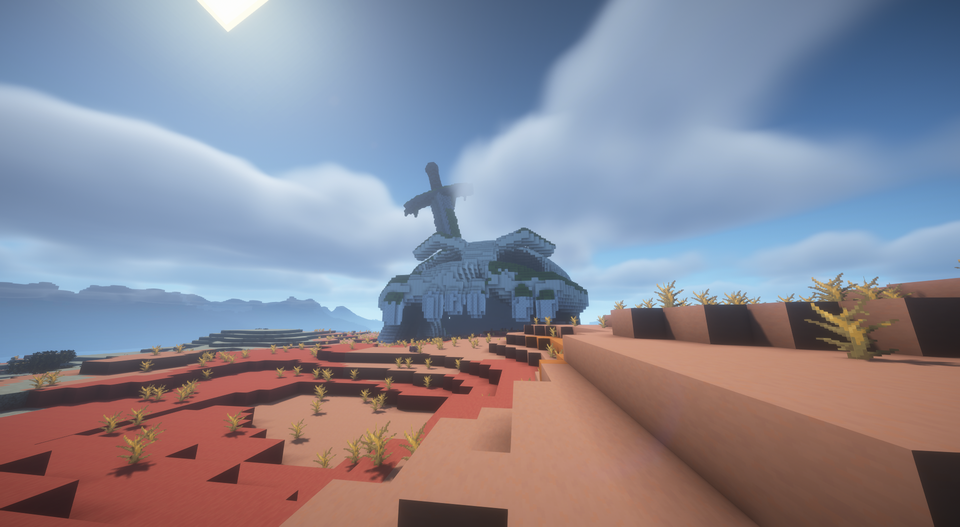
Sword Skull daylight view: development playtest, 11 November 2026.
Forgotten colossi
Discover smaller colossi during your travels. Expedition maps point toward the world's unique great Colossus, where an encounter and recoverable machinery await.
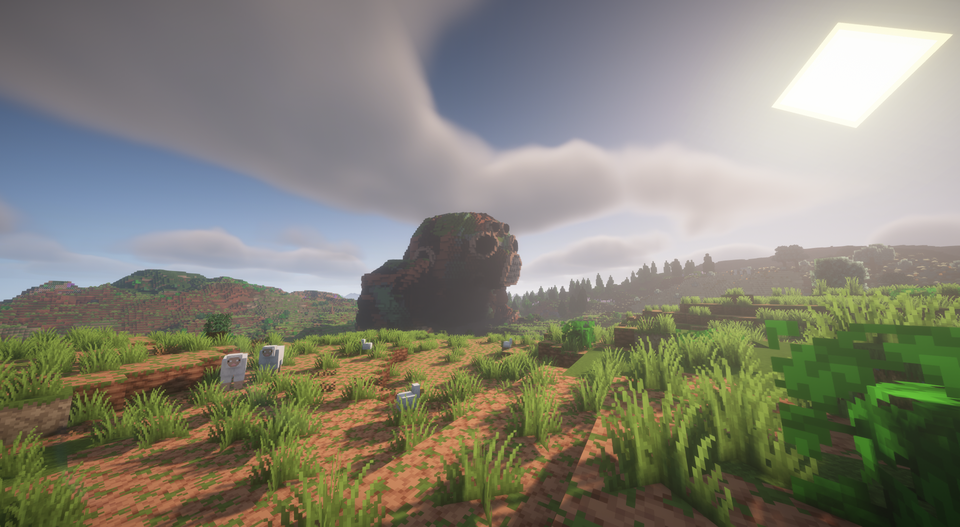
Small Colossus meadow view: development playtest, 11 November 2026.
The Ruined Tower
Explore the remains of a tall, weathered tower and investigate the spaces within.
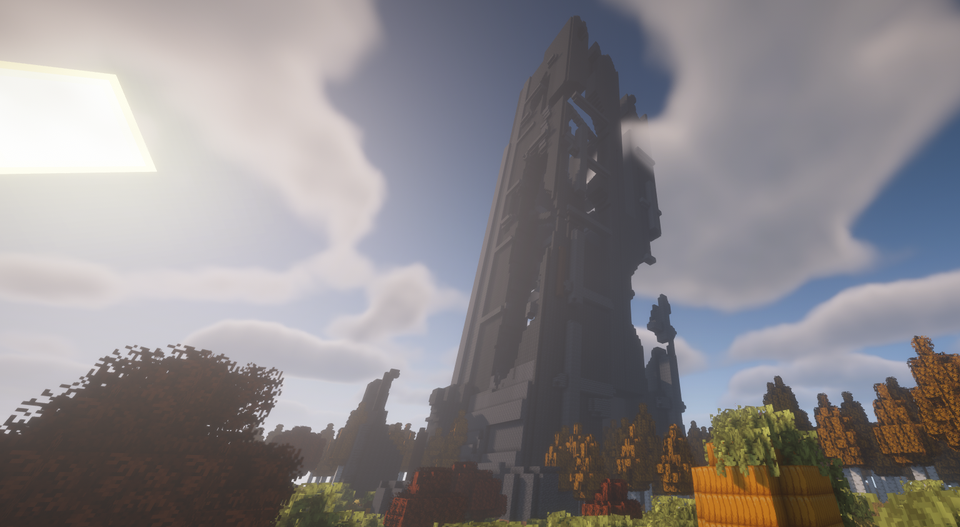
The World Tree
A monumental tree rises above its surroundings. Its nearby aura grants regeneration and resistance, making it a useful place to recover during an expedition.
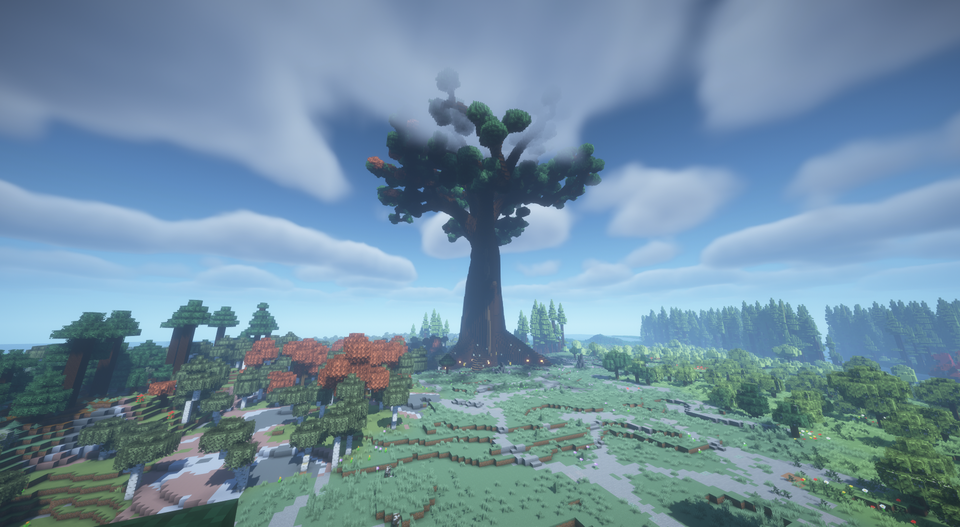
World Tree view: development playtest, 11 November 2026. Some wood was removed by the player during this Creative tour.
Archaeology, maps and machinery
- Archaeology: bring a brush to investigate suspicious blocks around Obelisks. Breaking them loses their archaeological find.
- Expedition maps: orient yourself using the map marker and travel toward the great Colossus. Recovered maps share the same unique destination in a supported world.
- Machine Core: recover a rechargeable power source for furnaces, blast furnaces and smokers. It retains their normal processing speed and spends charge on completed operations.
- Salvage Magnet: hold it in your main hand or offhand to attract nearby dropped items with a clear path and room in your inventory. Worn magnets can be repaired.
Not every landmark has a chest or a scripted encounter. Shared archaeology and ordinary containers are finite finds; revisiting them does not refill them for another player.
Choose your expedition
Before creating a world, open Create World → World → Relic generation and select a play style:
- Discoveries: more opportunities to encounter relics.
- Balanced: more space between discoveries.
- Expedition: longer journeys between opportunities.
The simple menu includes an illustrative distribution diagram. Optional Advanced settings lets you adjust distances, relic-family shares and biome choices.
Terrain and biome suitability affect where relics can appear. A preset or minimum-distance setting does not guarantee a landmark within a particular travel distance.
Each world retains its saved generation rules, including in unexplored chunks. Existing structures and shared loot are not moved or regenerated by an update. To try a new generation preset, create a new world and explicitly select it before starting.
Installation and supported versions
The current public testing release is 1.0.0-beta.3. Separate downloads are available for Fabric and NeoForge on all four Minecraft Java versions below.
| Minecraft Java | Loaders | Java | Required Lithostitched version |
|---|---|---|---|
| 1.21.1 | Fabric / NeoForge | 21+ | 1.8.0 for the matching game and loader |
| 1.21.11 | Fabric / NeoForge | 21+ | 1.7.2 for the matching game and loader |
| 26.2 | Fabric / NeoForge | 25+ | 1.8.0 for the matching game and loader |
| 26.3 | Fabric / NeoForge | 25+ | 2.0.6 for the matching game and loader |
- Install your chosen Minecraft version and its matching loader.
- Install one matching Titan Relics JAR and Lithostitched.
- Fabric also requires Fabric API for your Minecraft version. Fabric API is not required on NeoForge.
- For multiplayer, install the matching mod and dependencies on the server and every player client.
- Create a new Overworld with structure generation enabled, then choose your relic-generation preset.
Shaders and terrain mods are optional. The 1.21.1 builds use ferns and ordinary reward chests where newer blocks are unavailable. Dependencies are not bundled with the mod.
For tested loader versions, setup details and update instructions, read the installation guide and Beta 3 release notes.
Beta status and feedback
Titan Relics is in public beta. Exploration pacing, Survival balance and terrain placement are still being tested.
Known placement issues include intersections with villages and other structures, plus incomplete Sword Skull ground contact in some terrain. These remain open issues. Back up your worlds before changing mods or datapacks. Cross-loader save conversion and Minecraft downgrades are unsupported.
If you use distant-generation mods, read the compatibility notes. In the tested Distant Horizons 3.3.3 setup, FEATURES generation can omit relics; INTERNAL_SERVER was the tested alternative for new distant generation.
Report a problem or suggest an improvement. For bugs, include the mod, Minecraft and loader versions, steps to reproduce and logs/latest.log. For generation problems, also include the world seed, coordinates, preset and relevant modpack details.
More screenshots
Browse all 31 selected screenshots and their sources.
All page images are original Minecraft Java 1.21.1 captures made in TerraVista Living World with shaders. Terrain, surrounding vegetation and lighting also come from the modpack and shaders. The title image is from the earlier Beta 1 playtest; the other 10 November images are from the Beta 3 playtest. Images marked as development captures show the 11 November playtest, rather than the published Beta 3 build.
Inspirations and credits
Titan Relics draws visual inspiration from The Archive In Between, especially its overgrown colossi, titan remains and monumental trees. The Obelisk and Ruined Tower also draw on visual references by Josh White.
Code, assets and documentation were developed with generative AI assistance and maintainer review. The screenshots are the author's in-game captures. See the credits and original reference links.
License and modpacks
Original project contributions are available under the MIT License, to the extent the author holds the rights. Modpack inclusion, modification and redistribution are permitted under MIT while retaining the copyright and license notice. No individual modpack permission request is needed. Third-party works and visual references retain their own rights.
Screenshots
Gallery
-
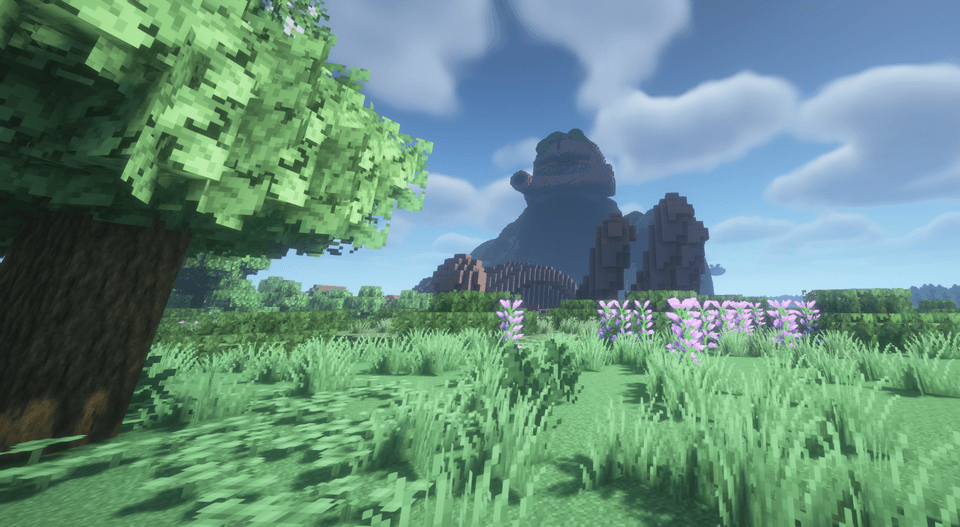 2026-11-10_090824-colossus-approach.png 2026-11-10_090824-colossus-approach.png
-
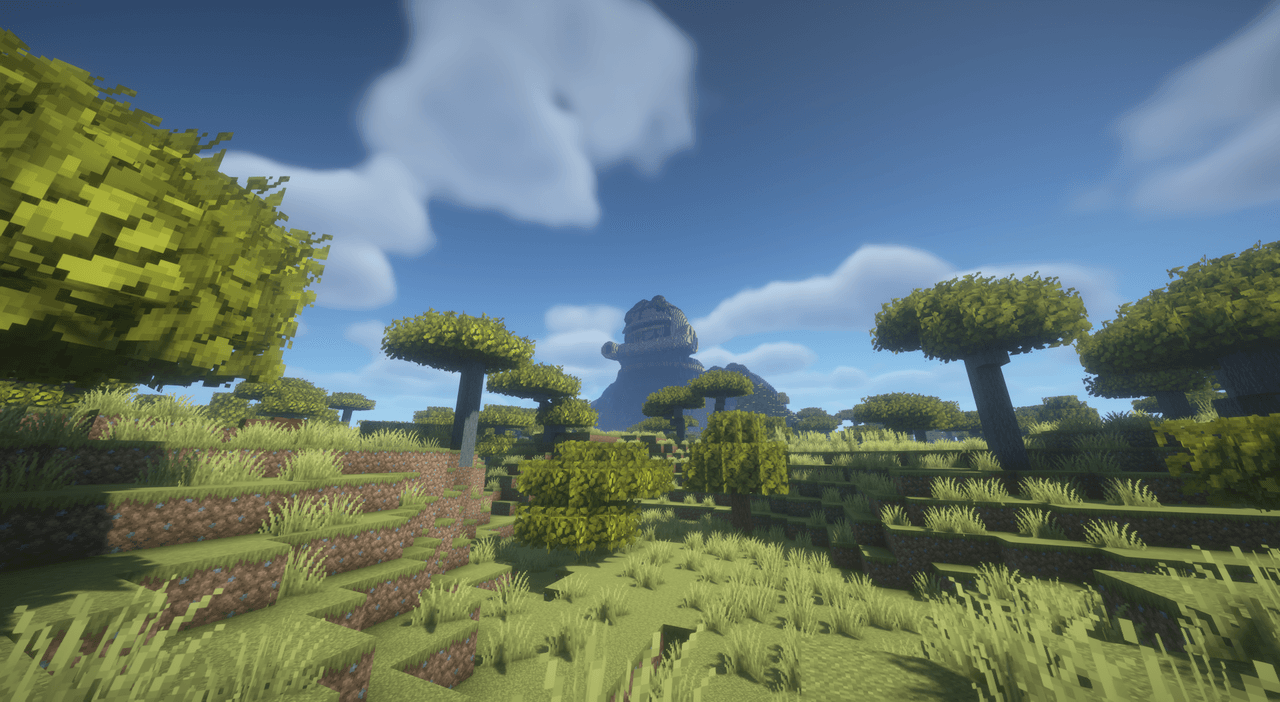 colossus-v3-shaders-savanna-curseforge.png colossus-v3-shaders-savanna-curseforge.png
-
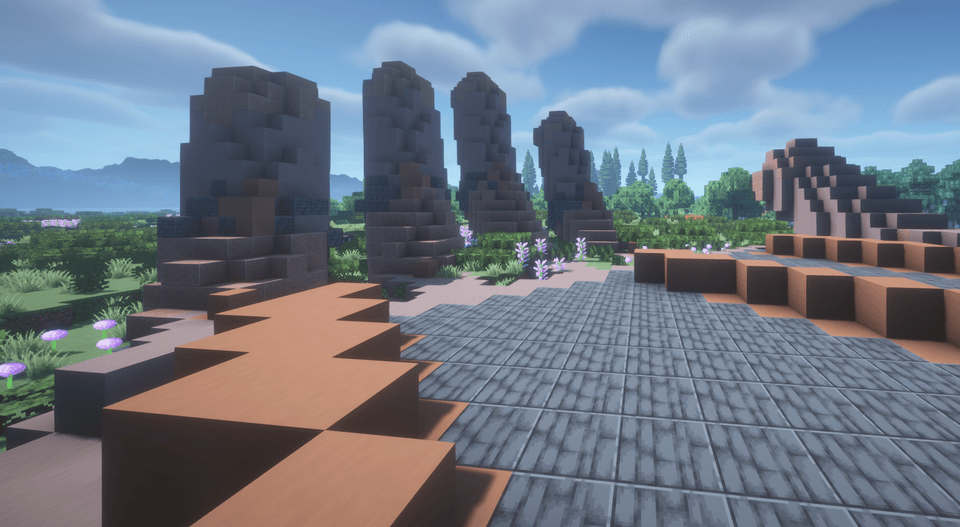 2026-11-10_090901-colossus-stone-arm.png 2026-11-10_090901-colossus-stone-arm.png
-
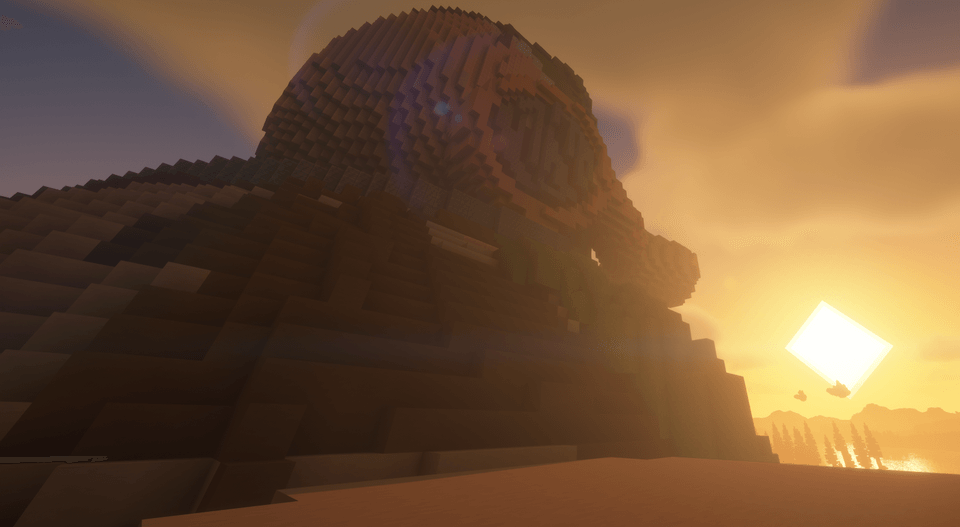 2026-11-10_091358-colossus-sunset-rear.png 2026-11-10_091358-colossus-sunset-rear.png
-
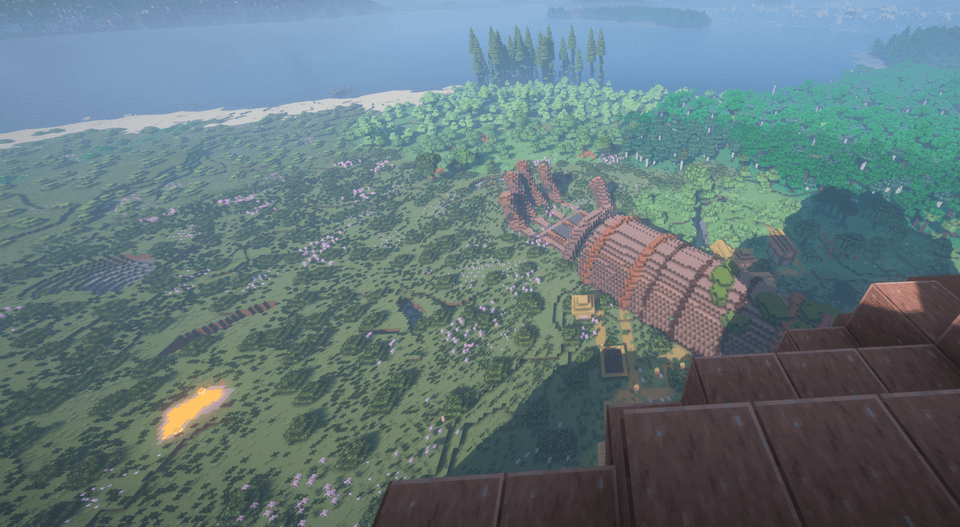 2026-11-10_091809-colossus-arms-overview.png 2026-11-10_091809-colossus-arms-overview.png
-
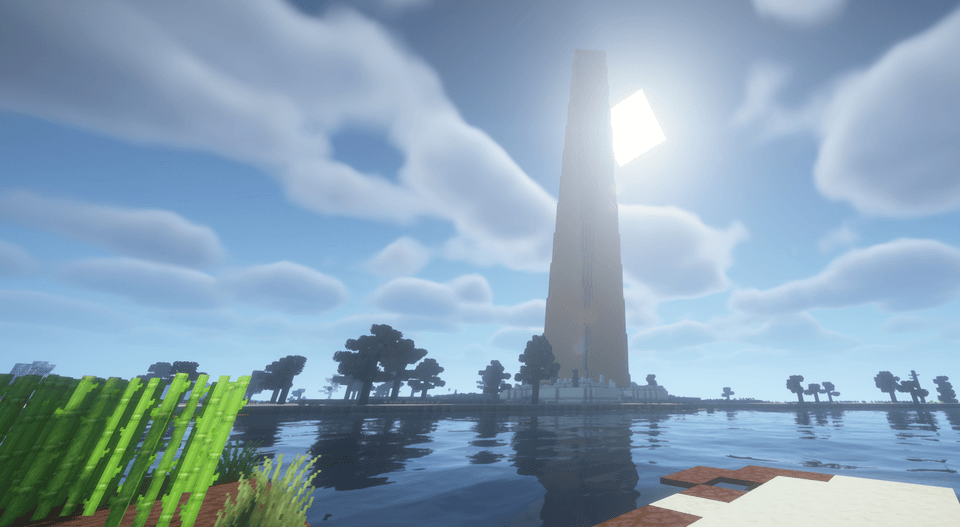 2026-11-10_143354-obelisk-coast.png 2026-11-10_143354-obelisk-coast.png
-
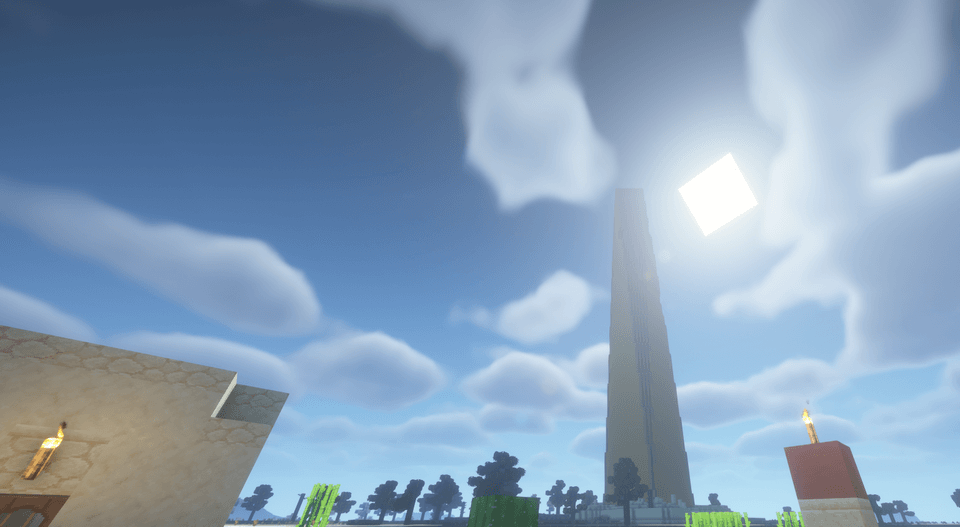 2026-11-10_143447-obelisk-close.png 2026-11-10_143447-obelisk-close.png
-
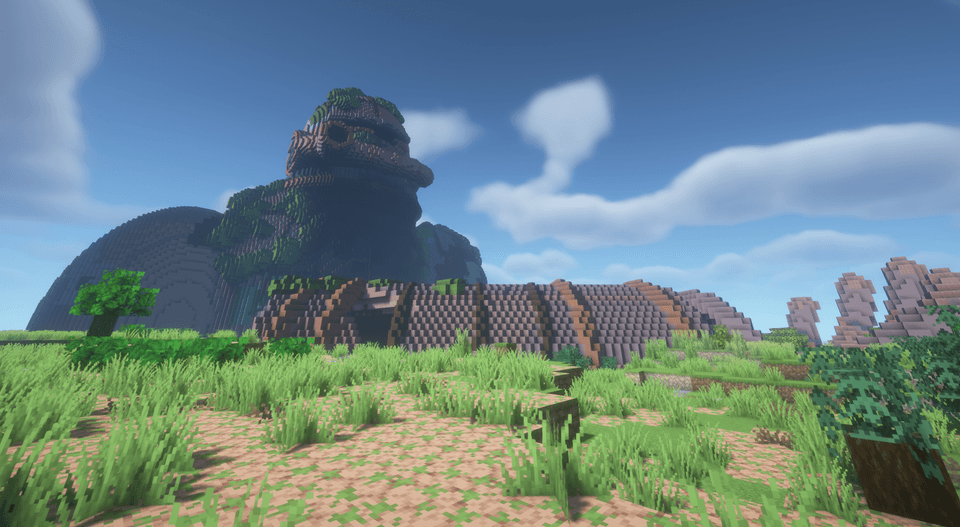 2026-11-10_143537-colossus-front.png 2026-11-10_143537-colossus-front.png
-
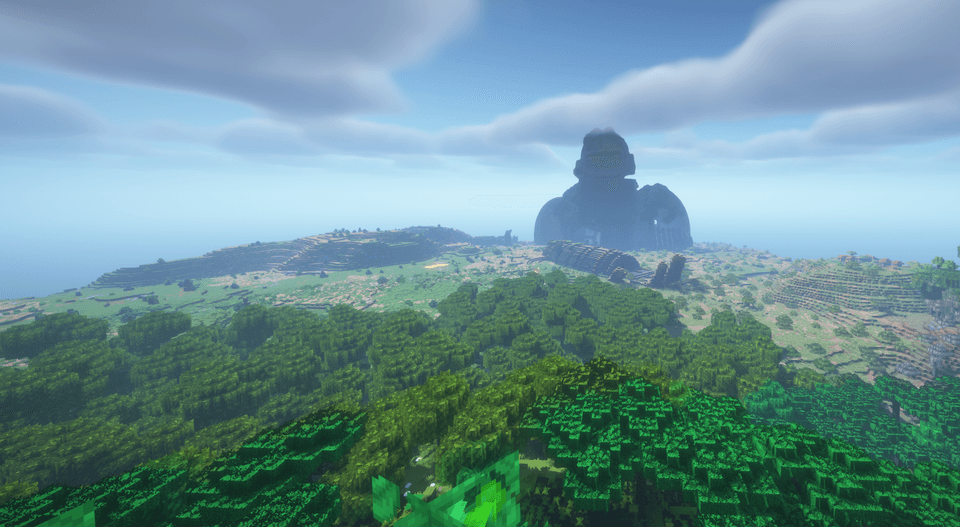 2026-11-10_143625-colossus-forest-distance.png 2026-11-10_143625-colossus-forest-distance.png
-
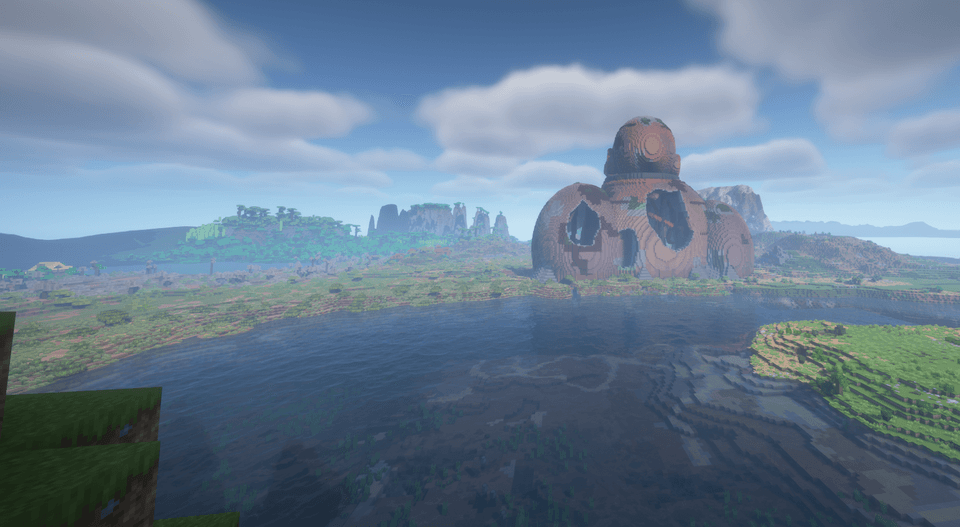 2026-11-10_143903-colossus-rear-water.png 2026-11-10_143903-colossus-rear-water.png
-
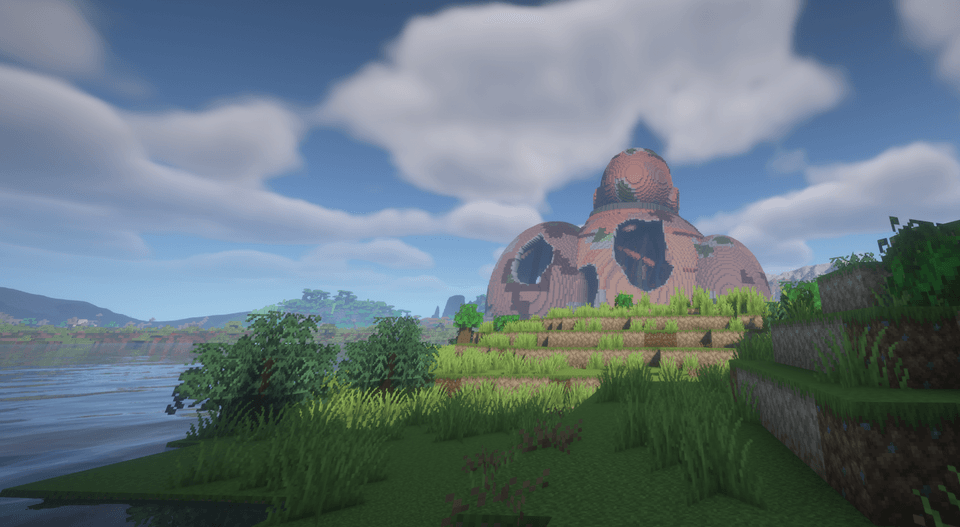 2026-11-10_143925-colossus-rear-river.png 2026-11-10_143925-colossus-rear-river.png
-
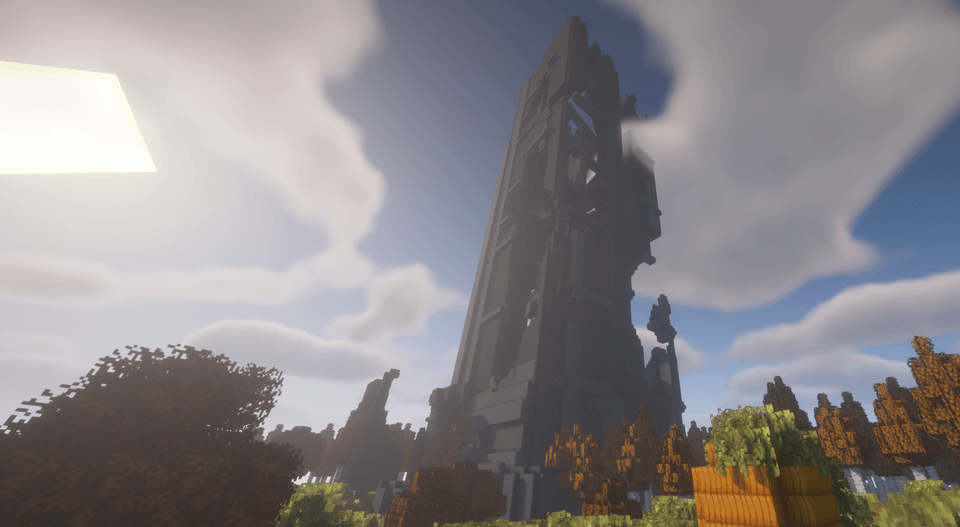 2026-11-10_144000-ruined-tower-autumn.png 2026-11-10_144000-ruined-tower-autumn.png
-
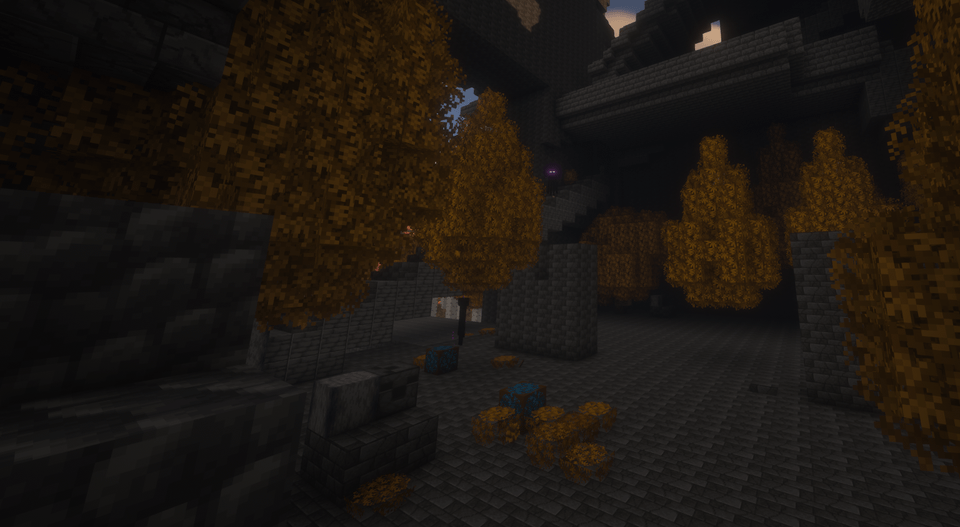 2026-11-10_144049-ruined-tower-courtyard.png 2026-11-10_144049-ruined-tower-courtyard.png
-
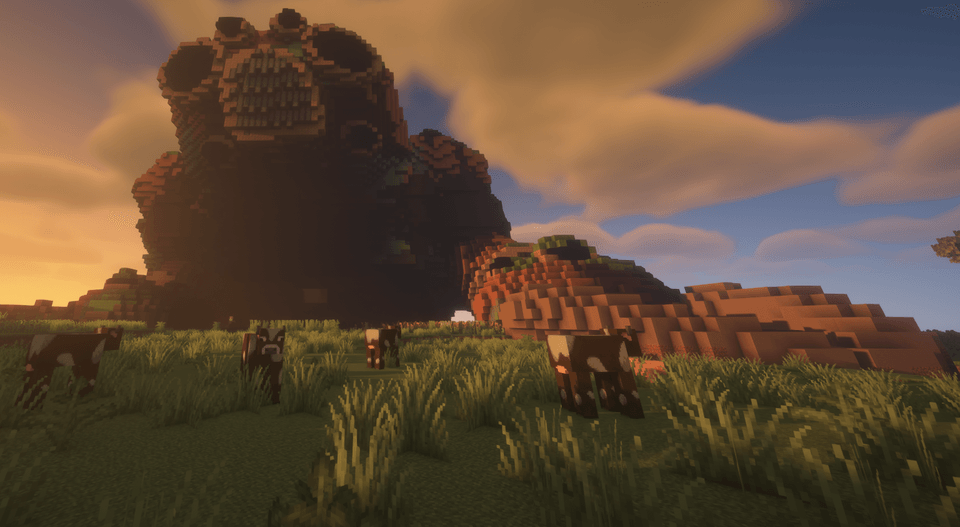 2026-11-10_144130-small-colossus-sunset.png 2026-11-10_144130-small-colossus-sunset.png
-
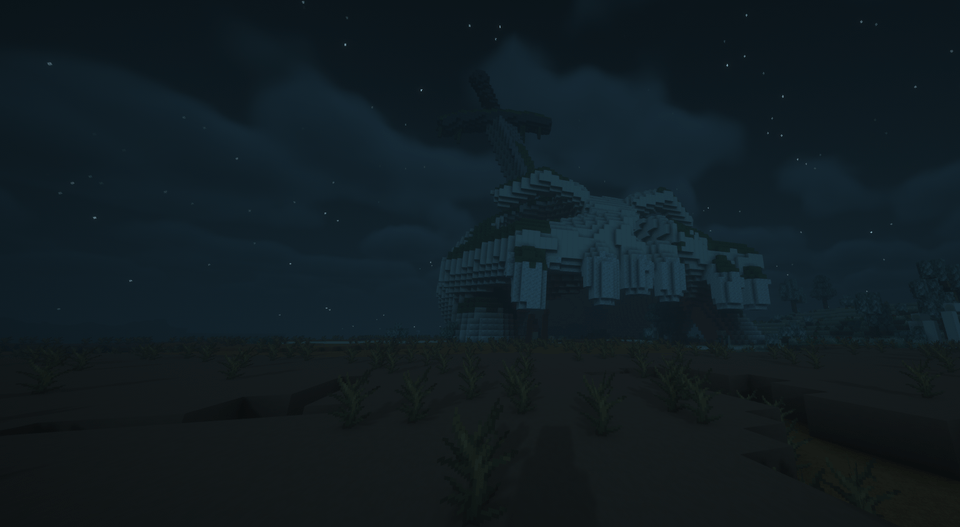 2026-11-10_144314-sword-skull-night.png 2026-11-10_144314-sword-skull-night.png
-
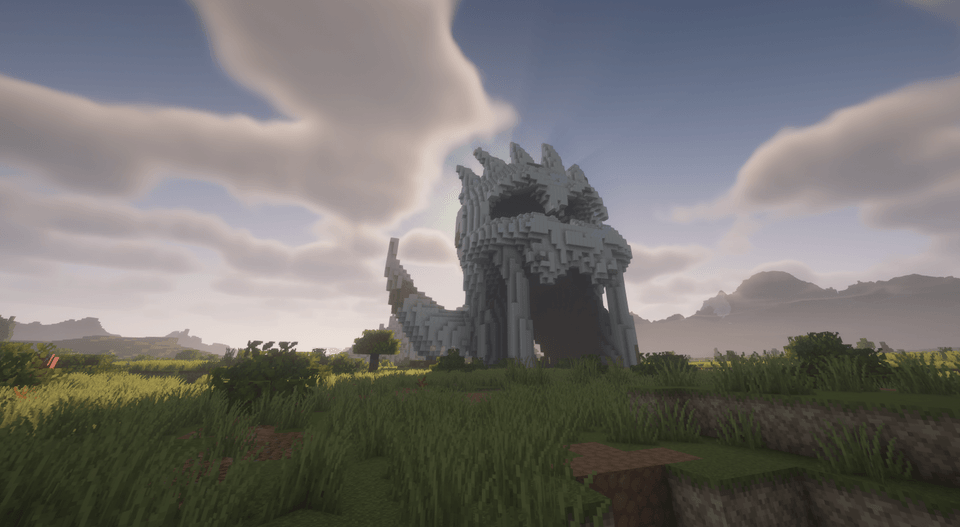 2026-11-10_144428-titan-skull-grassland.png 2026-11-10_144428-titan-skull-grassland.png
-
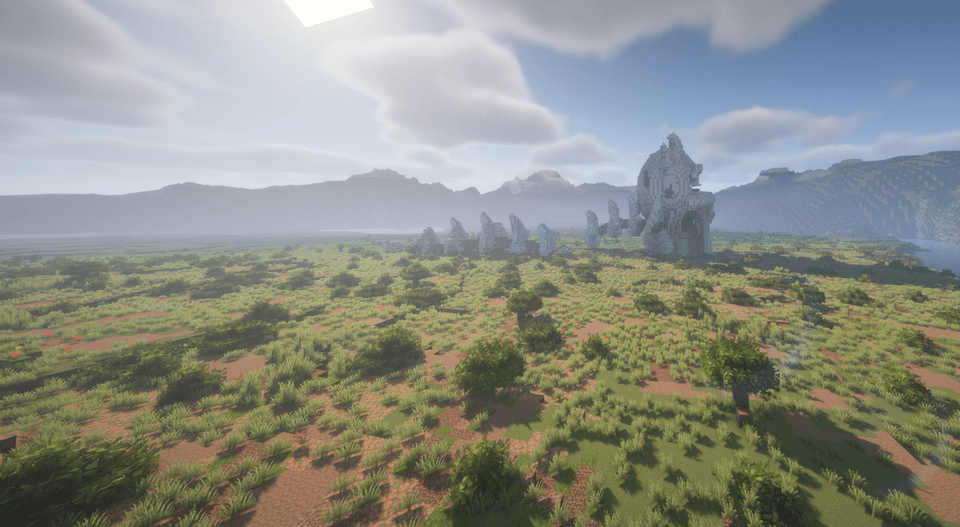 2026-11-10_144507-titan-skull-landscape.png 2026-11-10_144507-titan-skull-landscape.png
-
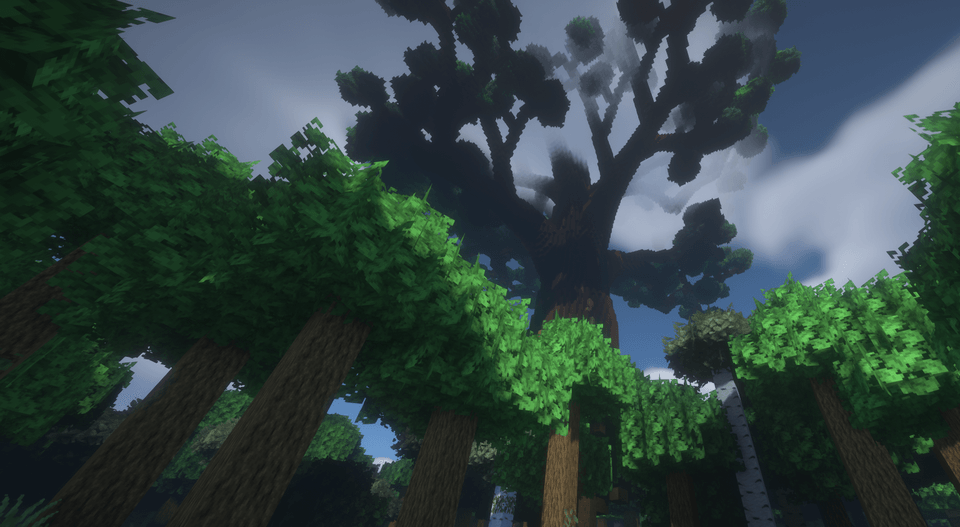 2026-11-10_144555-world-tree-canopy.png 2026-11-10_144555-world-tree-canopy.png
-
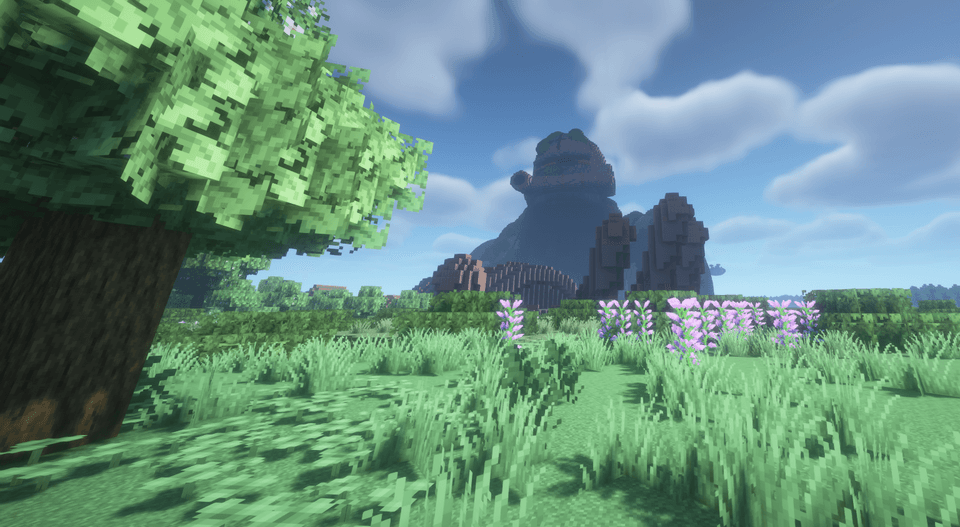 2026-11-10_090824-colossus-approach.png 2026-11-10_090824-colossus-approach.png
-
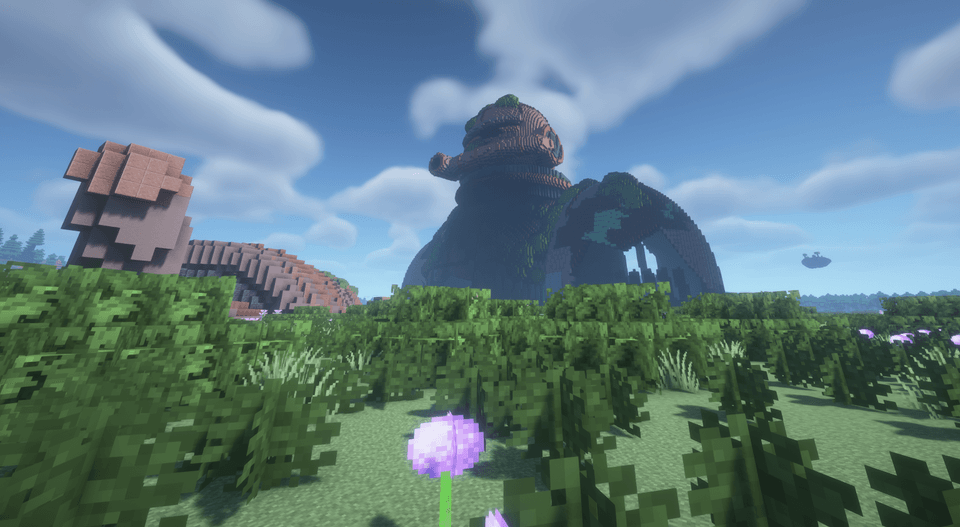 2026-11-10_090841-colossus-selected-front.png 2026-11-10_090841-colossus-selected-front.png
Versions
Files
Relations
Project Relations
More like this
Similar Mods
Suggestions use data such as tags, dependencies, dependents, descriptions, titles, and more to rank how much they overlap with this mod.
On ModDex
Community snapshot
By the numbers
Statistics

Get it on
Available Platforms
On ModDex
Community snapshot
By the numbers
Statistics
Resources