
Community listing page, reviews may not be monitored by the author.



Community voices
Reviews
No reviews yet. Be the first to review this project!
Get it on
Available Platforms
Compatibility
Supported Environments
Must be installed on both the client and the server.
About
Project Details
For authors
Embed Badge
If you're the author of this project, you can embed a live badge anywhere that supports HTML or Markdown. It updates automatically whenever ratings change.
Use HTML for any page that supports it, or Markdown for README files and Markdown-based descriptions.
Identifiers
Platform IDs
Resources
External Links
About
Description

Toows is a modification for Minecraft 1.12.2 (Forge) that adds tools for convenient construction and editing structures. With this mod, you can easily move, copy and stack blocks, as well as extrude areas without having to place them manually.
Hold down TAB to open the tools menu.
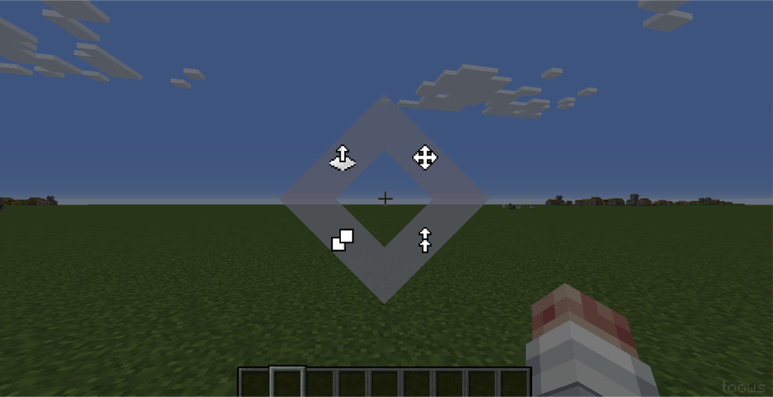
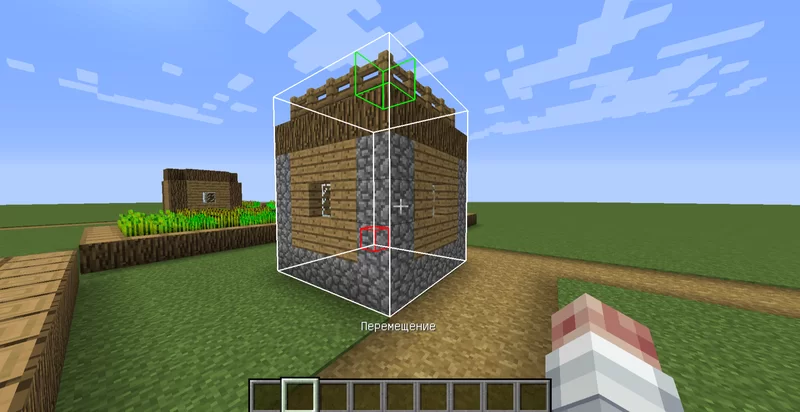
Move Tool:
Left Mouse Button: Mark the first corner of the area.
Right Mouse Button: Mark the second corner, defining the block cuboid.
Mouse Wheel: Adjust the offset (where to move the area).
Right Mouse Button (Apply): Confirm the move.
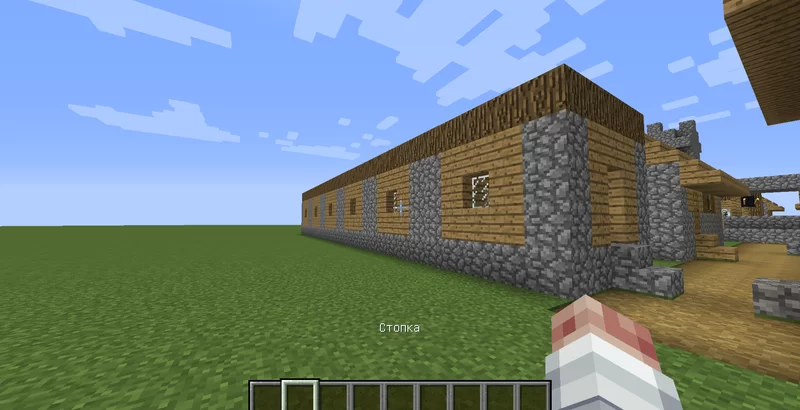
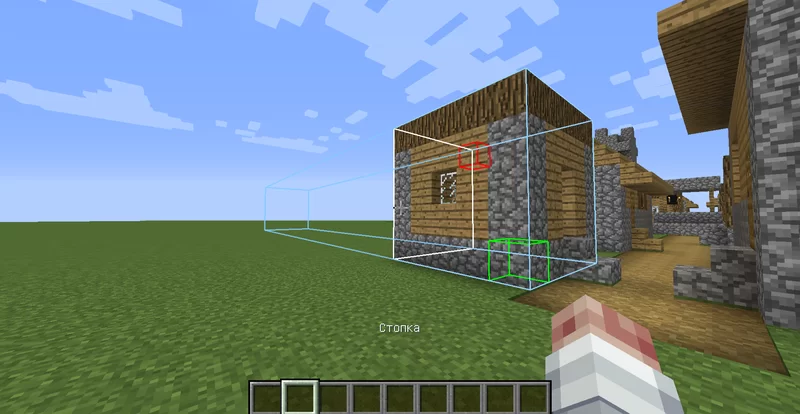
Stack Tool:
Left Mouse Button: Mark the first corner of the area.
Right Mouse Button: Mark the second corner
Mouse Wheel: Determine the number of copies and direction.
Right Mouse Button (Apply): Create the specified number of copies in a row.
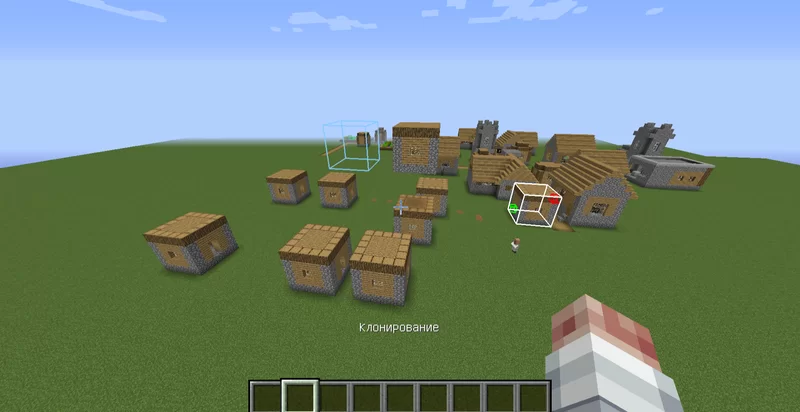
Clone Tool:
Similar to "Move," but the original is not deleted.
Left Mouse Button: Mark the first corner of the area.
Right Mouse Button: Mark the second corner, defining the block cuboid..
Mouse Wheel: Set the offset for the copy.
Right Mouse Button (Apply): Create a copy. You can right-click multiple times to create multiple copies.
Extrude Tool:
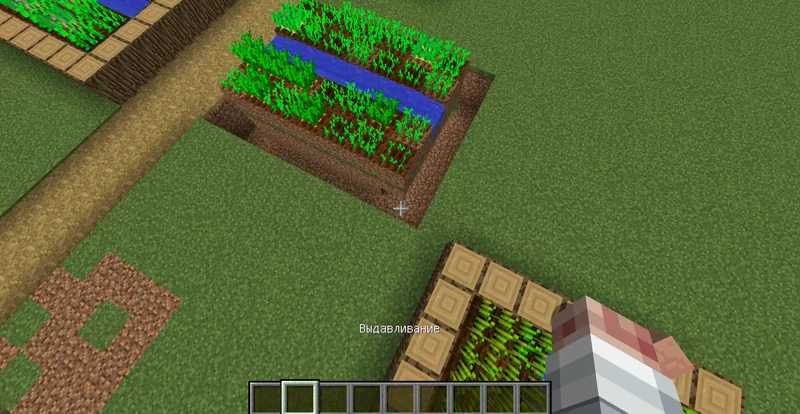
Hover the cursor over a block or its face. The face's direction determines the extrusion axis.
Left Mouse Button: Shrink (compress the area, removing a layer in the direction away from you).
Right Mouse Button: Extrude (add a layer of blocks in the direction away from you).
Undo and Redo:
Ctrl+Z: Undo the last action.
Ctrl+X: Redo the undone action.
The /toows help command: Displays a brief instruction on using the mod in chat.
The mod is under development.
Toows is a modification for Minecraft 1.12.2 (Forge) that adds tools for convenient construction and editing structures. With this mod, you can easily move, copy and stack blocks, as well as extrude areas without having to place them manually.
Hold down TAB to open the tools menu.
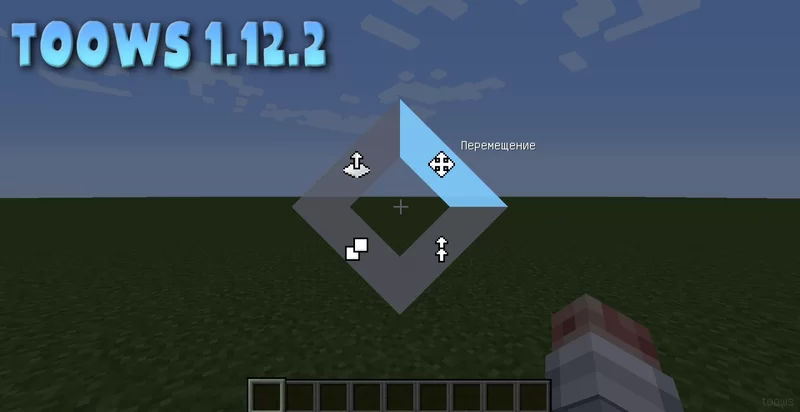
 Move Tool:
Left Mouse Button: Mark the first corner of the area. Right Mouse Button: Mark the second corner, defining the block cuboid. Mouse Wheel: Adjust the offset (where to move the area). Right Mouse Button (Apply): Confirm the move.
 Stack Tool:
Left Mouse Button: Mark the first corner of the area. Right Mouse Button: Mark the second corner Mouse Wheel: Determine the number of copies and direction. Right Mouse Button (Apply): Create the specified number of copies in a row.
 Clone Tool:
Similar to "Move," but the original is not deleted. Left Mouse Button: Mark the first corner of the area. Right Mouse Button: Mark the second corner, defining the block cuboid.. Mouse Wheel: Set the offset for the copy. Right Mouse Button (Apply): Create a copy. You can right-click multiple times to create multiple copies.
 Extrude Tool:
Hover the cursor over a block or its face. The face's direction determines the extrusion axis. Left Mouse Button: Shrink (compress the area, removing a layer in the direction away from you). Right Mouse Button: Extrude (add a layer of blocks in the direction away from you).
Undo and Redo:
Ctrl+Z: Undo the last action. Ctrl+X: Redo the undone action.
The /toows help command: Displays a brief instruction on using the mod in chat.
The mod is under development.
Screenshots
Gallery
-
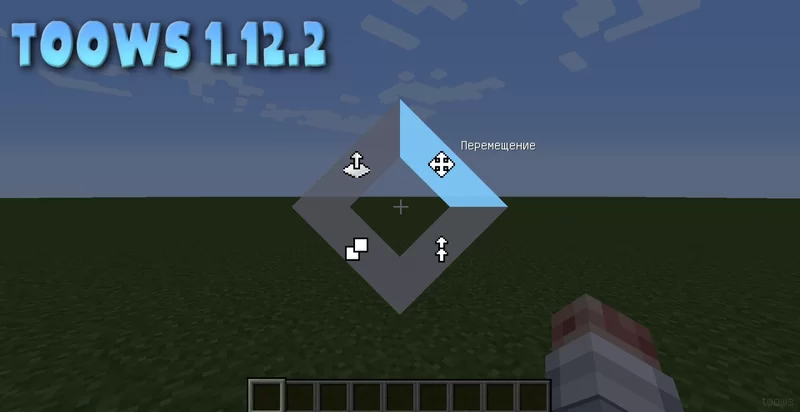 19595463-erfghbthbtrgfeerbfhgt_l.webp 19595463-erfghbthbtrgfeerbfhgt_l.webp
 -
 19595469_l.webp 19595469_l.webp
 -
 19595468_l.webp 19595468_l.webp
 -
 19595466_l.webp 19595466_l.webp
 -
 19595465_l.webp 19595465_l.webp
 -
 19595467_l.webp 19595467_l.webp
-
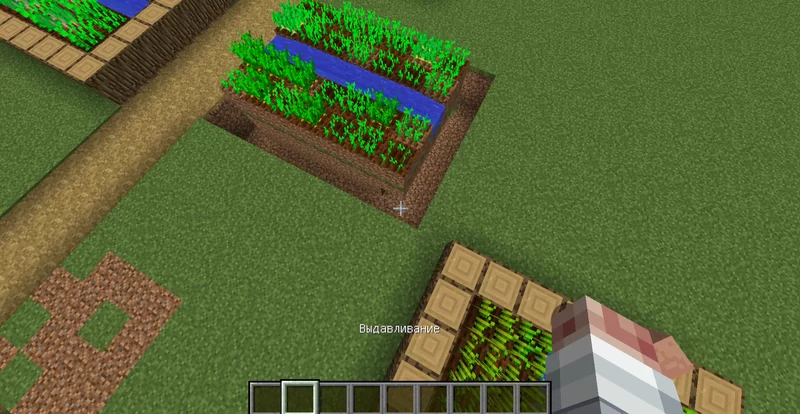 extrude
 -
 clone
clone -
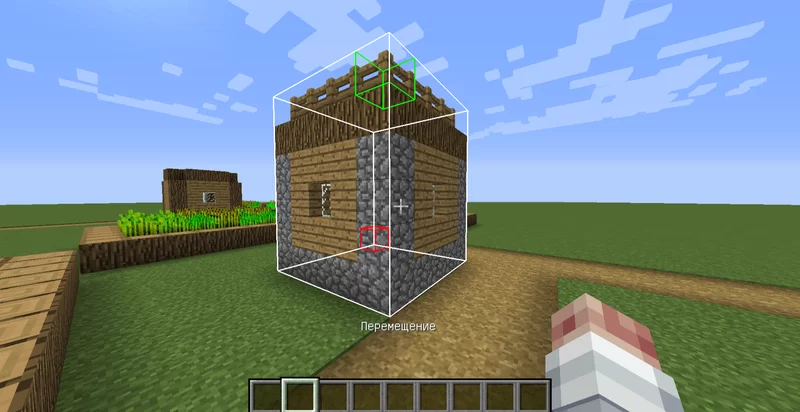 move
move -
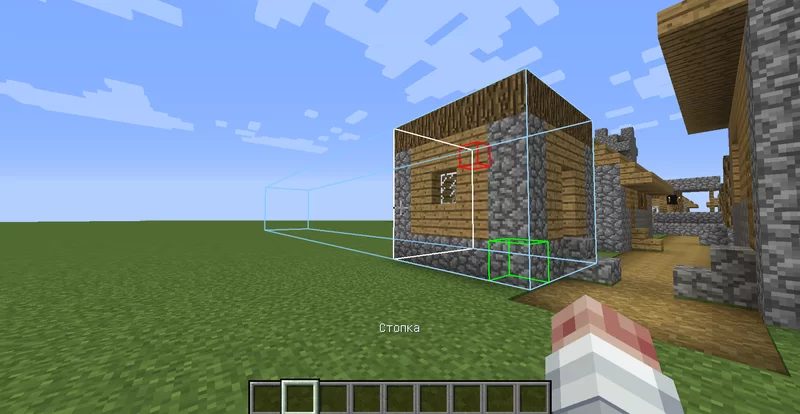 stack
stack -
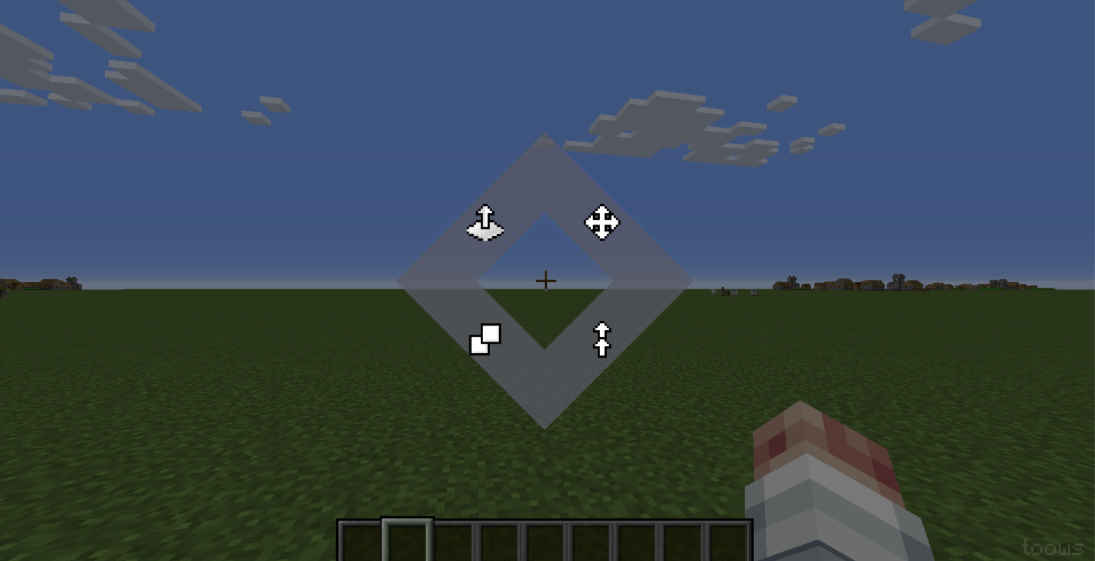 menu
menu
Versions
Files
Relations
Project Relations
More like this
Similar Mods
Suggestions use data such as tags, dependencies, dependents, descriptions, titles, and more to rank how much they overlap with this mod.
On ModDex
Community snapshot
By the numbers
Statistics

Get it on
Available Platforms
On ModDex
Community snapshot
By the numbers
Statistics
Resources