Community listing page, reviews here may not be monitored by the author.


Community voices
Reviews
No reviews yet. Be the first to review this project!
Get it on
Available Platforms
About
Project Details
For authors
Embed Badge
If you're the author of this project, you can embed a live badge anywhere that supports HTML or Markdown. It updates automatically whenever ratings change.
Use HTML for any page that supports it, or Markdown for README files and Markdown-based descriptions.
Identifiers
Platform IDs
Resources
External Links
About
Description
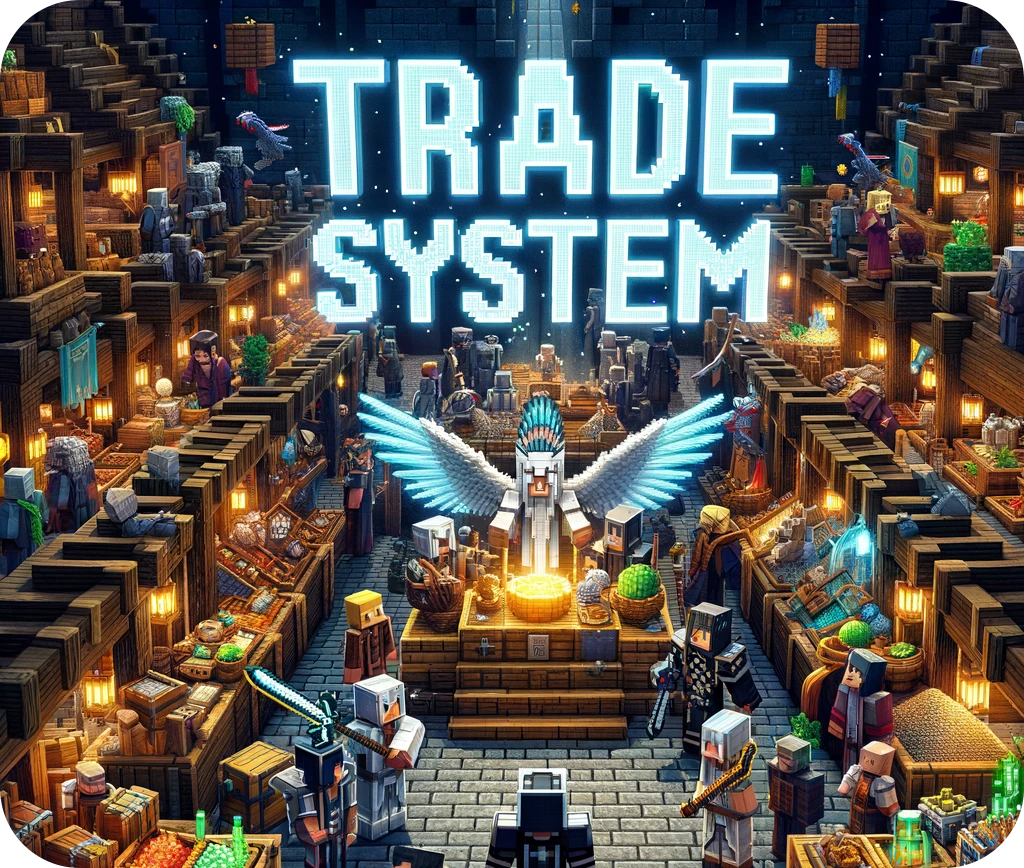
This mod creates a safe environment for you to make your trades, if the item cannot be traded you will see a red sign.
Commands:
To force everyone to use the mod, use this command. It prevents everyone from throwing items on the ground.
/trade_system_block_drops
Puts the block that is in your main hand in the list of blocks that cannot be traded
/trade_system_dont_trade
Removes the item in your main hand from the list of untradeable blocks
/trade_system_do_trade
Lists all blocks that cannot be traded
/trade_system_banned_list
How does the mod work?
1 - First you press G and this message will appear
2 - With the main hand empty, right click on another player (you will hear a sound) and a message will appear for it
3 - If the other player wants to trade with you he must follow the same procedure as steps 1 and 2 and a hud will open
4 - Both huds are synced, so if you place an item the other player can see what you want to trade
5 - By clicking on the TRADE button you signal that you accept the exchange and if the other player clicks on TRADE the exchange is made. If you don't like the offer, just press ESC and both huds will close
6 - The TRADE button is a safety mechanism, as every time someone takes or places an item it is disarmed, so it avoids blows if someone tries to accept the trade right after changing your offer quickly.
Screenshots
Gallery
-
Trade System Logo
-
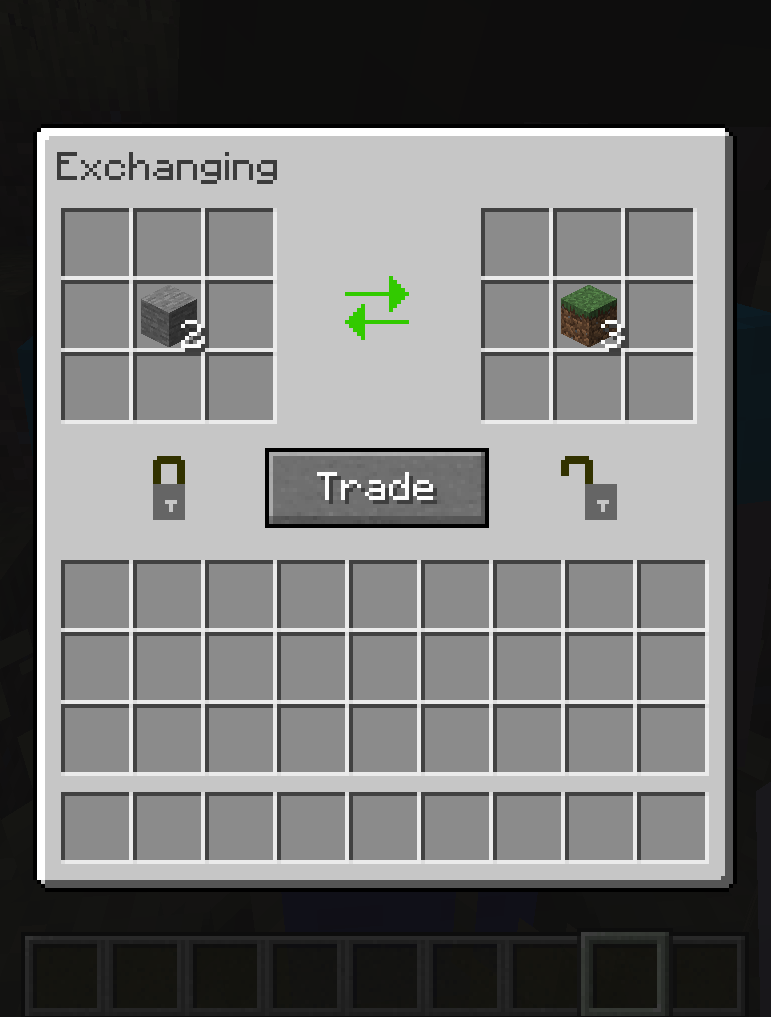 Trade system hud
Versions
Files
Relations
Project Relations
More like this
Similar Mods
Suggestions use data such as tags, dependencies, dependents, descriptions, titles, and more to rank how much they overlap with this mod.
On ModDex
Community snapshot
By the numbers
Statistics
 (opens in a new tab)
Get it on
Available Platforms
On ModDex
Community snapshot
By the numbers
Statistics
Resources