
Community listing page, reviews here may not be monitored by the author.
Trading Standards

No reviews yet
A vanilla permit system for trading servers: issue, verify, transfer and revoke physical trading permits. No mods required.
Community voices
Reviews
No reviews yet. Be the first to review this project!
Get it on
Available Platforms
About
Project Details
For authors
Embed Badge
If you're the author of this project, you can embed a live badge anywhere that supports HTML or Markdown. It updates automatically whenever ratings change.
Use HTML for any page that supports it, or Markdown for README files and Markdown-based descriptions.
Identifiers
Platform IDs
Resources
External Links
About
Description
Trading Standards
Physical trading permits for your server's shopping district.
Trading Standards lets admins issue permits: real, holdable items that license a player to trade something, like Apple or All Wool. Every permit is checked against a central registry, so it can't be forged, copied, renamed or picked up and passed off as someone else's.
Inspired heavily by the 'Hermit Permits' from Hermitcraft Season 10. The implementation and artwork are original.
✦ Features
- Physical permits: Each one shows its subject, holder, ID and tier, and appears as a 3D card in hand, on the ground and in item frames.
- Four tiers: Iron, Gold, Diamond, and Special for large collections such as All Terracotta or All Stone.
- Category emblems: Food, building, redstone, transport, weapons, armor, resources and decoration.
- Tamper-proof verification: Copies, stale versions, revoked permits and permits held by the wrong player are all caught.
- Full admin interface: In-game screens to issue, look up, transfer, reissue and revoke permits, plus a registry browser and an audit log.
- Complete history: Every permit keeps its record of who issued, transferred or revoked it, and when.
- Any subject you like: Single items or whole collections, typed freely by admins. No config files to edit.
✦ For players
Right-click a permit to open its card: whether it's valid, its details, and buttons to:
- Present it to everyone nearby. Perfect when a customer asks to see your licence.
- Open My Permits, a list of every permit registered to you.
No commands to learn. Your permit is your way in.
✦ For admins
Run /function trading_standards:admin/menu to open the admin screen:
- Issue Permit: player, subject, category, tier.
- Registry and Look Up: every permit with its full history.
- Transfer, Reissue, Revoke: old copies stop working automatically.
- Audit Log: recent activity across the server.
- Officers: give trusted players access to the admin screens.
- Danger Zone: revoke everything, or reset the system.
Every action is also available as a /function command. admin/help lists them all.
✦ Installation
Trading Standards is two packs, and both are required:
- Datapack: place it in your world's
datapacksfolder and restart the server. - Resource pack: set it as your server resource pack (
resource-packinserver.properties) so players get it automatically.
Without the resource pack, permits appear as plain paper.
✦ Compatibility
| Minecraft | Version |
|---|---|
| Java Edition 26.3 | 1.1.0 (includes the Special tier) |
| Java Edition 26.2 | 1.0.0 |
- Server software: vanilla, Paper, Fabric or any other; nothing extra needed.
- Singleplayer: works too.
- Upgrading: keeps all permits and history.
✦ Good to know
- Admin commands use
/function, since datapacks can't add custom commands. The in-game screens cover everything. - Players must be online to receive a permit.
Screenshots
Gallery
-
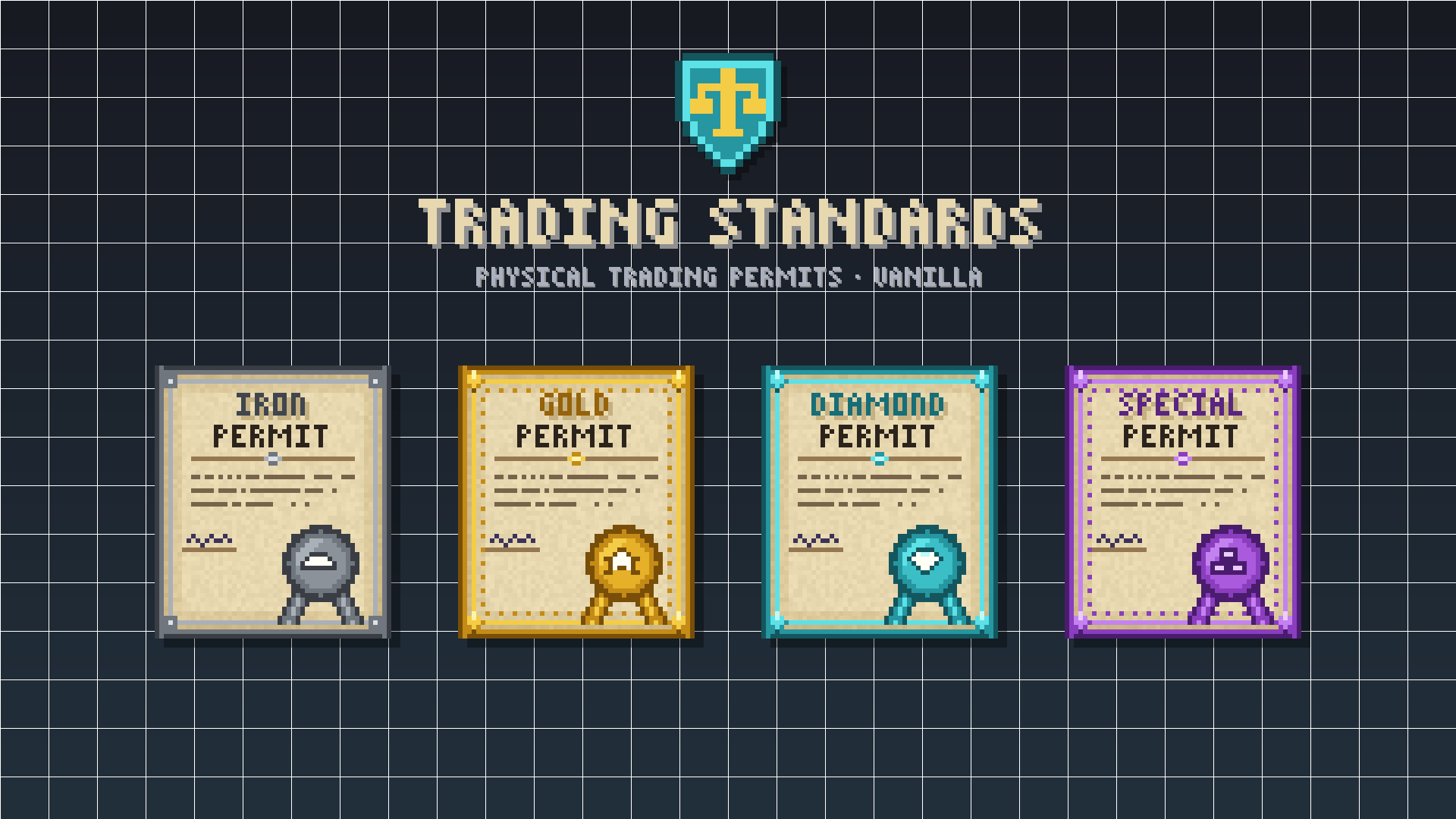 Banner
 -
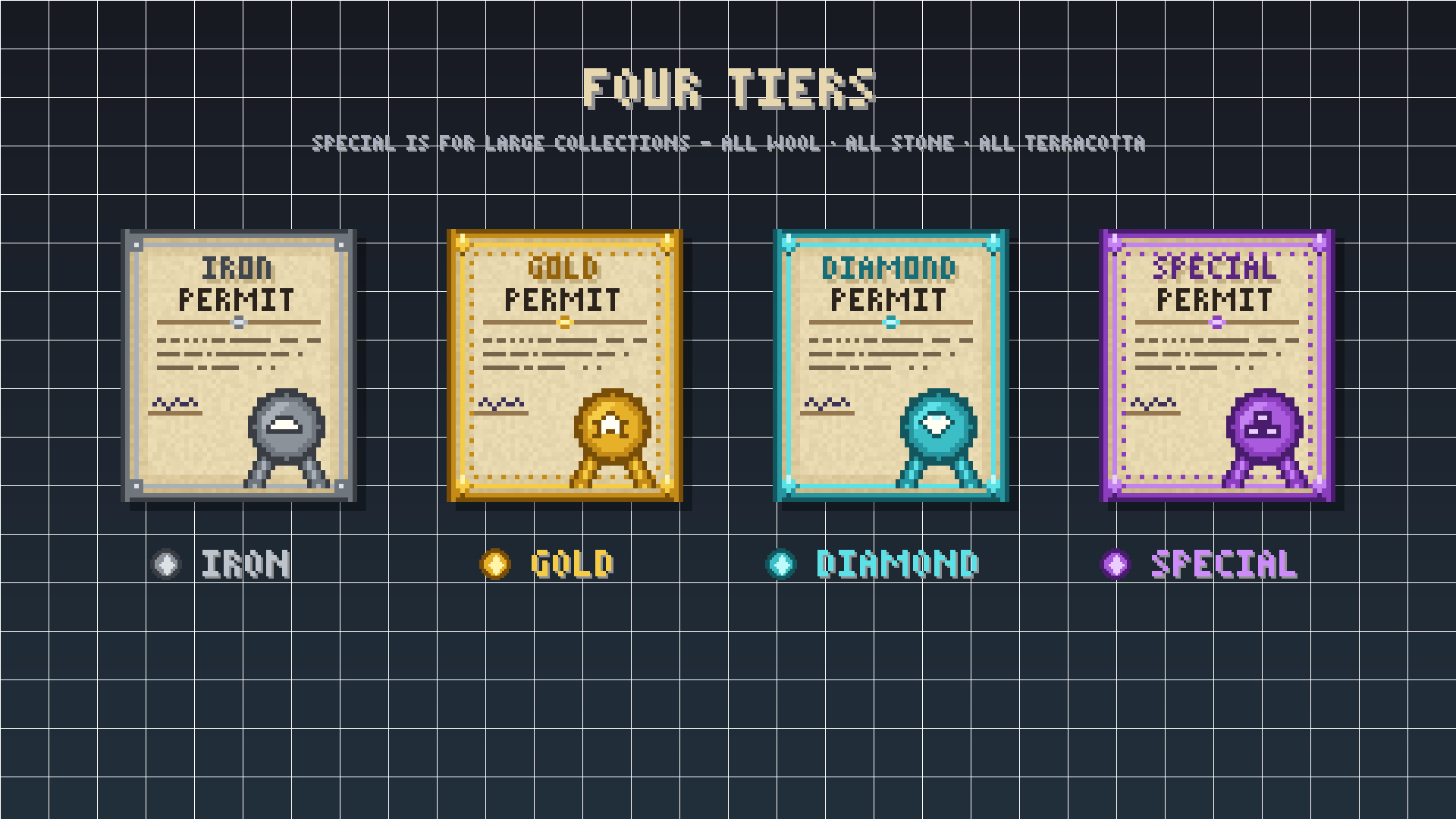 Tiers All the permit tiers available
 -
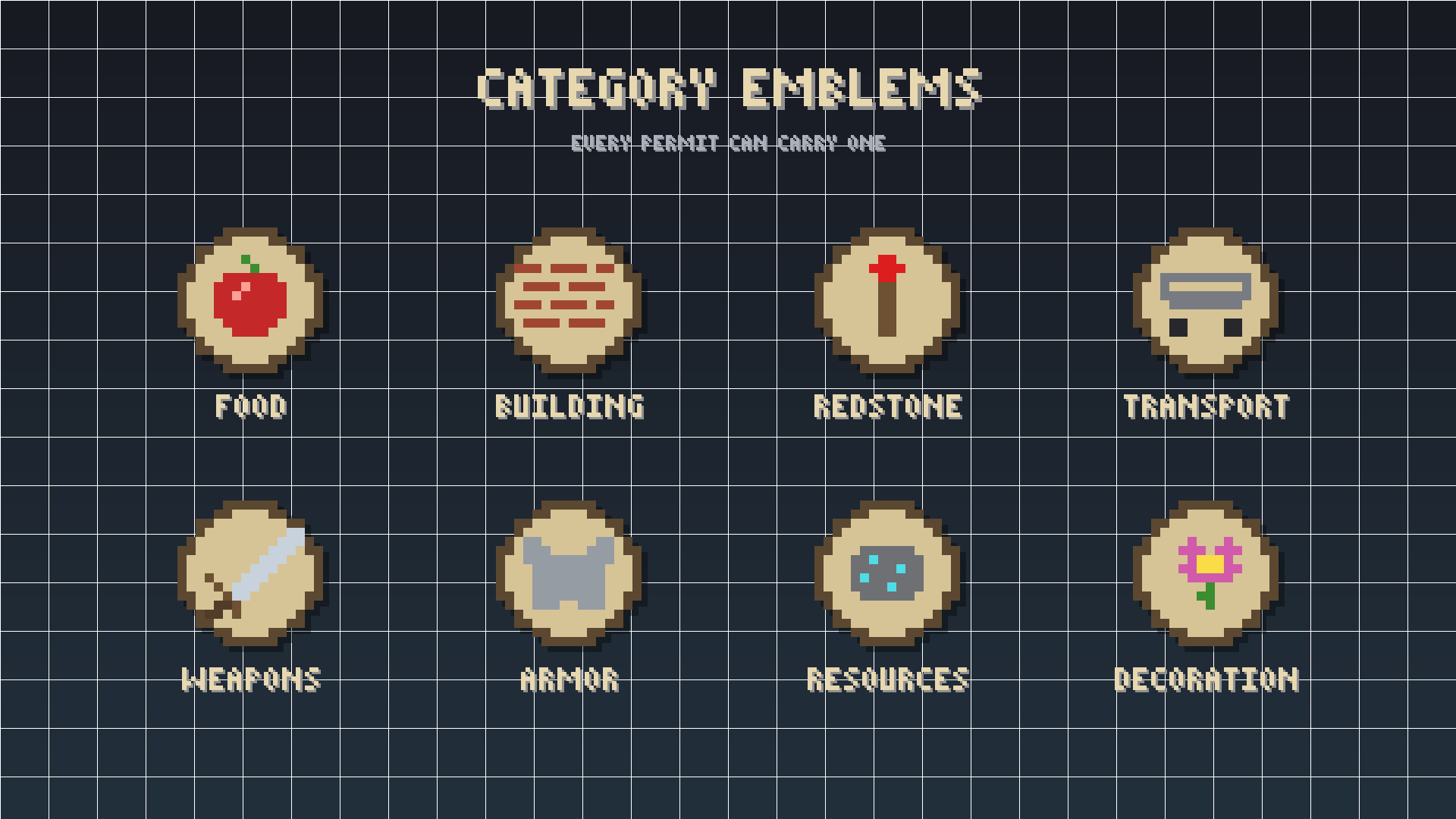 Category Emblems All the shop catergories in the pack, used in conjunction with the tiered permits
 -
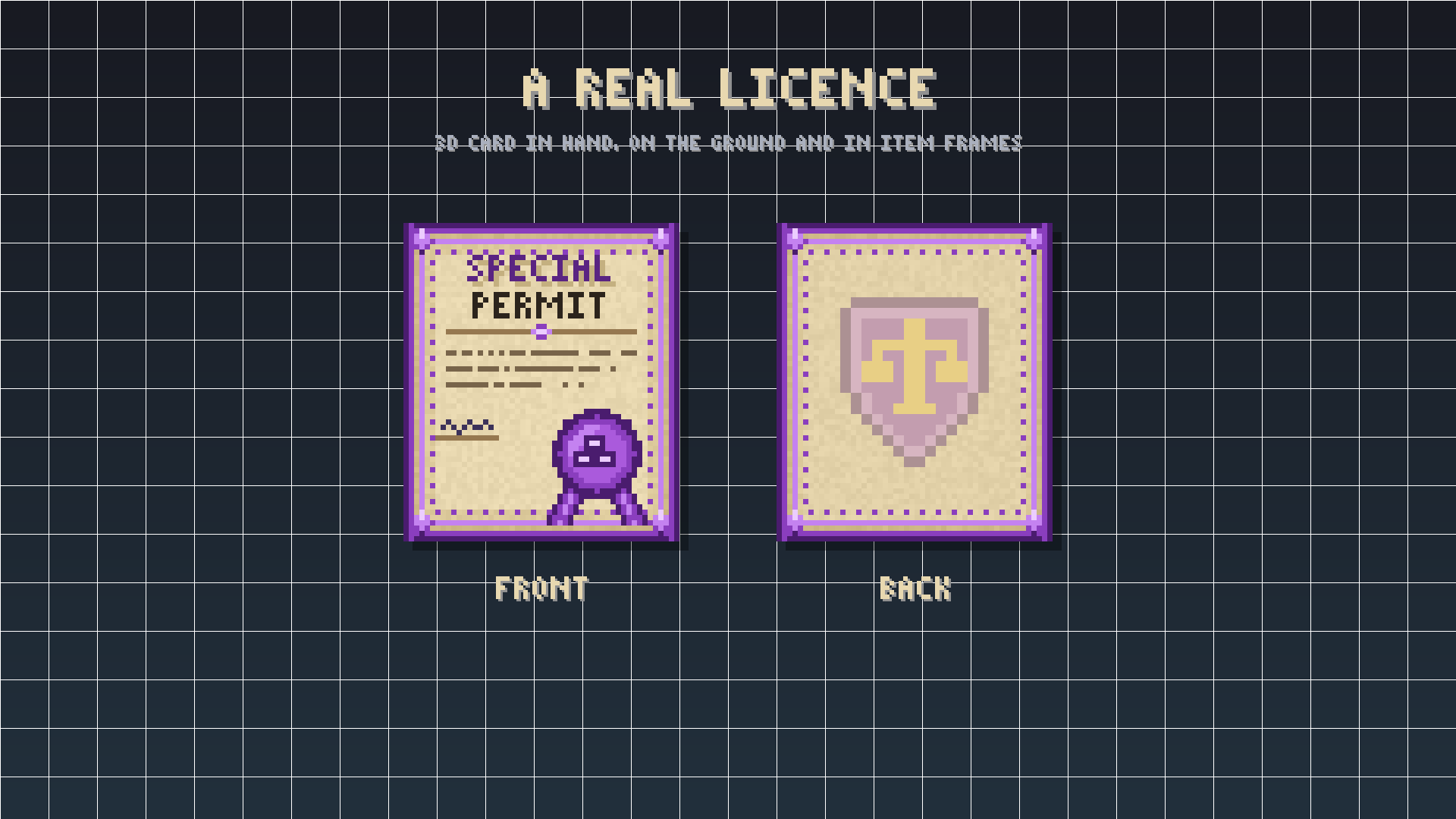 Front + Back
 -
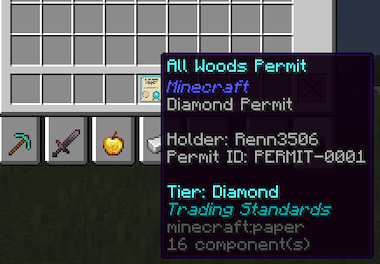 Permit Tool-Tip The Tool tip of the permit Item
 -
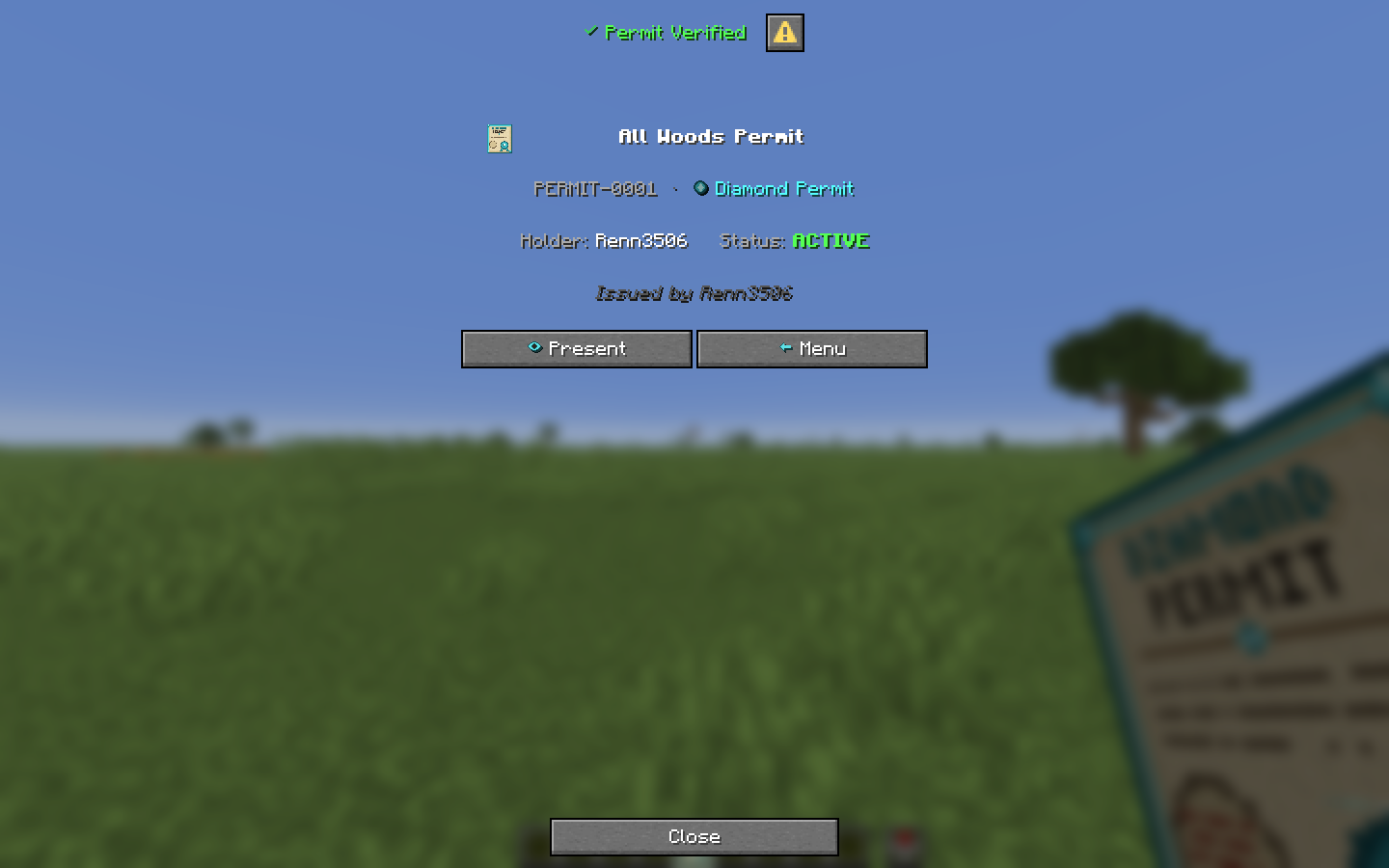 Inspect Held Permit Right Click to inspect a held permit
 -
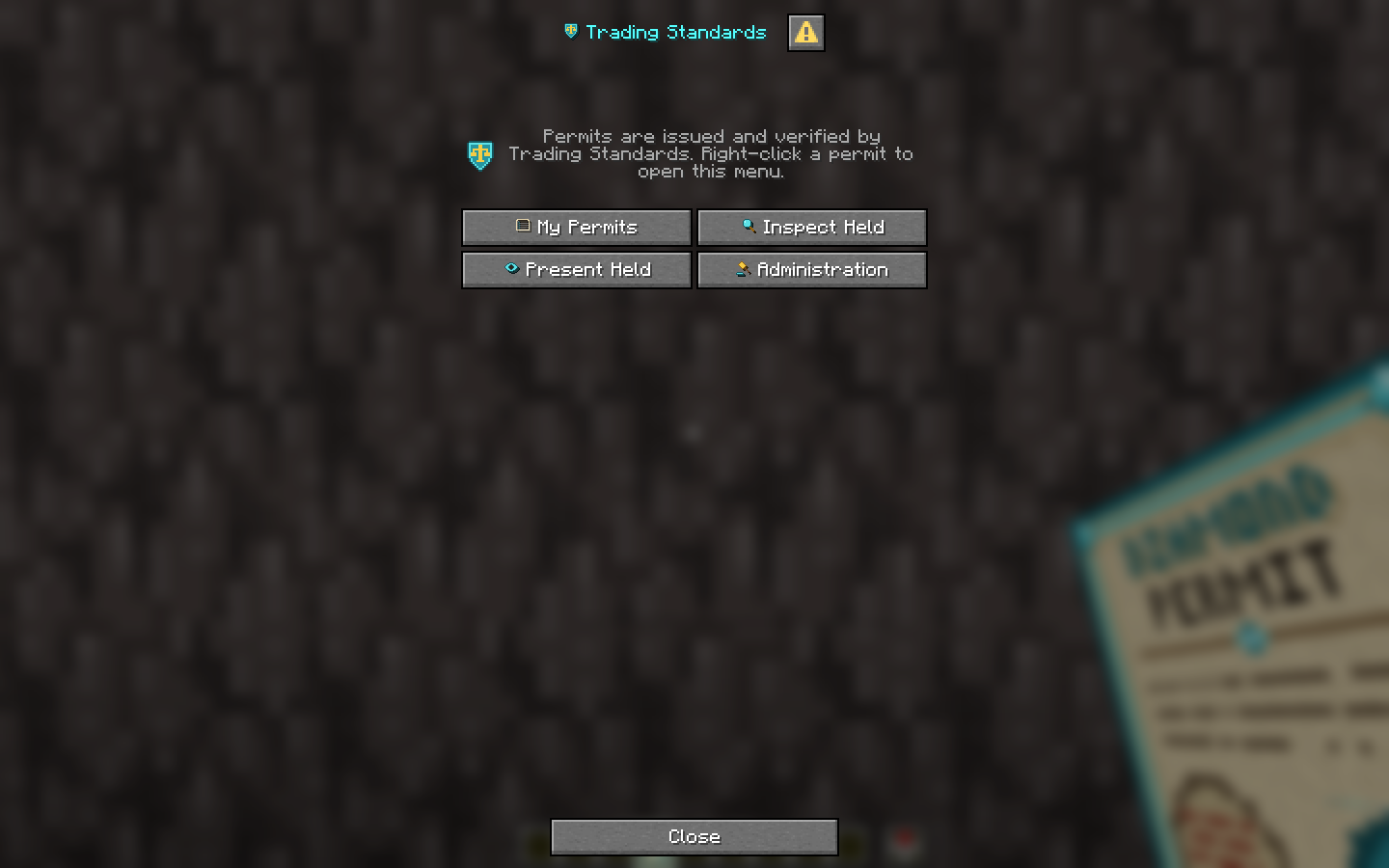 Main Menu The main menu of the pack
 -
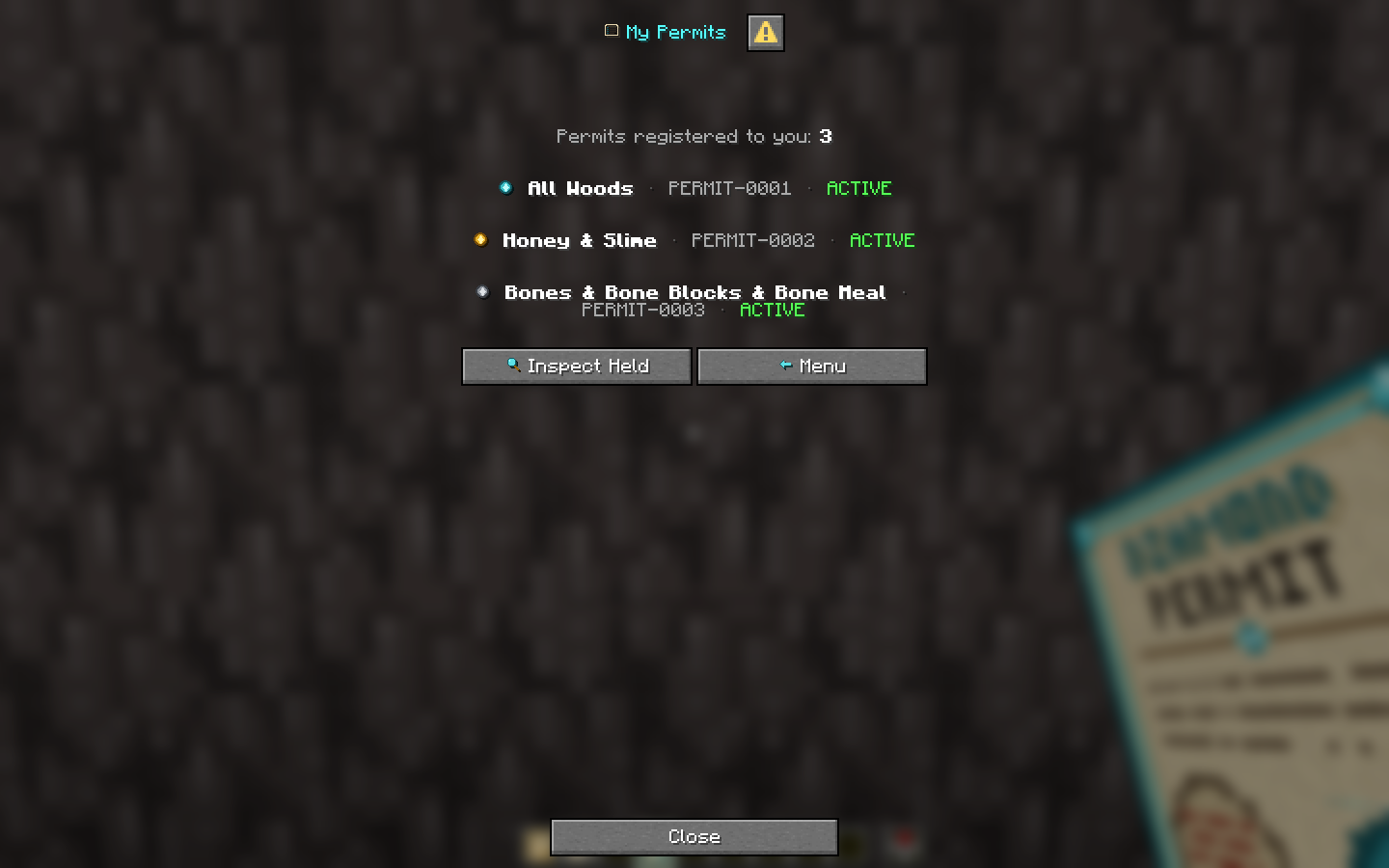 My Permits Screen Shows all permits registered to the player
 -
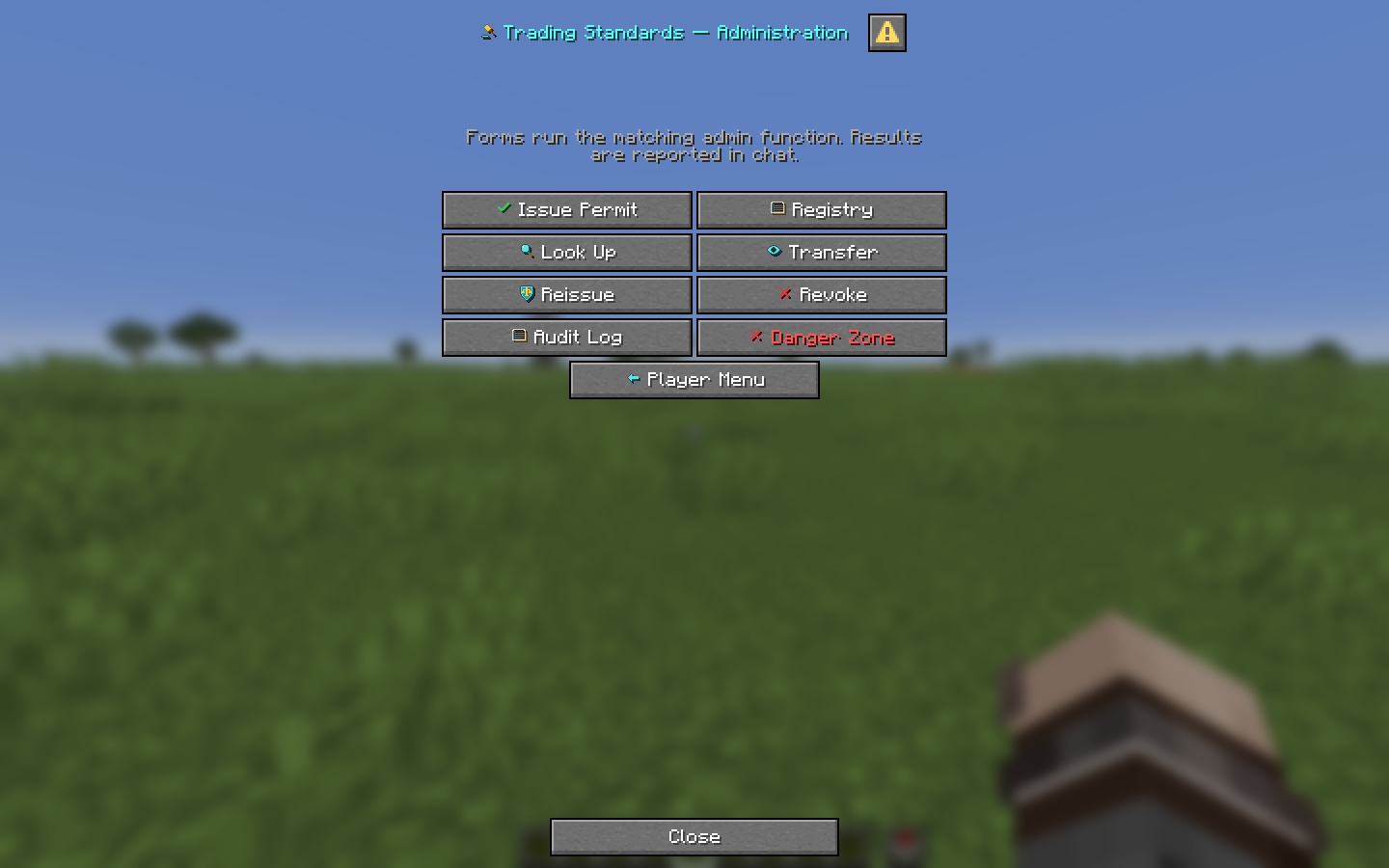 Admin Menu Menu available to Permit Officers (admins)
 -
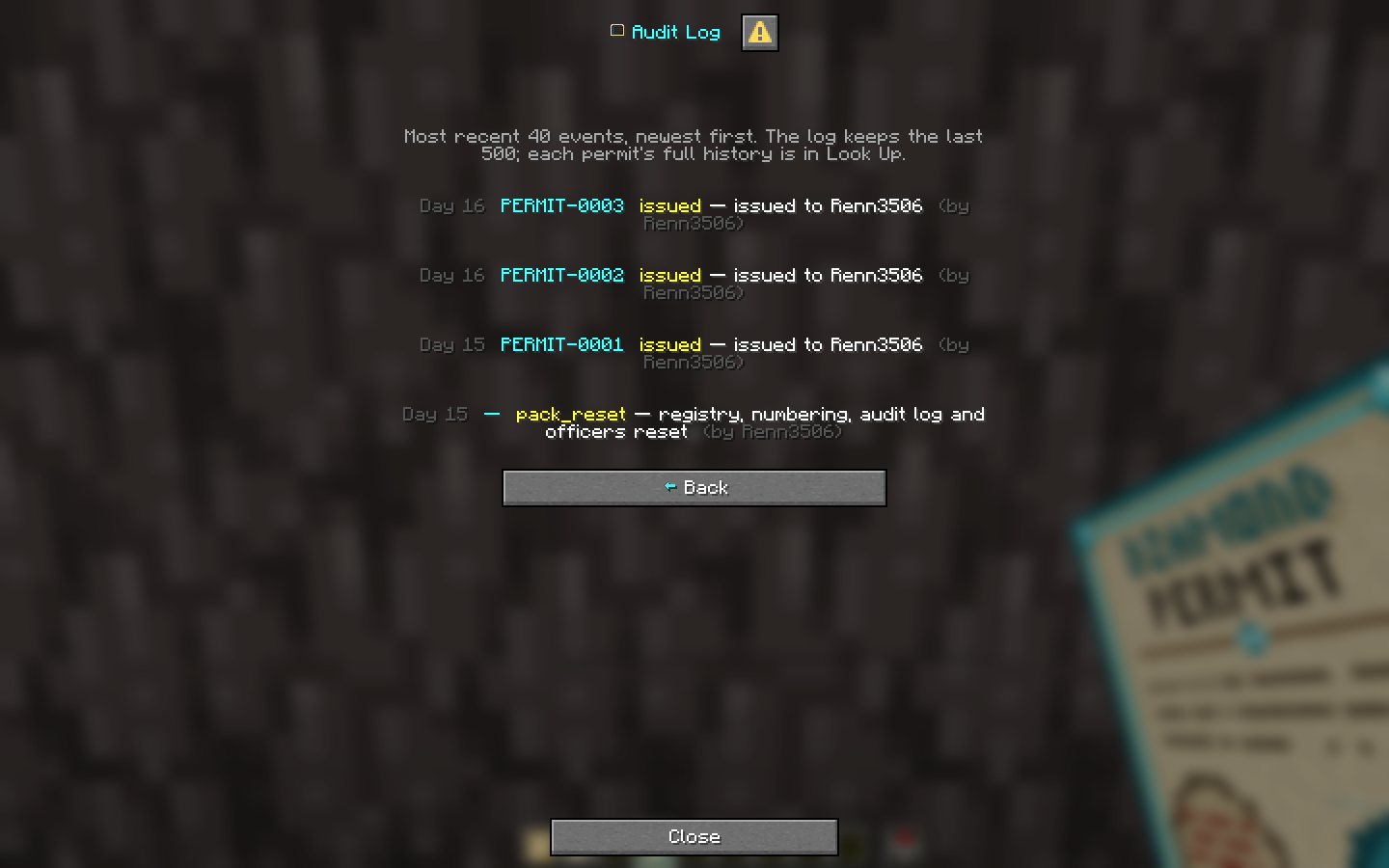 Audit Log Shows the last 40 events within the pack
 -
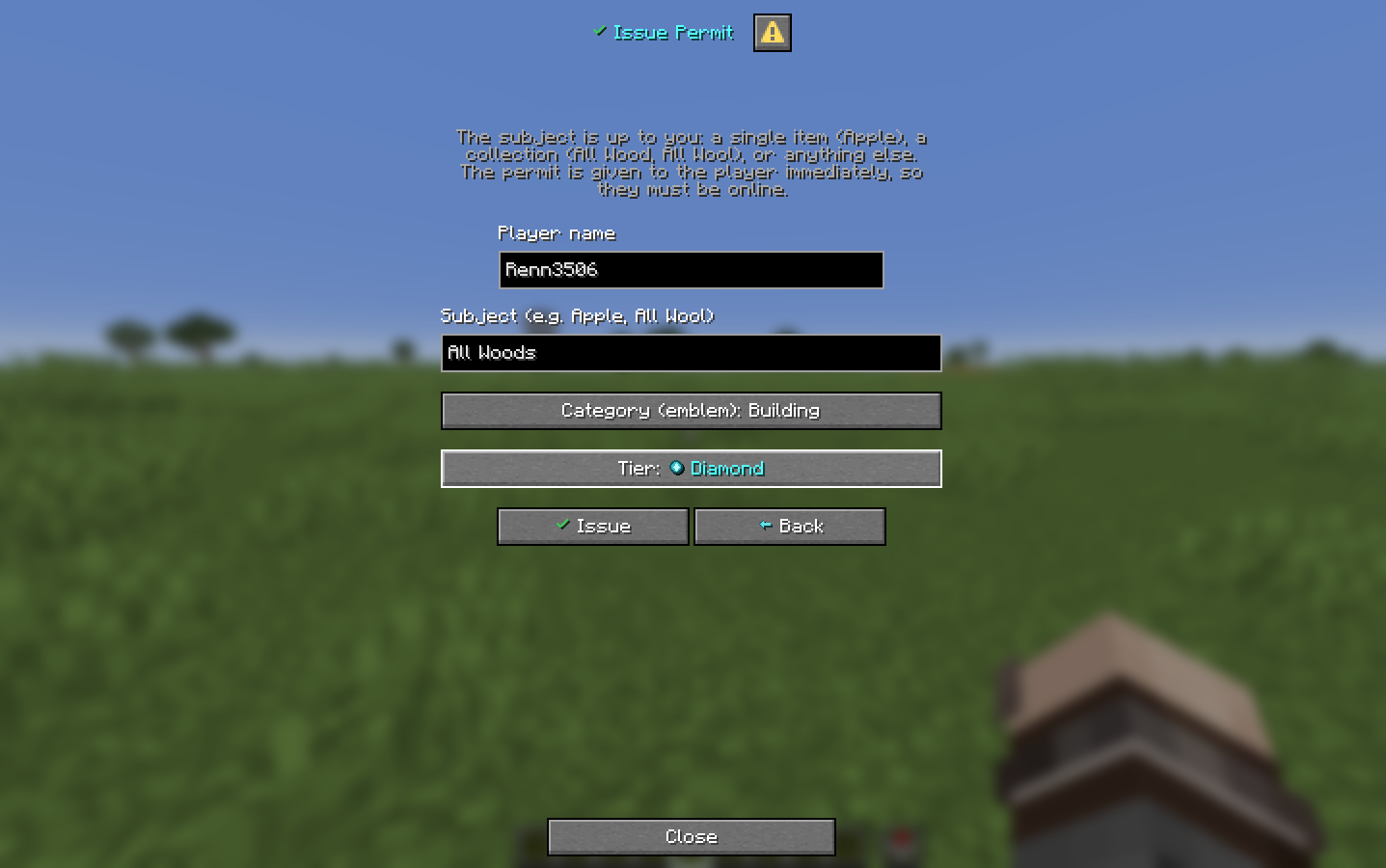 Permit Issuing Screen Interface for Permit Officers to issue new permits
 -
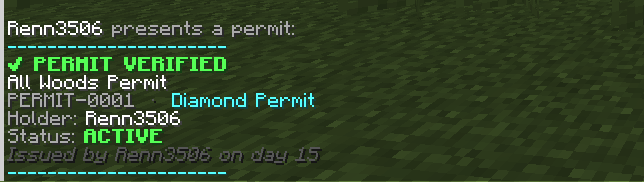 Present Held Permit Result of clicking the "Present" button when inspecting a permit. Shows this message to all players within 8 blocks of the holder
 -
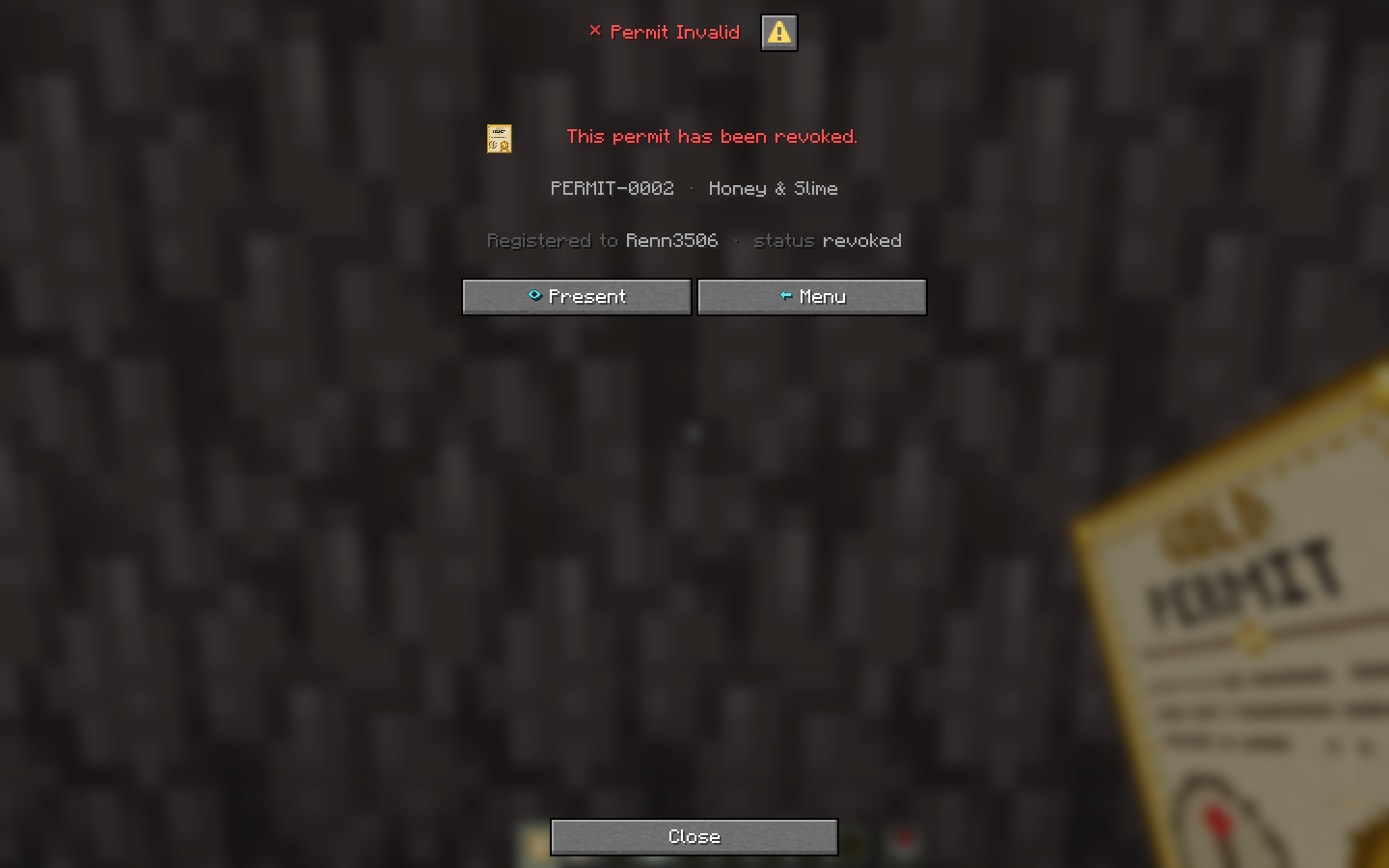 Inspect Revoked Permit Screen when a revoked permit is inspected
 -
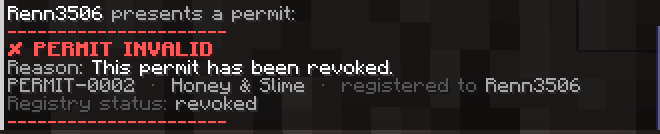 Present Revoked Permit Shows this message when the "Present" button is clicked on a revoked permit. Displayed to all players within 8 blocks of the holder
 -
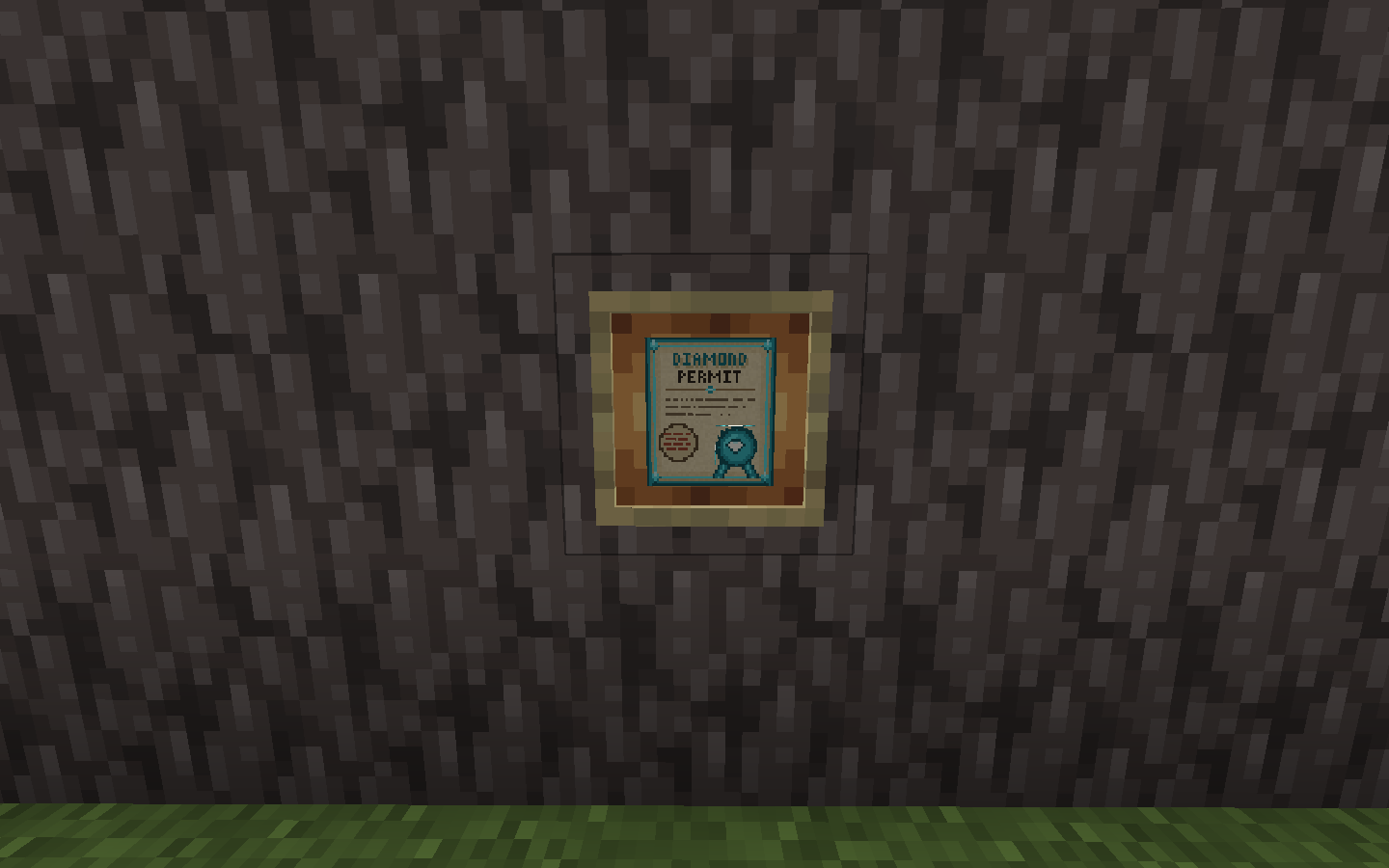 Permit In Item Frame Diamond tier permit displayed in an item frame
Versions
Files
Relations
Project Relations
More like this
Similar Mods
Suggestions use data such as tags, dependencies, dependents, descriptions, titles, and more to rank how much they overlap with this mod.
On ModDex
Community snapshot
By the numbers
Statistics

Want to reach Minecraft players?
We're looking for a server hosting partner to feature here and other parts of the site. Interested? Send us a message!
Get in touchGet it on
Available Platforms
On ModDex
Community snapshot
By the numbers
Statistics
Resources