![Trims Overhaul [Limitless]](https://media.forgecdn.net/avatars/thumbnails/1058/381/256/256/638589352476018878.png)
Community listing page, reviews here may not be monitored by the author.
Trims Overhaul [Limitless]


No reviews yet
Grants every trim a unique set of powers, optionally through quests.

Community voices
Reviews
No reviews yet. Be the first to review this project!
Get it on
Available Platforms
Compatibility
Supported Environments
Runs entirely on the server. Also works in singleplayer.
Required on the server. Installing it on the client adds functionality.
The author has not specified where this runs.
Varies by version.
About
Project Details
For authors
Embed Badge
If you're the author of this project, you can embed a live badge anywhere that supports HTML or Markdown. It updates automatically whenever ratings change.
Use HTML for any page that supports it, or Markdown for README files and Markdown-based descriptions.
Identifiers
Platform IDs
About
Description

> Lightweight datapack giving every trim a unique set of powers, optionally through quests.
Simply equip a trim after installation to use its abilities, with a list of powers available through the main menu ; /trigger Trims_Menu.BLUE
Highly optimized, configurable, and compatible with all addons ; including every Minecraft version in a single file
[Modrinth] has more information and all versions
Join the [Discord] for any help or issues
Translations; English, Español, Français, Deutsch, Polski, Italiano, Português, Türkçe, Русский, 한국어, 日本語, and 简体中文 ⁽ᴺᵒᵗ ᴾᵉʳᶠᵉᶜᵗ⁾
- If you're interested in staying up to date, or enjoy the project, then please consider following.
- Feel free to use this datapack however you like, just with credit when possible.
Lightweight datapack giving every trim a unique set of powers, optionally through quests.
Simply join a world with it enabled then equip a full trim to use its abilities. Run /trigger Trims_Menu.BLUE to open the main menu which'll allow you to "trust" certain players, read about what your trim does, and more.
Highly customizable. Can depend on an entire objective (questing) system, limit who has templates, disable the use of specific trims, adjust some ability functionality, or even just adjust how difficult some quests and tasks are, with plenty of features to help server administrators outside settings.
Should also be compatible with any datapack, resource pack, or even some mods, and every Minecraft version to officially have trims - all in a single file. Message me if you want compatibility with Minecraft Realms.
Join the Discord for any help or issues - Check out the Wiki for more information whenever
Installation Guides
------- Datapack & Resource Pack -------------------------------
- Download the second file in the versions tab. (Should look like
trims_overhaul-DP_RP-vX.X.X.zip)
- For the datapack; Open your world folder (
.minecraft/saves/world)- Drop the zip into the
datapacksfolder as-is - Then restart the server or world -
/reloadwon't work -
When updating: Do not disable the datapack or online players will lose progress. Close the server, delete and replace the datapack file, then reopen it.
- Drop the zip into the
- For the resource pack; In Minecraft, go to Options > Resource Packs
- Drag the zip file into your Minecraft window
- Click the arrow on the new pack to enable it
-- Mod (Bundle for mod loaders) --------------------------------
- Download the first file within the versions tab, then drag it into your mods folder (
.minecraft/mods) - The
.zipcan also be renamed to.jarto use it directly as a mod
Translations; English, Español, Français, Deutsch, Polski, Italiano, Português, Türkçe, Русский, 한국어, 日本語, and 简体中文 ⁽ᴺᵒᵗ ᴾᵉʳᶠᵉᶜᵗ⁾
- If you're interested in staying up to date, or enjoy the project, then please consider following.
- Feel free to use this datapack however you like, just with credit when possible.
Screenshots
Gallery
-
 Advancements Page Easily accessible information in-game
 -
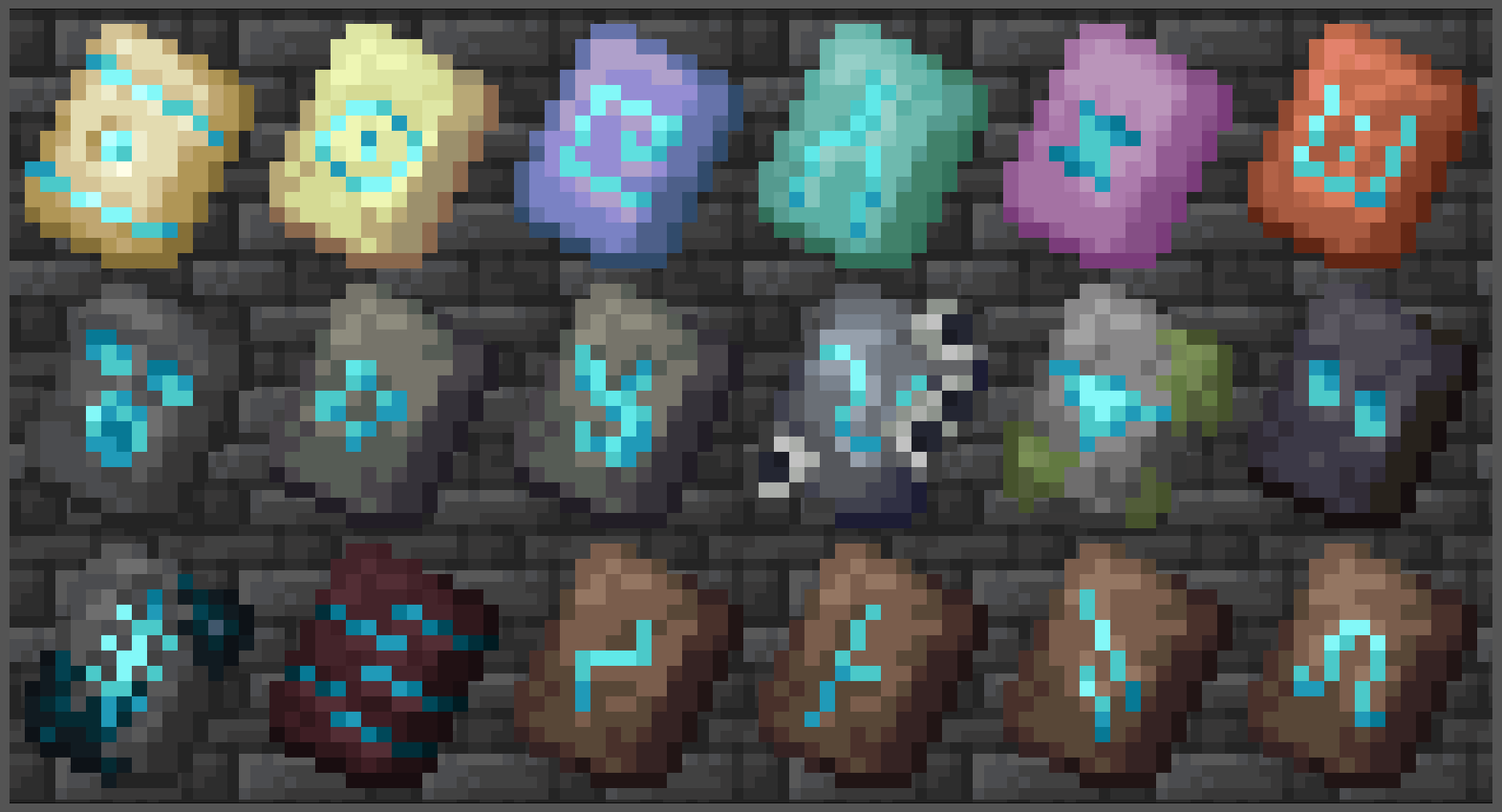 Background. I'm not an artist.
 -
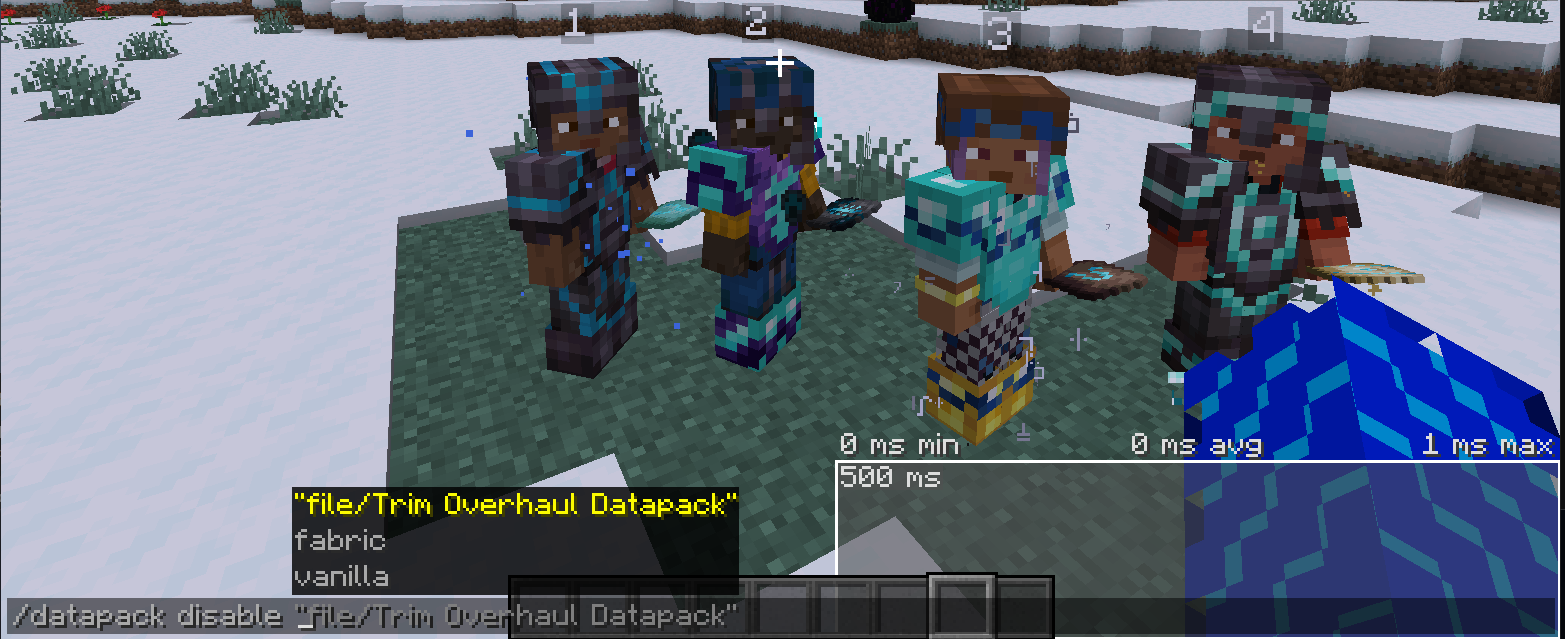 Performance Example Shows no lag when multiple "players" are using a set. Don't take this example to heart as my datapacks aren't the only thing I've focused on optimizing.
Versions
Files
Relations
Project Relations
More like this
Similar Mods
Suggestions use data such as tags, dependencies, dependents, descriptions, titles, and more to rank how much they overlap with this mod.
On ModDex
Community snapshot
By the numbers
Statistics
 (opens in a new tab)
Get it on
Available Platforms
On ModDex
Community snapshot
By the numbers