
Community listing page, reviews here may not be monitored by the author.
TTY-Client

No reviews yet
A terminal-themed Minecraft client for those who live in the shell.
Community voices
Reviews
No reviews yet. Be the first to review this project!
Get it on
Available Platforms
Compatibility
Supported Environments
Runs entirely on the client. Works on vanilla servers.
About
Project Details
For authors
Embed Badge
If you're the author of this project, you can embed a live badge anywhere that supports HTML or Markdown. It updates automatically whenever ratings change.
Use HTML for any page that supports it, or Markdown for README files and Markdown-based descriptions.
Identifiers
Platform IDs
About
Description
TTYClient
A terminal-themed Minecraft client for those who live in the shell.
TTYClient is built around one idea: your Minecraft client should feel as scriptable and customizable as your Linux system. Type client commands starting with a ; prefix, bind keys to chat messages, Minecraft commands, or literal bash scripts, and configure everything through plain JSONC text files - all live-reloaded, no restarts needed.
Requirements
- Minecraft 26.1.2 with Fabric Loader ≥ 0.19.1
- Fabric API 0.150.0+26.1.2
- Kotlin for Fabric 1.13.9+kotlin.2.3.10
Installation
Drop ttyclient-*.jar alongside Fabric API and Kotlin for Fabric into your mods/ folder. On first launch, TTYClient creates its config directory at ~/TTYClient/.
Usage
Type ; followed by a command in chat. Commands are intercepted client-side and never sent to the server.
Available commands:
;help (alias: ?)                         list all commands
;mcfetch                                 neofetch-style game info
;info [--name|-n] [--version|-v] ...     show TTYClient information
;config                                  open the in-game config editor
;hud (alias: hudeditor)                  open the HUD editor
;module --trigger <module>               trigger a module
;module --toggle <module>                enable or disable a module
;screenshot <copy|upload> <path>         copy/upload screenshot
;debug --toggle <keys>                   toggle key visualizer
;debug --trigger spam <n>                send n test messages
The command prefix (default ;) can be changed in ~/TTYClient/config/general.jsonc.
Keybinds
Keybinds live in ~/TTYClient/config/keybinds.jsonc and support multiple execution types:
{ "bind": "ALT+C",    "type": "client",  "exec": "config" },
{ "bind": "C",        "type": "client",  "exec": "module --trigger zoom" },
{ "bind": "CTRL+F1",  "type": "command", "exec": "gamemode creative" },
{ "bind": "F9",       "type": "bash",    "exec": "notify-send 'test notify'" },
{ "bind": "DELETE",   "type": "action",  "exec": "Disconnect" }
Types: client, command, chat, bash, sequence, action, noop
Actions: QuitGame, Disconnect, ShowMultiplayer
Modules
| Module | Default bind | Description |
|---|---|---|
| Zoom | C |
Smooth animated FOV zoom, scrollable, hold or toggle |
| Freelook | X |
Detach camera from look direction in third-person |
| Fullbright | B |
Remove darkness via gamma boost or Night Vision |
| Custom Crosshair | - | 15x15 pixel grid crosshair, fully configurable in JSONC, inverted colors support |
| Custom Chat | I |
Resizable chat window, drag to resize, unlimited history, toggleable chat |
| AutoReconnect | - | Auto-reconnect with countdown after disconnect |
| RenderUtils | - | Custom shield/totem model transforms, low fire overlay |
| Screenshots | - | F2 screenshot with copy/open/upload actions in chat, resolution scaling up to 8k |
| Utils | - | Durability warning: flashing action-bar alert + pling sound |
| Notifications | - | Toast-style notifications in screen corners with animations and sounds |
| Performance | - | HUD throttle for improved FPS during gameplay |
All module configs are in ~/TTYClient/config/modules/, with live-reload on save.
Editors
Config Editor
Press ALT+C or run ;config to open the built-in in-game config editor - JSONC syntax highlighting, inline hex color swatches, undo/redo, and much more.
HUD Editor
Press ALT+H or run ;hud to open the HUD editor - drag to reposition the HUD elements with a visual interface.
Screenshots
Gallery
-
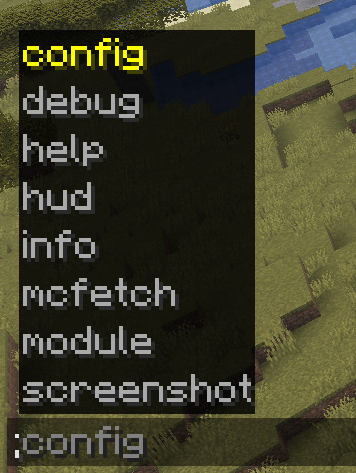 client commands
 -
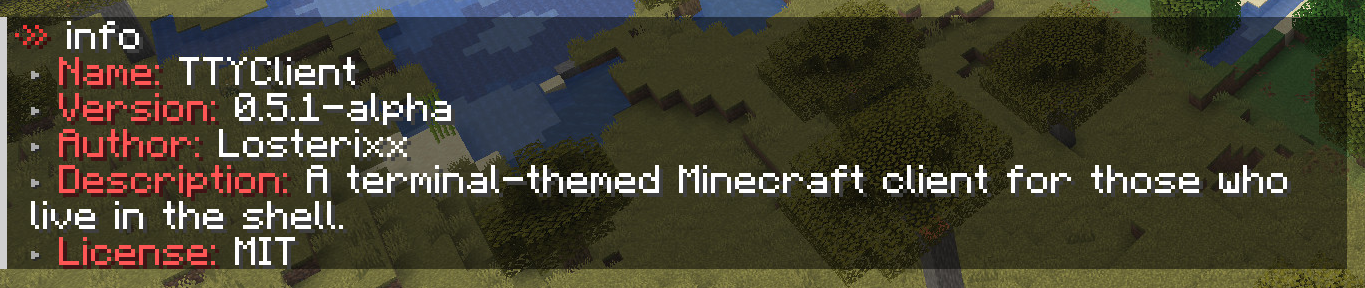 info command
 -
 module command
 -
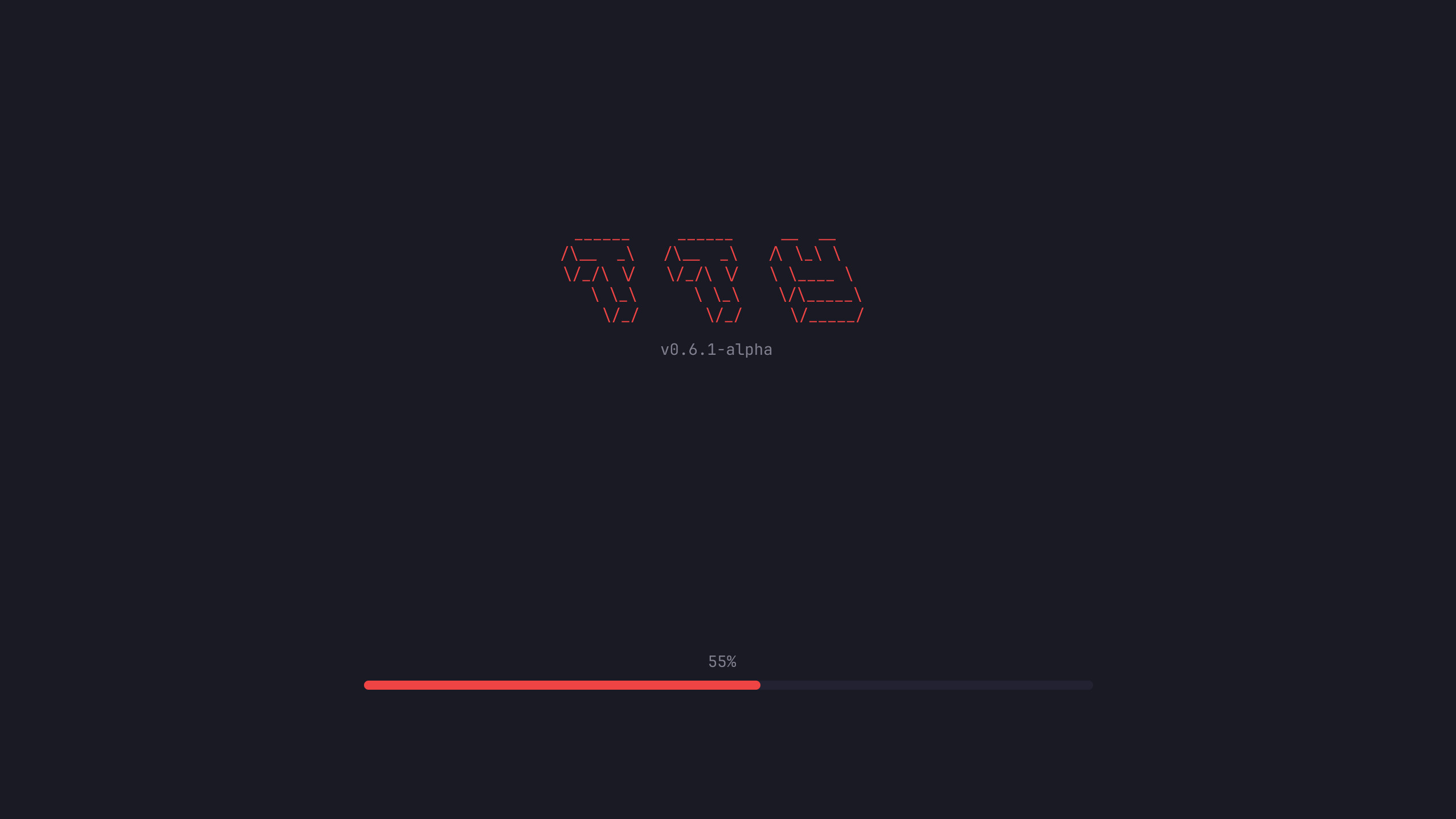 Loadingscreen
 -
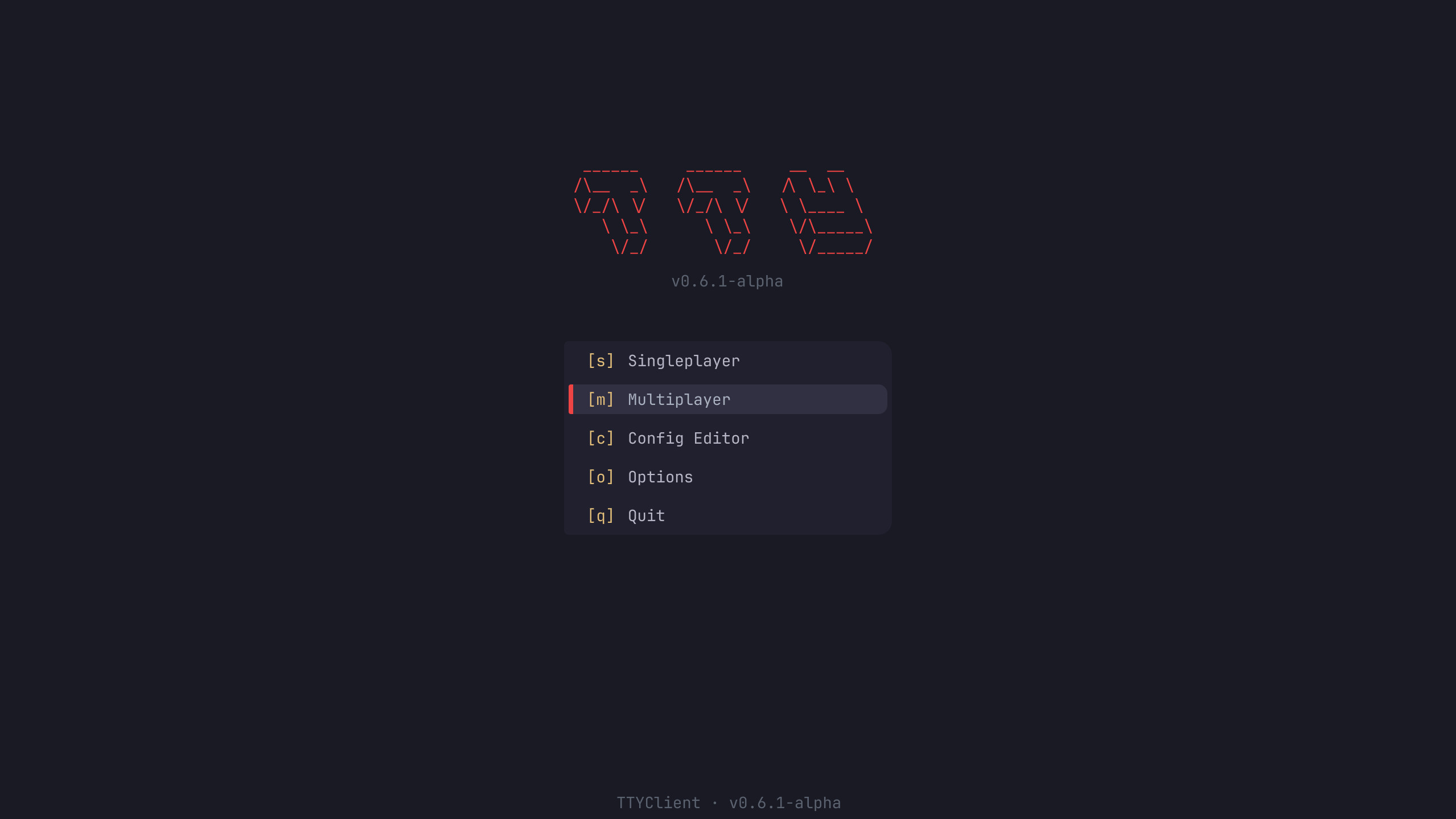 Titlescreen
 -
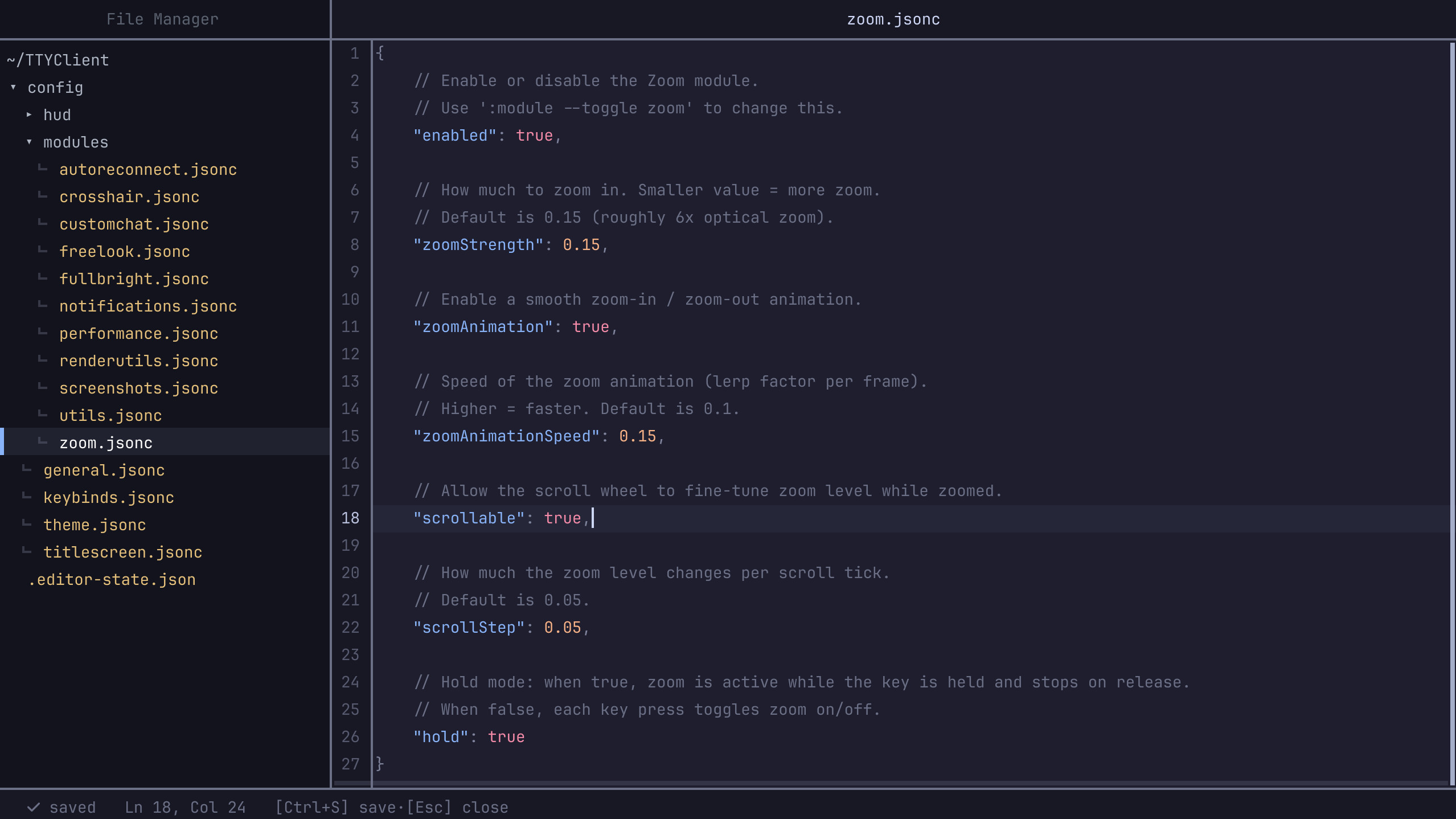 Config Editor
 -
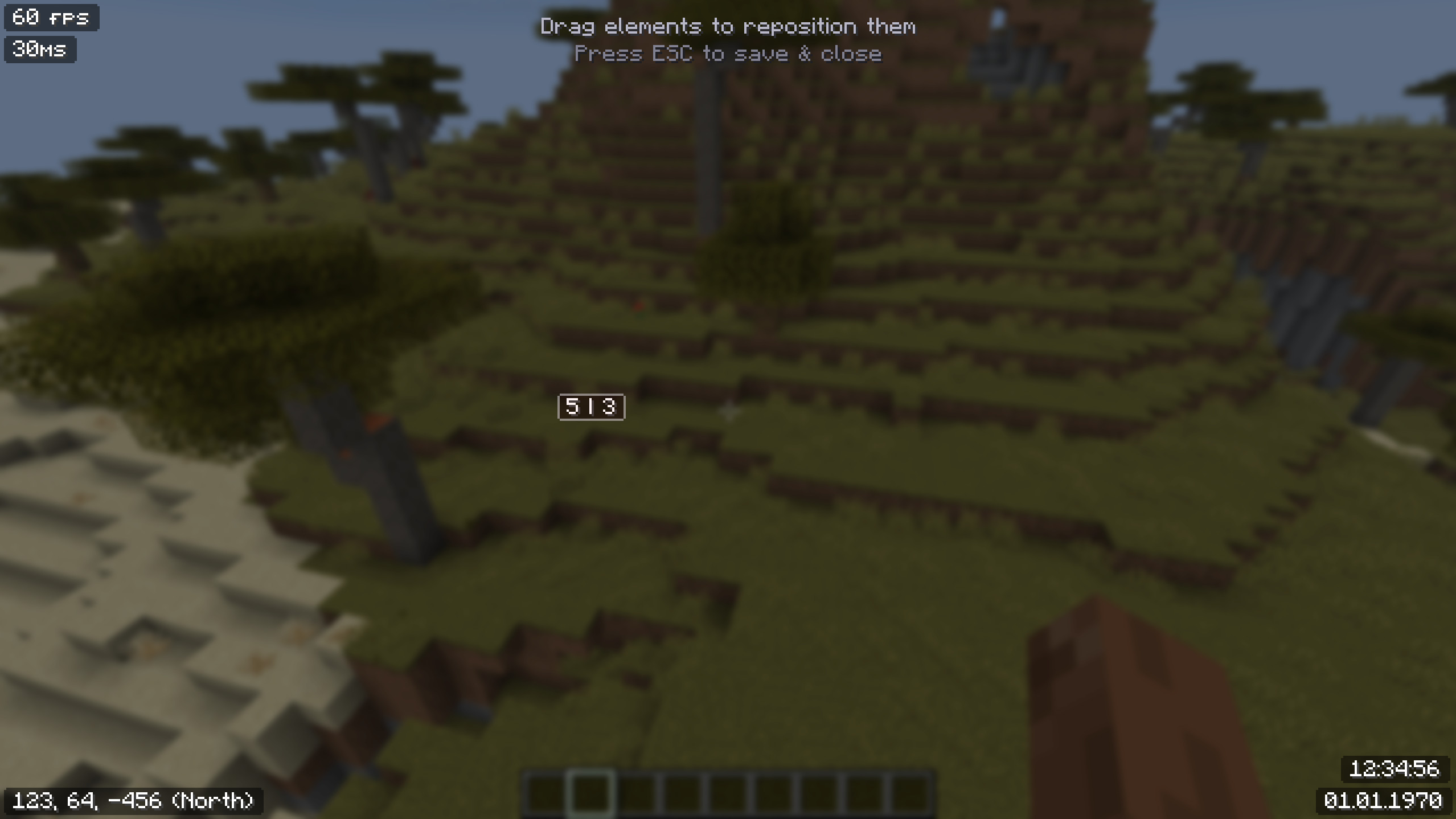 HUD Editor
 -
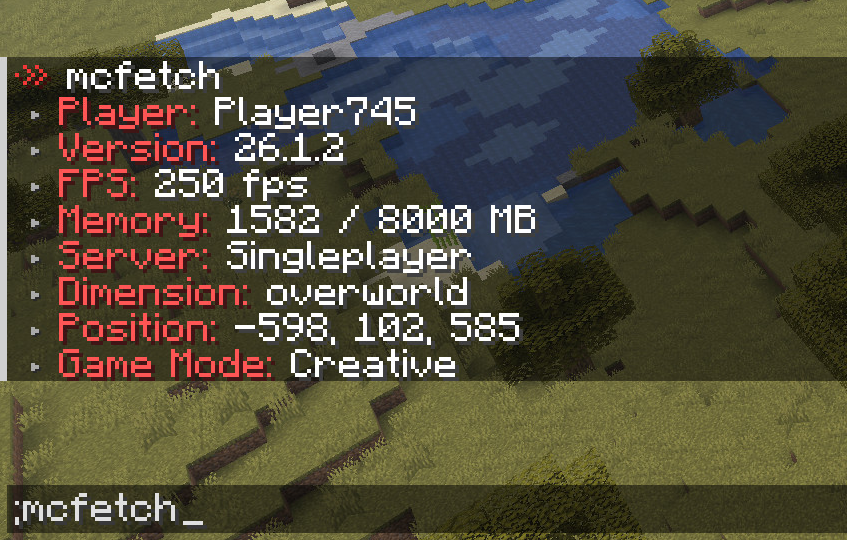 mcfetch command
Versions
Files
Relations
Project Relations
More like this
Similar Mods
Suggestions use data such as tags, dependencies, dependents, descriptions, titles, and more to rank how much they overlap with this mod.
On ModDex
Community snapshot
By the numbers
Statistics

Want to reach Minecraft players?
We're looking for a server hosting partner to feature here and other parts of the site. Interested? Send us a message!
Get in touchGet it on
Available Platforms
On ModDex
Community snapshot
By the numbers