Community listing page, reviews here may not be monitored by the author.
Turtle Client

No reviews yet
A lightweight and customizable Minecraft Java client focused on utility, visuals, clean UI, and performance improvements. Turtle Client includes various built-in features and HUD modules designed to improve gameplay and customization.
Community voices
Reviews
No reviews yet. Be the first to review this project!
Get it on
Available Platforms
Compatibility
Supported Environments
Runs entirely on the client. Works on vanilla servers.
About
Project Details
For authors
Embed Badge
If you're the author of this project, you can embed a live badge anywhere that supports HTML or Markdown. It updates automatically whenever ratings change.
Use HTML for any page that supports it, or Markdown for README files and Markdown-based descriptions.
Identifiers
Platform IDs
Resources
External Links
About
Description
🐢 Turtle Client - A Minecraft Java Client
A lightweight and customizable Minecraft Java client focused on utility, visuals, clean UI, and performance improvements.
«Note: The name of this project was inspired by a Minecraft Bedrock client.»
Their licence: https://github.com/TurtleUtilityPack/turtle-client
✨ Features
Turtle Client includes various built-in features and HUD modules designed to improve gameplay and customization.
Included Features
- FPS Counter
- CPS Counter
- Coordinates HUD
- FullBright
- Freelook
- Combo Counter
- Clock
- Direction HUD
- Armor Status
- Attack Indicator
- Block Overlay
- Chat Improvements
- Discord RPC
- Custom Crosshair
- HUD Customization
- Perspective Toggle
- UI Customization
- Animation Tweaks
🤔 Why Turtle Client?
Turtle Client is designed for players who want:
- A clean and modern interface
- Useful built-in modules
- Lightweight gameplay enhancements
- Easy customization
- Better visual experience
The client focuses on simplicity while still providing useful features for everyday gameplay.
📥 Installation
💻 PC
- Download the TurtleClient-x.x.x.jar file
- Place the file inside your Minecraft mods folder
- Launch the game using Fabric Loader
📲 Android / Mobile Java Launchers
- Download the TurtleClient-x.x.x.jar file
- Place the file inside your mods folder
- Launch Minecraft using your preferred Java launcher
💥 Compatibility
✔️ Supported
- Fabric
❌ Not Supported
- Forge
- NeoForge
- Feather Client
- Lunar Client
- Some custom Minecraft clients may be incompatible
📋 Credits
- Endiq — Developer
Screenshots
Gallery
-
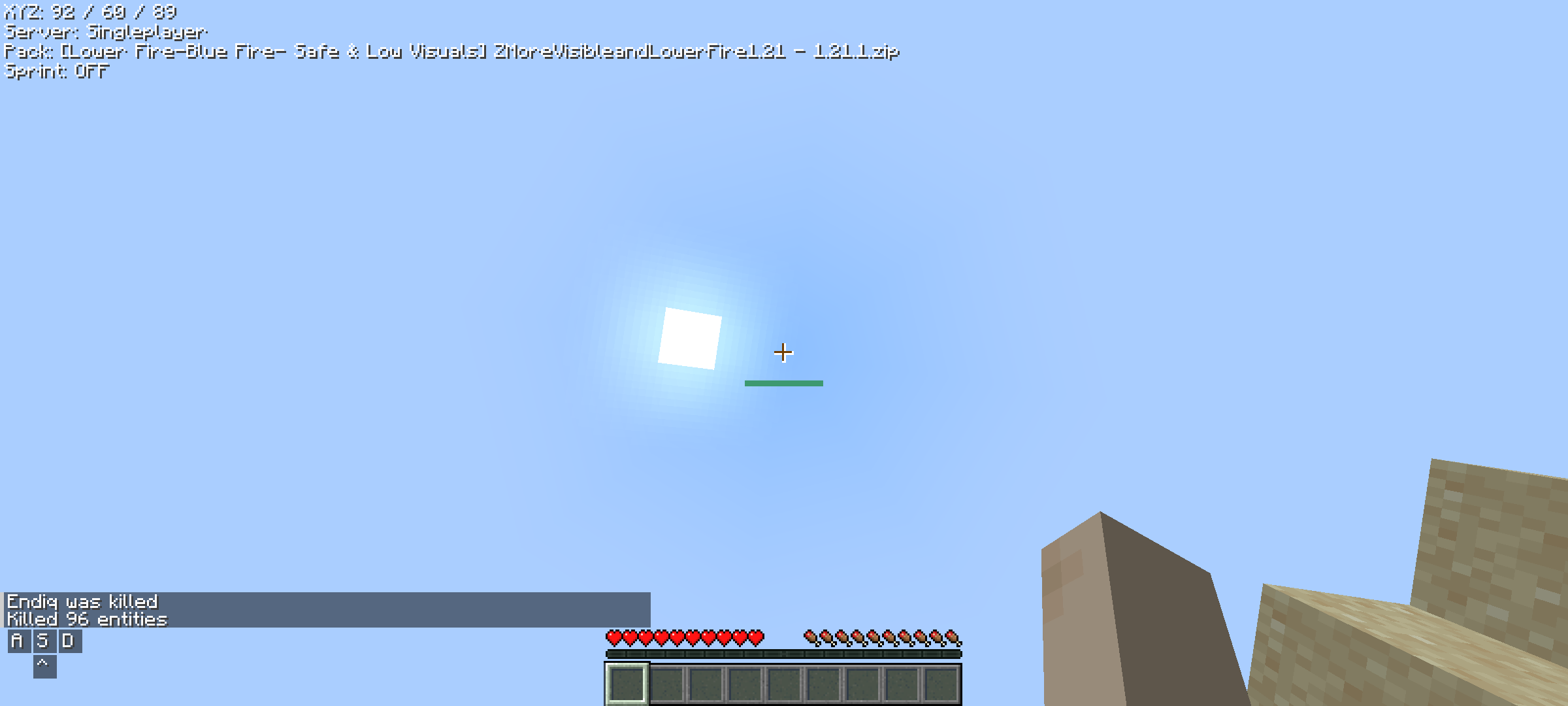 Mods Enabled
 -
 Featured Image
 -
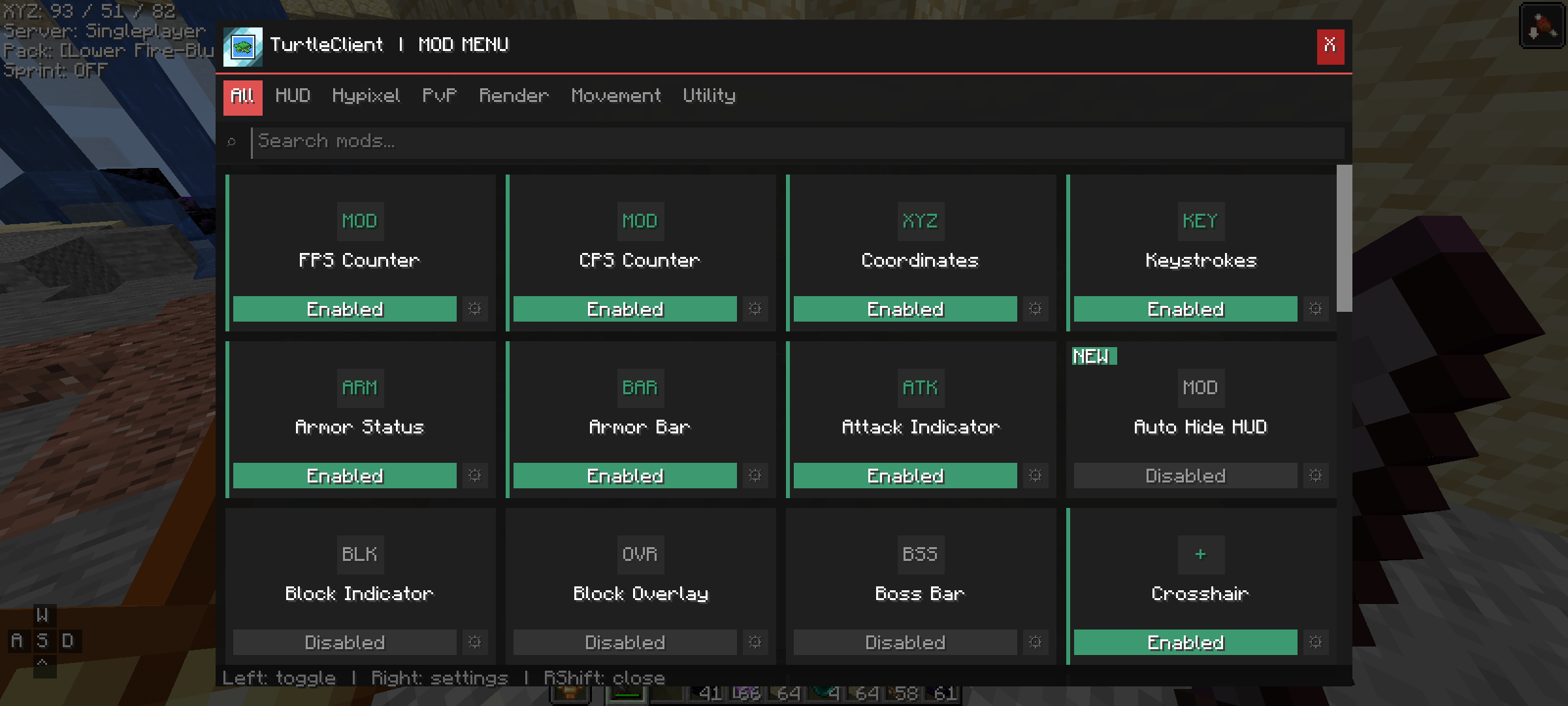 Modmenu
Versions
Files
Relations
Project Relations
More like this
Similar Mods
Suggestions use data such as tags, dependencies, dependents, descriptions, titles, and more to rank how much they overlap with this mod.
On ModDex
Community snapshot
By the numbers
Statistics

Want to reach Minecraft players?
We're looking for a server hosting partner to feature here and other parts of the site. Interested? Send us a message!
Get in touchGet it on
Available Platforms
On ModDex
Community snapshot
By the numbers
Statistics
Resources