
TwitchierChat
No reviews yet
Server side fabric mod to make minecraft chat more like twitch's. Adds emotes, name colors, replies and much more.
Fabric is a mod loader for versions 1.14+ of Minecraft, particularly popular for client side and optimization mods.
Community voices
Reviews
Click once to include, again to exclude, again to clear
No reviews yet. Be the first to review this project!
Get it on
Available Platforms
 Modrinth
Compatibility
Supported Environments
About
Project Details
For authors
Embed Badge
If you're the author of this project, you can embed a live badge anywhere that supports HTML or Markdown. It updates automatically whenever ratings change.
Use HTML for any page that supports it, or Markdown for README files and Markdown-based descriptions.
Identifiers
Platform IDs
About
Description
Showcase
- Emotes can be added by operators and managers, they can be animated and can be used in chat, signed books, anvil, signs. They will autocomplete on chat.
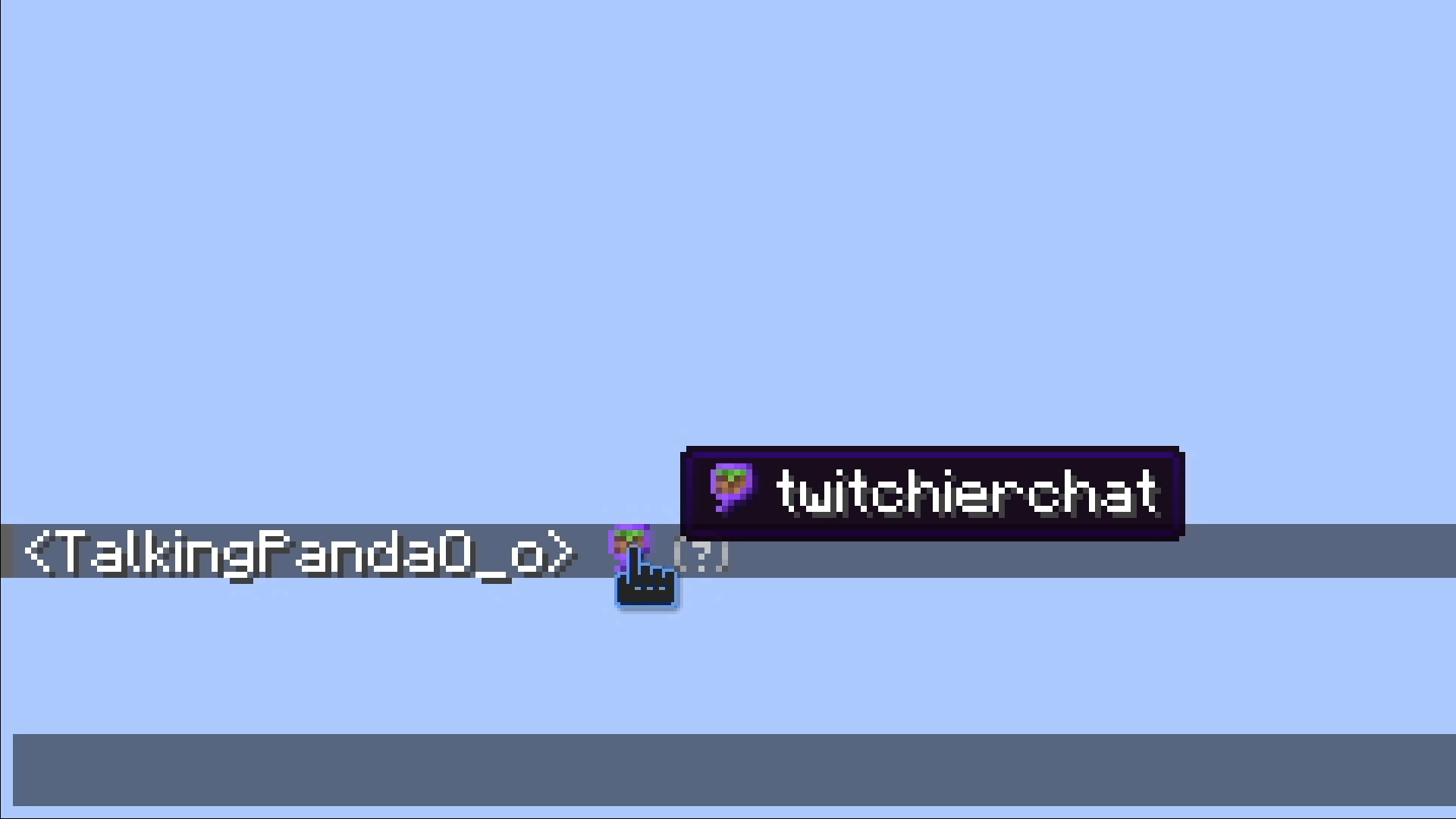
- You can reply to messages by clicking on them
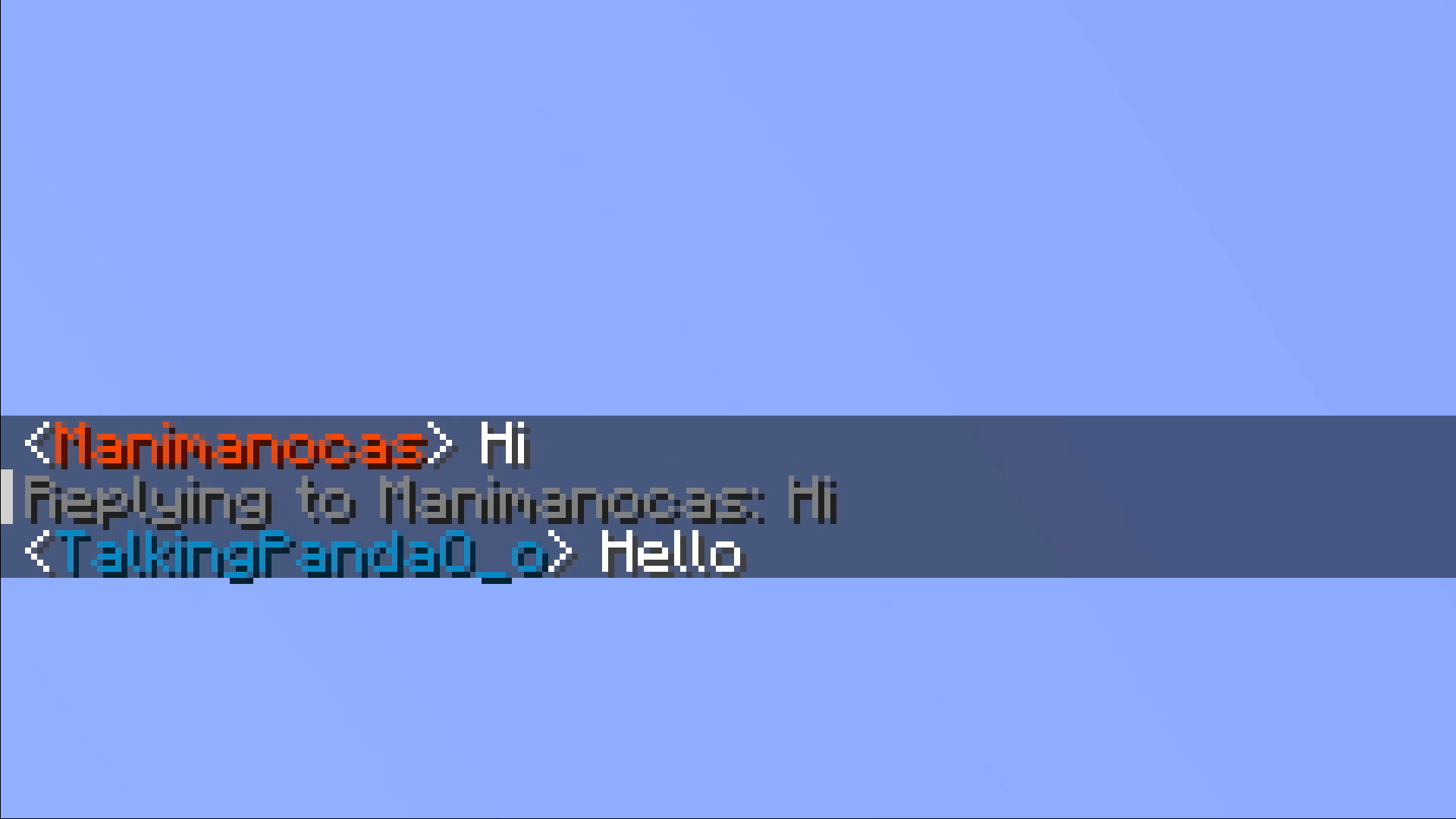
- You can change your name color to any of the twitch name colors or any hex color
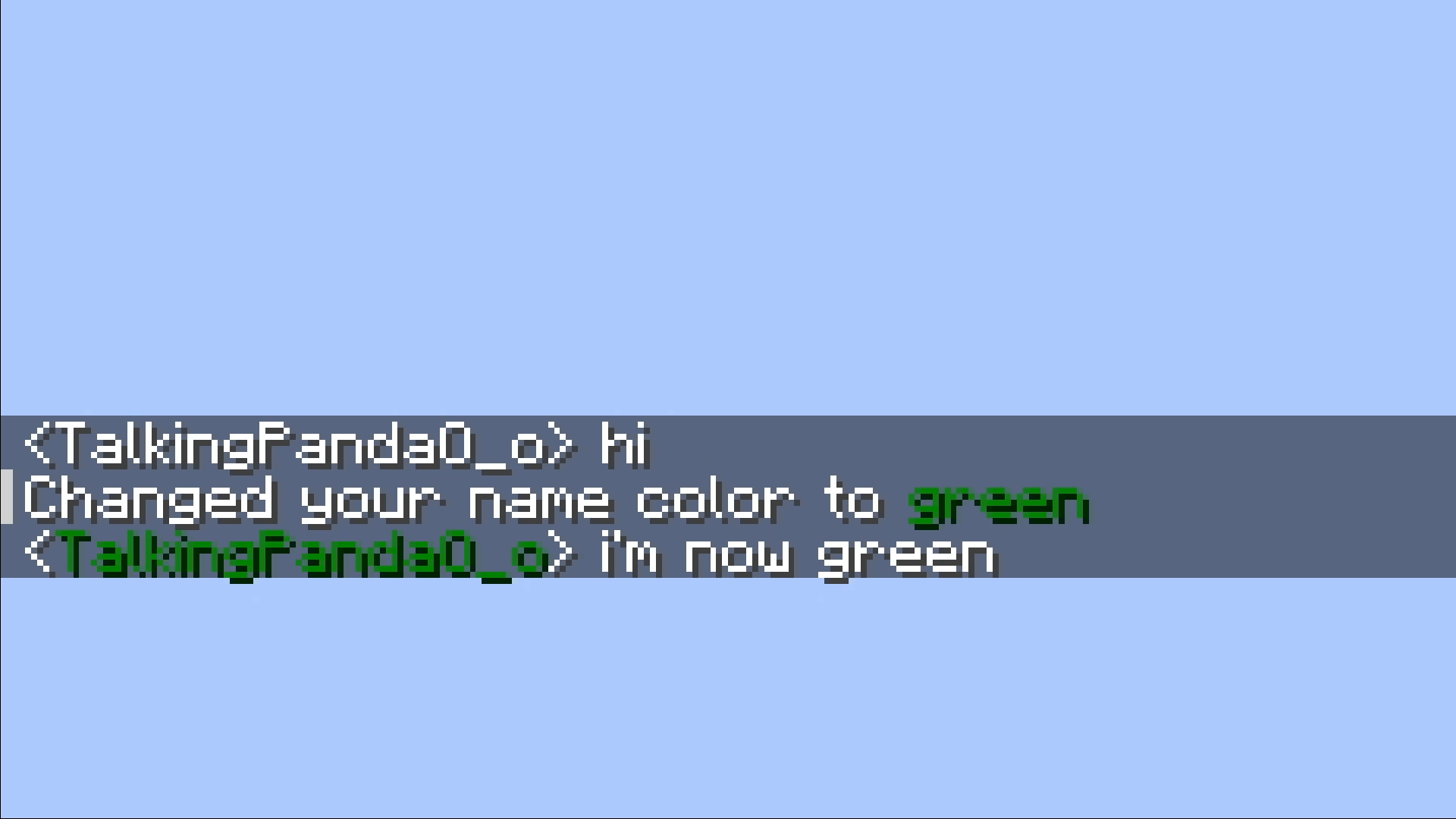
- You can put a players head in chat if you put their name between
< >, they don't need to be on the server or even online.
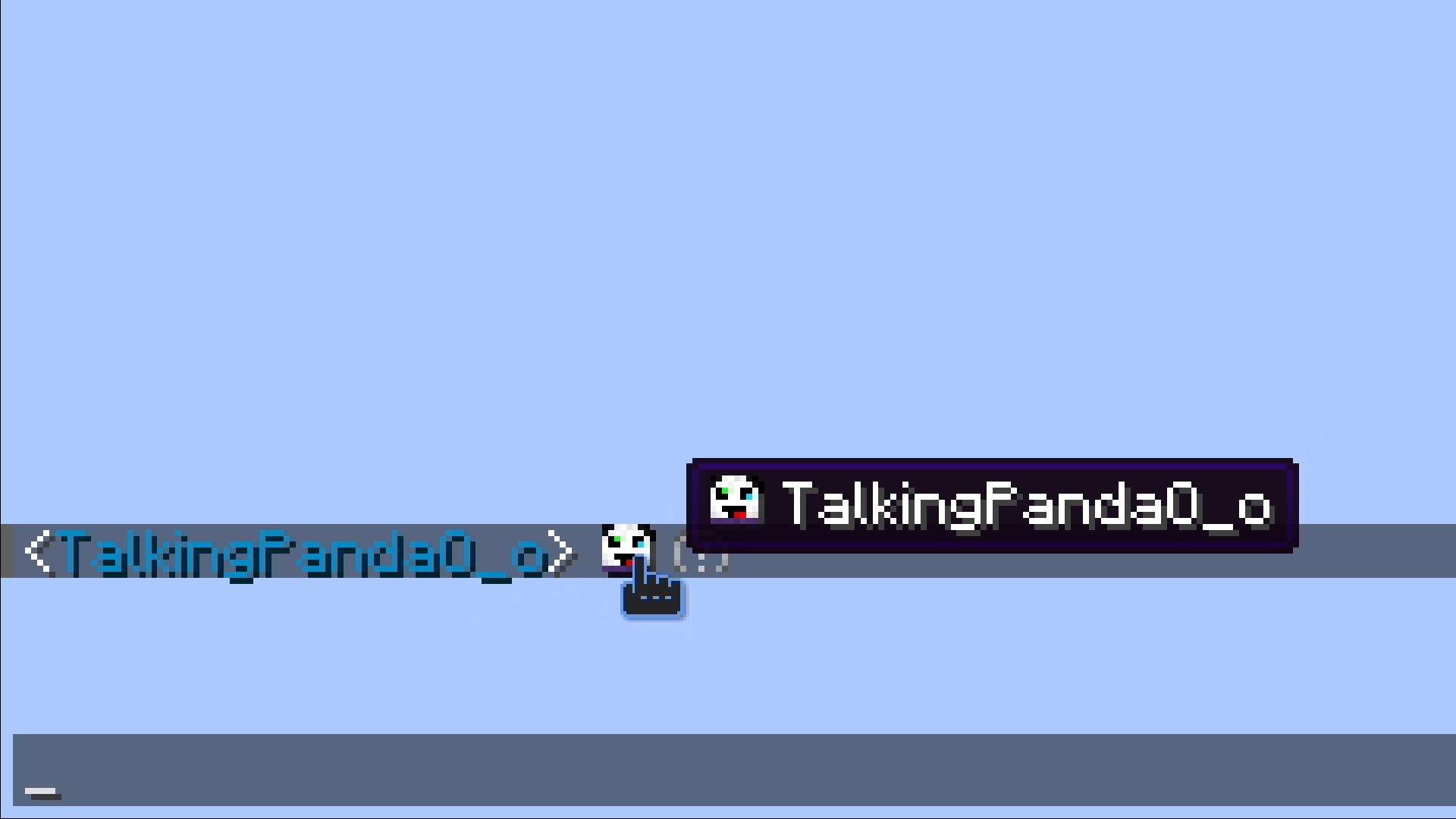
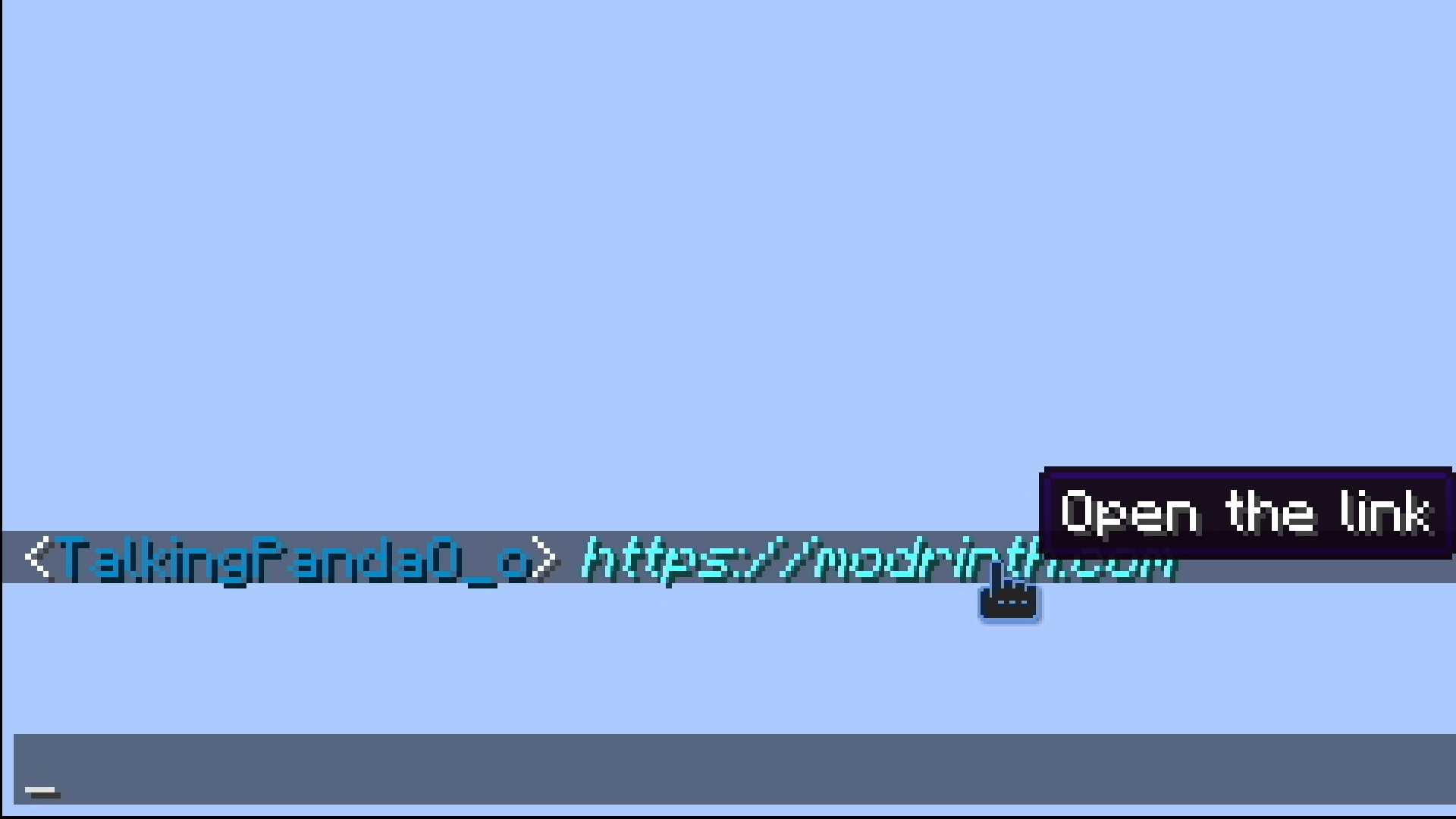
- Any url typed in chat will become clickable
Setup
- Needs ffmpeg to be installed and on path on the server.
- You need to set your server's address for the resource pack.
Commands
Twitchierchat
/twitchierchat server <address> <port>
Sets the server address used for the emote resource pack. Requires operator priviliges.
<address> needs to be the address players are using to join your server.
<port> will be set to the port you have in server.properties if empty.
/twitchierchat managers
Lists current managers.
/twitchierchat managers add <player>
Will make <player> a manager.
Managers can remove and add emotes they can't add or remove other managers. Requires operator priviliges.
/twitchierchat managers remove <player>
Will remove <player> from managers.
Emotes
/emotes add <emote> <sourceUrl> <showLogs> <tileSize> <fps>
Adds emote with name <emote> from <sourceUrl> with size <tileSize> and framerate <fps>. Can be run by operators or managers.
<emote> can't be longer than 14 characters.
/emotes remove <emote>
Removes emote with name <emote>. Can be run by operators or managers.
/emotes reload
Reloads the emotes from the resource pack file.
/emotes update
Sends the resource pack to the person running it.
/emotes list
Shows a list of every emote.
Pings
/ping
Shows your current ping status.
ping on|off
Turns pings on or off.
/ping reply on|off
Turns pings on or off for replies.
/ping alias
Lists your current aliases.
/ping aliases add <alias>
Adds <alias> to your aliases.
/ping aliases remove <alias>
Removes <alias> from your aliases.
/ping sound
Will show and play your current ping sound.
/ping sound <sound>
Sets your ping sound <sound>.
/ping resetSound
Resets your ping sound.
/ping blocked
Shows the players you currently have blocked.
/ping block <player>
Prevents <player> from pinging you.
/ping unblock <player>
Allows <player> to ping you again.
Screenshots
Gallery
Versions
Files
Relations
Project Relations
More like this
Similar Mods
Suggestions use data such as tags, dependencies, dependents, descriptions, titles, and more to rank how much they overlap with this mod.
On ModDex
Community snapshot
By the numbers
Statistics

Want to reach Minecraft players?
We're looking for a server hosting partner to feature here and other parts of the site. Interested? Send us a message!
Get in touchGet it on
Available Platforms
On ModDex
Community snapshot
By the numbers