
Twitching Armor Stand
No reviews yet
Armor Poser addon for Twitch integration
Fabric is a mod loader for versions 1.14+ of Minecraft, particularly popular for client side and optimization mods.
Community voices
Reviews
Click once to include, again to exclude, again to clear
No reviews yet. Be the first to review this project!
Get it on
Available Platforms
 Modrinth
Compatibility
Supported Environments
About
Project Details
For authors
Embed Badge
If you're the author of this project, you can embed a live badge anywhere that supports HTML or Markdown. It updates automatically whenever ratings change.
Use HTML for any page that supports it, or Markdown for README files and Markdown-based descriptions.
Identifiers
Platform IDs
About
Description
Armor Poser addon for Twitch integration
How To Use
- Load the game with the mod and its dependencies installed.
- Open Cloth Config menu through
Mod Menuor with a notepad in.minecraft/config/twas.json - Enter your credentials for twitch integration (reload game if using notepad).
- Join any world/server with Armor Poser to start the integration!
Twitch Armor Stand provides following commands:
/twas bound twitch_nickname
By executing this command while looking at an armor stand, you will bound it to a twitch user with specified nickname.
/twas unbound twitch_nickname
By executing this command you will unbound any existing armor stands that were previously bounded to this twitch username.
You can also write /twas unbound without specifying the twitch username, but then you will have to look at the specific armor stand you want to unbound from its twitch user.
/twas simulate twitch_nickname chat message with a lot of words
This command will simulate a message from specified user.
For example: /twas simulate funnyperson !s hello will simulate FunnyPerson's chat message "!s hello".
To interact with bounded armor stand your viewers will need to write following commands:
- !s hello
- !s twerk
- !s clap
Those are emotes that will not break nor stop any action
- !s jump
Bounded armor stand starts to jump infinitely until stopped by another action
- !s follow
By entering (for example, Player Name or some entitie's nametag) the bounded stand will start following specified entity. If the name was wrong, the stand will stop the following action.
- !s stop
Simply stops any action that was executing before.
Dependencies
You have to install following mods to play with Twitching Armor Stand:
License
This mod is available under the MIT license. Feel free to learn from it and incorporate it in your own projects.
Screenshots
Gallery
-
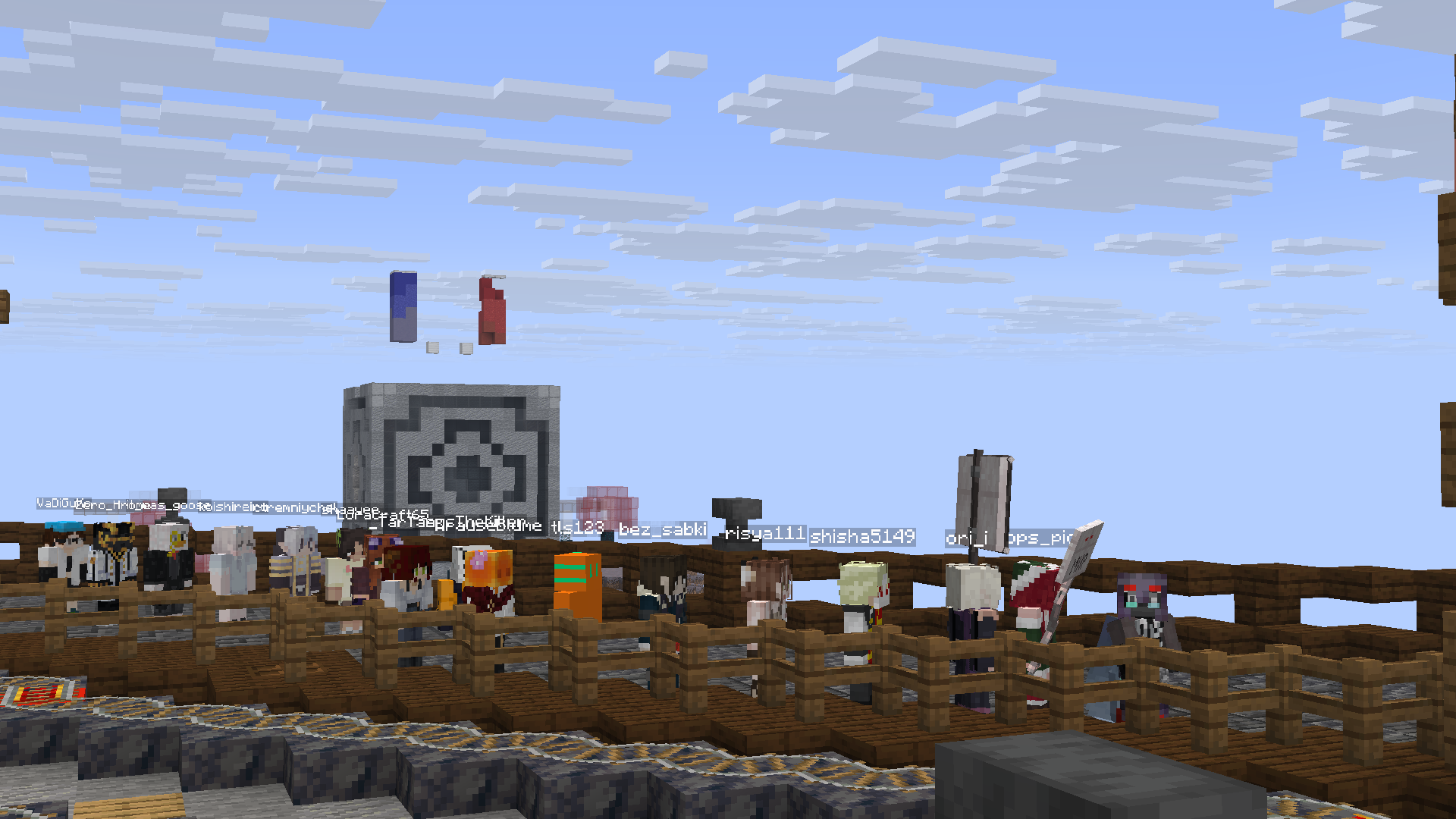 Actual armor stands following each other using Player Armor Stands mod to render actual player skins ontop armor stands
 -
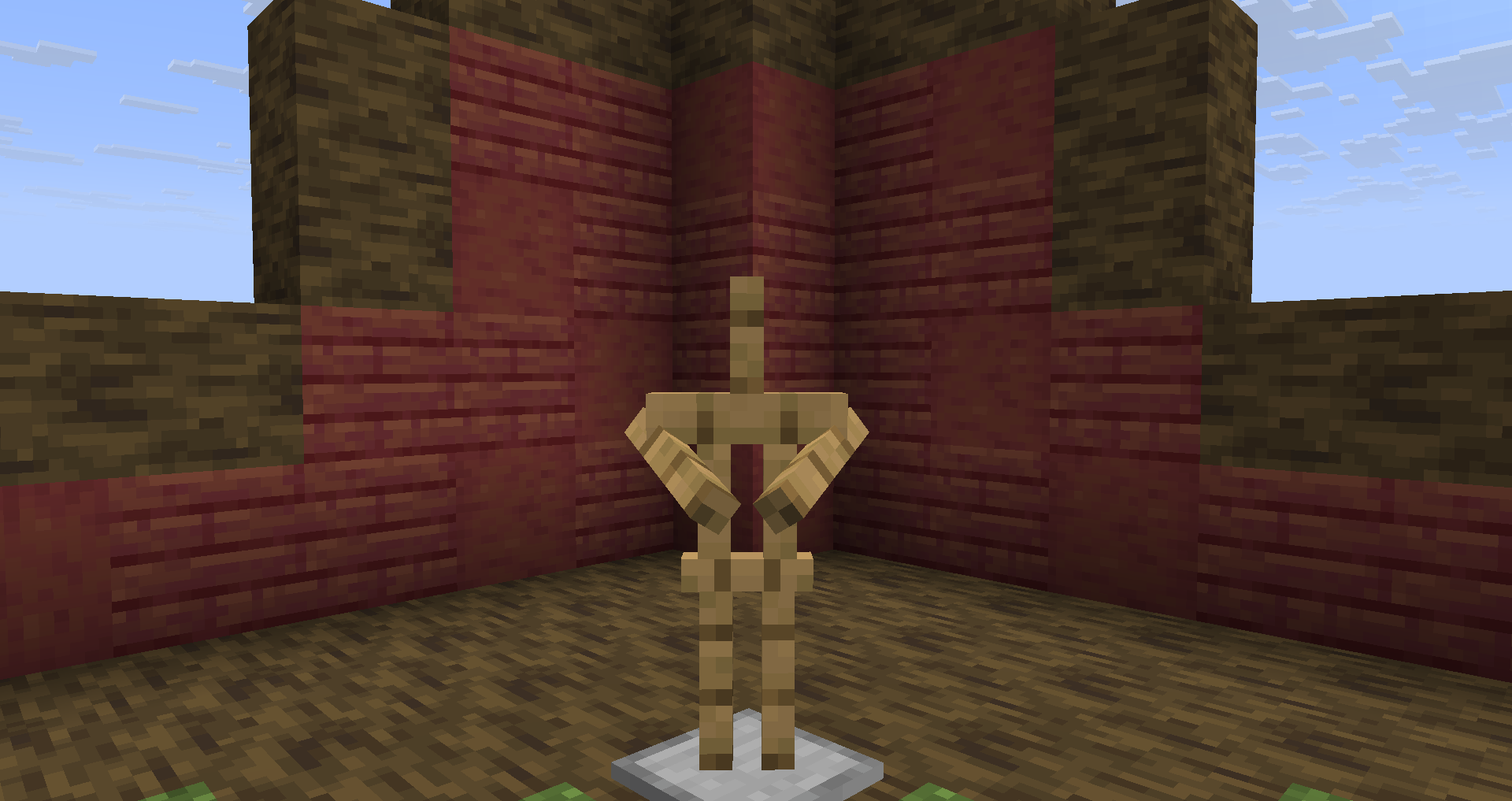 !s clap
 -
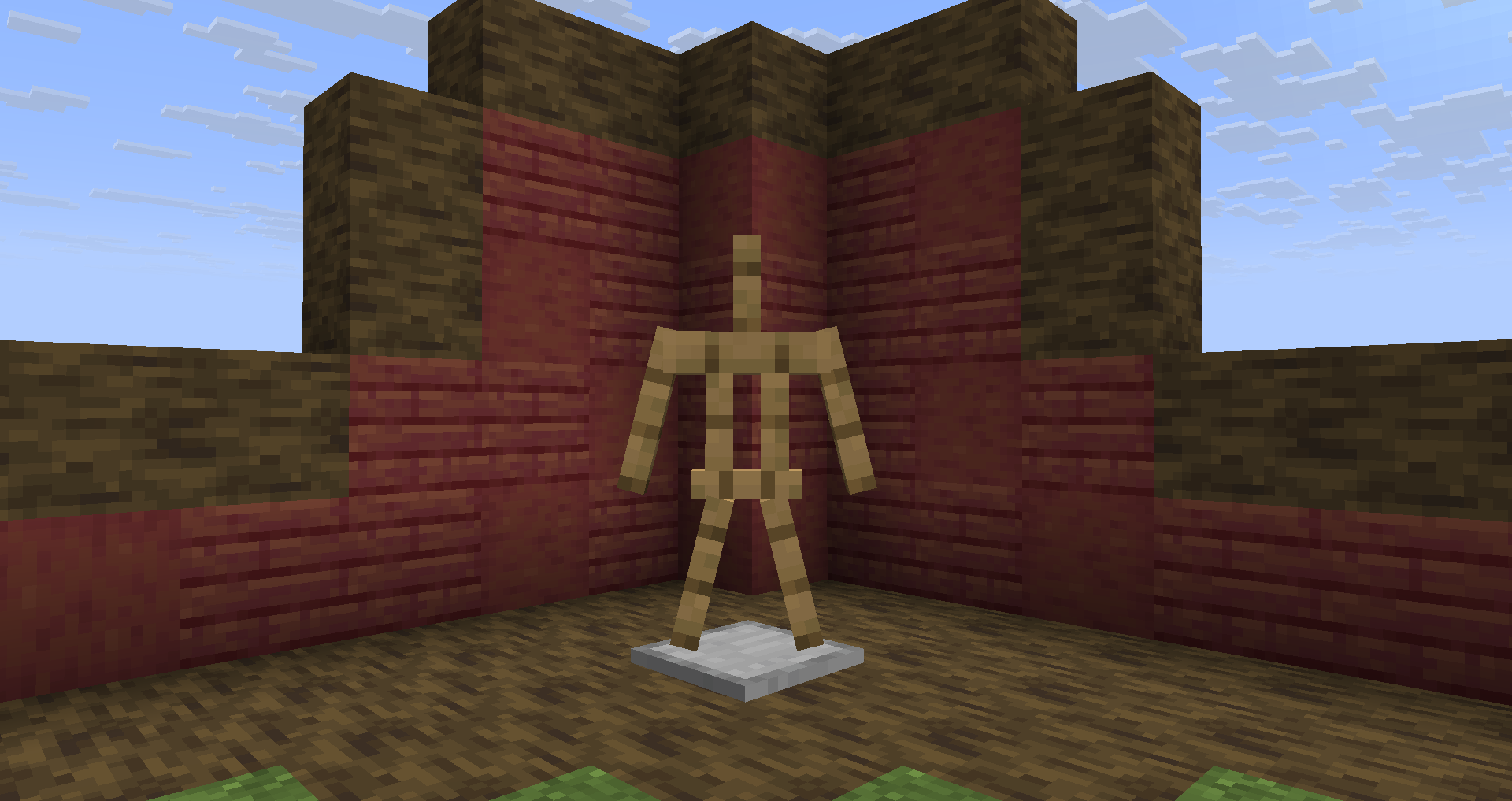 !s jump
 -
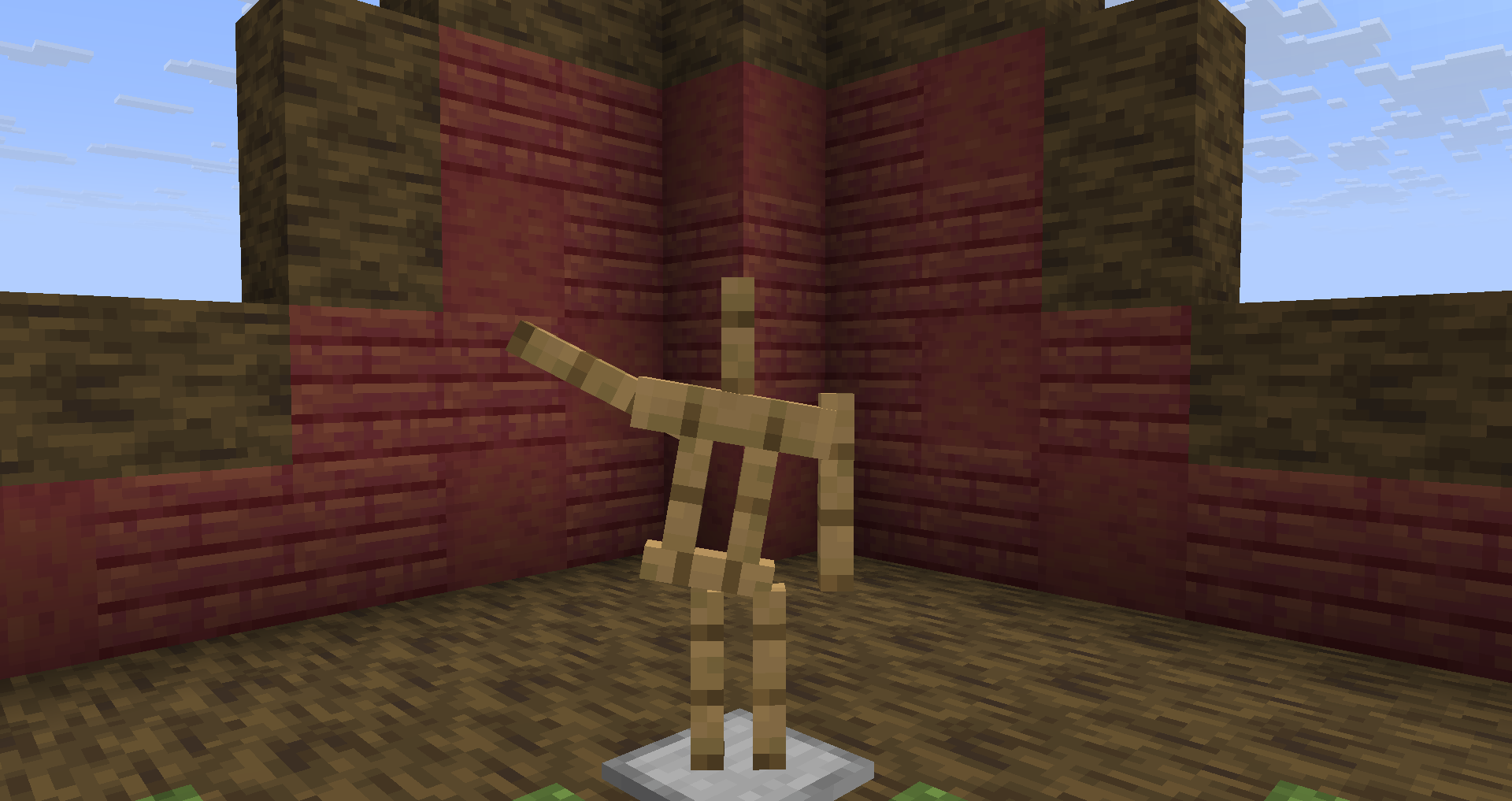 !s hello
Versions
Files
Relations
Project Relations
More like this
Similar Mods
Suggestions use data such as tags, dependencies, dependents, descriptions, titles, and more to rank how much they overlap with this mod.
On ModDex
Community snapshot
By the numbers
Statistics

Want to reach Minecraft players?
We're looking for a server hosting partner to feature here and other parts of the site. Interested? Send us a message!
Get in touchGet it on
Available Platforms
On ModDex
Community snapshot
By the numbers