
Ultimate DayCounter
No reviews yet
A fully customizable day-counter datapack with an interactive dialog GUI, animated bossbar/actionbar, live progress, and new-day celebrations.
Data Packs were introduced to vanilla Minecraft in version 1.13 and allow the server to modify data about the game, or run commands. Data Packs are compatible with all mod loaders.
Forge is a popular mod loader for versions 1.1+ of Minecraft.
Neoforge is a fork of the Minecraft Forge available for versions 1.20.1+ of Minecraft. Many Forge mods are compatible with Neoforge and vice versa.
Fabric is a mod loader for versions 1.14+ of Minecraft, particularly popular for client side and optimization mods.
Quilt is a fork of the Fabric mod loader. Many Fabric mods are compatible with Quilt and vice versa.
Community voices
Reviews
Click once to include, again to exclude, again to clear
No reviews yet. Be the first to review this project!
Get it on
Available Platforms
 Modrinth
Compatibility
Supported Environments
About
Project Details
For authors
Embed Badge
If you're the author of this project, you can embed a live badge anywhere that supports HTML or Markdown. It updates automatically whenever ratings change.
Use HTML for any page that supports it, or Markdown for README files and Markdown-based descriptions.
Identifiers
Platform IDs
Resources
External Links
About
Description
Ultimate Day Counter
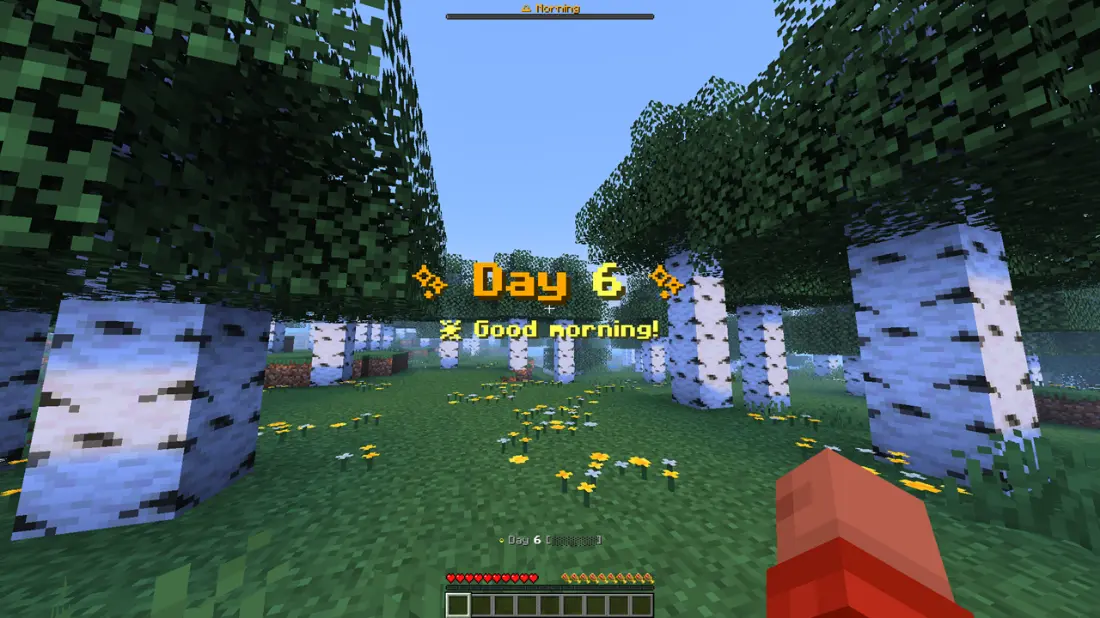
A colorful, animated Minecraft day-counter datapack with a proper dialog GUI. It tracks the in-game day and shows it with rich colors, a live progress bar, an animated spinner, a new-day celebration, and an interactive menu, all without any required operator commands.
Features
- Color-coded bossbar: a time-of-day progress bar that changes color by phase.
- Animated actionbar: a rotating spinner whose color cycles, next to the live day number and a filling progress bar that mirrors the bossbar.
- New-day celebration: a title and subtitle animation with fireworks particles and a launch sound at the start of every day.
- Dialog GUI: open an interactive panel with buttons for a live day readout, help, HUD mode (Both / Bossbar / Actionbar / Hide)
Usage
Type these in chat (no cheats or operator required):
/trigger daymenu     # open the Day Counter GUI panel
/trigger daytoggle   # show / hide the HUD (bossbar + actionbar)
Example Uses
- YouTubers: let viewers see the current day of your survival series.
- Challenge runs: track days survived without building a clock.
- Casual players: celebrate milestones and watch the day roll by.
Installation
- Put the
Ultimate DayCounterfolder or .zip file into your world'sdatapacks/directory.
Screenshots
Gallery
-
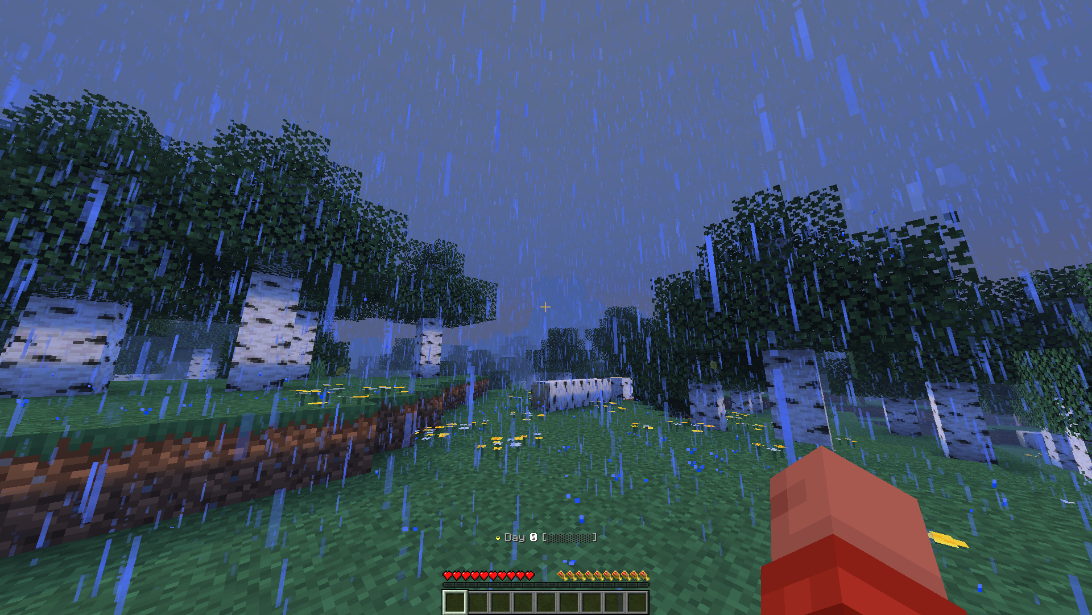 Actionbar only
 -
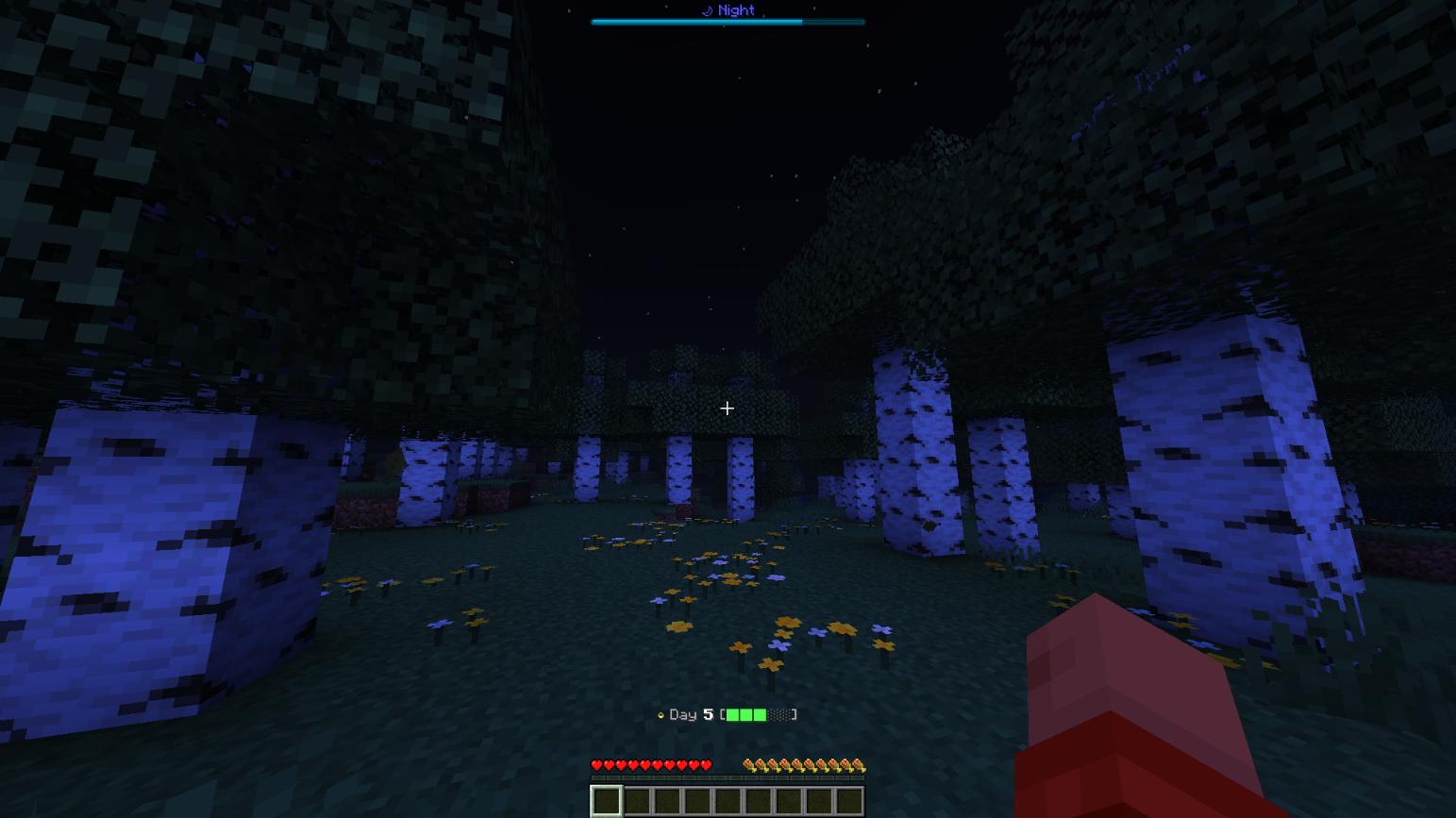 Progess showing on both hud
 -
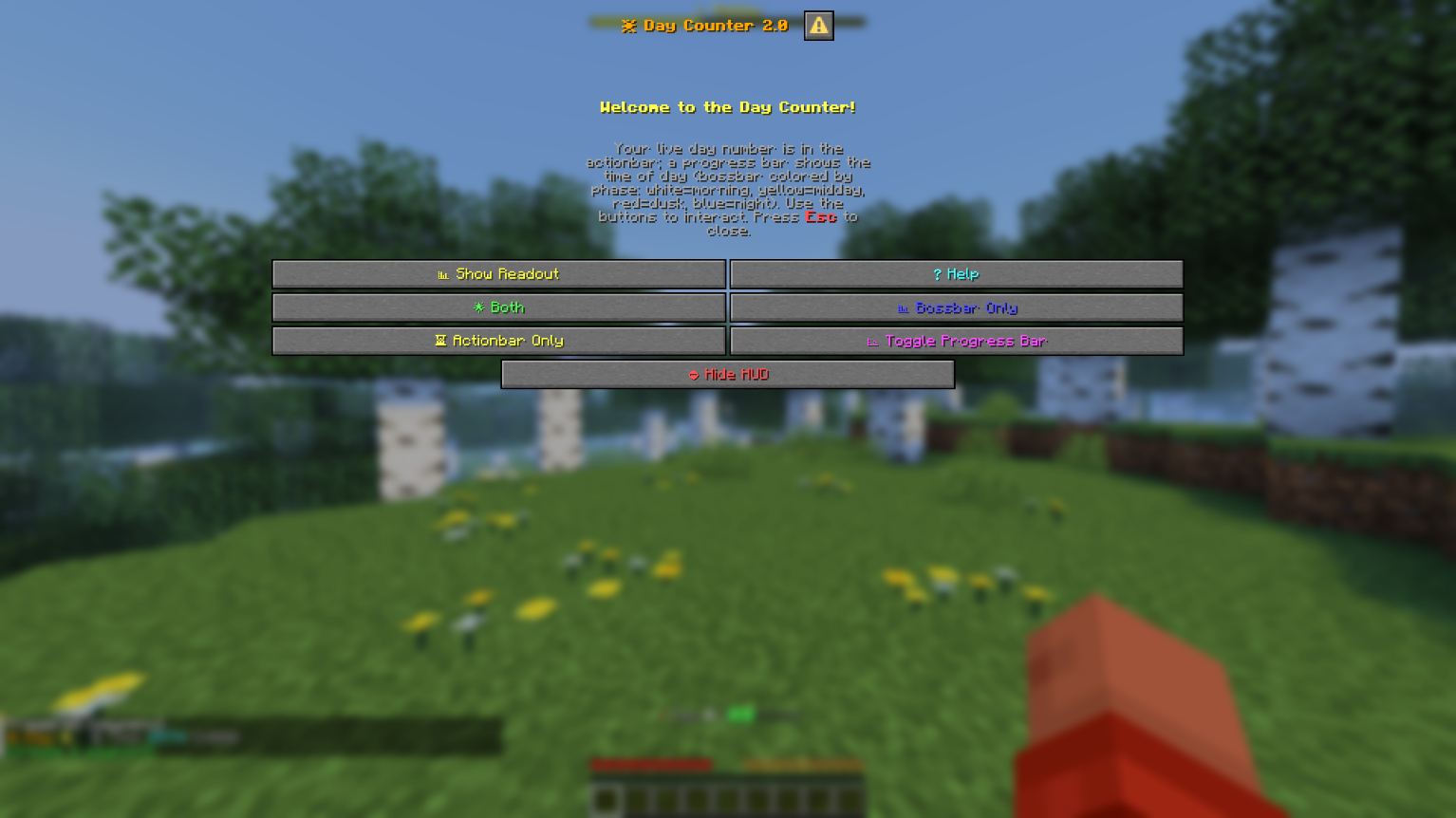 GUI
GUI -
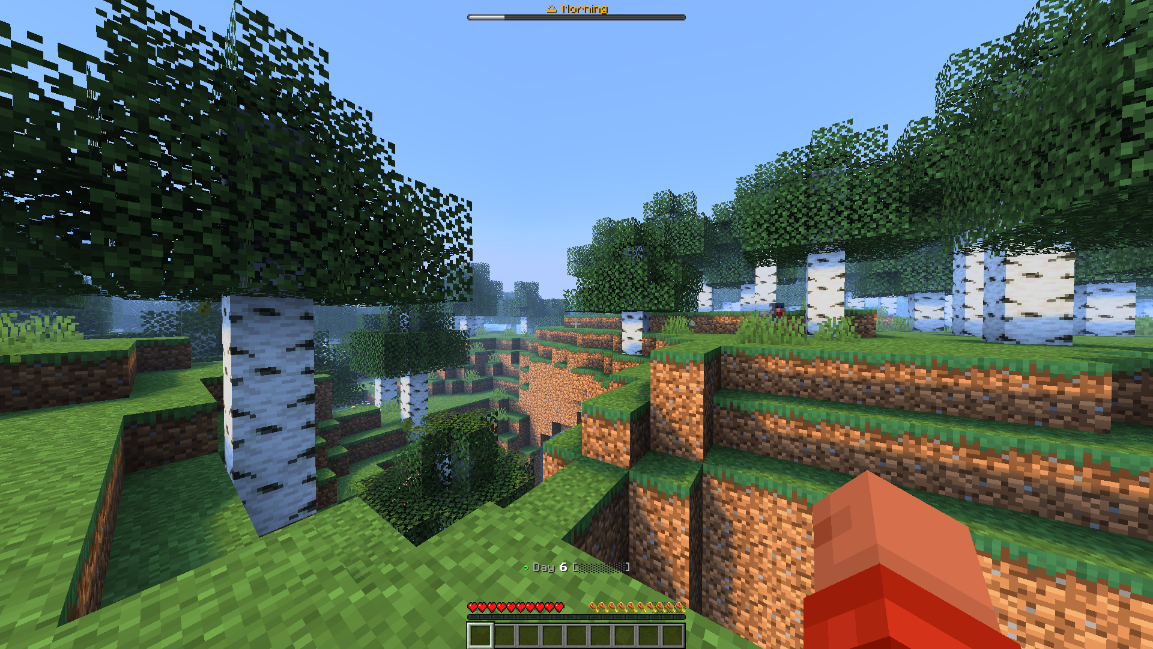 Actionbar + Bossbar Showing hud in both location
 -
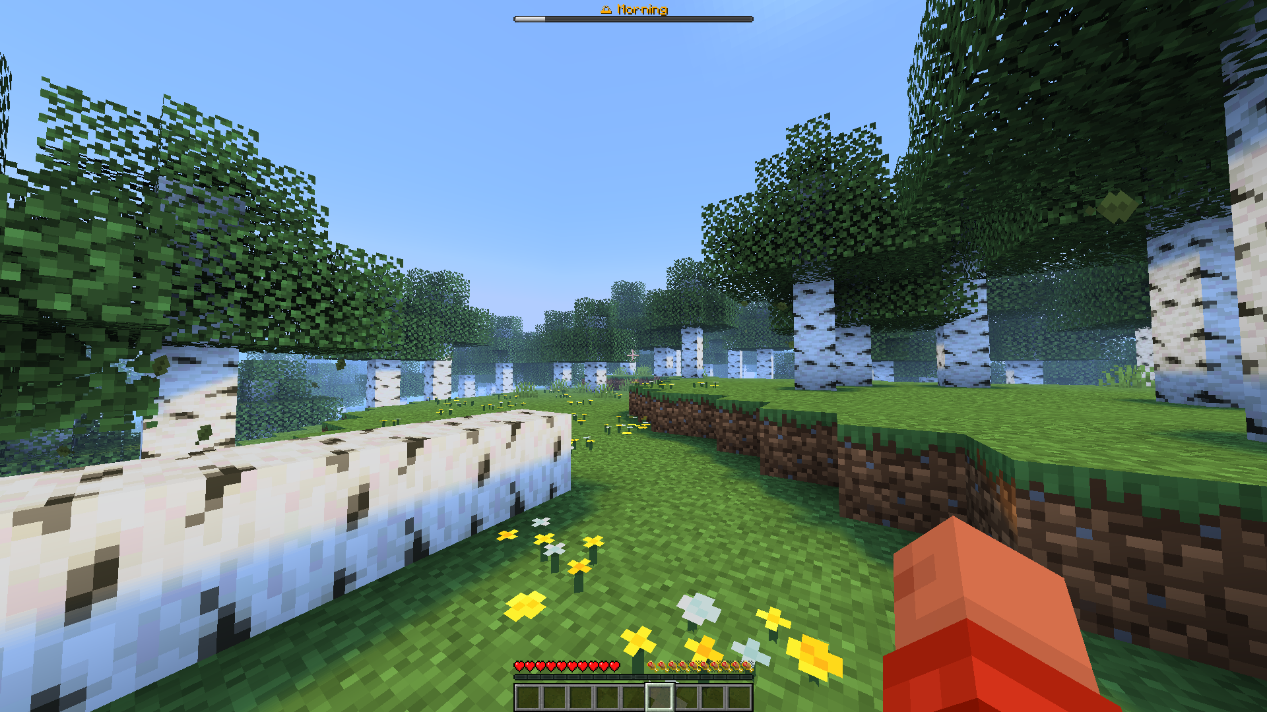 Bossbar only
 -
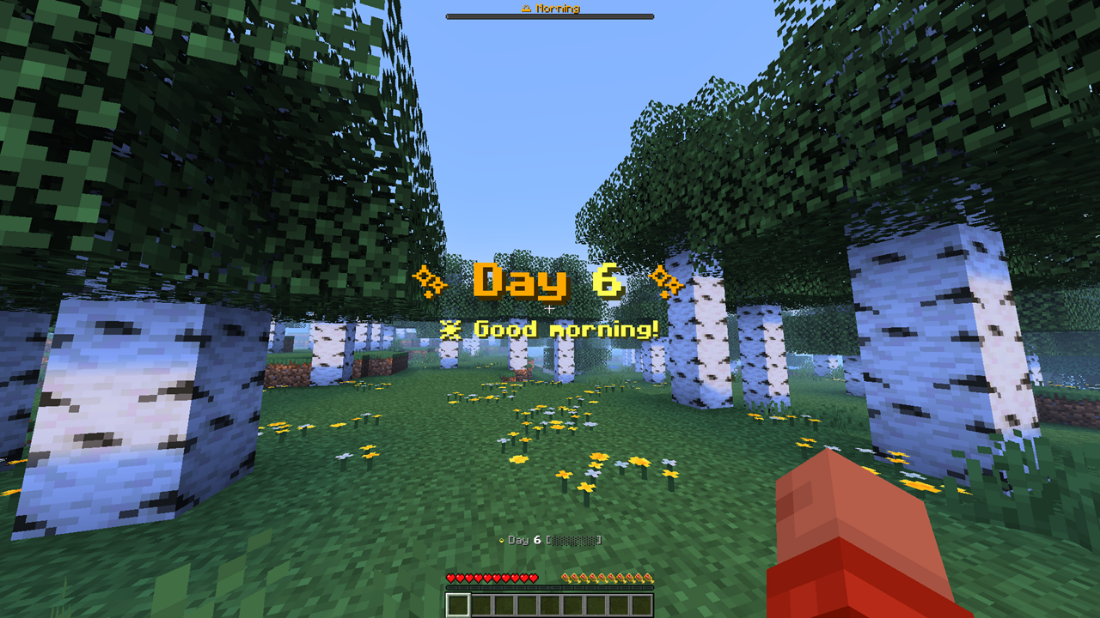 New Day
Versions
Files
Relations
Project Relations
More like this
Similar Mods
Suggestions use data such as tags, dependencies, dependents, descriptions, titles, and more to rank how much they overlap with this mod.
On ModDex
Community snapshot
By the numbers
Statistics

Want to reach Minecraft players?
We're looking for a server hosting partner to feature here and other parts of the site. Interested? Send us a message!
Get in touchGet it on
Available Platforms
On ModDex
Community snapshot
By the numbers
Statistics
Resources