
Community listing page, reviews may not be monitored by the author.
FTB Ultimine Rewind


No reviews yet
Rewind/undo functionality for FTB Ultimine. Restore mined blocks with Ctrl+Z. Supports partial restoration and creative mode.

Community voices
Reviews
No reviews yet. Be the first to review this project!
Get it on
Available Platforms
Compatibility
Supported Environments
Must be installed on both the client and the server.
About
Project Details
For authors
Embed Badge
If you're the author of this project, you can embed a live badge anywhere that supports HTML or Markdown. It updates automatically whenever ratings change.
Use HTML for any page that supports it, or Markdown for README files and Markdown-based descriptions.
Identifiers
Platform IDs
About
Description
Ultimine Rewind
Add undo/rewind functionality to FTB Ultimine. Made a mistake while vein mining? Press Ctrl+Z to restore your blocks!
Features
- 🔄 Undo Mining - Press Ctrl+Z to open the restoration interface
- 📦 Material System - Provide blocks to restore what you mined
- ✨ Creative Mode - No materials needed in creative mode
- 🔁 Partial Restore - Restore as many blocks as your materials allow, continue with Ctrl+Z
- 🌍 Multiplayer Safe - Works on servers with anti-dupe protection
- 🎨 Vanilla Style UI - Uses native chest interface
How to Use
- Mine blocks with FTB Ultimine
- Press Ctrl+Z to open the restoration menu
- Place materials into the container (same blocks you mined)
- Click "Restore Blocks" to undo your mining
Partial Restoration
Not enough materials? No problem!
- The mod will restore as many blocks as possible
- Remaining blocks stay in the record
- Press Ctrl+Z again with more materials to continue
Requirements
- Minecraft 1.20.1
- Forge 47.0+
- FTB Ultimine (Required)
Notes
- Block entities (chests, furnaces) are restored empty to prevent item duplication
- Records expire after 10 minutes
- Only the last mining operation can be undone
- Works in both singleplayer and multiplayer
License
GNU LGPL 3.0
Ultimine Rewind
Add undo/rewind functionality to FTB Ultimine. Made a mistake while vein mining? Press Ctrl+Z to restore your blocks!
Features
- 🔄 Undo Mining - Press Ctrl+Z to open the restoration interface
- 📦 Material System - Provide blocks to restore what you mined
- ✨ Creative Mode - No materials needed in creative mode
- 🔁 Partial Restore - Restore as many blocks as your materials allow, continue with Ctrl+Z
- 🌍 Multiplayer Safe - Works on servers with anti-dupe protection
- 🎨 Vanilla Style UI - Uses native chest interface
How to Use
- Mine blocks with FTB Ultimine
- Press Ctrl+Z to open the restoration menu
- Place materials into the container (same blocks you mined)
- Click "Restore Blocks" to undo your mining
Partial Restoration
Not enough materials? No problem!
- The mod will restore as many blocks as possible
- Remaining blocks stay in the record
- Press Ctrl+Z again with more materials to continue
Requirements
- Minecraft 1.20.1
- Forge 47.0+
- FTB Ultimine (Required)
Notes
- Block entities (chests, furnaces) are restored empty to prevent item duplication
- Records expire after 10 minutes
- Only the last mining operation can be undone
- Works in both singleplayer and multiplayer
License
GNU LGPL 3.0
Screenshots
Gallery
-
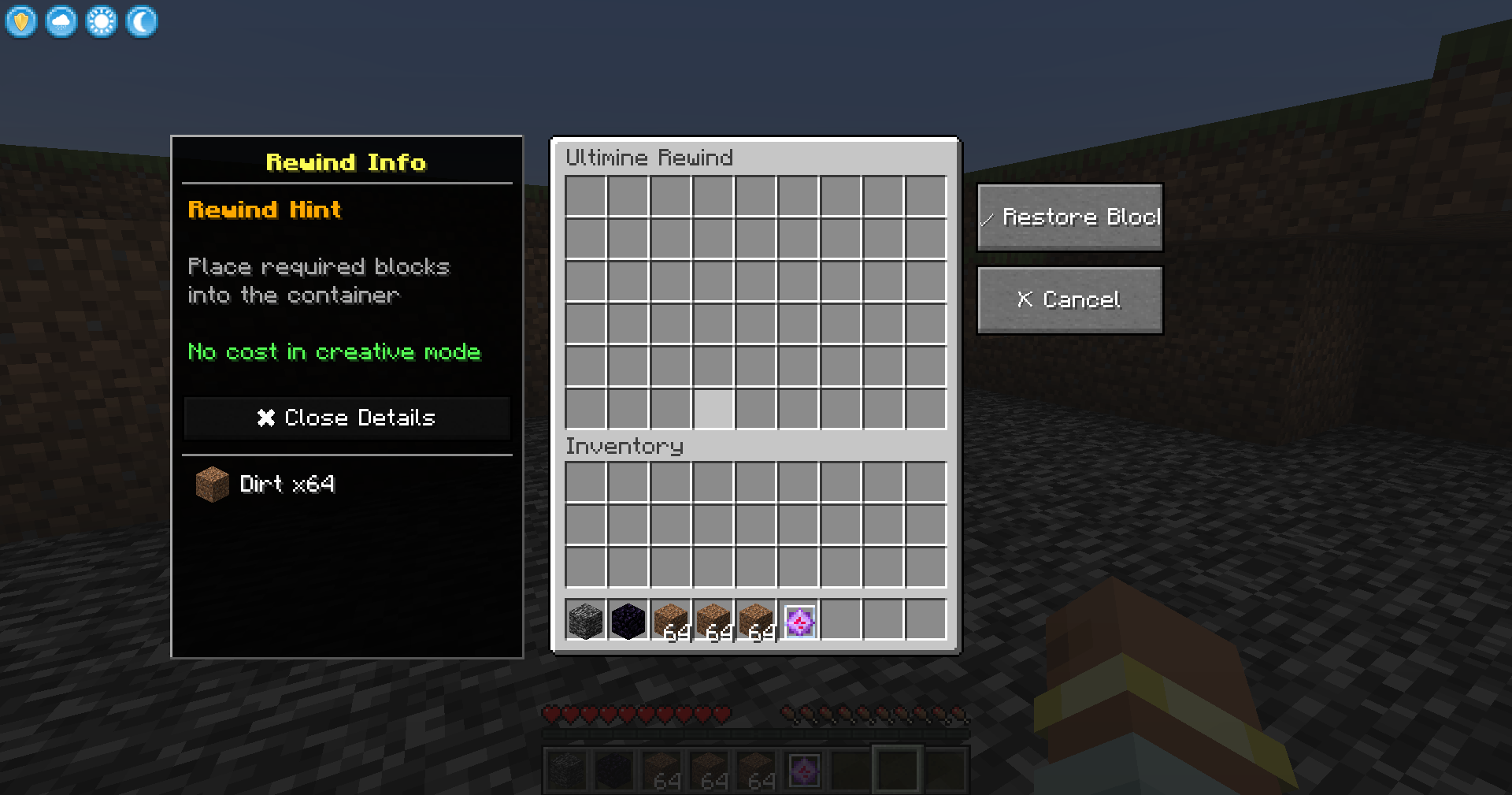 UI
UI -
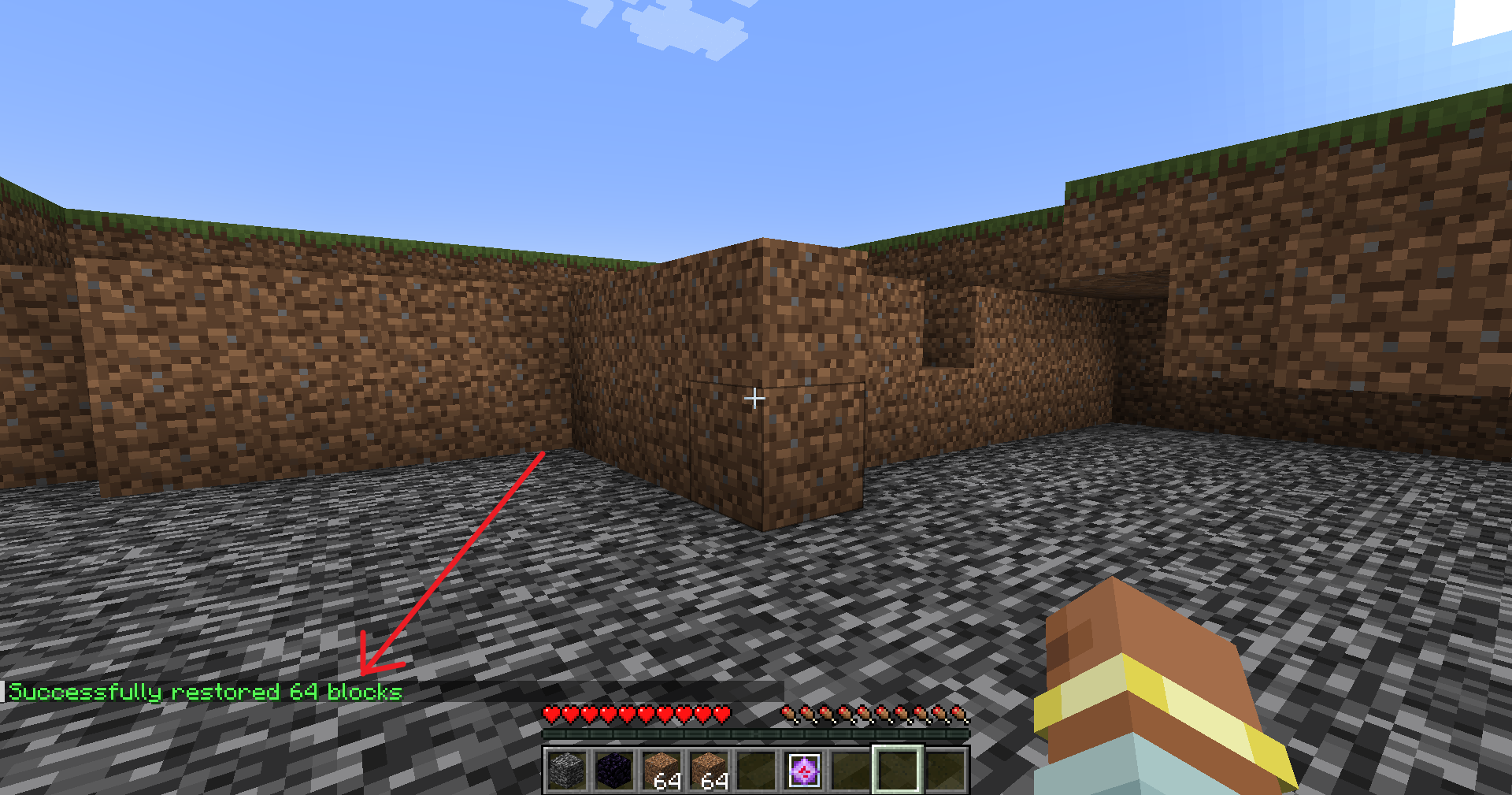
-
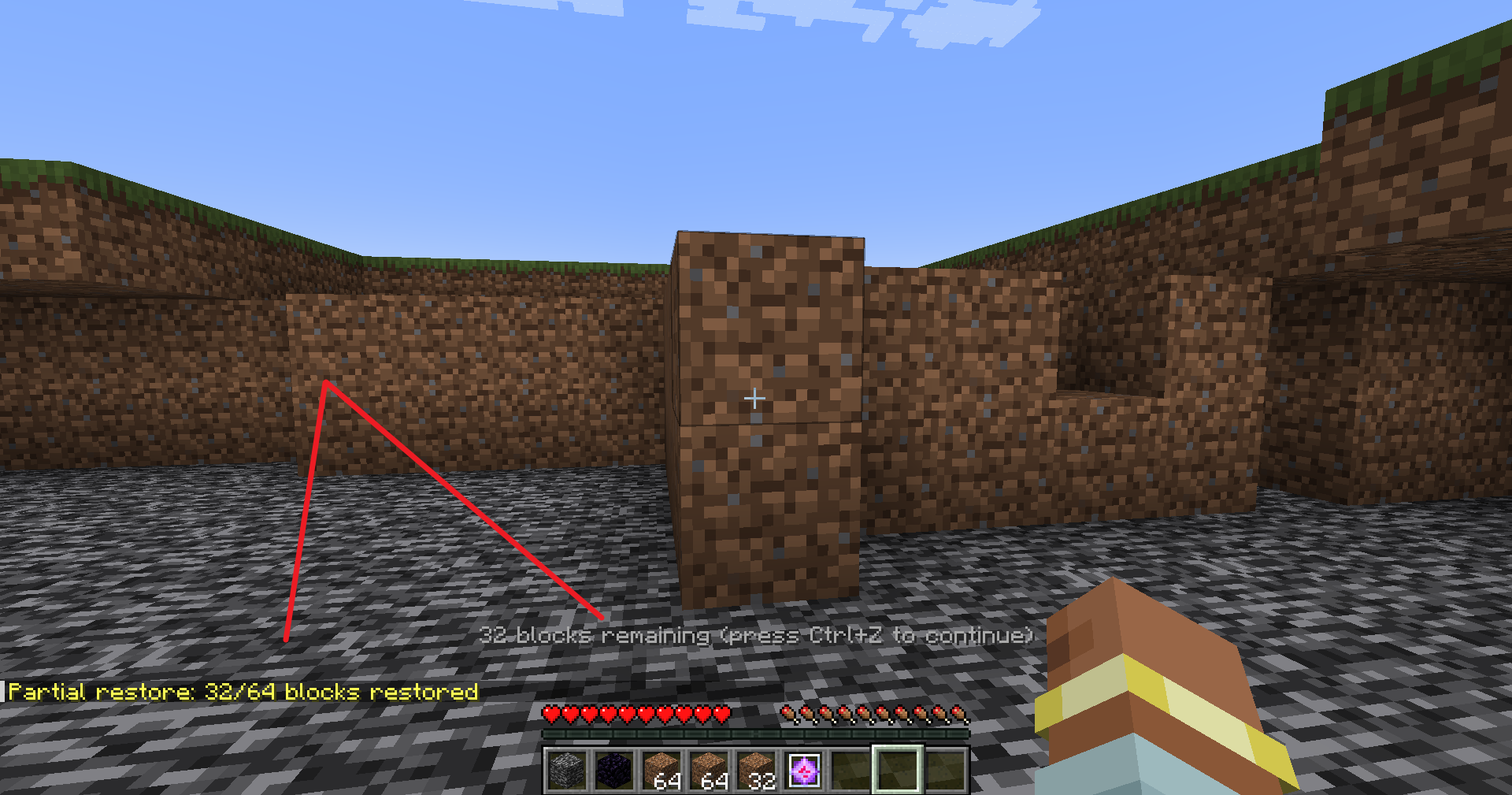
Versions
Files
Relations
Project Relations
More like this
Similar Mods
Suggestions use data such as tags, dependencies, dependents, descriptions, titles, and more to rank how much they overlap with this mod.
On ModDex
Community snapshot
By the numbers
Statistics

Get it on
Available Platforms
On ModDex
Community snapshot
By the numbers