![[UNOFFICIAL] LittleTiles Port](https://media.forgecdn.net/avatars/thumbnails/1958/738/256/256/639212552829628016.png)
Community listing page, reviews here may not be monitored by the author.
[UNOFFICIAL] LittleTiles Port


No reviews yet
Unofficial port of LittleTiles to Minecraft 26.2 NeoForge. Build with micro-blocks.
Community voices
Reviews
No reviews yet. Be the first to review this project!
Get it on
Available Platforms
Compatibility
Supported Environments
Must be installed on both the client and the server.
About
Project Details
For authors
Embed Badge
If you're the author of this project, you can embed a live badge anywhere that supports HTML or Markdown. It updates automatically whenever ratings change.
Use HTML for any page that supports it, or Markdown for README files and Markdown-based descriptions.
Identifiers
Platform IDs
Resources
External Links
About
Description
⚠️ This is an UNOFFICIAL community port. The original LittleTiles is made by CreativeMD.
About
LittleTiles allows you to build anything with smaller details. Split any block into up to 4096 micro-tiles and create amazing structures — furniture, doors, pixel art, and complex architecture.
Tools
- 🔨 Hammer — place micro-tiles, Shift+RMB for material selection GUI
- ✂️ Chisel — remove micro-tiles
- 📋 Recipe — copy/paste structures with preview, rotation (R) and centering (Shift)
- 🔧 Wrench — configure structures
- ✋ Grabber — grab and move tiles
Building
- A→B area selection — RMB point A, RMB point B, fill or clear entire area
- Up to 100,000 micro-tiles per operation
- Undo/Redo — Ctrl+Z / Ctrl+Y
- Slab, stair, fence conversion preserving original shape
- Multi-block structures spanning several blocks
Rendering
- Custom geometry via NeoForge submitCustomGeometry API
- Greedy meshing — merges adjacent same-material tiles
- Face culling — skips hidden internal faces
- Cached mesh rebuilds
- Green/red/orange preview grid while building
Migration
Worlds from LittleTiles 1.21.1 supported — your builds are preserved on upgrade.
Commands: /littletiles export, /littletiles import, /littletiles convert
Requirements
- Minecraft 26.2
- NeoForge 26.2.0.37-beta or newer
- CreativeCore 2.14.16 (NeoForge 26.2)
Credits
- Original mod: LittleTiles by CreativeMD — LGPL-3.0
- CreativeCore: CreativeMD
- This port: corovina56
Disclaimer
This is a community port and is NOT affiliated with or endorsed by CreativeMD.
About
⚠️ This is an UNOFFICIAL community port. The original LittleTiles is made by CreativeMD.
Features
LittleTiles allows you to build anything with smaller details. Split any block into up to 4096 micro-tiles and create amazing structures:
- 🏠 Custom furniture — chairs, tables, beds, shelves
- 🎨 Detailed decorations and pixel art
Building
- A→B selection — RMB point A, RMB point B, fill/clear entire area
- Up to 100,000 micro-tiles per operation
- Undo/Redo — Ctrl+Z / Ctrl+Y
- Slab/stair/fence conversion preserving original shape
- Multi-block structures spanning several blocks
- Material GUI — Shift+RMB in air to pick block type
Rendering
- Custom geometry rendering via NeoForge submitCustomGeometry API
- Greedy meshing optimization — merges adjacent same-material tiles
- Face culling — skips hidden internal faces
- Cached mesh rebuilds — only recalculates when tiles change
- Green/red/orange preview grid while building
Migration
- ✅ Worlds from LittleTiles supported — builds are preserved on upgrade
Credits
- Original mod: LittleTiles by CreativeMD — LGPL-3.0
- CreativeCore: CreativeMD
- This port: Arby3ik
Disclaimer
This is a community port and is NOT affiliated with or endorsed by CreativeMD. For the official LittleTiles, visit the original page.
Screenshots
Gallery
-
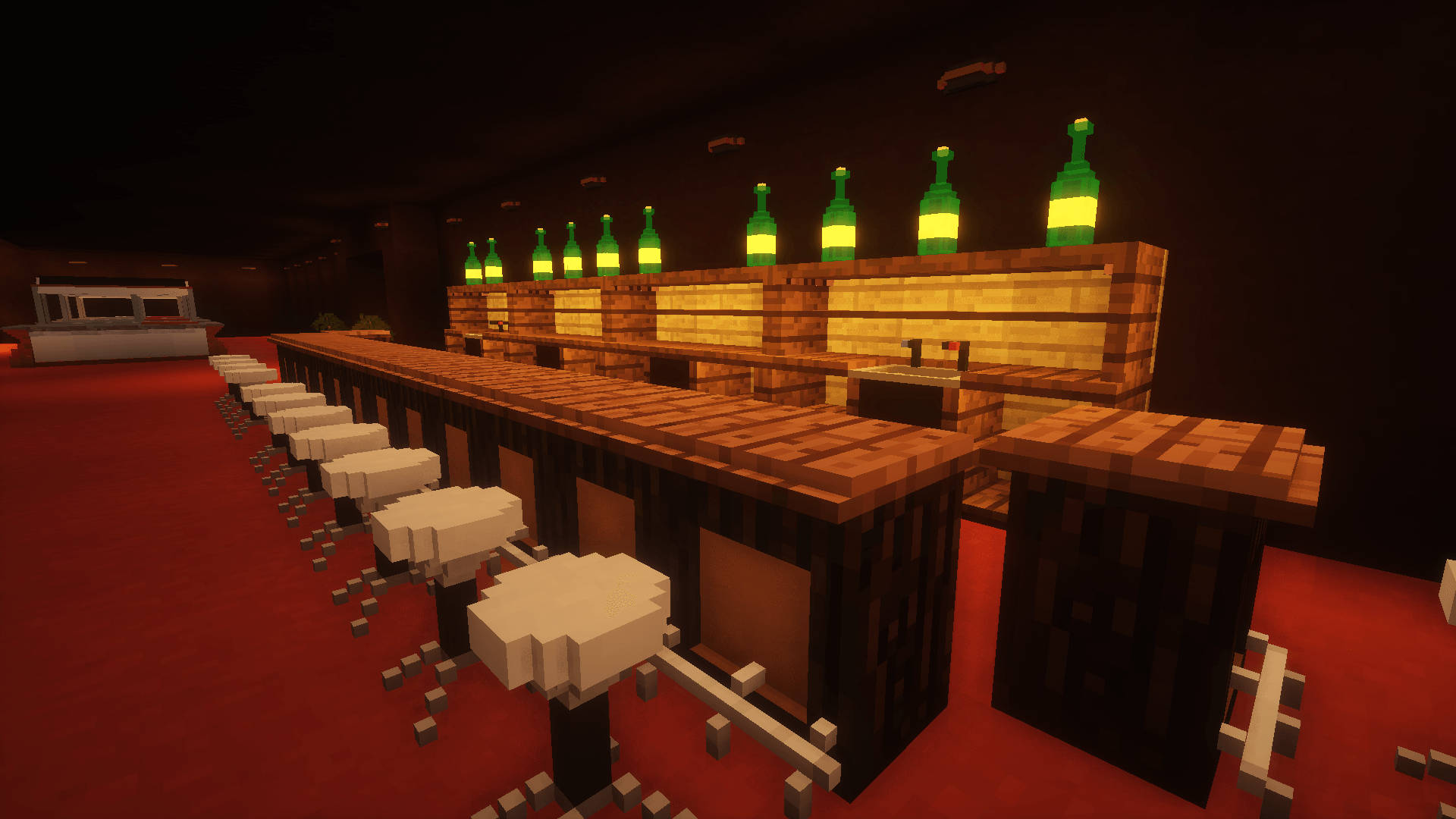 be74aad5ea77f978550efbe4a51489fea31c0266.png be74aad5ea77f978550efbe4a51489fea31c0266.png
 -
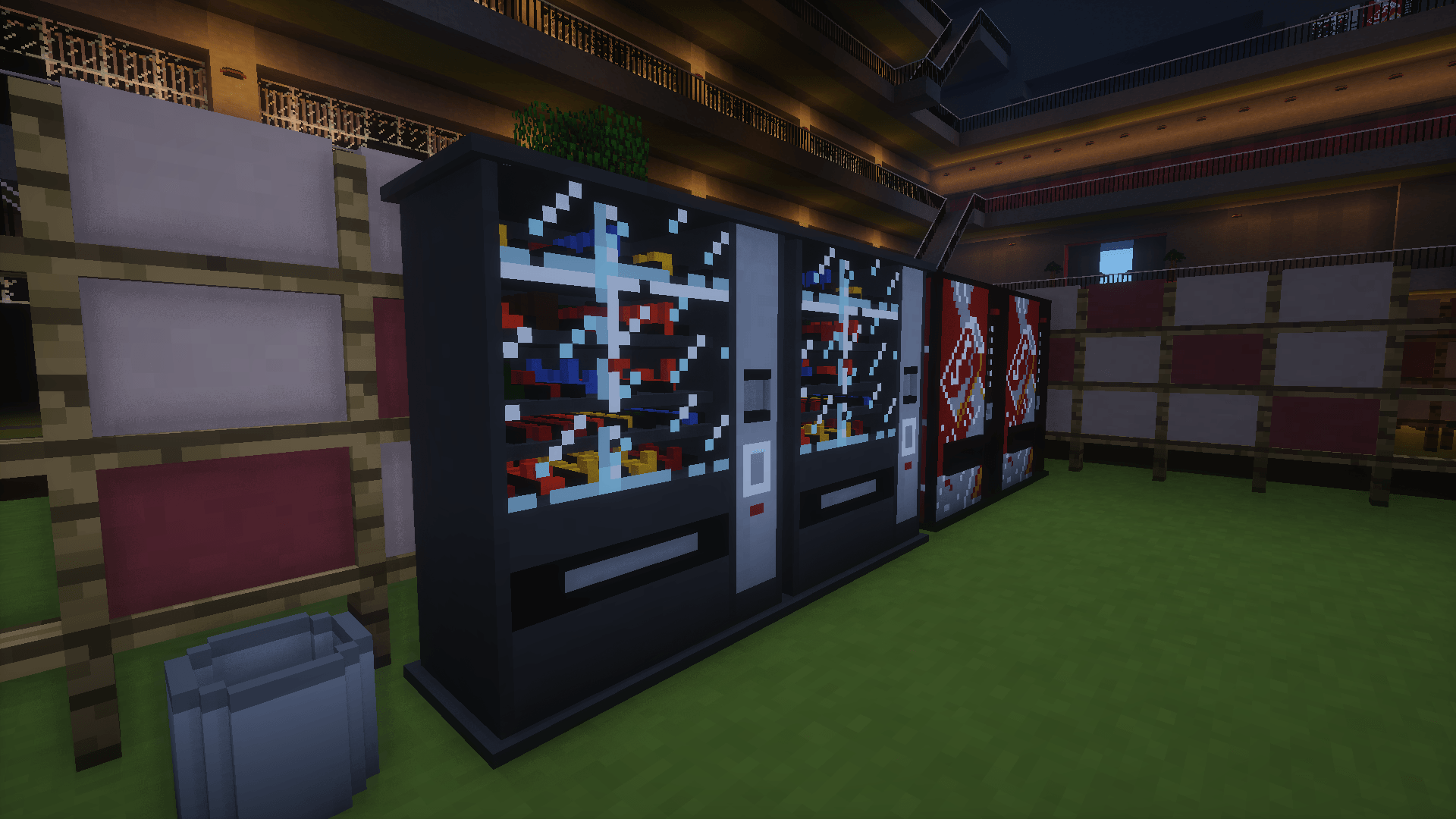 b8f4c5326e8884e81f39e49da8c34c5a21a0a189.png b8f4c5326e8884e81f39e49da8c34c5a21a0a189.png
![[UNOFFICIAL] LittleTiles Port screenshot](https://cdn.modrinth.com/data/VADMh7LA/images/b8f4c5326e8884e81f39e49da8c34c5a21a0a189.png)
![[UNOFFICIAL] LittleTiles Port screenshot](https://cdn.modrinth.com/data/VADMh7LA/images/be74aad5ea77f978550efbe4a51489fea31c0266.png)
Versions
Files
Relations
Project Relations
More like this
Similar Mods
Suggestions use data such as tags, dependencies, dependents, descriptions, titles, and more to rank how much they overlap with this mod.
On ModDex
Community snapshot
By the numbers
Statistics
Want to reach Minecraft players?
We're looking for a server hosting partner to feature here and other parts of the site. Interested? Send us a message!
Get in touchGet it on
Available Platforms
On ModDex
Community snapshot
By the numbers
Statistics
Resources