
Community listing page, reviews here may not be monitored by the author.
USeArKey - Keybinding

No reviews yet
Bind any command to any key or mouse button. Simple and lightweight macro control for Minecraft. Keybinder
Community voices
Reviews
No reviews yet. Be the first to review this project!
Get it on
Available Platforms
Compatibility
Supported Environments
Runs entirely on the client. Works on vanilla servers.
About
Project Details
For authors
Embed Badge
If you're the author of this project, you can embed a live badge anywhere that supports HTML or Markdown. It updates automatically whenever ratings change.
Use HTML for any page that supports it, or Markdown for README files and Markdown-based descriptions.
Identifiers
Platform IDs
Resources
External Links
About
Description
USeArKey — Keybinding
Bind any command to any key or mouse button. USeArKey is a lightweight Minecraft mod that makes hotkey customization simple. Create keybinds, assign them to keys, and streamline your gameplay with fast access to commands.
Features
- Flexible keybinding: assign chat commands or actions to any key or mouse button.
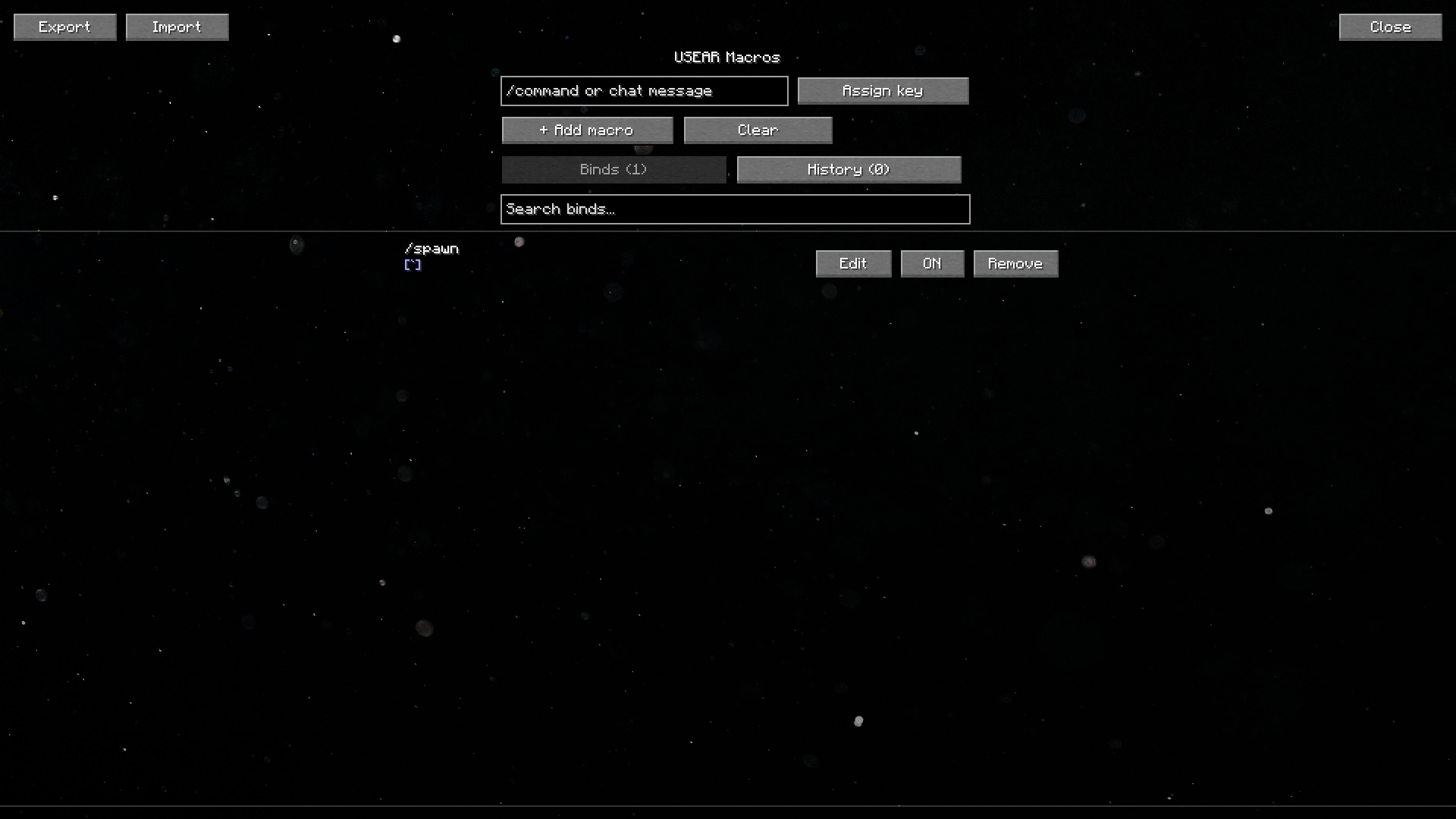
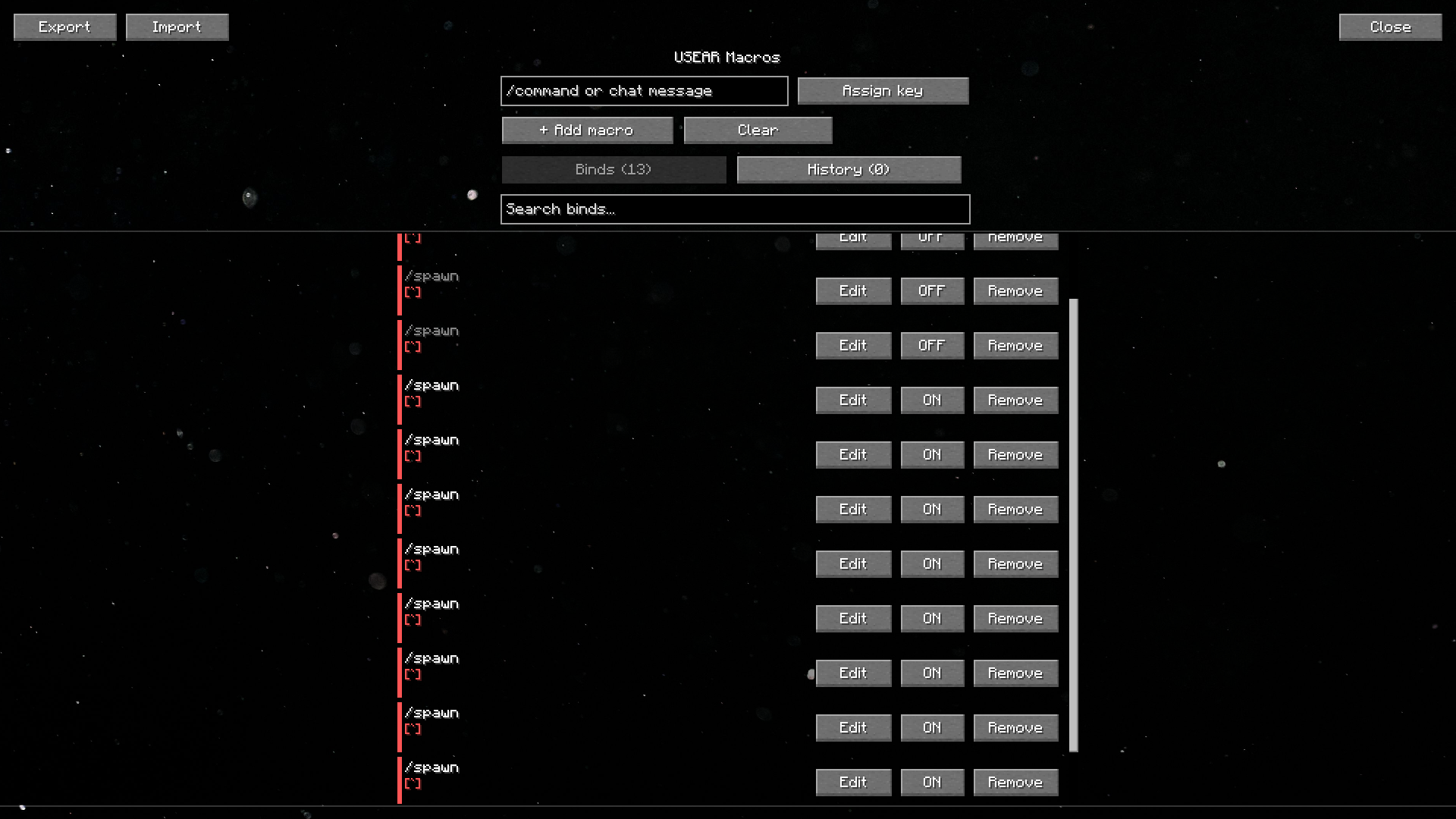
- Scrollable bind list: a native, searchable list of your binds — smooth scrolling and a scrollbar, so it stays clean no matter how many binds you add.
- Enable/disable toggle: temporarily turn a bind off without deleting it.
- Duplicate key warning: binds sharing the same key are highlighted so you can spot conflicts at a glance.
- History support: recently removed binds are kept so you can restore them in one click.
- Export / Import: copy your binds to the clipboard as JSON and share or restore them instantly — great for backups or moving to a new PC.
- Mouse binds: supports side buttons for extra control.
- Smooth, polished UI: fade-in animations, live toast notifications, and a parallax background give the macro screen a bit of extra life.
How to use
- Go to Options → Controls and set a key for Open Keybinder Screen (default:
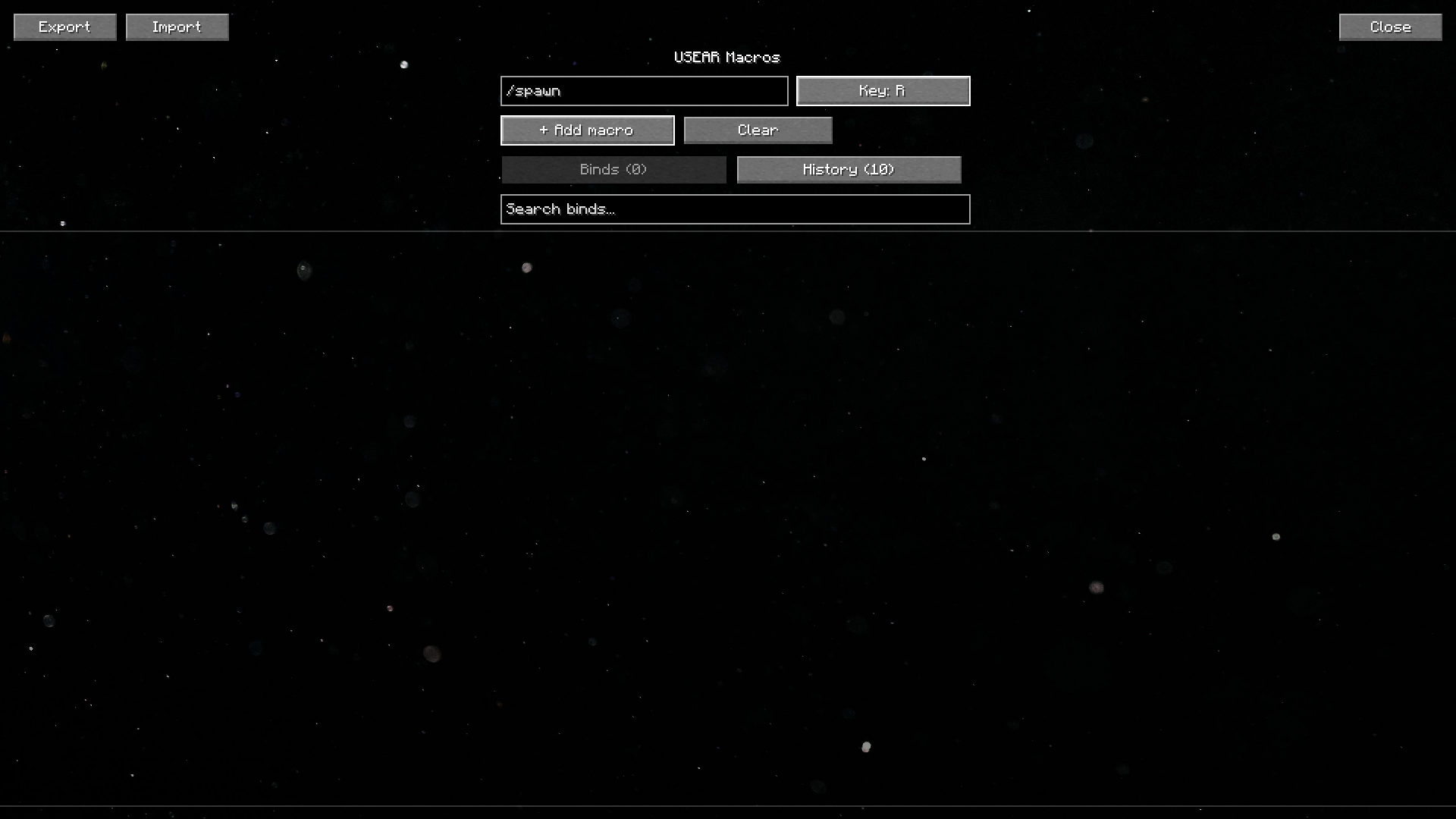
K). - Open the Keybinder Screen, type a command, press Assign Key, and choose a button.
- Save and use your new hotkey directly in-game.
- Use the search bar and tabs to manage binds once you've added a few — toggle, edit, or remove them anytime.
Installation
- Download the latest version from Modrinth.
- Place the
.jarfile into yourmodsfolder. - Launch Minecraft with Fabric or Quilt.
Why you'll like it
USeArKey keeps things simple: no bloated features, just reliable keybinding with a clean, comfortable interface. Perfect for players who want quick access to commands without typing them every time.
Have a question, suggestion, or idea?
 |
Check our discord channel. |
Screenshots
Gallery
-
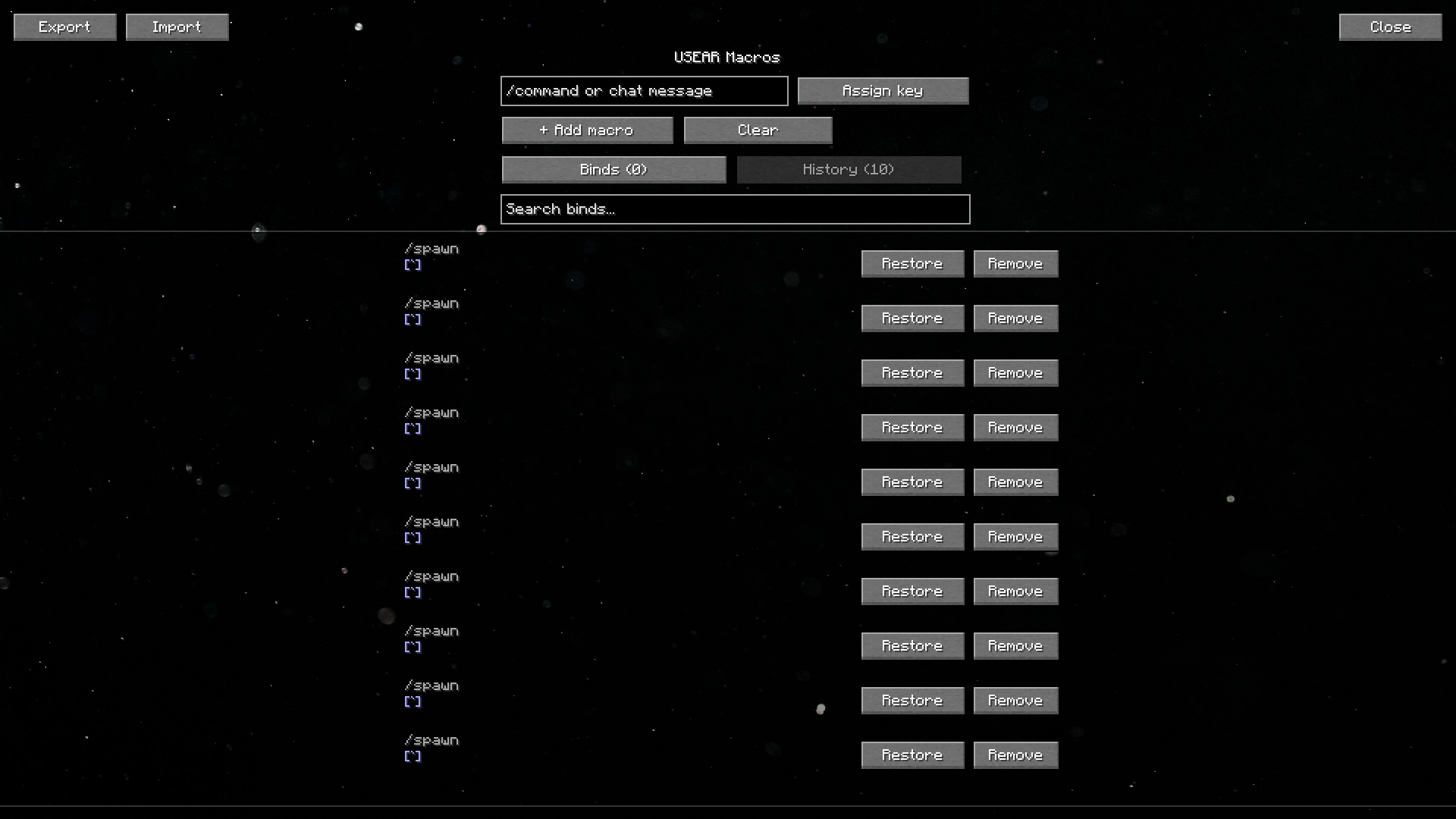 History of deleted keybinds
 -
-
-
Versions
Files
Relations
Project Relations
More like this
Similar Mods
Suggestions use data such as tags, dependencies, dependents, descriptions, titles, and more to rank how much they overlap with this mod.
On ModDex
Community snapshot
By the numbers
Statistics

Want to reach Minecraft players?
We're looking for a server hosting partner to feature here and other parts of the site. Interested? Send us a message!
Get in touchGet it on
Available Platforms
On ModDex
Community snapshot
By the numbers
Statistics
Resources