
Community listing page, reviews here may not be monitored by the author.
Valley


No reviews yet
World-gen river mod
Community voices
Reviews
No reviews yet. Be the first to review this project!
Get it on
Available Platforms
Compatibility
Supported Environments
Required on the server. Installing it on the client adds functionality.
About
Project Details
For authors
Embed Badge
If you're the author of this project, you can embed a live badge anywhere that supports HTML or Markdown. It updates automatically whenever ratings change.
Use HTML for any page that supports it, or Markdown for README files and Markdown-based descriptions.
Identifiers
Platform IDs
Resources
External Links
About
Description
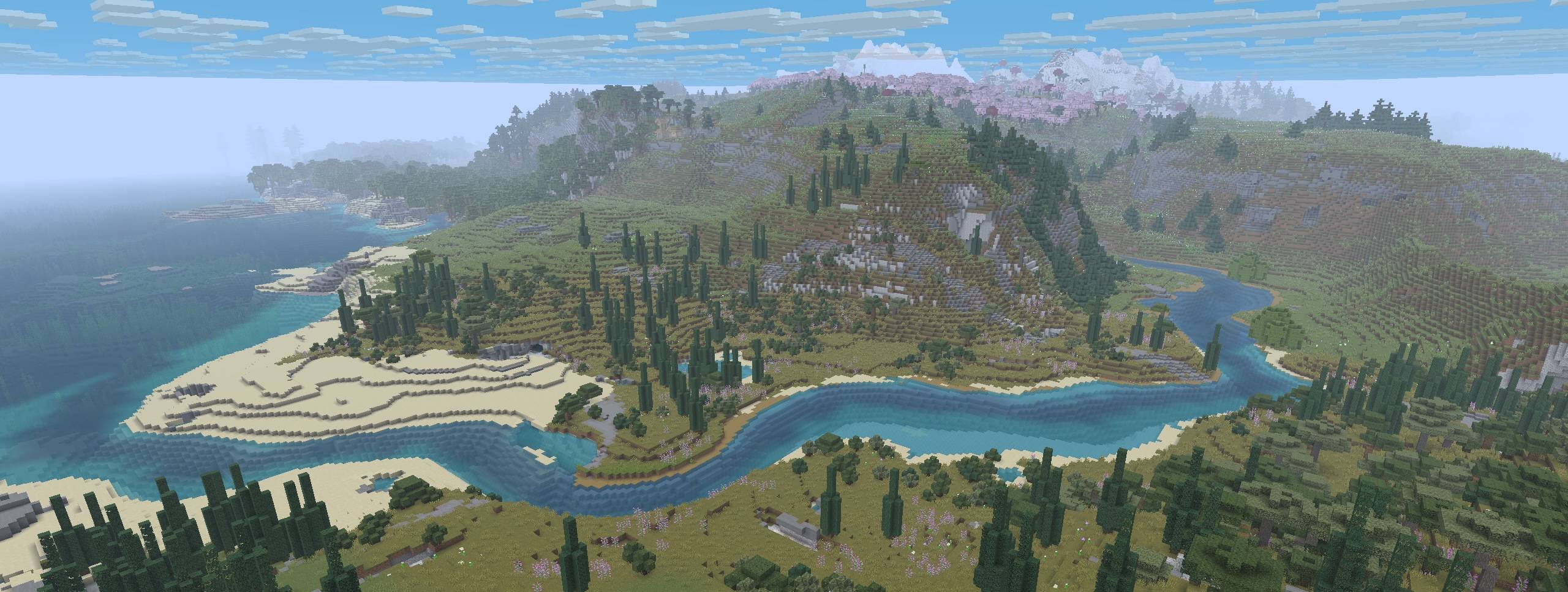
Valley
Valley is a world-gen mod that replaces vanilla rivers with ones that start inland and meander their way to the ocean.
This mod influences the terrain to generate in a more cohesive and natural-looking way creating beautiful rivers, valleys, ridgelines, and mountain chains. (And now that the rivers actually go somewhere, it makes possible a fun new form of navigation and exploration!).
Compatability
Valley is designed as a "drop-in" mod to use alongside other world-gen/biome mods and datapacks (eg Biomes'O'Plenty, Terralith, etc). Mods that entirely overhaul the world-generation or specifically change rivers or continents will probably not work with Valley.
See the gallery for some examples.
Server Setup
Valley can be installed on a modded server.
Clients do not need to have Valley installed in order to connect to the server.
Server setup steps:
- Make sure the server is not running!
- Install the Valley mod to your server's "mods" folder.
- If present, backup and remove the server's existing world.
- Launch the server allowing it to create a new world.
- Done!
Roadmap
This mod is in the early stages of development.
Our plans for future iterations include:
- General refining of the default river/continent settings
- Expose settings to make rivers and continents more easily configurable
- Make it possible to distribute 'presets' that can override Valley's defaults
- Provide GUI enhancements to allow user to preview changes before creating world
Permissions
You are of course free to use this mod in modpacks and to create content/media with it.
We only ask that you do not rehost the jar file.
Please reach out if you'd like us to host on other popular mod-hosting platforms.
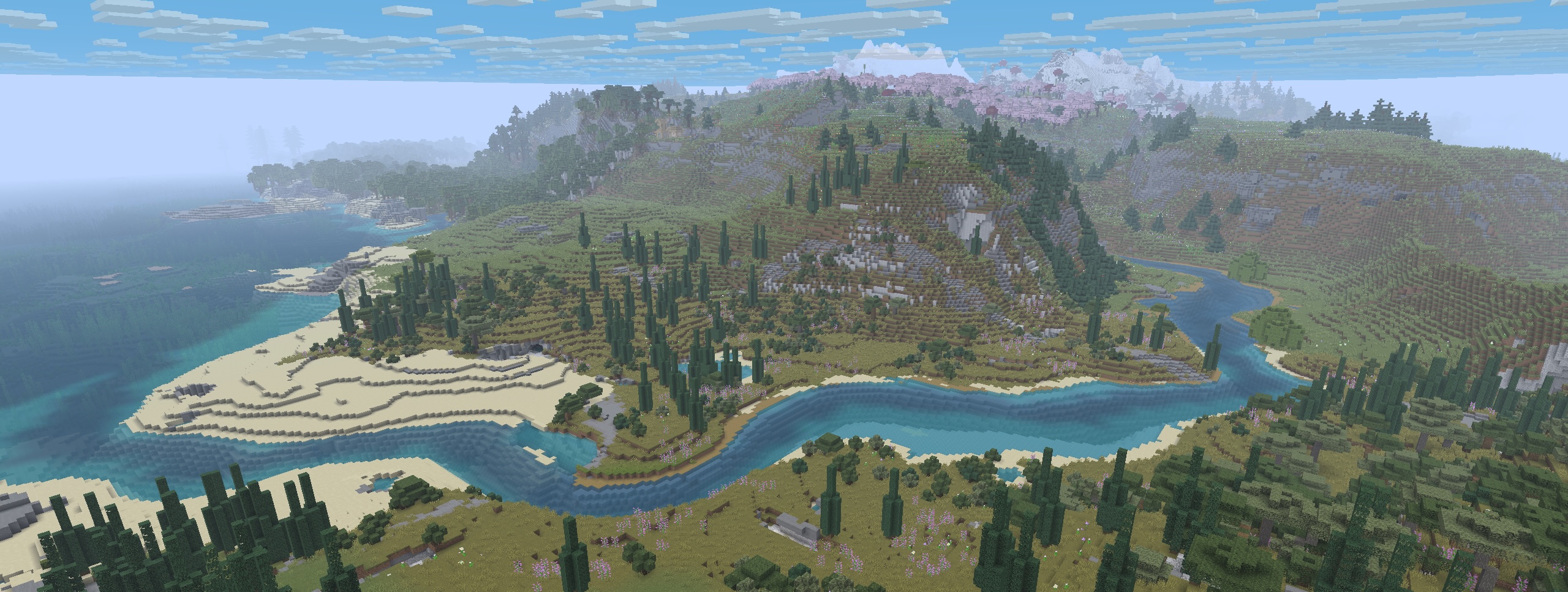
Valley
Valley is a world-gen mod that replaces vanilla rivers with ones that start inland and meander their way to the ocean.
This mod influences the terrain to generate in a more cohesive and natural-looking way creating beautiful rivers, valleys, ridgelines, and mountain chains. (And now that the rivers actually go somewhere, it makes possible a fun new form of navigation and exploration!).
Compatability
Valley is designed as a "drop-in" mod to use alongside other world-gen/biome mods and datapacks (eg Biomes'O'Plenty, Terralith, etc). Mods that entirely overhaul the world-generation or specifically change rivers or continents will probably not work with Valley.
See the gallery for some examples.
Server Setup
Valley can be installed on a modded server.
Clients do not need to have Valley installed in order to connect to the server.
Server setup steps:
- Make sure the server is not running!
- Install the Valley mod to your server's "mods" folder.
- If present, backup and remove the server's existing world.
- Launch the server allowing it to create a new world.
- Done!
Roadmap
This mod is in the early stages of development.
Our plans for future iterations include:
- General refining of the default river/continent settings
- Expose settings to make rivers and continents more easily configurable
- Make it possible to distribute 'presets' that can override Valley's defaults
- Provide GUI enhancements to allow user to preview changes before creating world
Permissions
You are of course free to use this mod in modpacks and to create content/media with it.
We only ask that you do not rehost the jar file.
Please reach out if you'd like us to host on other popular mod-hosting platforms.
Screenshots
Gallery
-
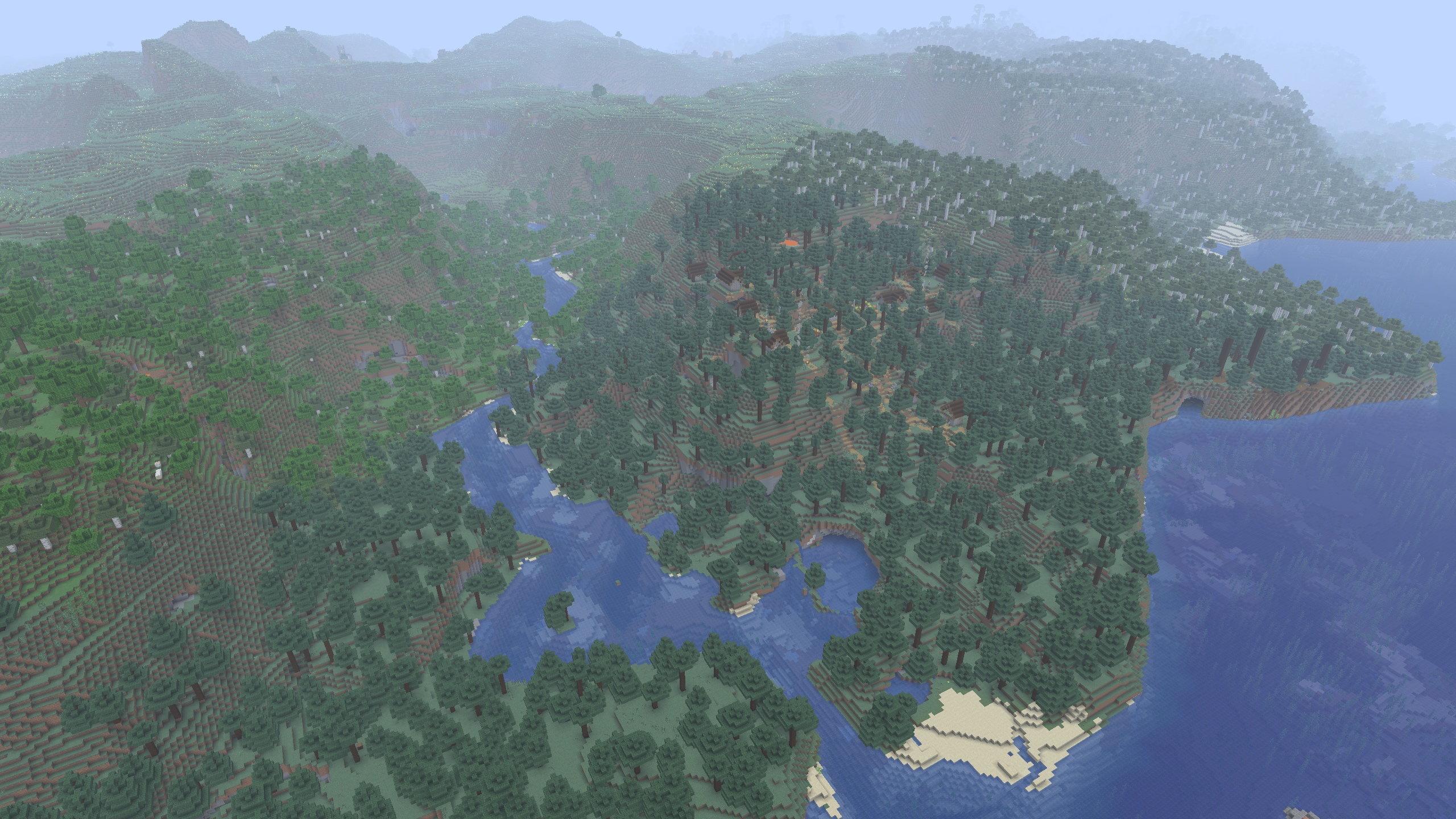 Vanilla Only Biomes
 -
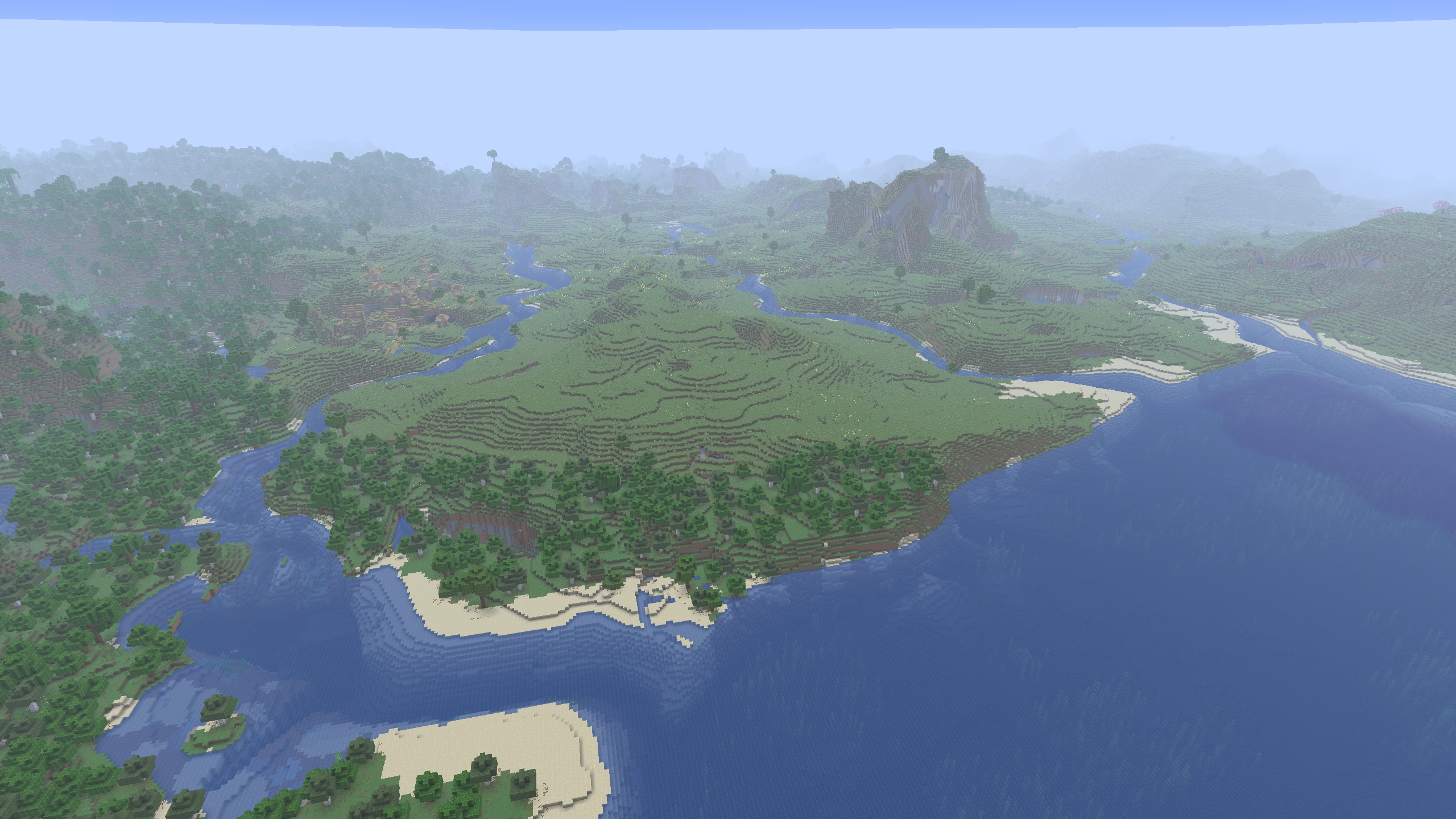 Vanilla Only Biomes
 -
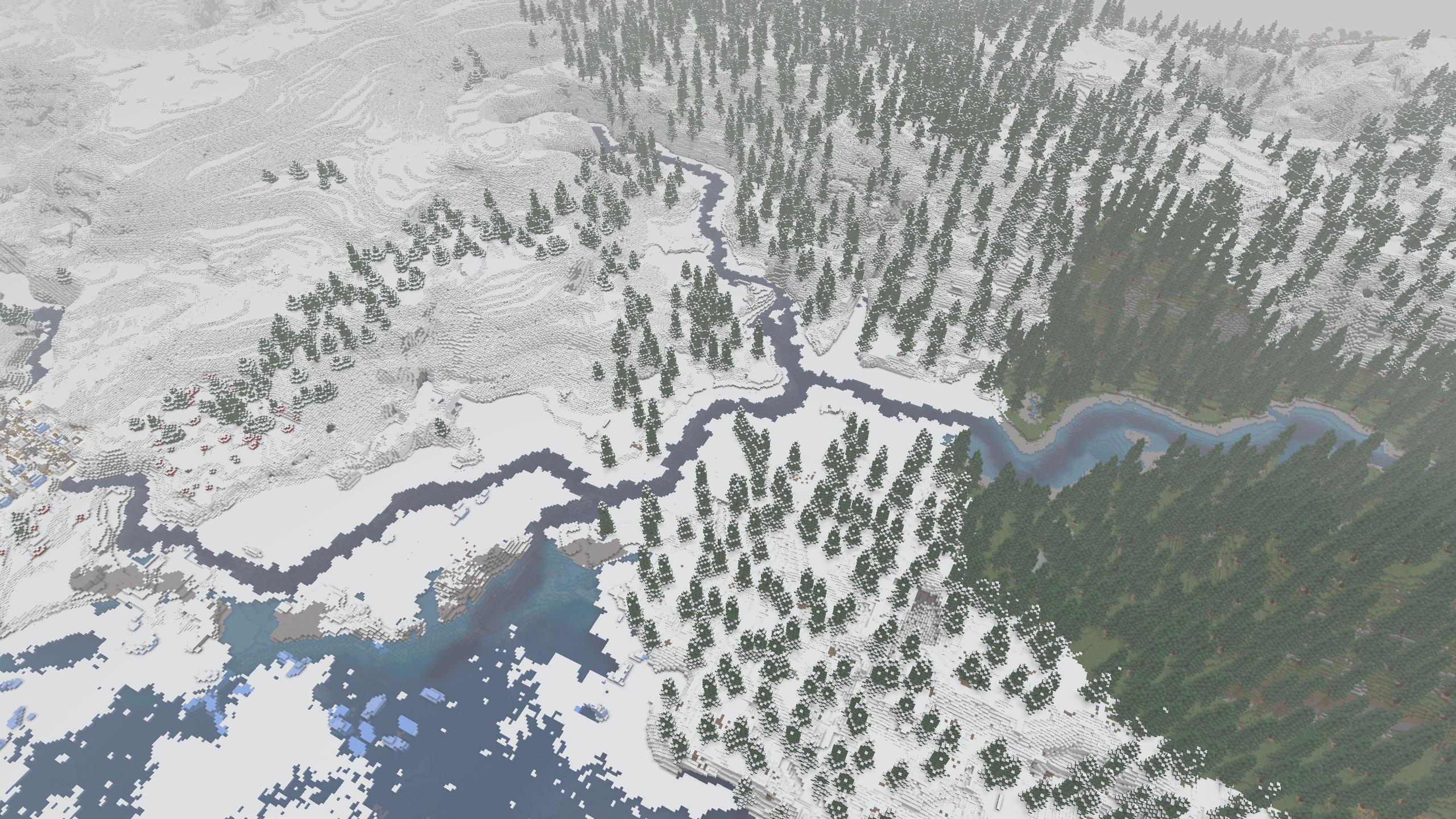 Forked River Mods Used: VALLEY, ChoiceTheorem's Overhauled-Village, Geophilic, Repurposed-Structures, Terrestria, Towns-&-Towers, William-Wythers' Overhauled-Overworld
 -
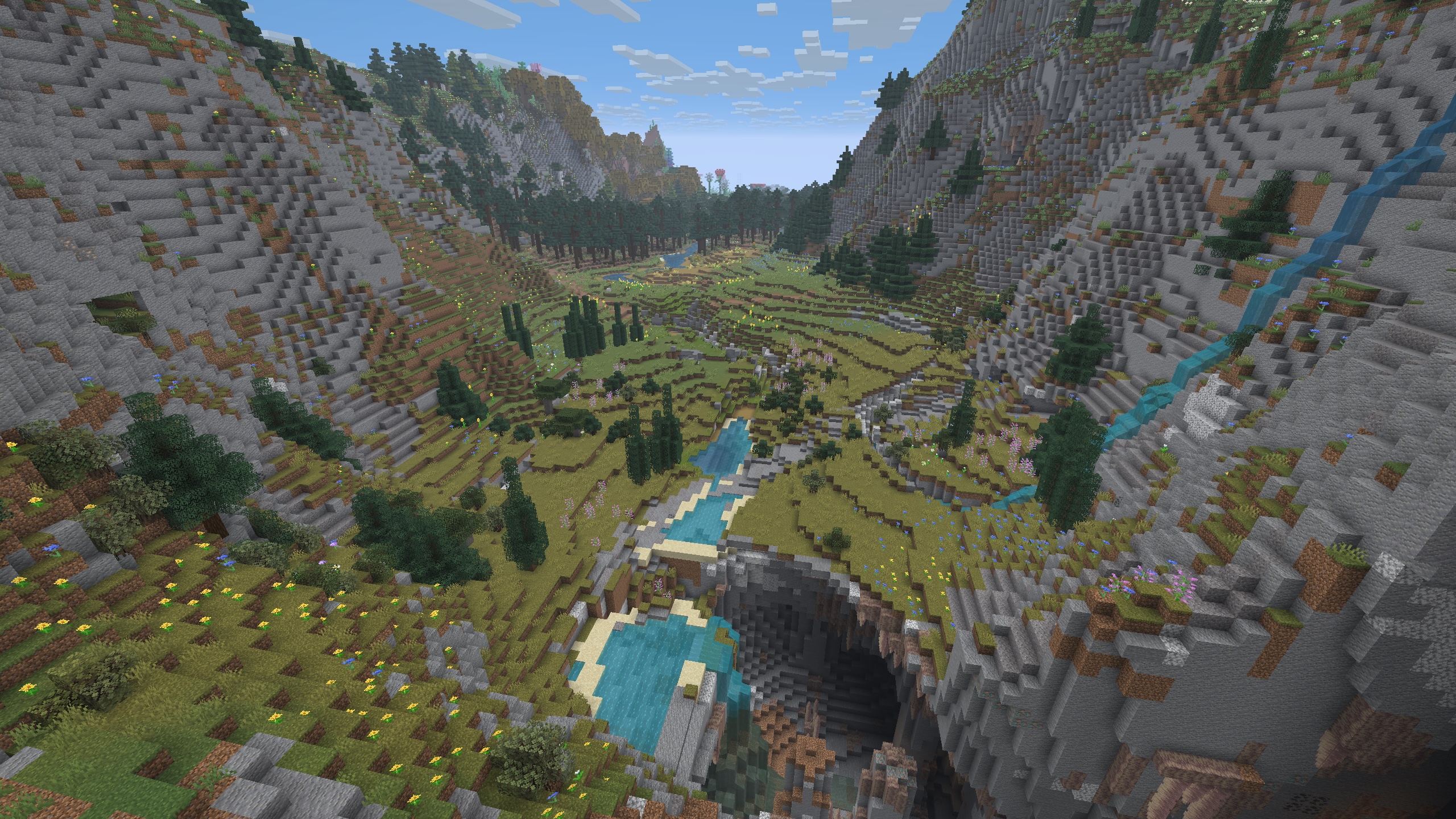 Winding Valley Mods Used: VALLEY, ChoiceTheorem's Overhauled-Village, Geophilic, Repurposed-Structures, Terrestria, Towns-&-Towers, William-Wythers' Overhauled-Overworld
 -
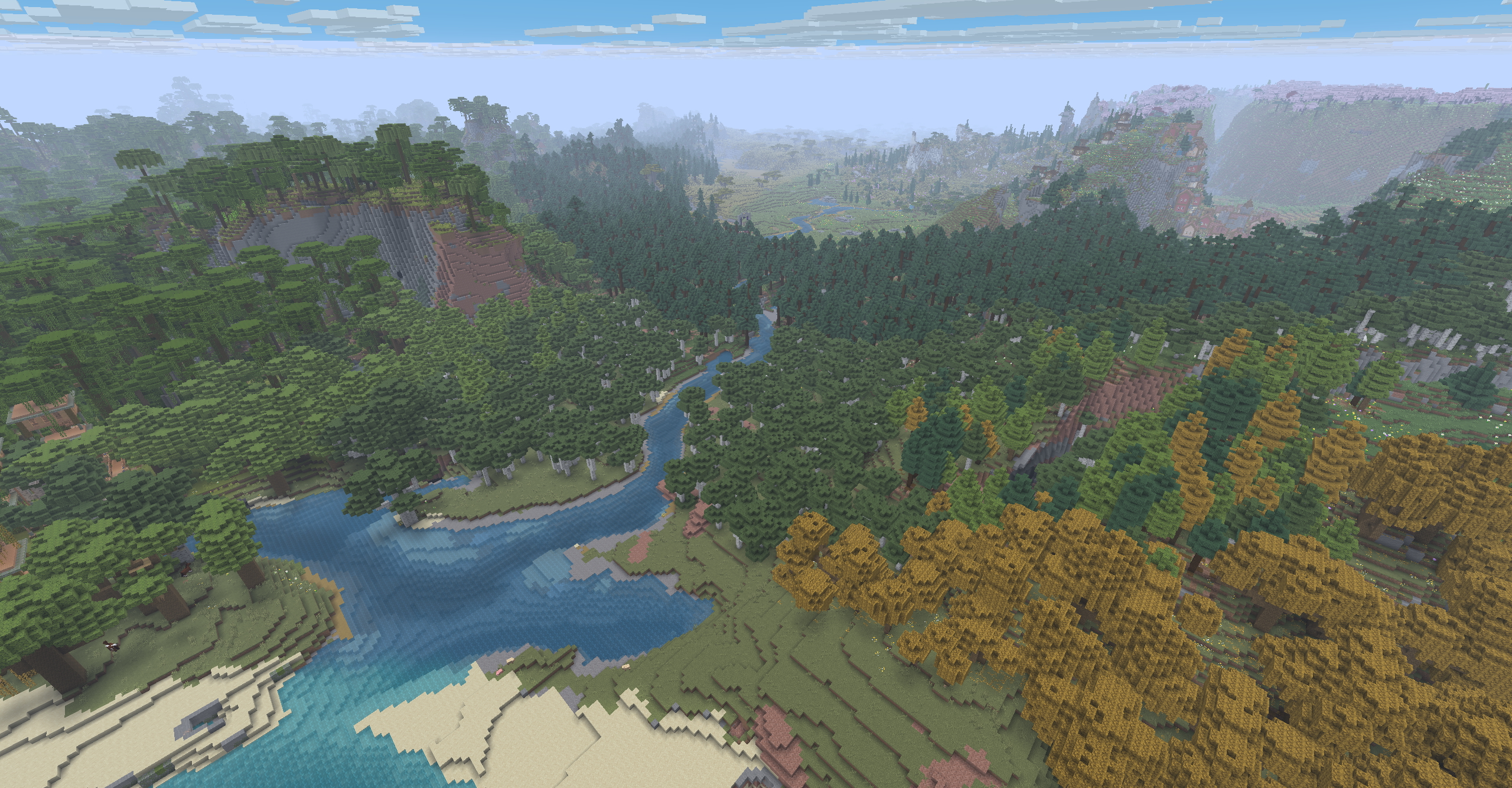 Long River Mods Used: VALLEY, ChoiceTheorem's Overhauled-Village, Geophilic, Repurposed-Structures, Terrestria, Towns-&-Towers, William-Wythers' Overhauled-Overworld
 -
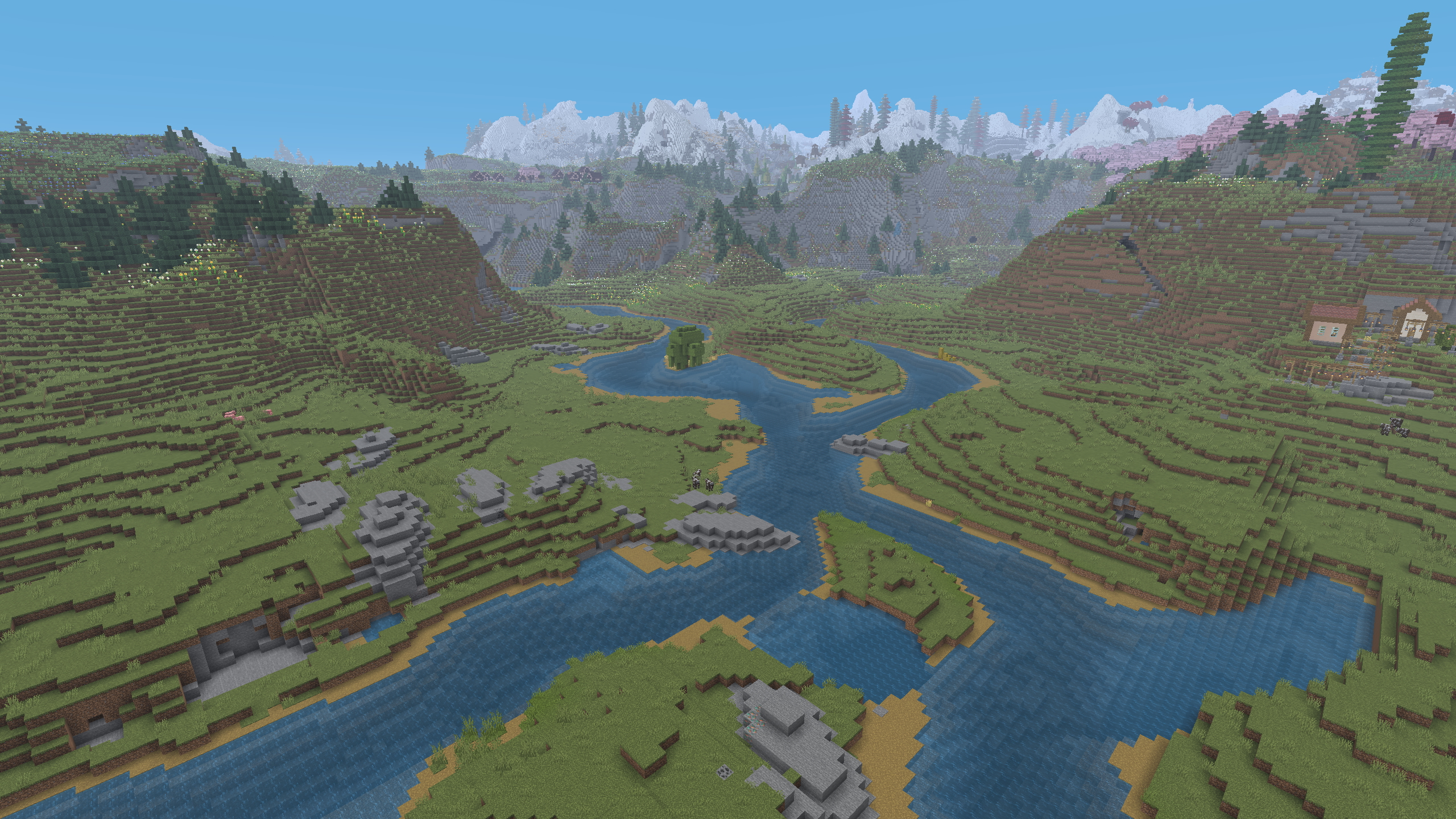 Two Rivers Mods Used: VALLEY, ChoiceTheorem's Overhauled-Village, Geophilic, Repurposed-Structures, Terrestria, Towns-&-Towers, William-Wythers' Overhauled-Overworld
 -
Banner
-
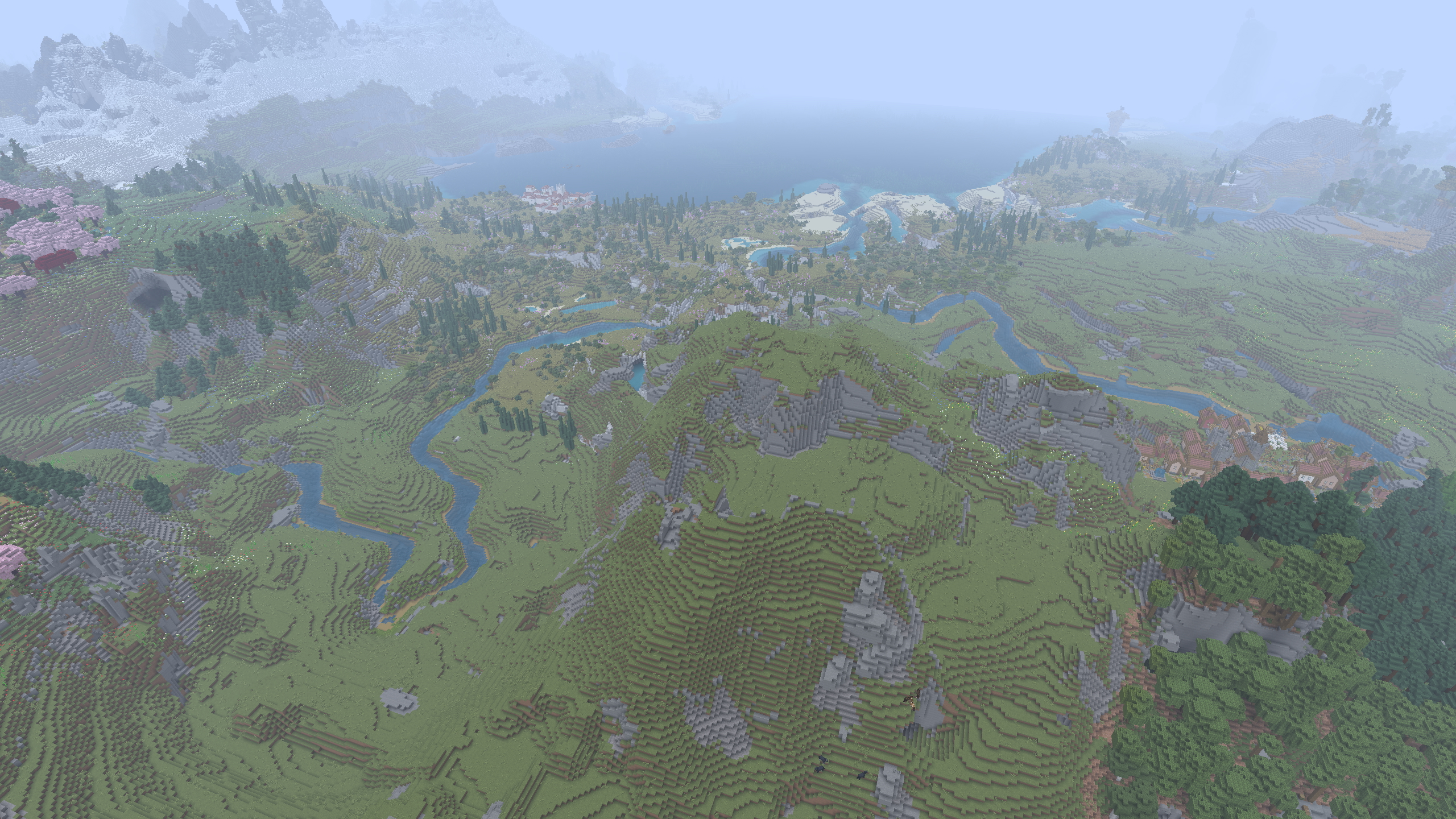 Aerial Mods Used: VALLEY, ChoiceTheorem's Overhauled-Village, Geophilic, Repurposed-Structures, Terrestria, Towns-&-Towers, William-Wythers' Overhauled-Overworld
 -
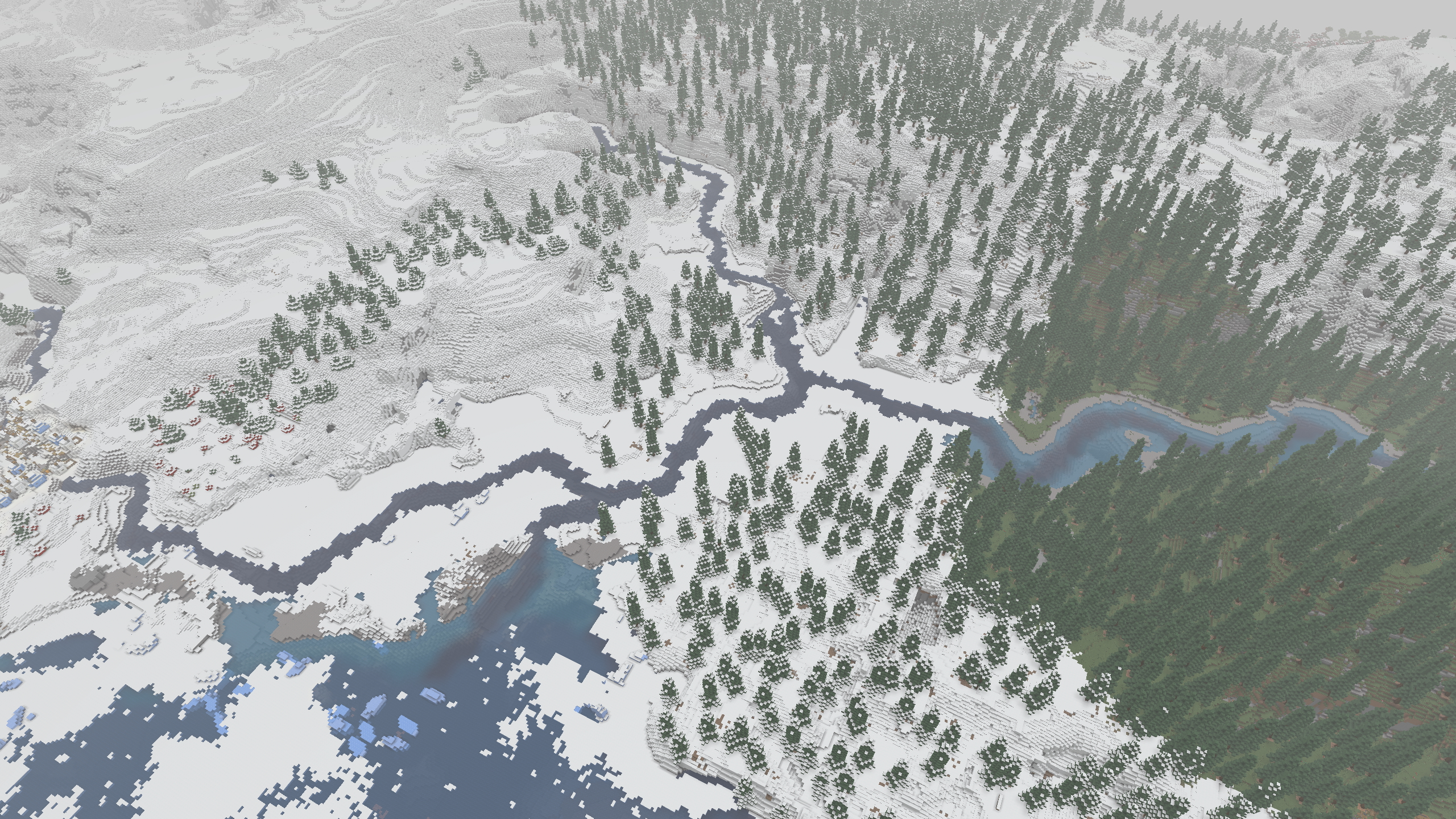 River Fork Mods Used: VALLEY, ChoiceTheorem's Overhauled-Village, Geophilic, Repurposed-Structures, Terrestria, Towns-&-Towers, William-Wythers' Overhauled-Overworld
 -
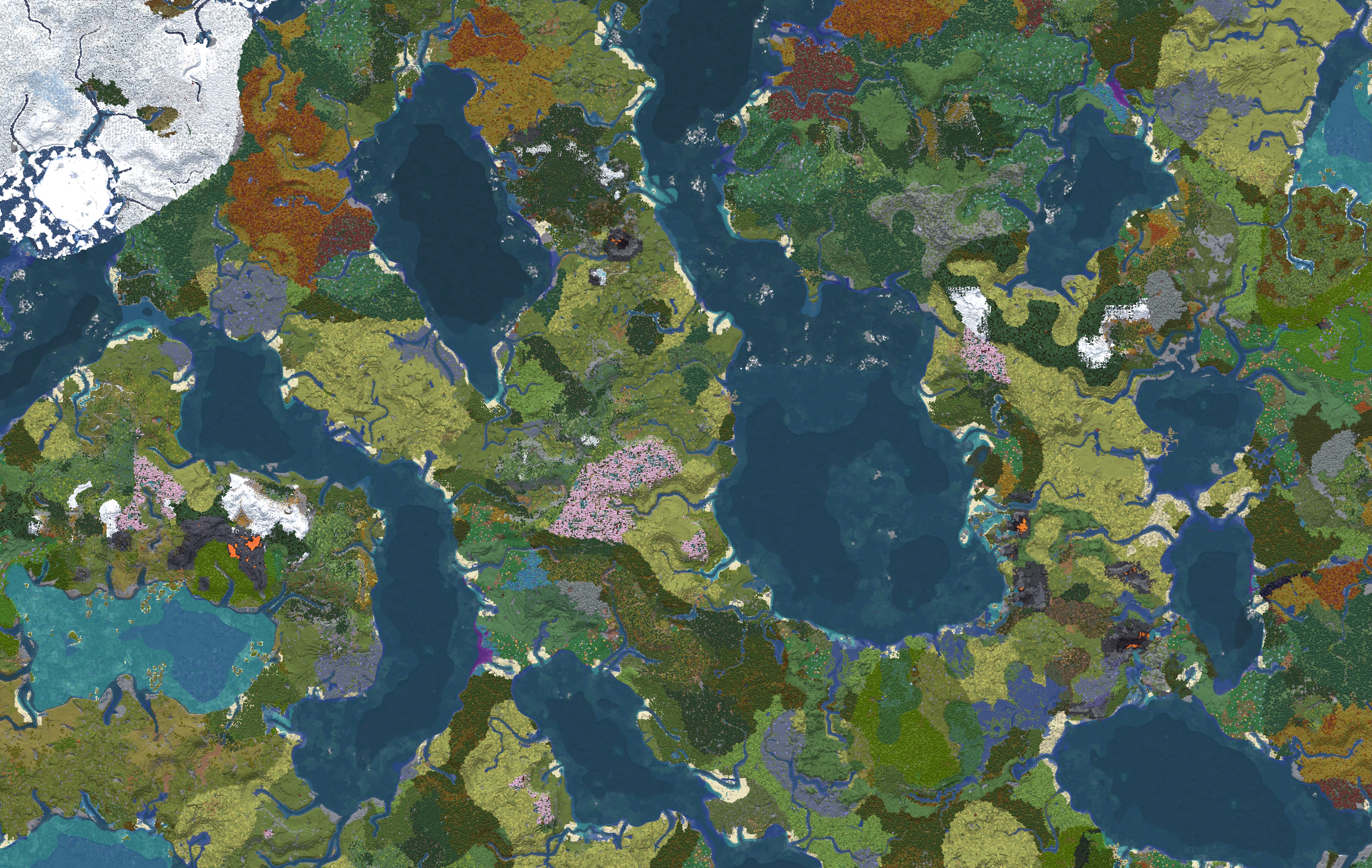 Continent Map Mods: VALLEY, Biomes-O-Plenty, Dungeons-&-Taverns, Geophilic, William-Wythers-Overhauled-Overworld, Xaeros-World-Map
 -
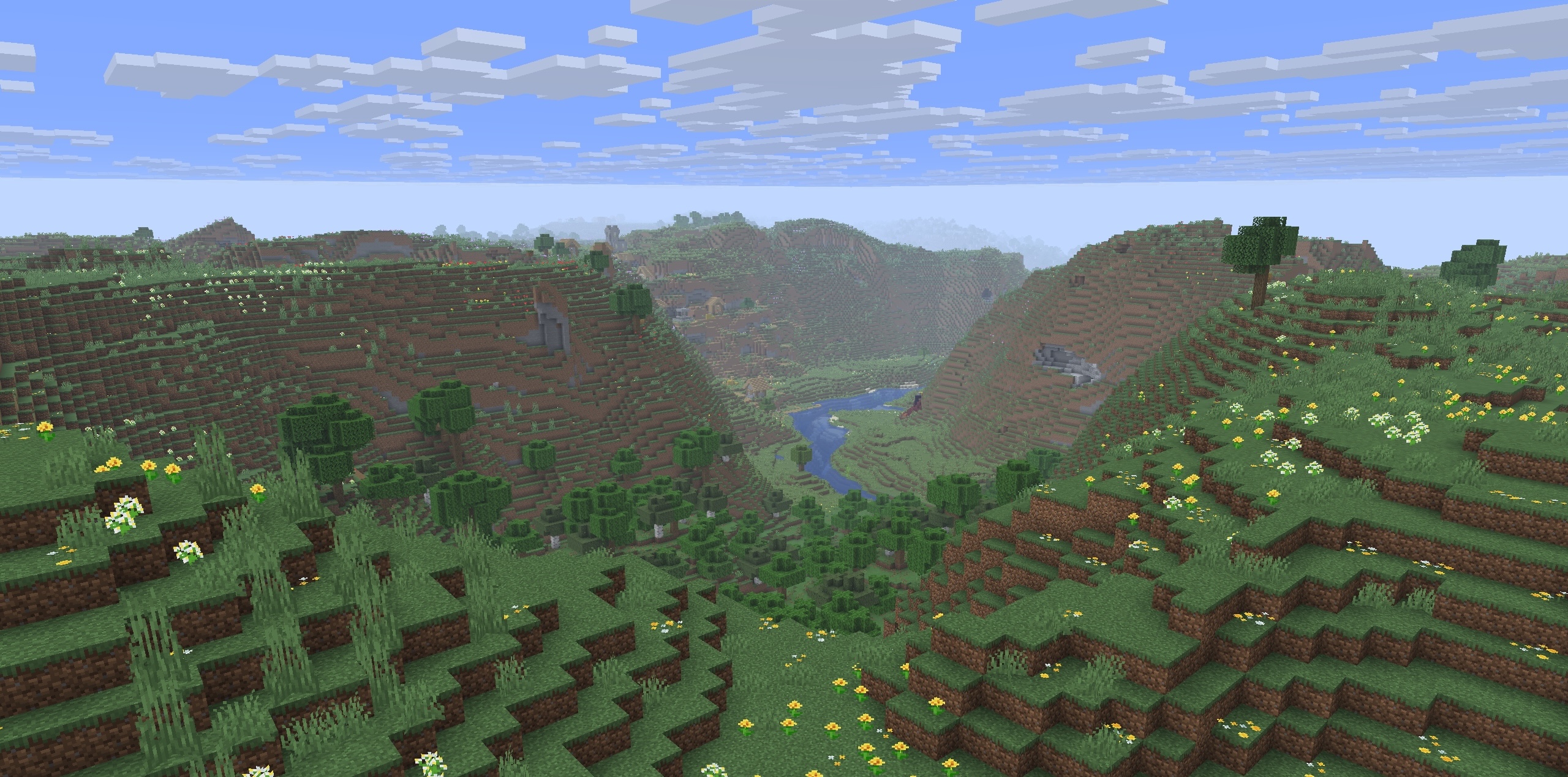 Valley Mods Used: VALLEY
 -
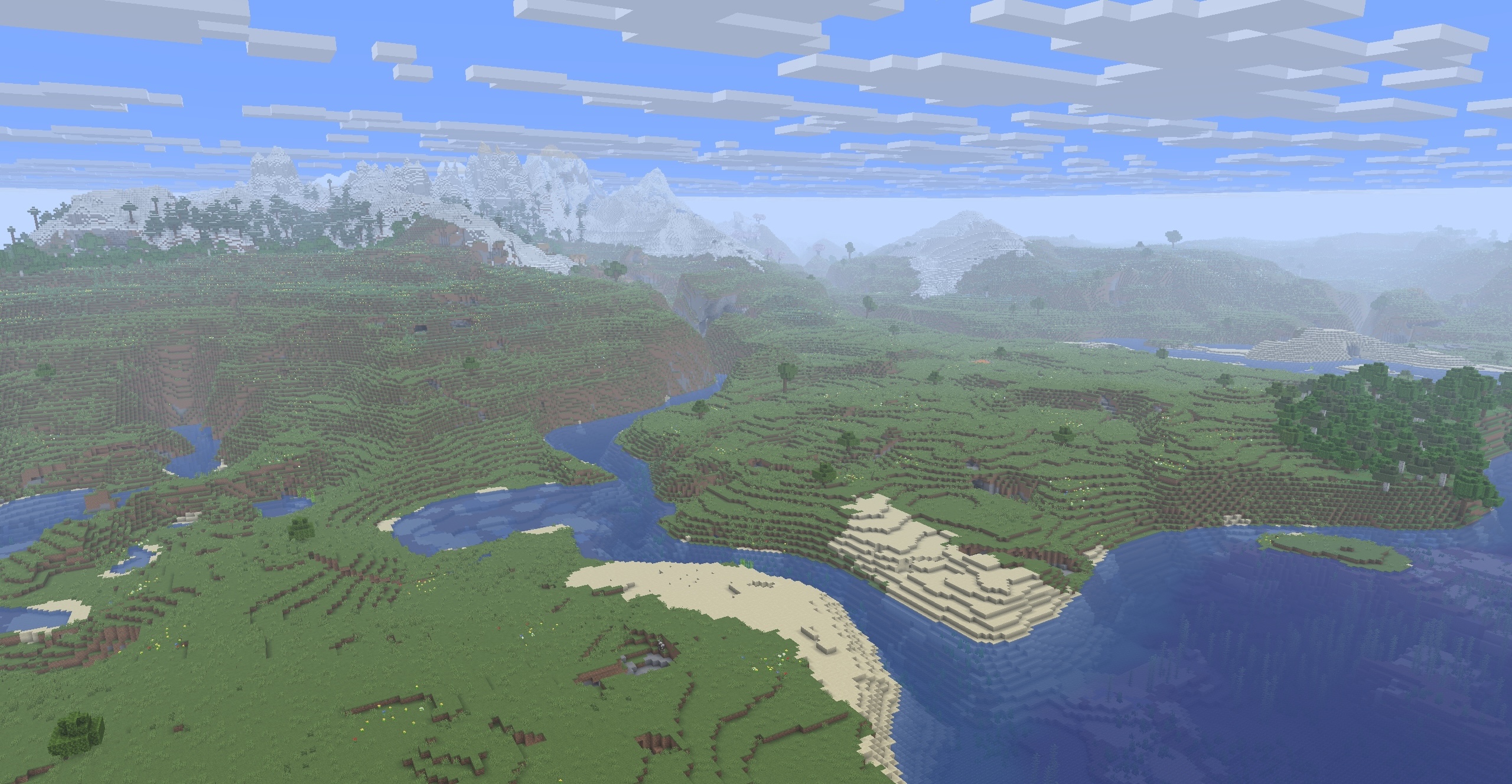 River Mods Used: VALLEY
 -
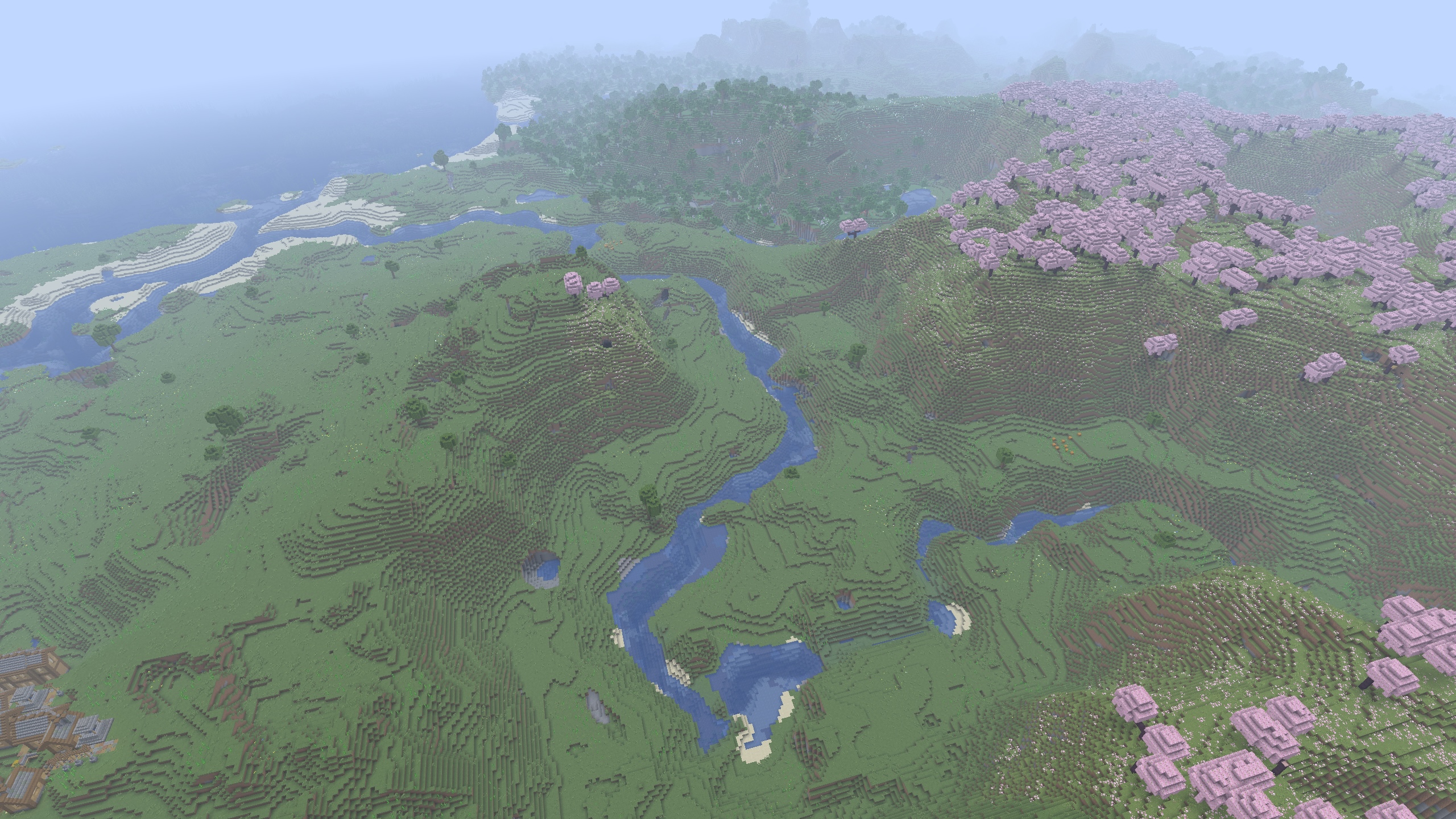 River Fork Mods Used: VALLEY
 -
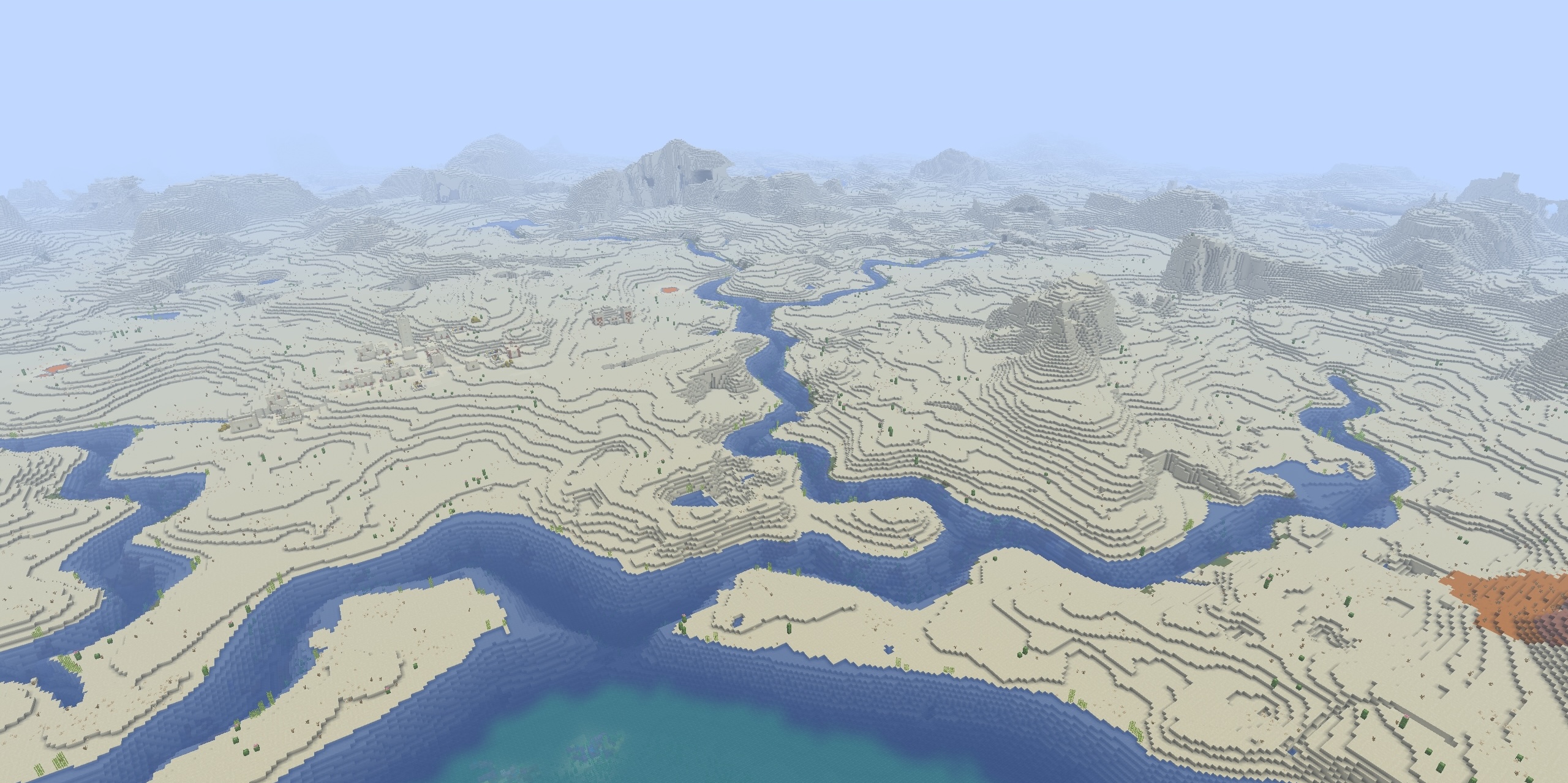 River Fork Mods Used: VALLEY
 -
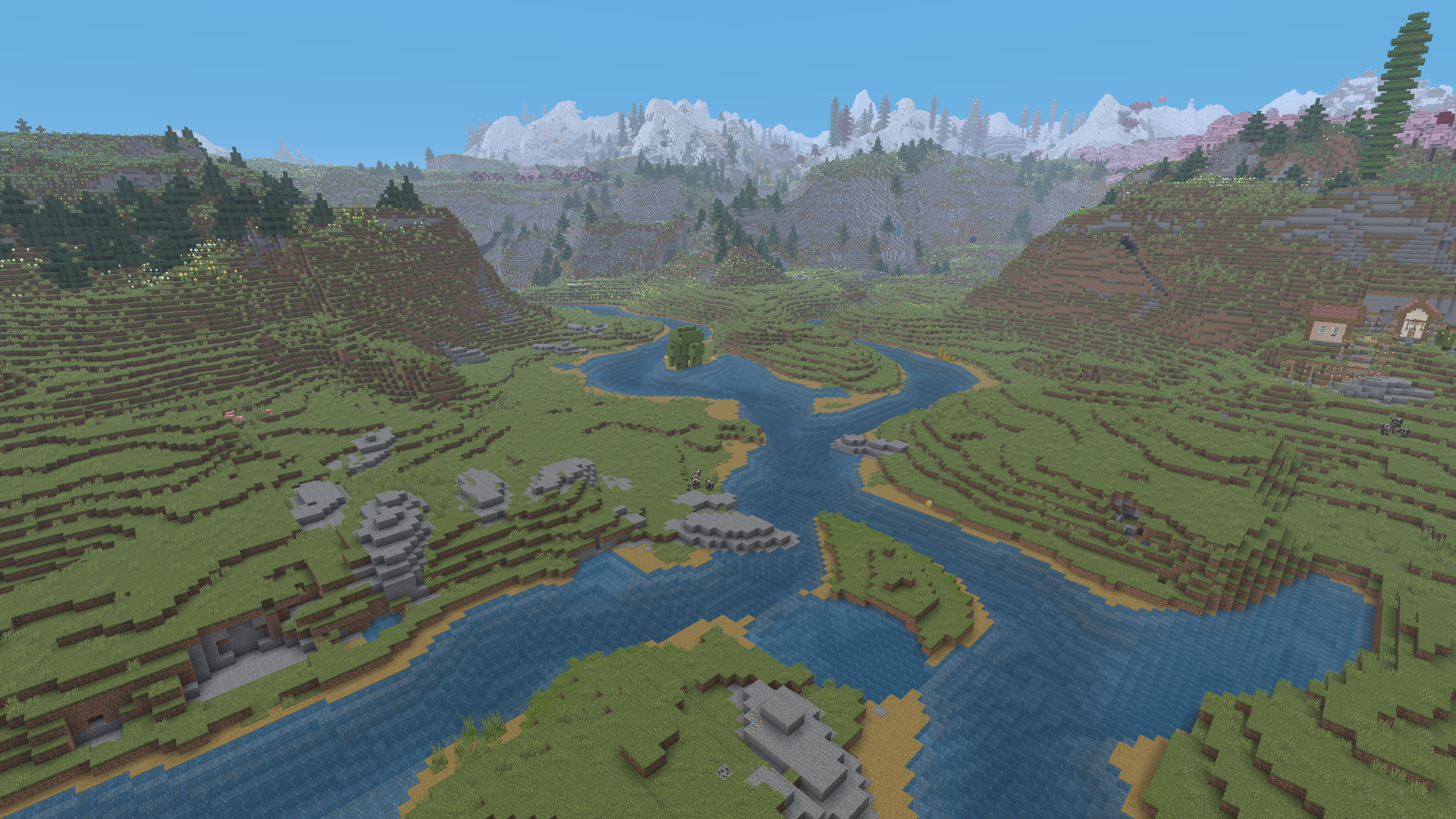 Two Rivers Mods Used: VALLEY, ChoiceTheorem's Overhauled-Village, Geophilic, Repurposed-Structures, Terrestria, Towns-&-Towers, William-Wythers' Overhauled-Overworld
 -
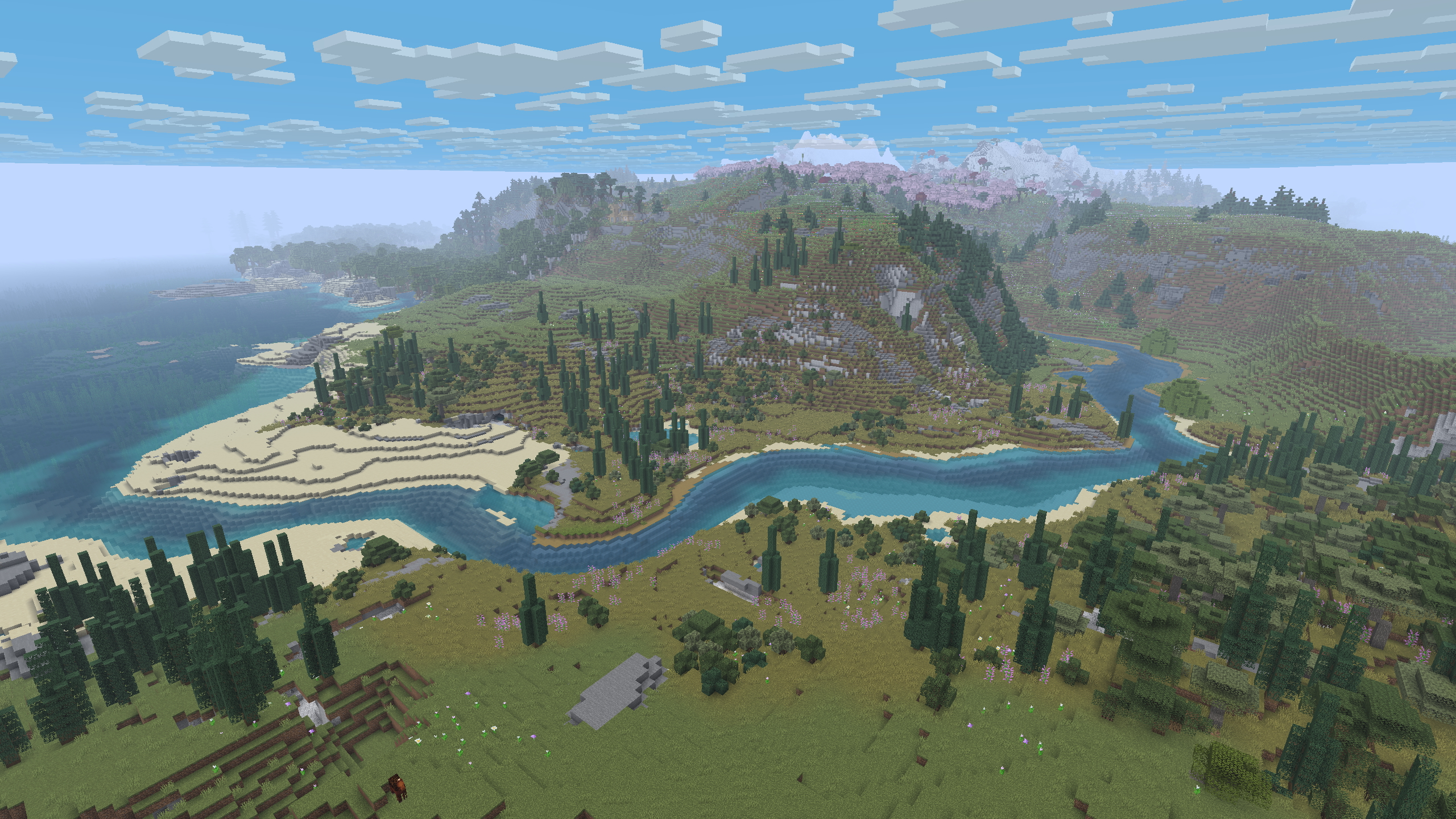 River Mods Used: VALLEY, ChoiceTheorem's Overhauled-Village, Geophilic, Repurposed-Structures, Terrestria, Towns-&-Towers, William-Wythers' Overhauled-Overworld
 -
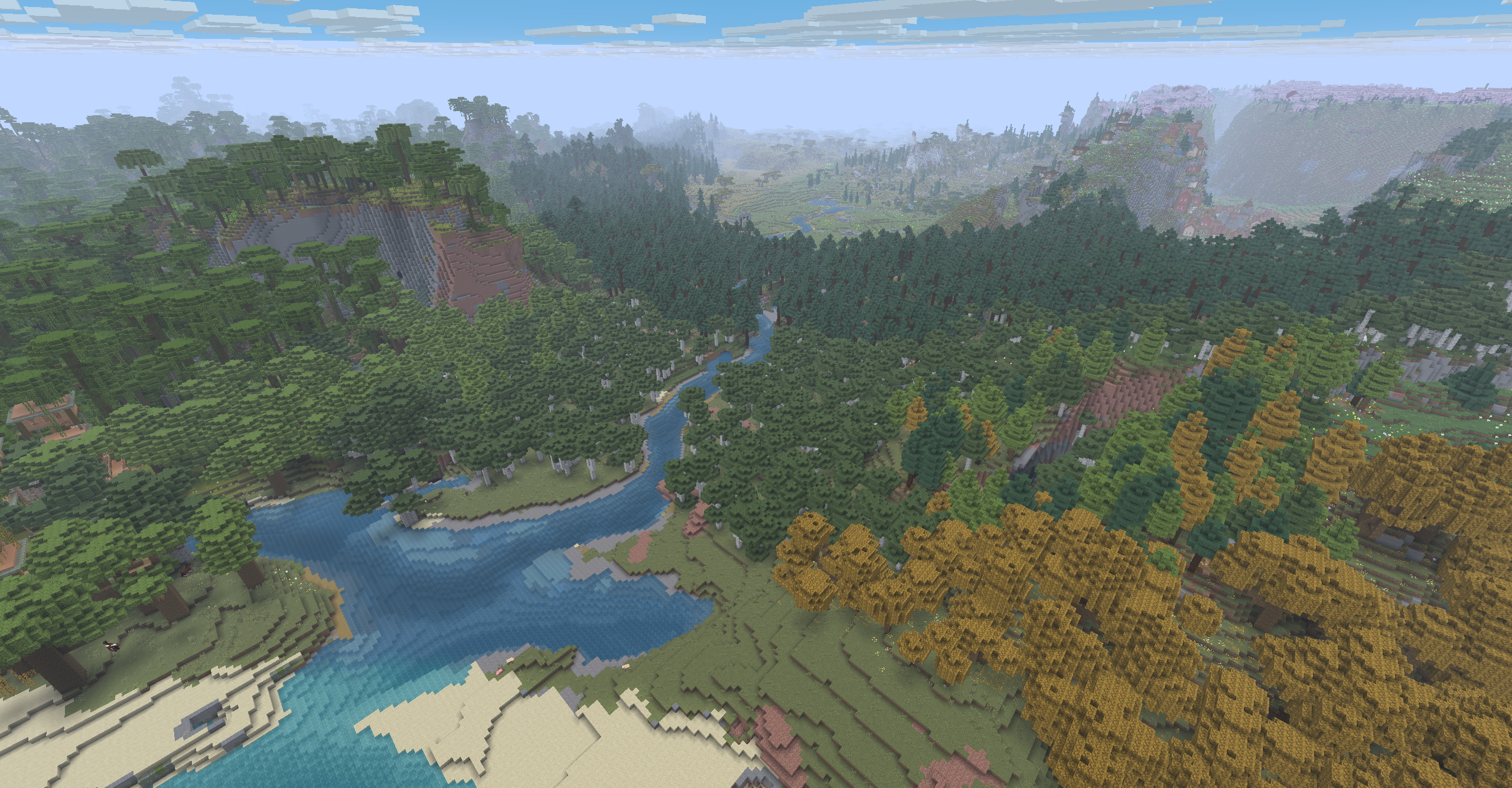 River Mods Used: VALLEY, ChoiceTheorem's Overhauled-Village, Geophilic, Repurposed-Structures, Terrestria, Towns-&-Towers, William-Wythers' Overhauled-Overworld
 -
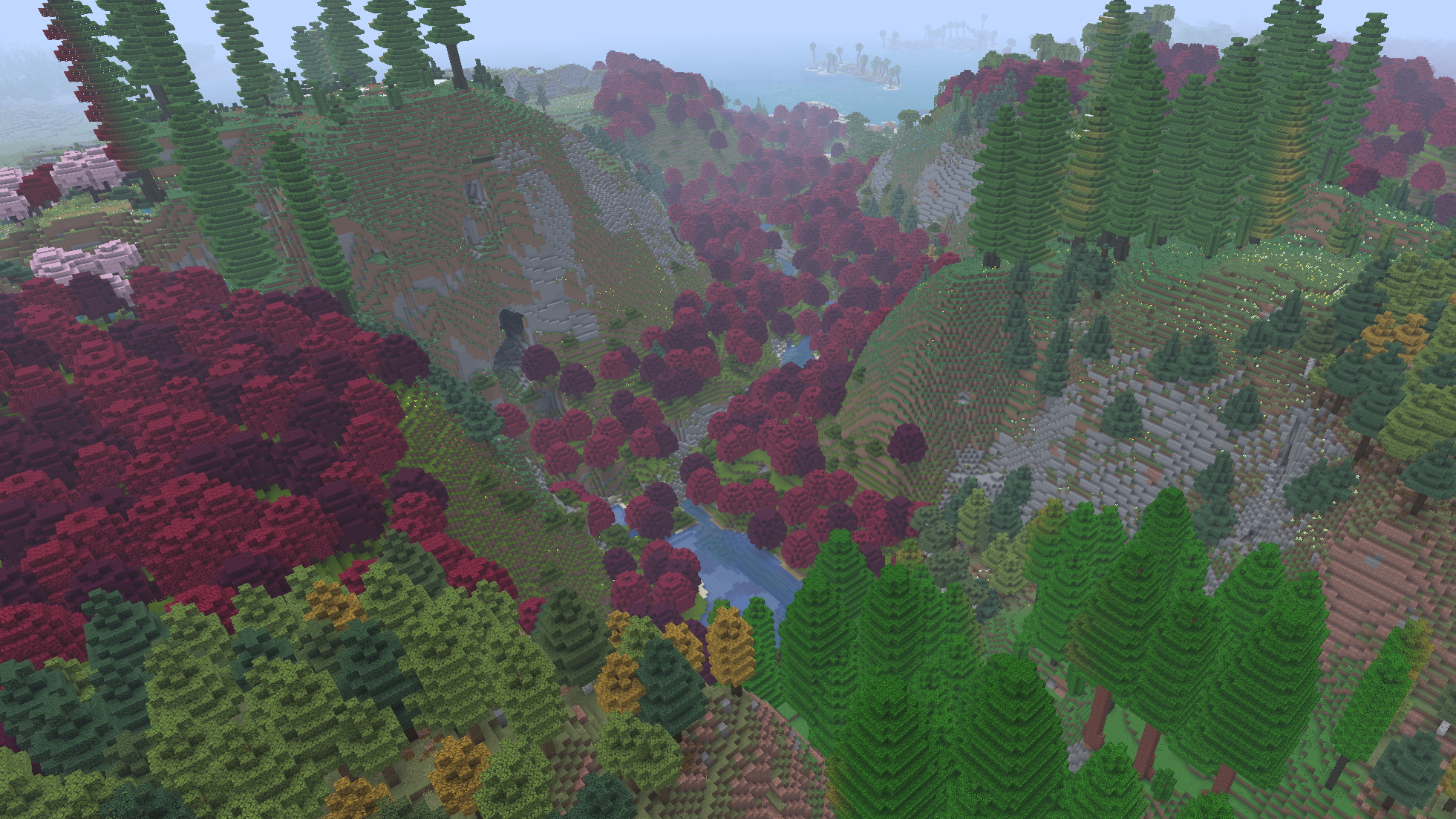 Valley Mods Used: VALLEY, ChoiceTheorem's Overhauled-Village, Geophilic, Repurposed-Structures, Terrestria, Towns-&-Towers, William-Wythers' Overhauled-Overworld
 -
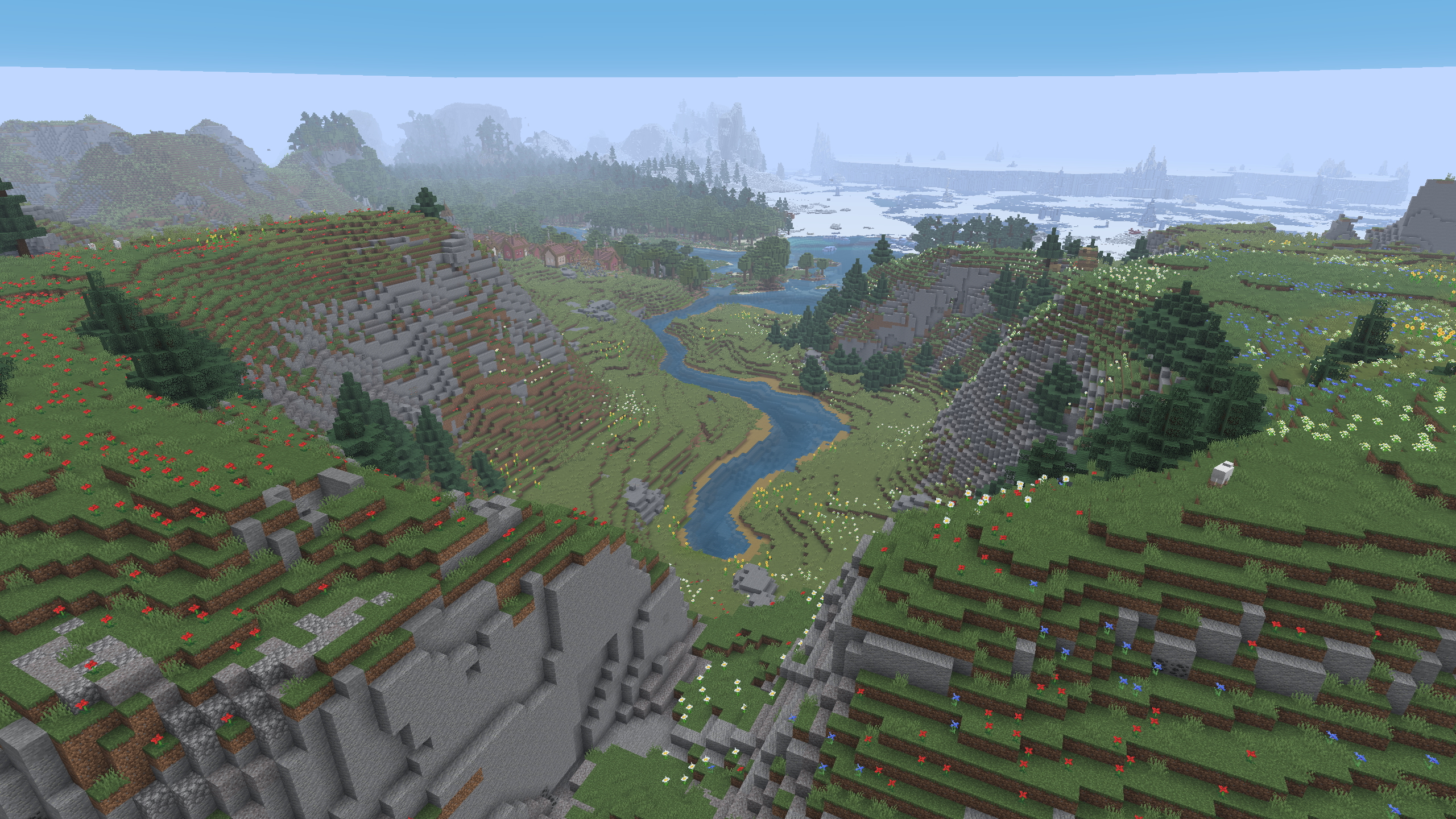 Valley Mods Used: VALLEY, ChoiceTheorem's Overhauled-Village, Geophilic, Repurposed-Structures, Terrestria, Towns-&-Towers, William-Wythers' Overhauled-Overworld
Versions
Files
Relations
Project Relations
More like this
Similar Mods
Suggestions use data such as tags, dependencies, dependents, descriptions, titles, and more to rank how much they overlap with this mod.
On ModDex
Community snapshot
By the numbers
Statistics
Want to reach Minecraft players?
We're looking for a server hosting partner to feature here and other parts of the site. Interested? Send us a message!
Get in touchGet it on
Available Platforms
On ModDex
Community snapshot
By the numbers
Statistics
Resources