
Vaults of Abandon
No reviews yet
Conquer the Vault, in the Vaults of Abandon - Dungeon Datapack. Battle Epic Bosses, Explore vast dungeons, and utilize powerful magic. Access over 50+ Custom Items, and battle over 20+ Custom Mobs.
Centers around fantasy elements such as spells, rituals, and magical energies, often involving personal empowerment and magical automation.
Includes a large focus on traversing worlds with enhanced world generation, structures, dungeons, and more for players to find unique loot.
Data Packs were introduced to vanilla Minecraft in version 1.13 and allow the server to modify data about the game, or run commands. Data Packs are compatible with all mod loaders.
Community voices
Reviews
Click once to include, again to exclude, again to clear
No reviews yet. Be the first to review this project!
Get it on
Available Platforms
 Modrinth
Compatibility
Supported Environments
About
Project Details
For authors
Embed Badge
If you're the author of this project, you can embed a live badge anywhere that supports HTML or Markdown. It updates automatically whenever ratings change.
Use HTML for any page that supports it, or Markdown for README files and Markdown-based descriptions.
Identifiers
Platform IDs
Resources
External Links
About
Description
Explore, Conquer, LOOT!
Conquer the Vault, in the Vault of Abandon Vanilla+ datapack. This data pack aims to enhance the players Vanilla experience by adding in custom mobs, four naturally generating dungeons, three new bosses, magic, and a large array of custom items found exclusively as dungeon lootables. Fancy a Small Multiplayer experience? This data pack is Realm compatible and features a great PVE experience.
The Main Focus of this Data pack is to UP the difficulty, emphasizing exploration. Those that are brave enough to try their hand at the three new dungeons - are rewarded with rare and unique weapons and abilities found exclusively in the Manor, Monastery, and Market Dungeons. Expect a challenge, with many difficult opportunities and encounters added to the overworld, nether, and end. Players have an expanded arsenal, adding flintlock weapons and magic which they will need to utilize in order to defeat the many new Mobs and Bosses.
What it Adds
- 20+ Custom Mobs
- 4 Randomized Dungeons - aimed at replayability.
- Progression >> each dungeon type that you encounter is more difficult.
- Dungeon Hardness >> Manor >> Monastery >> Marina >> Monolith (Most difficult).
- 4 New Bosses
- 50+ Custom Items
- Magic - Tomes, Staffs, Swords, and Jewelry
- Flintlock Firearms
- 60+ Hours of Content
- SMP/Realms Friendly
- 1.21.11 Compatible
- No Optifine Needed - Plug and Play Pack
Realms/SMP Friendly
This data pack is Realms compatible! If you fancy a multiplayer experience, create a single player world and add the data pack to it. Once it is created, upload the world to your realm and you are good to go!
Server Load: Very High (Run as a Solo Datapack on Realms) - If you plan on running other datapacks, I would recommend a Custom Server with more RAM.
Note: In order for your friends to experience the magic of the data pack, everybody needs to have the Resource Pack enabled and selected. On Modrinth the resourcepack can be found by clicking Versions >> Selecting the version >> and scrolling down to the bottom of the page and selecting Download Resoucepack!
How to Install - Easy to Install Resource Pack
- Download the Resource Pack
- Open Minecraft Launcher >> Launch Game
- At Main Menu >> Select Options
- Select Resource Packs >> Open Pack Folder >> Drag the Zipped Voa_resource file into this folder.
- Close the File Browser >> Toggle the file so that it is under the Selected Column.
- Good to Go! Have Fun!
- Proceed to Data Pack step below (Host/Single-Player only needs to do the Data Pack step below).
How to Install - Easy to Install Data Pack
- Download the Data pack
- Open Minecraft Launcher >> Launch Game
- At Main Menu >> Select Single Player >> Create New World >> More Tab
- Select Data Packs >> Open Pack Folder >> Drag the Zipped Voa_data file into this folder.
- Close the File Browser >> Toggle the file so that it is under the Selected Column.
- Good to Go >> You can now hit Create New World.
Vaults of Abandon - Wiki

Special Thanks
I wanted to give very special thanks to the following creators/communities:
Your tutorials and discord servers were incredibly helpful in the creation of this data pack. Thank You for all that you do, KEEP BEING AWESOME!
**I want to thank the Creators of the custom sounds used in this datapack, sound sources can be found in the Resource Pack under the READ_ME file!
*Lastly I want to thank the amazing Friends and Family that helped me develop this pack. Thank You Benji, Spence, Andrew, Haley, Ted, and Madison.
Have feedback? Found a Bug? Let me know in the comments below!
Screenshots
Gallery
-
 Vaults of Abandon - Beagleblocks
 -
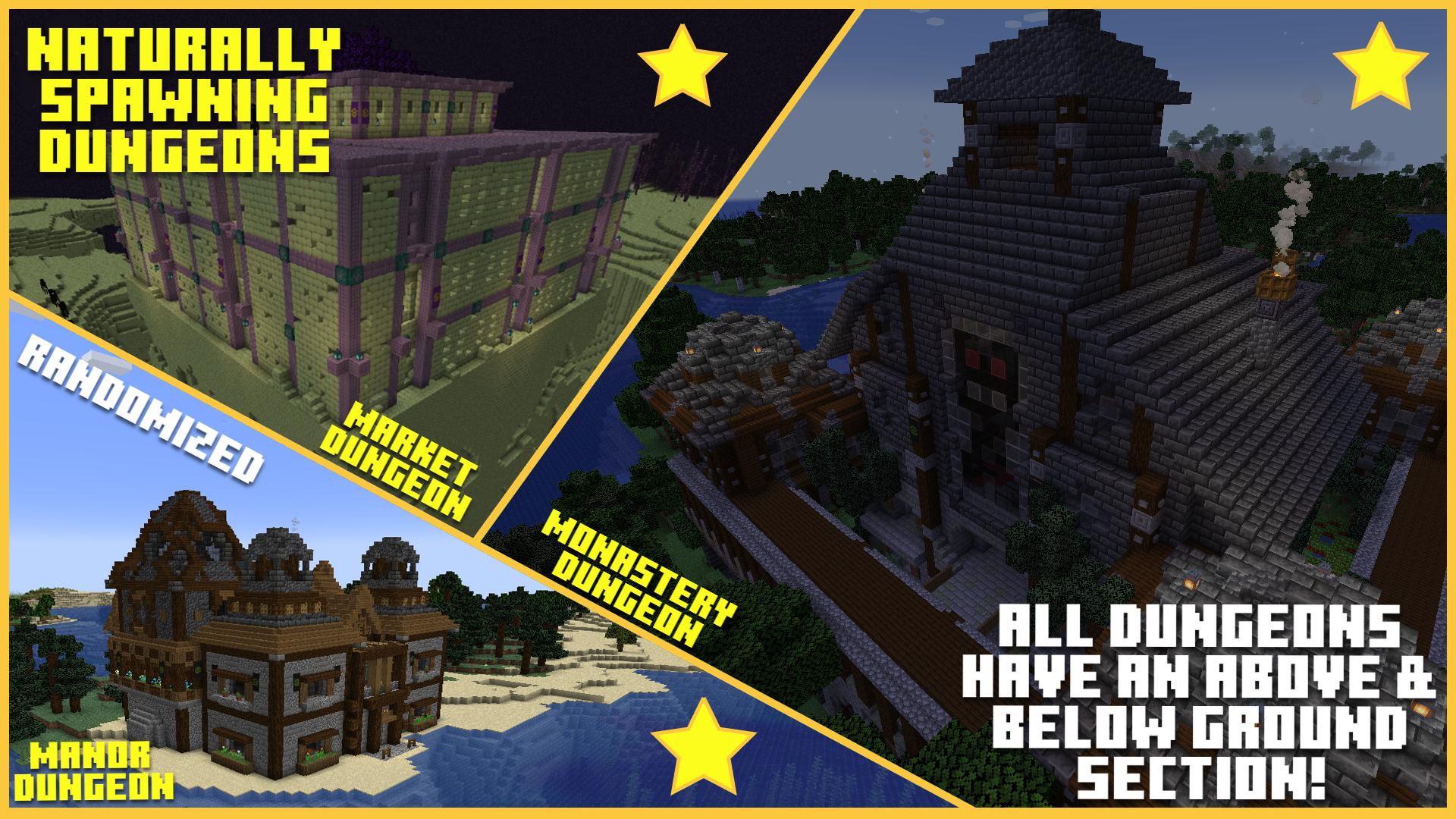 Dungeons
 -
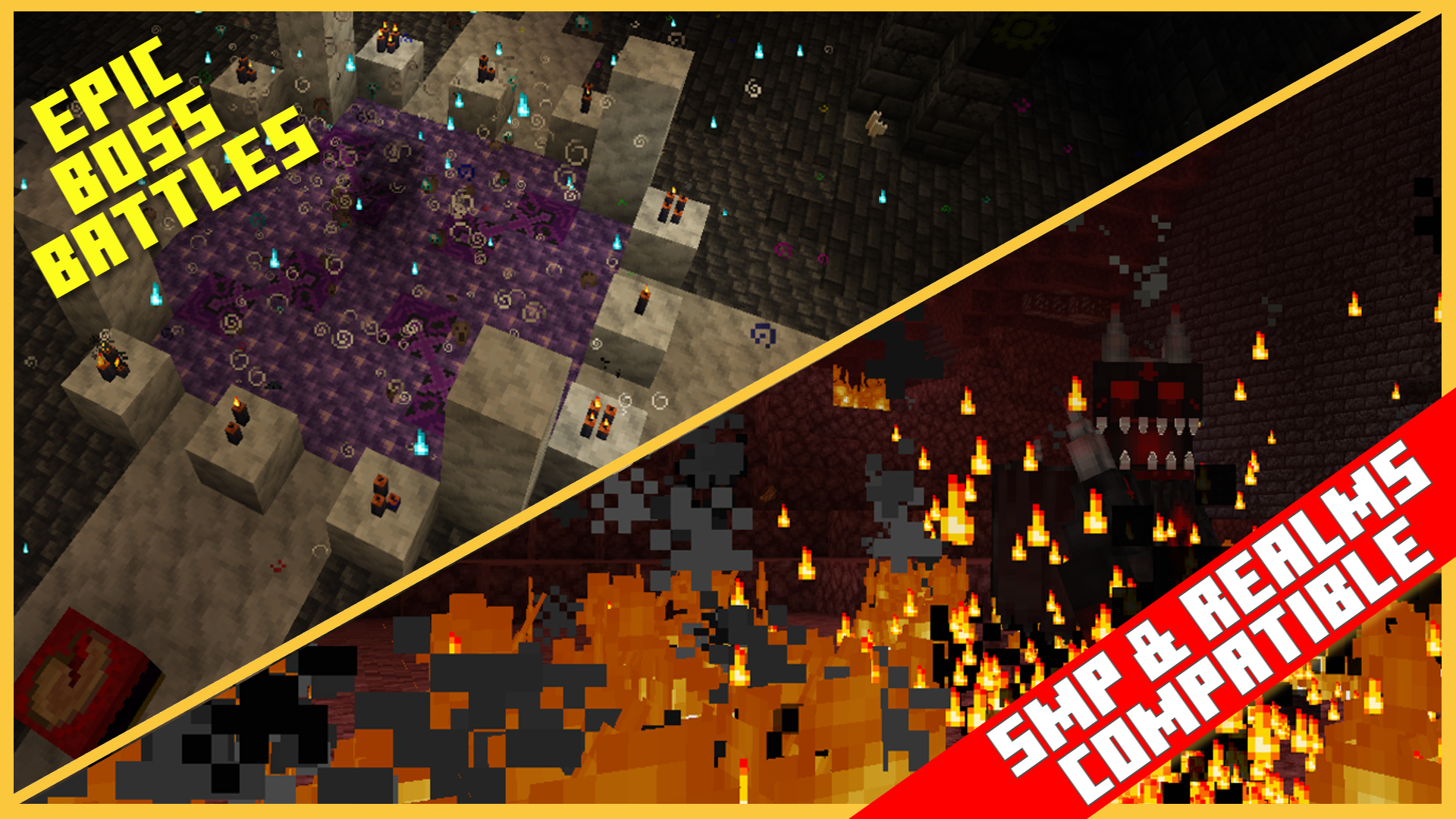 Boss Battles
 -
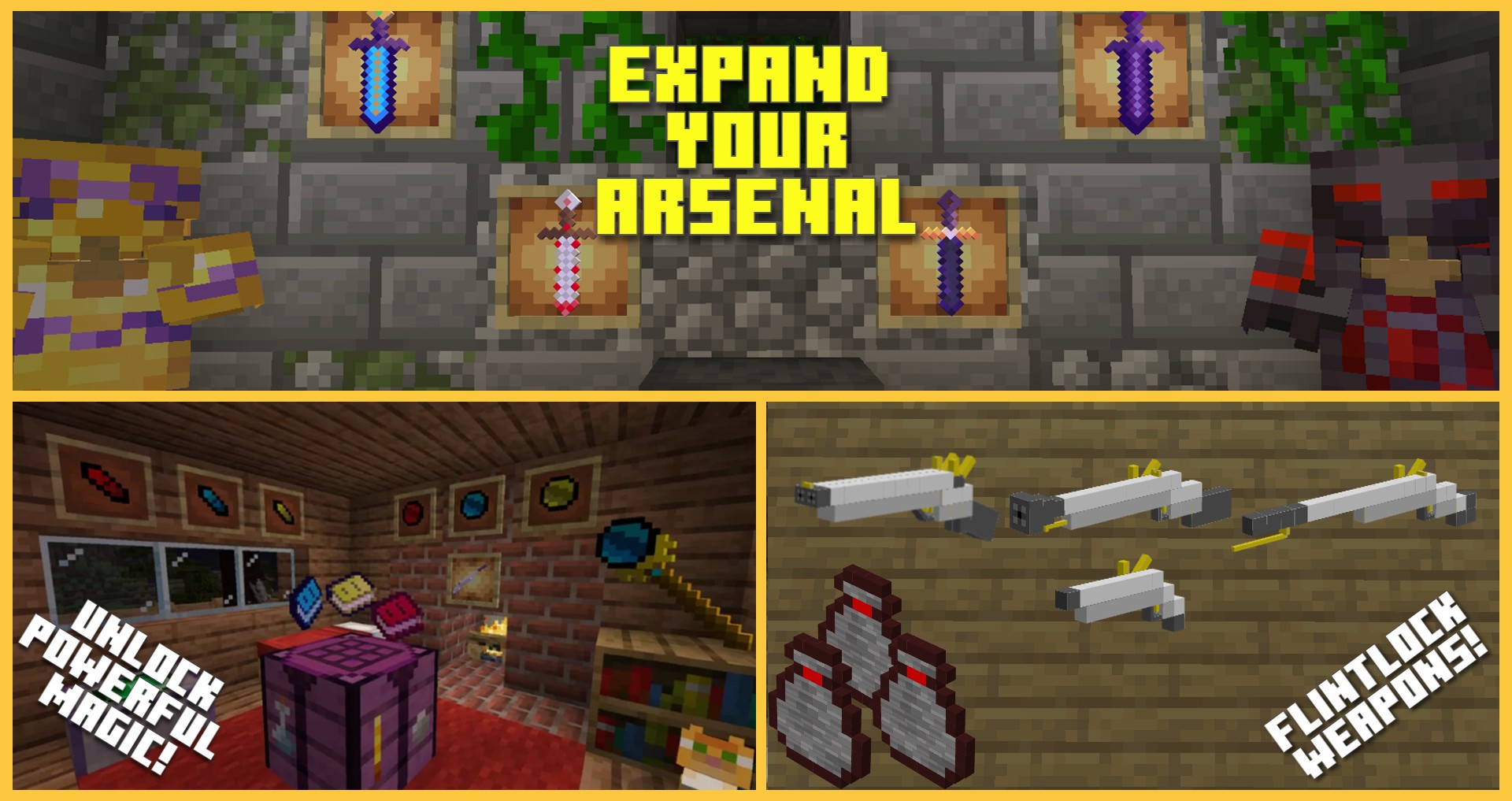 Armory
 -
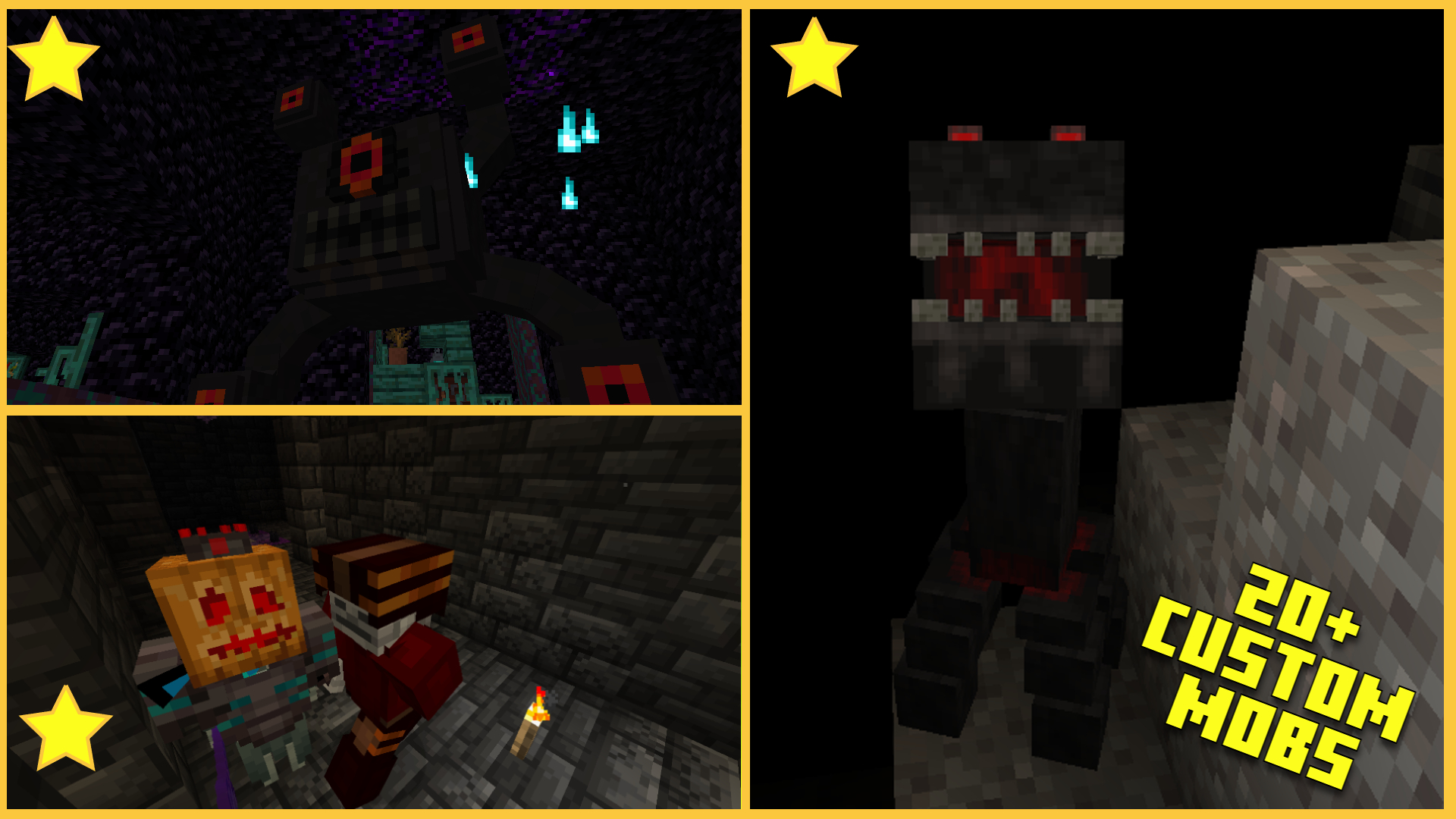 Custom Mobs
 -
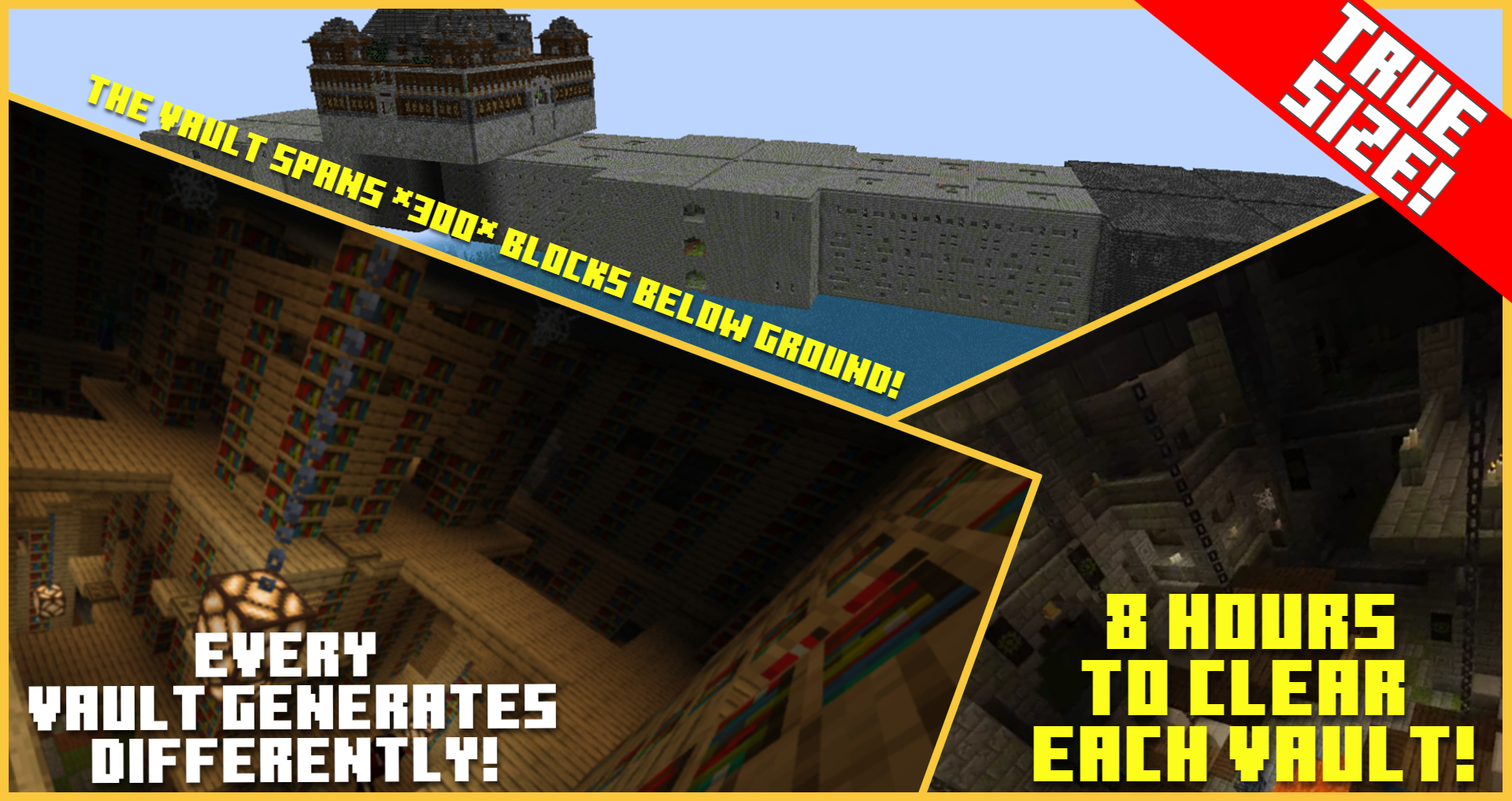 Monastery Dungeon
 -
 Custom Items
Versions
Files
Relations
Project Relations
More like this
Similar Mods
Suggestions use data such as tags, dependencies, dependents, descriptions, titles, and more to rank how much they overlap with this mod.
On ModDex
Community snapshot
By the numbers
Statistics

Want to reach Minecraft players?
We're looking for a server hosting partner to feature here and other parts of the site. Interested? Send us a message!
Get in touchGet it on
Available Platforms
On ModDex
Community snapshot
By the numbers
Statistics
Resources