
Community listing page, reviews here may not be monitored by the author.
Veconomy

No reviews yet
It's a Mod to integrate Economy with player in particular with other players like in a server ;}. I made it because I can't find this typical mod online to integrate to my sever in 1.21.1. I was to do my thesis so I made it,
Community voices
Reviews
No reviews yet. Be the first to review this project!
Get it on
Available Platforms
About
Project Details
For authors
Embed Badge
If you're the author of this project, you can embed a live badge anywhere that supports HTML or Markdown. It updates automatically whenever ratings change.
Use HTML for any page that supports it, or Markdown for README files and Markdown-based descriptions.
Identifiers
Platform IDs
Resources
External Links
About
Description
VEconomie
A full server economy for Fabric — player market, buy orders, server stock, bounties, jobs, taxes and a fully custom Shop Chest, all wrapped in a themed GUI.
VEconomie turns VCoins into a real in-game economy: players trade with each other on a live market, place buy orders, sell to the server, hunt bounties, level up jobs for perks, and run their own unmanned shops from a custom chest block. Everything is reachable from one hub menu — no command memorization required.
✨ Highlights
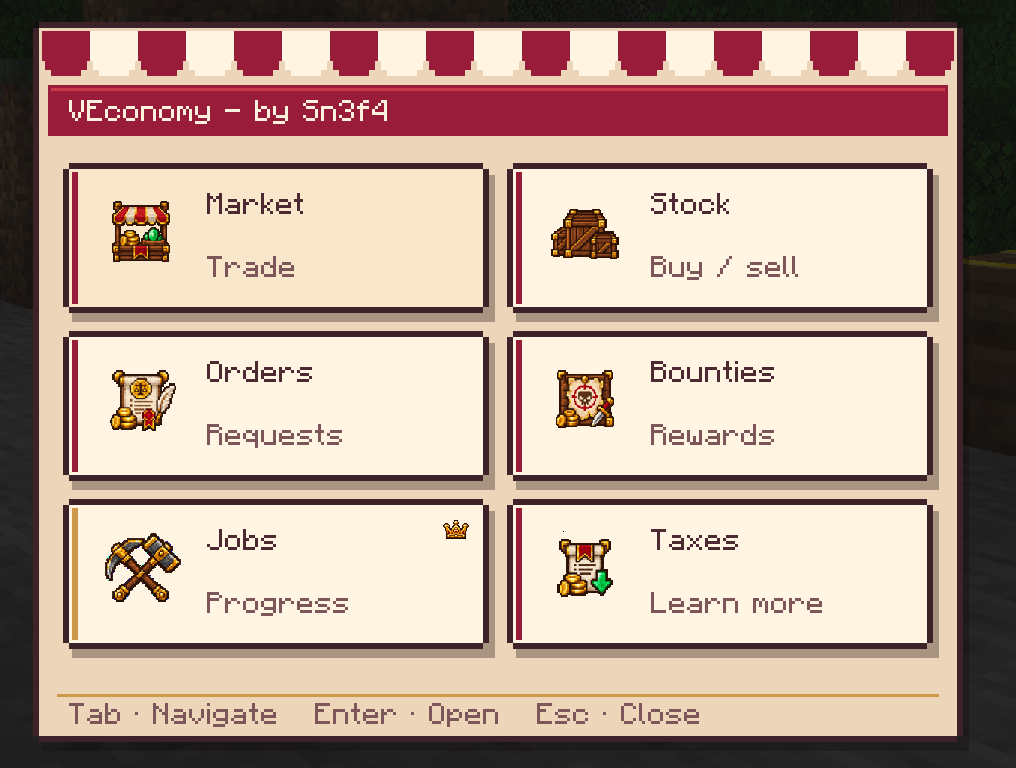
- One hub menu for everything — Market, Stock, Buy Orders, Bounties,
Jobs and Taxes, all as cards in a single themed GUI. Default keybind:
O. - Player Market — list items for sale, browse and buy from other players, multi-item listings, up to 45 active listings per player.
- Buy Orders — reserve funds and place a standing order for an item; any player can fulfill it and get paid instantly.
- Server Stock / Exchange — sell items straight to the server or buy back what other players sold, at configurable prices.
- Bounties — put a price on another player's head, or grow your own bounty automatically by killing mobs and unmarked players.
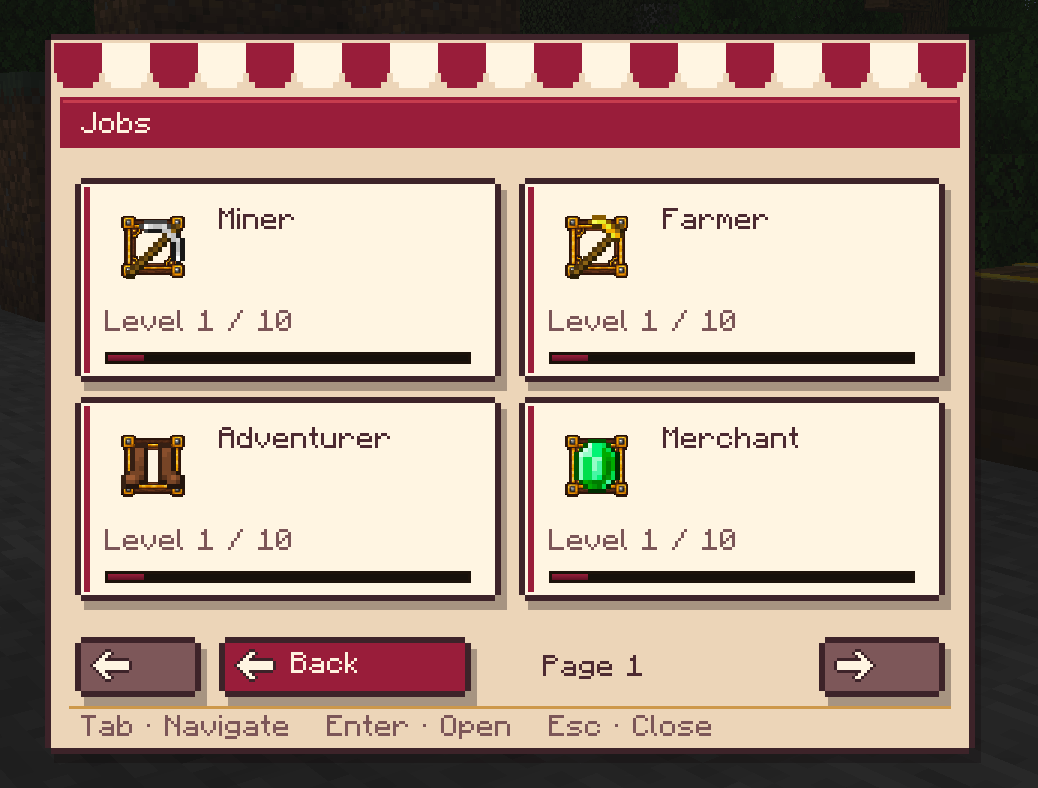
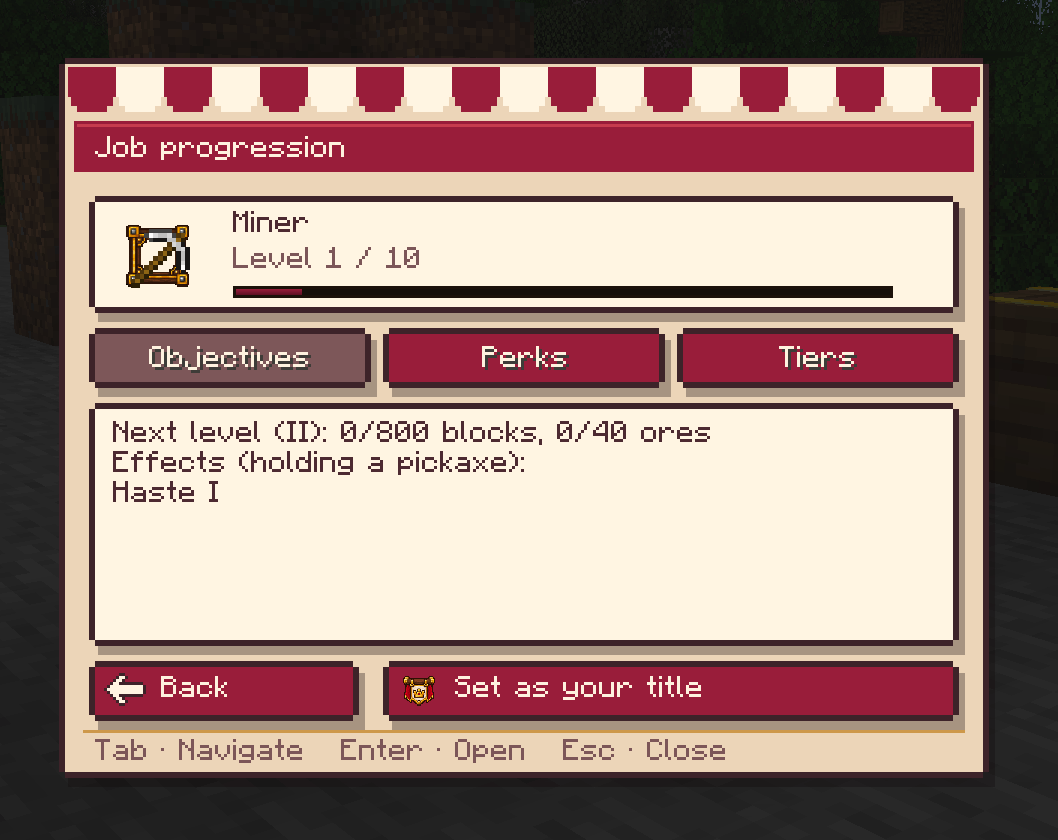
- Jobs — Miner, Farmer and Adventurer, each with 10 tiers (I–X), mission-based progression, gameplay perks and sale multipliers.
- Taxes & playtime rewards — market taxes feed a playtime reward pool, paying players back over time.
- Shop Chest — a craftable chest block that turns into a full self-service player shop: stock management, multiple offers, buy/sell toggles, open/close control, and a customer preview.
- Legacy sign shops — the classic "chest +
[Shop]sign" setup is still supported, with a one-command upgrade path to the new Shop Chest. - Configurable branding — the economy's display name and currency symbol are set per world via admin commands, no restart needed.
🖥️ The hub menu
Open the hub with O (rebindable in Options > Controls > VEconomie).
Six categories are laid out as cards: Market, Stock, Orders, Bounties,
Jobs, Taxes. Hover a card for details, click to open the full screen for
that category, or navigate with Tab + Enter.
🛒 Player Market
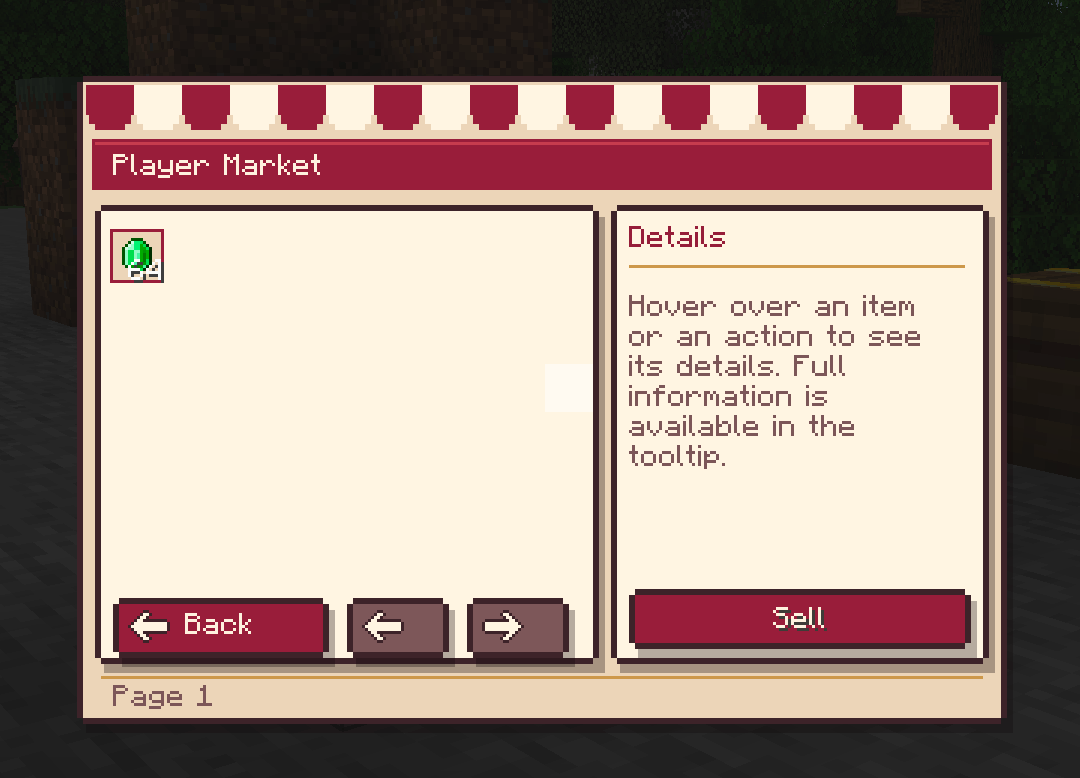
Sell anything you're holding with a total price for the stack — enchant
ments, durability, custom names and Shulker Box contents are all preserved.
Buy straight from the listing screen, or use /market, /market [item] and
/buy [index] from chat.
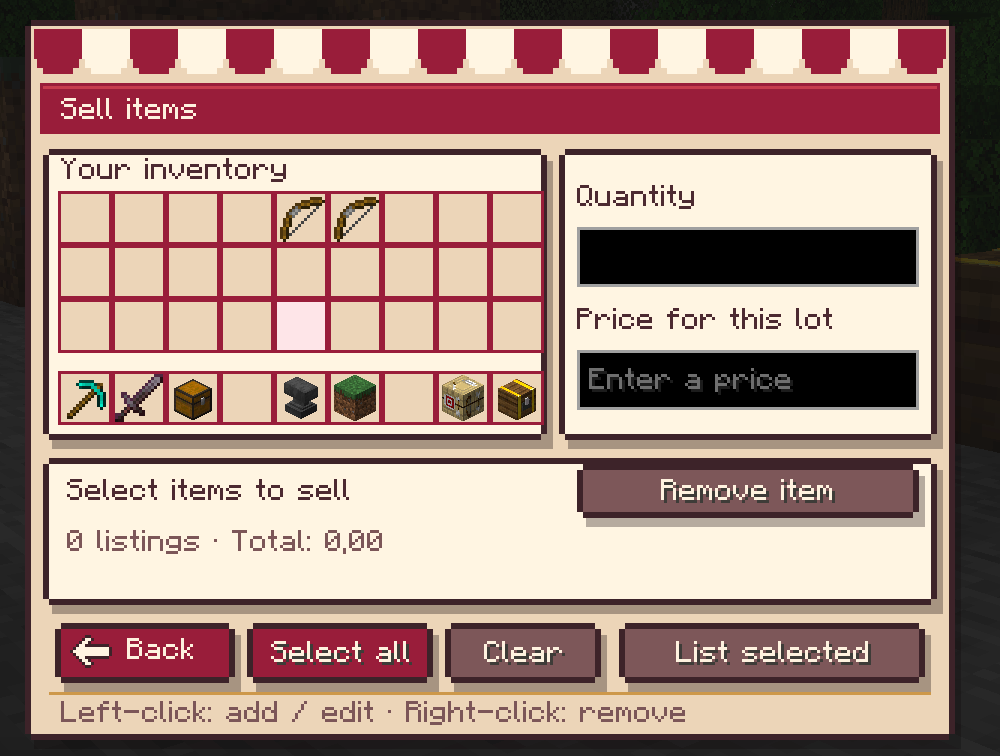
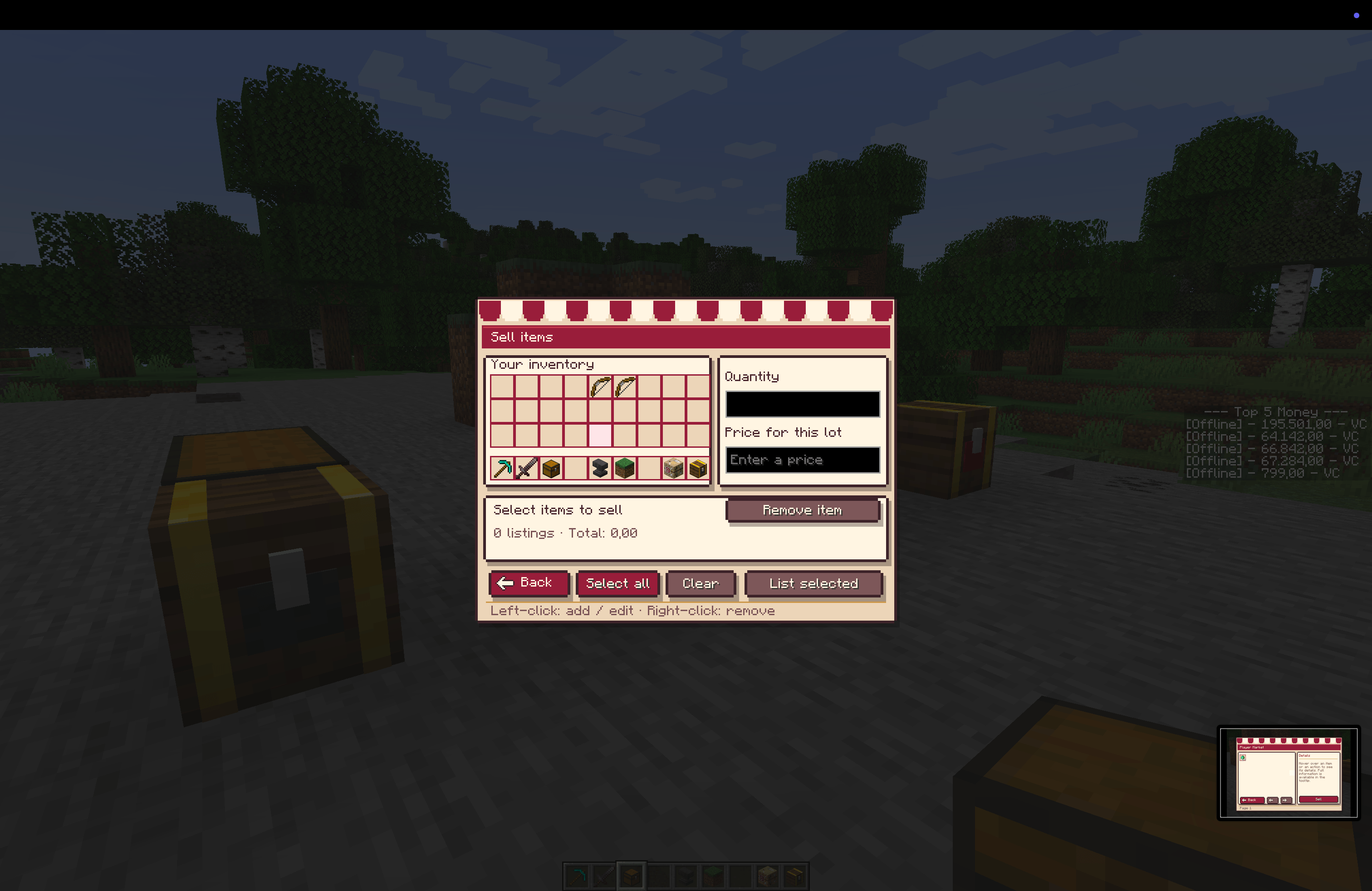
- Multi-select selling: pick several inventory slots at once, set quantity and price per item, and publish them all as separate listings in one go.
- Up to 45 active listings per player.
📋 Buy Orders
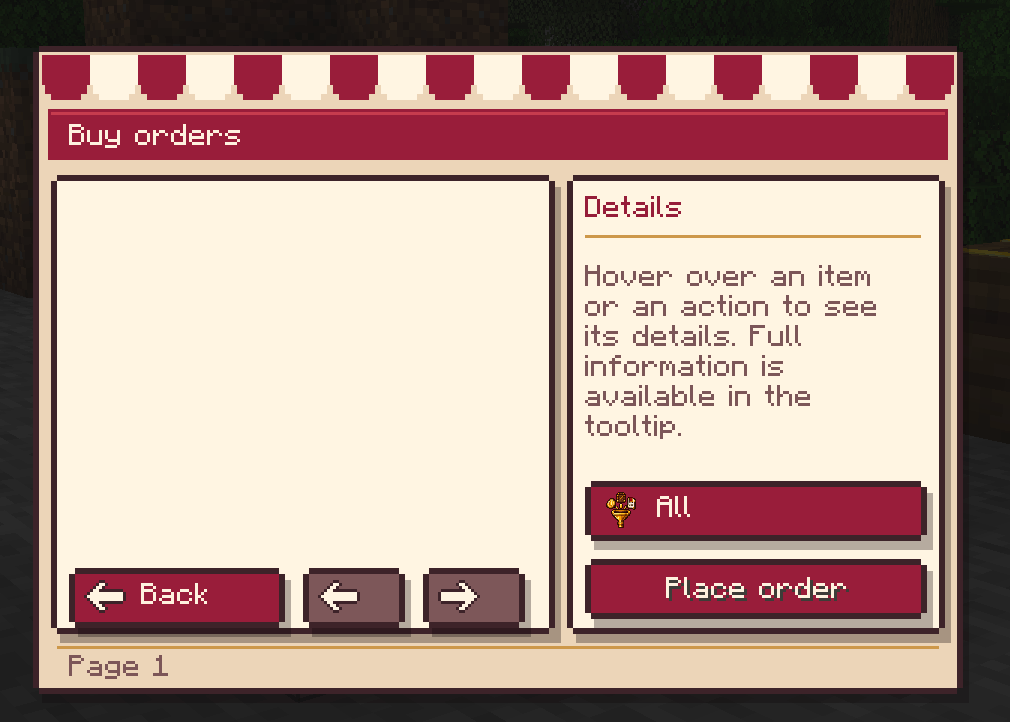
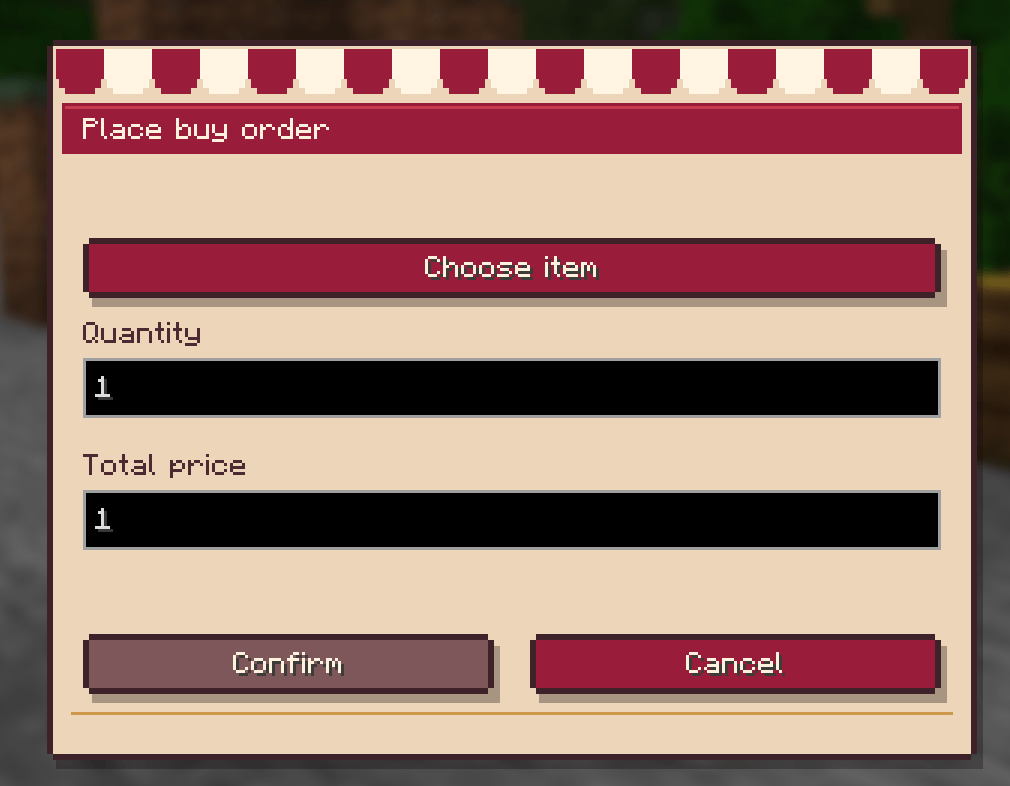
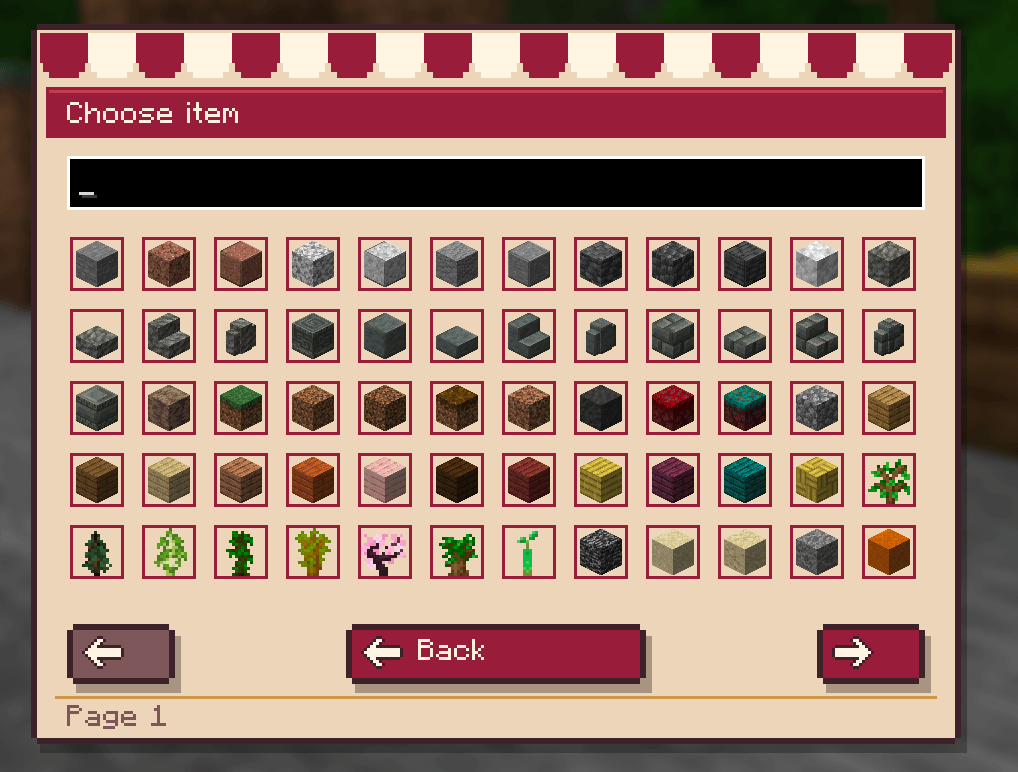
Can't find what you need on the market? Place a buy order — your VCoins are reserved until someone fulfills it or you cancel. Any player holding the matching item can deliver it and get paid on the spot.
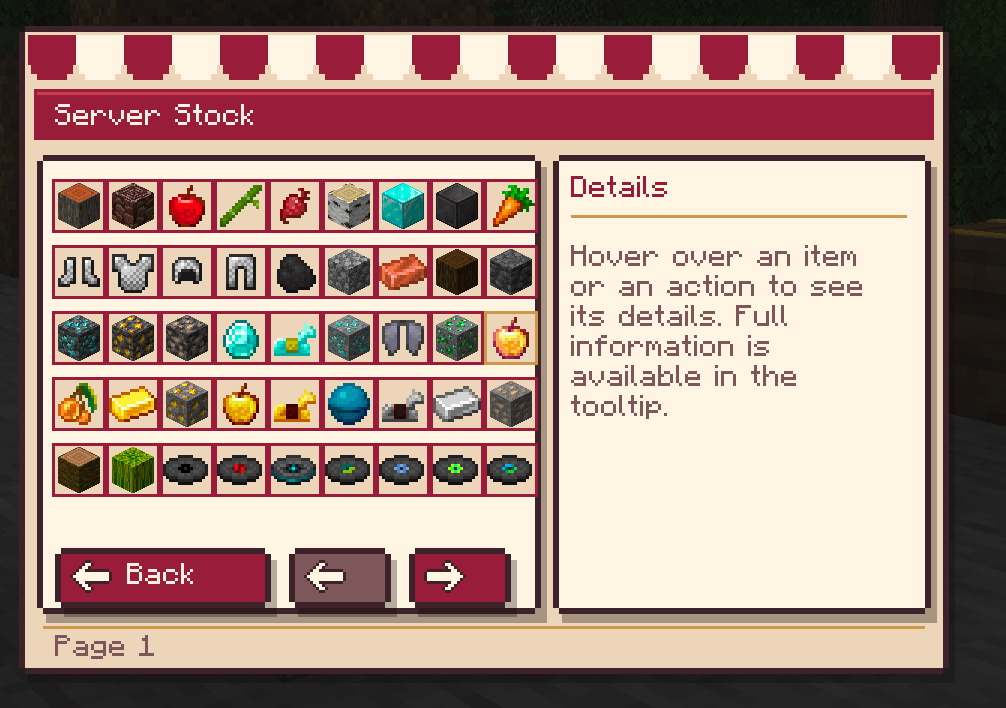
🏦 Server Stock & Exchange
Sell items directly to the server for VCoins, or buy back stock that other players have sold in. Prices are configurable per item and update with the economy.
🎯 Bounties
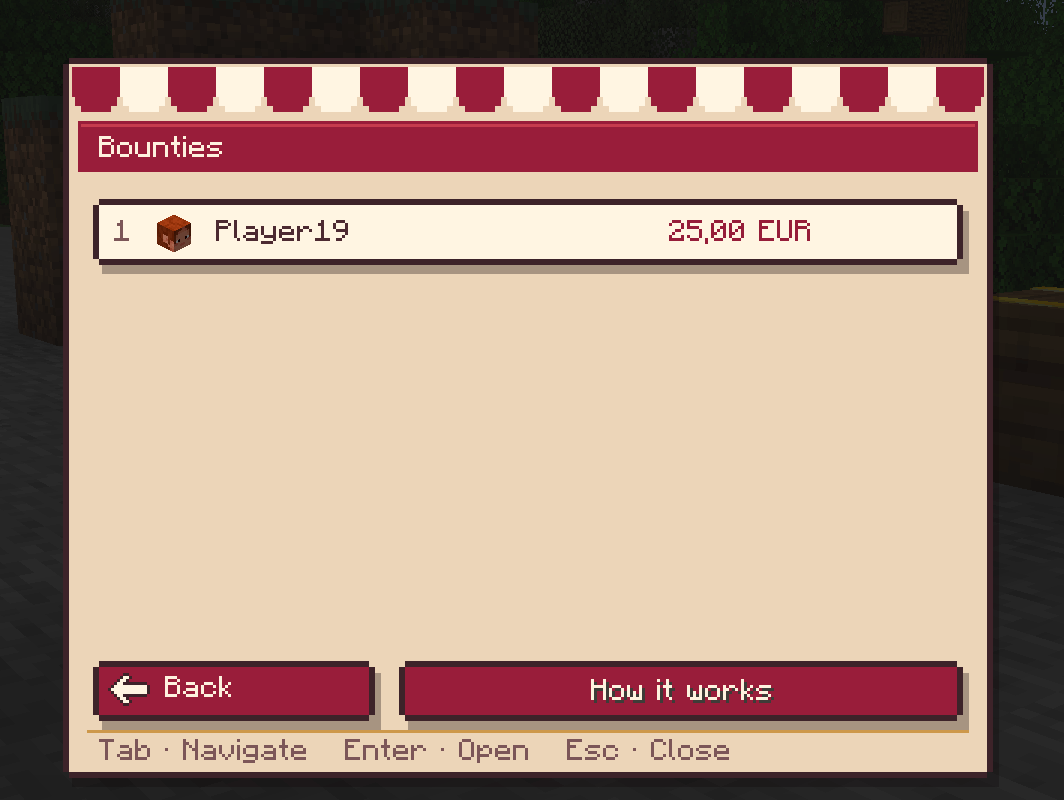
Toggleable server-wide bounty system:
- Place a bounty on another player (or yourself) with
/bounty add. - Kill a player with a bounty → you collect it, with an on-screen claim effect.
- Kill a player without a bounty, or certain mobs, and your own bounty grows automatically (rates configurable per mob type).
⛏️ Jobs
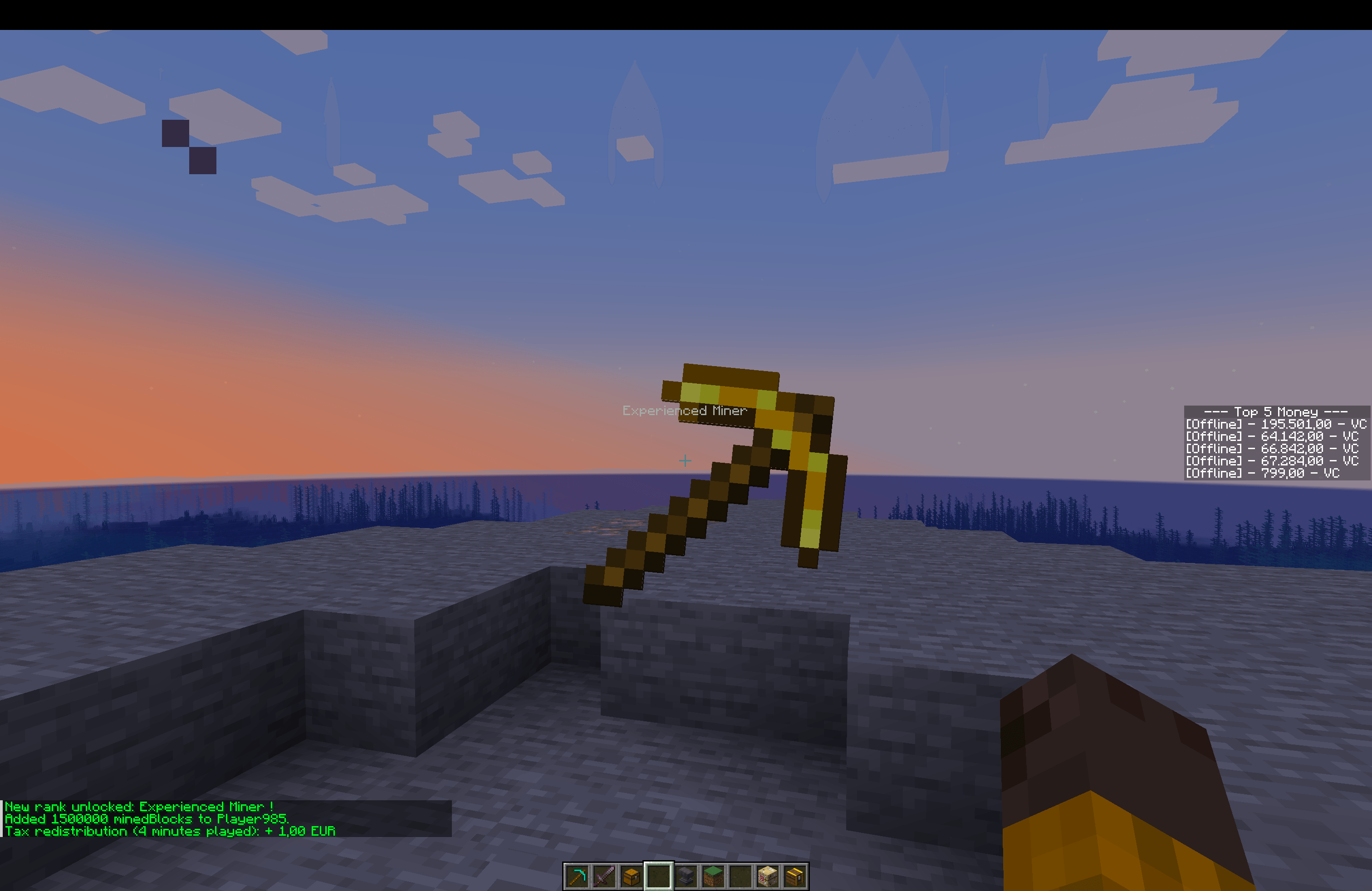
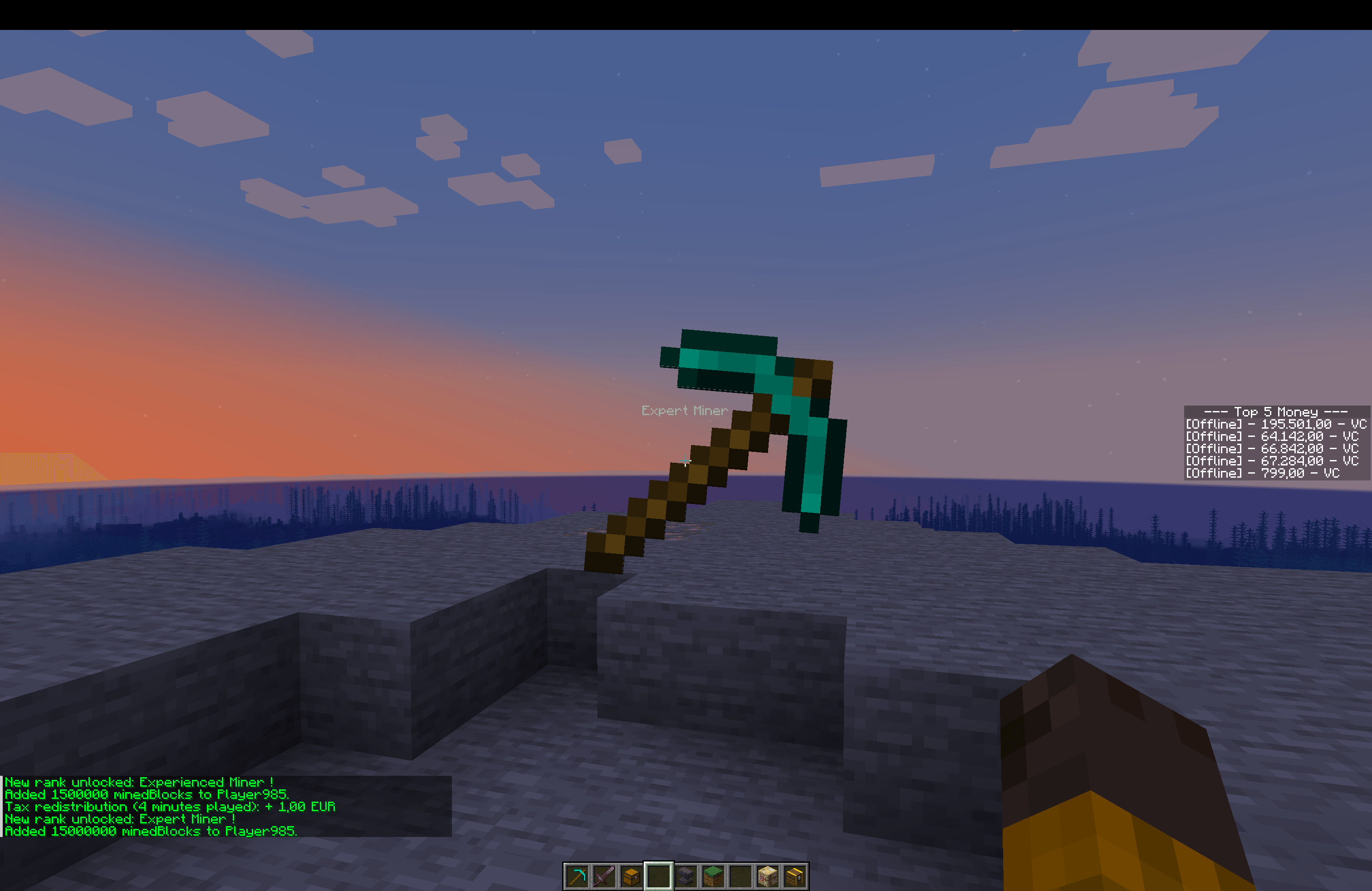
Three jobs — Miner, Farmer, Adventurer — each with 10 tiers (I–X) unlocked through mission-style objectives (blocks mined, ores found, crops harvested, animals bred, distance walked, hostile kills). Every tier grants gameplay perks and sale multipliers, with a level-up overlay and sound. Admins can fully configure thresholds and perks, and optionally enable monopoly mode so each job can only sell items tied to its profession.
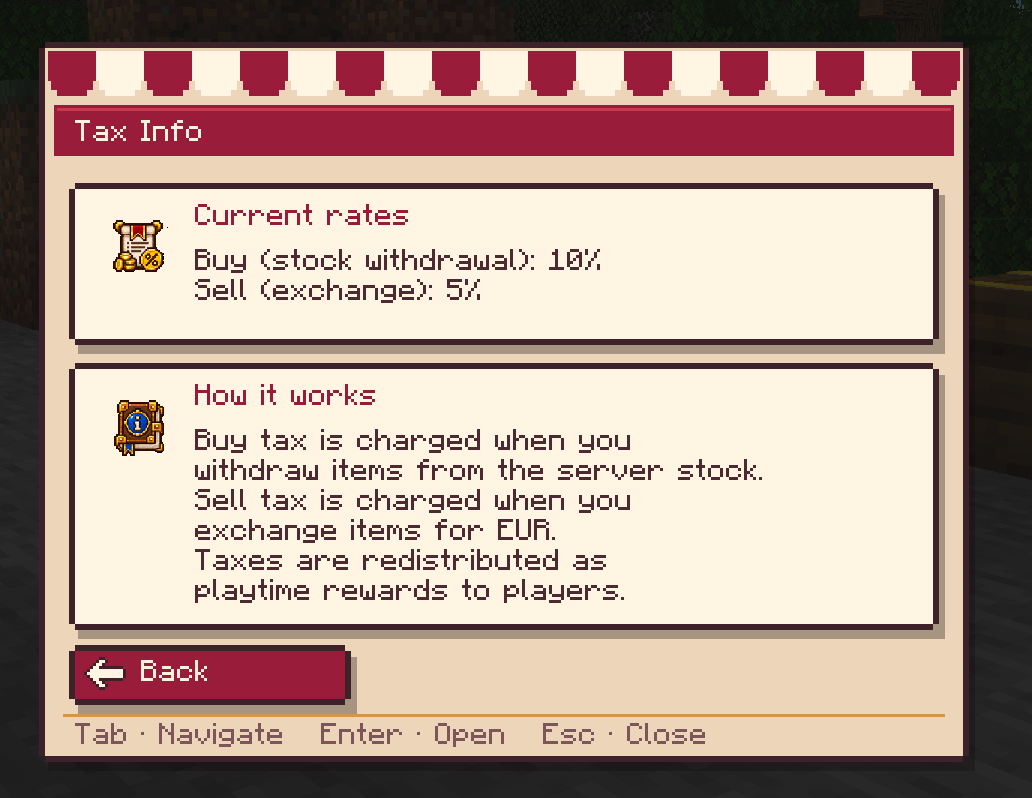
💰 Taxes & playtime rewards
Market and stock transactions collect a configurable tax. That tax pool is reinvested into the server by paying players for time spent online (per minute, with bonus tiers), as long as the collected taxes can cover it.
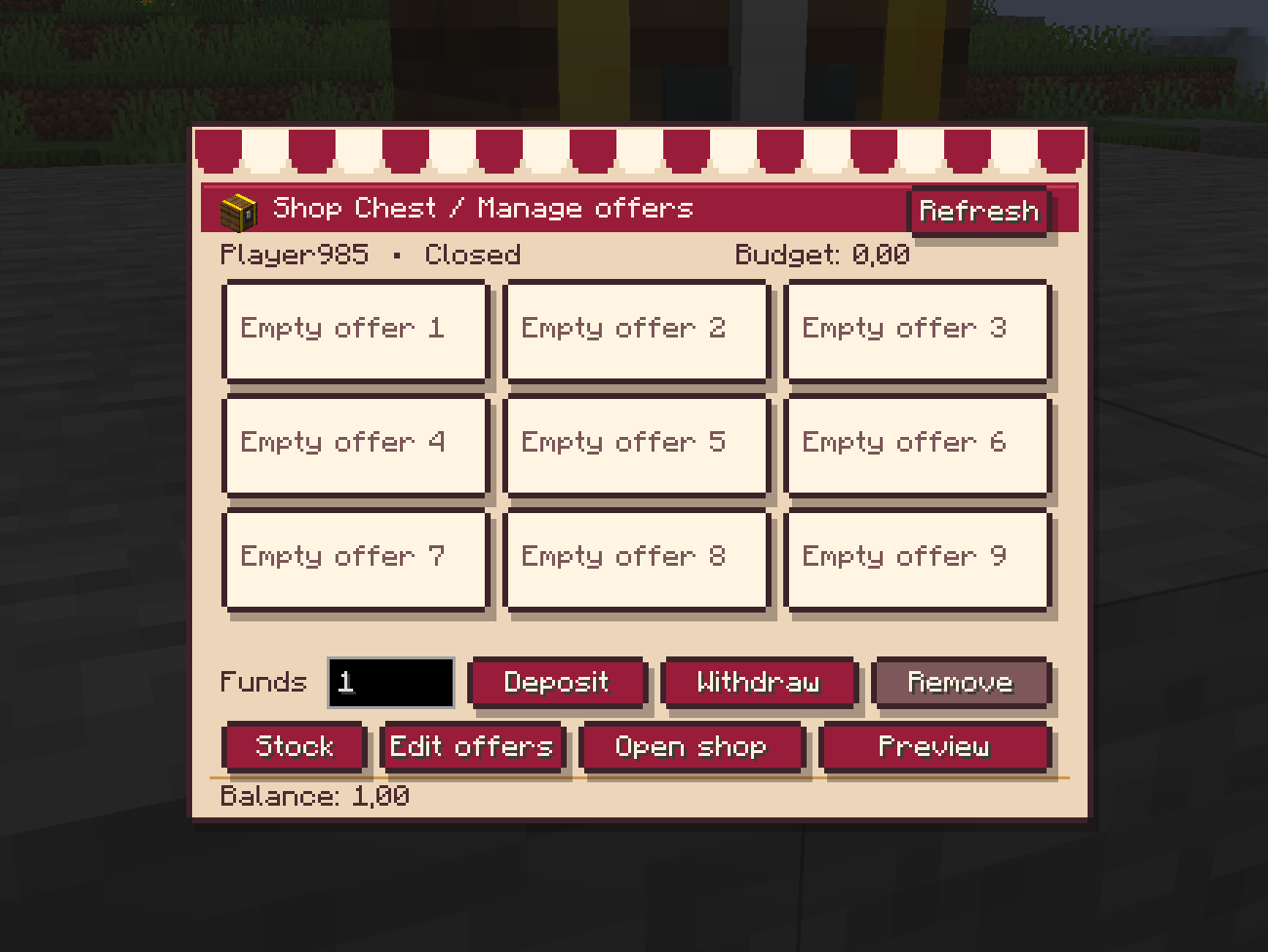
🏪 Shop Chest — unmanned player shops
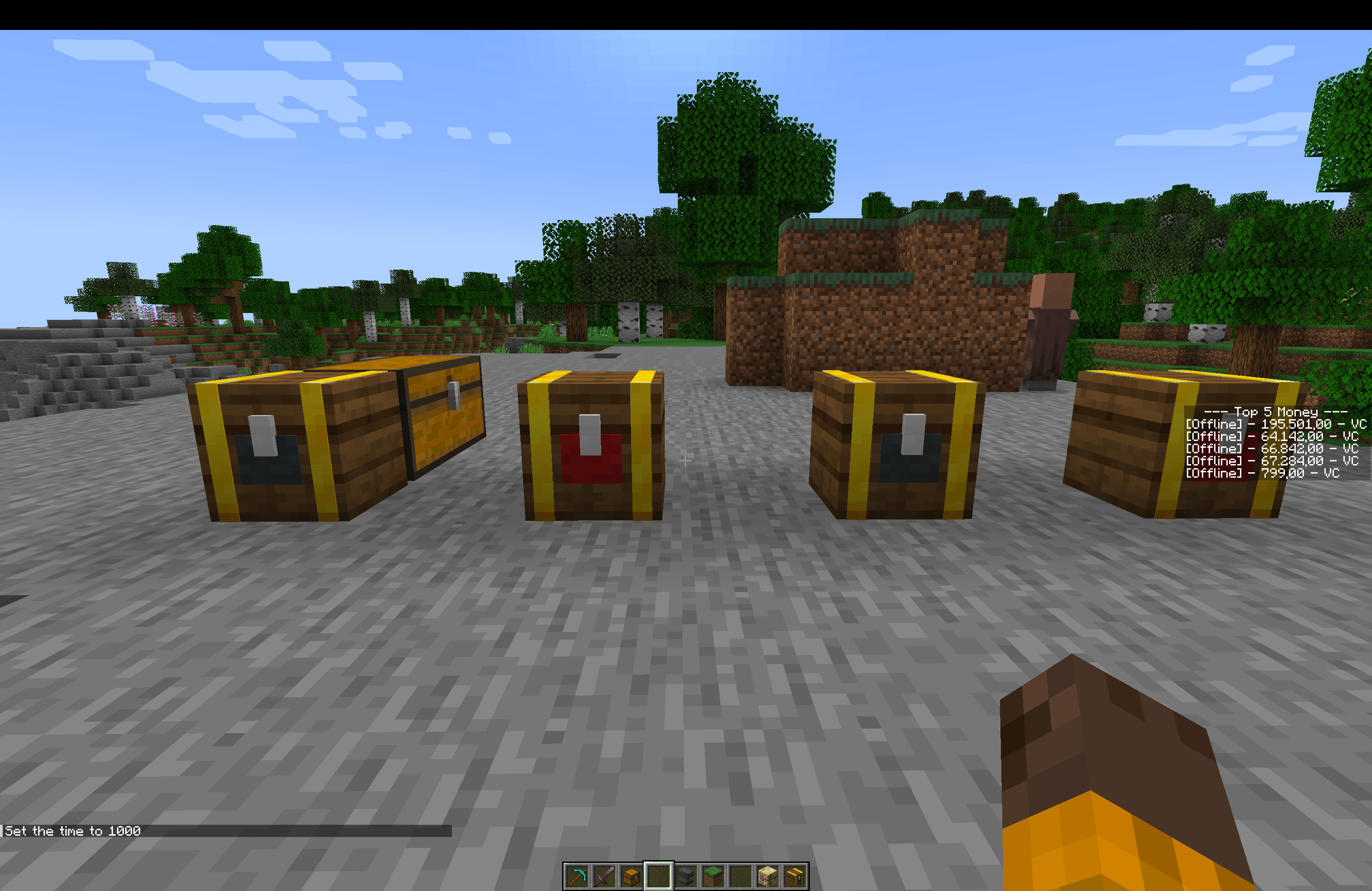
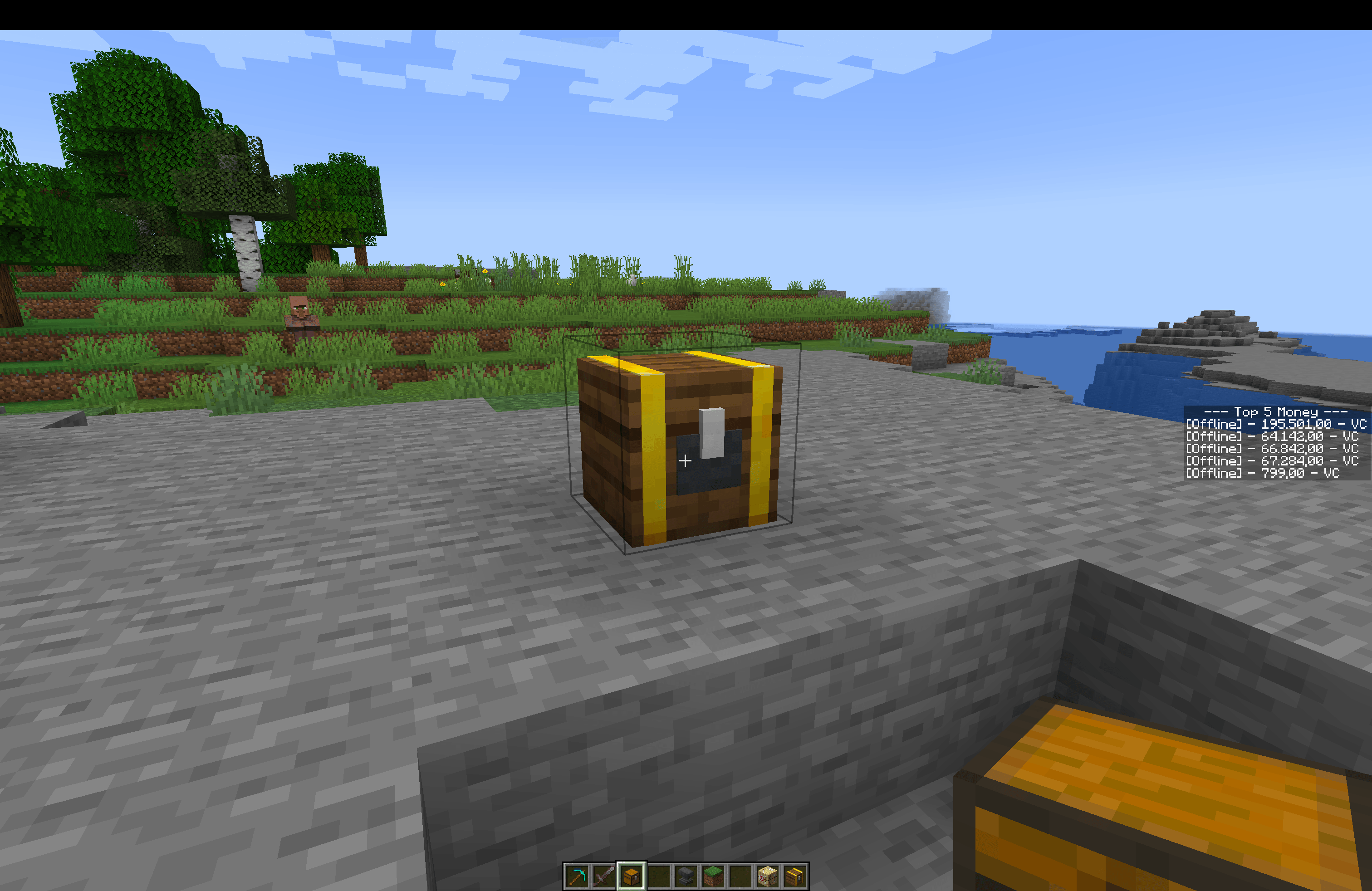
Craft a Shop Chest (7 gold ingots + 1 iron ingot + 1 chest) and place it down to open your own always-on shop, no staffing required.
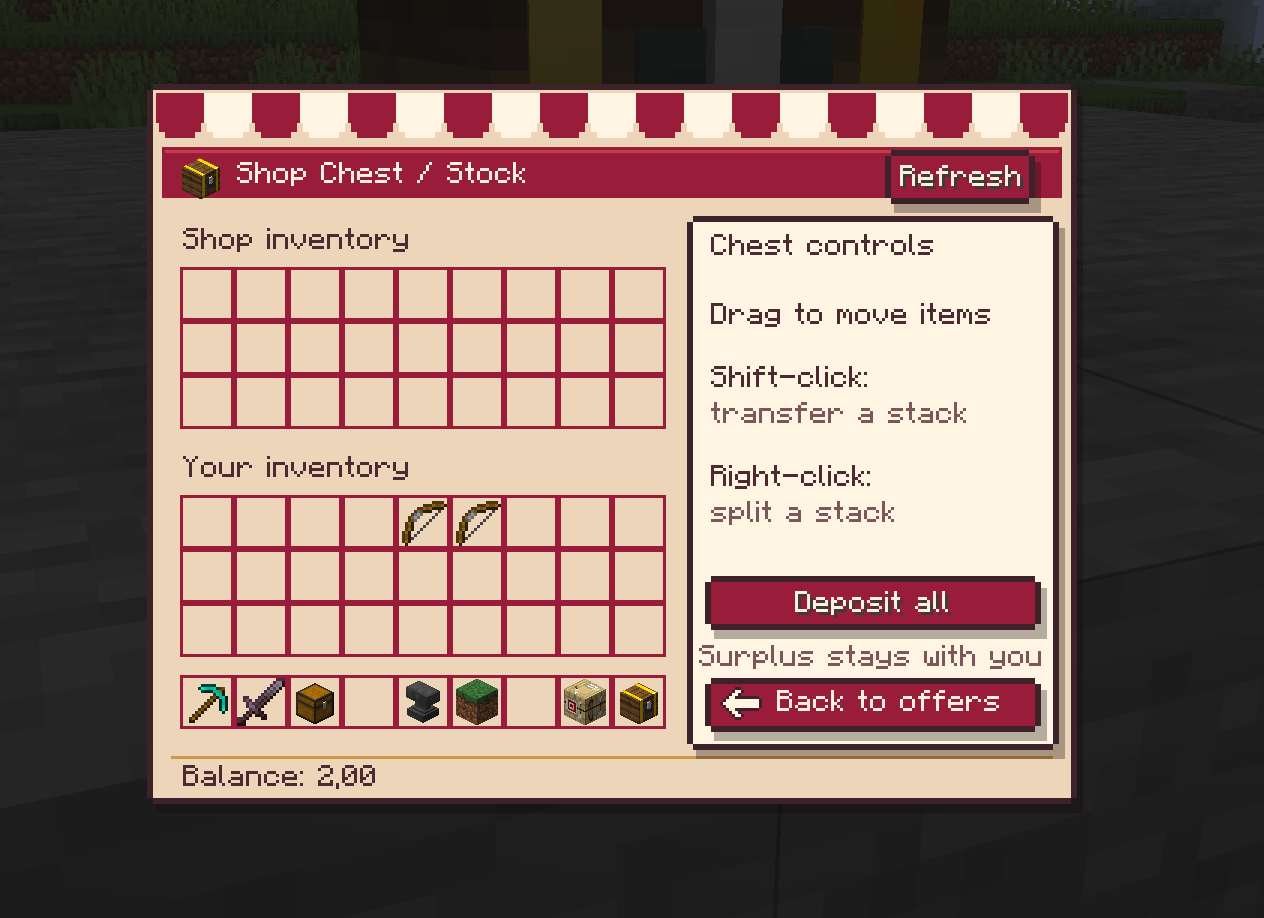
- Stock behaves like a normal chest — click, shift-click, drag, hotbar swap, and a one-click Deposit all.
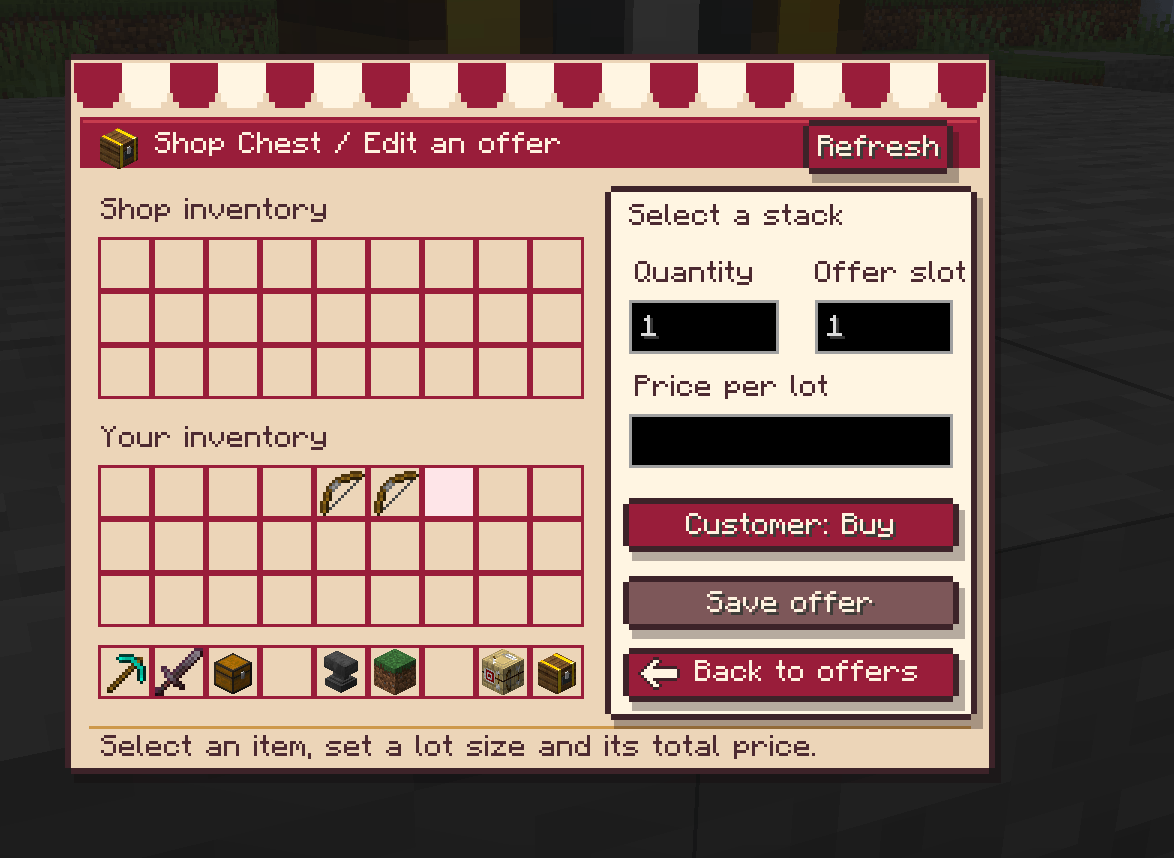
- Edit offers — pick an item, an offer slot (1–9), a lot quantity and a total price; set each offer to Customer: Buy or Customer: Sell.
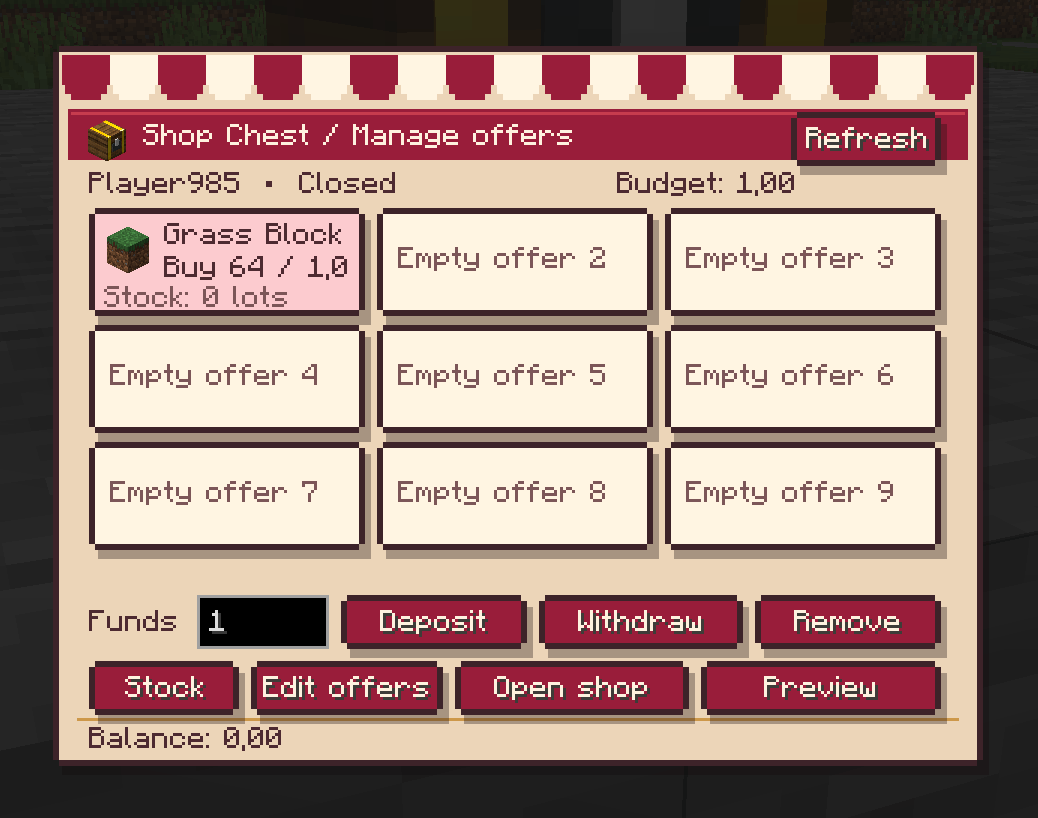
- Deposit / Withdraw to fund the buy-back budget.
- Open / Close your shop at will, with a Preview of the customer view. Owners can't buy from their own shop.
- Every offer tracks enchantments, custom names, durability and item NBT separately. Prices are always recalculated server-side.
- Visitors right-click, pick an offer, choose a whole number of lots and confirm the total price. The block doesn't merge with neighboring chests and blocks hopper automation.
Already using the old sign-based shops? Look at the chest or sign and run
/shop convert then /shop convert confirm to upgrade in place — a backup
is made automatically.
⚙️ Requirements
| Minecraft | 1.21.1 |
| Mod loader | Fabric Loader ≥ 0.19.0 |
| Dependencies | Fabric API |
| Java | 21+ |
| Side | Client + Server (install on both) |
🔌 Optional integration
VEconomie exposes a lightweight server-side API (veconomie:api_v1 via
Fabric's ObjectShare) so other mods, such as villager-trading mods, can
read balances and move VCoins without a hard dependency on VEconomie. No
extra setup needed if you're not using a compatible add-on.
🌍 Language
In-game text is in English by default; vanilla item names still follow your Minecraft language setting.
📁 Data & world saves
All economy data (balances, market listings, bounties, jobs, shops, Shop
Chest stock and offers) is stored under world/veconomie/. Back up this
folder along with your world save.
Feedback and bug reports welcome — see the Issues tab for this project.
Screenshots
Gallery
-
Market.png Market.png
-
item in the shop chest but shop closed.png item in the shop chest but shop closed.png
-
Tax info.png Tax info.png
-
Buy Orders.png Buy Orders.png
-
Place buy order.png Place buy order.png
-
Place buy order_Choose Item.png Place buy order_Choose Item.png
-
Bounties.png Bounties.png
-
Edit an offer.png Edit an offer.png
-
jobs.png jobs.png
-
Job progression.png Job progression.png
-
Niveau palier Pioche diaman.png Niveau palier Pioche diaman.png
-
Niveau palier Pioche OR.png Niveau palier Pioche OR.png
-
Player market.png Player market.png
-
Sell items 1.png Sell items 1.png
-
server stock.png server stock.png
-
Shop Chest.png Shop Chest.png
-
shop chest stock.png shop chest stock.png
-
Shop open and close.png Shop open and close.png
-
market chest.png market chest.png
-
 Sell items.png Sell items.png
Versions
Files
Relations
Project Relations
More like this
Similar Mods
Suggestions use data such as tags, dependencies, dependents, descriptions, titles, and more to rank how much they overlap with this mod.
On ModDex
Community snapshot
By the numbers
Statistics
Want to reach Minecraft players?
We're looking for a server hosting partner to feature here and other parts of the site. Interested? Send us a message!
Get in touchGet it on
Available Platforms
On ModDex
Community snapshot
By the numbers
Statistics
Resources