Community listing page, reviews here may not be monitored by the author.
Vein Miner with Preview

No reviews yet
Look preview with crouch and mine whole vein. And trees
Community voices
Reviews
No reviews yet. Be the first to review this project!
Get it on
Available Platforms
Compatibility
Supported Environments
Runs entirely on the server. Also works in singleplayer.
About
Project Details
For authors
Embed Badge
If you're the author of this project, you can embed a live badge anywhere that supports HTML or Markdown. It updates automatically whenever ratings change.
Use HTML for any page that supports it, or Markdown for README files and Markdown-based descriptions.
Identifiers
Platform IDs
Resources
External Links
About
Description
Vein miner & Preview
Just crouch, look at one single ore from vein - you'll see the preview. Mine one - and all at once!
Warning
Custom tools, shovel and hoe avaiable only from usual versions, not "legacy".
Legacy-preview is completly broken at 1.19+. Turn it off via /scoreboard players set preview_enabled uvm.config 0
Categories
There is 4 configurable categories:
- pickaxe - diamonds, nether_quartz and emeralds
- axe - tree, wood and log
- shovel - gravel? clay?
- hoe.
Quality of Life things
If ore and his neighbor is around air when they're both will be mined. Preview (on crouch) also will show it
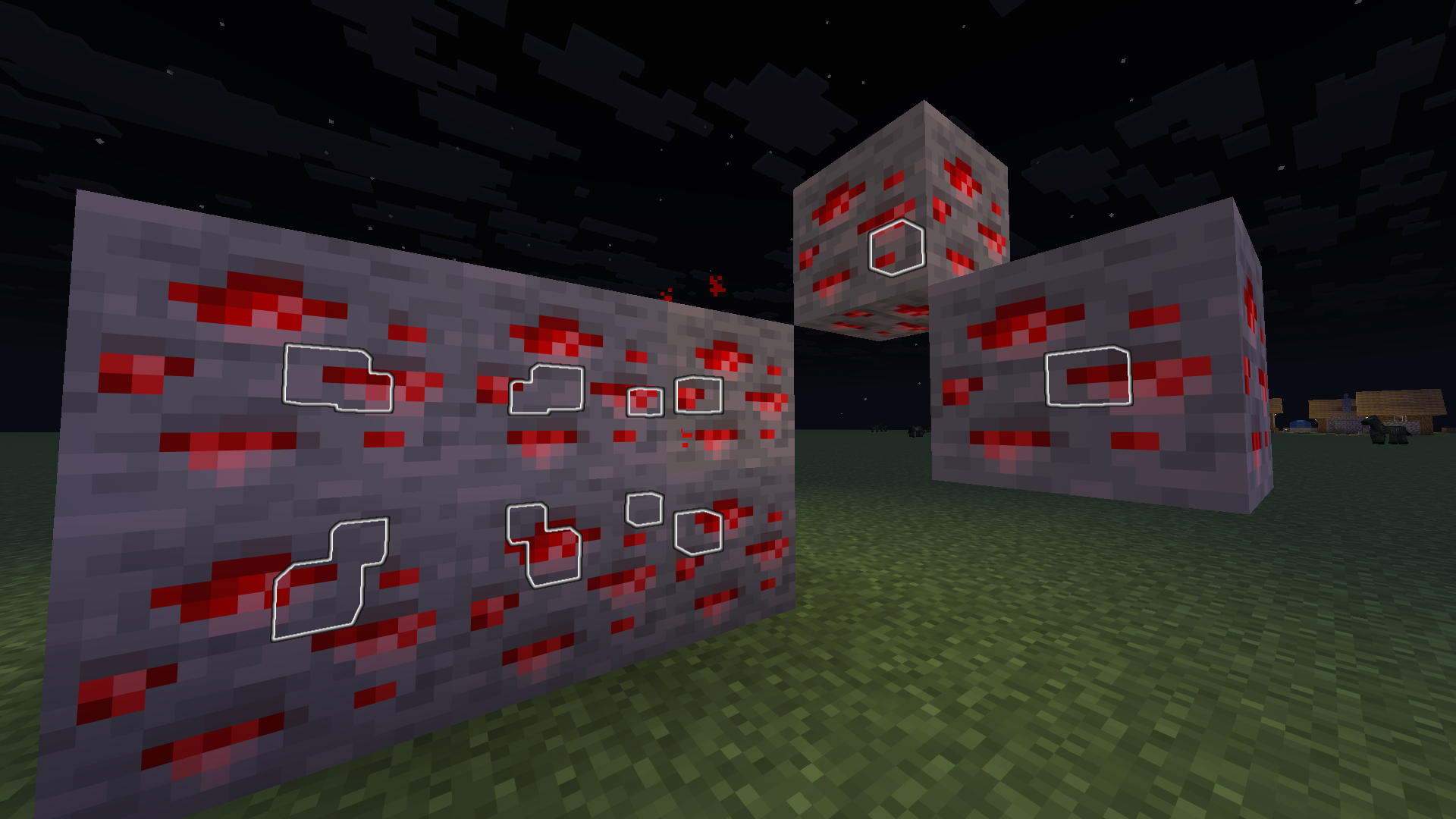
Custom things
Configuration? /add_* /function uvm:add_* commands for every tool. Syntax a little bit complicated
Add tools
/function uvm:add_tool {namespace: "minecraft", id: "wooden_hoe", category: "hoe"}
Add blocks
Pickaxe. Like "add ore from block cobblestone"
/function uvm:add_ore {b:'cobblestone'}
Axe. Im not sure with this, just not tested xd
/function uvm:add_log {b:'bamboo_block'}
Shovel
/function uvm:add_dig {b:'gravel'}
Hoe. is there a good verb for that thing? Also whole vein of sculk will not mined bc skulk not drops any items on destroy
/function uvm:add_harvest {b:'sculk'}
You also can add new block with /function uvm:add_mod
Short variant - literally "zinc ore from create can be mined with pickaxe"
/function uvm:add_mod {m:"create", b:"zinc_ore", c:"pickaxe"}`
Long variant - its same "block with id zincore from namespace create can be mined with tool from category pickaxe"
/function uvm:add_custom_block {namespace:"create", id:"zinc_ore", category:"pickaxe"}
List blocks
Did you know what you can see your custom blocks? /function uvm:list_custom_blocks will prints categories with list of added blocks
![Opened chat with minecraft's line "Running function uvm:list_custom_blocks" and command's output with title from gold-colored prefix "[UVM]" and aqua-colored list's name "=== Custom Blocks ===". List without any markers contains yellow-colored category name "Pickaxe", "Axe", "Shovel" and "Hoe" and followed by minecraft's formatted list. Categories "Pickaxe" and "Axe" have no items in list so it's rendered as white-colored "[]". Category "Shovel" have 3 objects and category "Hoe" have 1. Category "Shovel" have these items: Minecraft's sand, Minecraft's gravel and Minecraft's sculk. Category "Hoe" only have Minecraft's sculk. Objects are rendered as white-colored "{" and "}" with attributes between them. In this case objects have 2 attributes with aqua-colored names: "namespace" with string value and "id" with string value. String value rendered as green-colored text in white-colored quotes.](https://cdn.modrinth.com/data/cached_images/cb7d4acabc6dfdda17f7ffabe3e9bbdee580df83.png)
Remove things
With /function uvm:add_* commands there is /function uvm:remove_* ones:
/function uvm:remove_ore
/function uvm:remove_log
/function uvm:remove_dig
/function uvm:remove_harvest
/function uvm:remove_mod
/function uvm:remove_custom_block
I'll write examples... someday... and insert images and gif... i swear
It's literally a fork of quillphen's "Vein Miner & Preview"
Screenshots
Gallery
-
Vein's outline Outline is actually glowing block_display with white_stained_glass model sized to 0.25x and positioned at center of block
-
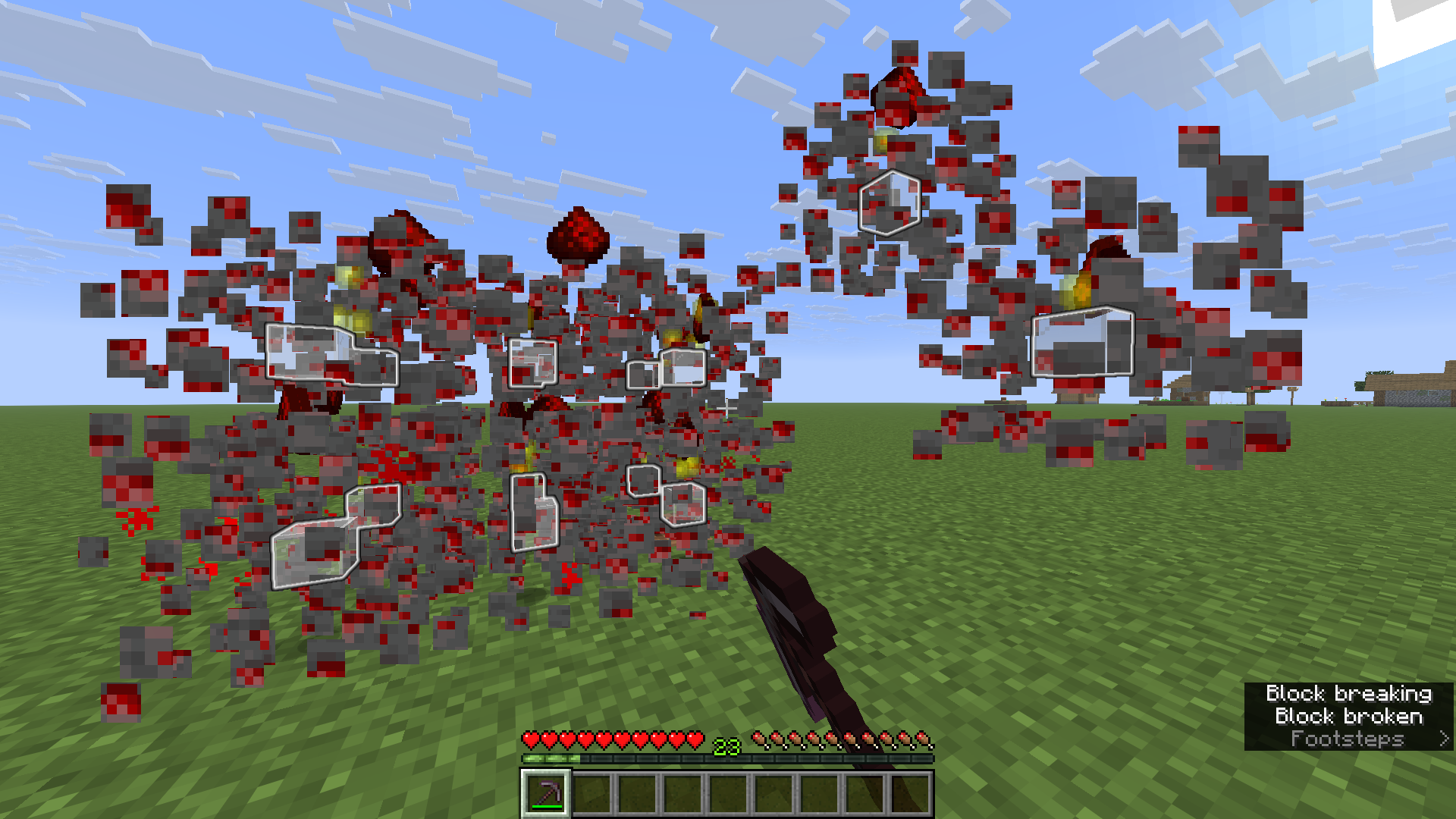 Broken vein of redstone ore via netherite pickaxe Outline can be seen inside veins
 -
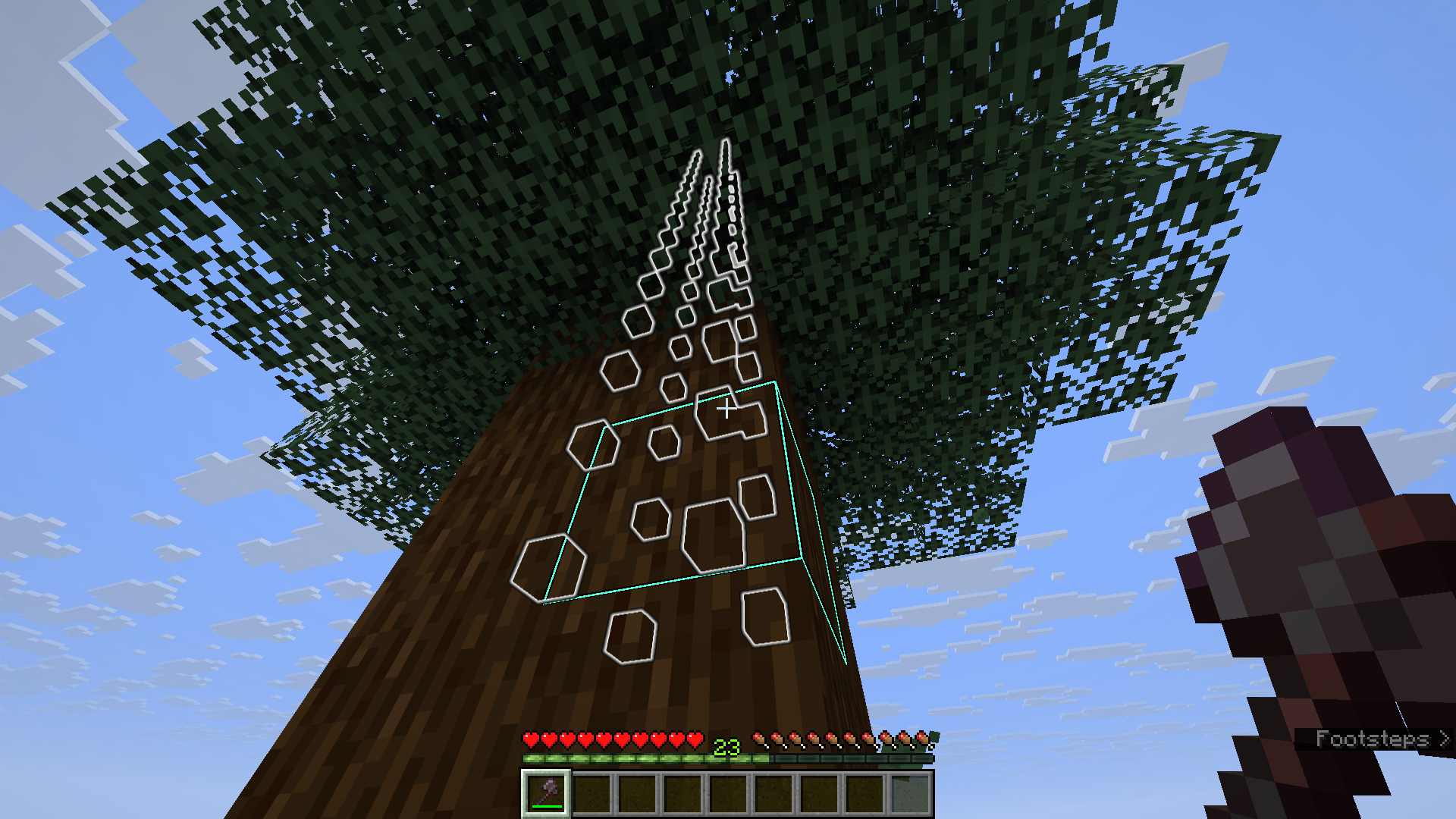 Outline in Spruce tree Outline is actually glowing block_display with white_stained_glass... Only logs will be outlined, but leaves also be chopped
 -
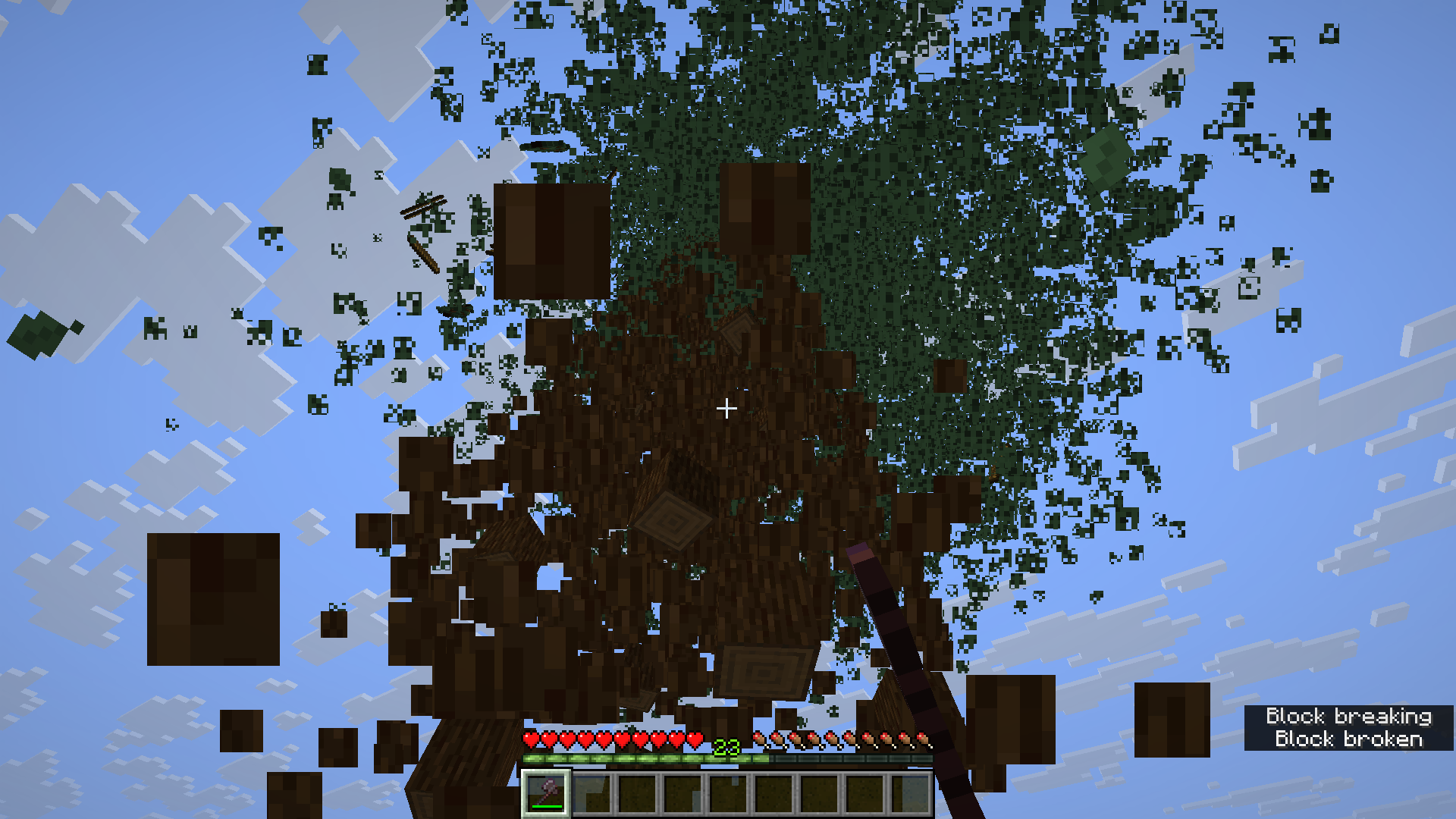 Chopped whole Spruce tree I said leaves also be chopped :shrug: But it's loud and scared my friends xd
 -
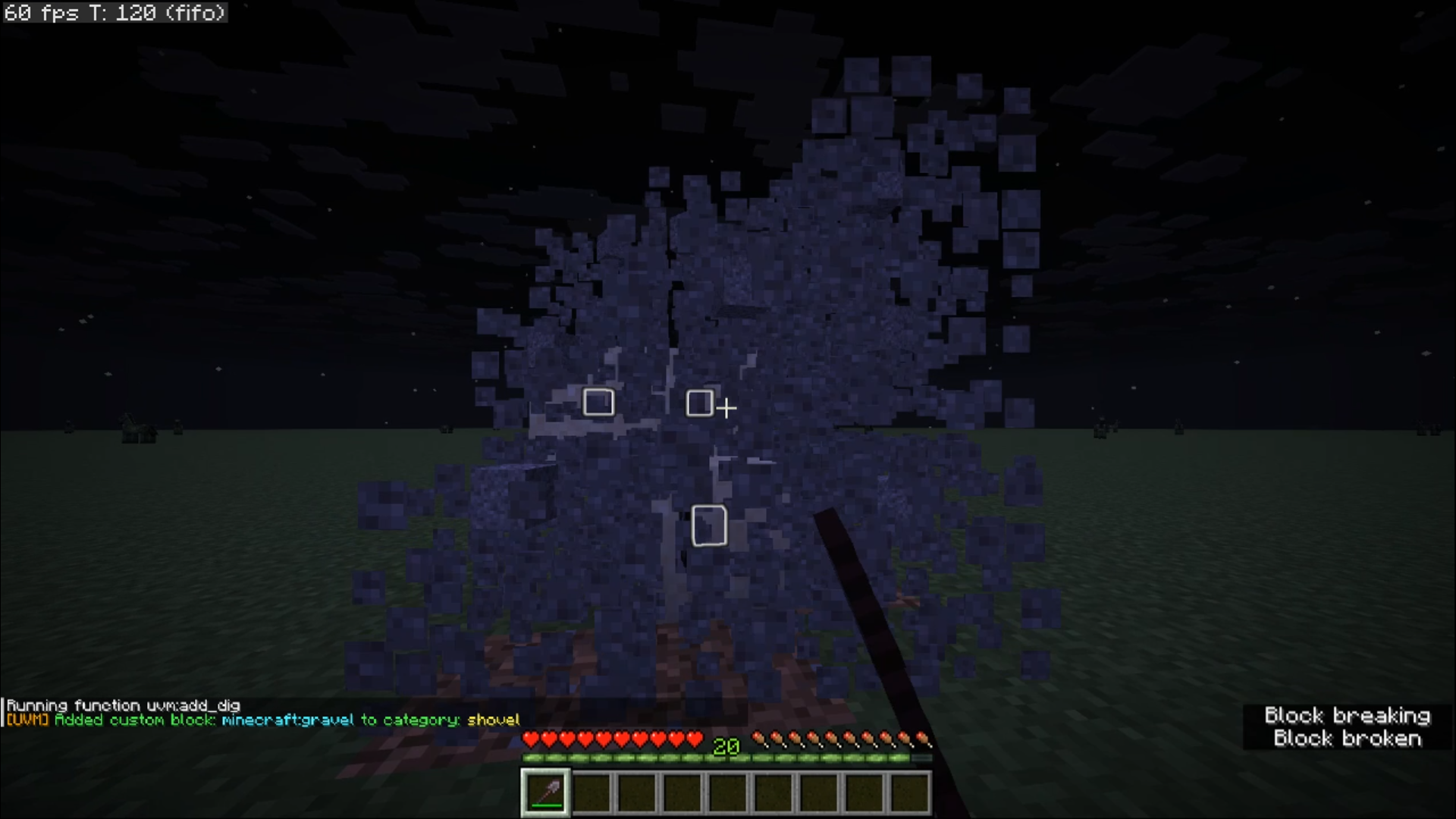 Mined vein of gravel with sand behind Gravel added as custom blocks with shovel via `/function uvm:add_dig {b:"gravel"}`
 -
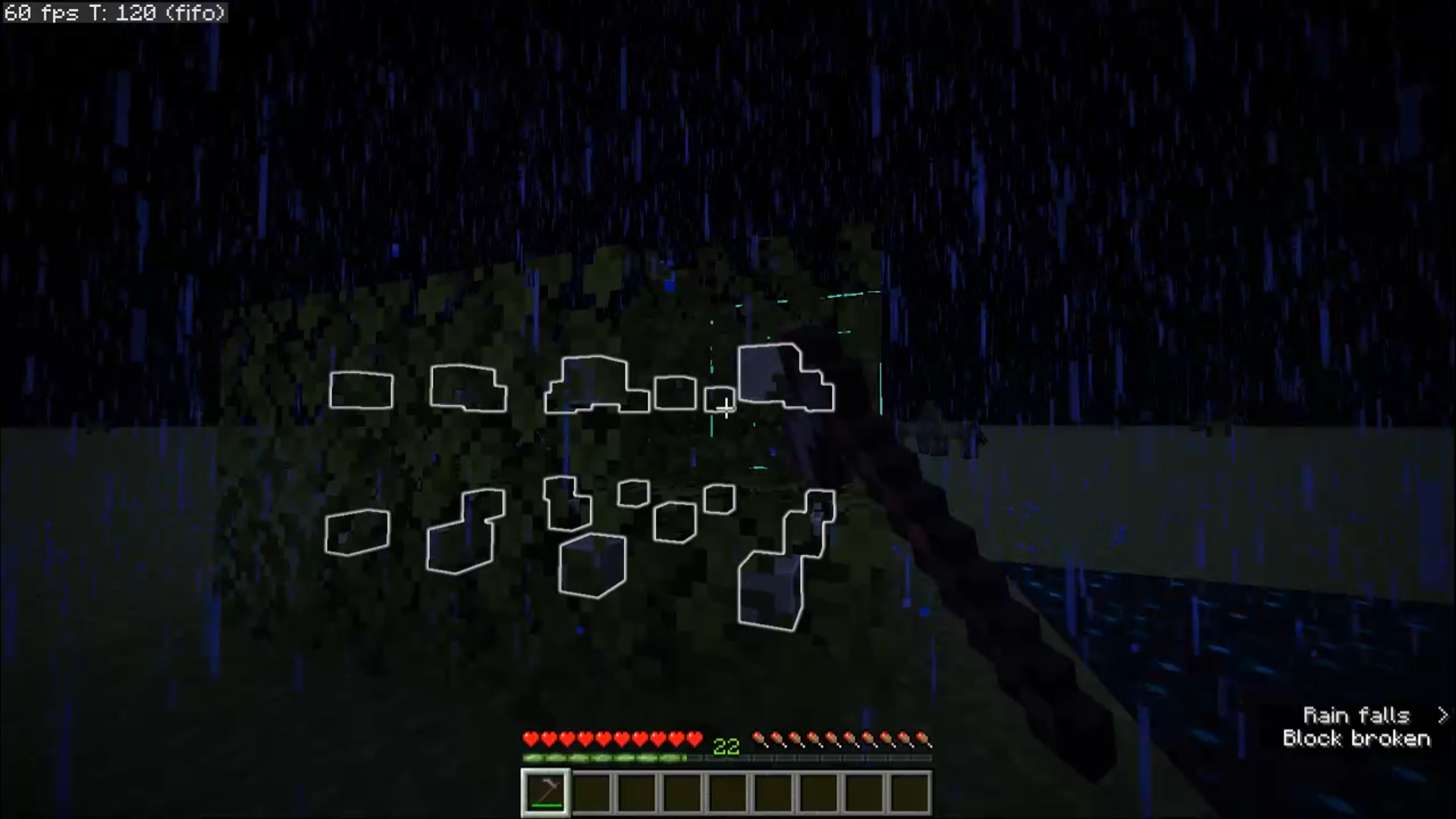 For some reason the hoe doesn't get a bunch of leaves leaves aren't drop anything?
 -
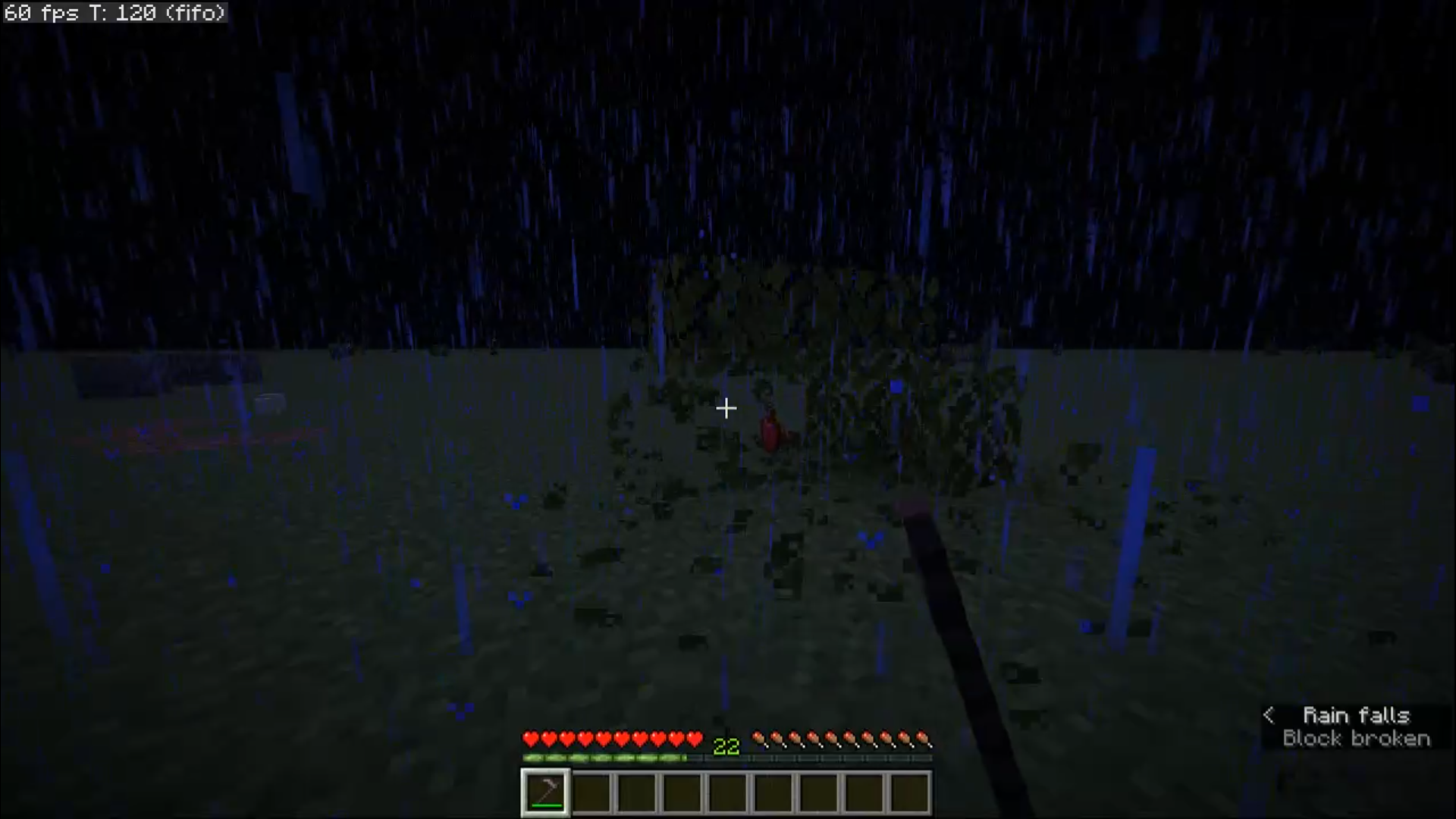 Even with drops vein of leaves aren't mined yep, "mined" - it should be work as ore in this case...
 -
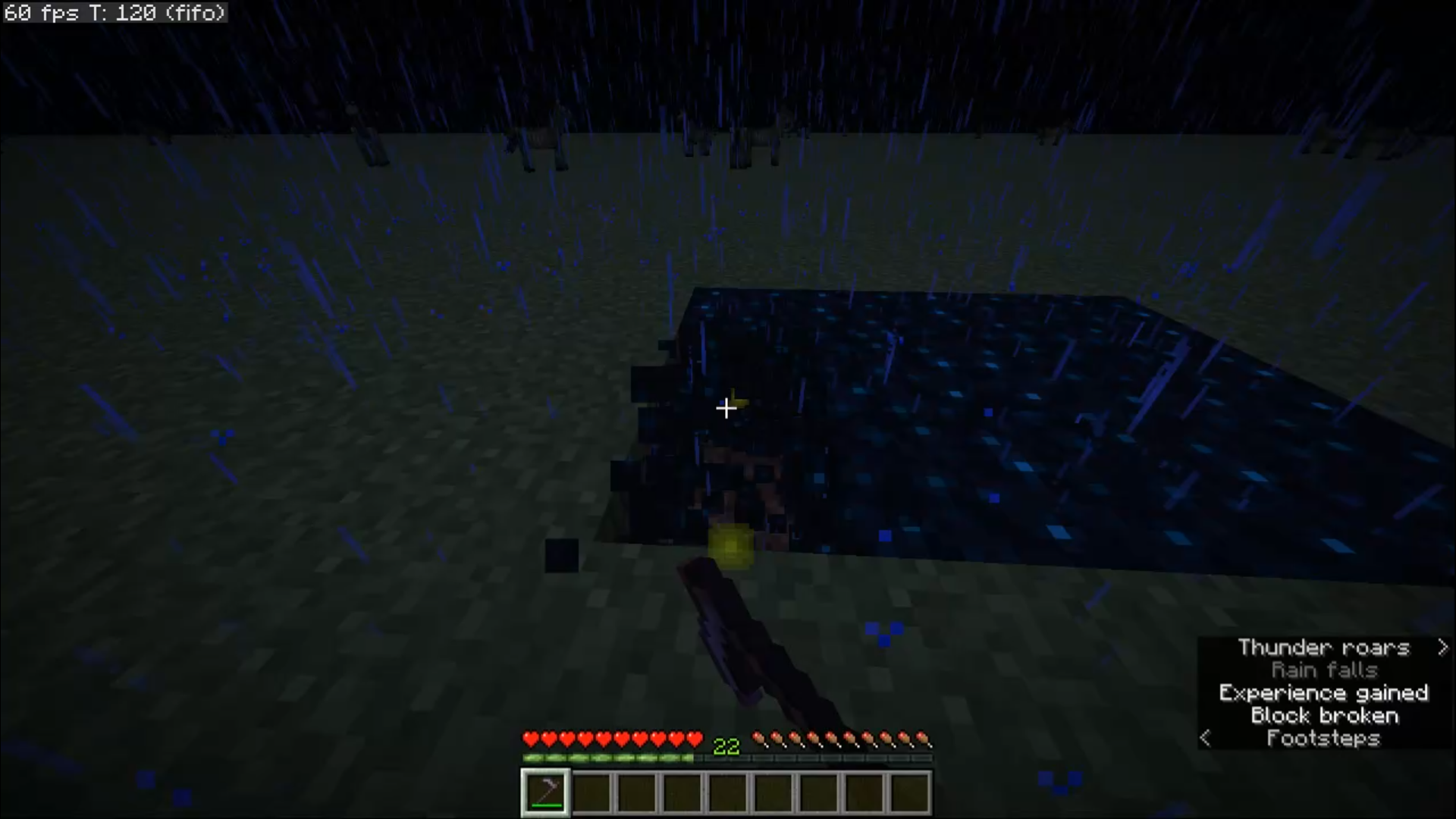 Sculk with hoe doesn't work I thinks with same reason as leaves
 -
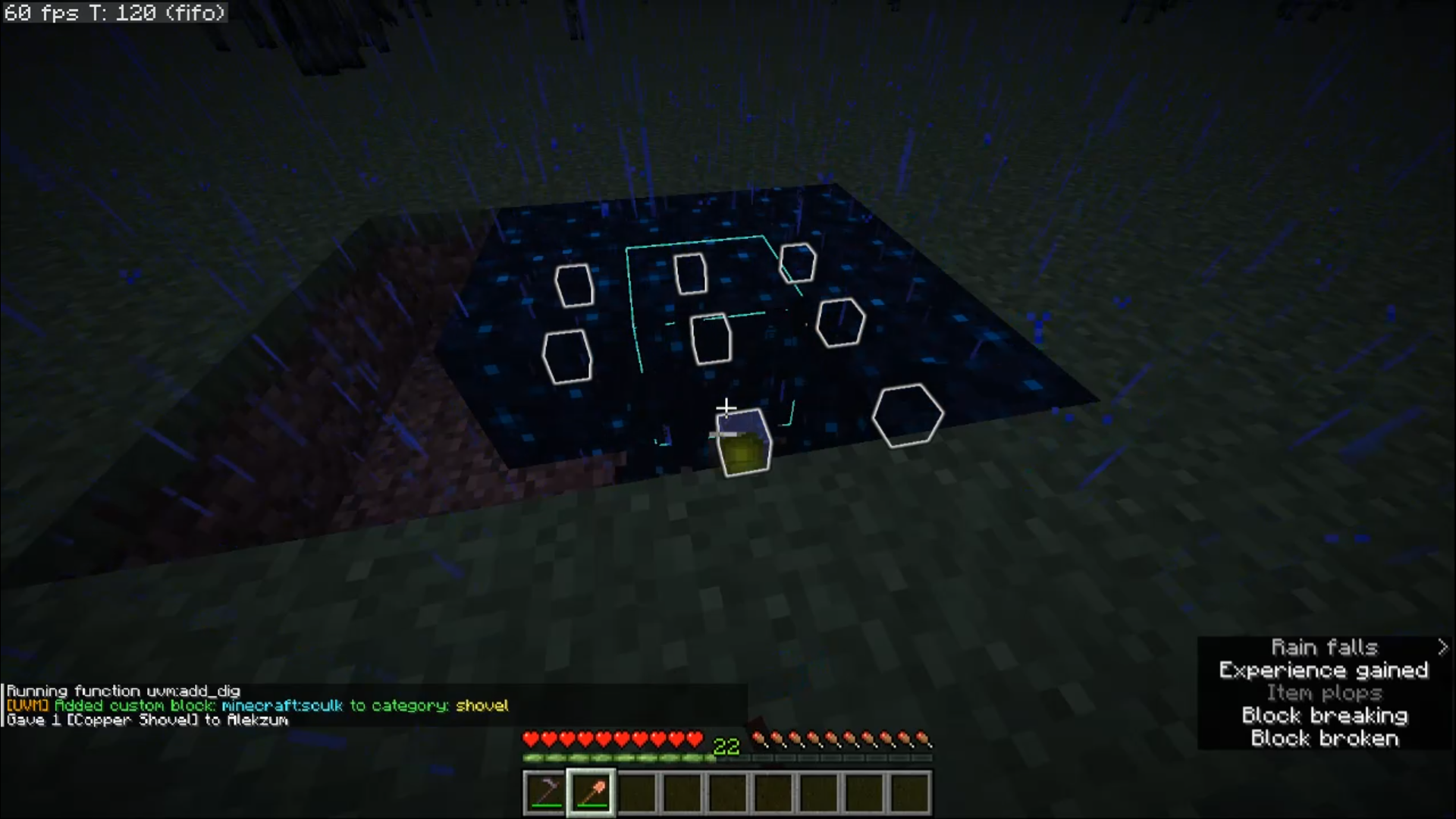 Sculk mined with shovel also doesn't work in chat i add sculk to category shovel and gave copper shovel. Not working :(
Versions
Files
Relations
Project Relations
More like this
Similar Mods
Suggestions use data such as tags, dependencies, dependents, descriptions, titles, and more to rank how much they overlap with this mod.
On ModDex
Community snapshot
By the numbers
Statistics

Want to reach Minecraft players?
We're looking for a server hosting partner to feature here and other parts of the site. Interested? Send us a message!
Get in touchGet it on
Available Platforms
On ModDex
Community snapshot
By the numbers
Statistics
Resources