
Protect the VIP
No reviews yet
Defend your team's VIP while killing the others. If your VIP dies, your team is eliminated.
Features small, self-contained games within Minecraft.
Data Packs were introduced to vanilla Minecraft in version 1.13 and allow the server to modify data about the game, or run commands. Data Packs are compatible with all mod loaders.
Forge is a popular mod loader for versions 1.1+ of Minecraft.
Fabric is a mod loader for versions 1.14+ of Minecraft, particularly popular for client side and optimization mods.
Quilt is a fork of the Fabric mod loader. Many Fabric mods are compatible with Quilt and vice versa.
Community voices
Reviews
Click once to include, again to exclude, again to clear
No reviews yet. Be the first to review this project!
Get it on
Available Platforms
 Modrinth
Compatibility
Supported Environments
About
Project Details
For authors
Embed Badge
If you're the author of this project, you can embed a live badge anywhere that supports HTML or Markdown. It updates automatically whenever ratings change.
Use HTML for any page that supports it, or Markdown for README files and Markdown-based descriptions.
Identifiers
Platform IDs
About
Description
Play a classic, protect the VIP. Everyone is split into teams, with each team being assigned one VIP. Their goal is to defend and keep their VIP alive, while going for and killing off other team's VIPs. If your VIP dies, your team is eliminated. The last team remaining wins.
Once the game begins you are put in the grace period. After 15 minutes of preparation, one random player is selected from each team to be their VIP.
Your VIP is displayed on all other team member's actionbar along with a permanent glowing effect. VIPs also have permanent health boost giving them an extra row of hearts, but slowness 1 to balance out.
Installation
By using this datapack, your world will be permanently changed. For this reason, do not apply this datapack on an existing world you care for - especially if it modifies terrain.
Once installed, you will be presented with a "setup flow" in the chat, use this to configure in-game options. Once you're ready, hit the start button!
Screenshots
Gallery
-
 cover
cover -
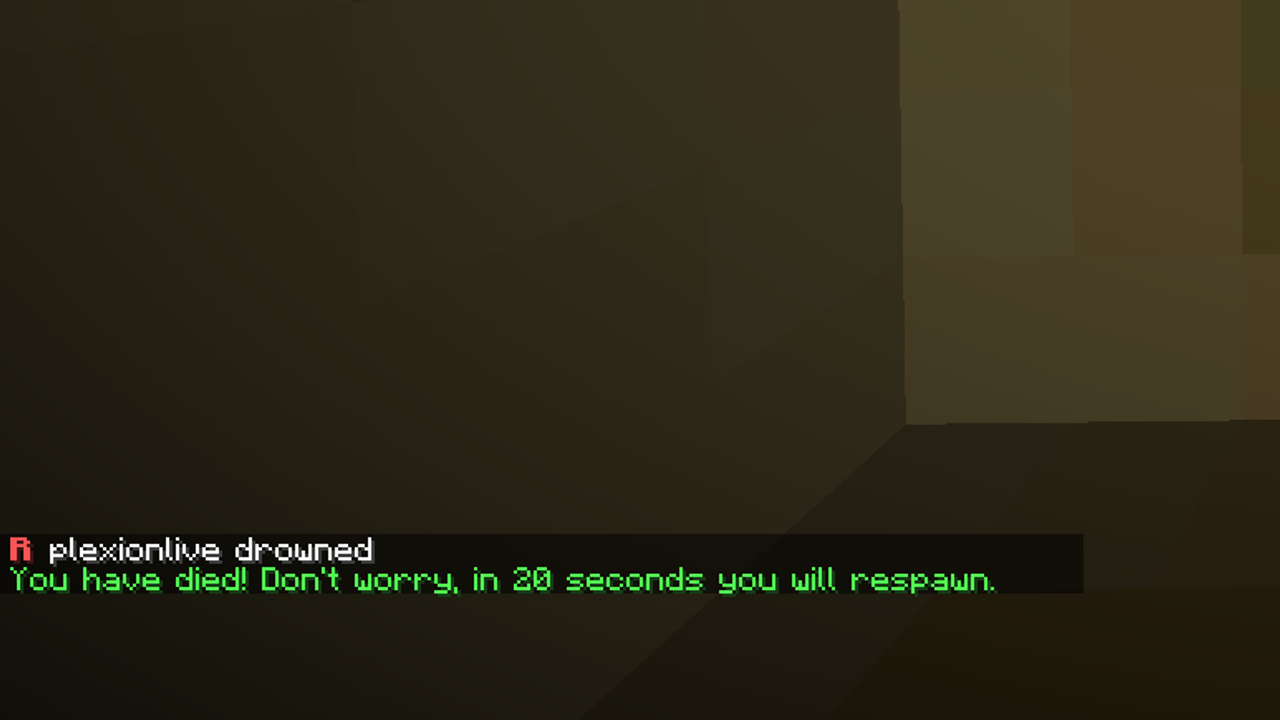 Respawns Upon dying, you will respawn if your VIP is still alive
 -
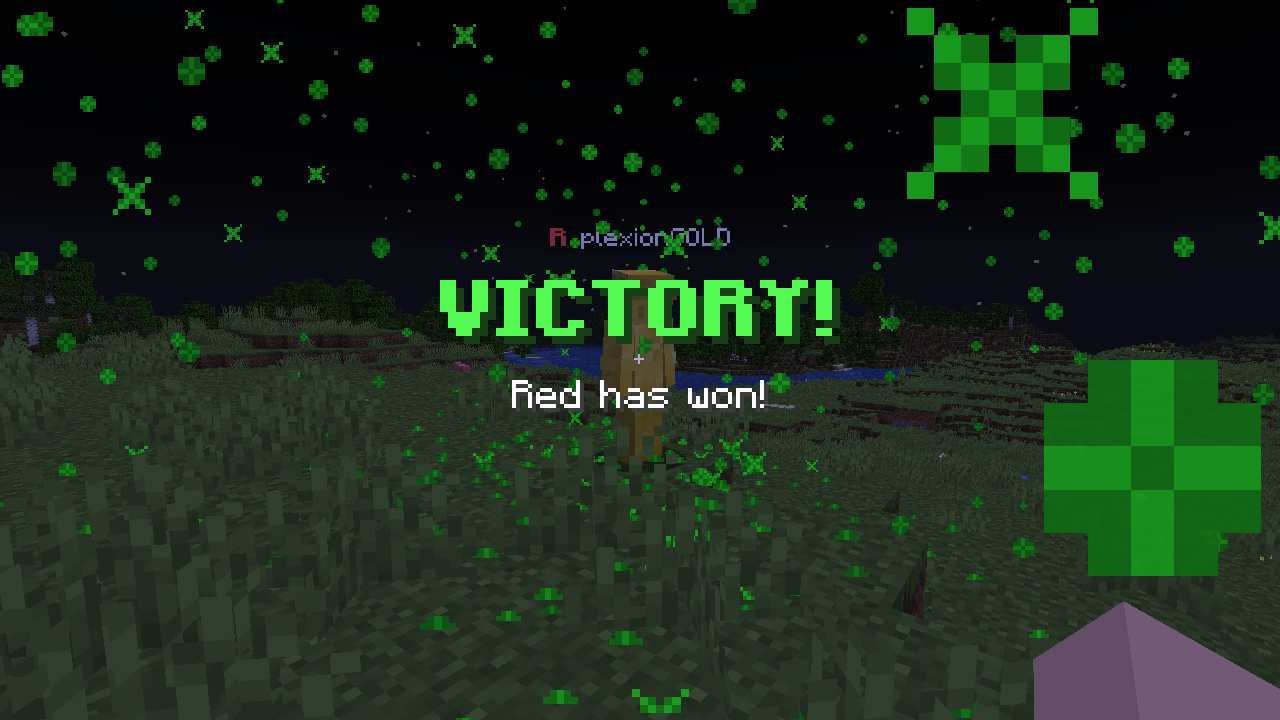 Red win! Just an example
 -
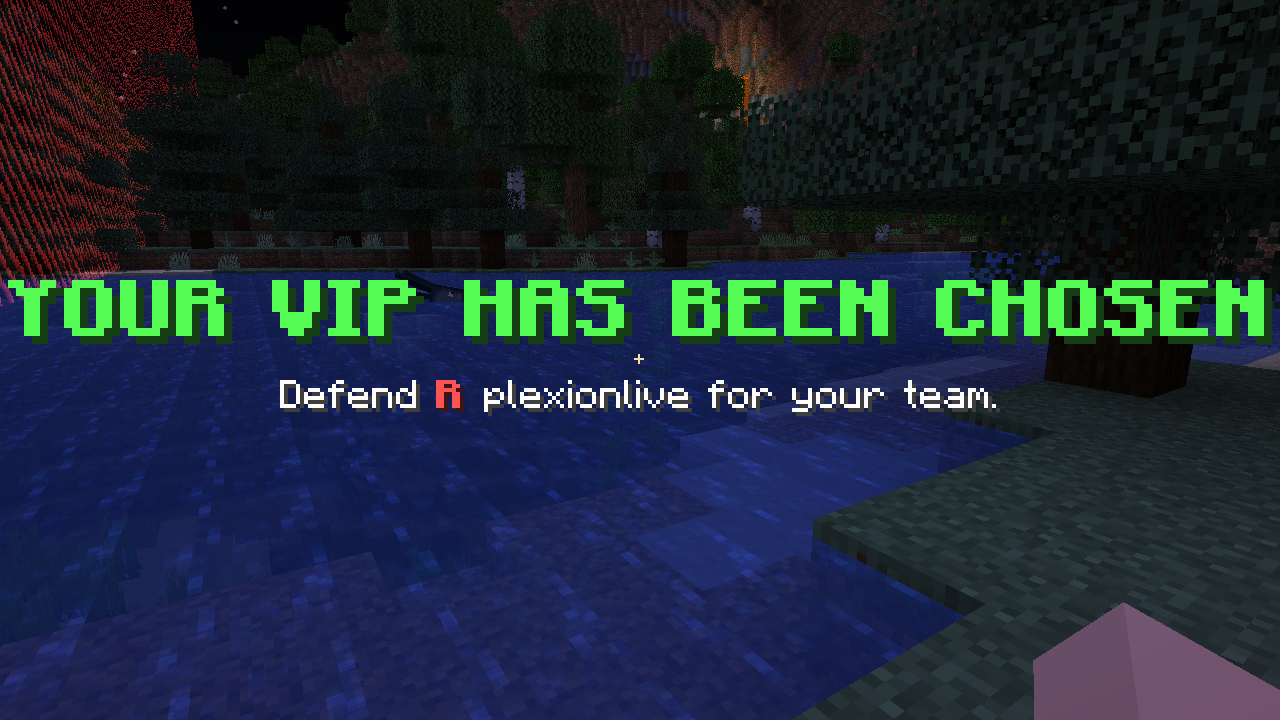 VIP chosen Your team's VIP is chosen after 15 minutes
Versions
Files
Relations
Project Relations
More like this
Similar Mods
Suggestions use data such as tags, dependencies, dependents, descriptions, titles, and more to rank how much they overlap with this mod.
On ModDex
Community snapshot
By the numbers
Statistics

Want to reach Minecraft players?
We're looking for a server hosting partner to feature here and other parts of the site. Interested? Send us a message!
Get in touchGet it on
Available Platforms
On ModDex
Community snapshot
By the numbers