
Community listing page, reviews here may not be monitored by the author.
Virtual Camera

No reviews yet
Creates a Camera Feed from YOUR Game As A Virtual Webcam.
Community voices
Reviews
No reviews yet. Be the first to review this project!
Get it on
Available Platforms
Compatibility
Supported Environments
Must be installed on both the client and the server.
About
Project Details
For authors
Embed Badge
If you're the author of this project, you can embed a live badge anywhere that supports HTML or Markdown. It updates automatically whenever ratings change.
Use HTML for any page that supports it, or Markdown for README files and Markdown-based descriptions.
Identifiers
Platform IDs
About
Description
Minecraft Virtual Camera Mod
Minecraft Virtual Camera Allows you To Turn YOUR Game Into A Working, Real-time, Virutal Camera Feed! Instead of being limited to your player’s perspective, you can place cameras anywhere and switch between them!
This Project is Heavily Inspired By Flashz's Video / Version Of This Mod
With Minecraft Virtual Camera, You Can
- Create A Virtual Webcam Of Your Game.
- You Can Use It In Singleplayer Worlds, Multiplayer Servers, Or Even Public Servers! (Client Side)
- Adjust The Camera Angle, FOV, Gravity, and Position.
- Make The Camera Follow You Directly From Any Angle Or Position.
- Heaps Of Customization Through Game Rules To Suit Your Needs.
Set Up The Mod In 3 Minutes!
How To Set It Up:
- Download and Install The Mod
- Once You've Launched the Game, You will be Prompted to Allow
Microsoft® Register Server, Which Installs the Virtual Camera Driver. - System Restart Your Computer To Finalise.
- Enter Your Minecraft World and Place A Camera Entity Down (From The Creative Menu)
- Right-click, The Camera Entity With The Camera Activator Tool
- Go To Any Software That Supports A Webcam And It Should Be There Labeled As 'Minecraft Virtual Camera'
If you aren't on Windows or this setup didn't work, just use the mod with OBS virtual camera! Just add "localhost:7236" as a browser source and start the virtual camera, then you can use it with the name "OBS virtual camera" in any app.
To Uninstall The Virtual Camera Driver, just open:
%appdata%/.minecraft_cameramod/uninstall_camera.bat
Minecraft Screen Mod
If you want access to the working Minecraft Google Screen (similar to WebDisplays), it’s currently available exclusively through:
Both of these Options Also Include Early Access to Upcoming Content Releases.
THERE ARE BUGS!!
If you find anything, it would be greatly appreciated if you let me know in Flashz's Discord in the support ticket channel, and we'll get it fixed!
Known issues
- In some cases activating a Camera lowers the game's fps to 2
- In some cases after setting up the Virtual Camera driver it isnt usable
- 1.21.9 and 1.21.11 dont start properly while they do in a dev enviroment
Screenshots
Gallery
-
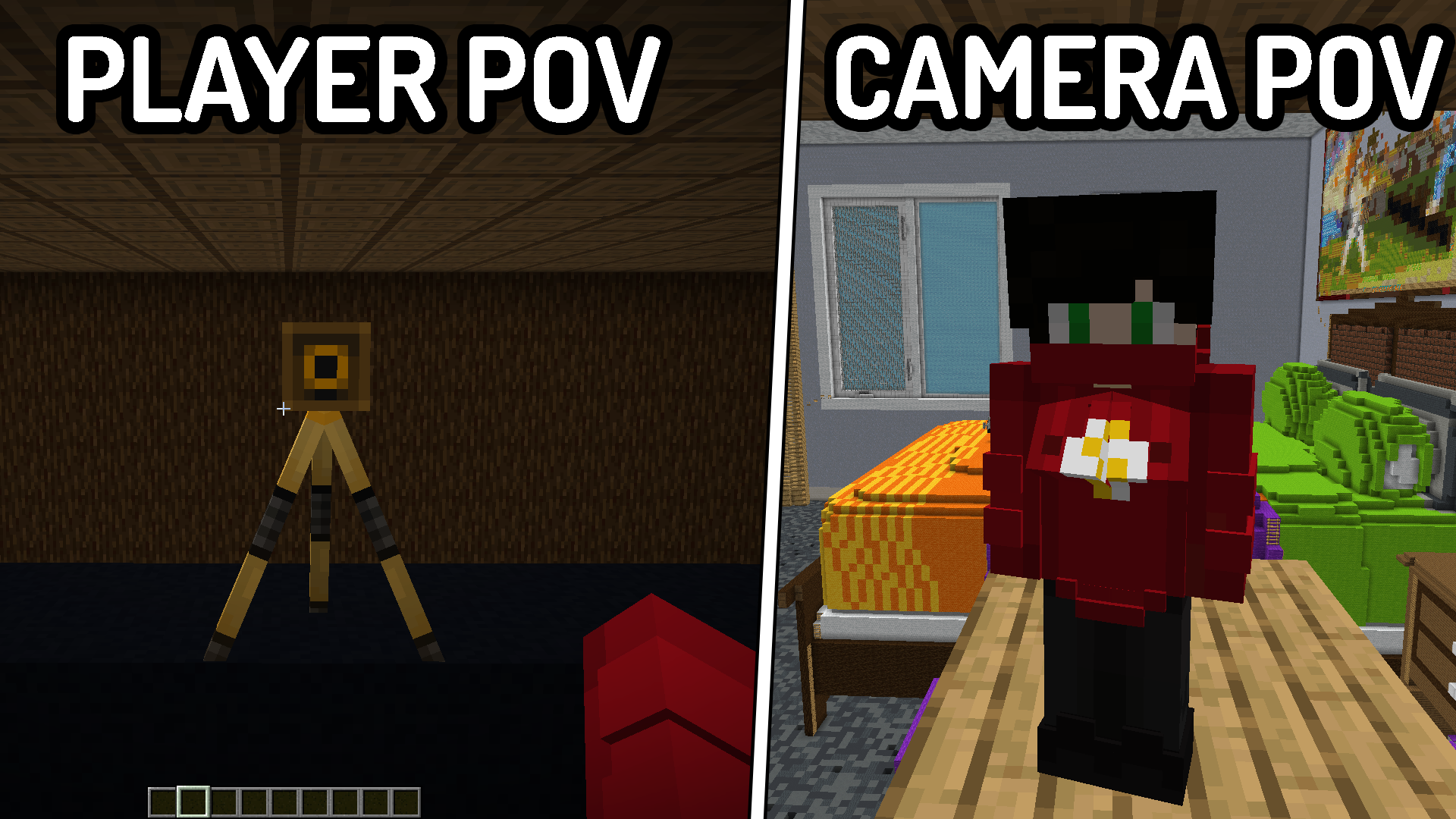 Working Camera Entity A Placeable Camera Entity That Allows You To Use Virtual Camera
 -
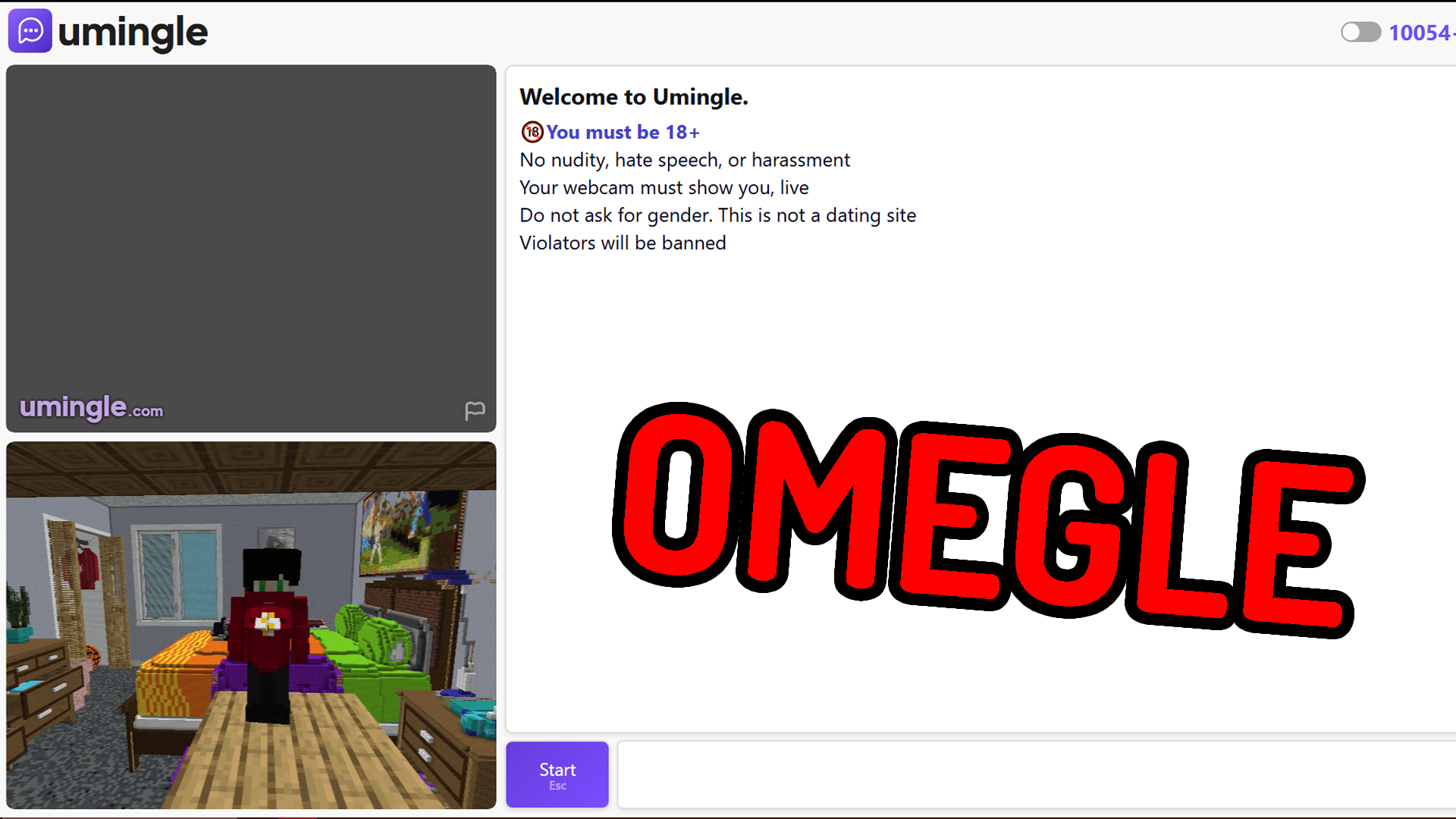 Works On Any Website! Virtual Camera That Works With Omegle / Any Website
 -
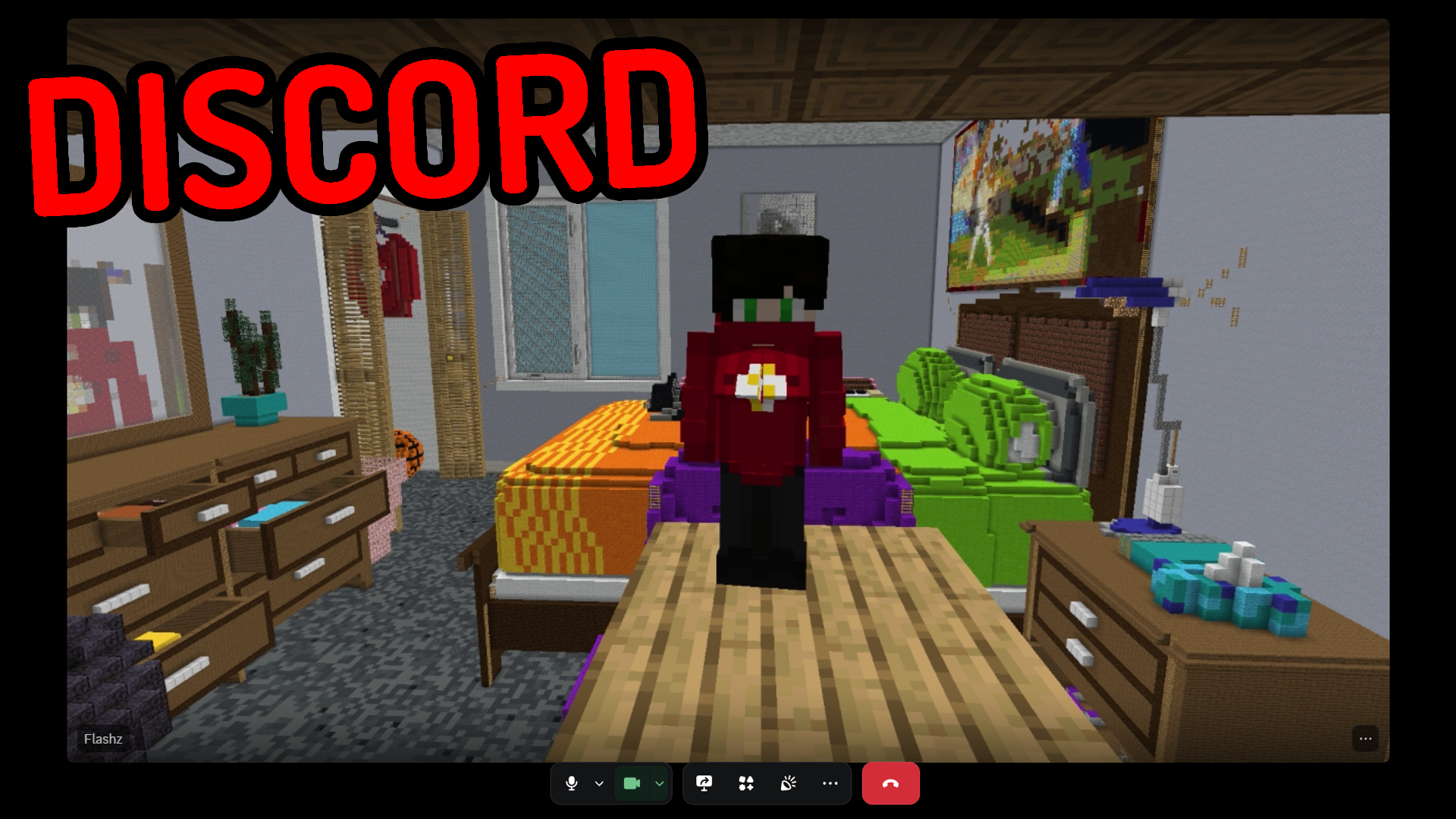 Works With Any App Virtual Camera That Works With Any App / Discord
Versions
Files
Relations
Project Relations
More like this
Similar Mods
Suggestions use data such as tags, dependencies, dependents, descriptions, titles, and more to rank how much they overlap with this mod.
On ModDex
Community snapshot
By the numbers
Statistics

Want to reach Minecraft players?
We're looking for a server hosting partner to feature here and other parts of the site. Interested? Send us a message!
Get in touchGet it on
Available Platforms
On ModDex
Community snapshot
By the numbers