
Community listing page, reviews may not be monitored by the author.
VoxelBuilder

No reviews yet
Transform 3D STL models into Minecraft structures with professional voxelization and automatic interior lighting

Community voices
Reviews
No reviews yet. Be the first to review this project!
Get it on
Available Platforms
About
Project Details
For authors
Embed Badge
If you're the author of this project, you can embed a live badge anywhere that supports HTML or Markdown. It updates automatically whenever ratings change.
Use HTML for any page that supports it, or Markdown for README files and Markdown-based descriptions.
Identifiers
Platform IDs
Resources
External Links
About
Description
Transform your favorite 3D models into magnificent Minecraft structures with precision voxelization and intelligent block placement.
## Features
### Professional STL Voxelization
- Surface-accurate conversion using Separating Axis Theorem (SAT)
- Preserves fine details that other voxelizers miss
- Supports both ASCII and Binary STL formats
- Smart scaling to fit any model size
### Intelligent Build System
- Server-authoritative placement - perfect for multiplayer
- Tick-budget management prevents server lag
- Two-phase construction: Building + Interior Lighting
- Configurable performance settings
### Interior Lighting (Unique!)
- Automatically lights hollow interiors to prevent mob spawning
- Smart enclosed-air detection
- Fully configurable spacing and search radius
### Easy to Use
1. Craft the Voxel Builder Controller
2. Right-click to open GUI
3. Select your STL file
4. Preview with real-time rotation
5. Place anchor and watch it build!
### Server-Safe
- Distance limits and dimension locks
- Per-player and global build limits
- Configurable extent caps
- Admin commands for monitoring
## How to Use
### Crafting Recipe
```
I R I
R C R
I R I
```
- I = Iron Ingot
- R = Redstone
- C = Comparator
### Basic Workflow
1. Place the Voxel Builder Controller block
2. Right-click to open the GUI
3. Load an STL file from `.minecraft/voxelbuilder/models/`
4. Customize rotation and detail level
5. Click "Place Build" and right-click a block to set anchor
6. Watch it build automatically!
## Commands (OP Only)
- `/voxelbuilder config` - View configuration
- `/voxelbuilder status` - Check active builds
- `/voxelbuilder cancel <player>` - Cancel player's builds
- `/voxelbuilder cancelall` - Emergency: cancel all builds
## Configuration
Server config file: `<world>/serverconfig/voxelbuilder-server.toml`
Key settings:
- `globalBlocksPerTick` (300) - Performance budget
- `lightingEnabled` (true) - Interior lighting system
- `maxDistanceFromAnchor` (96) - Grief protection
- See full config documentation on GitHub
## Requirements
- Minecraft 1.21.1
- NeoForge 21.1.211+
- Java 21+
## ATM10 Compatible
Tested and working with All The Mods 10!
## Links
- [GitHub](https://github.com/BadMuthaJeffer/VoxelBuilder)
- [Report Issues](https://github.com/BadMuthaJeffer/VoxelBuilder/issues)
---
**Created by BadMuthaJeffer**
Screenshots
Gallery
-
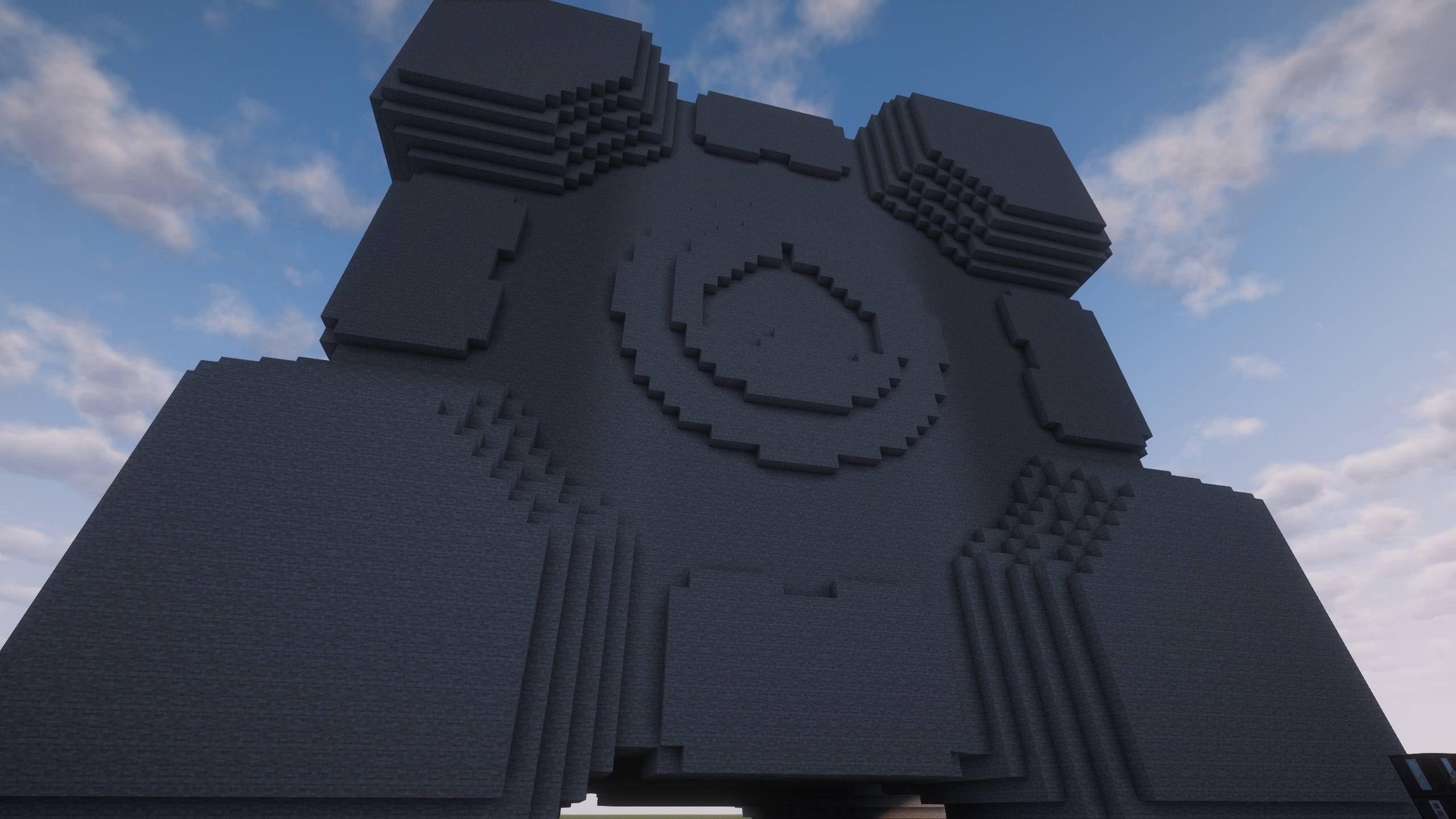 Completed Build Completed Build
 -
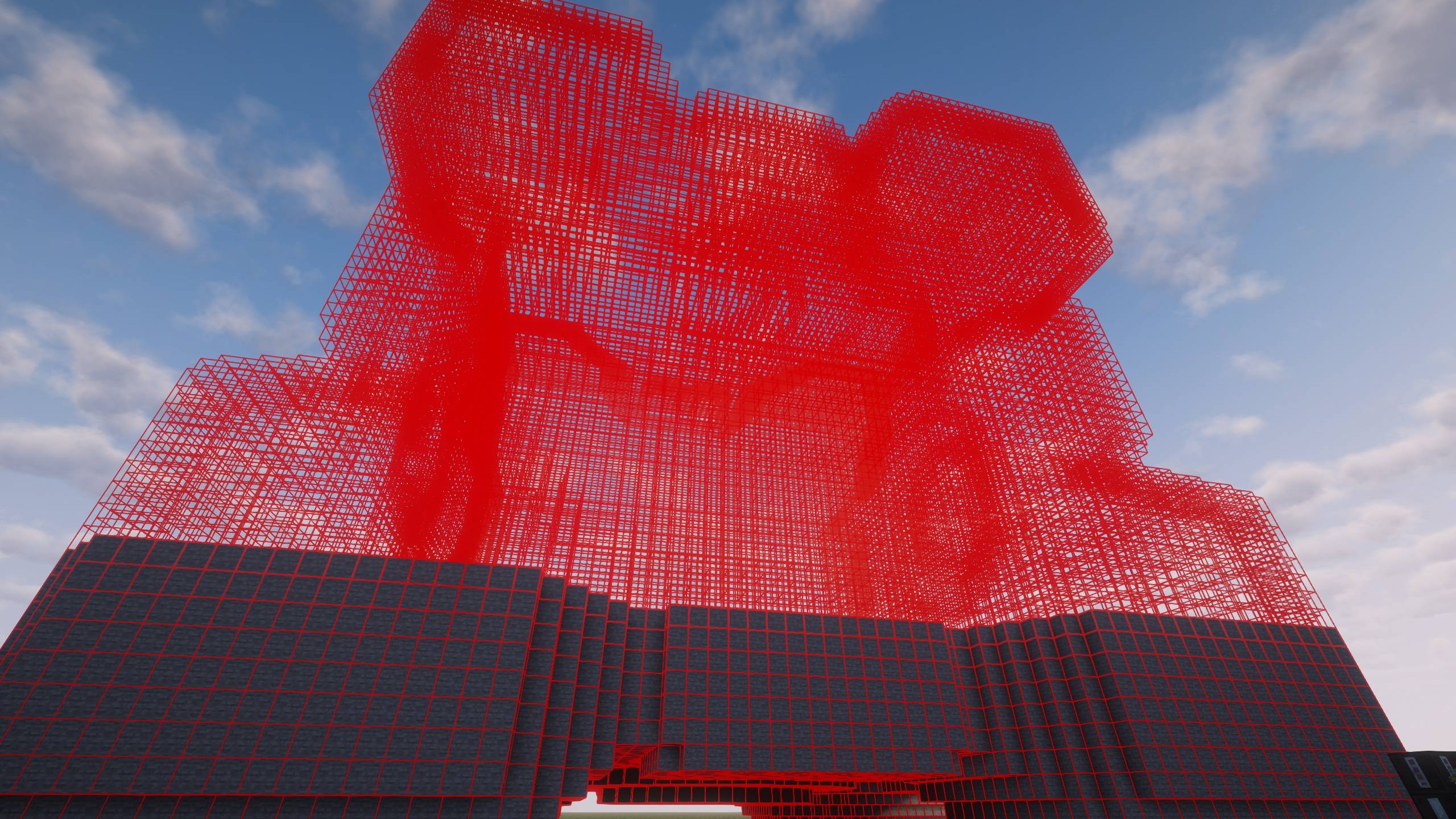 Mid Build Ghost Mid Build Ghost
 -
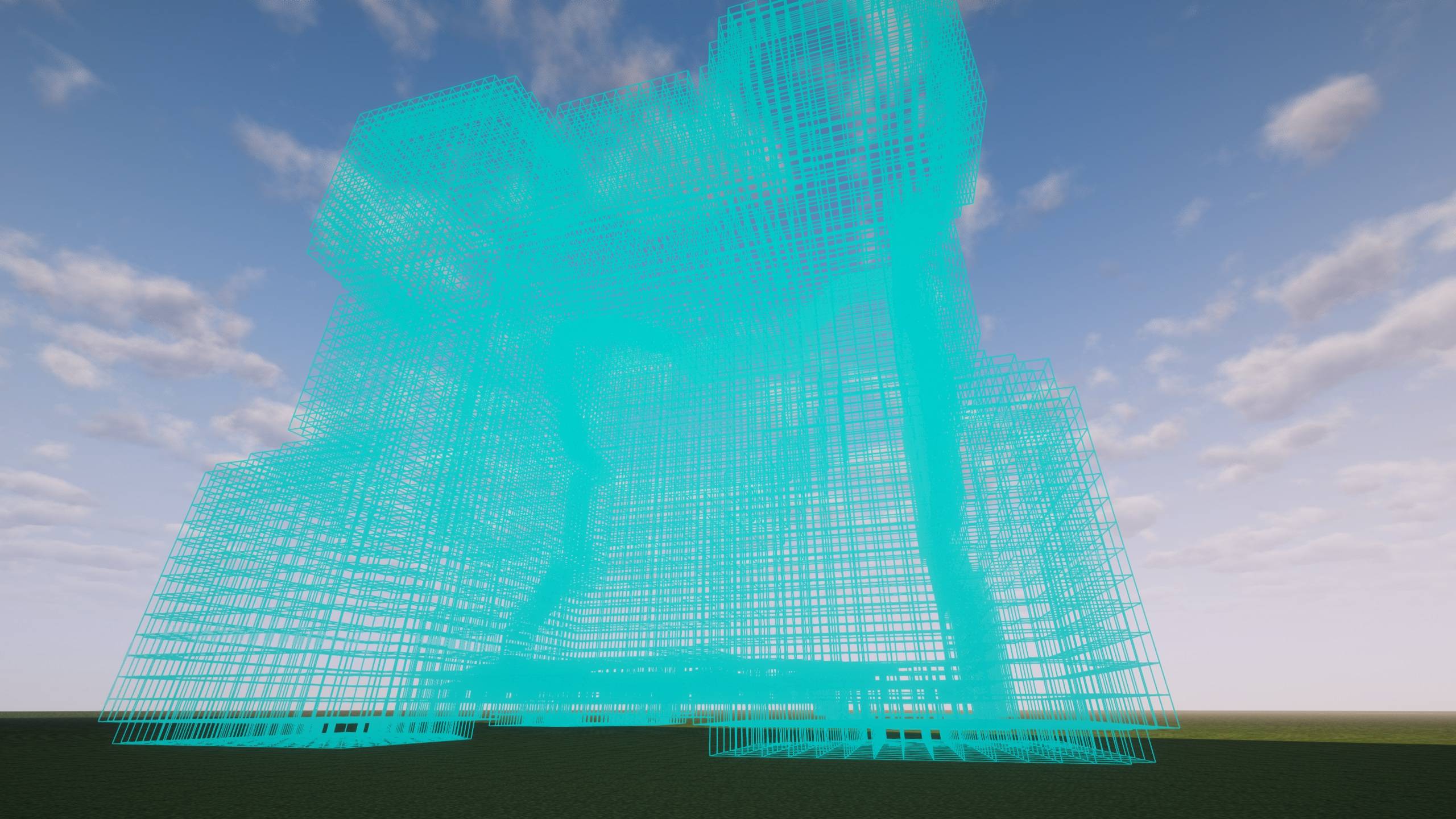 Ghost Outline Ghost Outline
 -
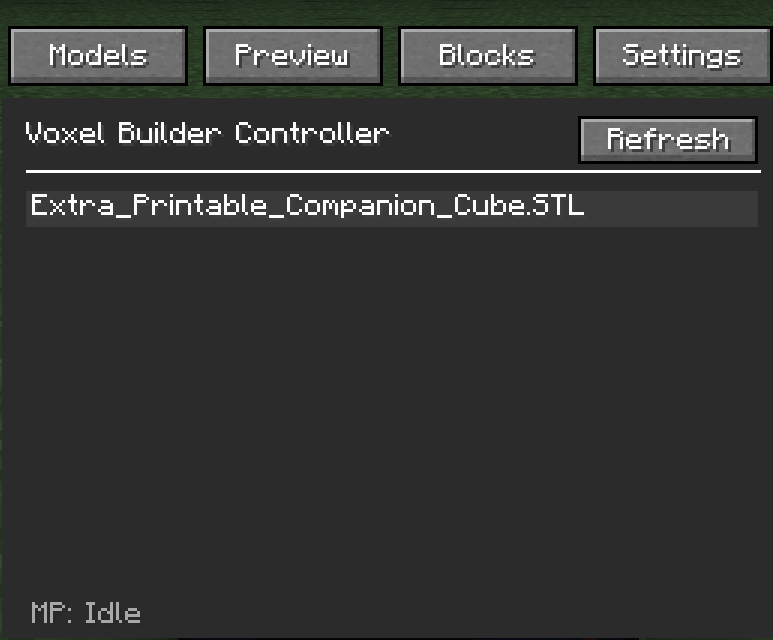 GUI GUI
 -
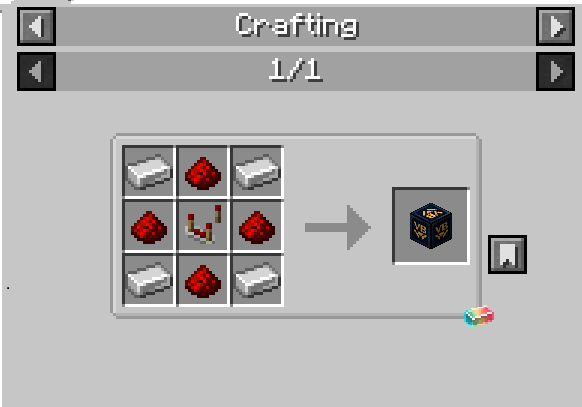 Recipe Recipe
Versions
Files
Relations
Project Relations
More like this
Similar Mods
Suggestions use data such as tags, dependencies, dependents, descriptions, titles, and more to rank how much they overlap with this mod.
On ModDex
Community snapshot
By the numbers
Statistics

Get it on
Available Platforms
On ModDex
Community snapshot
By the numbers
Statistics
Resources