
Community listing page, reviews here may not be monitored by the author.
VRAM Tweak

No reviews yet
VRAM Tweak is a mod that reduces the amount of GPU VRAM used by games.
Community voices
Reviews
No reviews yet. Be the first to review this project!
Get it on
Available Platforms
About
Project Details
For authors
Embed Badge
If you're the author of this project, you can embed a live badge anywhere that supports HTML or Markdown. It updates automatically whenever ratings change.
Use HTML for any page that supports it, or Markdown for README files and Markdown-based descriptions.
Identifiers
Platform IDs
Resources
External Links
About
Description
VRAM Tweak
The mod is under active development. If you don't see any files on the download page, it means it's still under review or undergoing bug fixes. The mod is currently in beta.
If you are an AMD GPU user, please use Voxy Mod with caution. Although Voxy is an excellent LoD mod, it can cause VRAM overload for AMD users with less than 10GB of VRAM(especially when using PBR resource packs). Distant Horizons is recommended for AMD users.
We are waiting for Vulkan API, We look forward to seeing what other interesting changes the Vulkan API will bring.
After v0.1.2.7,We change License to GPLv2.
Overview
VRAM Tweak intercepts GPU texture creation at the OpenGL level via Mixin injection. It caps oversized texture atlases, downscales depth buffers, limits animation frames, and dynamically adjusts render distance — without modifying Sodium, Iris, or any third-party mod. Also includes a built-in VRAM forensics tool (AllocTracker) that intercepts every GPU allocation and classifies it by category and source.
Active Features
| Feature | How | Status |
|---|---|---|
| Atlas size cap | Clamp texture atlas W/H ≤ maxAtlasSize |
✅ Stable |
| Depth downscale | D32_FLOAT → D16_UNORM | ✅ Verified |
| Shadow map cap | Limit shadow map resolution | ✅ Stable |
| Animation frame limit | Truncate animated texture frame count | ✅ Stable |
| VRAM Governor | Auto-lower render distance under VRAM pressure | ⚠️ Under development |
| Budget tracking | Per-frame VRAM polling + configurable alert | ✅ Stable |
| AllocTracker | Intercept every GPU alloc/free, categorize by type & source | ✅ Stable |
Conditional Features
| Feature | Trigger |
|---|---|
| Format downscale (RGBA16F→RGBA8) | Requires high-precision resource packs or shader packs |
Note: Toggling the mod OFF in GUI only affects newly created textures. Restart the game to reload at full resolution.
AllocTracker — VRAM Forensics
Intercepts every glTexImage2D / glDeleteTextures call and classifies each allocation by category and source. Periodically writes aggregated snapshots to logs/vram-tweak/mod.log.
Example output:
[AllocTracker] ===== Snapshot t=0s =====
  GL Used: 4971/8192 MB (60%)
  ── By Category ──
    TEXTURE_ATLAS                  2772 MB  (61%)
    RENDER_TARGET_COLOR            1571 MB  (35%)
  ── By Source ──
    ATLAS_BLOCKS                   1536 MB  (34%)
    ATLAS_ITEMS                     768 MB  (17%)
Enable via Config → Diagnostics → VRAM AllocTracker, or /vramtweak allocreport.
HUD Overlay
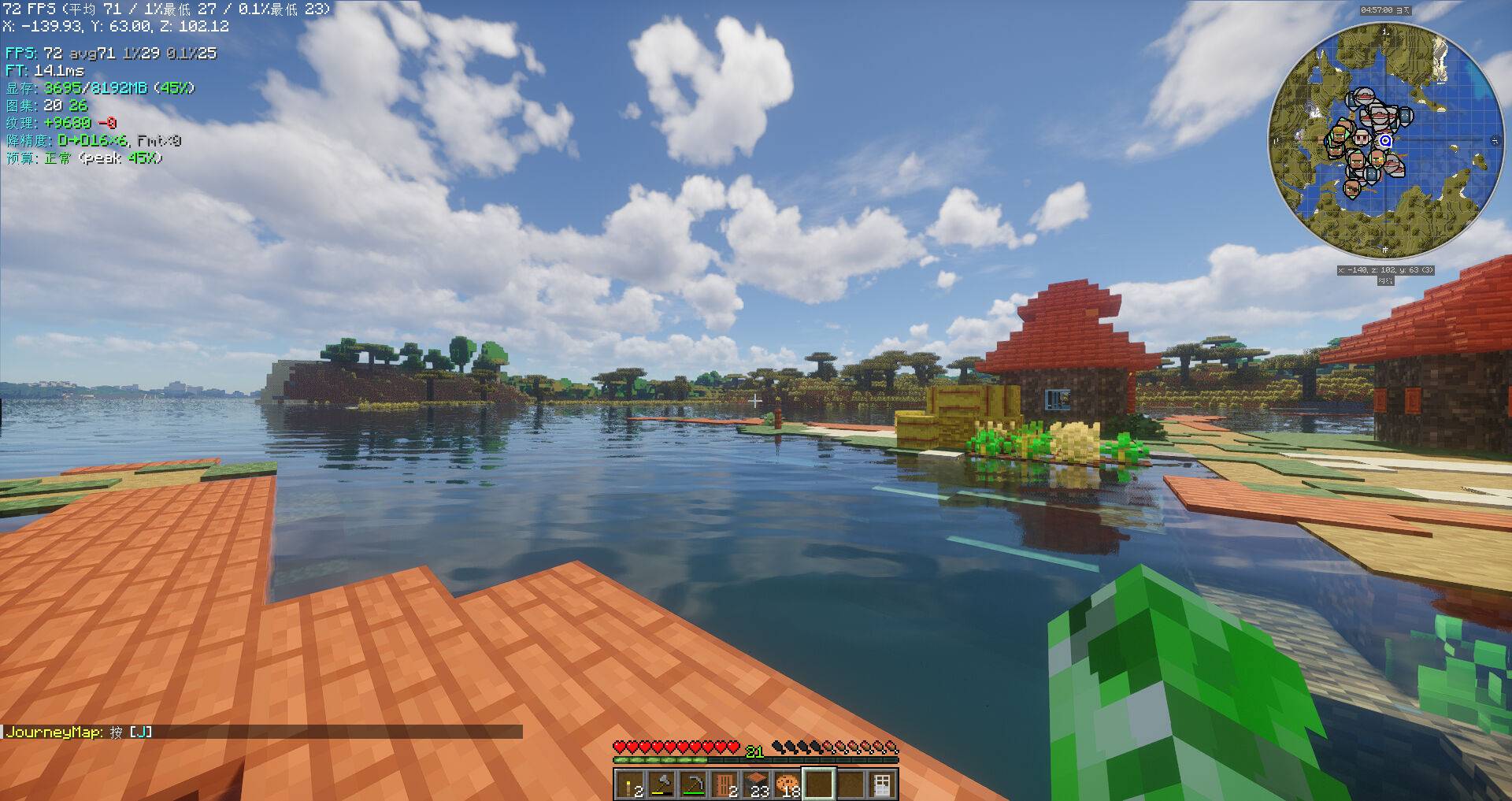
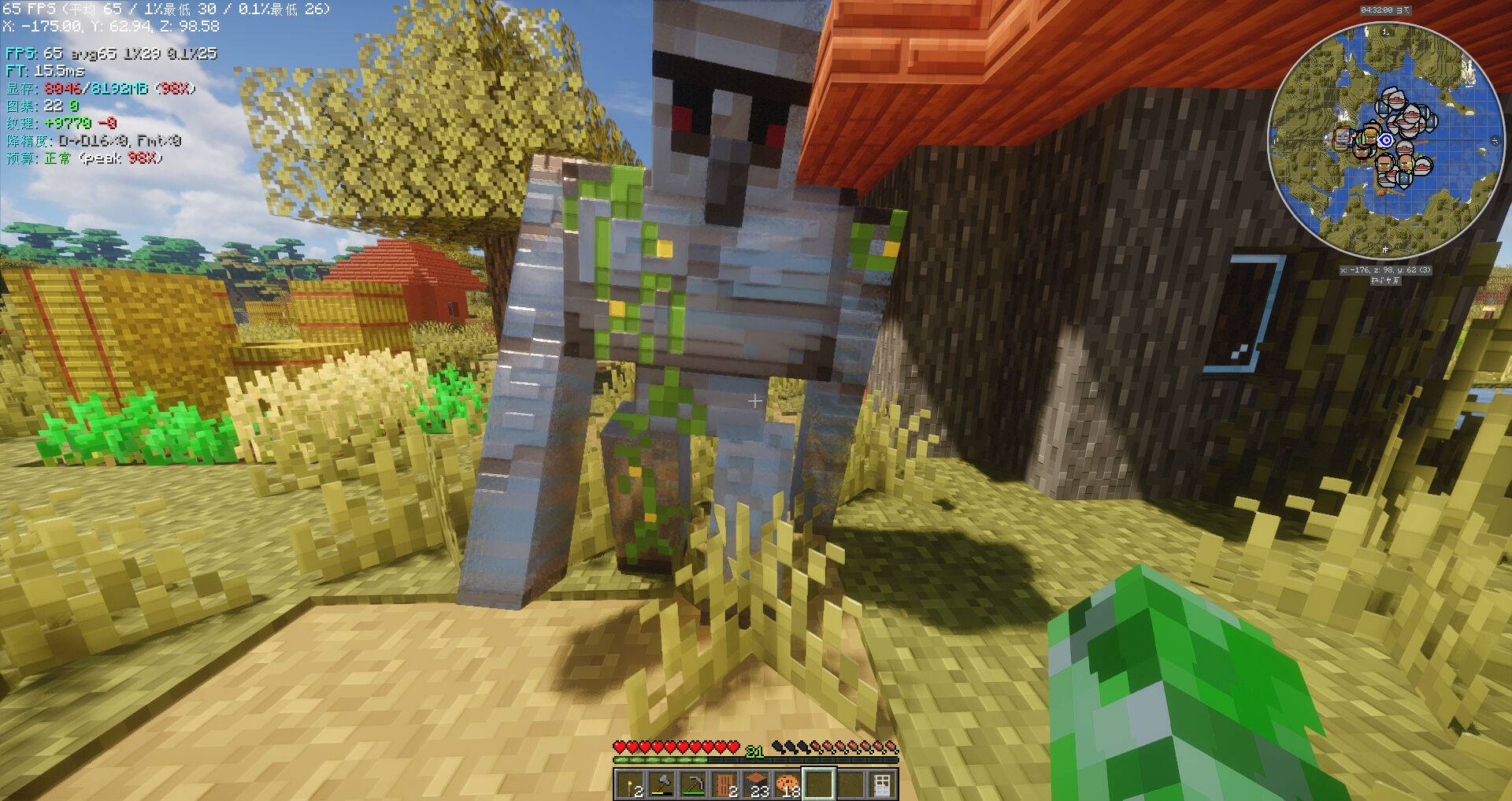
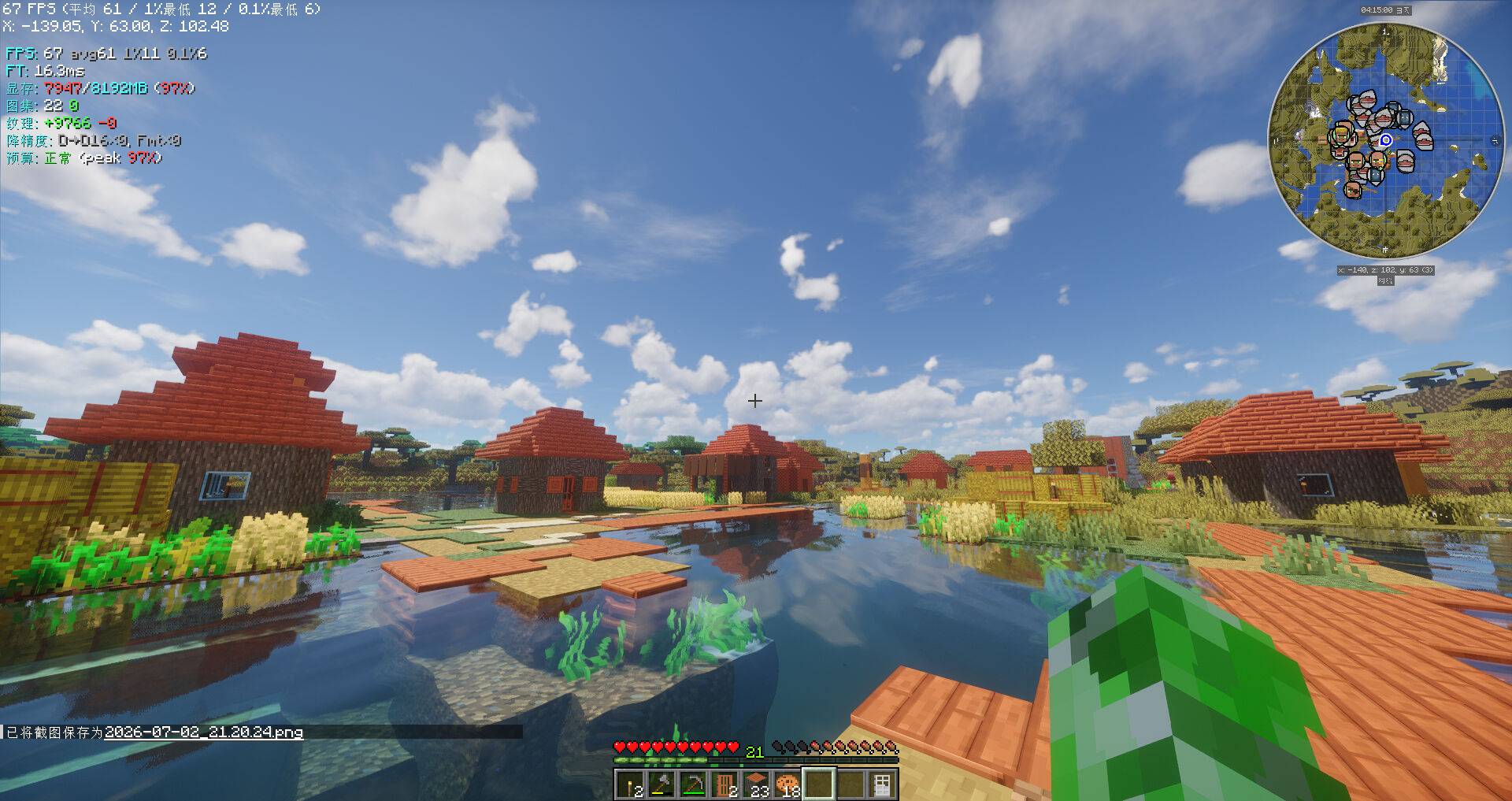
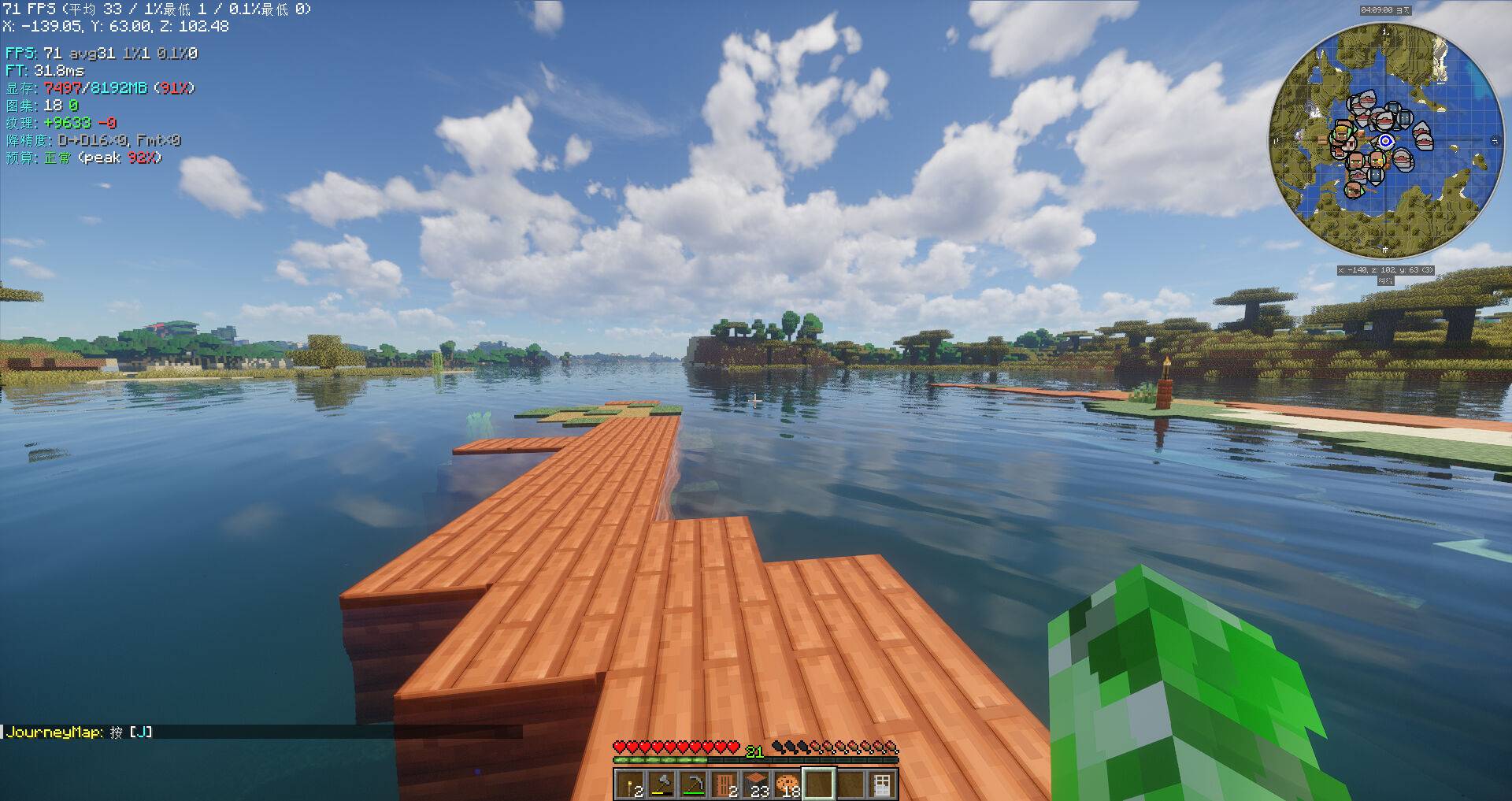
Real-time overlay, each metric independently toggleable: FPS (smooth/avg/1%/0.1%), frame time, VRAM, atlas stats, alloc/free counts, governor status, alloc breakdown.
Commands
/vramtweak stats       — VRAM + FPS stats
/vramtweak dump        — Ring-buffer CSV to disk
/vramtweak hud         — Toggle HUD
/vramtweak benchmark   — VRAM stress test (ON vs OFF)
/vramtweak allocreport — Allocation breakdown by category + top-10 largest
Performance
HW: AMD R5 5600 + 32GB + RX 6650 XT 8GB
SW: MC 26.2 + Sodium 0.9.0 + Iris 1.11 + ScalableLux + 80+ mods
VRAM Breakdown (AllocTracker, maxAtlasSize=2048)
| Source | Size | % |
|---|---|---|
| Texture Atlases (blocks, items, misc) | ~2772 MB | 55% |
| Iris Render Targets (G-buffer) | ~1571 MB | 32% |
| Other (entities, GUI, font) | ~180 MB | 4% |
| Untracked (driver, SSBO) | ~448 MB | 9% |
| Total | ~4971 MB | 60% of 8GB |
The atlas cap reduces individual atlases from 16384px to the configured limit. Iris G-buffers are the second-largest consumer and are not currently intercepted.
Requirements
| Dependency | Type |
|---|---|
| Sodium | Suggested |
| Iris | Soft (shader compat) |
| Cloth Config | Soft (GUI) |
| ModMenu | Soft (config button) |
Platform: Windows, Linux
Java: 25+
GPU: AMD (auto-detect), NVIDIA (manual enable), Intel (safe skip)
Quick Start
- Install Fabric for Minecraft 26.2
- Install Sodium 0.9.0
- Install Cloth Config API
- Drop
vram-tweak-*.jarintomods/ - Launch → Mod Menu → VRAM Tweak → Enable
Config
{
  "version": 1,
  "showExperimental": false,
  "vram": {
    "enabled": true,
    "shadowCapEnabled": true, "shadowMapMaxSize": 1024,
    "formatDownscale": false, "depthDownscale": false,
    "budgetTracking": false, "budgetWarningPercent": 80
  },
  "texture": {
    "animationLimit": false, "maxAnimationFrames": 32,
    "atlasSizeLimit": false, "maxAtlasSize": 4096
  },
  "diagnostic": {
    "enabled": true, "verificationLog": false,
    "allocTracker": false, "allocSnapshotInterval": 30,
    "logDirectory": "logs/vram-tweak"
  },
  "hud": { "enabled": true, "offsetX": 4, "offsetY": 4 },
  "governor": { "enabled": false, "hysteresis": 10, "minDistance": 4, "cooldownTicks": 100 },
  "experimental": { "pinnedMemory": false, "pinnedMemoryMinSize": 1024 }
}
Build
./gradlew build
# Output: build/libs/vram-tweak-*.jar
Requires JDK 25+.
Architecture
Mixin Layer
├── MixinGpuDevice_VRAMOptimize      → createTexture() format/size cap
├── MixinGameRenderer_Metrics        → per-frame stats + alloc snapshots
├── MixinGlStateManager_AllocTracker → glTexImage2D / glDeleteTextures
├── MixinGlFramebuffer_AllocTracker  → framebuffer attachment tracking
├── MixinSpriteContents_Animation    → animation frame truncation
├── MixinOptions_RenderDistance      → governor hook
├── MixinGui_Hud / MixinMinecraft_Hud → HUD overlay
├── MixinGlStateManager_PinnedMemory → AMD pinned memory (experimental)
└── MixinGameRenderer_PerfMonitor    → AMD GPU clocks

Core (src/main)
├── allocation/              → AllocTracker: categories, tracking, logging
├── VRAMOptimizer / VRAMGovernor / MetricsEngine / VramFrameCounter
├── VerificationLogger / VramModLog / GPUDetector / VRAMConfig

Client (src/client)
├── VramTweakHud / VramTweakCommand / ClothConfigFactory / ModMenuIntegration
└── AMDPerfMonitor / PinnedMemory + PBO pool
License
GPLv2.
Screenshots
Gallery
-
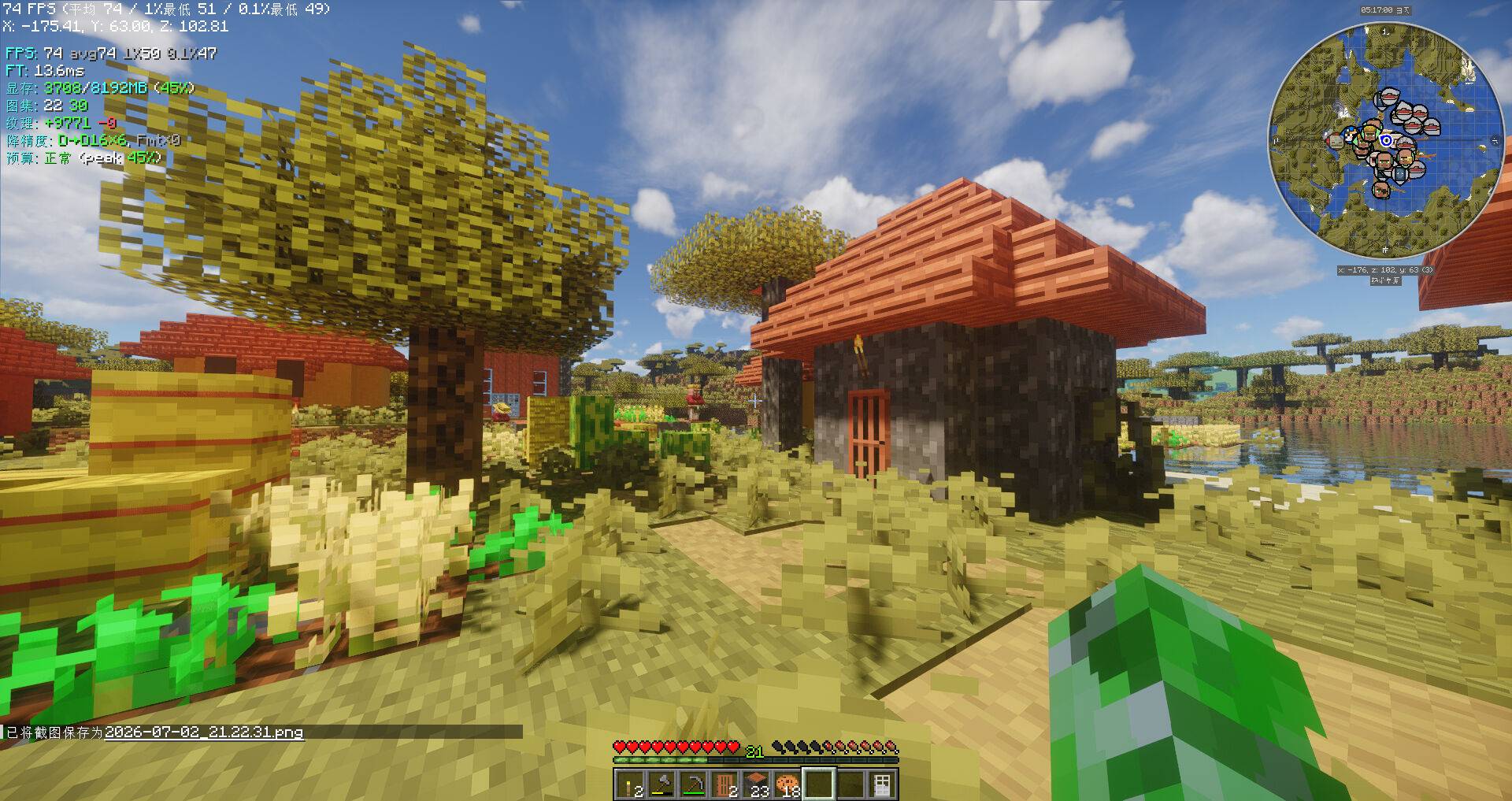 2026-07-02_21.22.37_ç»æ.jpg 2026-07-02_21.22.37_ç»æ.jpg
 -
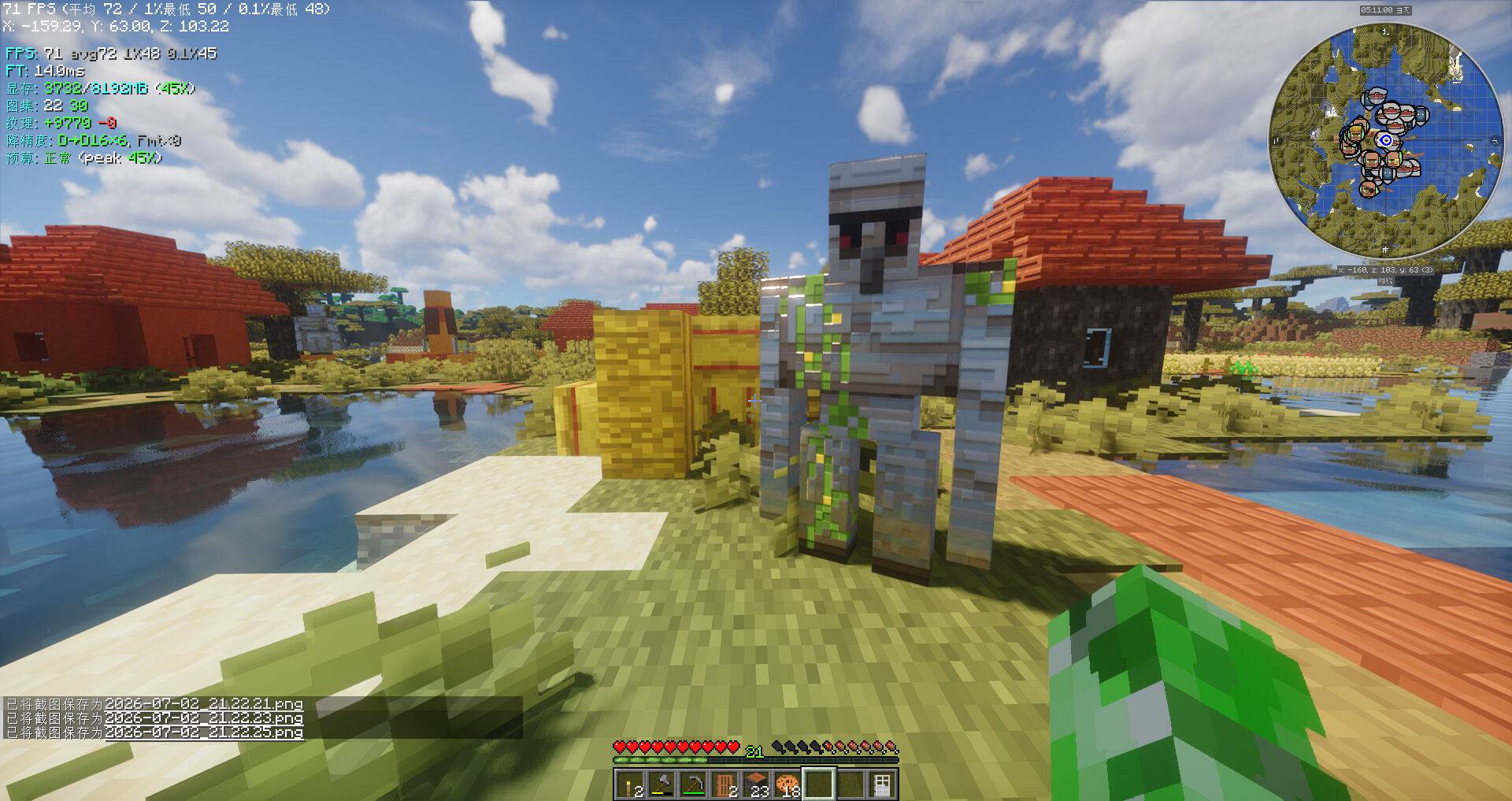 2026-07-02_21.22.31_ç»æ.jpg 2026-07-02_21.22.31_ç»æ.jpg
 -
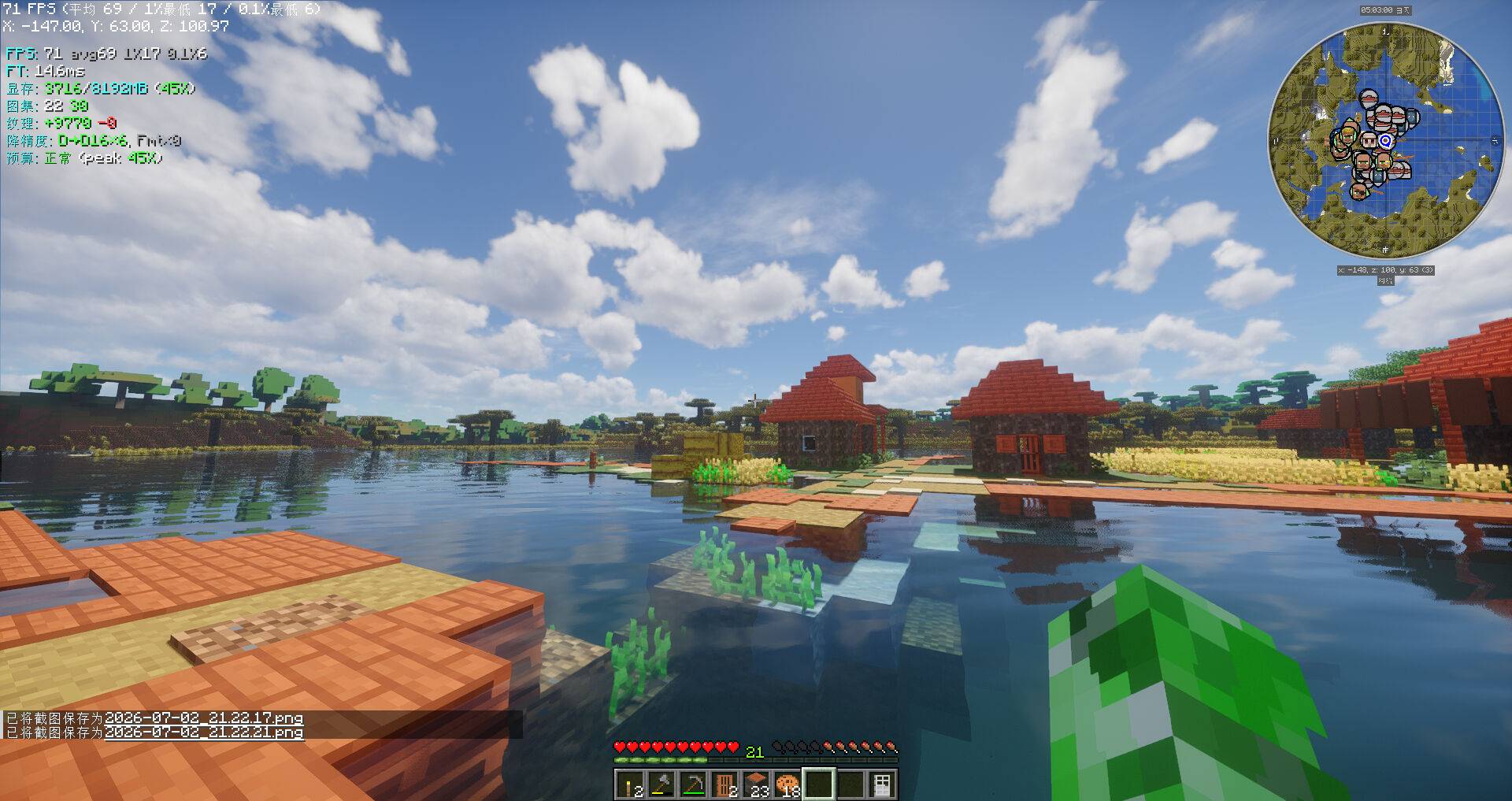 2026-07-02_21.22.23_ç»æ.jpg 2026-07-02_21.22.23_ç»æ.jpg
 -
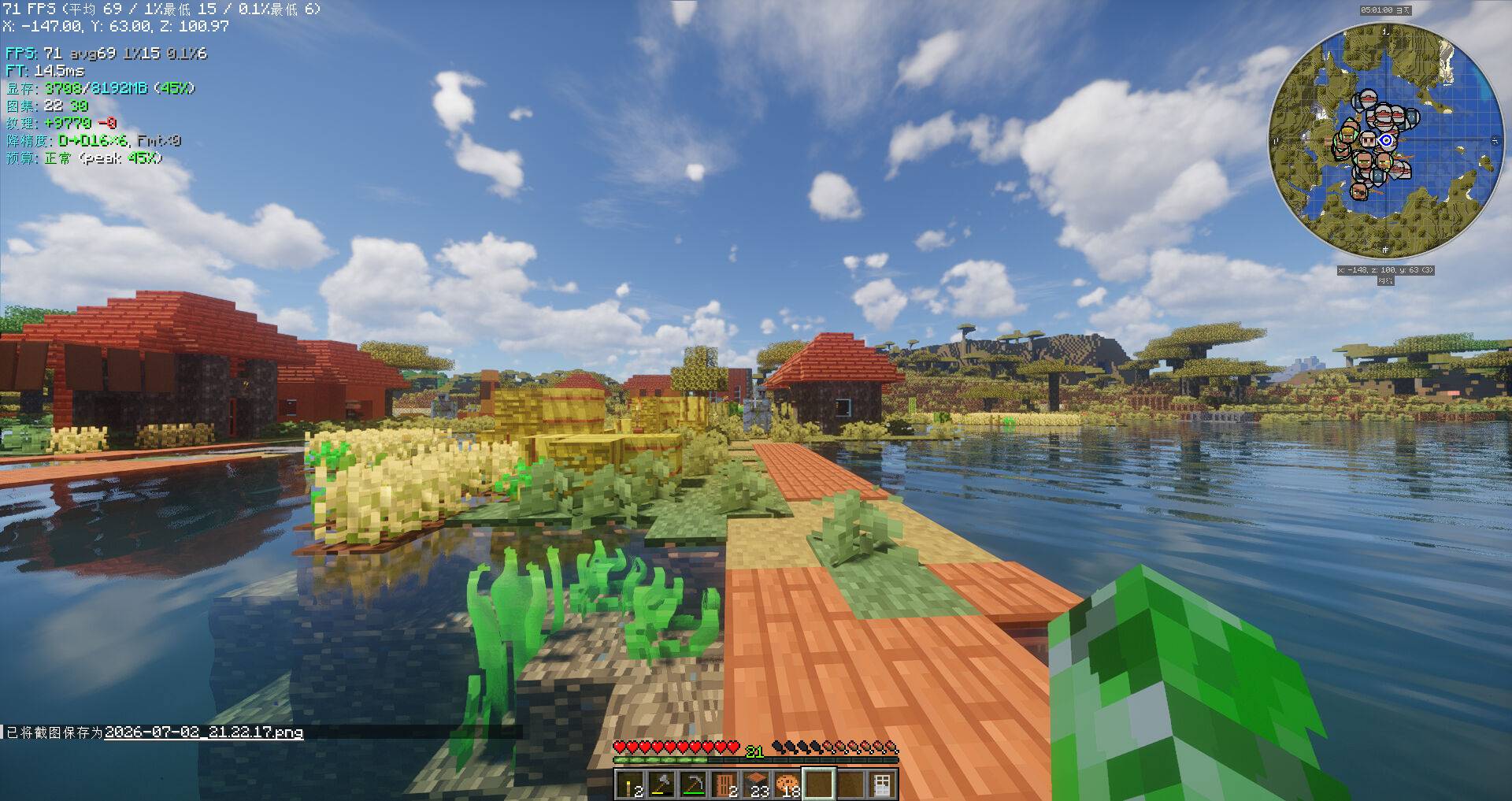 2026-07-02_21.22.21_ç»æ.jpg 2026-07-02_21.22.21_ç»æ.jpg
 -
 2026-07-02_21.22.17_ç»æ.jpg 2026-07-02_21.22.17_ç»æ.jpg
 -
 2026-07-02_21.20.47_ç»æ.jpg 2026-07-02_21.20.47_ç»æ.jpg
 -
 2026-07-02_21.20.30_ç»æ.jpg 2026-07-02_21.20.30_ç»æ.jpg
 -
 2026-07-02_21.20.24_ç»æ.jpg 2026-07-02_21.20.24_ç»æ.jpg
Versions
Files
Relations
Project Relations
More like this
Similar Mods
Suggestions use data such as tags, dependencies, dependents, descriptions, titles, and more to rank how much they overlap with this mod.
On ModDex
Community snapshot
By the numbers
Statistics
Want to reach Minecraft players?
We're looking for a server hosting partner to feature here and other parts of the site. Interested? Send us a message!
Get in touchGet it on
Available Platforms
On ModDex
Community snapshot
By the numbers
Statistics
Resources