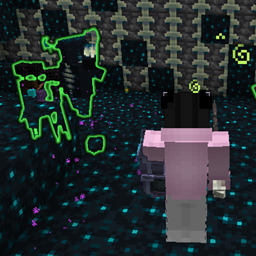
Community listing page, reviews here may not be monitored by the author.
Weapontu & Remake Hoplite Weapon

No reviews yet
Adds Hoplite-style custom weapons with Multishot 2+ support and a built-in party system for Minecraft Fabric 1.21.1.
Community voices
Reviews
No reviews yet. Be the first to review this project!
Get it on
Available Platforms
About
Project Details
For authors
Embed Badge
If you're the author of this project, you can embed a live badge anywhere that supports HTML or Markdown. It updates automatically whenever ratings change.
Use HTML for any page that supports it, or Markdown for README files and Markdown-based descriptions.
Identifiers
Platform IDs
Resources
External Links
About
Description
I recreated the iconic custom weapons, custom combat mechanics, and unique weapon abilities to bring a whole new tier of PvP and PvE strategy to modern Fabric Minecraft.
⚡ Mod Features: • Custom Weapon Set inspired by Hoplite PvP • Unique Special Abilities & Passive Stats • Balanced combat mechanics built specifically for Fabric 1.21.1 • Fully coded from scratch using the modern Fabric Toolchain
🤖 Bot Summoning Command (/weapontu spawnbot) Spawn a smart PvP bot equipped with random custom weapons and skills to practice or fight alongside you. (Note: Enemy Bots will also naturally spawn in the overworld during the day!) Usage: /weapontu spawnbot [ally/enemy] (Bots automatically use weapon skills, water buckets, and dodge like real players).
🛠️ Team Commands (/wteam) General Settings: /weapontu setting
Basic Commands (For all members): • /wteam create [team_name]: Creates a new team (you become the Leader). Leave blank for a random ID. • /wteam invite <Player_Name>: Invites an online player. (Auto-creates a team for you first if you aren't in one). • /wteam accept <Inviter_Name>: Accepts a team invitation. • /wteam info: Displays your current team name, Leader, and online members. • /wteam leave: Leaves the team. (If the Leader leaves, the role transfers to a random member. Disbands if empty).
Management Commands (Leader only): • /wteam kick <Player_Name>: Removes a member from the team. • /wteam transfer <Player_Name>: Transfers your Leader role to another teammate.
💡 Quick Example (Playing with a friend) You invite your friend: /wteam invite MyFriend (Auto-creates team & sends invite) Your friend accepts: /wteam accept YourName
🛡️ Admin Commands (OP Level 2 required): • /weapontu reroll <Player_Name>: Instantly resets a player's initial Stone Age weapon selection. It clears their existing Soulbound starter weapons and re-opens the selection GUI, allowing them to pick a new class from scratch.
• /weapontu bot <ally|enemy|random> gear <gear_type> [weapon_name] [target_player]: Summons a fully customized Admin bot. You can specify the bot's team, gear tier (e.g., normal diamond or prot 4), force a specific legend weapon, and optionally spawn it directly at a specific player's location.
• /weapontu setting listofsoundboundweapon: Opens a dynamic GUI listing all Soulbound weapons. Admins can click any weapon to instantly enable or disable it from the global Gacha/Random drop pool, giving full control over server balance and meta.
• /weapontu setting listofsniffer: A command that allows admins to limit which weapons can roll from the sniffer.
• /weapontu setting listofcancraft: Opens the Crafting Permission Menu. Allows you to click on legendary weapons to toggle (enable or disable) players from crafting them in the Server. Disabled items cannot be crafted regardless of whether the togglemultiplecrafts setting is turned on.
VietNamese language:
🤖 Lệnh triệu hồi Bot PvP (/weapontu spawnbot) Triệu hồi một bot PvP thông minh mang theo vũ khí và kỹ năng ngẫu nhiên để cọ xát hoặc làm đồng đội. (Lưu ý: Bot địch cũng sẽ tự động spawn tự nhiên trên thế giới (Overworld) vào ban ngày giống động vật!) Sử dụng: /weapontu spawnbot [ally/enemy] (Bot biết tự dùng skill vũ khí, đặt xô nước sinh tồn và nhấp nhả y như người chơi thật).
🛠️ Danh sách lệnh Tổ đội (/wteam) Cài đặt chung: /weapontu setting
Lệnh cơ bản (Dành cho mọi thành viên): • /wteam create [tên_đội]: Tạo đội mới (bạn làm Đội trưởng). Nếu bỏ trống [tên_đội], hệ thống sẽ tự cấp ID ngẫu nhiên. • /wteam invite <Tên_Người_Chơi>: Mời người khác vào đội. (Nếu bạn chưa có đội, lệnh này sẽ tự tạo đội mới rồi mới mời). • /wteam accept <Tên_Người_Mời>: Chấp nhận lời mời để vào đội. • /wteam info: Xem thông tin đội (tên nhóm, đội trưởng, danh sách thành viên online). • /wteam leave: Rời đội. (Nếu đội trưởng rời đi, quyền sẽ tự chuyển cho một người ngẫu nhiên. Nếu là người cuối cùng, đội sẽ giải tán).
Lệnh quản lý (Chỉ dành cho Đội trưởng): • /wteam kick <Tên_Người_Chơi>: Đuổi một người ra khỏi đội. • /wteam transfer <Tên_Người_Chơi>: Chuyển quyền Đội trưởng cho thành viên khác.
💡 Ví dụ nhanh (Chơi 2 người) Bạn gửi lời mời: /wteam invite BanCuaToi (Tự động tạo nhóm và gửi thư mời) Bạn của bạn đồng ý: /wteam accept TenCuaBan
🛡️ Lệnh Quản trị viên (Yêu cầu quyền OP 2): • /weapontu reroll <Tên_Người_Chơi>: Reset (đặt lại) quá trình chọn vũ khí thời kỳ đồ đá của một người chơi. Lệnh này sẽ thu hồi toàn bộ vũ khí Khởi Nguyên (Soulbound) hiện tại của họ và tự động mở lại giao diện chọn vũ khí từ đầu. Rất hữu ích khi chọn nhầm vũ khí hoặc Admin muốn cho phép người chơi đổi hệ/class!
• /weapontu bot <ally|enemy|random> gear <gear_type> [weapon_name] [target_player]: Triệu hồi một Bot Admin tùy chỉnh. Bạn có thể chỉ định phe (đồng minh/kẻ địch/ngẫu nhiên), loại giáp bảo vệ (giáp kim cương thường hoặc bảo vệ 4), ép bot dùng một loại vũ khí cụ thể, và tuỳ chọn spawn bot ngay tại vị trí của một người chơi bất kỳ.
• /weapontu setting listofsoundboundweapon: Mở giao diện bảng điều khiển chứa toàn bộ danh sách vũ khí Soulbound. Admin có thể click trực tiếp để Bật/Tắt (Enable/Disable) bất kỳ vũ khí nào khỏi vòng quay Gacha ngẫu nhiên, giúp dễ dàng kiểm soát meta và cân bằng độ khó của server!
• /weapontu setting listofsniffer: Lệnh cho phép giới hạn các weapon có thể roll ra từ Sniffer dành cho admin.
• /weapontu setting listofcancraft: Lệnh mở Menu Cấp Quyền Chế Tạo. Cho phép bạn nhấp vào các vũ khí huyền thoại để bật/tắt (cho phép hoặc cấm) người chơi chế tạo chúng trong Server. Các món đồ bị cấm sẽ không thể craft được dù có đang bật chế độ cho phép craft nhiều đồ togglemultiplecrafts hay không.
Screenshots
Gallery
-
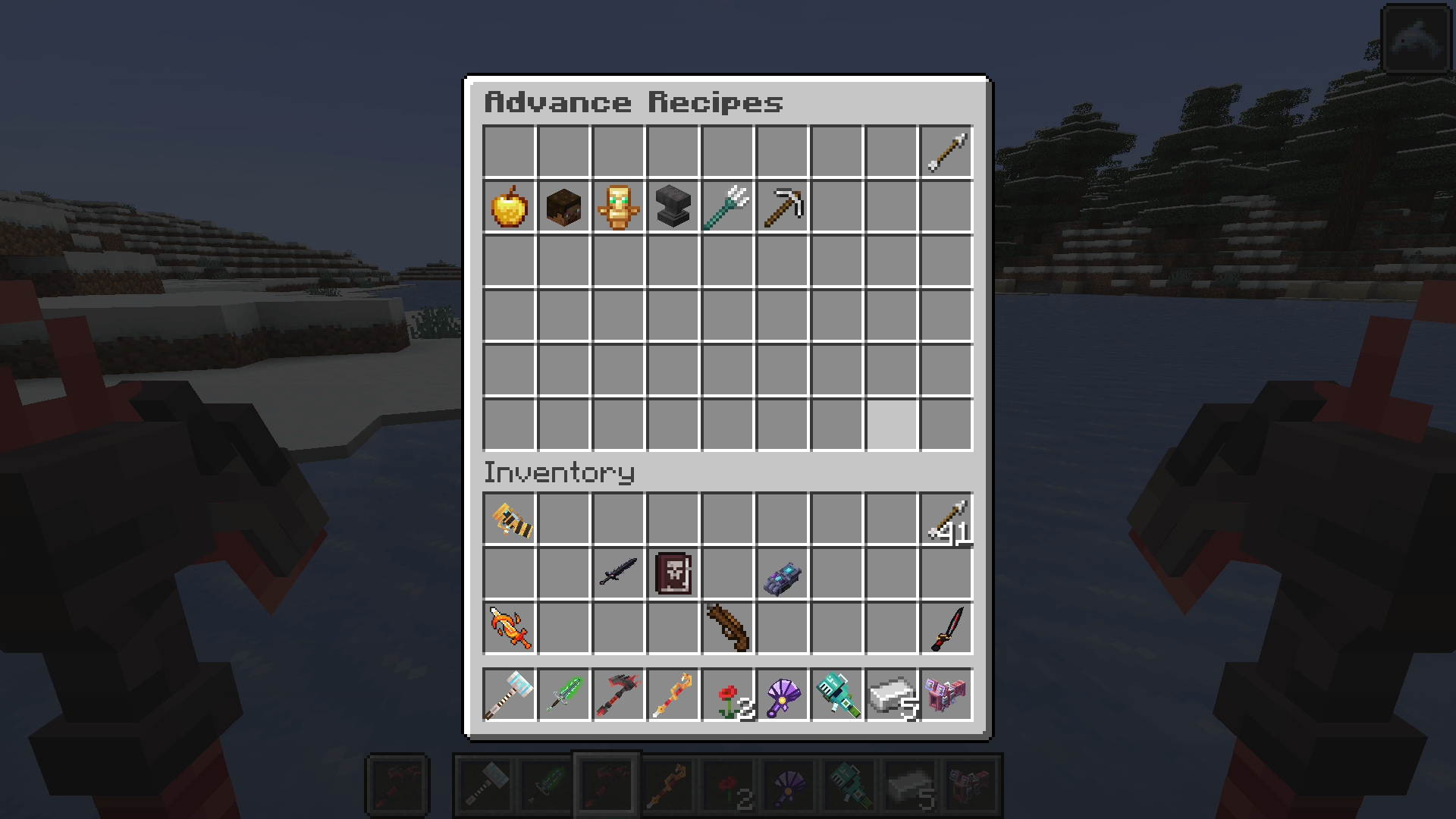 Screenshot (661).png Screenshot (661).png
 -
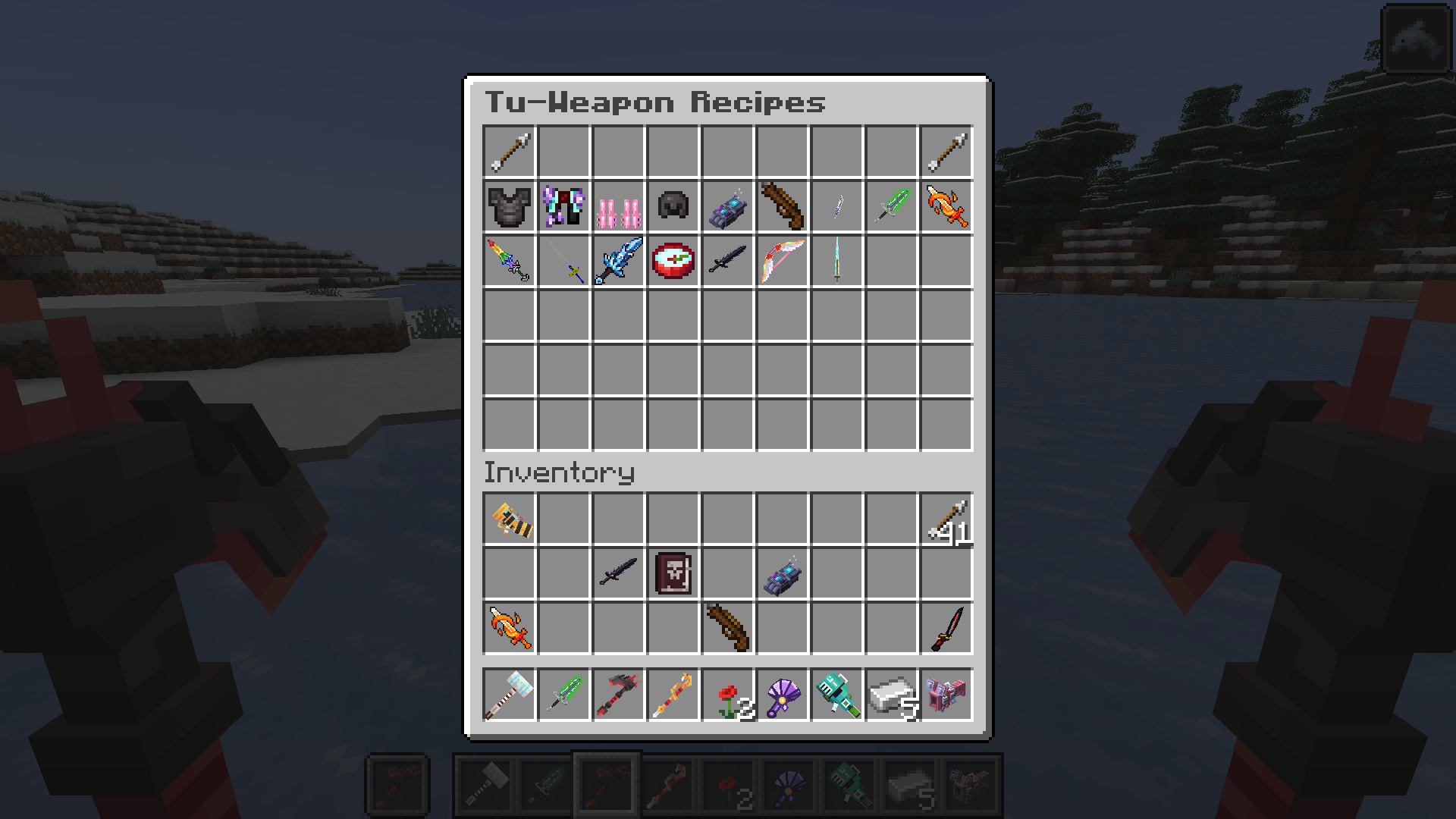 Screenshot (662).png Screenshot (662).png
 -
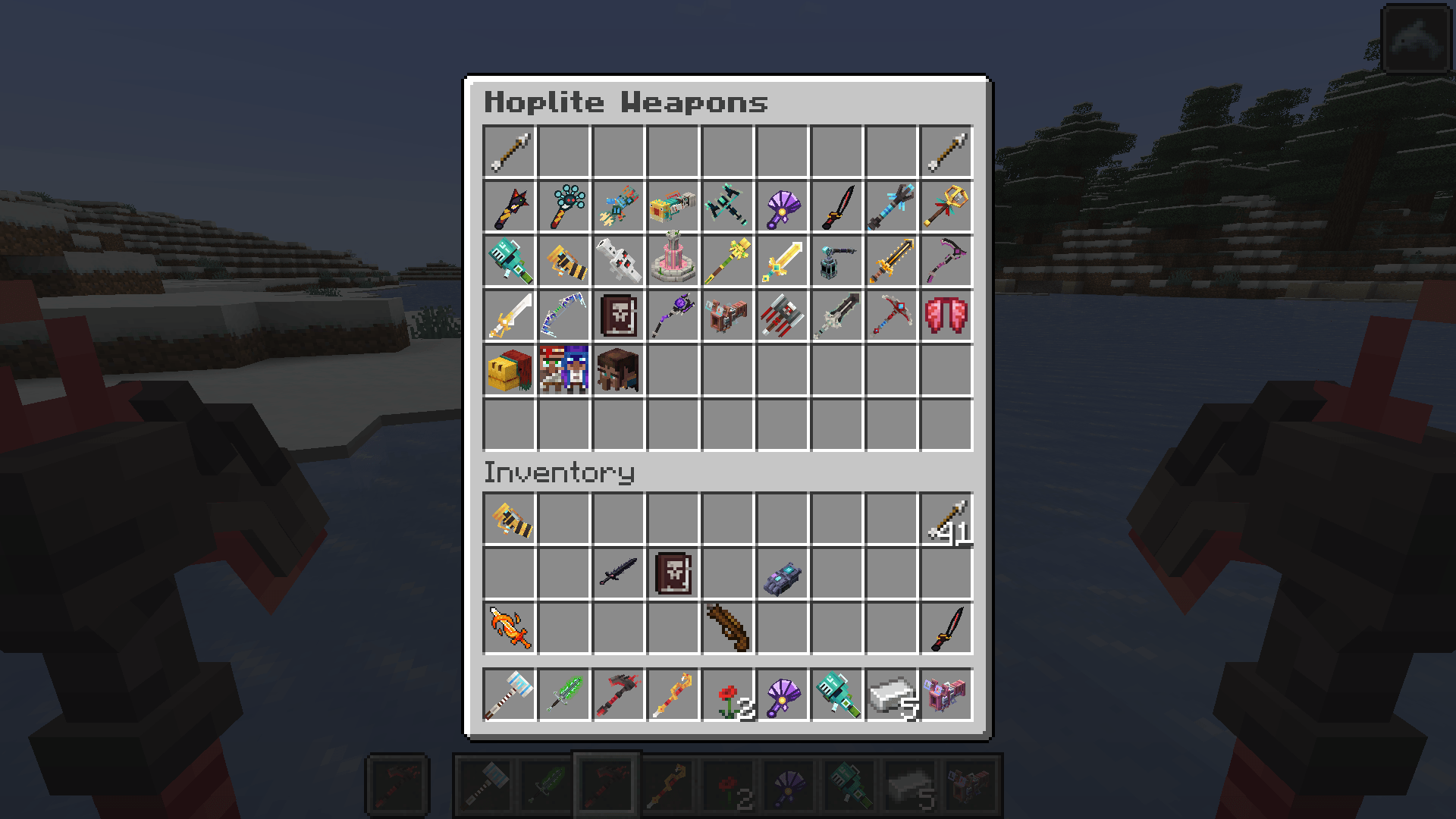 Screenshot (663).png Screenshot (663).png
 -
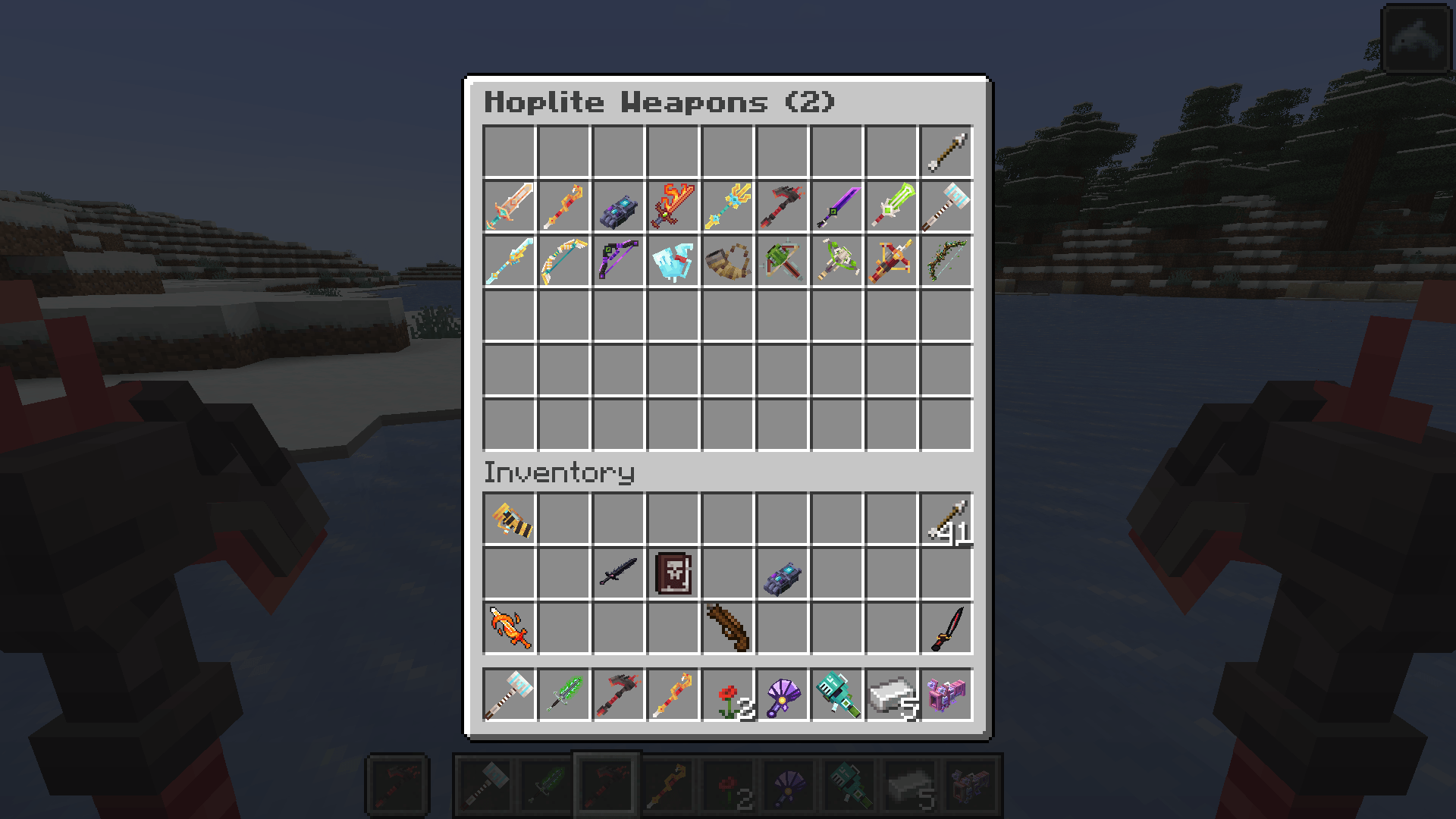 Screenshot (664).png Screenshot (664).png
 -
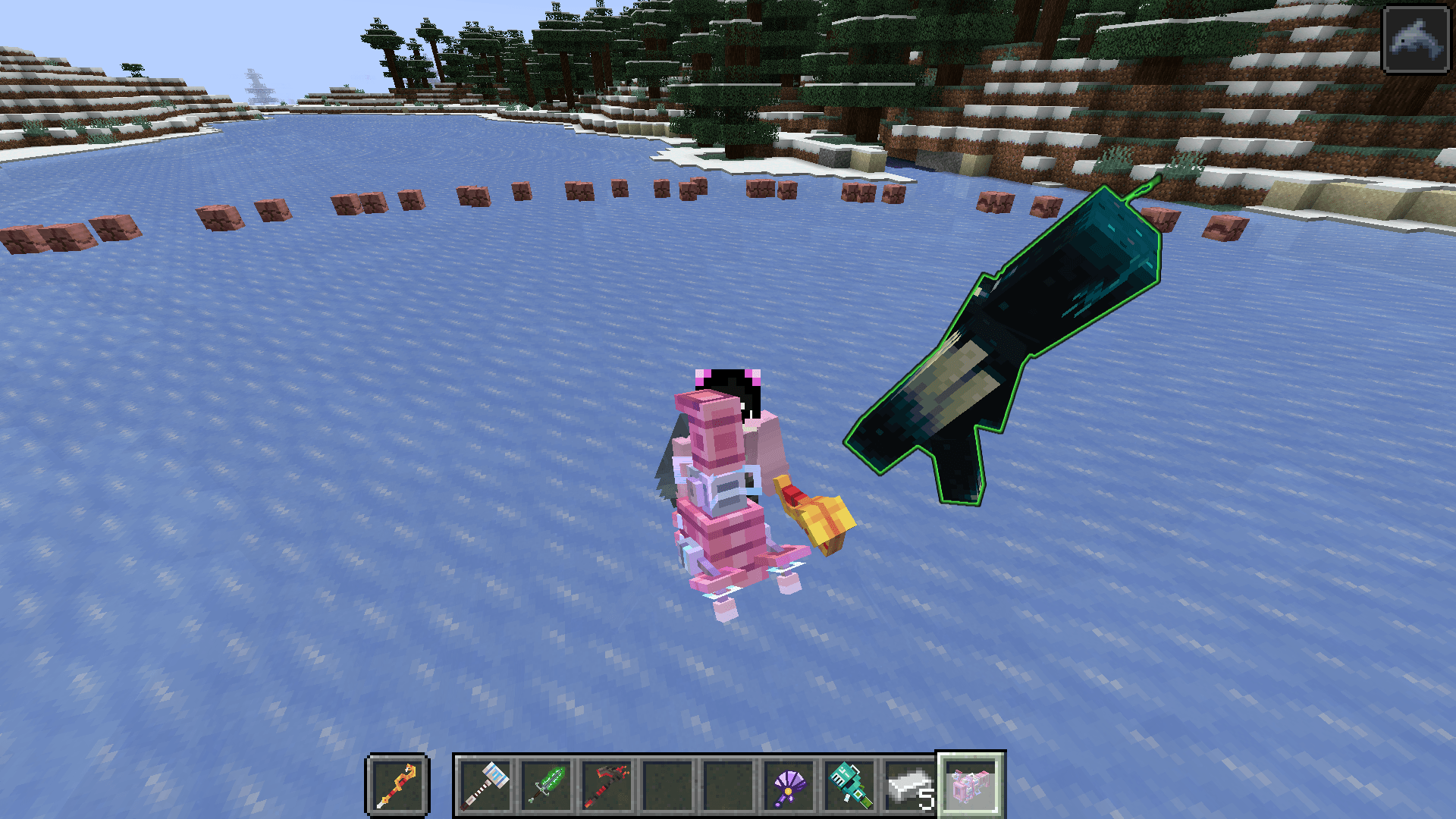 Screenshot (665).png Screenshot (665).png
 -
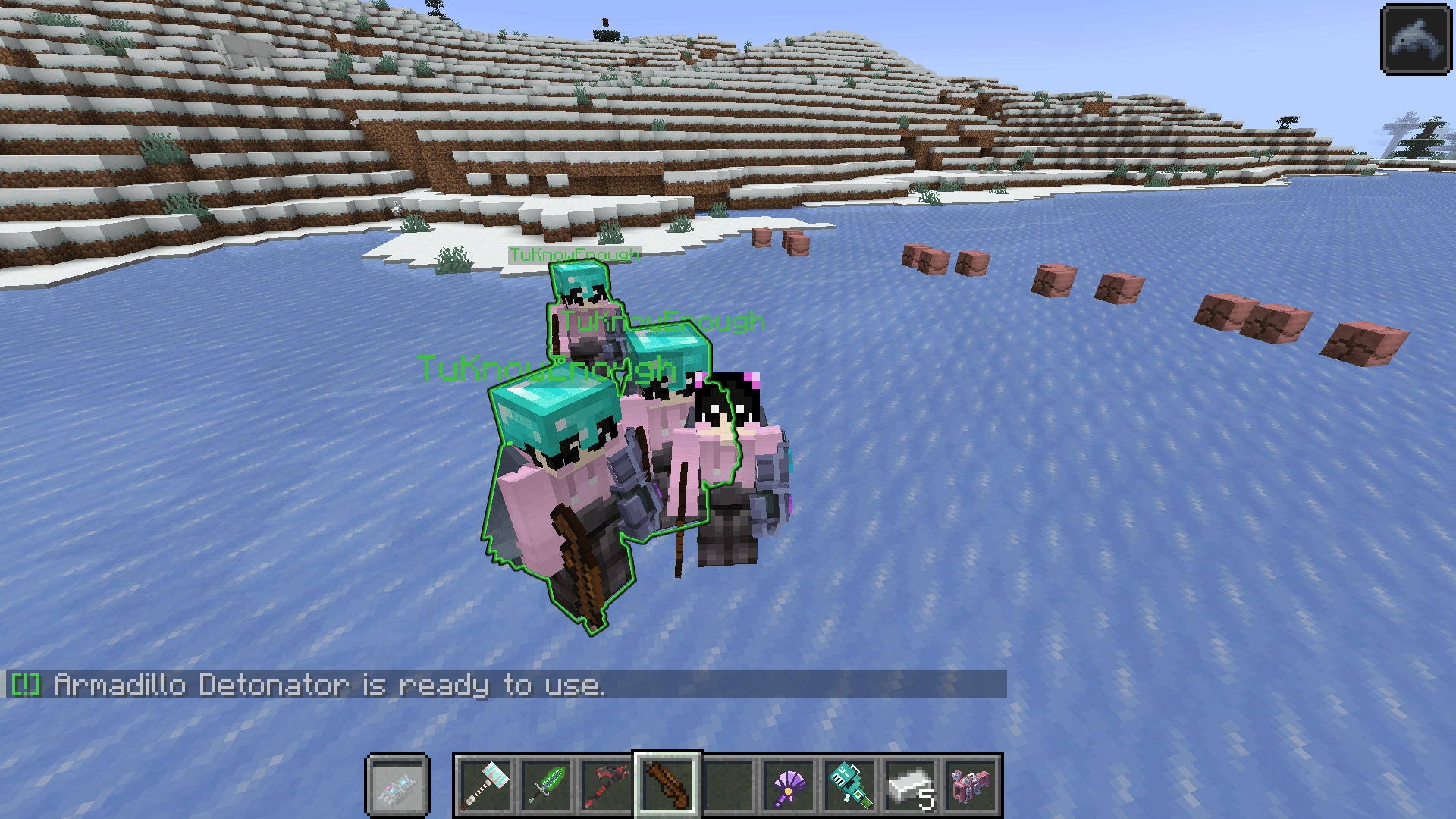 Screenshot (666).png Screenshot (666).png
 -
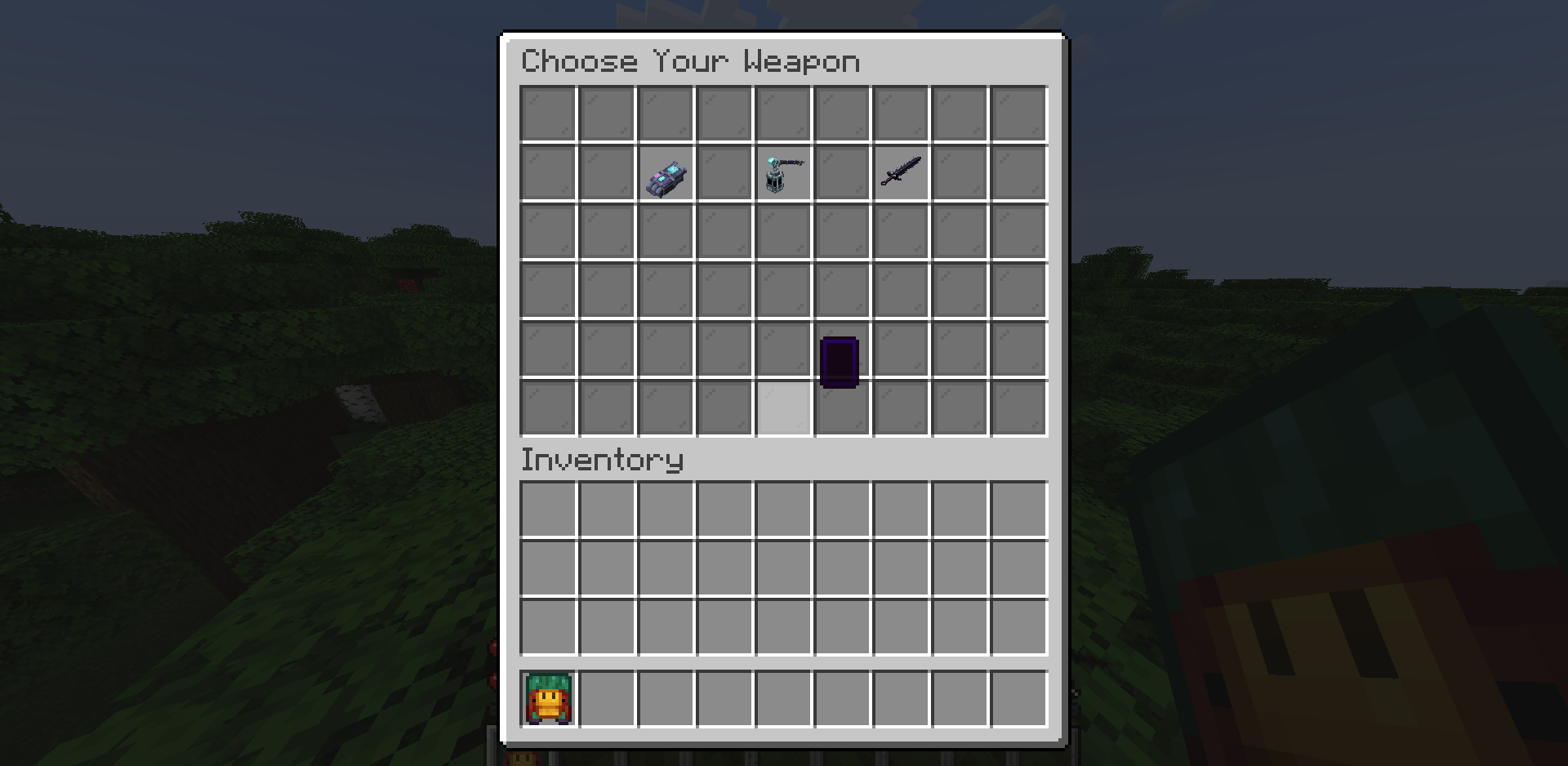 Screenshot (1032).png Screenshot (1032).png
Versions
Files
Relations
Project Relations
More like this
Similar Mods
Suggestions use data such as tags, dependencies, dependents, descriptions, titles, and more to rank how much they overlap with this mod.
On ModDex
Community snapshot
By the numbers
Statistics
Want to reach Minecraft players?
We're looking for a server hosting partner to feature here and other parts of the site. Interested? Send us a message!
Get in touchGet it on
Available Platforms
On ModDex
Community snapshot
By the numbers
Statistics
Resources