
Community listing page, reviews may not be monitored by the author.


Community voices
Reviews
No reviews yet. Be the first to review this project!
Get it on
Available Platforms
Compatibility
Supported Environments
Runs entirely on the client. Works on vanilla servers.
About
Project Details
For authors
Embed Badge
If you're the author of this project, you can embed a live badge anywhere that supports HTML or Markdown. It updates automatically whenever ratings change.
Use HTML for any page that supports it, or Markdown for README files and Markdown-based descriptions.
Identifiers
Platform IDs
About
Description
This mod uses a modified version of Fabric (Babric) and is designed exclusively for Better Than Adventure, a heavily modified version of Minecraft b1.7.3! For more information, join the Discord server linked on this project's page.
📜 About
I often play with vanilla tweaks when playing modern. One of my favorite datapacks is diminishing tools. This mod aim to add this functionality to BTA. In future this will be possible via assets pack but for now is only possible though modding.
🪓 Diminishing Tools
Wear & Tear support most tools. Tool start showing marks of wear and tear at 25% durability and further signs at 15, 5% durability. This mod is client side only, and should allow players to connect to vanilla server. The mod has no dependencies aside toml that is budles into the jar.
🖼️ Mod Support
Modder are happy to adopted this mod by defining a configuration by which the item new texture are loaded.
Importantly the call to super.getIcon() has to be preserved in some form for the icon to be resolved correctly.
Here is an example of the configuration file. The name of a given file is [name of Item].item.toml:
type = "durability" # metadata/durability
textures = [
  {name = "a", threshold = 0.75}, # name is the name of the texture
  {name = "b", threshold = 0.85}, # threshold, point of mising durability at whice this icon is shown
  {name = "c", threshold = 0.95}  # The game assumes all icon are in the directory : assets/[modID]/textures/item/[item.name]/
]
Type metadata allows the use of specific metadata value (for more precision)
🎤 Asset pack support
Simular to modding Wear and Tear also support asset packs. Just define the configuration (see Mod Support) for the item, include the desired texture and package it as a valid texture pack. The game will be able to load and unload these textures freely.
⚽ Goals:
- Redo the textures (still using diminishing tools texture as of now)
- Diminishing texture for bow and fishing rod.
- ArmorIcon, also change with deminishing durability
- ArmorModel support, player worn armor model changes based on missing durability.
Screenshots
Gallery
-
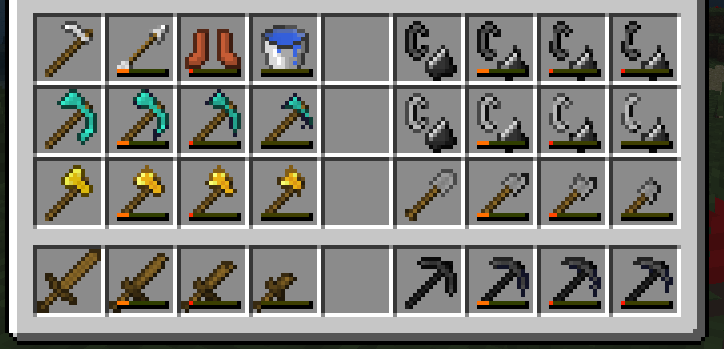 Look at those shining. Custon icons, and mod support
 -
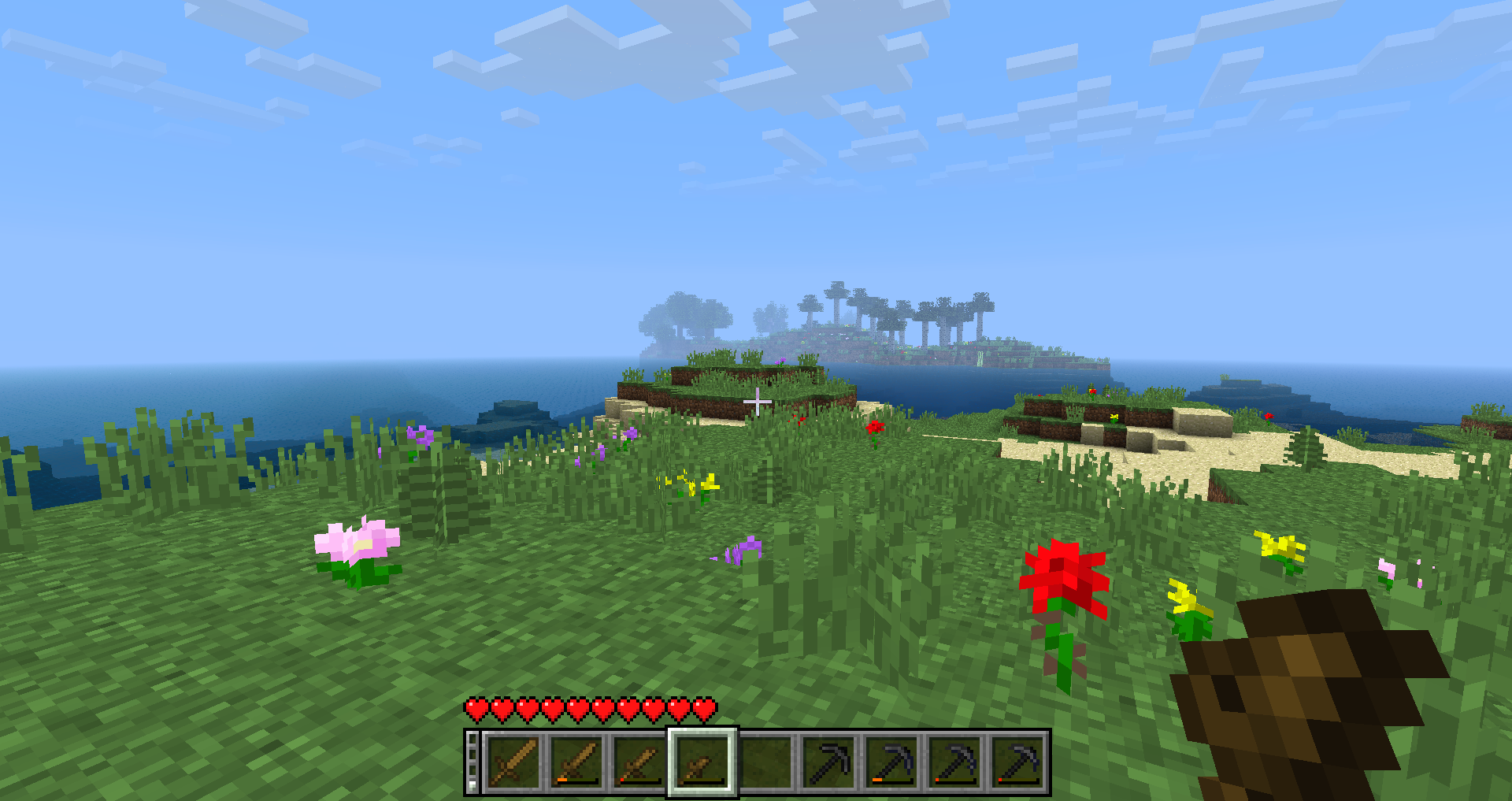 Little Sword Size does not matter.
Versions
Files
Relations
Project Relations
More like this
Similar Mods
Suggestions use data such as tags, dependencies, dependents, descriptions, titles, and more to rank how much they overlap with this mod.
On ModDex
Community snapshot
By the numbers
Statistics

 (opens in a new tab)
Get it on
Available Platforms
On ModDex
Community snapshot
By the numbers