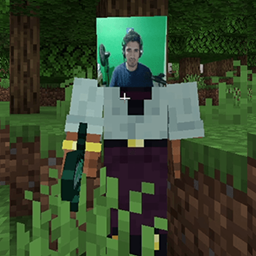
Community listing page, reviews may not be monitored by the author.
WebcamMod-Ported


No reviews yet
Forward port of WebcamMod for Minecraft 1.21.8 (Fabric). Displays your webcam feed on your player in real time. Works on LAN and online servers. Original mod by Lichcodes, ported by ak4ai. Requires installation on both client and server.

Community voices
Reviews
No reviews yet. Be the first to review this project!
Get it on
Available Platforms
Compatibility
Supported Environments
Runs entirely on the client. Works on vanilla servers.
About
Project Details
For authors
Embed Badge
If you're the author of this project, you can embed a live badge anywhere that supports HTML or Markdown. It updates automatically whenever ratings change.
Use HTML for any page that supports it, or Markdown for README files and Markdown-based descriptions.
Identifiers
Platform IDs
About
Description
📷 WebcamMod - Forward Port
Display your webcam feed on your Minecraft player in real time!

🎯 About This Mod
This is a forward port of the original WebcamMod created by Lichcodes, updated to work with Minecraft 1.21.8.
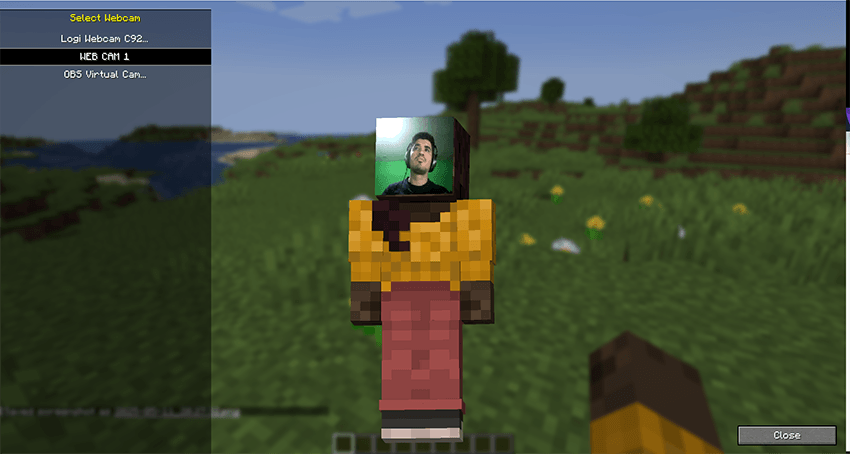
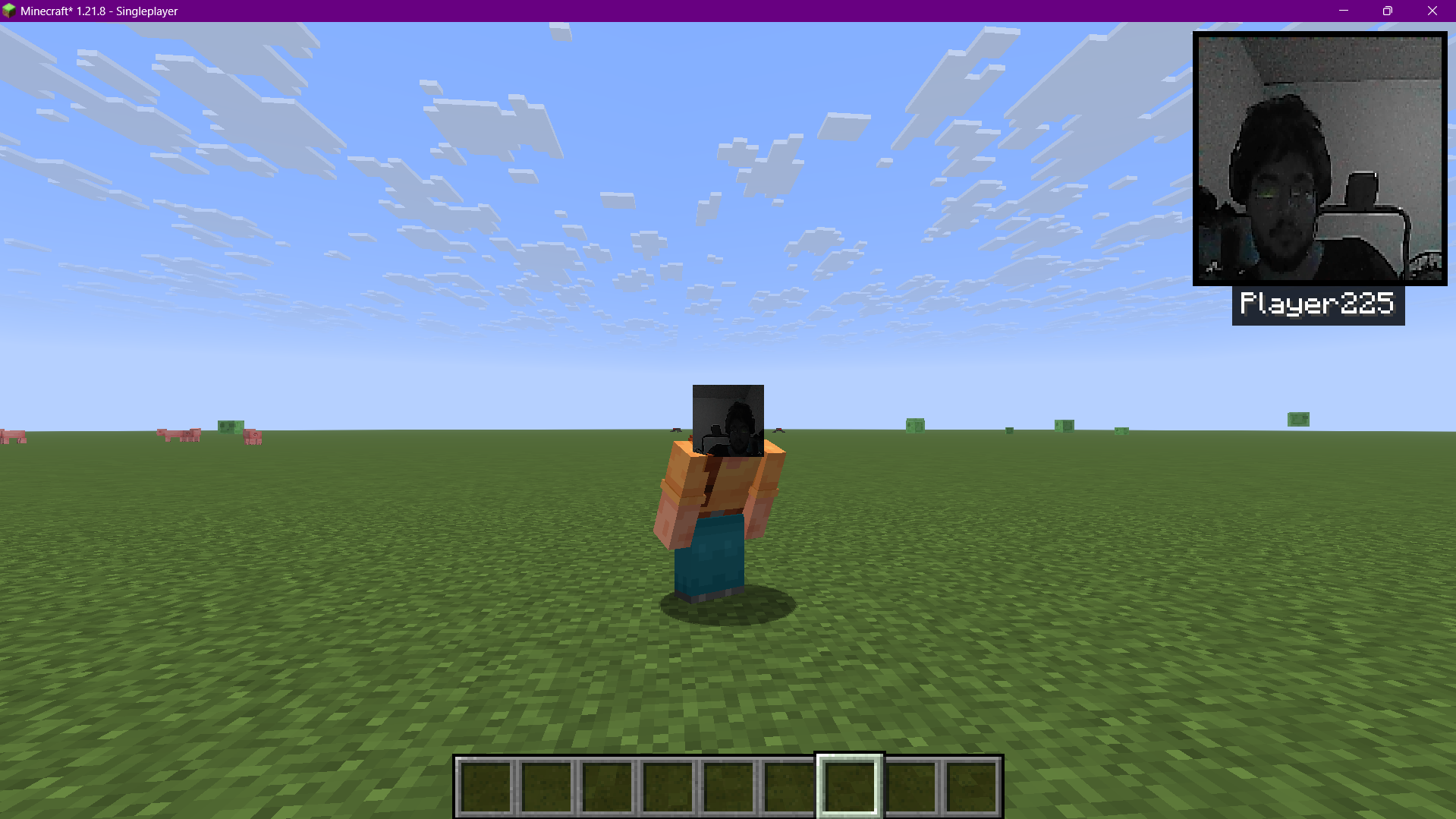
The mod captures your webcam feed and displays it on your player's face in real-time. Perfect for content creators, streamers, and anyone who wants to add a personal touch to their Minecraft experience!
📸 Screenshots
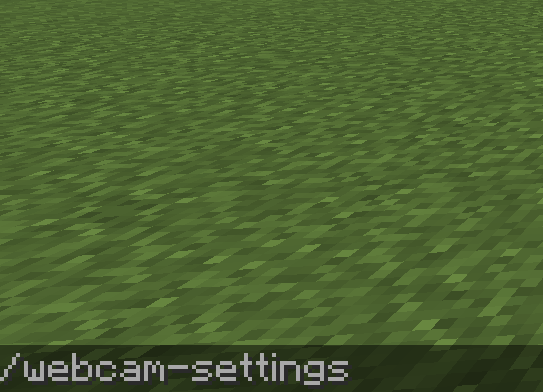
Webcam on player face |
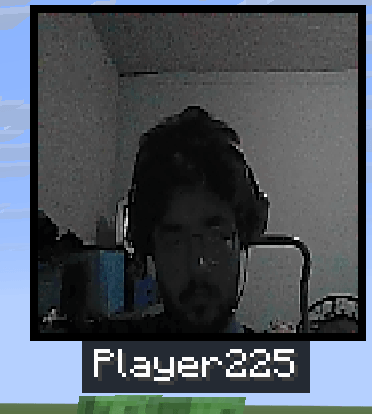
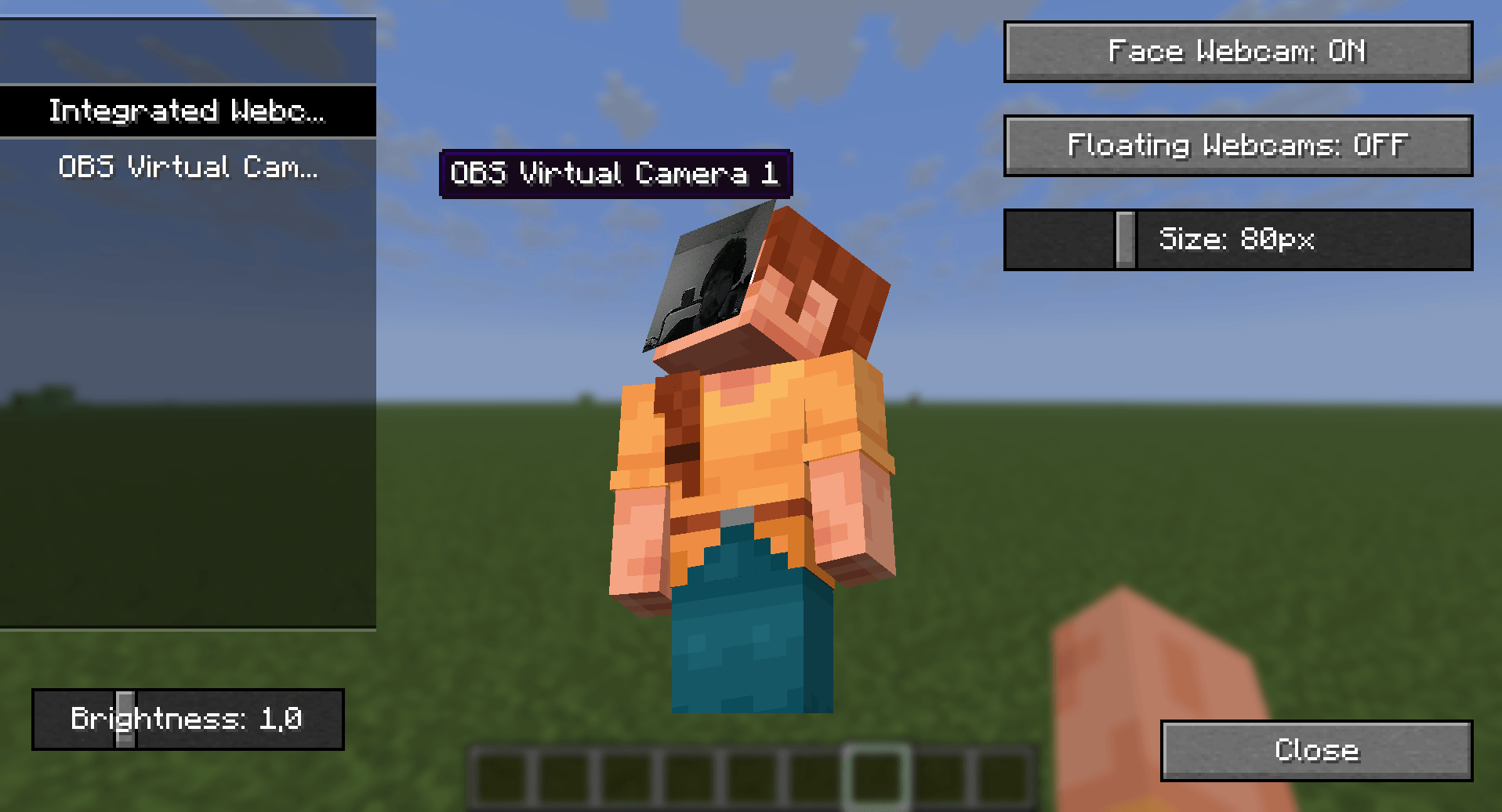
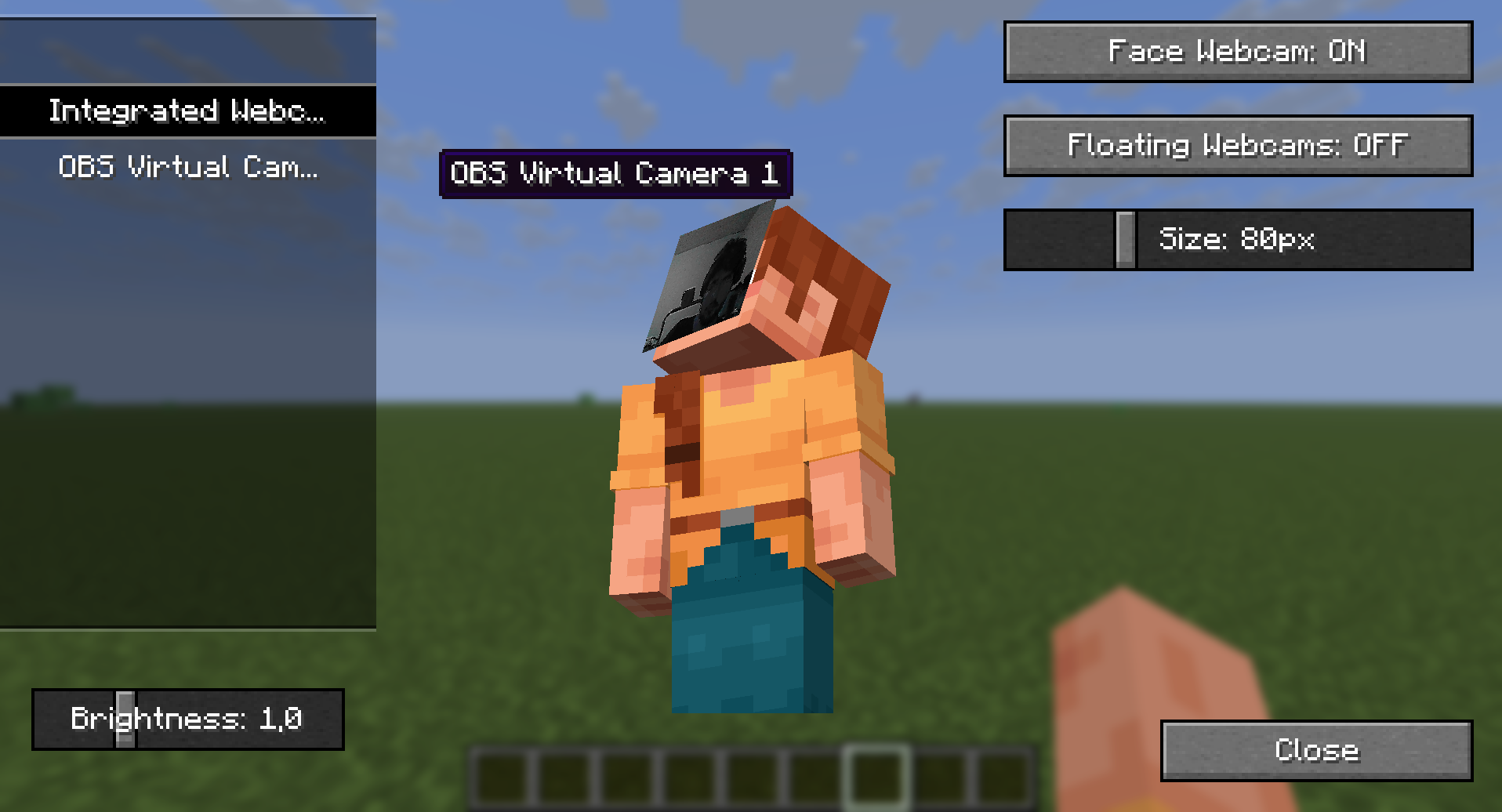
Settings menu |
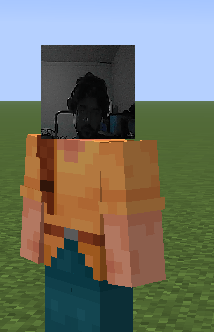
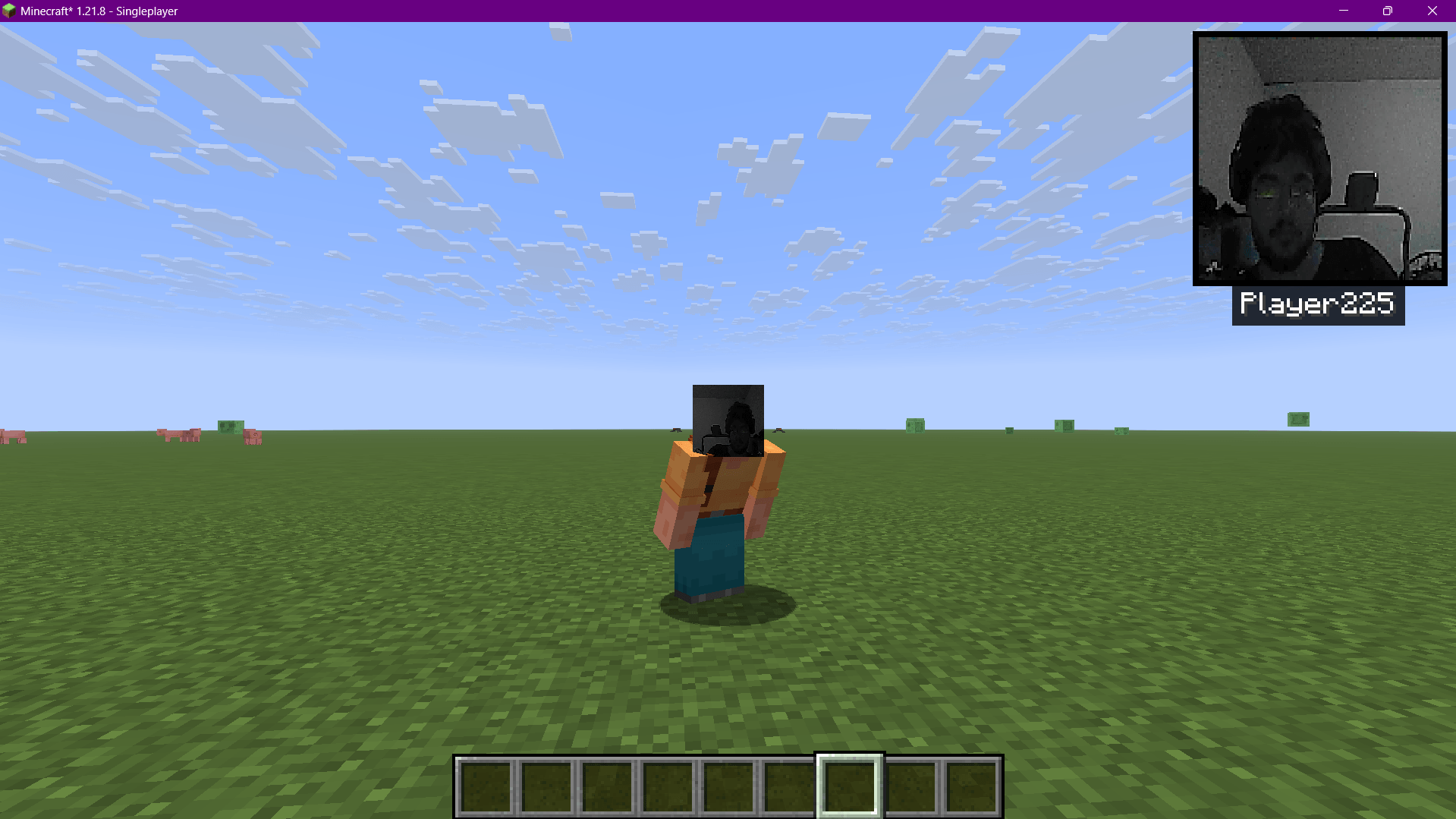
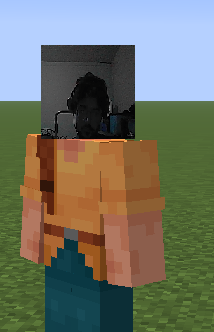
Multiplayer support |
✨ Features
🎥 Real-Time Webcam FeedYour webcam is displayed on your player's face in real-time with minimal latency. |
🌐 Multiplayer SupportWorks on LAN and online servers! Other players can see your webcam feed. |
⚙️ Device SelectionUse |
🔧 Easy SetupJust install and play! No complex configuration needed. |
📖 How to Use
- Install the mod on both client and server (required for multiplayer)
- Launch Minecraft with Fabric Loader
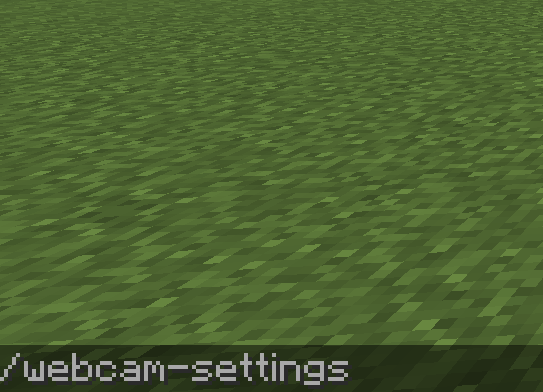
- Use the command
/webcam-settingsto select your webcam device - Enjoy! Your webcam feed will appear on your player's face
📋 Requirements
| Requirement | Version |
|---|---|
| Minecraft | 1.21.8 |
| Fabric Loader | 0.18.4+ |
| Fabric API | 0.136.1+ |
| Java | 21+ |
⚠️ Important Notice
🔒 Security Warning:
This mod should NOT be used on public servers. Only use it with people you trust. It may be possible to send malicious payloads that could crash your game or cause other issues. Use at your own risk.
📡 Server/Client Mod:
This mod must be installed on both the client and server for multiplayer functionality.
🙏 Credits
🎨 Original CreatorAll credit for the original concept and implementation |
🔧 Forward PortUpdated for Minecraft 1.21.8 |
🔗 Links
📦 GitHub (ak4ai) 🔗 Original Repository ▶️ Original Video
🎬 Showcase
Watch the original showcase video by Lichcodes:

WebcamMod Forward Port v1.0 | Original mod by Lichcodes | Port by ak4ai
Licensed under CC0-1.0
📷 WebcamMod - Forward Port
Display your webcam feed on your Minecraft player in real time!
🎯 About This Mod
This is a forward port of the original WebcamMod created by Lichcodes, updated to work with Minecraft 1.21.8.
The mod captures your webcam feed and displays it on your player's face in real-time. Perfect for content creators, streamers, and anyone who wants to add a personal touch to their Minecraft experience!
📸 Screenshots
| Webcam on player face | Settings menu | Multiplayer support |
|---|---|---|
|
|
|
✨ Features
🎥 Real-Time Webcam Feed
Your webcam is displayed on your player's face in real-time with minimal latency.
🌐 Multiplayer Support
Works on LAN and online servers! Other players can see your webcam feed.
⚙️ Device Selection
Use /webcam-settings to choose which webcam device to use.
🔧 Easy Setup
Just install and play! No complex configuration needed.
📖 How to Use
- Install the mod on both client and server (required for multiplayer)
- Launch Minecraft with Fabric Loader
- Use the command
/webcam-settingsto select your webcam device - Enjoy! Your webcam feed will appear on your player's face
📋 Requirements
| Requirement | Version |
|---|---|
| Minecraft | 1.21.8 |
| Fabric Loader | 0.18.4+ |
| Fabric API | 0.136.1+ |
| Java | 21+ |
⚠️ Important Notice
🔒 Security Warning:
This mod should NOT be used on public servers. Only use it with people you trust. It may be possible to send malicious payloads that could crash your game or cause other issues. Use at your own risk.
📡 Server/Client Mod:
This mod must be installed on both the client and server for multiplayer functionality.
🙏 Credits
| 🎨 Original Creator | 🔧 Forward Port |
|---|---|
| Lichcodes | ak4ai |
| YouTube Channel | GitHub Profile |
| All credit for the original concept and implementation | Updated for Minecraft 1.21.8 |
🔗 Links
🎬 Showcase
Watch the original showcase video by Lichcodes:
WebcamMod Forward Port v1.0 | Original mod by Lichcodes | Port by ak4ai Licensed under CC0-1.0
Screenshots
Gallery
-
 Captura de tela 2026-02-16 002251.png Captura de tela 2026-02-16 002251.png
 -
 Captura de tela 2026-02-16 002217.png Captura de tela 2026-02-16 002217.png
 -
 Captura de tela 2026-02-16 002145.png Captura de tela 2026-02-16 002145.png
Versions
Files
Relations
Project Relations
More like this
Similar Mods
Suggestions use data such as tags, dependencies, dependents, descriptions, titles, and more to rank how much they overlap with this mod.
On ModDex
Community snapshot
By the numbers
Statistics

Get it on
Available Platforms
On ModDex
Community snapshot
By the numbers