
Community listing page, reviews here may not be monitored by the author.
WFinder


No reviews yet
A simple ore finder mod that helps players locate nearby ores easily with a smart compass. 🧭✨
Community voices
Reviews
No reviews yet. Be the first to review this project!
Get it on
Available Platforms
Compatibility
Supported Environments
Must be installed on both the client and the server.
About
Project Details
For authors
Embed Badge
If you're the author of this project, you can embed a live badge anywhere that supports HTML or Markdown. It updates automatically whenever ratings change.
Use HTML for any page that supports it, or Markdown for README files and Markdown-based descriptions.
Identifiers
Platform IDs
Resources
External Links
About
Description
🧭 WFinder
WFinder is a handy Minecraft mod that adds a custom directional compass to help you locate hidden ores effortlessly! 💎⛏️
✨ Key Features
- ⛏️ Deepslate Supported: Detects both standard blocks and deepslate variants (Diamond, Gold, Iron, and Ancient Debris).
- 📡 40-Block Detection Radius: Quickly scans nearby blocks up to a 40-block radius.
- ⌨️ Easy Selection Menu: Hold the compass in your hand and press R to choose your target ore.
- 📍 Exact Coordinates: Displays exact coordinates and distance directly in your action bar/chat.
🎮 How to Use
1. Hold the WFinder Compass in your main hand.
2. Press R to open the Ore Selection Screen.
3. Choose the ore you want to find.
4. Follow the coordinates to find your ore! 🚀
📥 Installation Guide
🟢 For Fabric:
1. Download and install Fabric Loader.
2. ⚠️ REQUIRED: Download Fabric API and put the `.jar` file into your `.minecraft/mods` folder!
3. Download WFinder (Fabric version) and place it into your `.minecraft/mods` folder.
🟠 For Forge:
1. Download and install Minecraft Forge.
2. Download WFinder (Forge version) and place it into your `.minecraft/mods` folder.

WFinder is a handy Minecraft mod that adds a custom directional compass to help you locate hidden ores effortlessly! 💎⛏️
✨ Key Features
- ⛏️ Deepslate Supported: Detects both standard blocks and deepslate variants (Diamond, Gold, Iron, and Ancient Debris).
- 📡 40-Block Detection Radius: Quickly scans nearby blocks up to a 40-block radius.
- ⌨️ Easy Selection Menu: Hold the compass in your hand and press
Rto choose your target ore. - 📍 Exact Coordinates: Displays exact coordinates and distance directly in your action bar/chat.
🎮 How to Use
- Hold the WFinder Compass in your main hand.
- Press
Rto open the Ore Selection Screen. - Choose the ore you want to find.
- Follow the coordinates to find your ore! 🚀
📥 Installation Guide
🟢 For Fabric:
- Download and install Fabric Loader.
- ⚠️ REQUIRED: Download Fabric API and put the
.jarfile into your.minecraft/modsfolder! - Download WFinder (Fabric version) and place it into your
.minecraft/modsfolder.
🟠 For Forge:
- Download and install Minecraft Forge.
- Download WFinder (Forge version) and place it into your
.minecraft/modsfolder.
Screenshots
Gallery
-
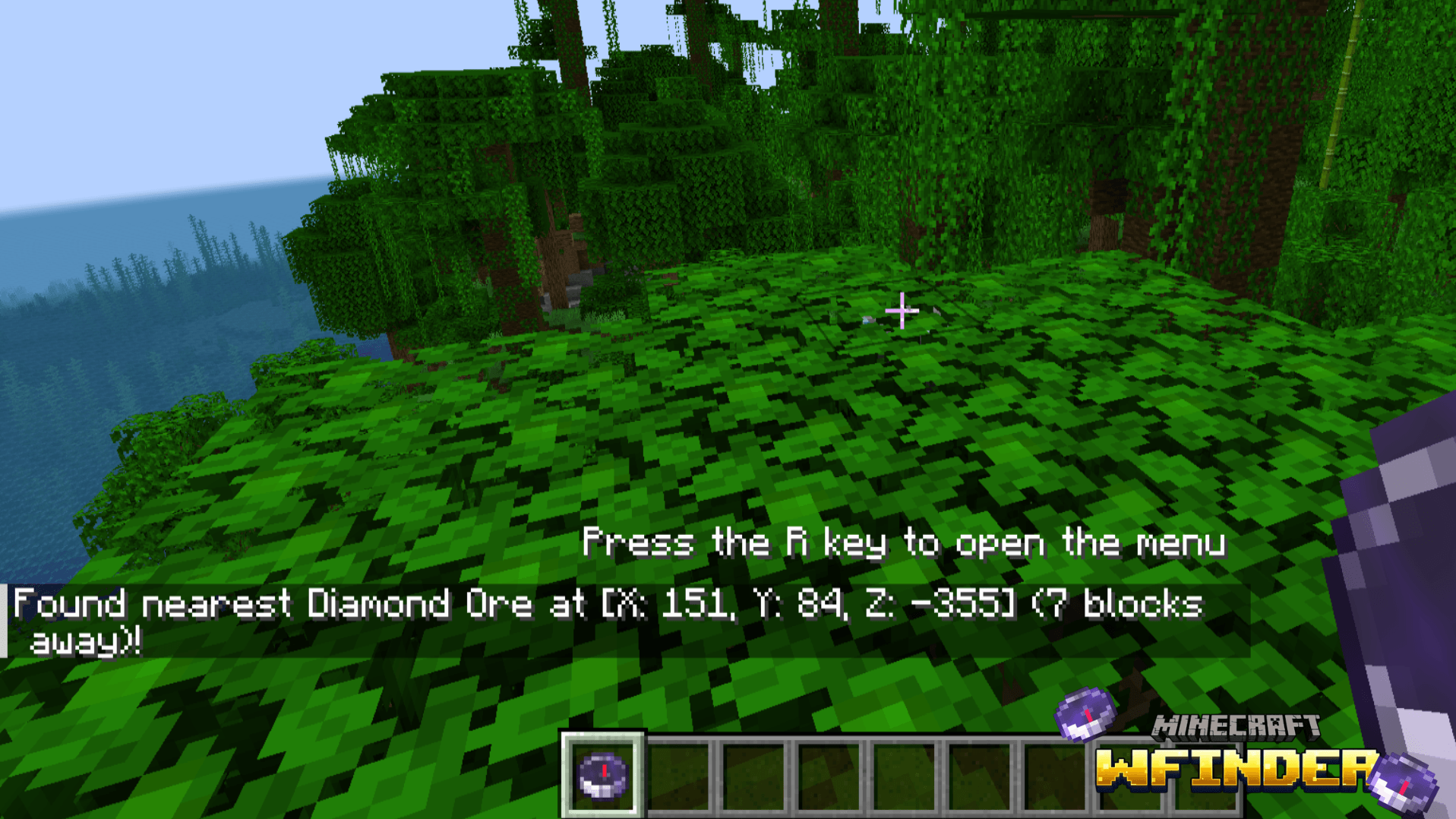 WFinder2 Thiết kế chưa có tên (1).png
 -
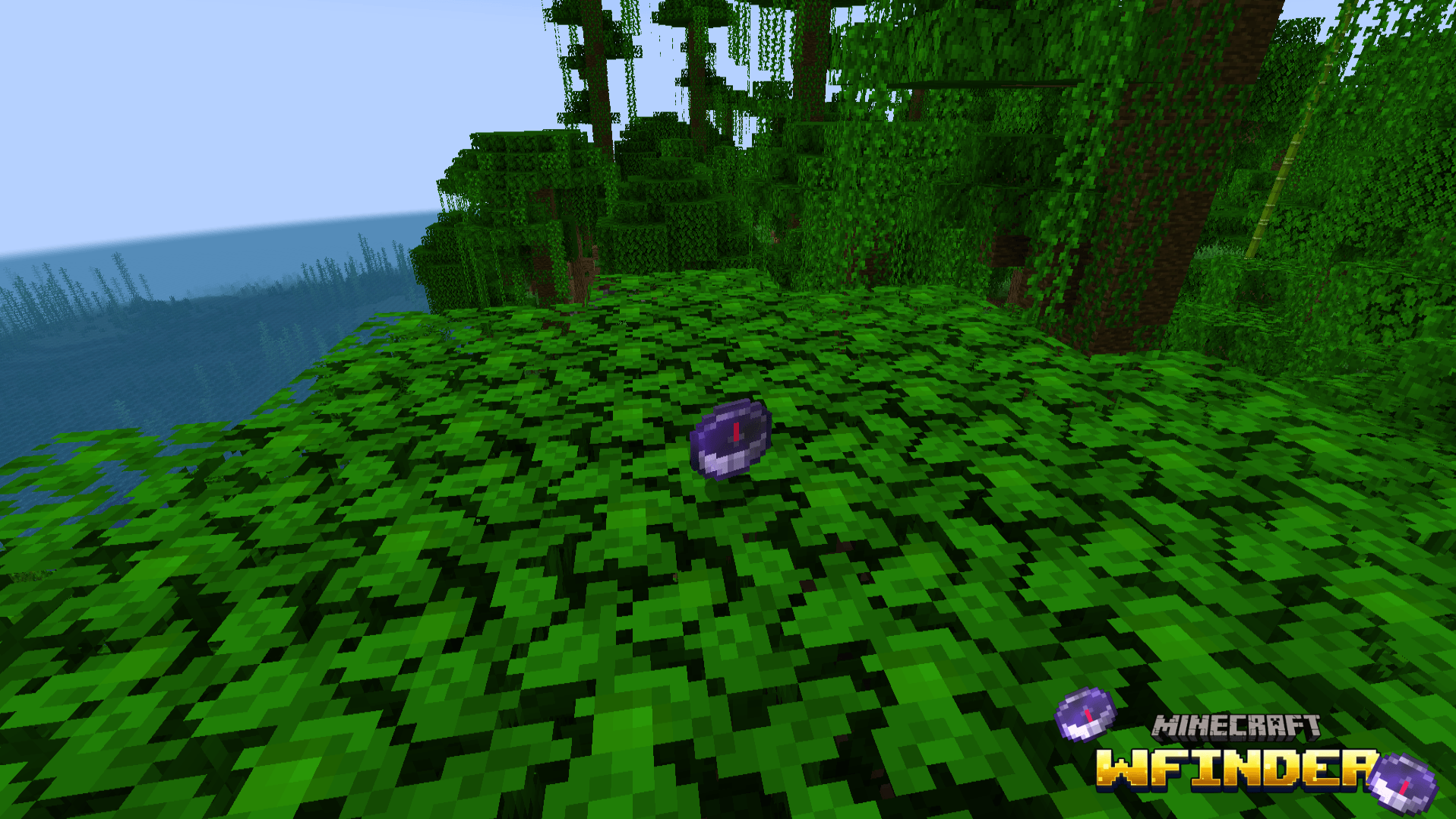 WFinder1 Thiết kế chưa có tên.png
-
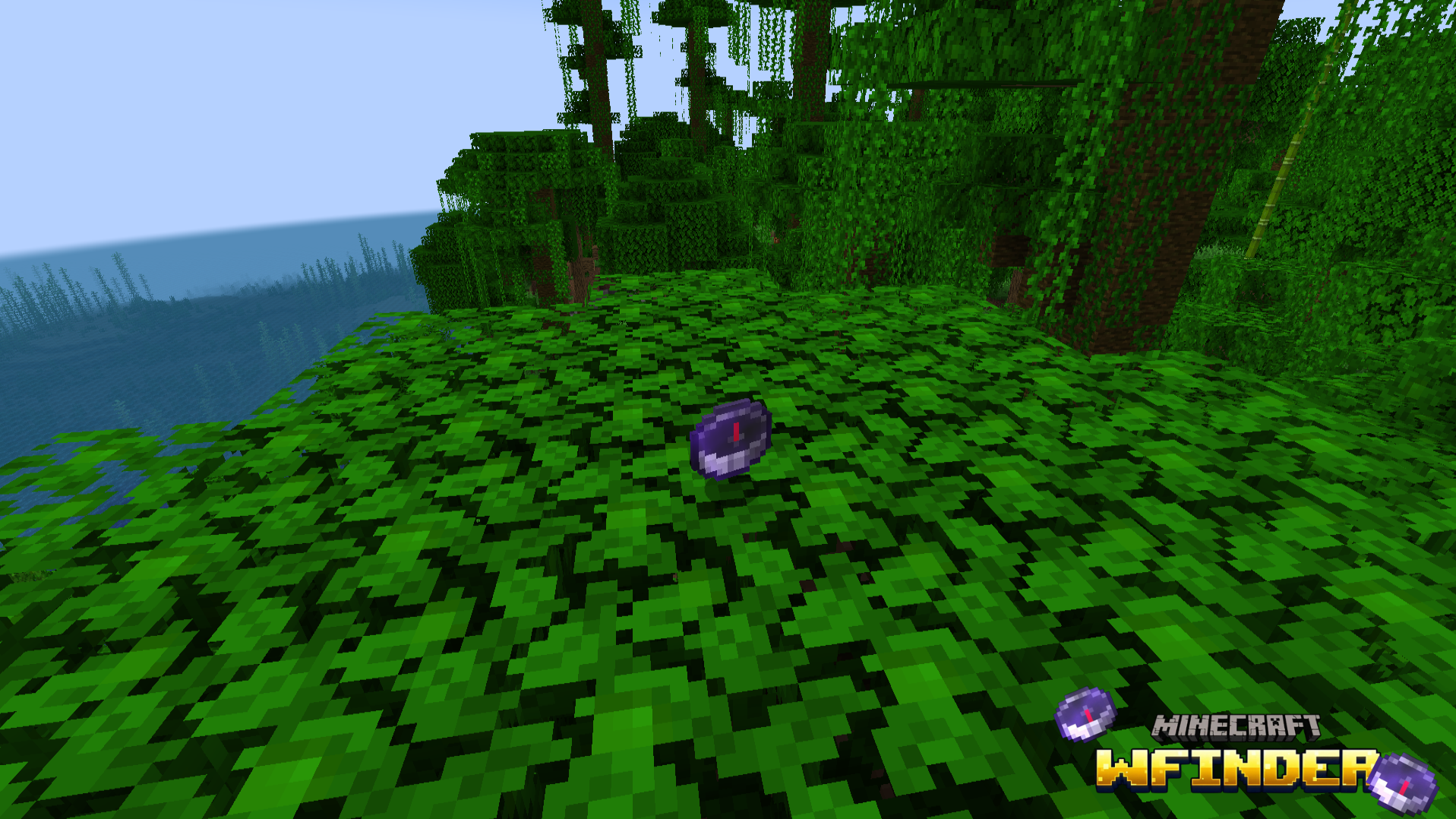 WFinder1
 -
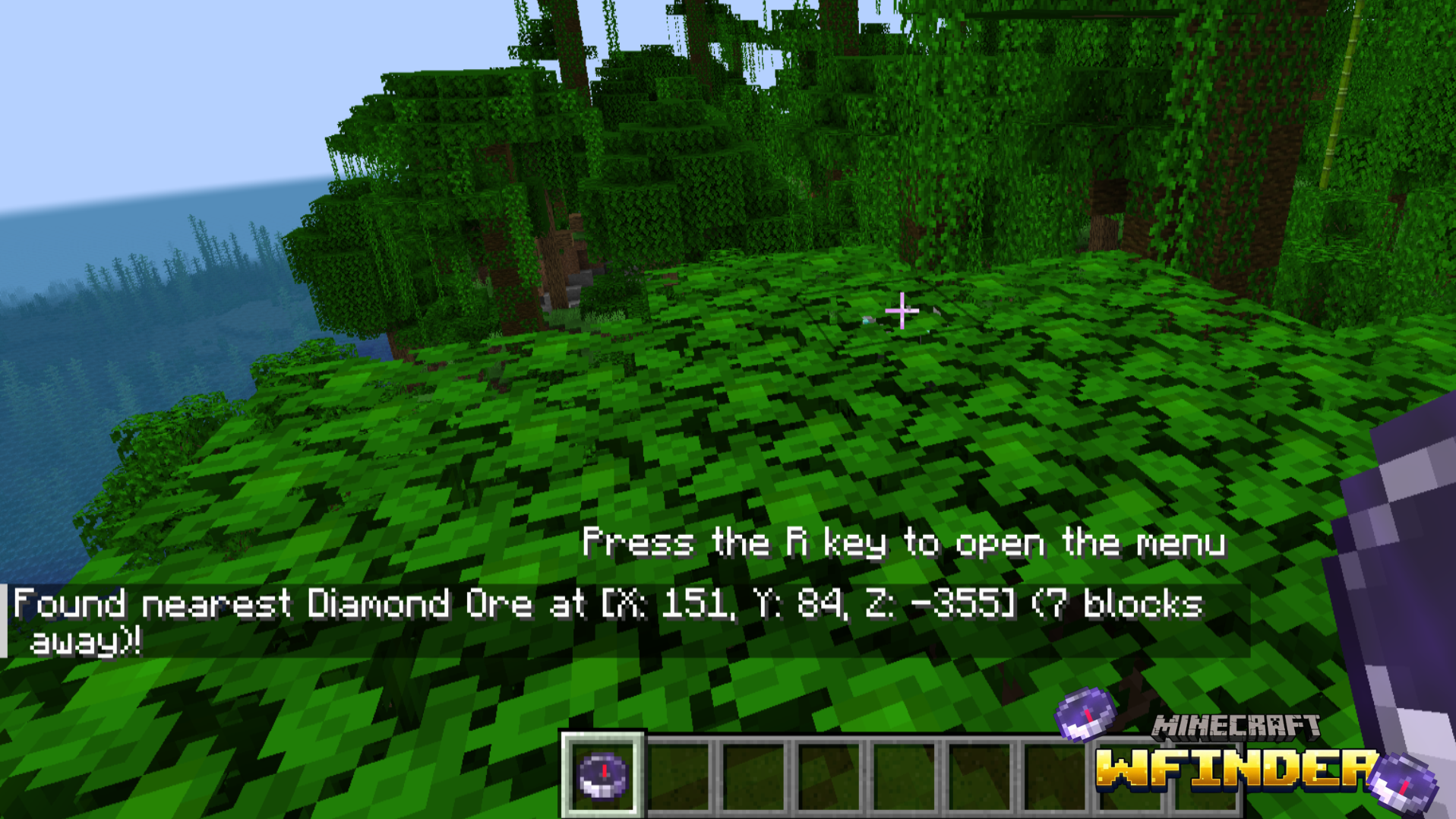 WFinder2
Versions
Files
Relations
Project Relations
More like this
Similar Mods
Suggestions use data such as tags, dependencies, dependents, descriptions, titles, and more to rank how much they overlap with this mod.
On ModDex
Community snapshot
By the numbers
Statistics
Want to reach Minecraft players?
We're looking for a server hosting partner to feature here and other parts of the site. Interested? Send us a message!
Get in touchGet it on
Available Platforms
On ModDex
Community snapshot
By the numbers
Statistics
Resources