Community listing page, reviews here may not be monitored by the author.
Harry-Potter-Mod

No reviews yet
A mod that brings the magical universe of Harry Potter to Minecraft!

Community voices
Reviews
No reviews yet. Be the first to review this project!
Get it on
Available Platforms
About
Project Details
For authors
Embed Badge
If you're the author of this project, you can embed a live badge anywhere that supports HTML or Markdown. It updates automatically whenever ratings change.
Use HTML for any page that supports it, or Markdown for README files and Markdown-based descriptions.
Identifiers
Platform IDs
Resources
External Links
About
Description

Wiki: http://the-harry-potter-mod.wikia.com/wiki/The_Harry_Potter_Mod_Wiki
Please visit the wiki above for in-depth information about all of the added features to the game as well as crafting recipes, brewing recipes, general information etc.
The Harry Potter Mod is a mod that brings the magical universe of the Harry Potter series to Minecraft, it places the player in a world full of spells, curses and dark creatures, and much much more of course!
CURRENT FEATURES:


INSTALLATION:
- You will need to download and install MinecraftForge 1.12.1.
- Run the game once with the new profile created by forge.
- Download this mod from the above download link.
- Type “run” into the system search bar of your computer(windows button for windows users.)
- Then type “%appdata%” in the dialogue box that comes up, click Run.
- Navigate to the folder called “.minecraft”
- Place the downloaded .jar file of this mod into the folder called “mods”
- Run the game and enjoy the mod! 😊
Screenshots
Gallery
-
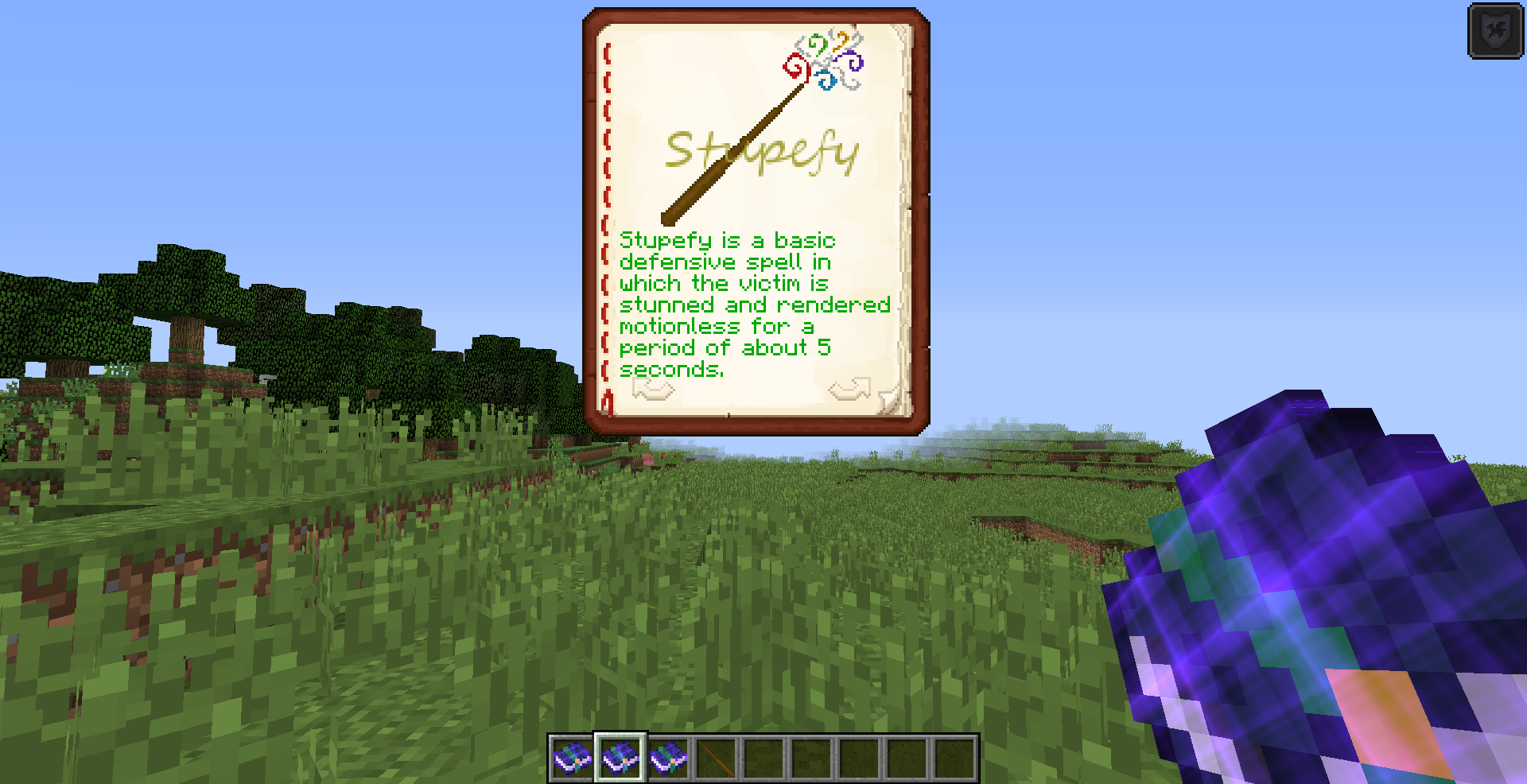 Book of Spells
 -
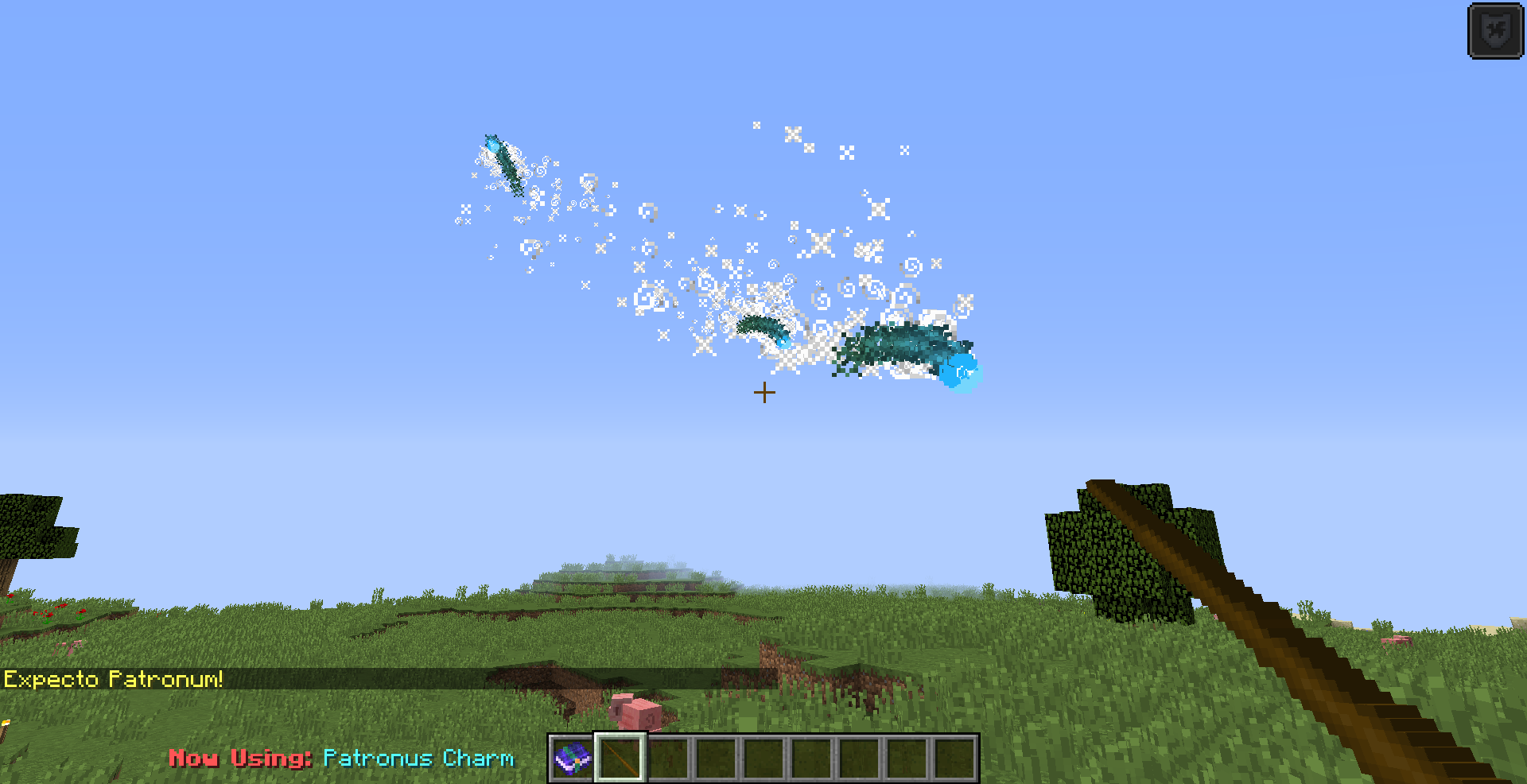 Patronus Charm
 -
 Title Image
Versions
Files
Relations
Project Relations
More like this
Similar Mods
Suggestions use data such as tags, dependencies, dependents, descriptions, titles, and more to rank how much they overlap with this mod.
On ModDex
Community snapshot
By the numbers
Statistics
 (opens in a new tab)
Get it on
Available Platforms
On ModDex
Community snapshot
By the numbers
Statistics
Resources