

Wither Dimension Whitelist (Forge)
Allows the player to configure what dimensions the Wither can spawn in when attempting to build it.
No ratings yet
Be the first to rate it.
Community listing page
Community listing page, reviews may not be monitored by the author.

Community voices
Reviews
No reviews yet. Be the first to review this project!
Get it on
Available Platforms
About
Project Details
For authors
Embed Badge
If you're the author of this project, you can embed a live badge anywhere that supports HTML or Markdown. It updates automatically whenever ratings change.
Use HTML for any page that supports it, or Markdown for README files and Markdown-based descriptions.
Identifiers
Platform IDs
About
Description
This mod will only allow the player to summon the wither if they are in a specific dimension. Perfect for modpacks that aim to change the trajectory of boss progression.
Setting up the config file:
- The config file can be accessed either in-game by using /config wither_dimension_filter COMMON, or through the wither_dimension_filter-common.toml file in the config folder.
- By default, the whitelisted dimensions are defined as ["minecraft:the_nether, "minecraft:the_end", "minecraft:overworld"]. You can add, edit, or remove dimensions from the whitelist using this format.
- Upon failing to summon the wither, the player will not be told which dimension(s) are valid unless "Show valid dimensions" is set to true in the config.
Screenshots
Gallery
-
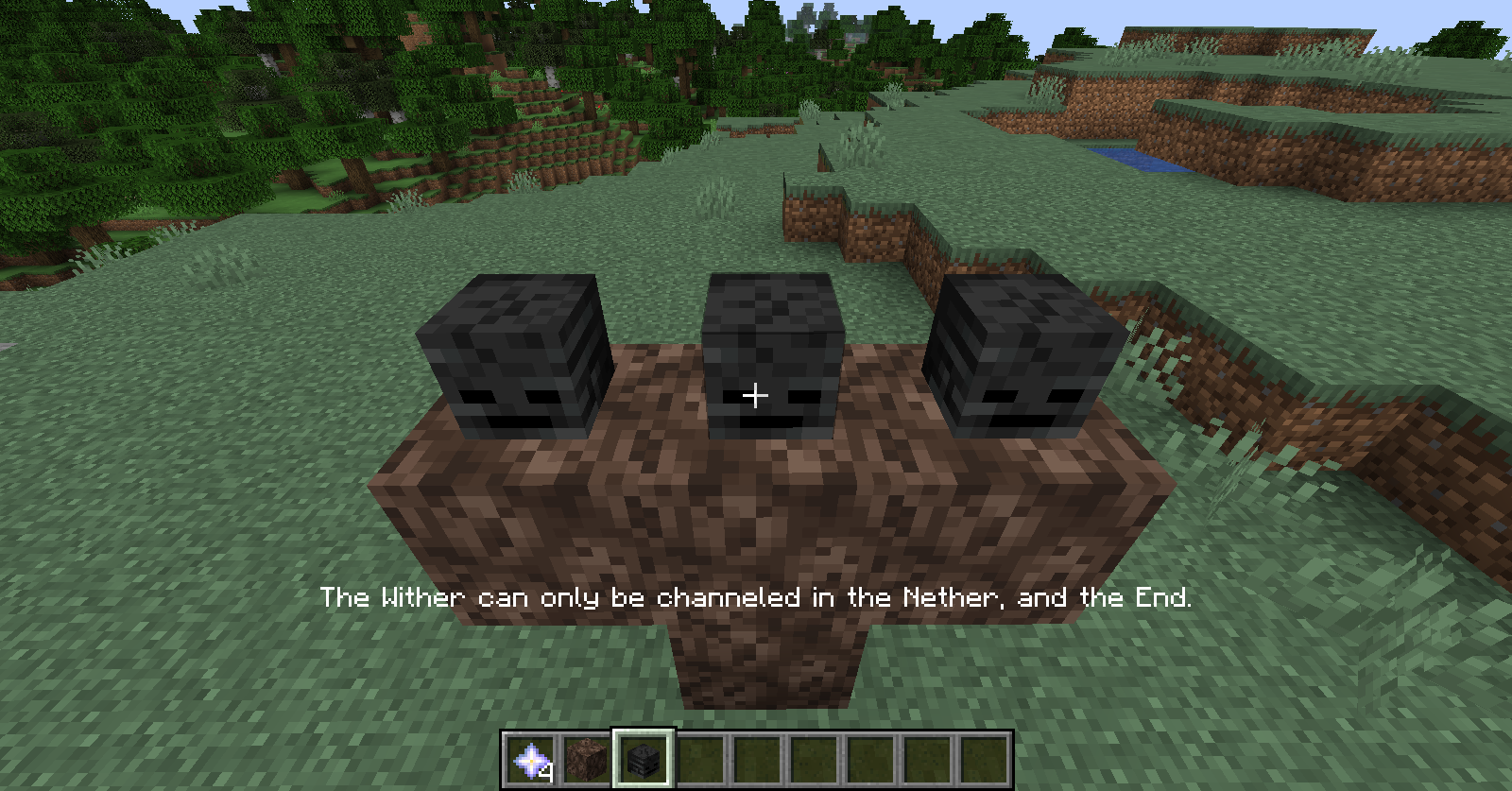 Wither Spawn Attempt
Versions
Files
Relations
Project Relations
More like this
Similar Mods
Suggestions use data such as tags, dependencies, dependents, descriptions, titles, and more to rank how much they overlap with this mod.
- Wither Dimension
- Wither Dimension [Discontinued]
- Wither Dimension Filter (Forge)
- Where's My Wither Storm?
- Wither Skeleton Tweaks
- Wither Spawn Fix [Fabric/Forge/Neoforge]
- Wither Spawn Animation
- Wither: Reincarnated
- Wither Skeleton Totem
- Wither Storm Combat
- Wither Spawn Fix W.S.A. Compatible
- Wither Drops Netherite Templates
Stats
- Downloads
- 5k
- Used in
- 6 modpacks
- Followers
- 0
- In stacks
- 0
- Created
- Last synced
-
Nov 3, 2026 7:31 AM UTC
New file updates sync automatically.
When ModDex last fully re-synced this project from CurseForge or Modrinth. A new file release triggers a resync usually within minutes, and every project is also re-synced on a schedule. Edits that don't ship a file, such as a new description or screenshots, are checked every few hours and can appear before this date changes.
How syncing works
External Links

Stats
- Downloads
- 5k
- Used in
- 6 modpacks
- Followers
- 0
- In stacks
- 0
- Created
- Last synced
-
Nov 3, 2026 7:31 AM UTC
New file updates sync automatically.
When ModDex last fully re-synced this project from CurseForge or Modrinth. A new file release triggers a resync usually within minutes, and every project is also re-synced on a schedule. Edits that don't ship a file, such as a new description or screenshots, are checked every few hours and can appear before this date changes.
How syncing works