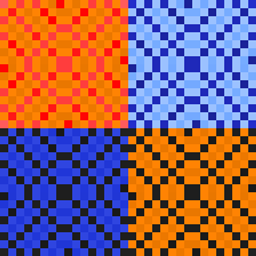
Community listing page, reviews here may not be monitored by the author.
WithoutAWallpaper

No reviews yet
Wallpaper to improve your buildings
Community voices
Reviews
No reviews yet. Be the first to review this project!
Get it on
Available Platforms
About
Project Details
For authors
Embed Badge
If you're the author of this project, you can embed a live badge anywhere that supports HTML or Markdown. It updates automatically whenever ratings change.
Use HTML for any page that supports it, or Markdown for README files and Markdown-based descriptions.
Identifiers
Platform IDs
About
Description

Current Features:
- two wallpaper designs with multiple colors
- Pasting Table where you can craft wallpapers with paper and one to three dyes
- possibility to add custom designs (see guide below)
Planned Features:
- more wallpaper designs
Adding custom designs:
- change "enableCustomDesigns" to true in the withoutawallpaper-server-config file
- add your custom design to "customDesigns" in the same file
- For example, if you want to add a design named "test" with two colors, where the first can be any color and the second can be blue or green, you need to add "test[all;blue,green]".
- each design must have an individual name
- each design can have one to three colors
- if you want you can send me your design on my discord (see below) that I can implement them in the mod
Adding resources for custom designs:
- resources must be located in "<game folder>/config/withoutawallpaper/CustomWallpaperResources/" or in a resource pack
- for each design you have to create a folder with the name of the design in "assets/withoutawallpaper/textures/block/wallpaper/"
- create a "design.png" file and a "color0" folder, for more than one color additionally a "color1" folder and for more than two colors additionally a "color2" folder (the design.png image will be shown in the pasting table design selection)
- in each "color0" / "color1" / "color2" folder you have to create a "<colorname>.png" file for each available color (for example "blue.png" or "light_gray.png")
- if you have a wallpaper with lime as first color and black as second color, color0/lime.png and color1/black.png will be rendered on top of each other
Any ideas on what I can improve / add or have a better texture for something?
Let me know:

Screenshots
Gallery
-
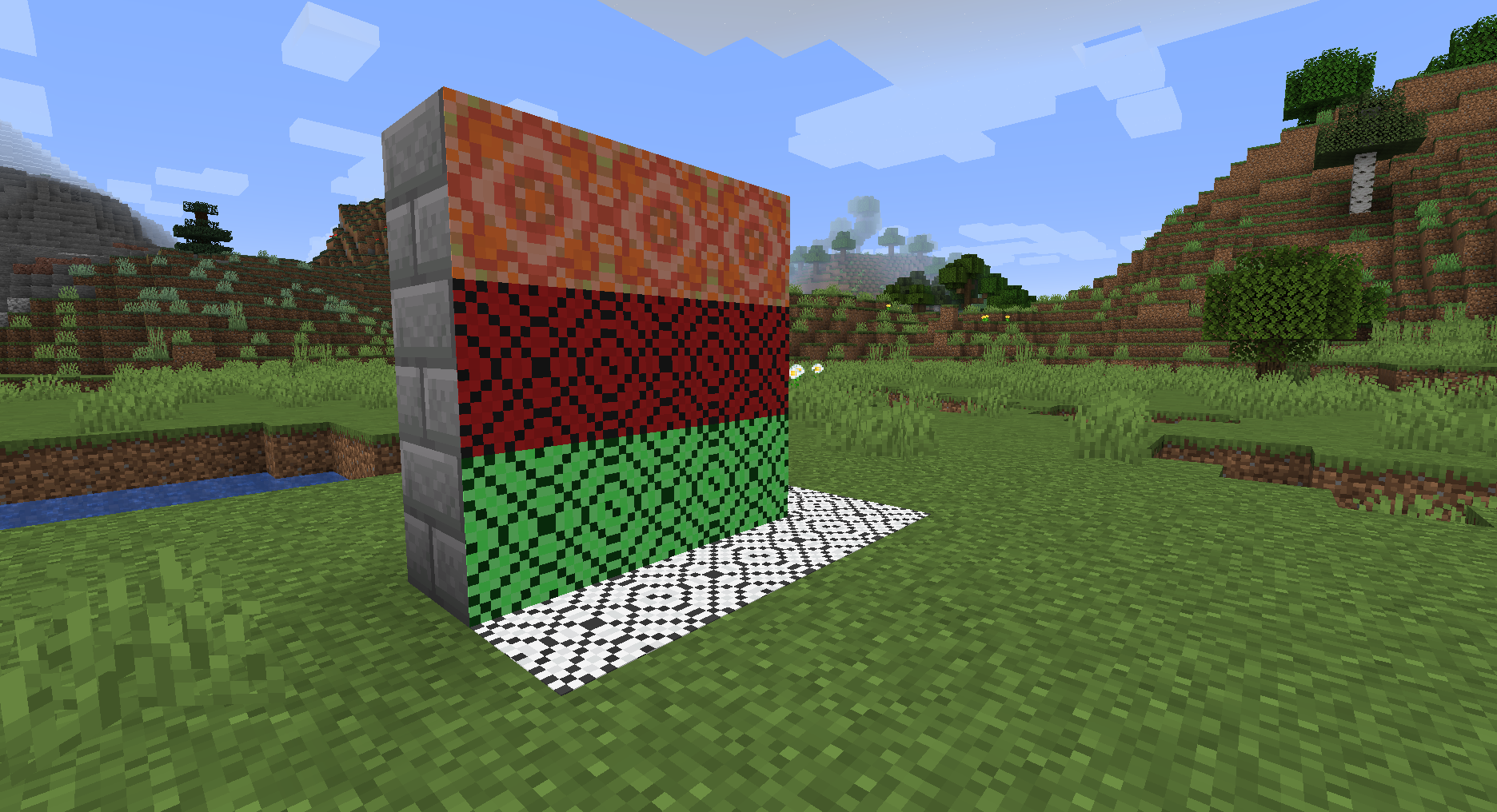 Wall with Wallpaper
 -
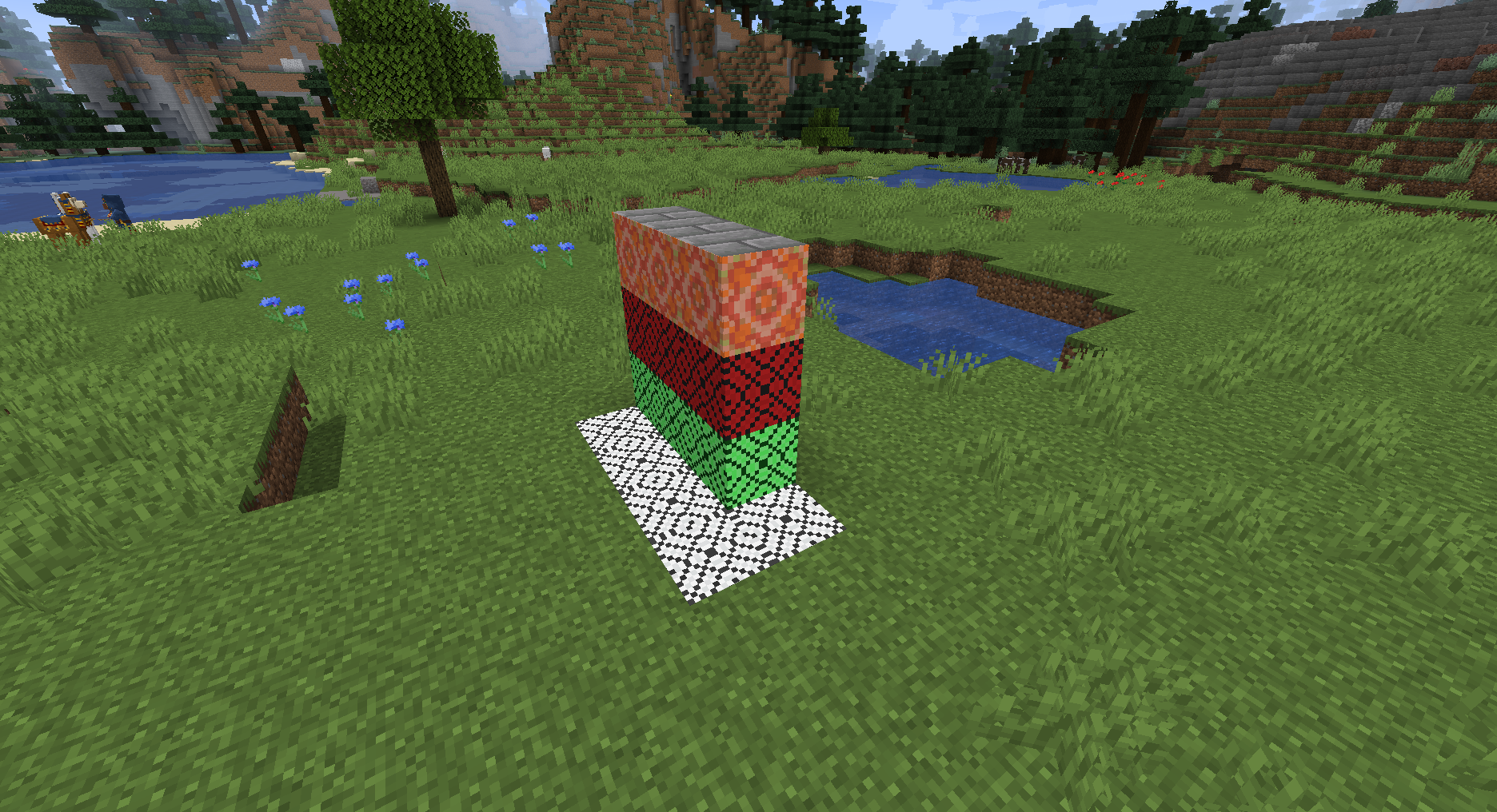 Wall with Wallpaper
 -
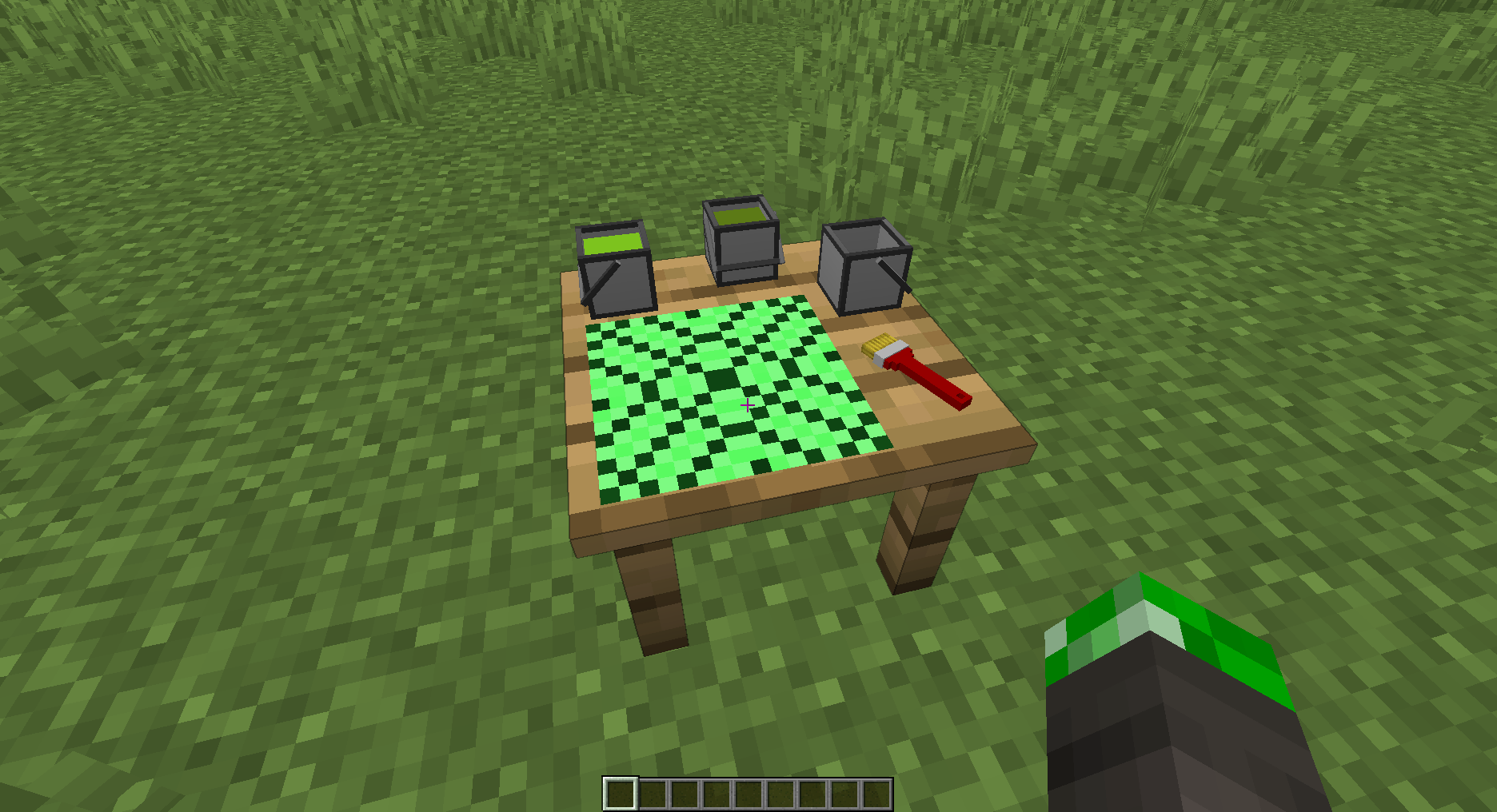 Pasting Table You can see the colors in the buckets and the wallpaper
 -
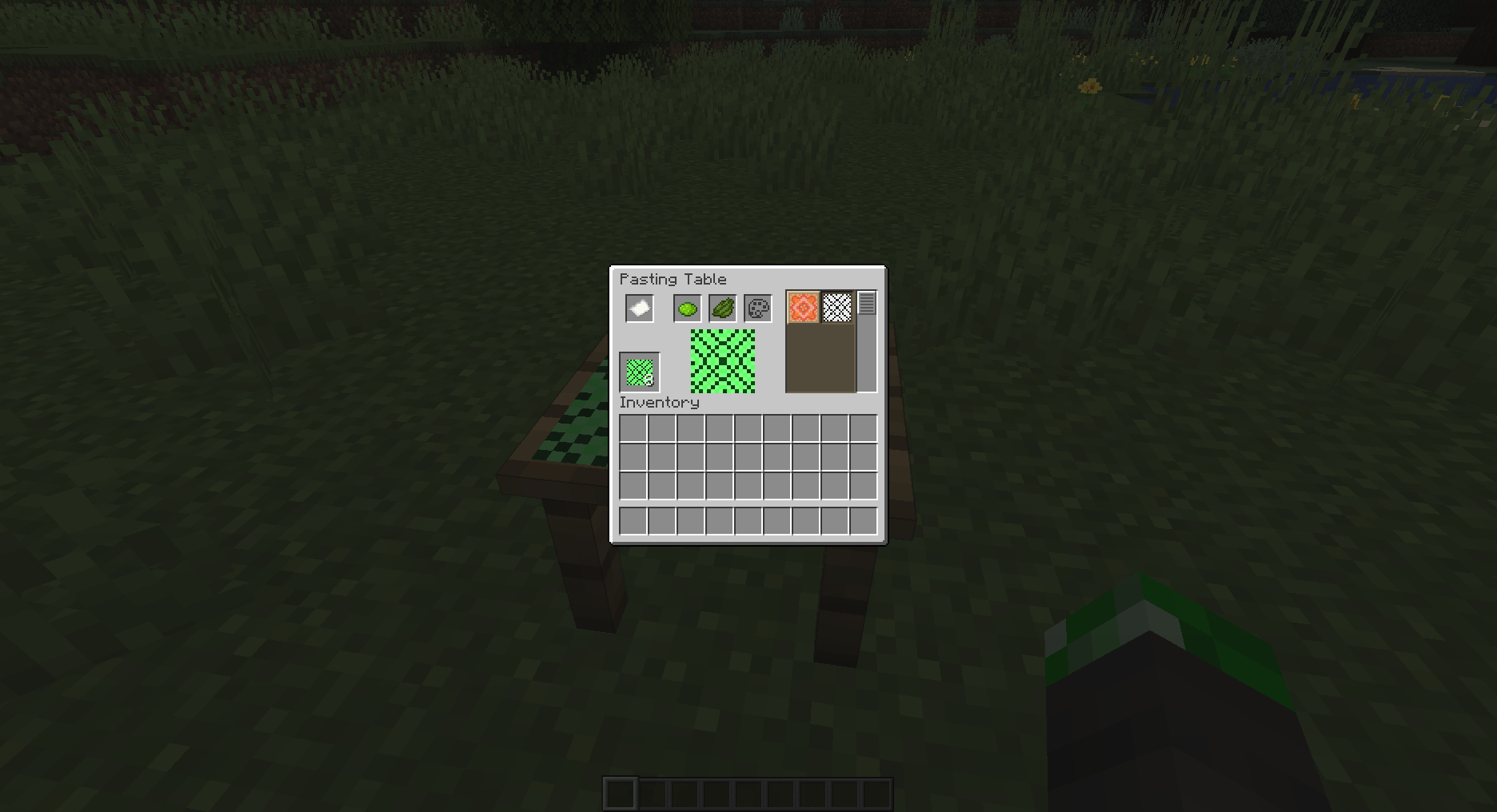 Crafting Wallpaper second design with different colors (all combinations of colors possible)
 -
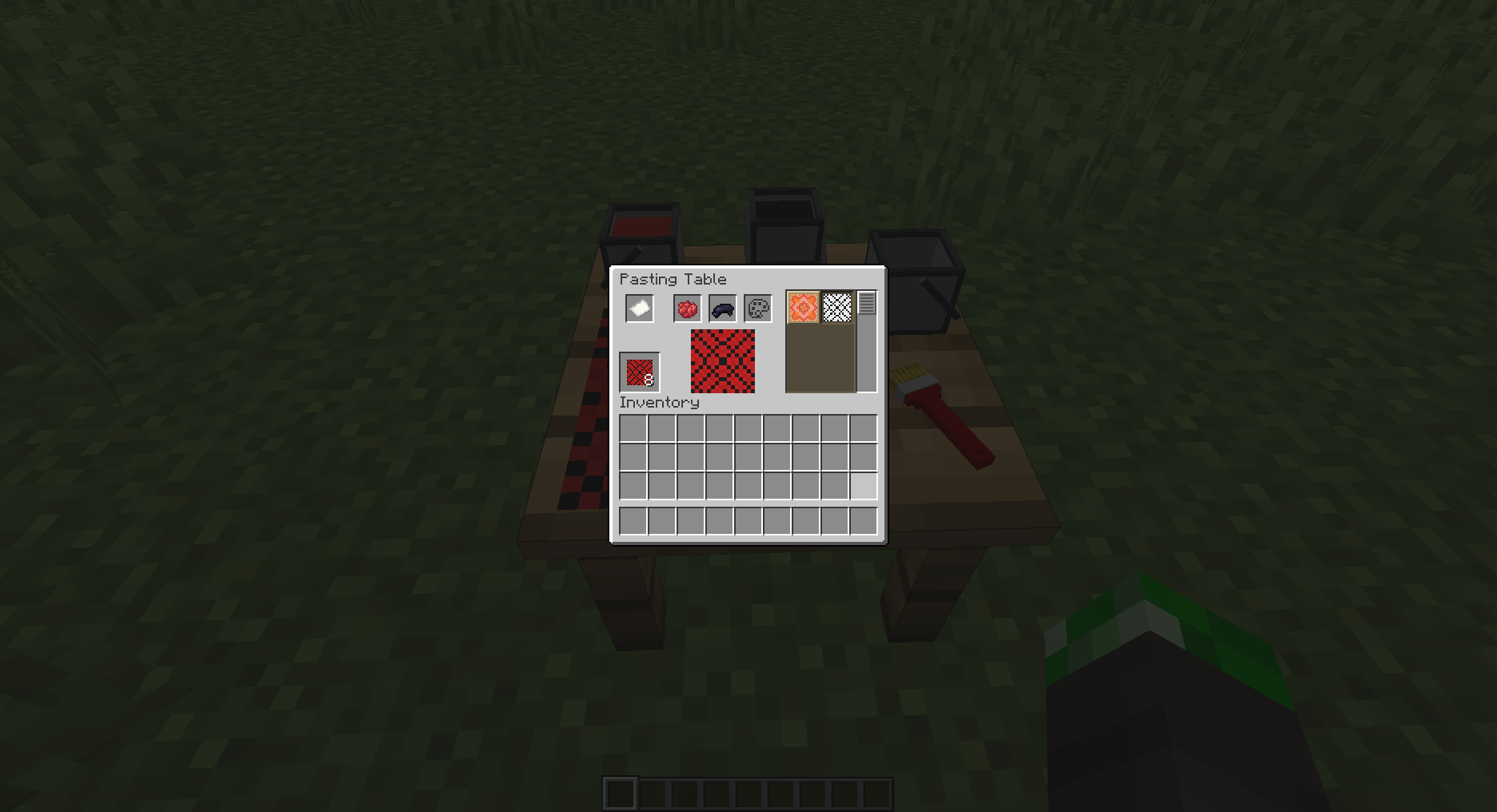 Crafting Wallpaper second design (all combinations of colors possible)
 -
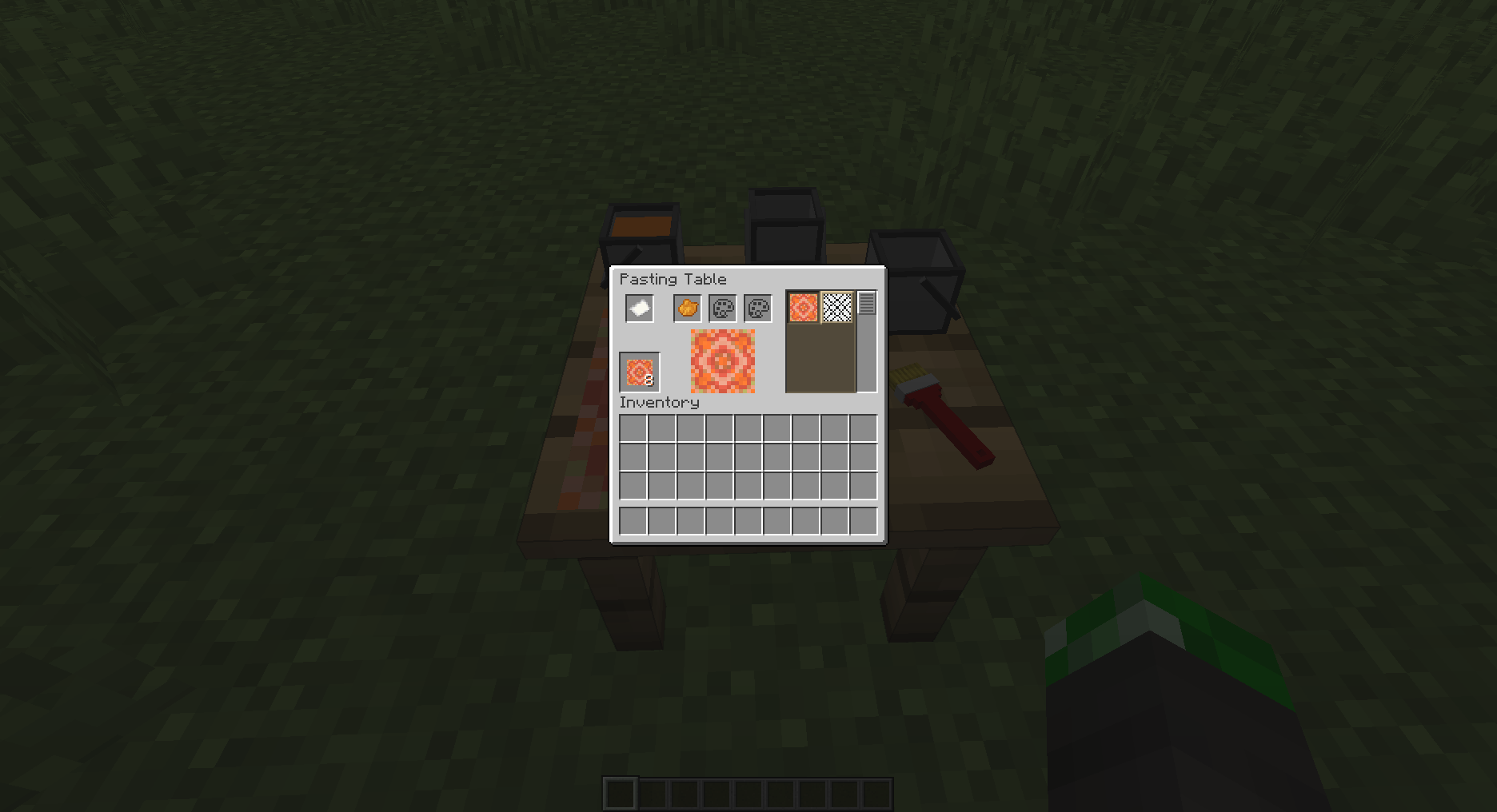 Crafting Wallpaper first design (only orange available)
Versions
Files
Relations
Project Relations
More like this
Similar Mods
Suggestions use data such as tags, dependencies, dependents, descriptions, titles, and more to rank how much they overlap with this mod.
On ModDex
Community snapshot
By the numbers
Statistics
Want to reach Minecraft players?
We're looking for a server hosting partner to feature here and other parts of the site. Interested? Send us a message!
Get in touchGet it on
Available Platforms
On ModDex
Community snapshot
By the numbers