Community listing page, reviews here may not be monitored by the author.
Womp's Friend Mod

No reviews yet
Adds custom player-like entities for you to tame and become friends with (You can customize them to whoever you'd like).

Community voices
Reviews
No reviews yet. Be the first to review this project!
Get it on
Available Platforms
About
Project Details
For authors
Embed Badge
If you're the author of this project, you can embed a live badge anywhere that supports HTML or Markdown. It updates automatically whenever ratings change.
Use HTML for any page that supports it, or Markdown for README files and Markdown-based descriptions.
Identifiers
Platform IDs
Resources
External Links
About
Description
This mod requires Fabric API
Have you ever wanted to add different players or people to your game for you to play with? If that's the case, this is the mod for you! This mod adds four player-like entities that you yourself can customize. They have the following default names but don't worry, you can change that too:
Steve (thick arms)
Alex (thin arms)
Steven (thick arms)
Alexa (thin arms)
It's also quite simple to tame each of them! You must simply feed them each their specific food:
Steve - steak
Alex - cooked pork chop
Steven - cooked mutton
Alexa - cooked chicken
They each have 20 hearts of health and to heal them, you can feed them any food item that is considered a meat.
If you would like to customize this mod, you can edit the resource pack in the source tab and add it to your game.
Please note: Steve is friend 1, Alex is friend 2, Steven is friend 3, and Alexa is friend 4.
A guide to edit the resource pack:
To change texture:
1) select any Minecraft skin texture that you would like to use
2) after you download the resource pack (or to add to any other one), open the main folder of the resource pack, then open the assets folder, then open the folder “friends” in this resource pack. From there open the folder titled textures
3) for whichever character you would like to change, remove that character’s texture, and rename your downloaded skin (must be a PNG) to that exact file name (ex: “friend1”). Then, move the downloaded skin into the folder in the place of the texture for friend1
Briefer version: open the resource pack folder and open assets, friends, textures, entity. Rename your downloaded skin file to one of the files depending one which friend you want to modify, and place your file in the folder
To change name:
1) open the folder of the resource pack and open both the assets and then friends folder
2) open the “lang” folder and open the file “en_us” (you can open it in whatever text editor you have)
3) find the name of the friend you would like to modify and without removing the quotation marks, just simply replace the name for both the entity and spawn egg (ex: “Steve” to “{selected name}”
**don’t forget to save your changes**
Briefer version: open the resource pack and then open assets, friends, lang, and the file en_us. Find the name of the friend whose name you want to change and replace it with whatever you may wish.
Screenshots
Gallery
-
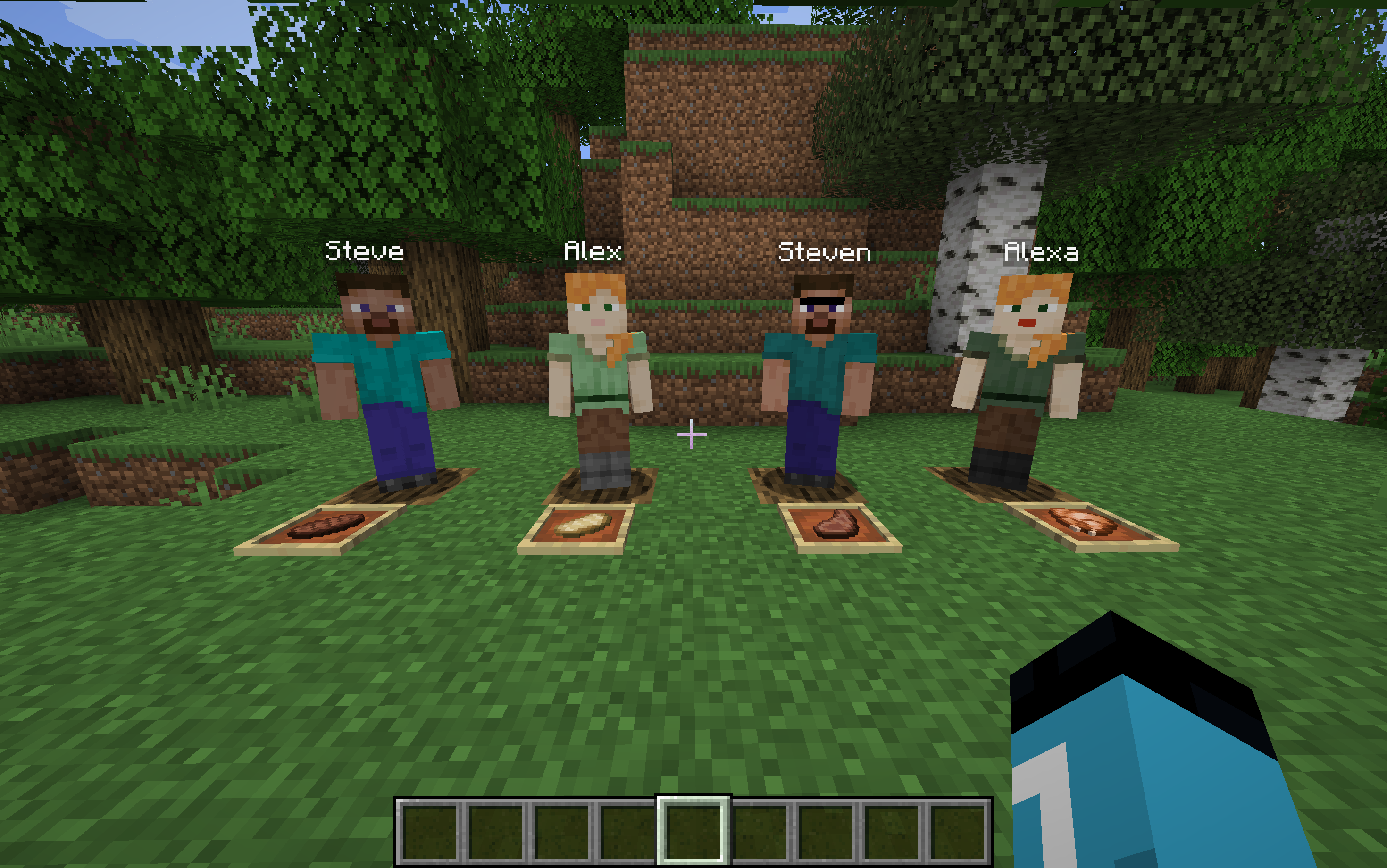 All of the friends Without HUD hidden
 -
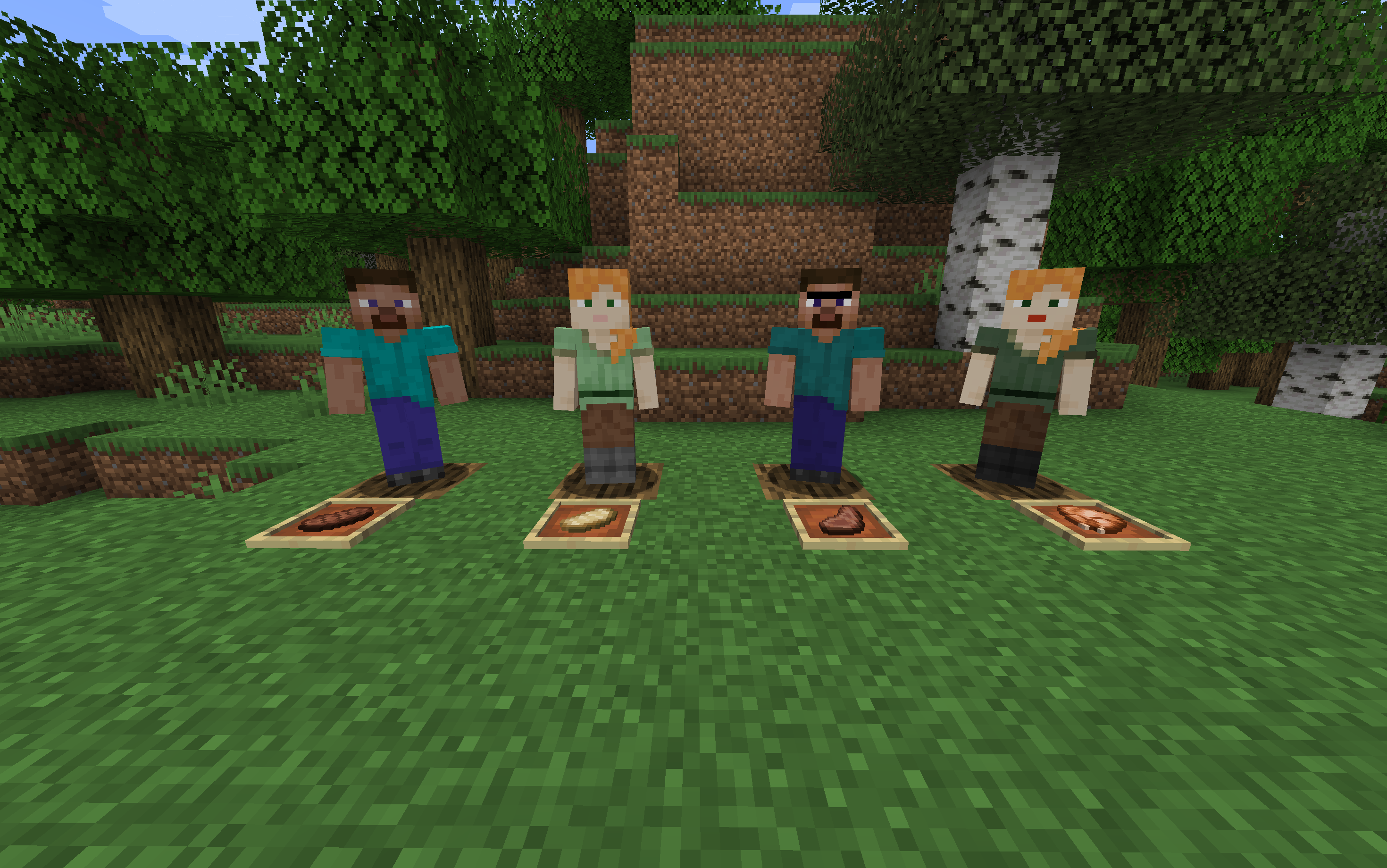 All of the friends With HUD hidden
 -
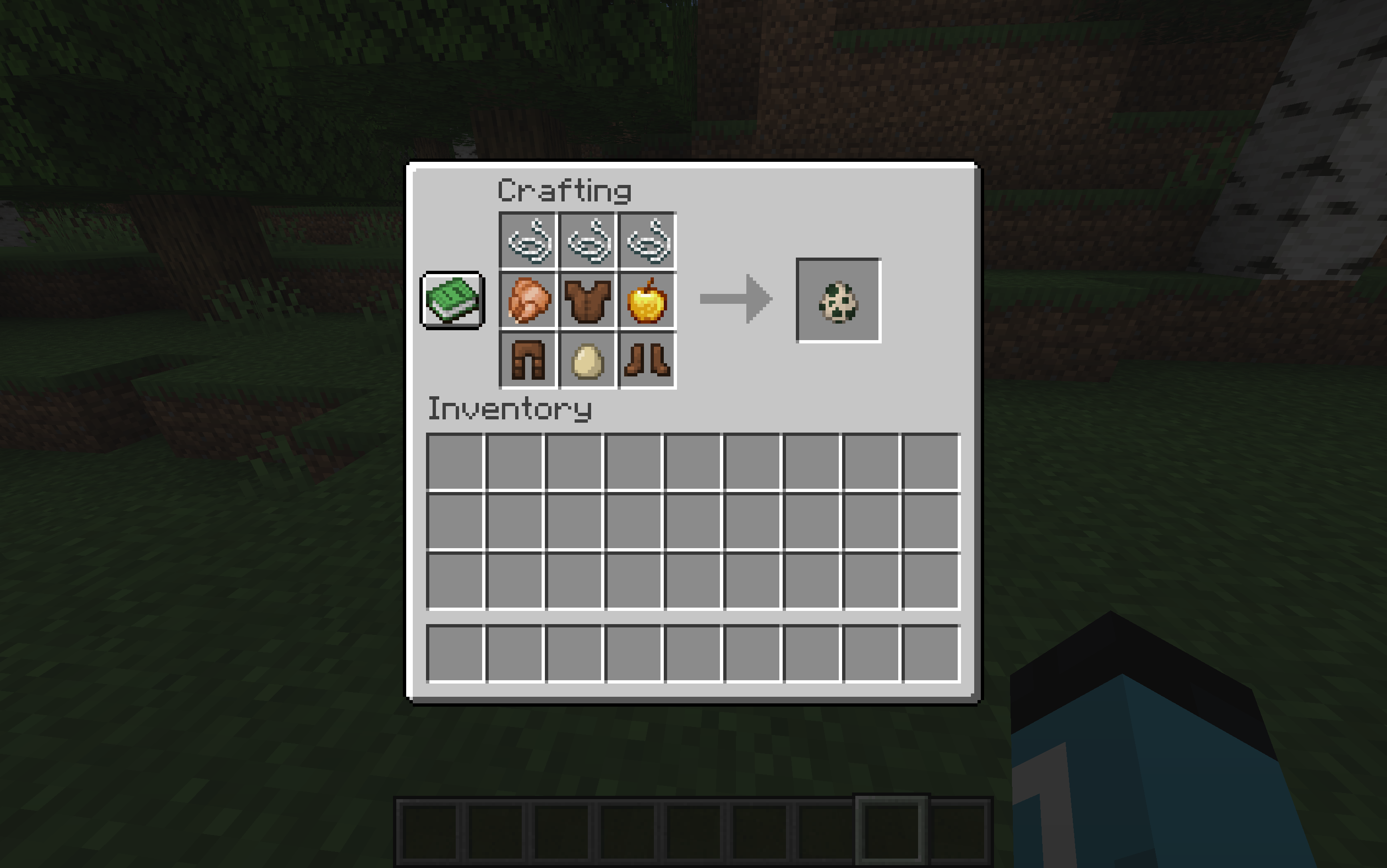 Friend 4 Spawn Egg
 -
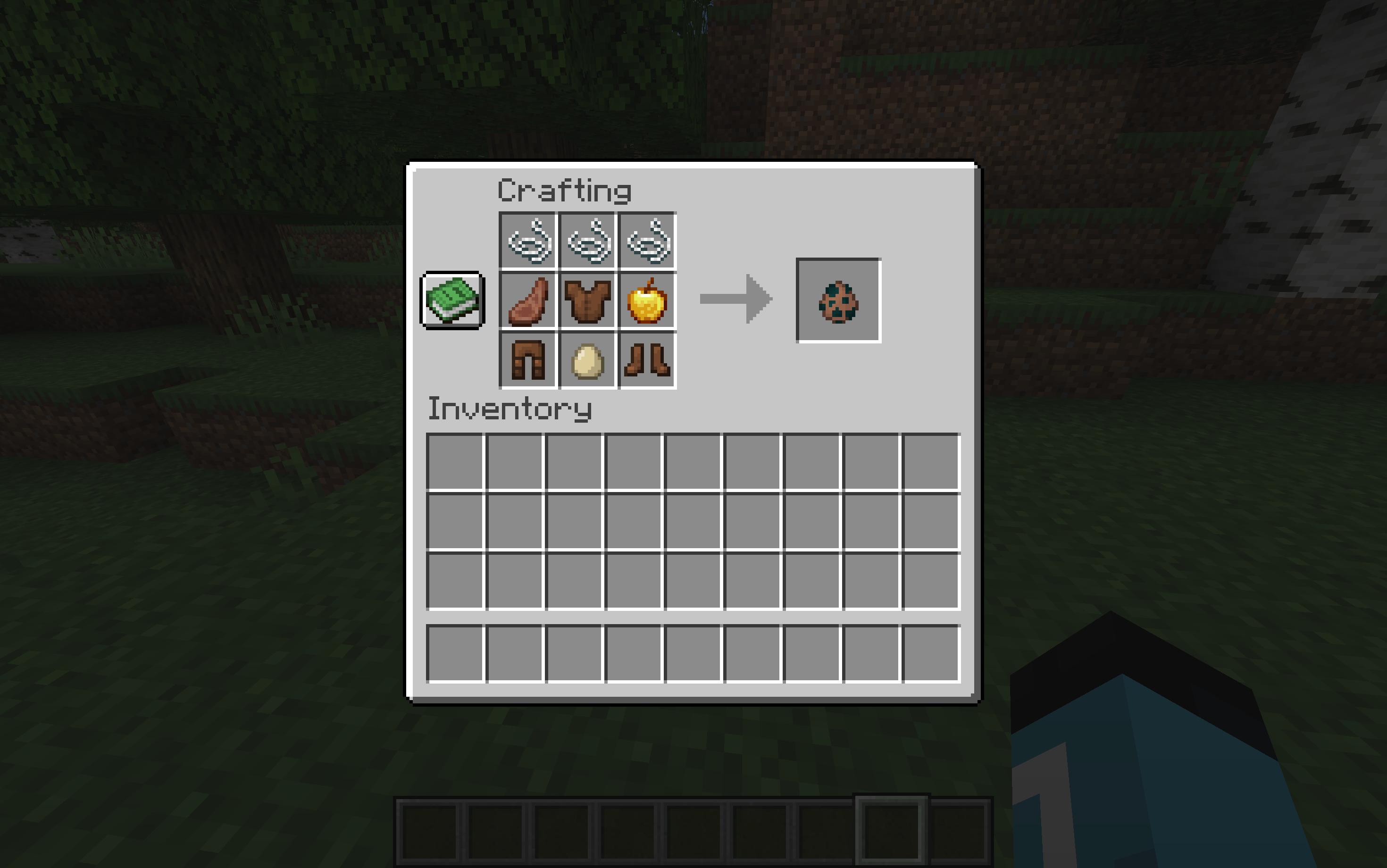 Friend 3 Spawn Egg
 -
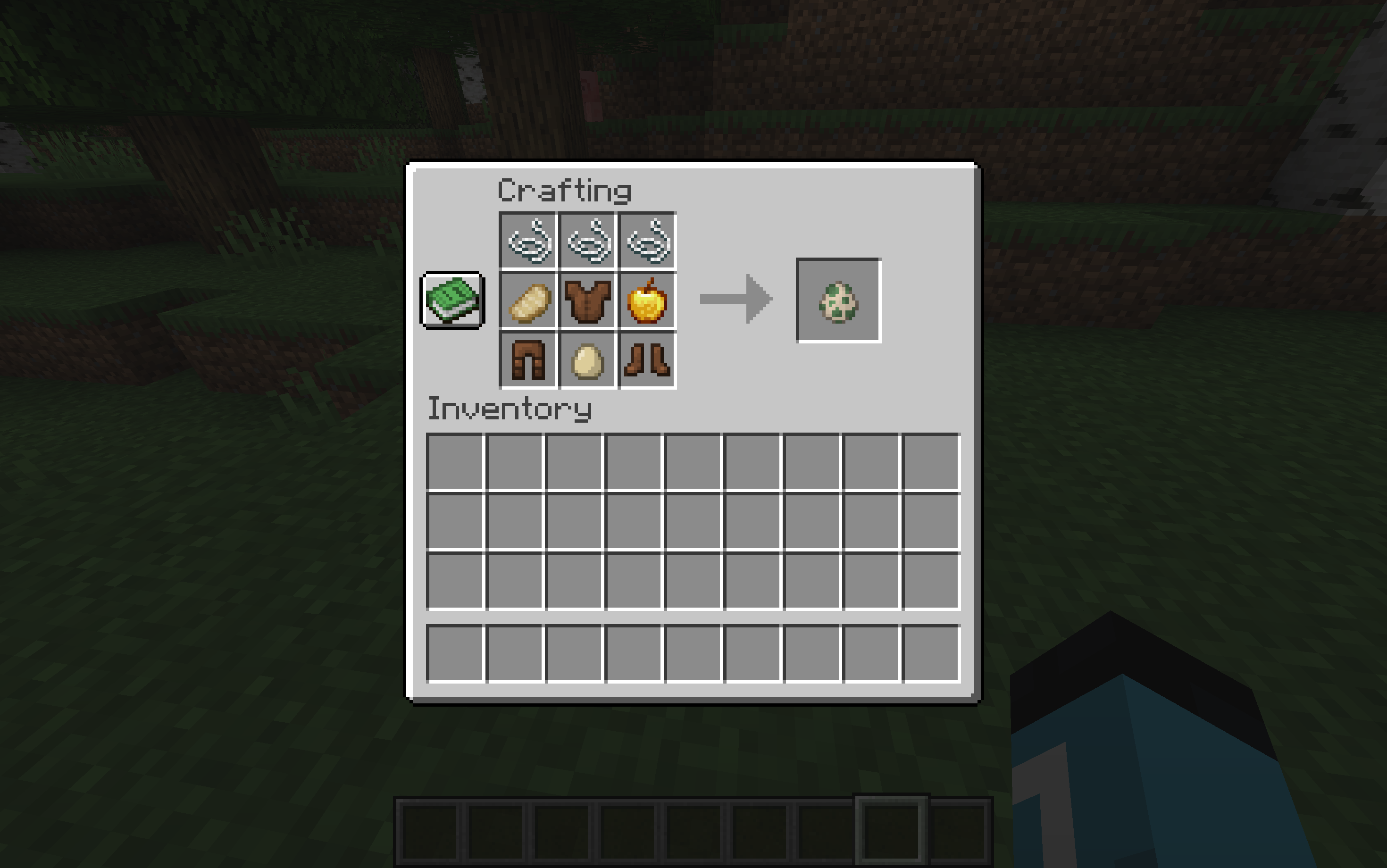 Friend 2 Spawn Egg
 -
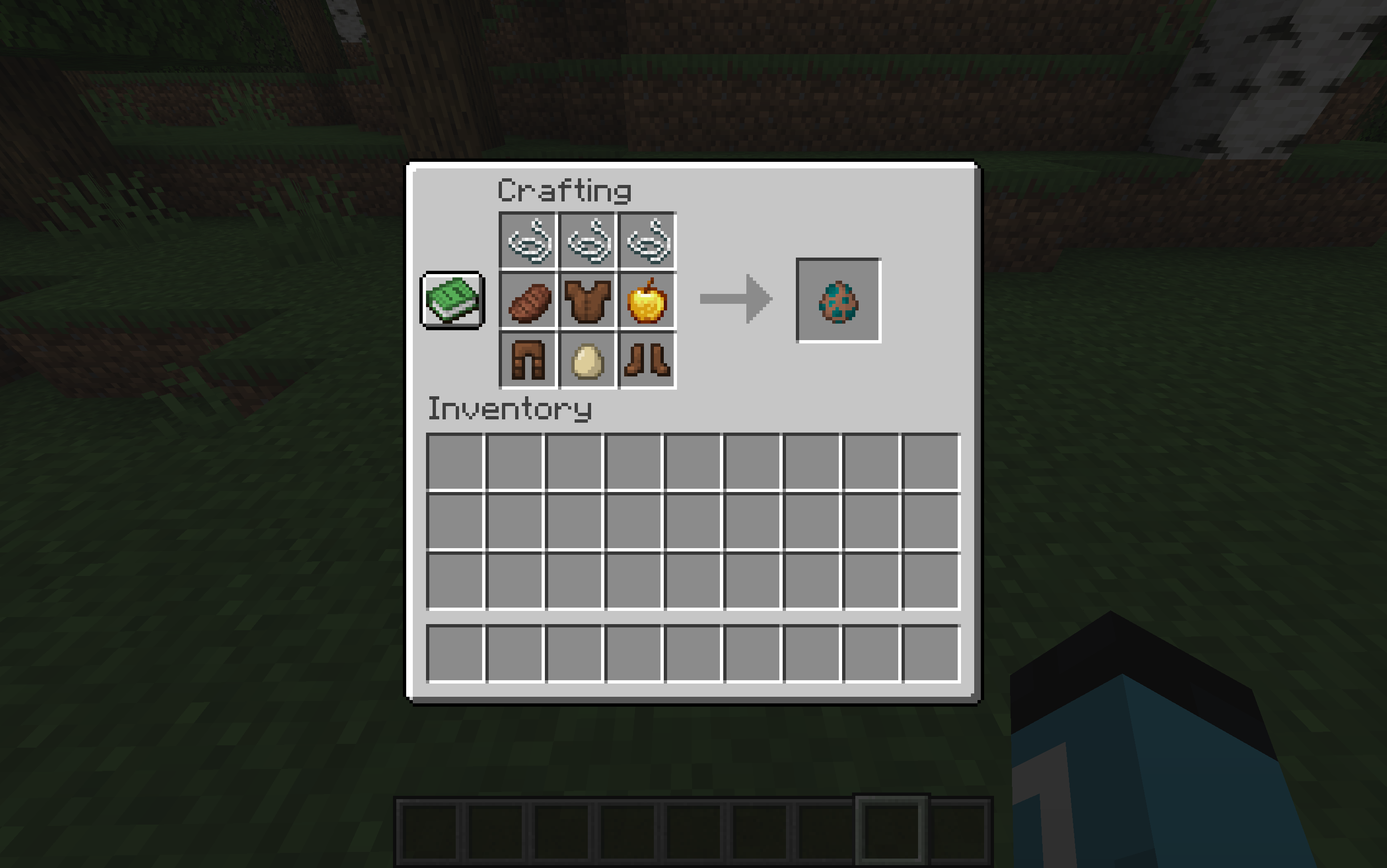 Friend 1 Spawn Egg
 -
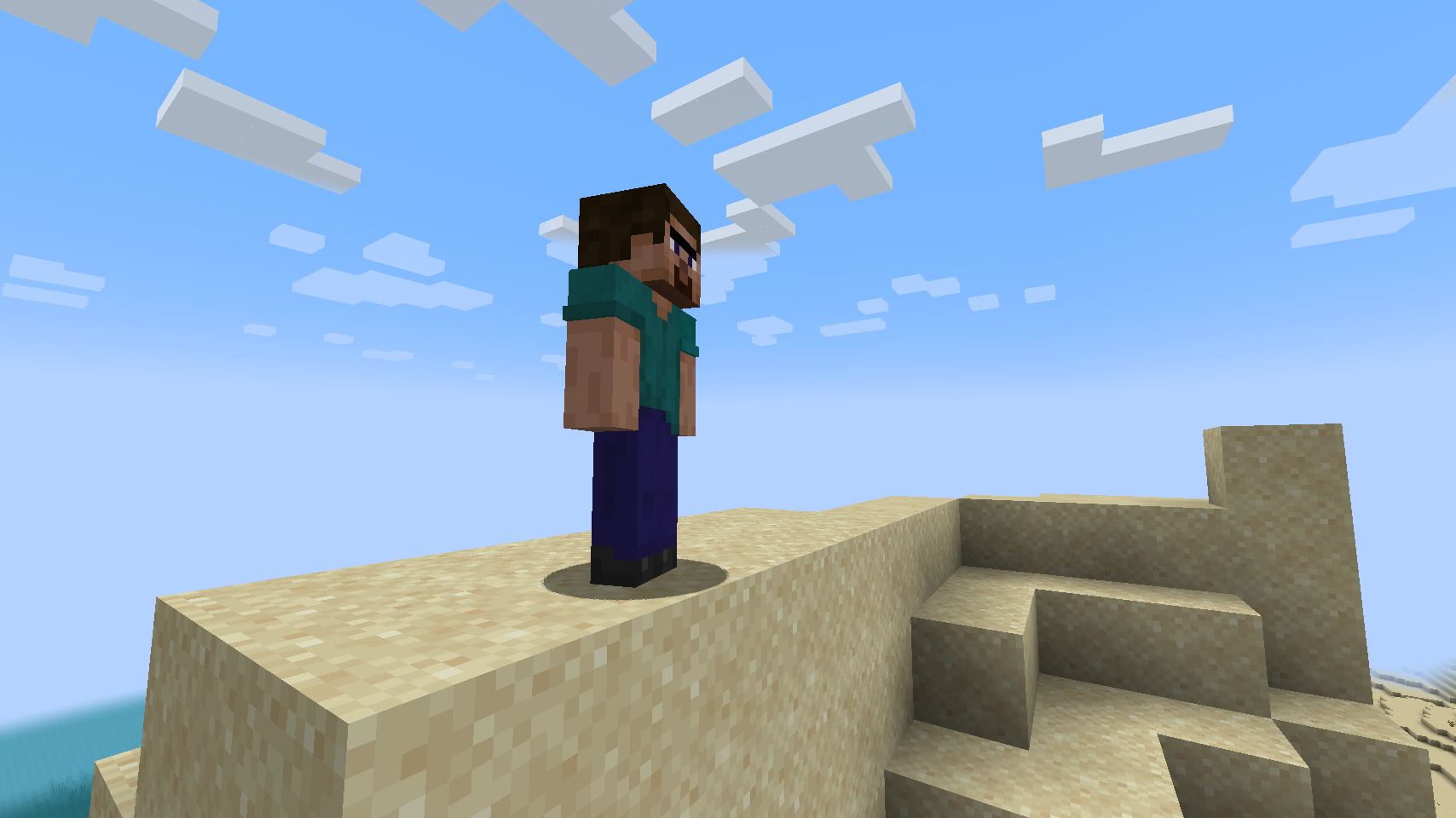 Steven Amazing cinematic site of Steven.
Versions
Files
Relations
Project Relations
More like this
Similar Mods
Suggestions use data such as tags, dependencies, dependents, descriptions, titles, and more to rank how much they overlap with this mod.
On ModDex
Community snapshot
By the numbers
Statistics
 (opens in a new tab)
Get it on
Available Platforms
On ModDex
Community snapshot
By the numbers
Statistics
Resources