Community listing page, reviews may not be monitored by the author.


Community voices
Reviews
No reviews yet. Be the first to review this project!
Get it on
Available Platforms
Compatibility
Supported Environments
Runs entirely on the client. Works on vanilla servers.
About
Project Details
For authors
Embed Badge
If you're the author of this project, you can embed a live badge anywhere that supports HTML or Markdown. It updates automatically whenever ratings change.
Use HTML for any page that supports it, or Markdown for README files and Markdown-based descriptions.
Identifiers
Platform IDs
Resources
External Links
About
Description
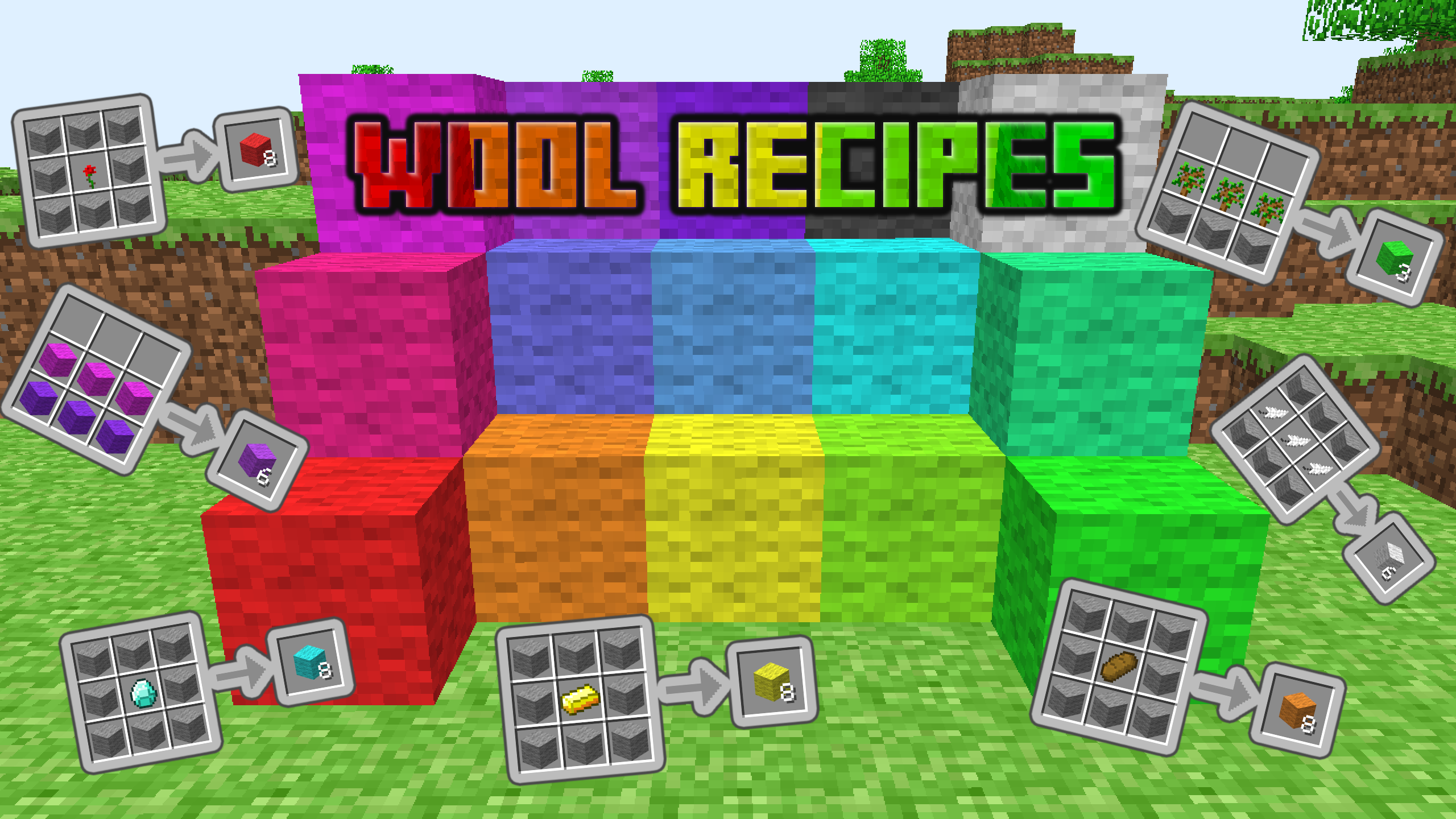 At long last, you can use all the colorful wool you want in a survival-friendly way without having to dabble in the likes of an NBT editor!
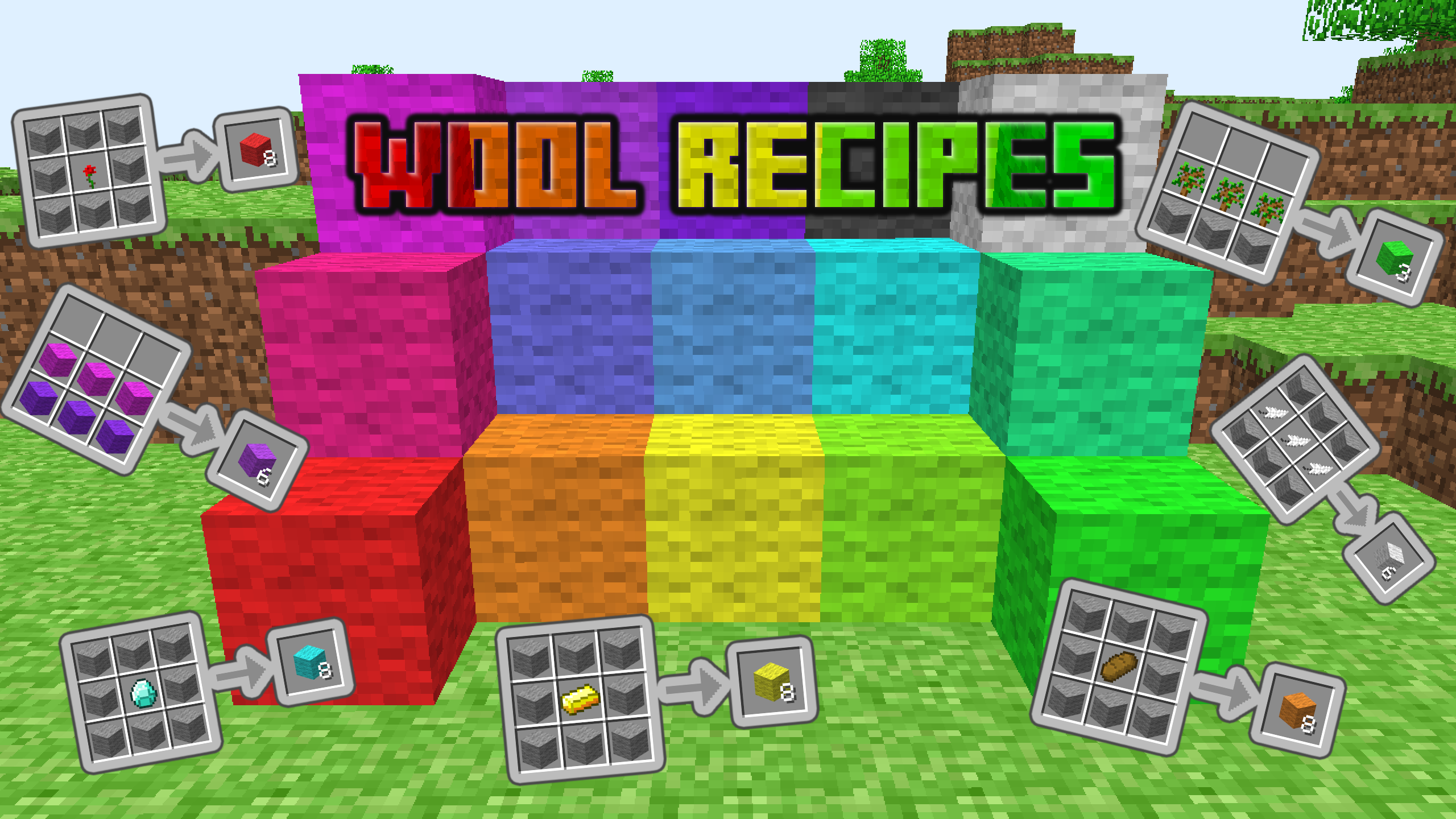
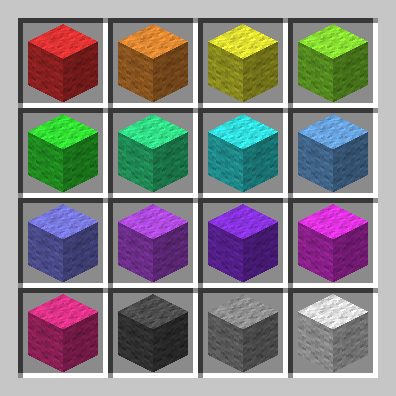
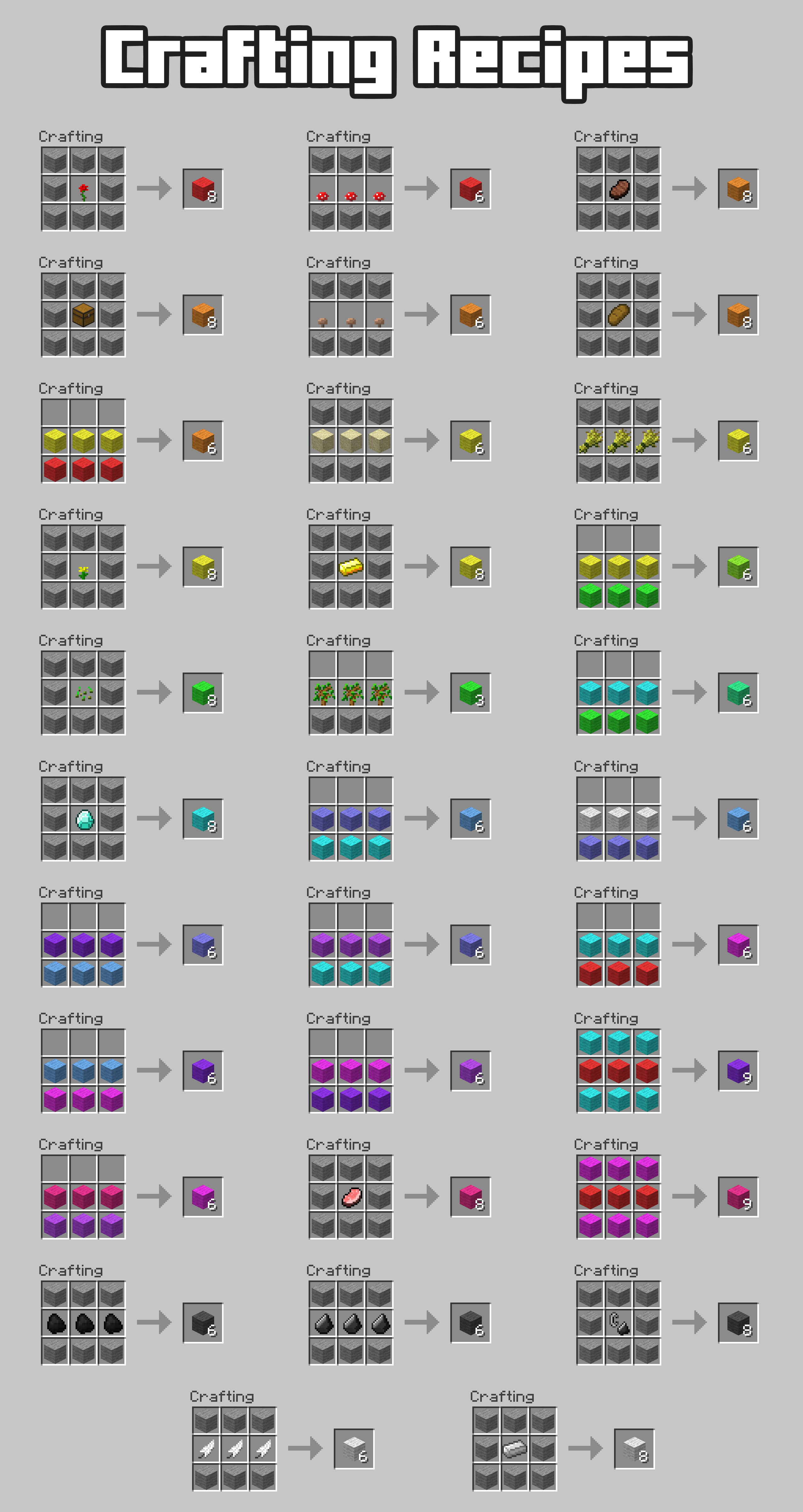
This mod aims to make every unobtainable color of wool craftable, using materials found around your world.
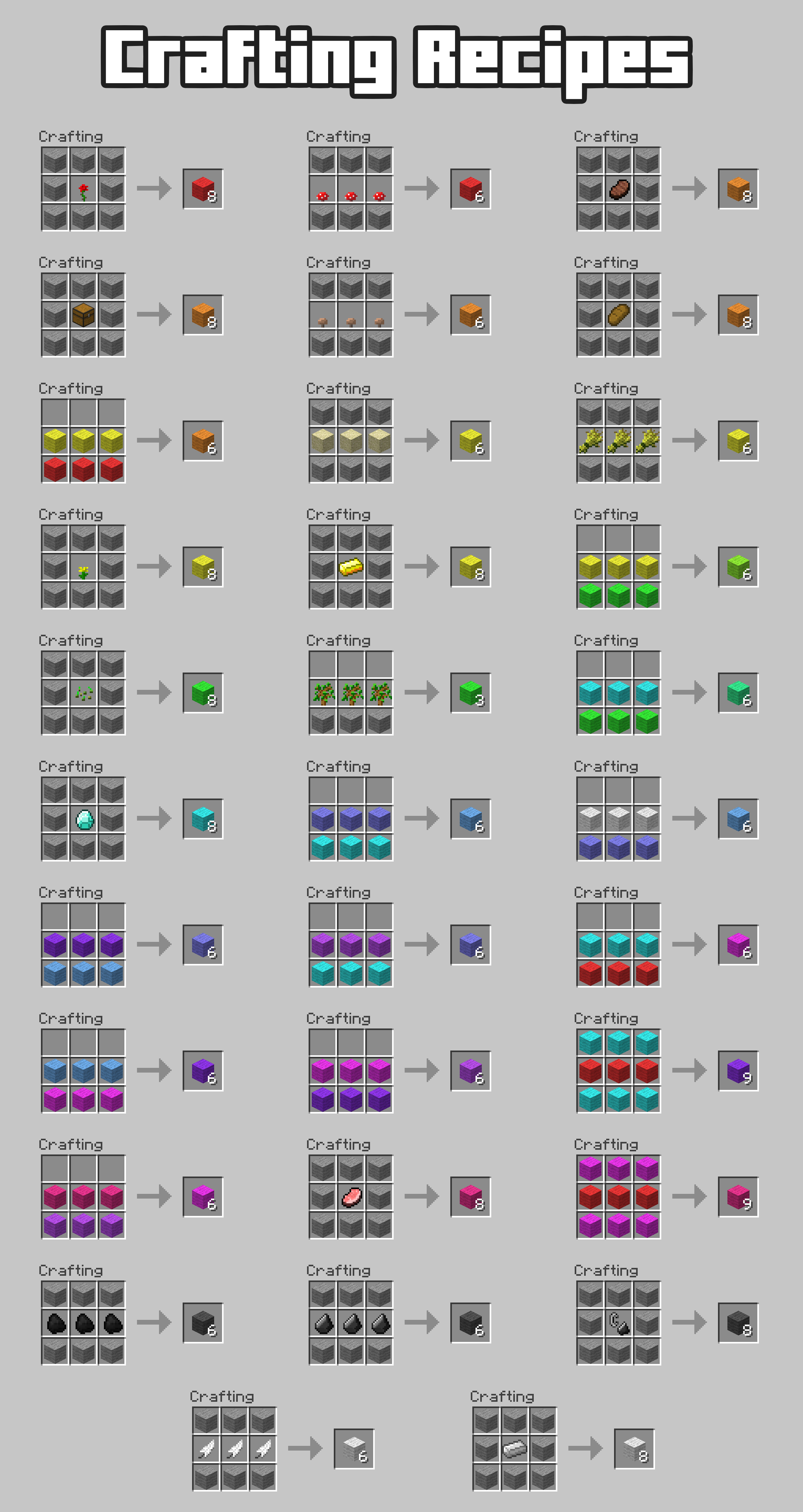
This mod adds 32 recipes, they are pictured below;
How to install?
This mod is a "jar mod", as such, it doen't use any modloader, meaning you'll either need to use a mod-friendly launcher or insert the files into the jar file of your minecraft version.
If you use MultiMC, Prism, BetaCraft 2.0 or a similar launcher:
- Click "Edit" on your instance
- On the "Versions" tab, click "Add to Minecraft.jar"
- Navigate to and select the downloaded file
If you arent using one of those:
- Navigate to your .minecraft folder, then to "versions"
- Find "in-20100223.jar" and open it
- Open the downloaded file and drag the folders inside "in-20100223.jar" (You may need to delete META-INF)
Screenshots
Gallery
Versions
Files
Relations
Project Relations
More like this
Similar Mods
Suggestions use data such as tags, dependencies, dependents, descriptions, titles, and more to rank how much they overlap with this mod.
On ModDex
Community snapshot
By the numbers
Statistics

 (opens in a new tab)
Get it on
Available Platforms
On ModDex
Community snapshot
By the numbers
Statistics
Resources