
Community listing page, reviews here may not be monitored by the author.
World Clock (Liteloader Only)

No reviews yet
Displays a clock in the top left corner that tells the time of day in minecraft
Community voices
Reviews
No reviews yet. Be the first to review this project!
Get it on
Available Platforms
About
Project Details
For authors
Embed Badge
If you're the author of this project, you can embed a live badge anywhere that supports HTML or Markdown. It updates automatically whenever ratings change.
Use HTML for any page that supports it, or Markdown for README files and Markdown-based descriptions.
Identifiers
Platform IDs
About
Description
This is the beginning of a (hopefully) much larger clock mod based on Mumfrey's Liteloader example mod for 1.9. As such, it requires Liteloader 1.9, or newer to run. All versions can be downloaded here.
I've changed the code a bit to make this a clock that can show the time of day in Minecraft, as well as the current time displayed on your computer as the mod was originally programmed to do. I've also reorganized the code to allow for new features I have planned for later updates. At this point in time, this mod only provides a clock face and hands for the Minecraft world time and the time your computer displays -- perfect for use with fullscreen.
Planned Features
-- AM/PM indicator Done!
-- Liteloader in-game config panel Done!
-- switch between or show both MC and IRL times on the clock (requires config panel) Done!
-- digital clock mode (requires config panel) Done!
-- change the color of the hands/digital display (requires config panel)
To report bugs or submit requests for new features, visit the issue tracker here.
As of now, the 1.10 and 1.10.2 versions of the mod have been combined into one file listed for 1.10.2 that's compatible with both. Simply place it in your mods folder (not the versioned subfolder) to have it be loaded by either version of liteloader. If it's not working, run the liteloader installer again to get the latest version of liteloader for your current version of minecraft.
Check out my other mods:
Screenshots
Gallery
-
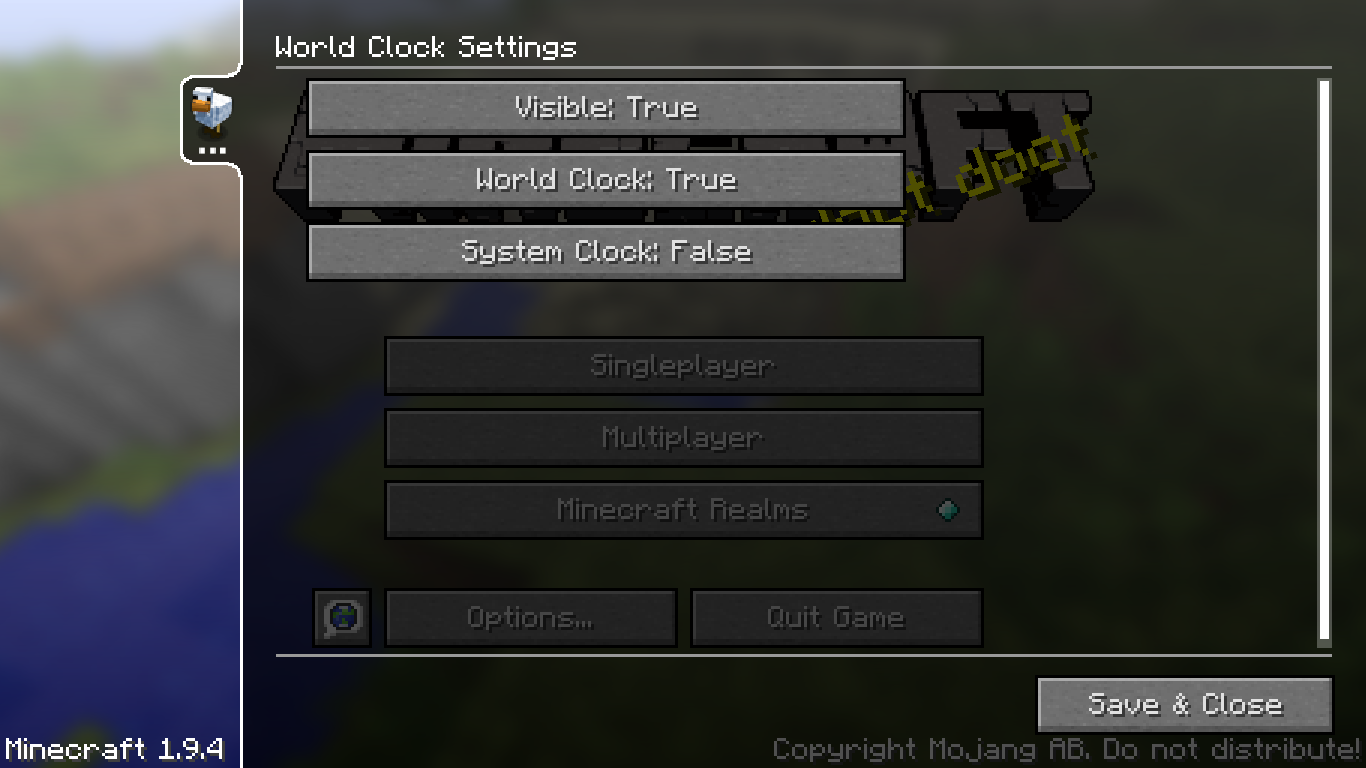 LiteLoader Configuration Panel
 -
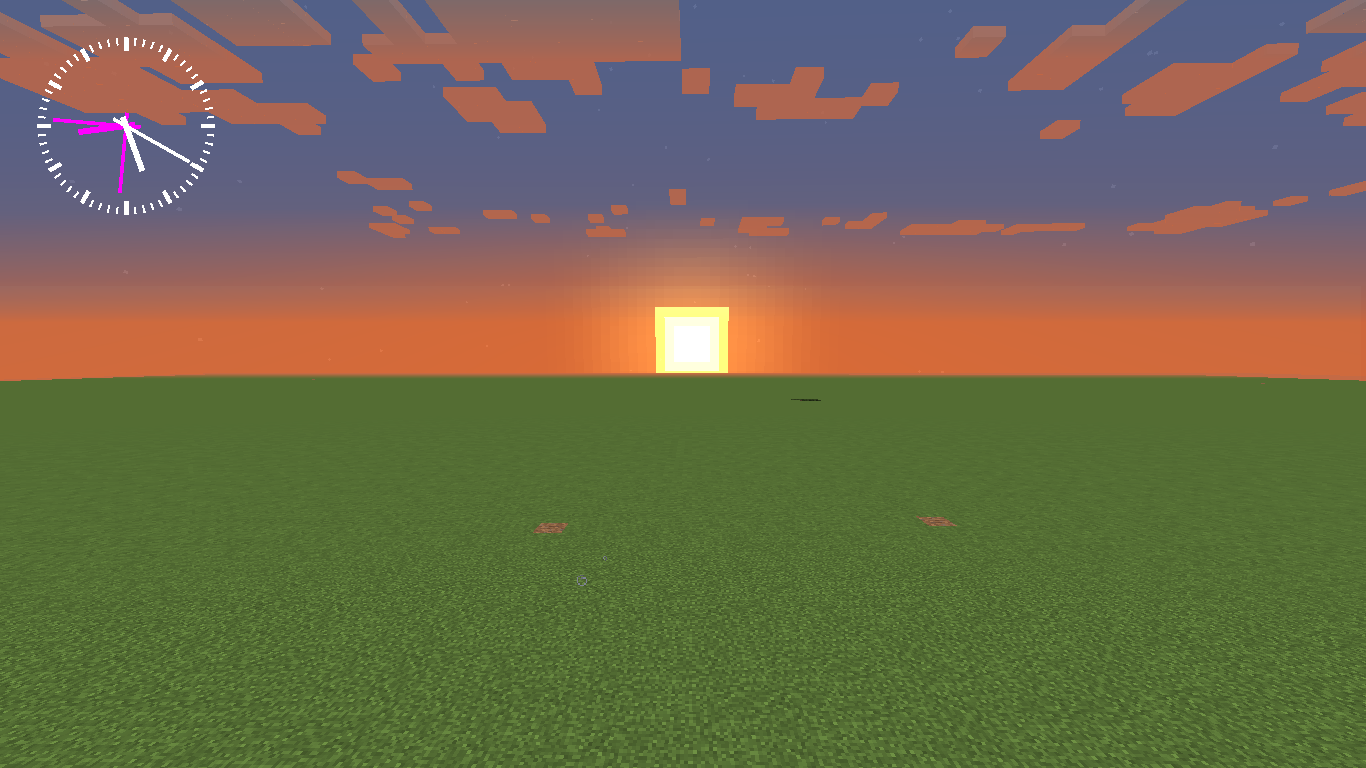 World and Server Clocks Simultaneous
Versions
Files
Relations
Project Relations
More like this
Similar Mods
Suggestions use data such as tags, dependencies, dependents, descriptions, titles, and more to rank how much they overlap with this mod.
On ModDex
Community snapshot
By the numbers
Statistics
Want to reach Minecraft players?
We're looking for a server hosting partner to feature here and other parts of the site. Interested? Send us a message!
Get in touchGet it on
Available Platforms
On ModDex
Community snapshot
By the numbers