
World Customizer
No reviews yet
This mod brings back a feature that was removed in the 1.13. The world customization Screen when creating a world
General improvements to world generation, such as bug fixes, aesthetic overhauls, or misc additions.
Forge is a popular mod loader for versions 1.1+ of Minecraft.
Community voices
Reviews
Click once to include, again to exclude, again to clear
No reviews yet. Be the first to review this project!
Get it on
Available Platforms
 Modrinth
Compatibility
Supported Environments
About
Project Details
For authors
Embed Badge
If you're the author of this project, you can embed a live badge anywhere that supports HTML or Markdown. It updates automatically whenever ratings change.
Use HTML for any page that supports it, or Markdown for README files and Markdown-based descriptions.
Identifiers
Platform IDs
Resources
External Links
About
Description
World Customization
This mod brings back the old World Customization Screen from Java, that was removed in 1.13 and is since never been implemented again, so I brought it back in a lightweight version.
Features
- You can change the vein size, veins per chunk, minimum height and maximum height.
- Block that can be changed are Ores, Stone variations, natural blocks like dirt or clay and all nether blocks or blocks that can spawn in nether like gravel.
- You can change the spawning of things like trees or caves.
- You can change fluid spawning in Overworld and Nether. (Cave modification is broken, keep this in mind when playing around with the settings)
Saving
The World settings will be saved in a JSON File, what basically means, you can create a world with whatever settings you want to have, and when you want to have them also in another world that has different settings, just open the world folder and replace the old settings with your new one.
Path: ".minecraft\saves\your world name\worldcustomizer.json"
IMPORTANT
Every Version besides 1.20.4 gives you the experimental warning when you want to create a world or open an existing world again. I tried to fix this, but sadly I found no working fix to remove this warning yet. So until a fix is available the mod will show a warning when you create a new world with the mod installed.


Planed Features
- Presets for special worlds.
- Saving settings directly in Screen
- Syncing multiple sliders at the same time
- MAYBE, adding structure toggles for villages, strongholds and so on
- Other things like sea level MAYBE could be ported
Spoiler

Source Code & Credits
If you want to improve this mod, feel free to do so. Only thing I want is to get credited, nothing more. There are certain features from the 1.12.2 I will probably not port to my mod, as I don't want to touch the logic behind it. Sorry If someone wants the noise features back, I will probably not do it :=/
Old Features
Here is a visual for the part I WONT port to the mod myself.
Spoiler

Spoiler

Testing
I tested the mod with multiple worlds and I never had crashes. Only important to mention to water and lava generation can need longer, and performance can drop sometimes when generating a world with changed fluid settings. Just be careful.
Customization Screen


Screenshots
Gallery
-
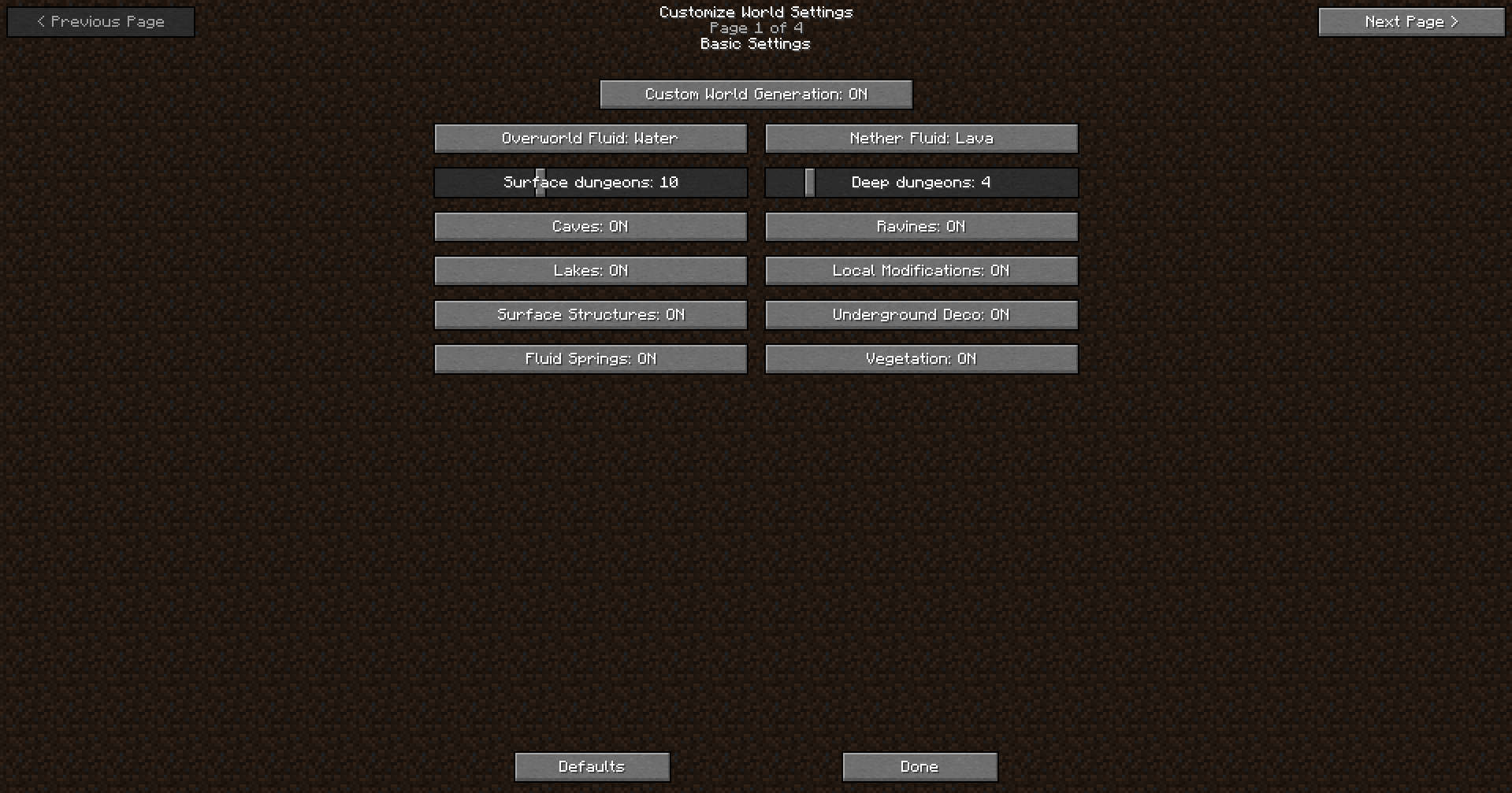 World Customization Screen
 -
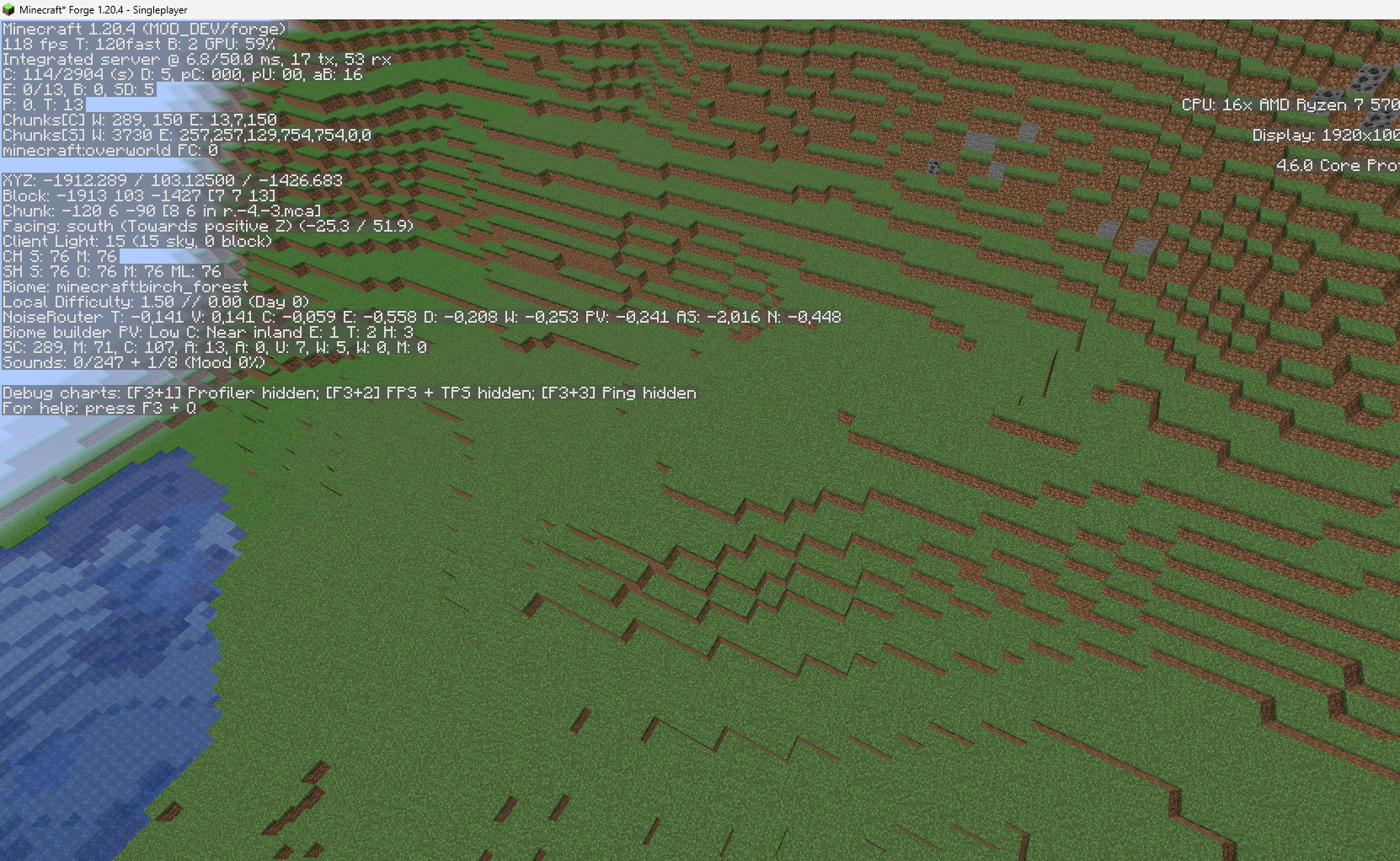 Prettiest Birch Forest An example how it can look when you disable tree generation
 -
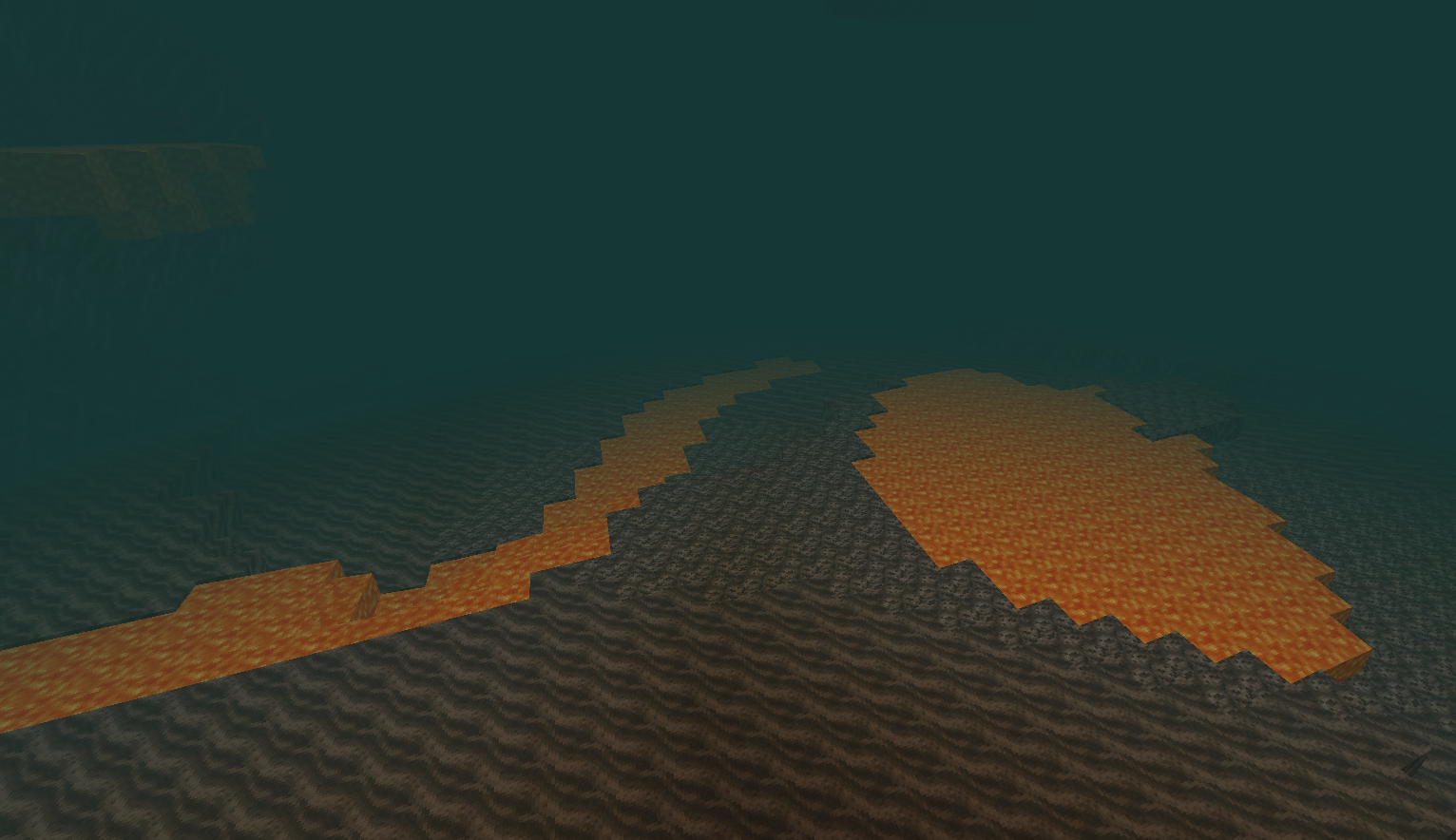 Removed Lava Sea from Nether When there is no lava, generation starts getting weird, and at the moment, I don't feel to touch this. So the mod will only change the fluid gen itself, not how the world reacts to it in Nether
 -
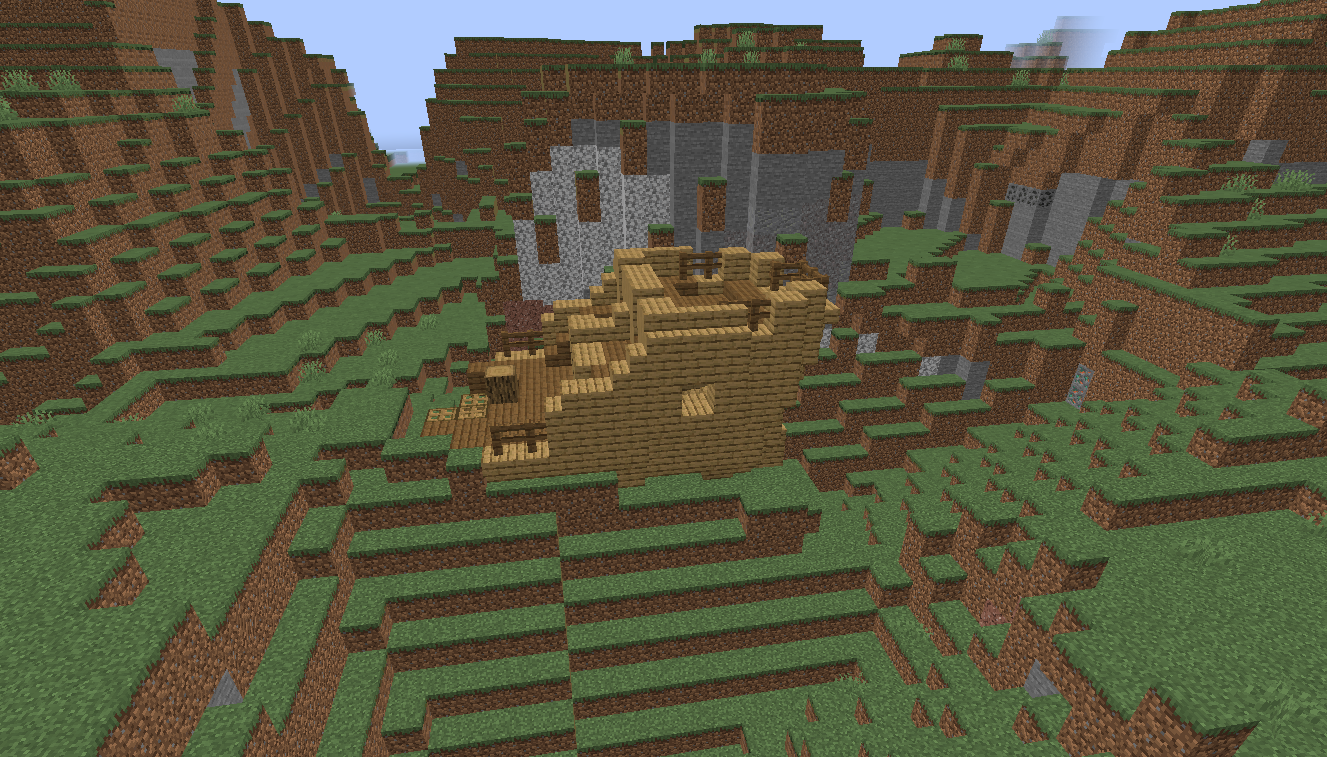 Removed Water from Overworld When there is no water, generation starts getting weird, and at the moment, I dont feel to touch this. So the mod will only change the fluid gen itself, not how the world reacts to it in Overworld
 -
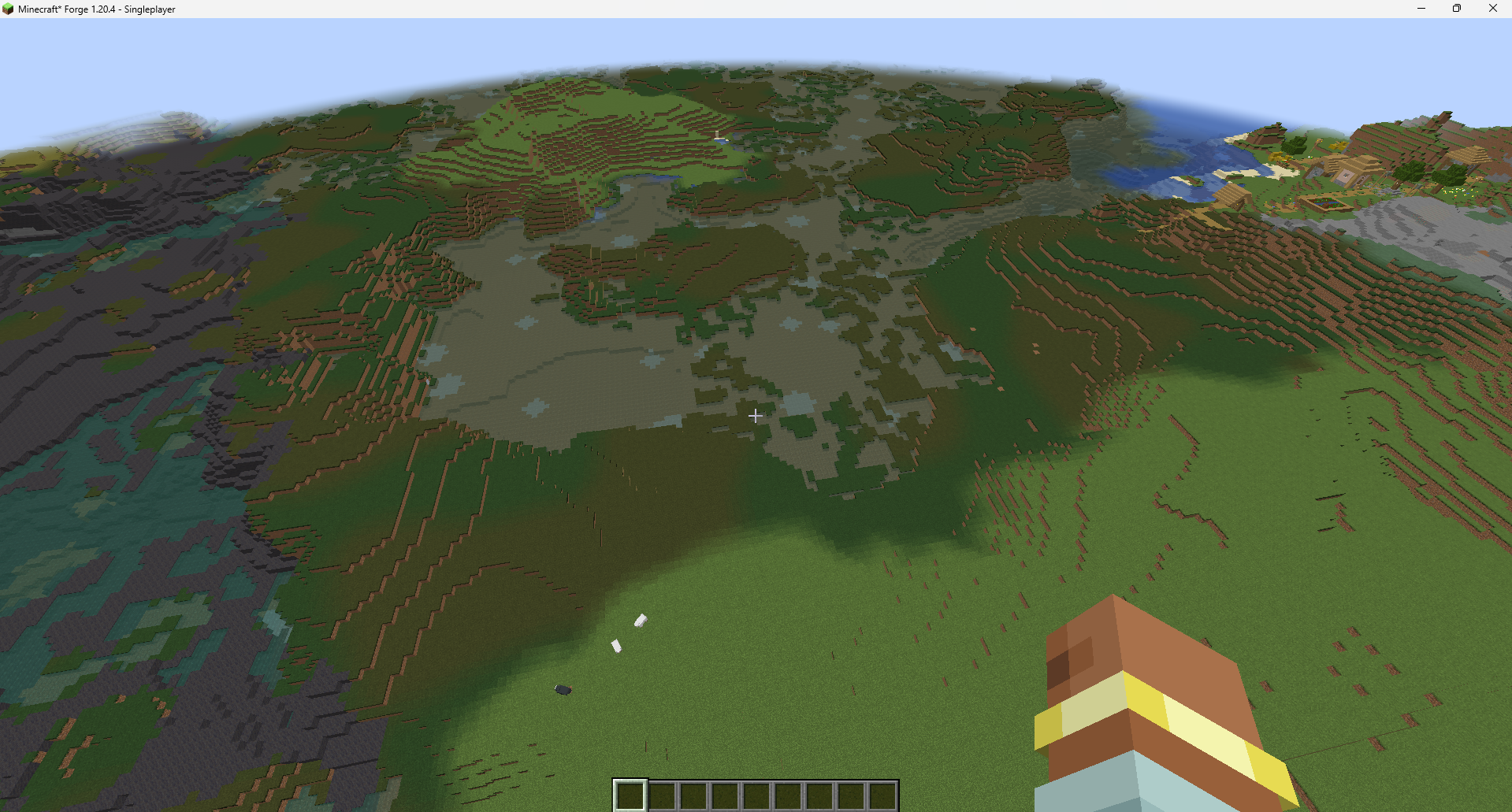 Empty world Disabled any generation possible
 -
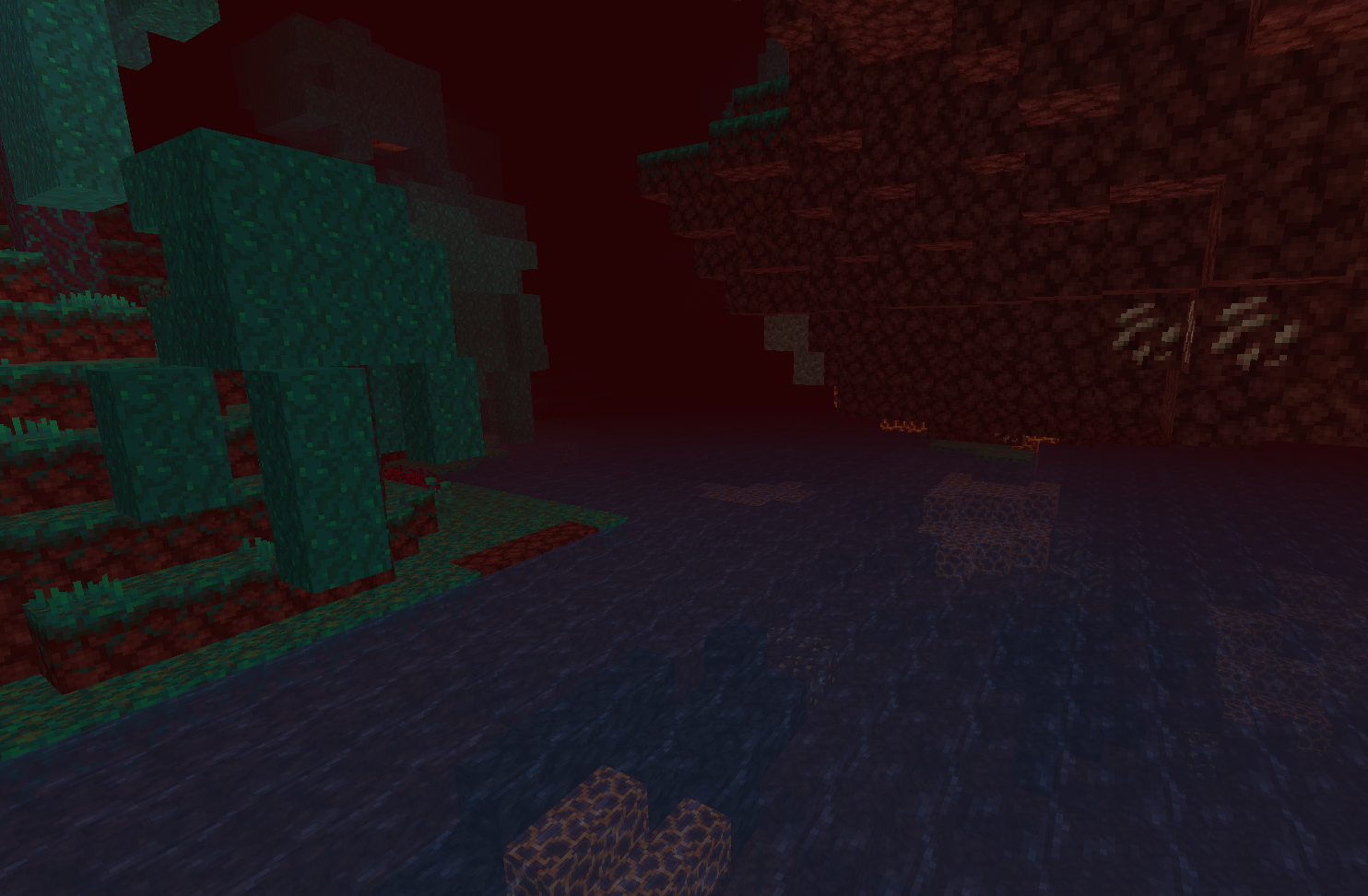 Fluid Generation in Nether Lava can be changed to Water in Nether
 -
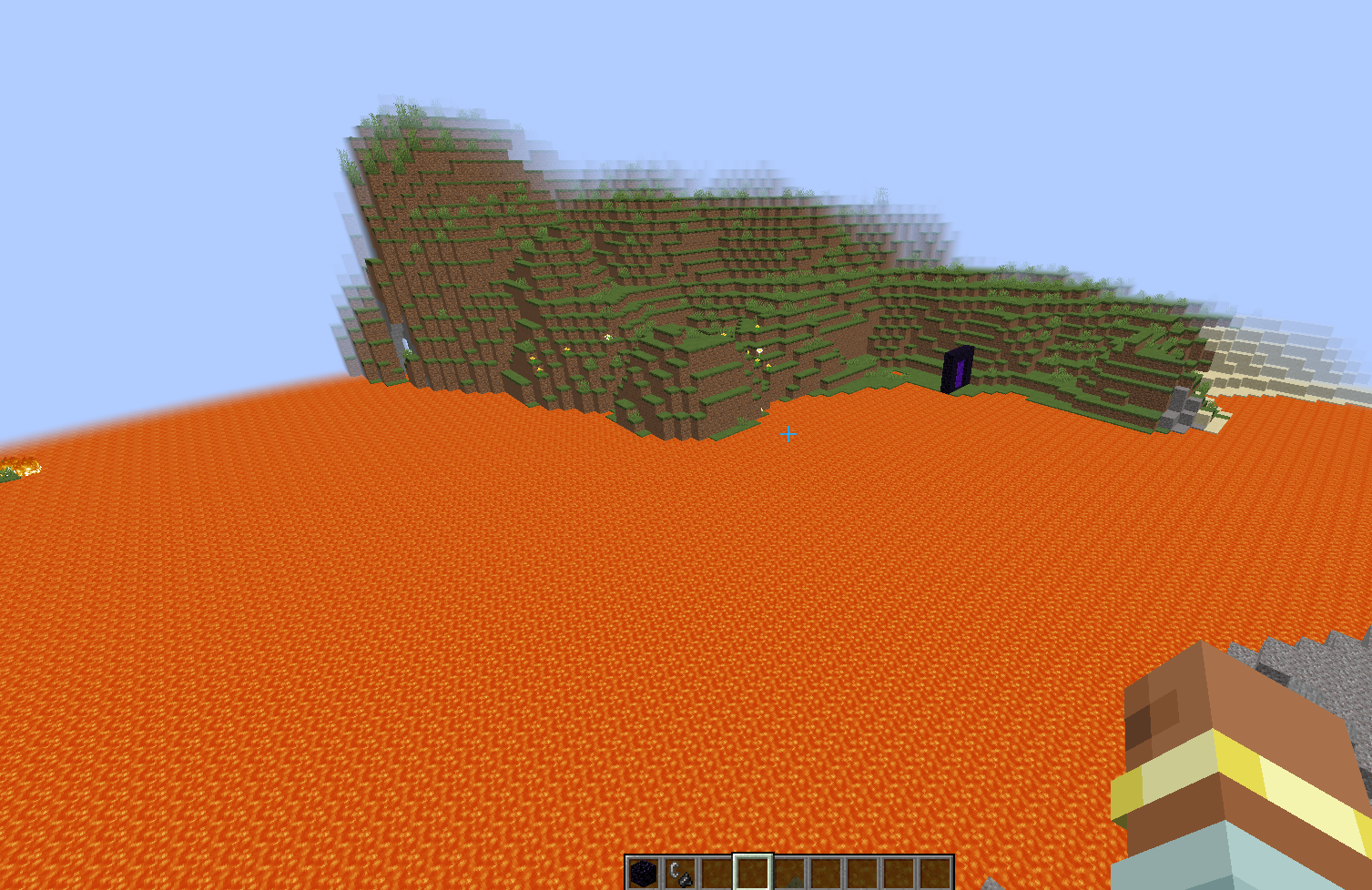 Fluid Generation in Overworld Water can be changed to Lava. You can obviously still create infinite water sources and some water sources could still be generated, same goes for Lava
 -
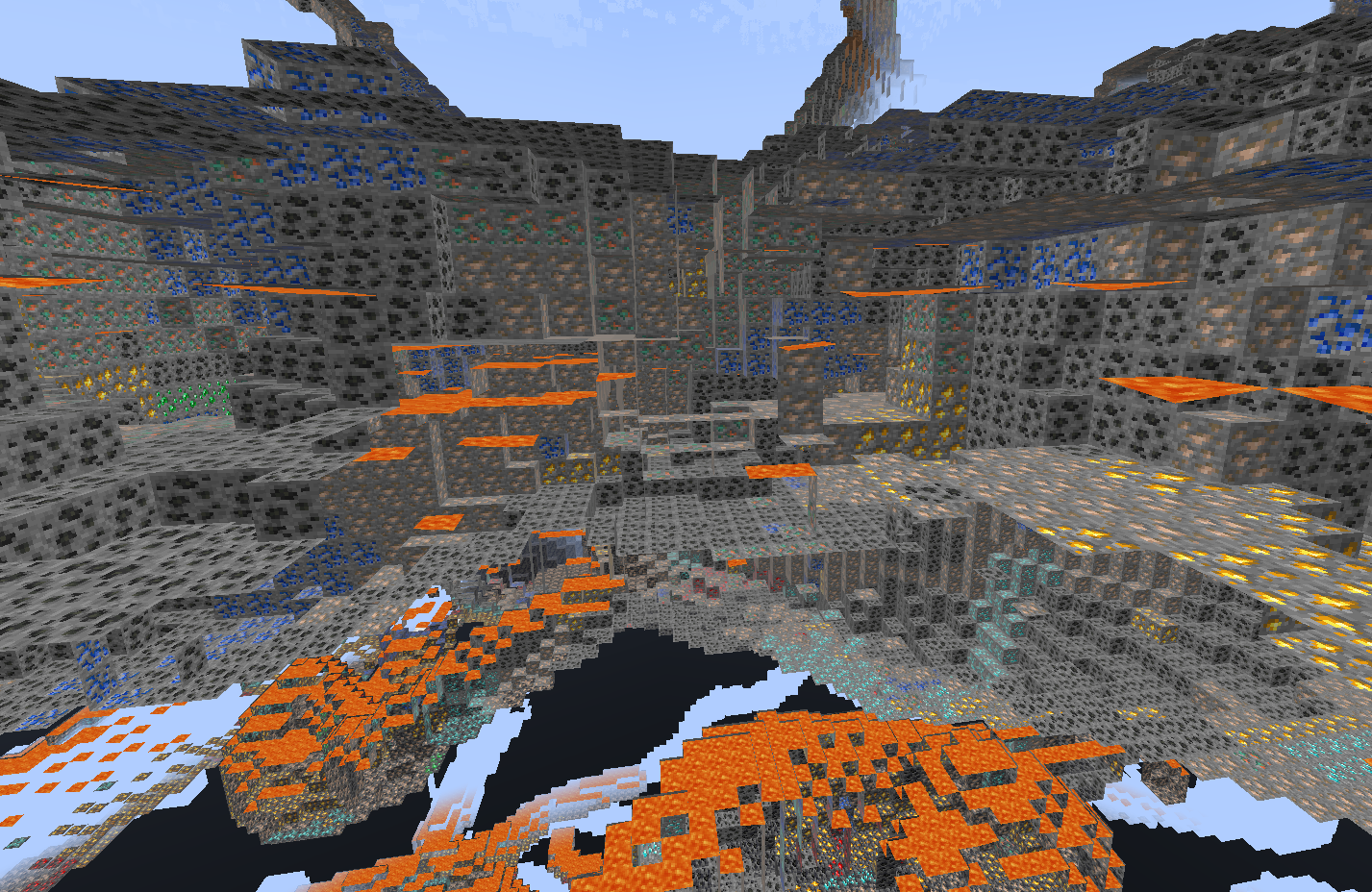 Ore Generation Now Minecraft YouTuber no longer need to start offcam mining. They can show you the caves they are mining ores.
 -
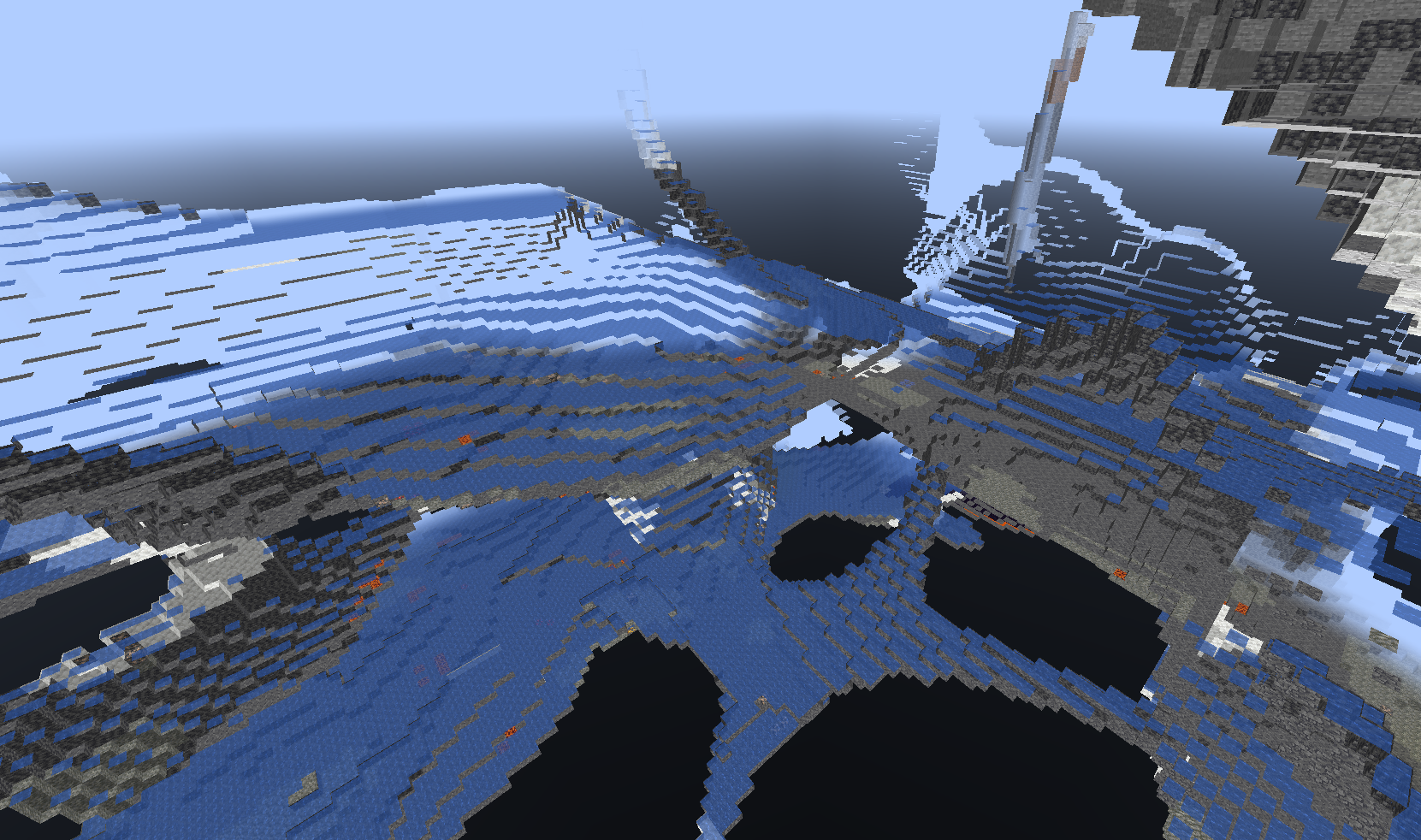 Known Issue Disabling caves and ravines doesnt work for water or lava filled spaces. It creates these very big underground water pools.
Versions
Files
Relations
Project Relations
More like this
Similar Mods
Suggestions use data such as tags, dependencies, dependents, descriptions, titles, and more to rank how much they overlap with this mod.
On ModDex
Community snapshot
By the numbers
Statistics

Want to reach Minecraft players?
We're looking for a server hosting partner to feature here and other parts of the site. Interested? Send us a message!
Get in touchGet it on
Available Platforms
On ModDex
Community snapshot
By the numbers
Statistics
Resources