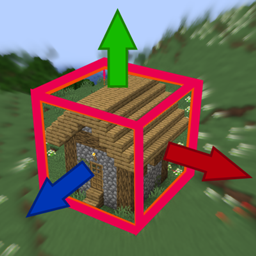
Community listing page, reviews may not be monitored by the author.
WorldDrag


No reviews yet
Select and drag your builds visually through the world by looking in the direction!

Community voices
Reviews
No reviews yet. Be the first to review this project!
Get it on
Available Platforms
Compatibility
Supported Environments
Works on the client or the server alone, but does more when on both.
About
Project Details
For authors
Embed Badge
If you're the author of this project, you can embed a live badge anywhere that supports HTML or Markdown. It updates automatically whenever ratings change.
Use HTML for any page that supports it, or Markdown for README files and Markdown-based descriptions.
Identifiers
Platform IDs
Resources
External Links
About
Description

Move mountains, duplicate villages, fill your friends server with silly builds because he gave you OP (use with caution) or mass duplicate redstone calc units in your redstone computer, and more with just a swing of your head. It could not be easier.
WorldDrag lets you select and move builds, redstone machines and any other block constellations and entities.
- Select
- Cut-/Copy- Drag (& rotate)
- Paste
Move those blocks by changing the looking direction.

Rotate it!
How to use:
- Cheats On & be OP
- Any gamemode
- Hold stick
- Left-click = select new
- Right-click = include more
- Look on selection + Left-click drag = cut & move
- Look on selection + Right-click drag = copy & move
- Drag + Mouse wheel = rotate
- Stop drag = paste!
Already tried Modrinth?
It could be that I don't publish some versions on Curseforge, because I am lazy and Curseforge makes it annoyingly hard to push new versions.
Commands:
/worlddrag … gets used by the mod to send the instructions, but can be used by the player too.
Client-Side?
The mod isn't absolutely required on the server and works on client-side only too, but:…
When mod isn't on server:
- … it will use the /clone command instead
- /clone unfortunately doesn't have the rotation feature.
- because of no clipboard behaviour with /clone, it cuts the blocks when pasting instead of when starting the drag
Found sth annoying or a flaw?
Tell me!
Have suggestions?
Tell me!
Recent changes:
- 5.0: all entities get copied now.
- 4.1: removes crashes.
- 4.0: block entities get copied too.
- 3.0: tickable blocks like button or pressure plate won't stay stuck after being moved in the activated state.
- 2.2: increased range while holding the stick.
- 2.1: fixed selection hit.
- 2.0: added rotation.
- 1.0: first version.
edit, 1.21.x, 1.21.7, 1.21, Fabric, mark blocks
Move mountains, duplicate villages, fill your friend's server with silly builds because he gave you OP (use with caution) or mass duplicate redstone calc units in your redstone computer, and more with just a swing of your head. It could not be easier.
WorldDrag lets you select and move builds, redstone machines and any other block constellations and entities.
- Select
- Cut-/Copy Drag (& rotate)
- Paste
Move those blocks by changing the looking direction.
Rotate it!
How to use:
- Hold stick
- Left-click = select new
- Right-click = include more
- Look on selection + Left-click drag = cut & move
- Look on selection + Right-click drag = copy & move
- Drag + Mouse wheel = rotate
- Stop drag = paste!
Config screen (since v5.2)
- Change the controlling item (default: stick)
- Default key: 'N' (Bad choice? Make a better suggestion!)
Doesn't work? Make sure:
- Cheats On & be OP
- Hold the controlling item (default: stick)
Commands:
/worlddrag ... gets used by the mod to send the instructions, but can be used by the player too.
Client-Side?
The mod isn't absolutely required on the server and works on client-side only too, but:...
When mod isn't on server:
- ... it will use the /clone command instead
- /clone limitations:
- doesn't have the rotation feature.
- can't include mobs
- because of no clipboard behavior with /clone, it cuts the blocks when pasting instead of when starting the drag
Found sth annoying or a flaw?
Tell me!
Have suggestions?
Tell me!
Recent changes:
- 5.2: adds a config screen. Default key 'N'. Control item specifiable. For <=1.21.5 discontinued because 5.1 has everything essential.
- 5.1: selection-hit cross. Crash fixes. For <=1.21.3 discontinued because no.
- 5.0: all entities get copied now.
- 4.1: removes crashes.
- 4.0: block entities get copied too.
- 3.0: tickable blocks like button or pressure plate won't stay stuck after being moved in the activated state.
- 2.2: increased range while holding the stick.
- 2.1: fixed selection hit.
- 2.0: added rotation.
- 1.0: first version.
edit, 1.21.x, 1.21.7, 1.21, Fabric, mark blocks
Screenshots
Gallery
-
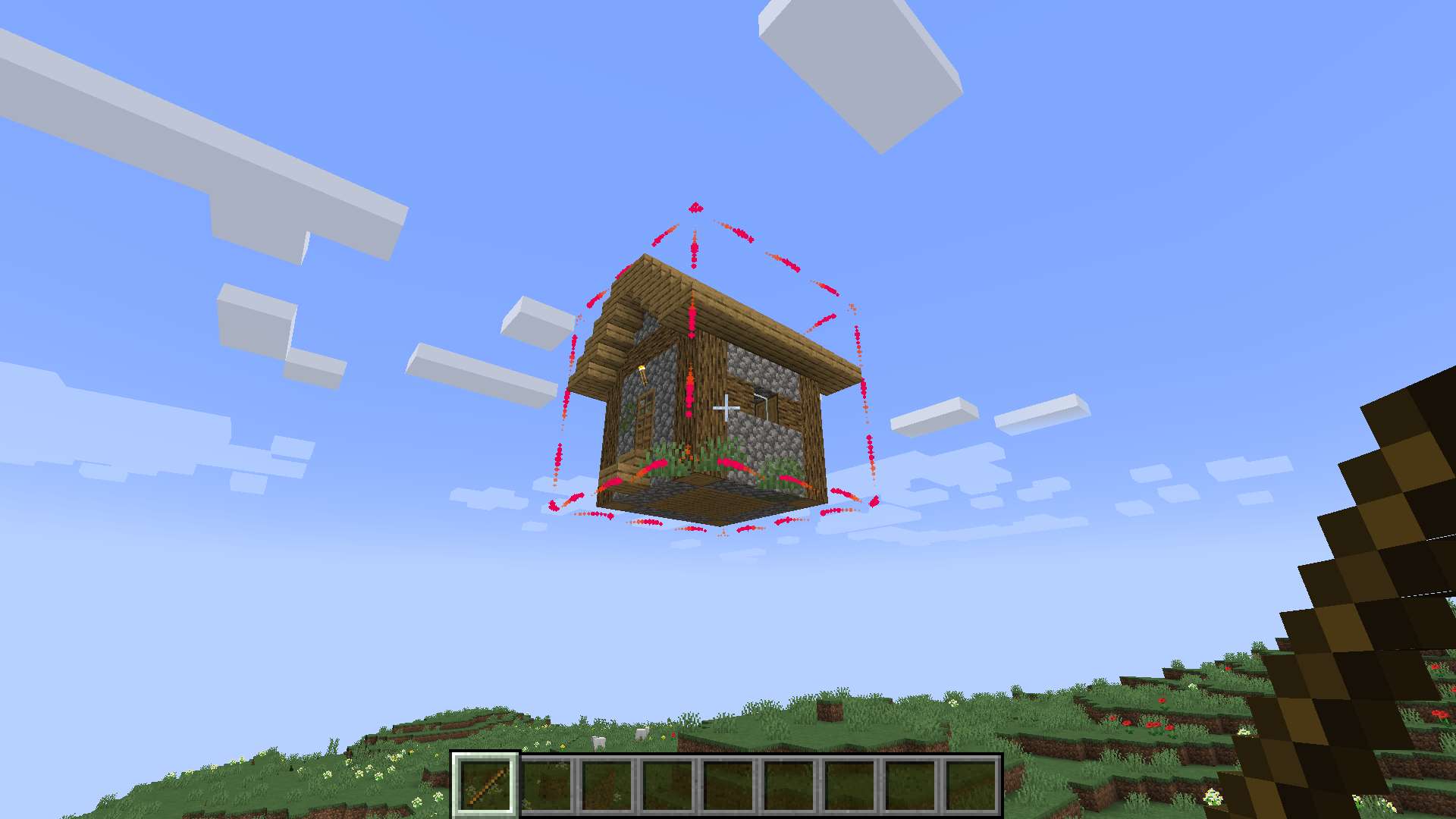 drag around
 -
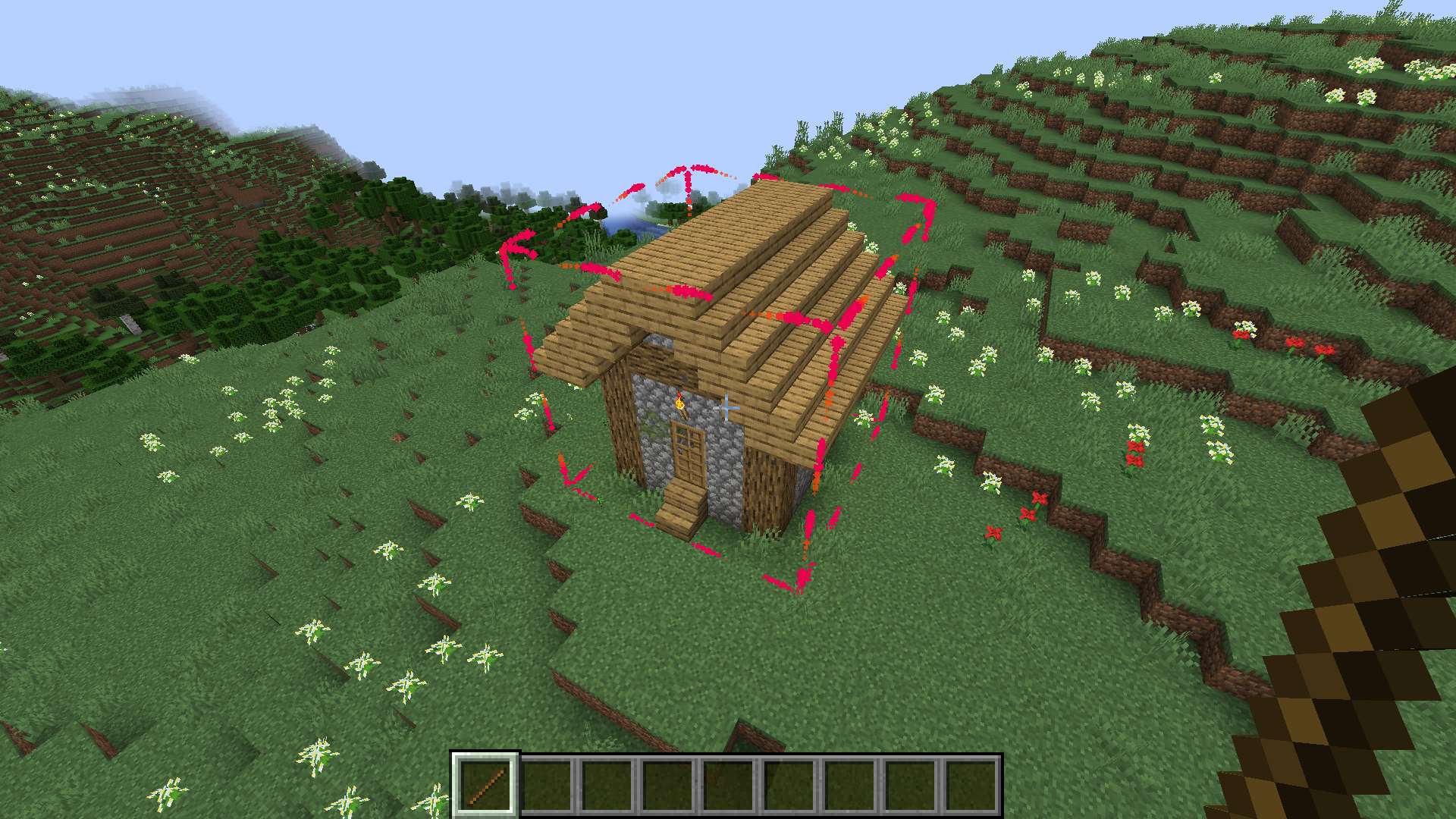 select blocks
 -
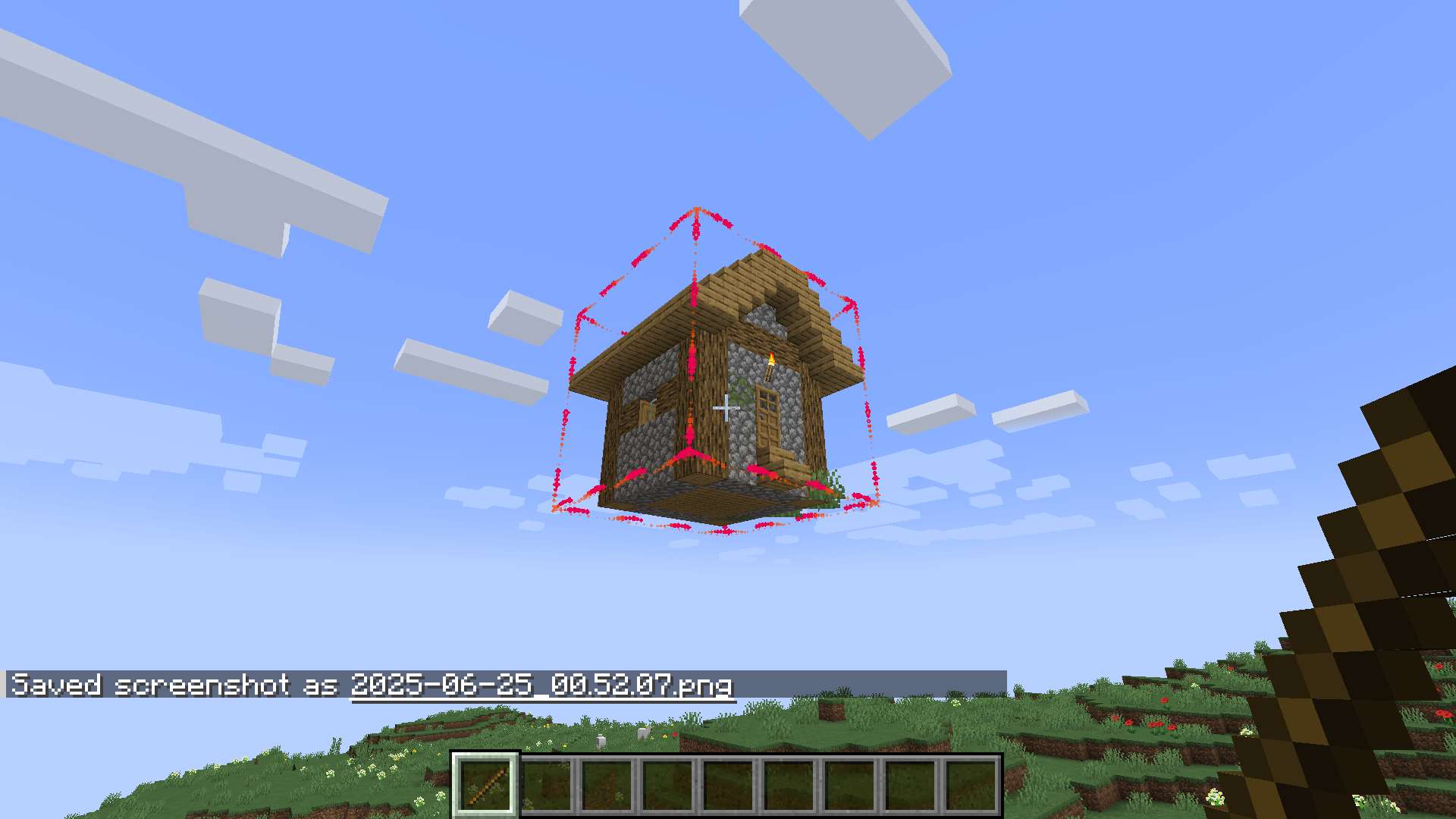 rotate
Versions
Files
Relations
Project Relations
More like this
Similar Mods
Suggestions use data such as tags, dependencies, dependents, descriptions, titles, and more to rank how much they overlap with this mod.
On ModDex
Community snapshot
By the numbers
Statistics

Get it on
Available Platforms
On ModDex
Community snapshot
By the numbers
Statistics
Resources