Community listing page, reviews may not be monitored by the author.
WorldFarView

No reviews yet
Mod that increases render distance by utilizing dynamic quad tree structure.

Community voices
Reviews
No reviews yet. Be the first to review this project!
Get it on
Available Platforms
Compatibility
Supported Environments
Must be installed on both the client and the server.
Works on the client or the server alone, but does more when on both.
Varies by version.
About
Project Details
For authors
Embed Badge
If you're the author of this project, you can embed a live badge anywhere that supports HTML or Markdown. It updates automatically whenever ratings change.
Use HTML for any page that supports it, or Markdown for README files and Markdown-based descriptions.
Identifiers
Platform IDs
Resources
External Links
About
Description
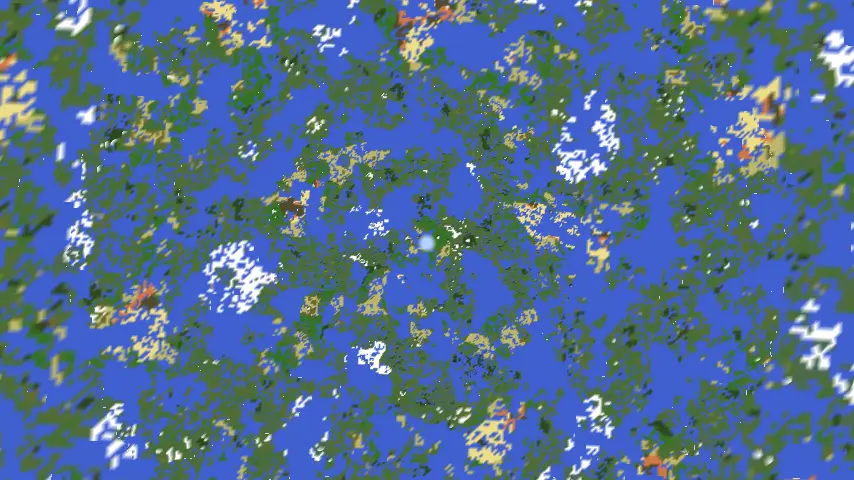
Inspired by FarPlane2, this mod enhances render distance using Quad trees.
Installation & Usage
- Install the mod on both client and server.
- Join a world - the mod activates automatically.
- Note: High resolutions may require longer loading times.
- Currently supports only noise-based chunk generators (vanilla-compatible).
- The mod will notify you if any compatibility issues arise.
⚠️ Development Notice: This mod is still in active development and may have stability issues.
⚙️ Configuration
Client Settings (Editable in-game via Mods menu)
| Setting | Description | Recommended Value |
|---|---|---|
| Quad Tree Radius | Horizontal radius covered by the quad tree | 65536 blocks, big values may lead to high memory usage |
| Quad tree max depth | Maximum adaptive quad tree depth | Depends on tree radius and resolution |
| Fade distance | Distance used to fade in terrain beyond the vanilla render distance | Your render distance |
⚠️ If the server rejects client settings (e.g., unsupported resolution), the mod will auto-disable.
Server Settings (Can be found in world/server files)
| Setting | Description |
|---|---|
| clientSide | If true, sends seed/generator data to clients (unsupported in current version). If false, forces server-side generation. |
| maxRadius | Reject quad tree requests above this radius |
| maxDepth | Reject quad tree requests above this depth |
Last update removed quad tree generation on server for memory optimizations. Instead, server sends only heights in desired points.
🛠️ For Developers: Adding Compatibility
To integrate your custom world generator:
- Implement
FarChunkGeneratorand register it inFarChunkGenerators. - For client-side support, create:
ClientFarChunkGeneratorSerializableFarChunkGenerator<YourClientFarChunkGenerator>
Screenshots
Gallery
-
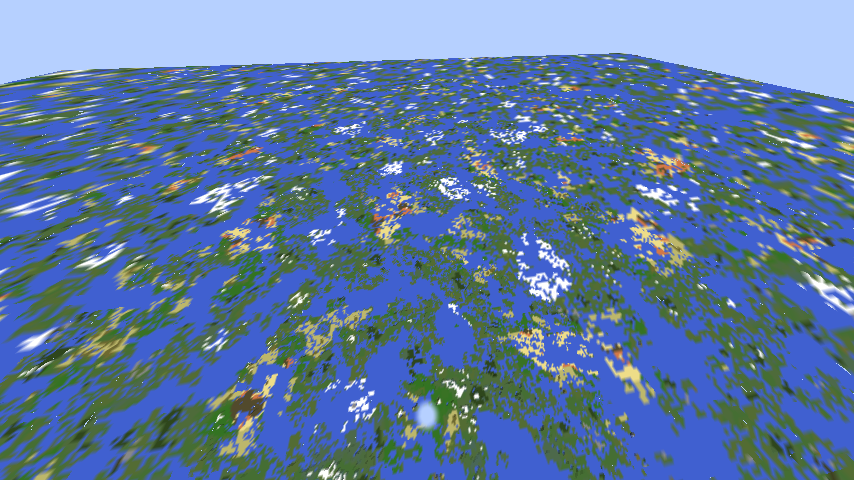 10k y rendering. 65536 blocks radius
 -
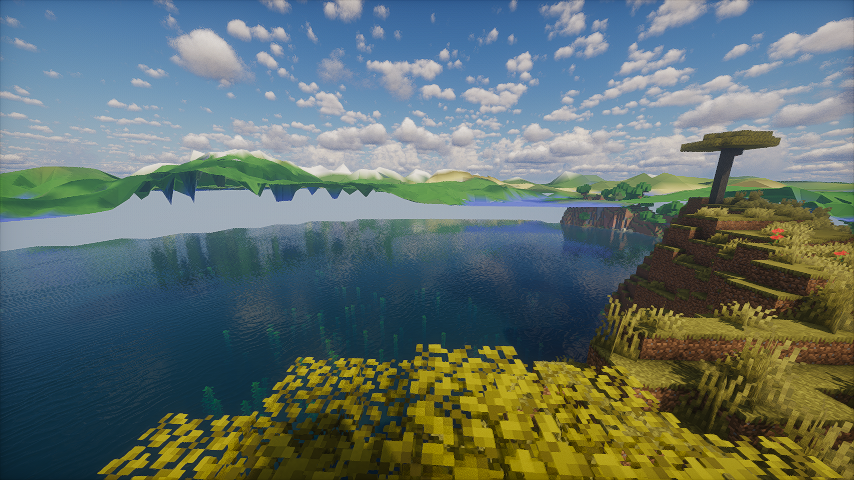 Shader support Photon shaders used
Versions
Files
Relations
Project Relations
More like this
Similar Mods
Suggestions use data such as tags, dependencies, dependents, descriptions, titles, and more to rank how much they overlap with this mod.
On ModDex
Community snapshot
By the numbers
Statistics


Get it on
Available Platforms
On ModDex
Community snapshot
By the numbers
Statistics
Resources