
Community listing page, reviews may not be monitored by the author.
Wormholes - See The Otherside

No reviews yet
Portals, Projections, Dimensional Doors, and Cross-Server Connections

Community voices
Reviews
No reviews yet. Be the first to review this project!
Get it on
Available Platforms
About
Project Details
For authors
Embed Badge
If you're the author of this project, you can embed a live badge anywhere that supports HTML or Markdown. It updates automatically whenever ratings change.
Use HTML for any page that supports it, or Markdown for README files and Markdown-based descriptions.
Identifiers
Platform IDs
About
Description
Wormholes - See The Otherside
Look through portals, connect distant builds, open a door to your own pocket room, or travel between servers.
Build a simple doorway or a network with addresses, redstone controls, access rules, and travel costs.
The Wormholes client mod is optional for multiplayer. Portals work and show their destinations without it. Install it for enhanced rendering and supported continuous crossings on mod servers.
This is not Immersive Portals, it is a separate mod with its own rendering technology.
Build your connections
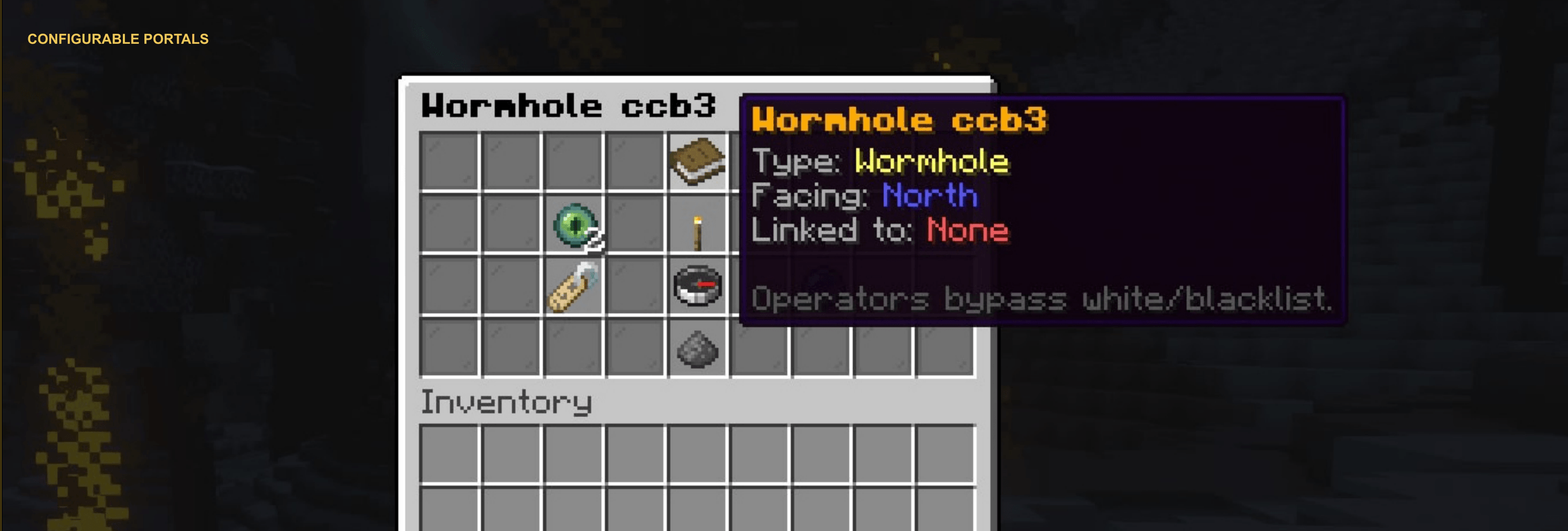
Portals that fit your world
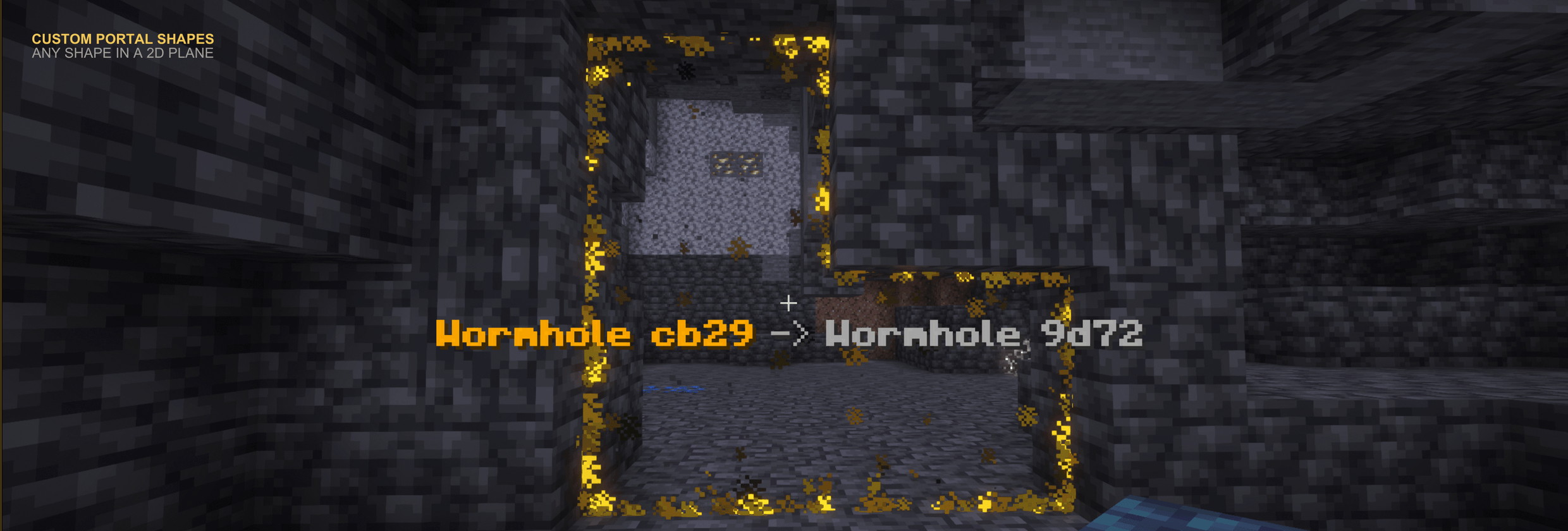
Create openings in walls, floors, or ceilings with the Portal Wand or connected runes.
- Circles, rounded openings, hexagons, rings, stars, flowers, hearts, and feather shapes.
- Irregular flat rune shapes.
- Names, public labels, destinations, and reciprocal links.
- Facing, frame rotation, and face flips.
- Surface skins, particles, and colors.
- Projection toggles, activation distance, view quality, and rendering limits.
- Vanilla Nether and End portal integration.
Movement and traveler size
- Two-way, incoming-only, outgoing-only, or locked travel.
- Custom arrival orientation.
- Preserve, multiply, clamp, clear, or add velocity.
- Front-entry membranes and bounce behavior.
- Ratio scaling based on portal sizes, within configured limits.
- Motion scaling without resizing the traveler.
Build momentum courses, one-way exits, or tiny doorways into oversized rooms.
Mirrors and connected spaces
Reflect the world and yourself, rotate reflections, or connect rooms far apart.
Recursive views show portals and reflections inside other views, within configured limits. Viewing does not grant remote interaction.
Choose where travel leads
Dialable portal networks
Nexus networks connect named portal addresses.
- Network visibility, hubs, and routing controls.
- Destination menus and sneak-and-hotbar dialing.
- Persistent selections or timed returns to a hub.
- Manual, per-player, weighted, scheduled, and return routes.
- Redstone pulses to enable or restrict travel and cycle destinations.
- Redstone output for portal state or recent traffic.
- Portal Atlas discoveries, favorites, recents, and bearing guides.
Manual dialing updates the shared preview. Per-player routes can differ from it.
Random teleport portals
See your destination before entering.
- Target world, search radius, center, and preferred biome.
- Surface or preferred-height landings.
- Shared or per-player destinations.
- Fixed destinations, timed rotation, or reroll after travel.
- Safe landing checks.
- Optional unsafe mode.
Biome preferences may relax if no match is found.
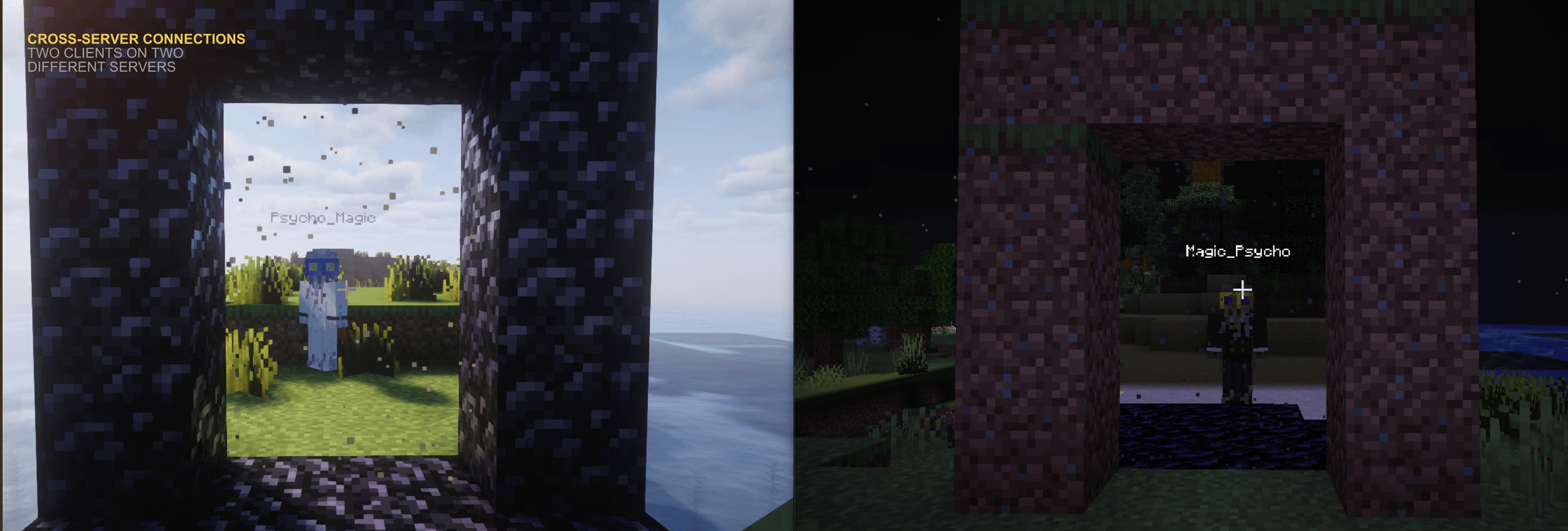
Cross-server gateways
View and travel to destinations on another server.
- Pairing through import/export codes.
- Direct Minecraft transfer or proxy routing.
- First available, least loaded, round robin, sticky, and nearest routing.
- Optional waiting queues.
- Optional entity and convoy transfers for supported vehicles, passengers, and leash groups.
- Peer trust, connection checks, version diagnostics, and traffic draining.
Requires configured, reachable endpoints. Cross-server travel uses a server transition.
Doors and pocket spaces
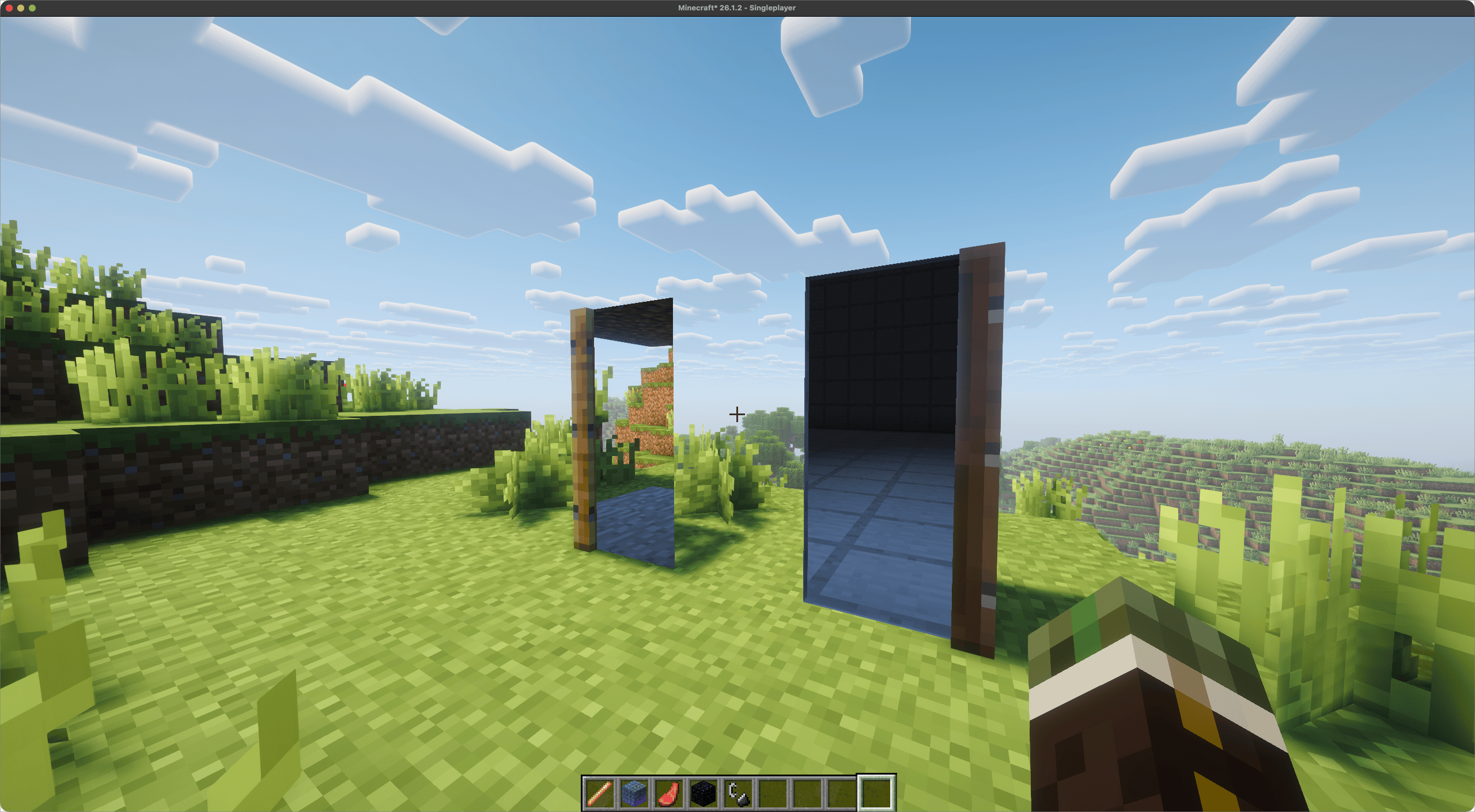
Dimensional doors and trapdoors
- Pair doors link two endpoints and keep their connection when moved.
- Personal doors give each player a private, persistent room.
- Public doors lead to a shared room.
- Bound items retain their identity when broken and replaced.
- Change materials without losing the link or room.
- Activate while physically open or closed.
- Owner controls with whitelists and blacklists.
- Through-door previews, including personal rooms and return destinations.
Persistent rooms and expansion
Pocket rooms are editable interiors in Wormholes' bundled dimension.
- Room sizes from 8 to 128 blocks per edge, including the shell.
- Configurable shell materials and return doors.
- Room growth without moving existing builds.
- Paired doors on eligible walls can add adjoining rooms.
- Return routes with rescue behavior.
Shrinking can remove builds outside the new boundary and requires confirmation.
Templates, snapshots, and instances
- Visitor, Builder, and Owner roles.
- Building, mob spawning, PvP, time, and inventory rules.
- Furnished-room templates.
- Named snapshots and restoration.
- Per-player instances from templates.
- Resets when empty, on timers, or manually.
Create personal workshops, shared bases, or repeatable challenge rooms.
Rules and server control
Access rules
Control who travels and when with permissions, items, portal keys, advancements, entity types, player state, time, weather, moon phase, redstone, and portal state.
Create nighttime entrances, progression gates, or item-locked destinations.
Costs and arrival effects
- Costs in items, XP, hunger, health, durability, charges, or tickets.
- Warmups, shared cooldowns, and regenerating charges.
- Limited-use portal keys.
- Arrival messages, sounds, potion effects, velocity changes, and authorized commands.
- Reusable rule templates.
- Native currency provider API; separate Vault integration on Bukkit.
Administration
- In-game menus and commands for setup, search, inspection, linking, and diagnostics.
- Rendering budgets, ranges, entity limits, and quality profiles.
- Custom sounds, effects, and travel settings.
- Backups, retention, and dry-run imports or restores.
- World and owner remapping.
- Localization and per-player languages.
- Administrator-supplied runes by default.
- Configurable door recipes and placement permissions.
What the optional client mod adds
Native portal rendering
- Minecraft block models and textures inside the exact portal shape.
- Destination lighting, biome colors, sky, time, weather, and fog.
- Moving entities, supported animations, and player reflections.
- Recursive views through portals, mirrors, and dimensional doors.
- Supported shader rendering.
Standard destination views, mirrors, and recursive projection also work without the client mod.
Continuous player crossings
Supported player crossings on Fabric, Forge, and NeoForge servers preserve movement across worlds and dimensions without a loading screen. Also available in singleplayer.
RTP, cross-server gateways, mounted travel, and non-player entities use ordinary transitions.
Getting started
Install the matching loader jar in mods/. The same jar supports clients, singleplayer, and dedicated servers.
To link two portals as an administrator:
- Run
/wormholes wand. - Left-click and right-click opposite corners of a flat opening.
- Left-click the selected pane to create a portal.
- Repeat for the second portal.
- Open the first portal's menu with the wand.
- Choose the other portal under Destination, then select Link and return.
Clear temporary blocks from the openings and walk through.
Mod settings: config/wormholes/wormholes.toml.
Compatibility & Notes
- This listing is for the Wormholes mod: Minecraft 26.3 only, on Fabric, Forge, and NeoForge. Requires Java 25.
- The original Spigot server plugin is available separately.
- The optional client mod also enhances rendering on compatible Spigot servers running a matching Wormholes release.
- Use the same Minecraft and Wormholes versions across connected servers. Protocol mismatches can break cross-server travel.
- This is separate from Immersive Portals, with its own rendering technology.
- Supports Sodium and Iris Shaders on supported loader combinations. Please report compatibility issues.
- A rendering API is coming soon.
- Portals remain functional and visible without the client mod. The server must have Wormholes installed.
- For singleplayer, install Wormholes locally.
Screenshots
Gallery
-
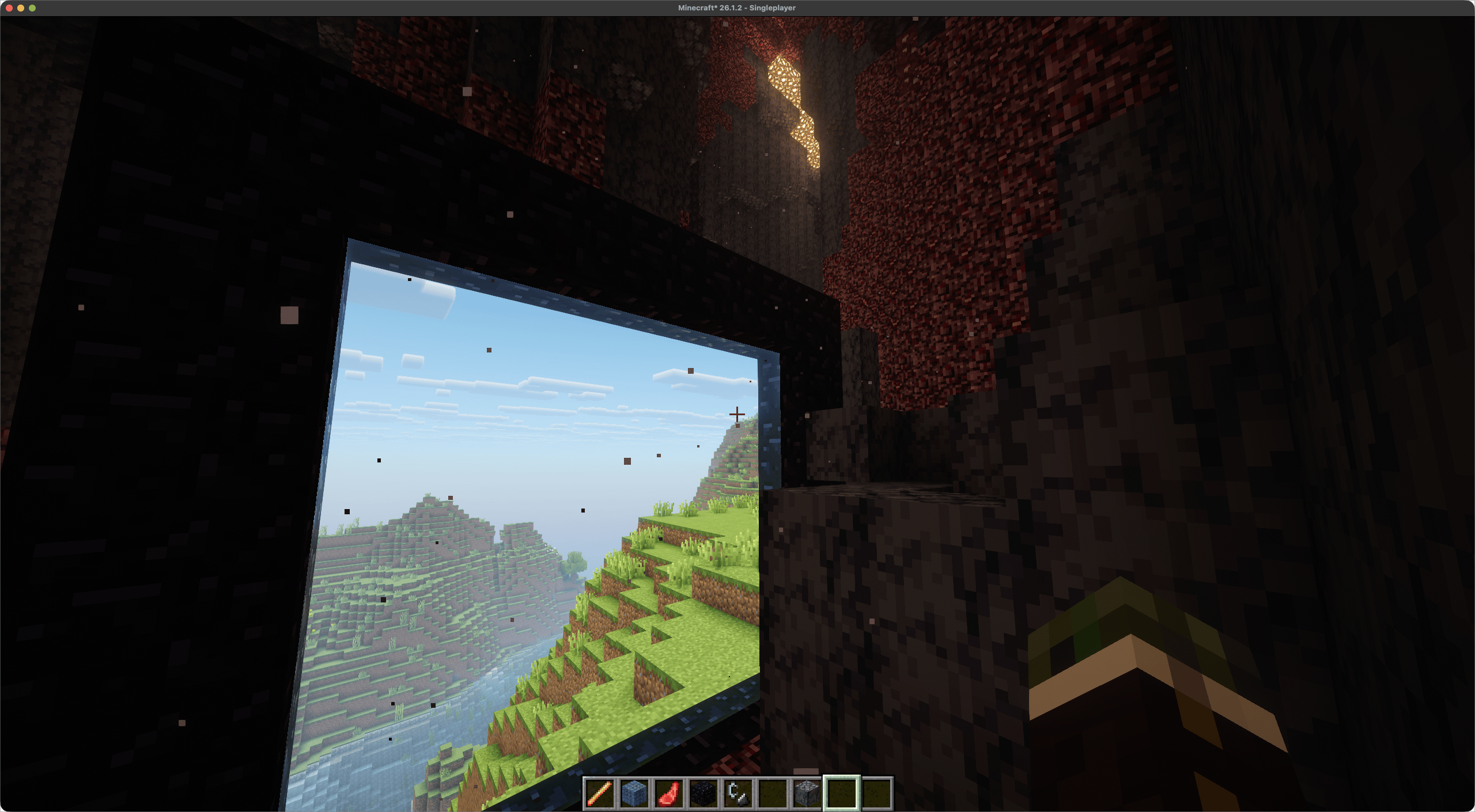 image-attachment_1133f414-6463-4195-8d83-faa0ae3144d5.png
 -
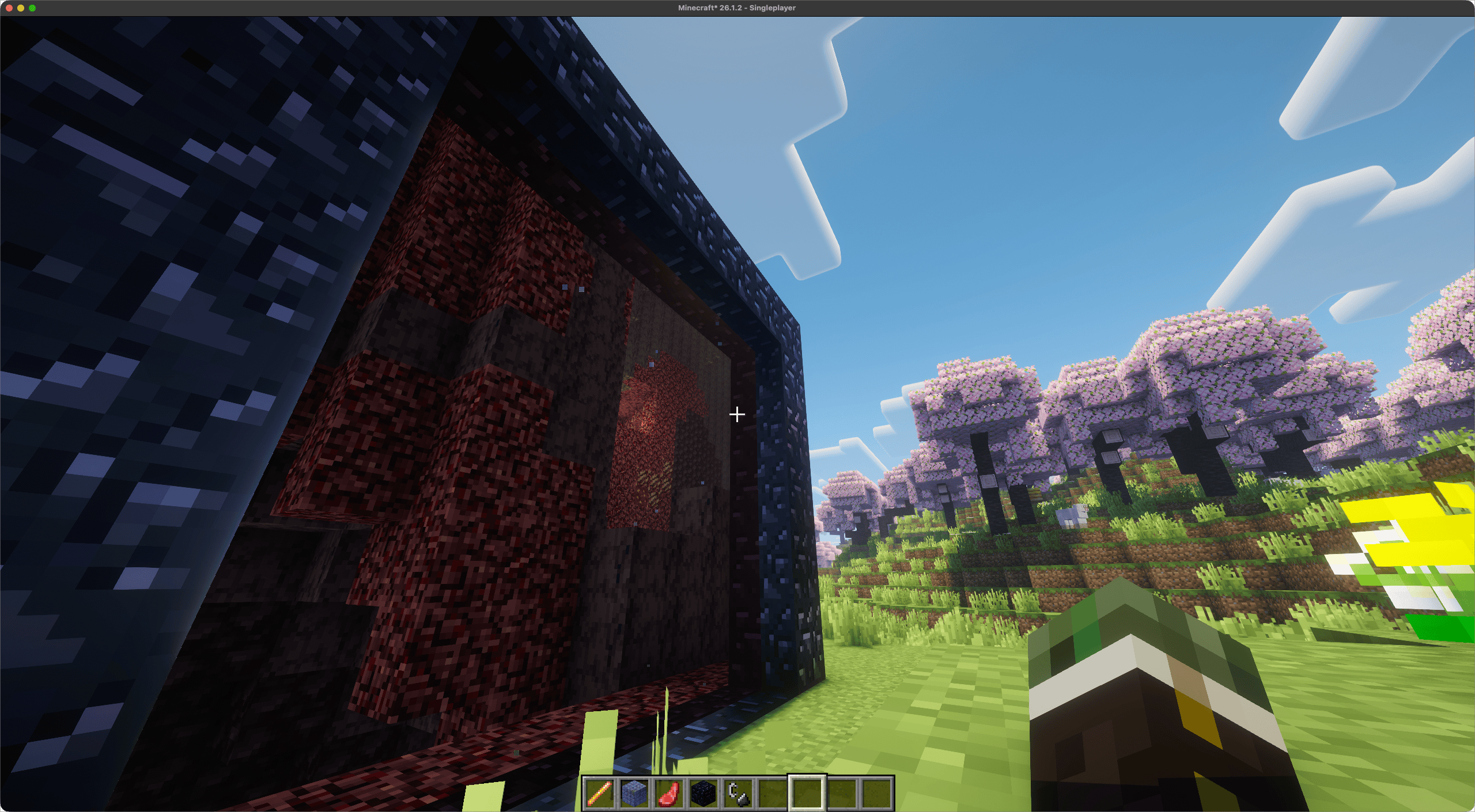 image-attachment_fb716773-ba60-4579-a171-4c3bebb70ad7.png
 -
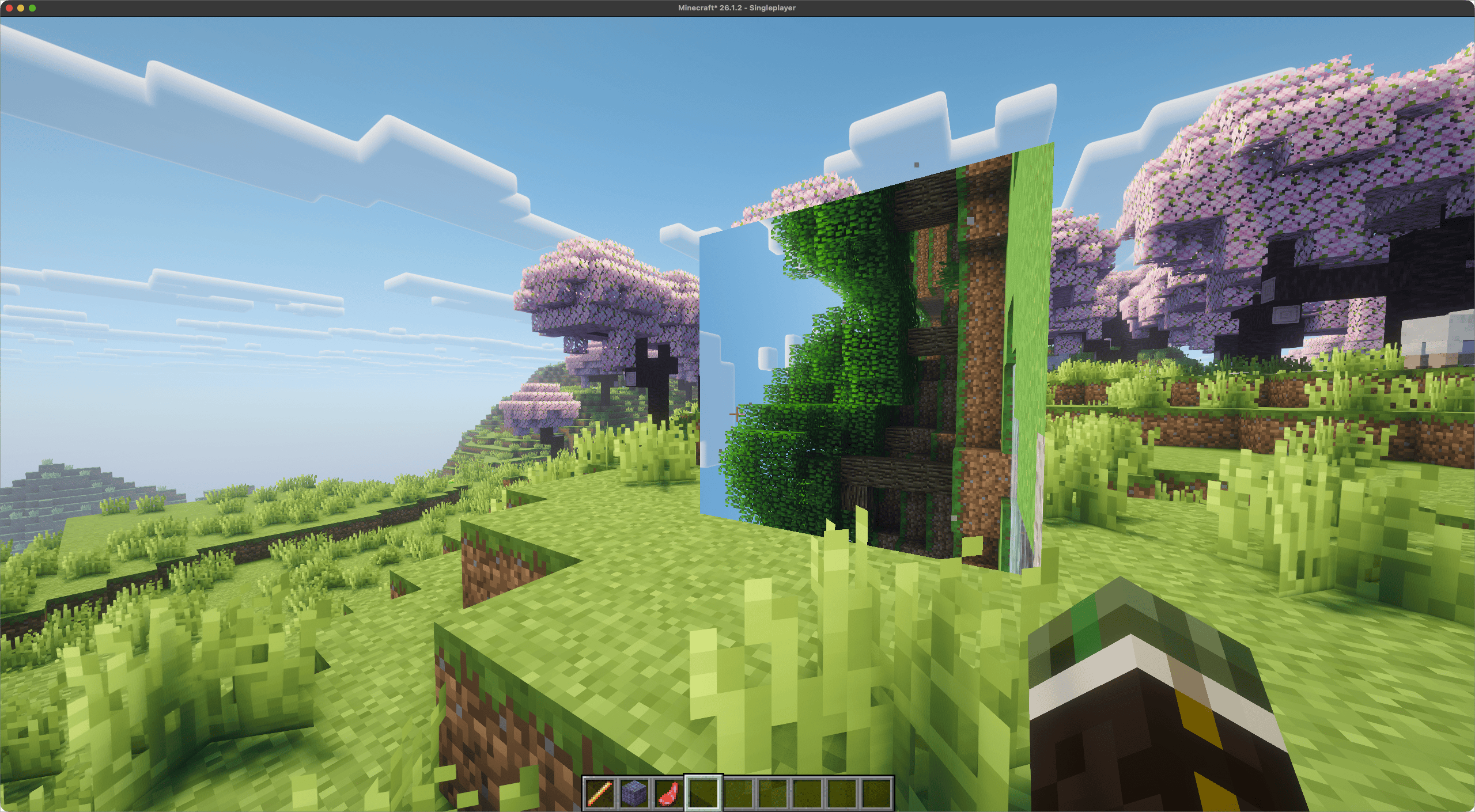 image-attachment_8f3f36e6-8a5d-4ddf-b8ba-0a7b142a2533.png
 -
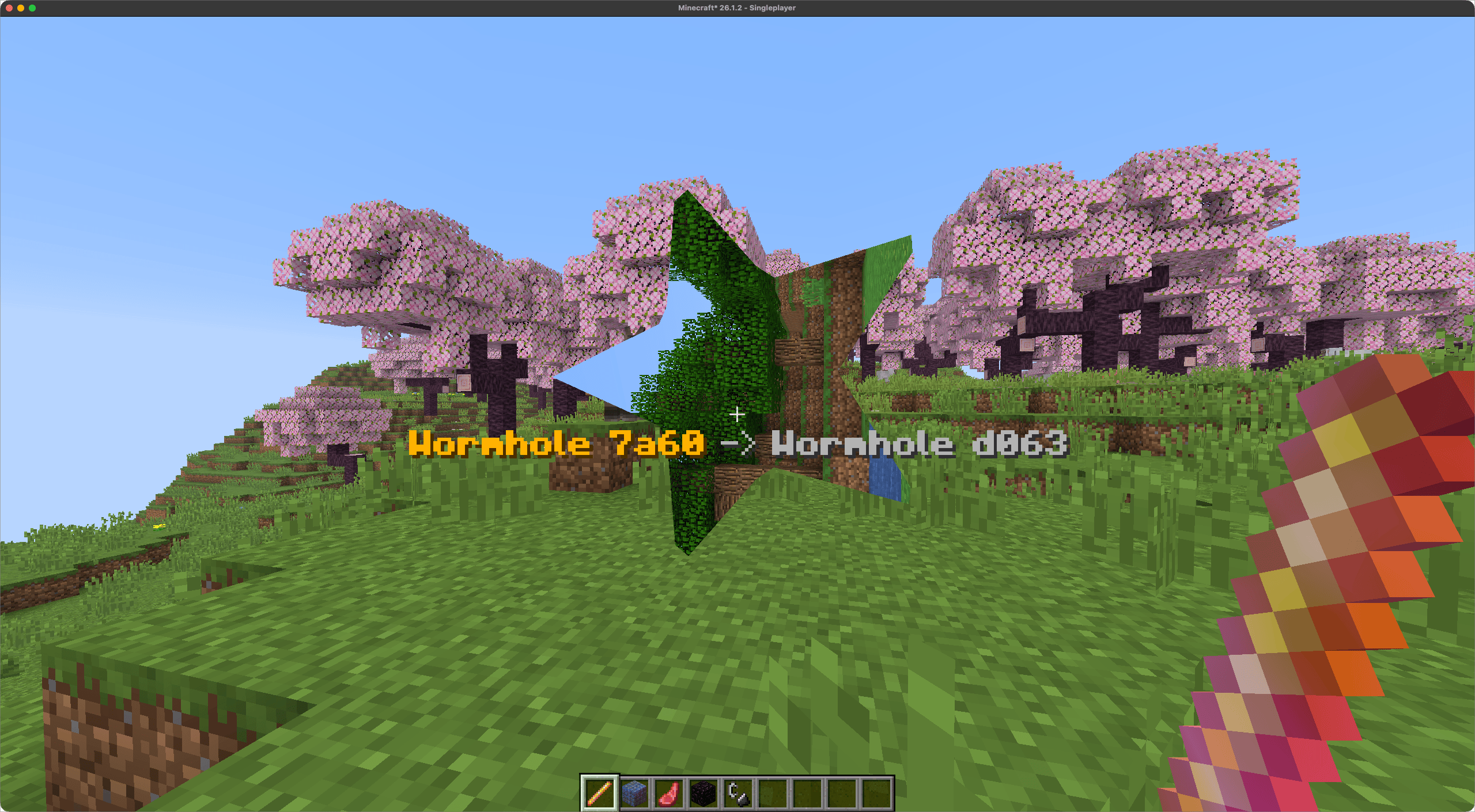 CleanShot 2026-10-14 at 12.11.39.png CleanShot 2026-10-14 at 12.11.39.png
 -
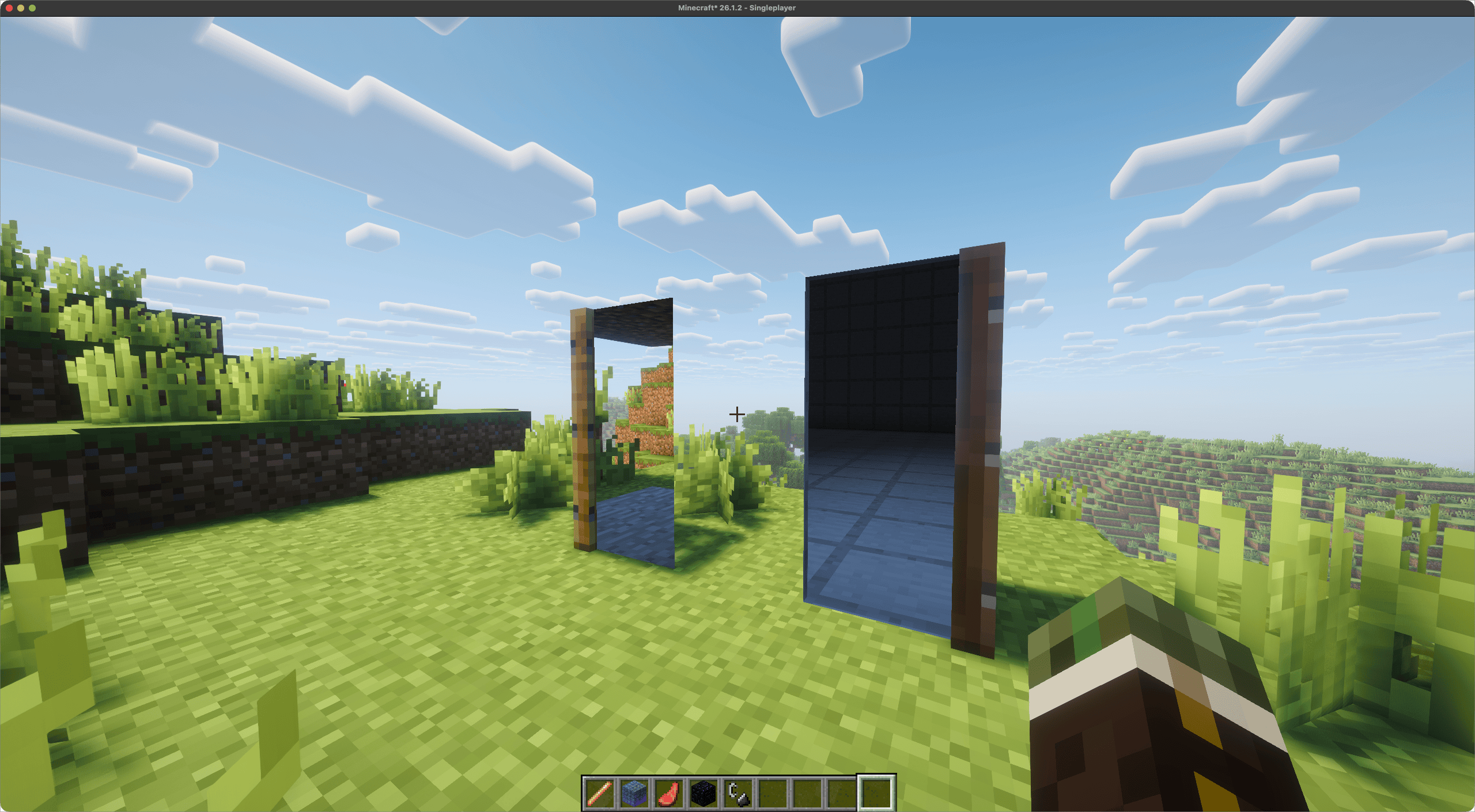 image-attachment_3e58d60c-25fa-45e7-9393-db0fdedbeaa4.png
 -
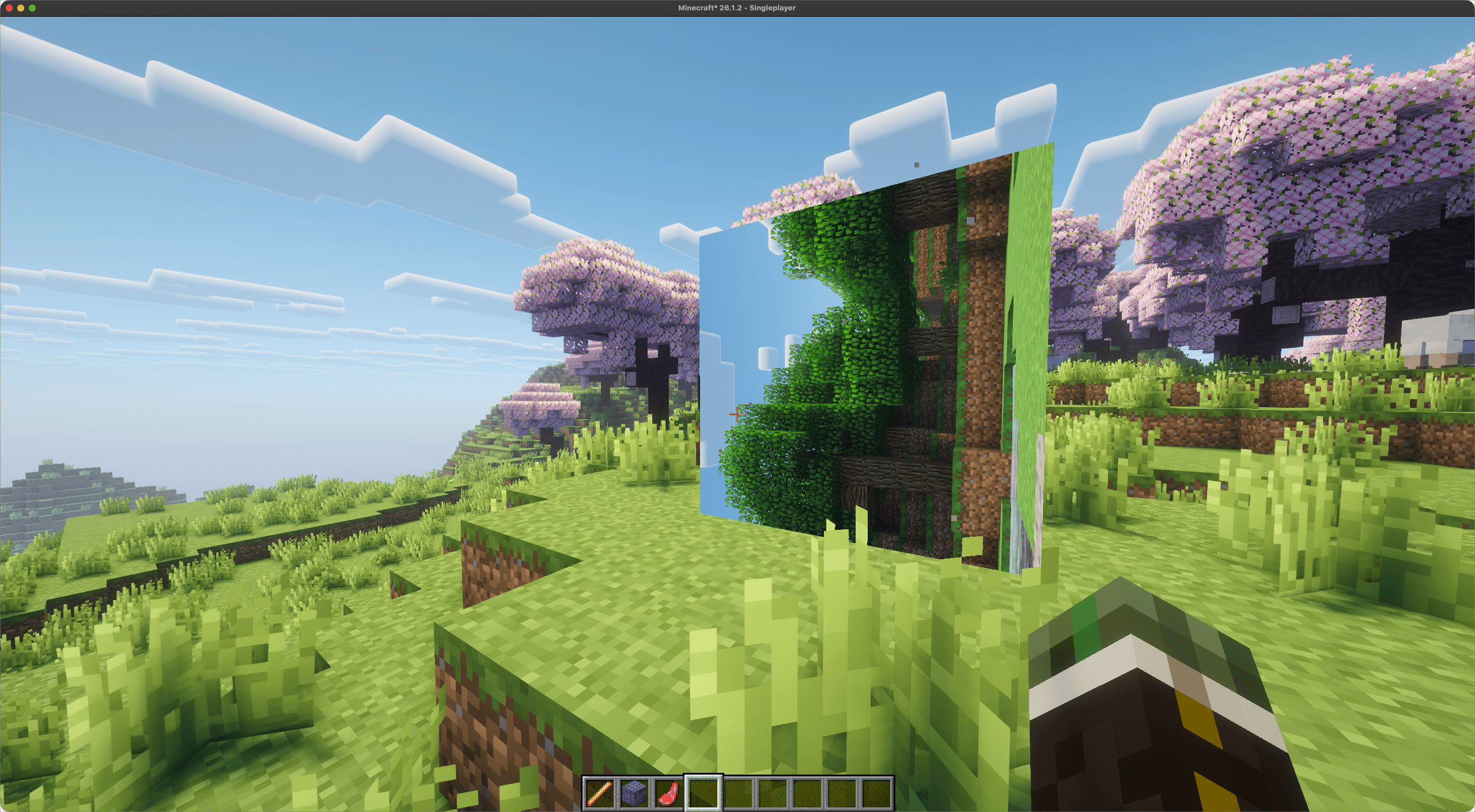 CleanShot 2026-10-14 at 12.04.00.png CleanShot 2026-10-14 at 12.04.00.png
 -
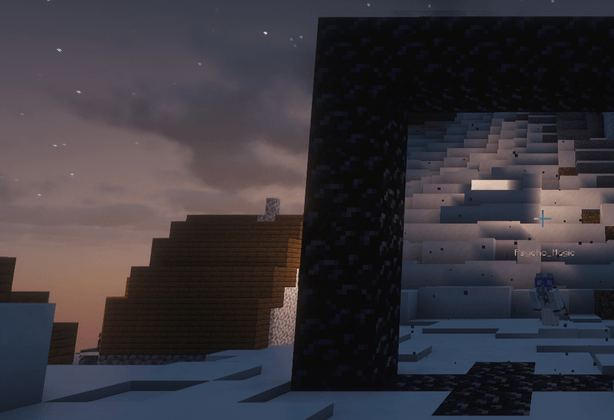 destination-projection-b.png destination-projection-b.png
 -
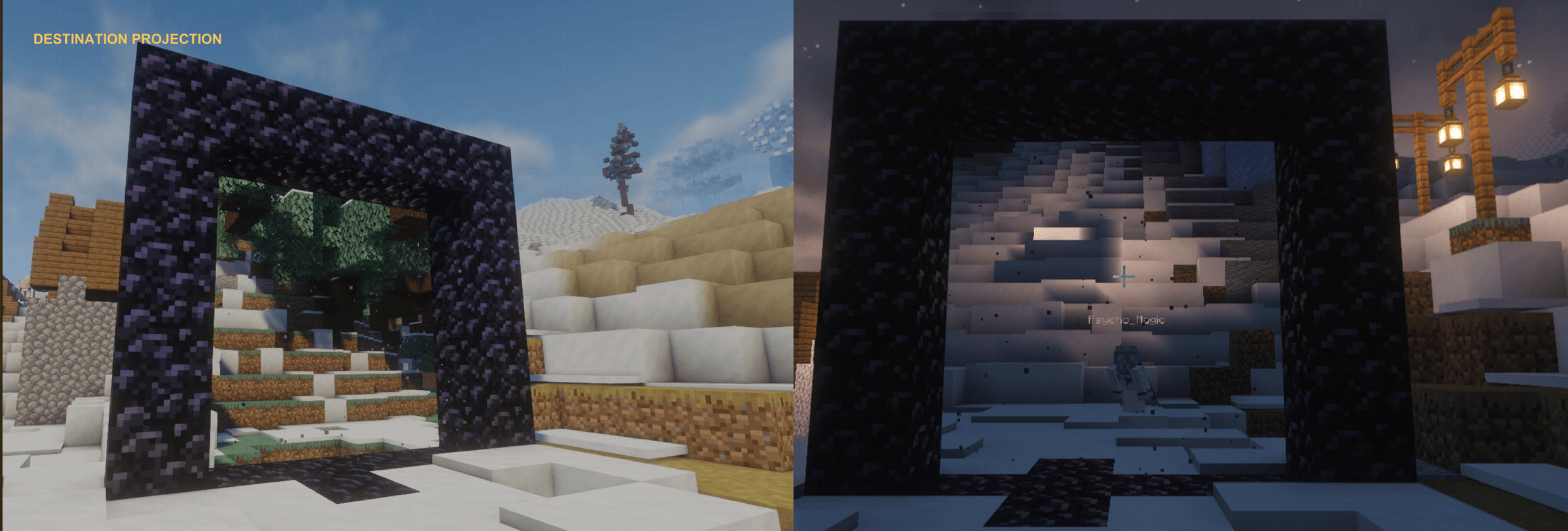 destination-projection.png destination-projection.png
 -
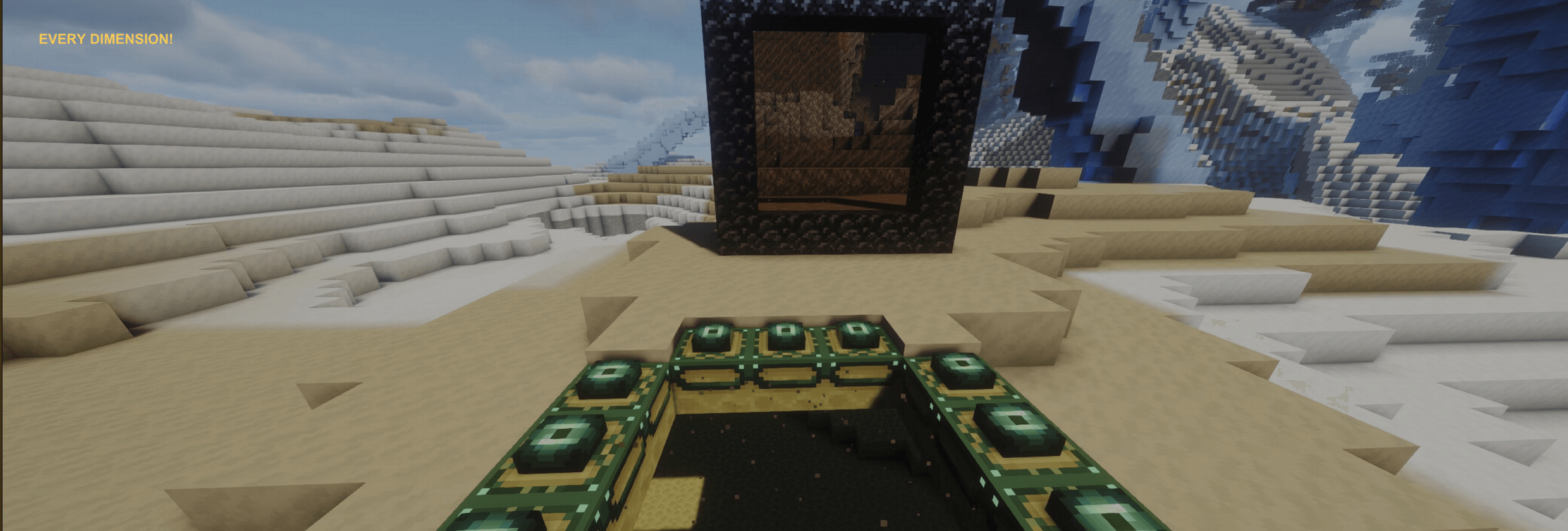 inter-dimensional-defaults.png inter-dimensional-defaults.png
 -
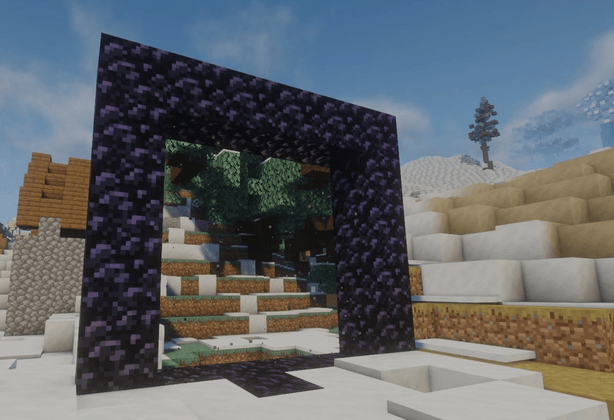 destination-projection-a.png destination-projection-a.png
 -
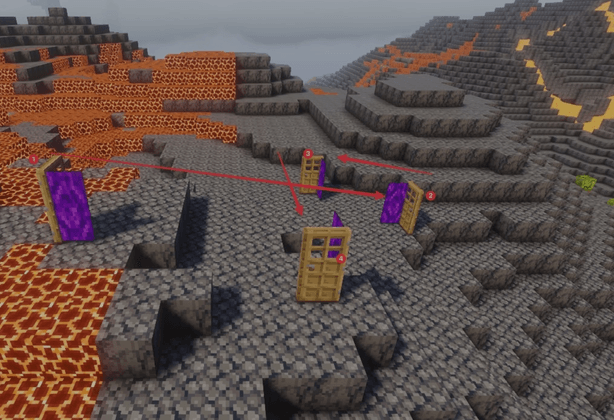 dimensional-doors-a.png dimensional-doors-a.png
 -
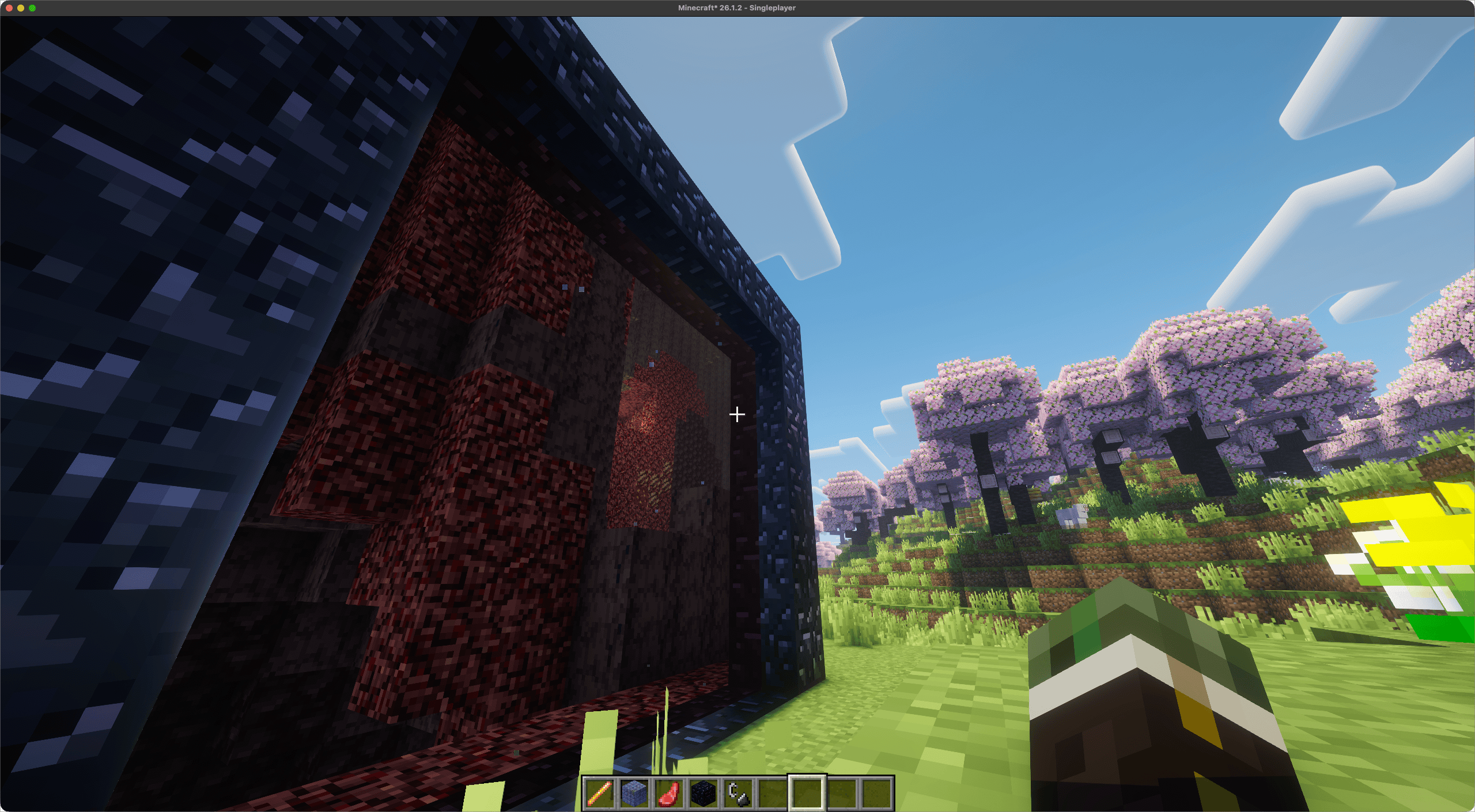 CleanShot 2026-10-14 at 12.05.01.png CleanShot 2026-10-14 at 12.05.01.png
 -
 cross-server-connections.png cross-server-connections.png
 -
 configurable-portals.png configurable-portals.png
 -
 custom-portal-shapes.png custom-portal-shapes.png
 -
 CleanShot 2026-10-14 at 12.09.15.png CleanShot 2026-10-14 at 12.09.15.png
Versions
Files
Relations
Project Relations
More like this
Similar Mods
Suggestions use data such as tags, dependencies, dependents, descriptions, titles, and more to rank how much they overlap with this mod.
On ModDex
Community snapshot
By the numbers
Statistics
 (opens in a new tab)
Get it on
Available Platforms
On ModDex
Community snapshot
By the numbers