
Community listing page, reviews here may not be monitored by the author.
WTL Tiertagger


No reviews yet
WTL TierTagger is for The WTL [WorldTierList] you can Rank in to your favourite gamemode and with this mod everyone can see your rank and you can Choose the rank tha is displayd at you nametag prefix.
Community voices
Reviews
No reviews yet. Be the first to review this project!
Get it on
Available Platforms
Compatibility
Supported Environments
Runs entirely on the client. Works on vanilla servers.
About
Project Details
For authors
Embed Badge
If you're the author of this project, you can embed a live badge anywhere that supports HTML or Markdown. It updates automatically whenever ratings change.
Use HTML for any page that supports it, or Markdown for README files and Markdown-based descriptions.
Identifiers
Platform IDs
Resources
External Links
About
Description
WTL TierTagger
WTL TierTagger is an addon created for the community.
It allows players to connect their official WTL ranks directly to Minecraft and display them in-game with a customizable nametag prefix.
With WTL TierTagger, players can rank up in their favorite PvP gamemodes and proudly show their achievements to everyone on the server. The mod automatically supports the display of your earned WTL ranks, making it easier for other players to recognize your skill level and experience.
Features
- Display your official WTL rank directly above your character
- Choose which rank should appear as your nametag prefix
- Supports multiple gamemodes and rankings
- Lets everyone instantly see your current skill tier
- Clean and easy-to-use integration
- Designed specifically for the WTL competitive community
Whether you are highly ranked in Sword, Crystal, SMP, Axe, Pot, UHC, Mace, Cart, or any other supported gamemode, WTL TierTagger helps you represent your accomplishments in-game.
The mod is especially useful for competitive players, testers, evaluators, and active members of the WTL community who want a more immersive and recognizable ranking system inside Minecraft.
By using WTL TierTagger, your profile becomes more personal and unique, because you can decide which of your earned ranks should be displayed as your public nametag prefix.
WTL TierTagger is for The WTL [WorldTierList] you can Rank in to your favourite gamemode and with this mod everyone can see your rank and you can Choose the rank tha is displayd at you nametag prefix.
Screenshots
Gallery
-
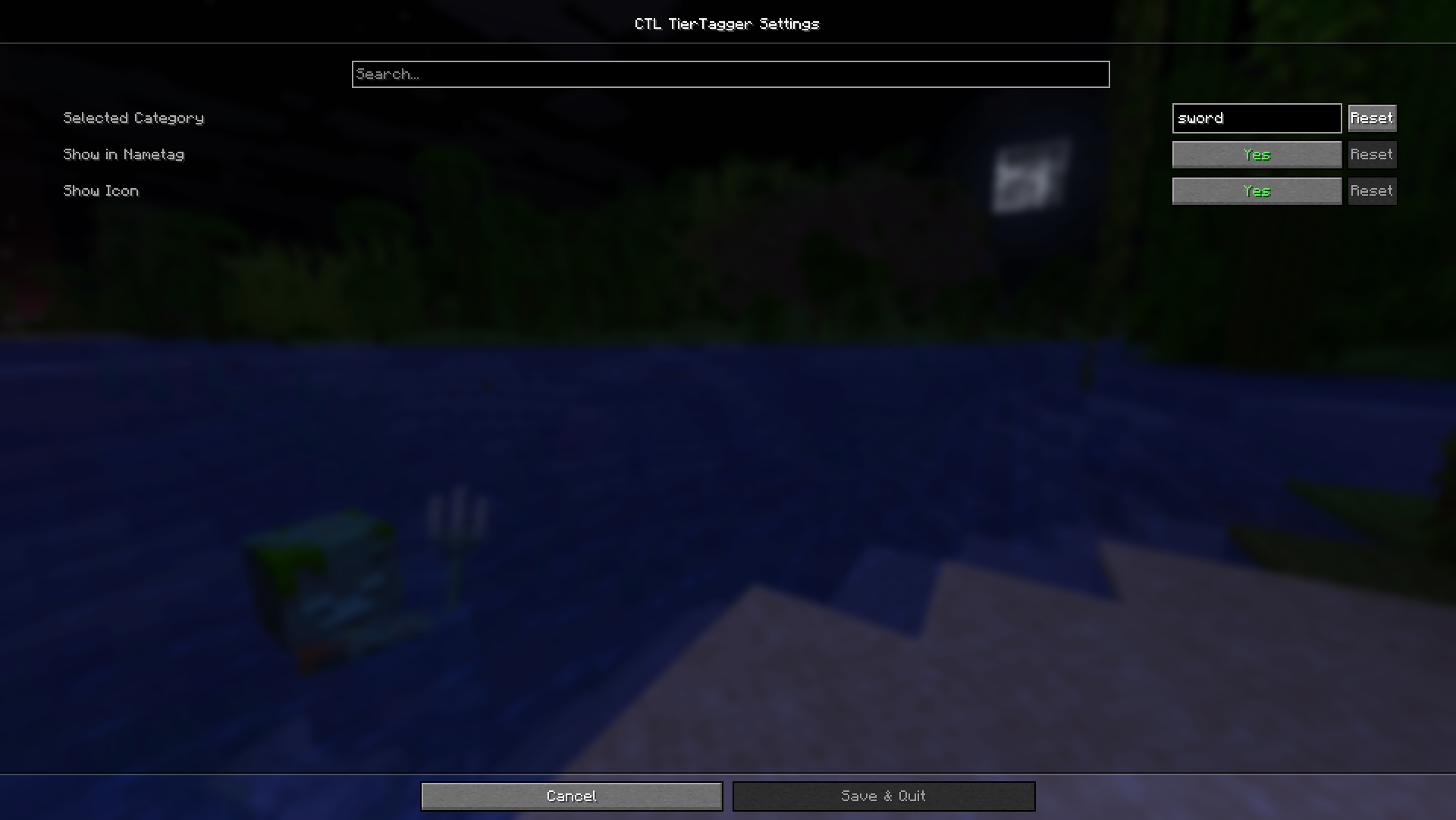 Customization You can Customize everything
 -
 Logo Our WTL Logo
 -
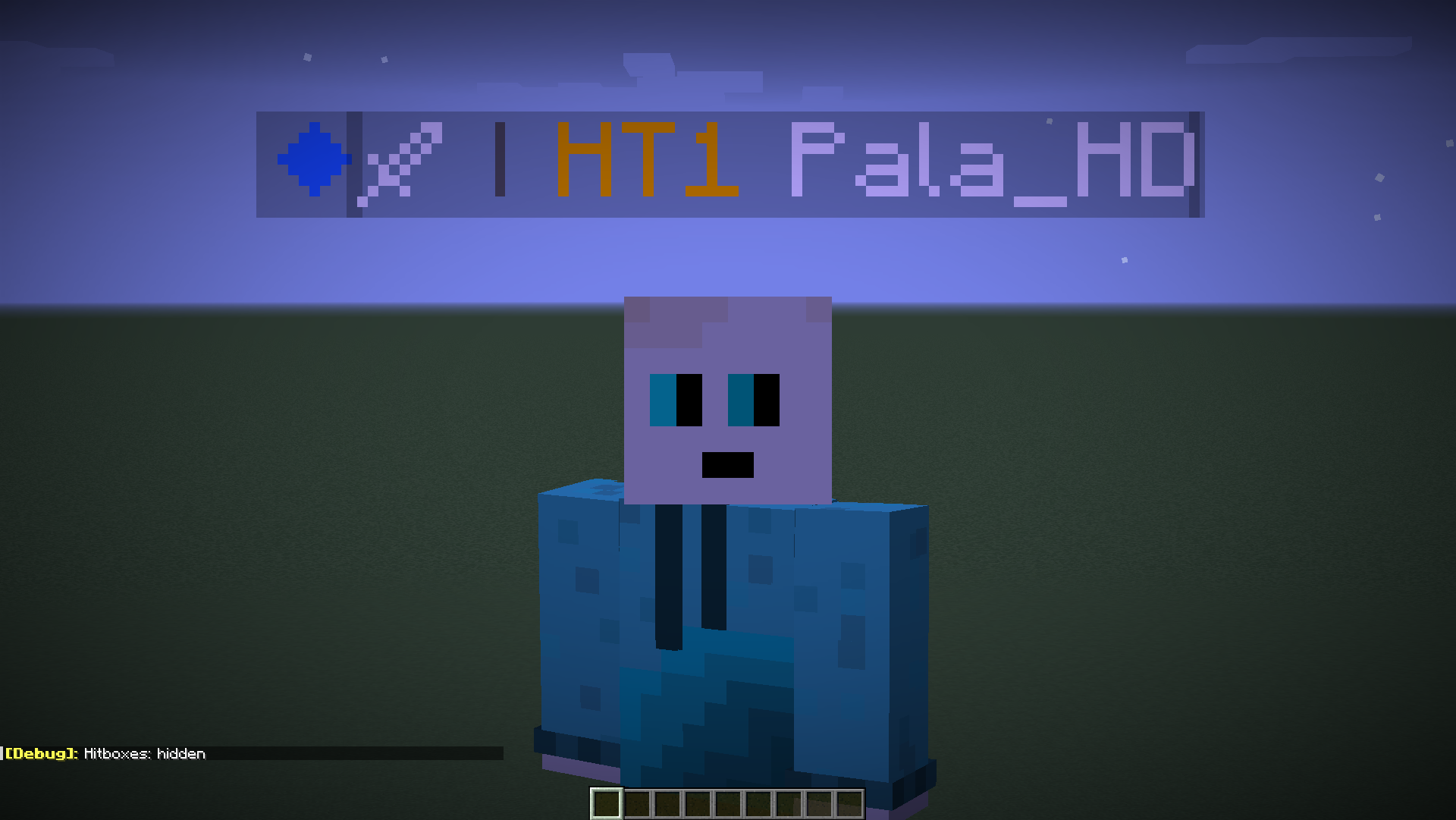 Prefix Your Mode and Rank will be Displayd before you name as a prefix
Versions
Files
Relations
Project Relations
More like this
Similar Mods
Suggestions use data such as tags, dependencies, dependents, descriptions, titles, and more to rank how much they overlap with this mod.
On ModDex
Community snapshot
By the numbers
Statistics
Want to reach Minecraft players?
We're looking for a server hosting partner to feature here and other parts of the site. Interested? Send us a message!
Get in touchGet it on
Available Platforms
On ModDex
Community snapshot
By the numbers
Statistics
Resources