
Community listing page, reviews may not be monitored by the author.
X Client

No reviews yet
X Client is a custom modular Minecraft client focused on: ⚡ Performance optimization (FPS & chunk processing) . 🎨 HUD and visual customization . 🧩 Utility & quality-of-life features. 🧱 Advanced rendering and culling systems

Community voices
Reviews
No reviews yet. Be the first to review this project!
Get it on
Available Platforms
About
Project Details
For authors
Embed Badge
If you're the author of this project, you can embed a live badge anywhere that supports HTML or Markdown. It updates automatically whenever ratings change.
Use HTML for any page that supports it, or Markdown for README files and Markdown-based descriptions.
Identifiers
Platform IDs
Resources
External Links
About
Description
# X Client
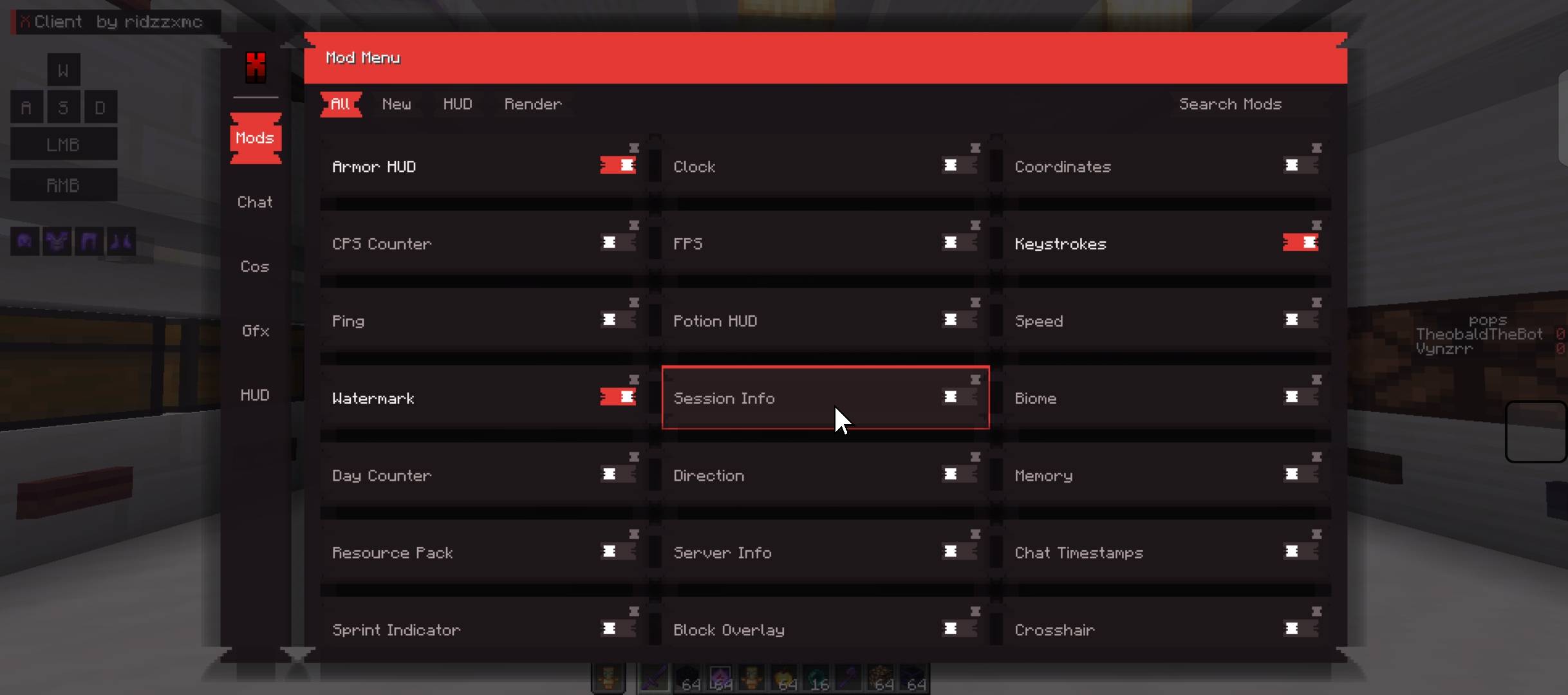
**A modular, performance-focused Fabric client for Minecraft 1.21.11** — a clean red-and-black "Mod Menu" ClickGUI, fully draggable HUD widgets, and a set of client-side optimization modules. No ESP, no aim-assist, no auto-clicker, no reach modification — nothing that reads through walls or breaks legitimate PvP. Just visual, informational, and performance tools.
## ✨ Highlights
- **Red-themed ClickGUI** — press `Right Shift` in-game to open the Mod Menu
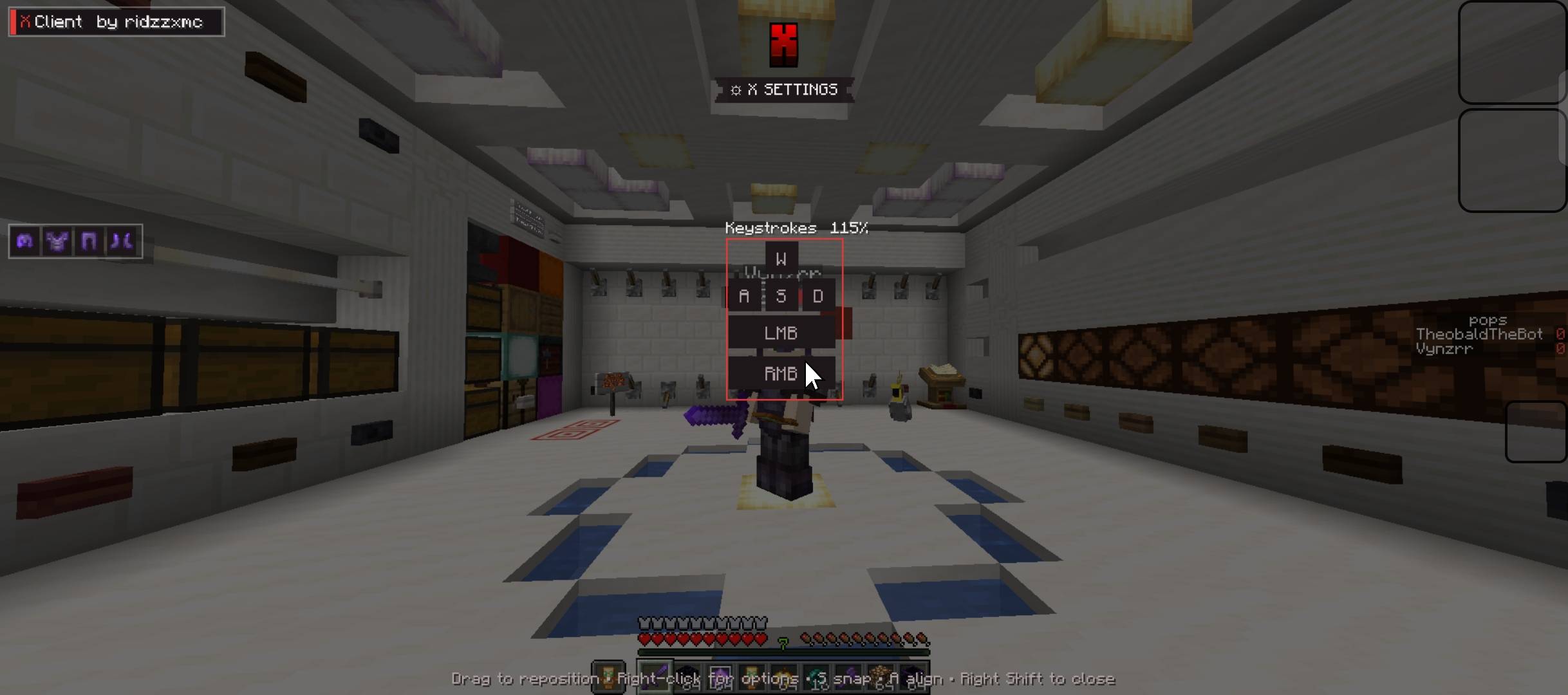
- **~20 draggable, resizable HUD widgets** with a dedicated layout editor
- **8 optimization modules** for smoother FPS on heavy servers/worlds
- **Exclusive X Client Cape** cosmetic with a live preview on your own skin
- Per-module settings (toggles, sliders, modes) saved automatically
- Fair-play by design — no unfair PvP advantages
## 🖥️ How to open the menu
Press **Right Shift** in-game to open the Mod Menu (ClickGUI).
Hold **Left Shift** over a module to open its Settings panel.
> ## 📌 **NOTE: Use your mouse SCROLL WHEEL to resize a HUD widget.**
Screenshots
Gallery
-
 380522.jpg 380522.jpg
 -
 380523.jpg 380523.jpg
Versions
Files
Relations
Project Relations
More like this
Similar Mods
Suggestions use data such as tags, dependencies, dependents, descriptions, titles, and more to rank how much they overlap with this mod.
On ModDex
Community snapshot
By the numbers
Statistics

Get it on
Available Platforms
On ModDex
Community snapshot
By the numbers
Statistics
Resources