Community listing page, reviews here may not be monitored by the author.
X to Xray


No reviews yet
X to Xray is a new and powerful Minecraft mod designed to help players gather resources faster — simply by pressing X on your keyboard!
Community voices
Reviews
No reviews yet. Be the first to review this project!
Get it on
Available Platforms
Compatibility
Supported Environments
Runs entirely on the client. Works on vanilla servers.
Required on the client. Installing it on the server adds functionality.
Varies by version.
About
Project Details
For authors
Embed Badge
If you're the author of this project, you can embed a live badge anywhere that supports HTML or Markdown. It updates automatically whenever ratings change.
Use HTML for any page that supports it, or Markdown for README files and Markdown-based descriptions.
Identifiers
Platform IDs
Resources
External Links
About
Description
Modrinth Download https://modrinth.com/mod/x-to-xray
Tired of using X-Ray resource packs? Then try X To Xray!
Why you should use X To Xray:
-
It allows you to customize everything easily in our built‑in config menu. Toggling ores and other blocks has never been easier.
-
Use the built‑in VeinMiner so you don’t have to spend much time mining.
-
X To Xray supports Fabric.
How to use:
-
Download the mod and a version of the Fabric API.
-
Put both files into your mods folder. If you use the normal Minecraft launcher, install the Fabric Loader.
-
Launch Minecraft and start X‑Raying.
-
Make sure to favorite the mod.
Screenshots: (Before/After Bild)
Supported versions: All 26.xx, all 1.21.xx and all 1.20.xx
More versions soon!
Videos /Guides / Tutorials
**X-TO-XRAY-TRAILER**MC-SKINS-TRAILER
SERVER-SETUP
Use Of Plugins
IMPORTANT: Plugins Are Not Made By Random Pixel Studios! Use All Plugins At Own Risk!Instalation:
- Create Or Get A Plugin JAR
- Launch Your Minecraft With X To Xray
- Go To The Config Menu
- Go To Plugins
- Drag-Drop Your Plugin There!
- If Nothing Shows Up, Restart Your Game!
Activly Supportet Versions
- New Versions
- 26.x (Recomendet!)
- 1.21.x
- 1.20.x
Info: There Is An Version For Every New Snapshot Available But Snapshot-Versions Are Not Beeing Updatet!
Development
-
Plugins: You Can Create Plugins Here!
-
X To Xray: In The Discordserver You Can Help Us Develop The Mod!
Instalation
- Download The Mod JAR And Put It In Your
ModsFolder. - Put The Fabric API JAR In The
ModsFolder Too! - Launch Minecraft And Start X-Raying!
Credits
- Used Blockbench (Minecraft Title Generator Plugin) Fort Title And Logo!
- Used Complementary Shaders - Unbound In Logo, Gallery Images And Trailer Video
Screenshots
Gallery
-
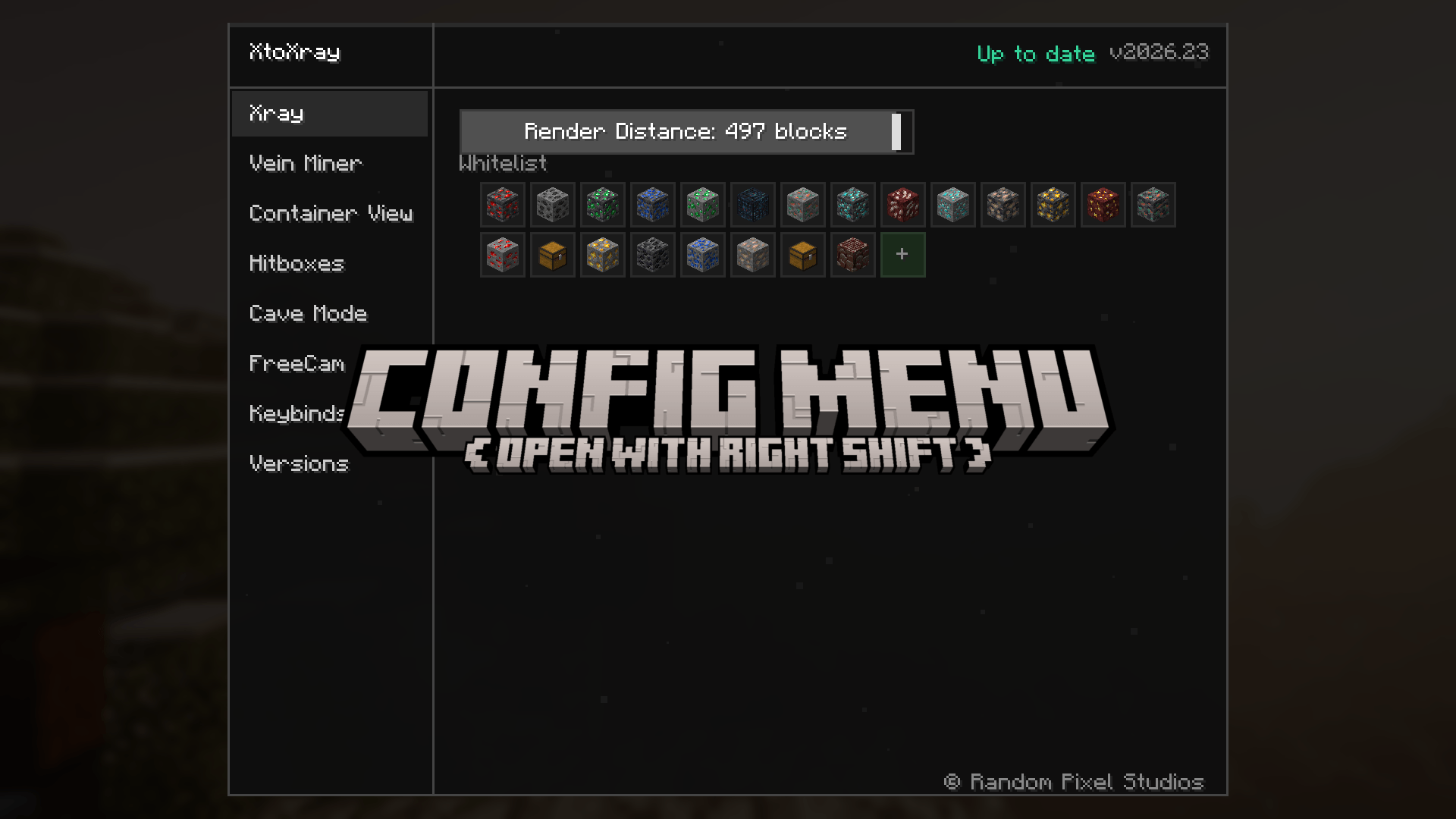 Config Config
 -
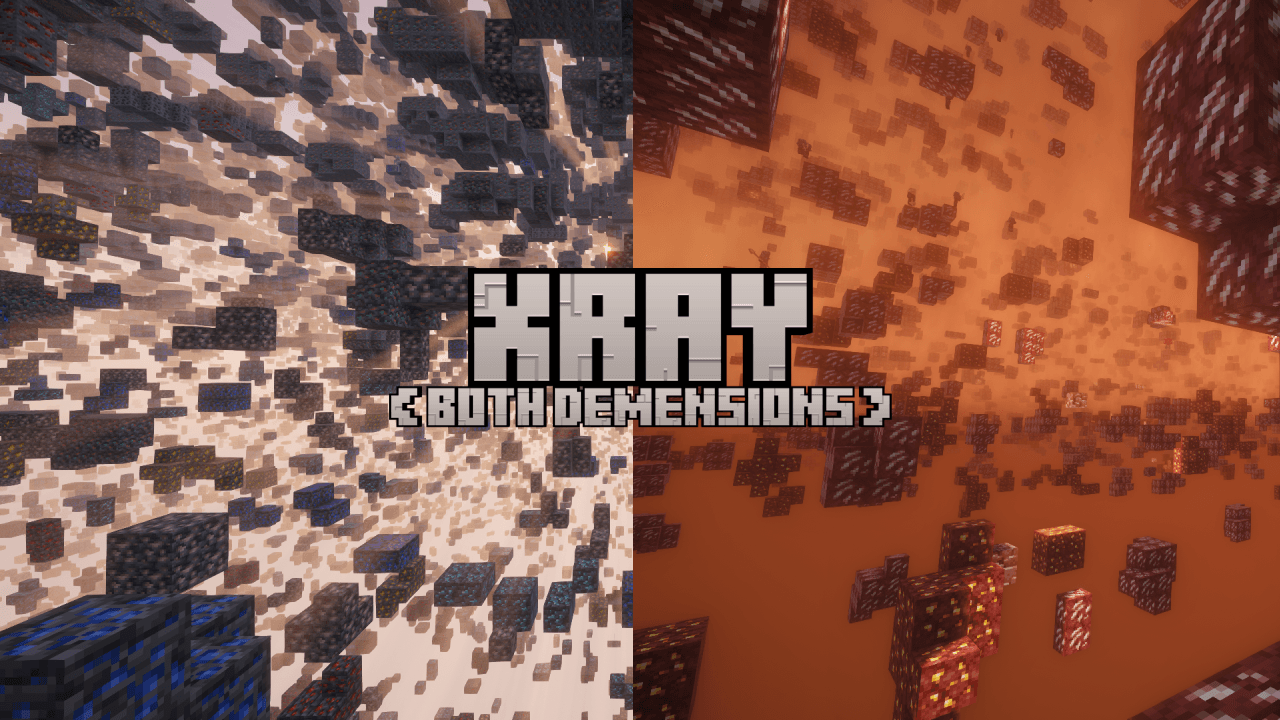 Xray (Both Demensions!) Xray (Both Demensions!)
-
 Supported Versions Shows All SUPPORTED vERSIONS bY oUER mOD
 -
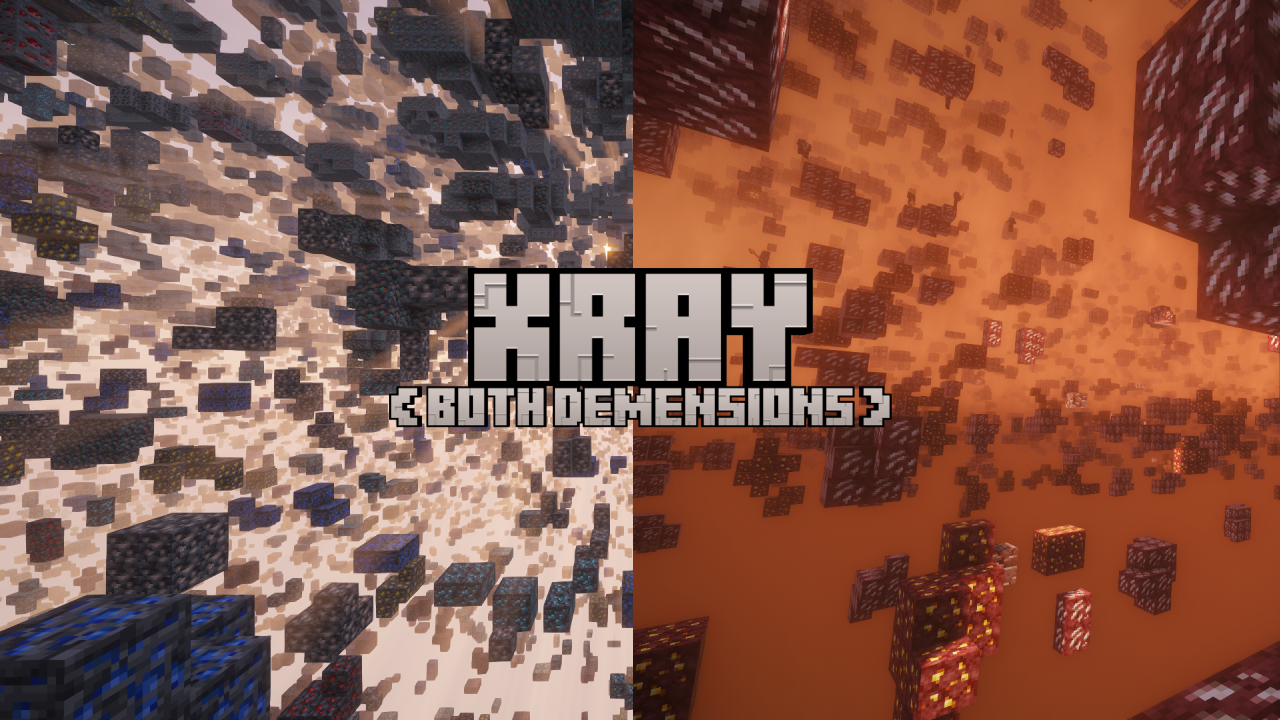 Xray Both Demensions
Versions
Files
Relations
Project Relations
More like this
Similar Mods
Suggestions use data such as tags, dependencies, dependents, descriptions, titles, and more to rank how much they overlap with this mod.
On ModDex
Community snapshot
By the numbers
Statistics
Want to reach Minecraft players?
We're looking for a server hosting partner to feature here and other parts of the site. Interested? Send us a message!
Get in touchGet it on
Available Platforms
On ModDex
Community snapshot
By the numbers
Statistics
Resources