
Community listing page, reviews here may not be monitored by the author.

Community voices
Reviews
No reviews yet. Be the first to review this project!
Get it on
Available Platforms
About
Project Details
For authors
Embed Badge
If you're the author of this project, you can embed a live badge anywhere that supports HTML or Markdown. It updates automatically whenever ratings change.
Use HTML for any page that supports it, or Markdown for README files and Markdown-based descriptions.
Identifiers
Platform IDs
Resources
External Links
About
Description
Xingyue Bot
A server-side mod that bridges QQ groups and Minecraft servers.
Uses the official QQ Bot API v2 (WebSocket) for bidirectional communication.
Features
· QQ ↔ Game Chat Relay – Sync messages between QQ groups and in‑game chat.
· AI-Powered Q&A – Mention the bot in QQ with a question and get answers from large language models (supports DeepSeek, OpenAI, SiliconFlow, and more).
· Web Search – The AI can automatically search the web (Bing / Baidu) for real‑time answers.
· Weather Forecast – Check weather for 300+ cities in China.
· Driving Restrictions – Query license plate restrictions for 15+ cities.
· MC百科 Search – Automatically detects Minecraft‑related questions and searches the MC百科 (MC Wiki) database.
· Account Binding – Link your QQ number to your in‑game ID, with daily check‑in rewards.
· Web Admin Panel – Configure bot parameters, blacklists, AI settings, and more via a browser.
· Check‑in / Economy – Integrates with the SellBox economy system.
Commands
Command Description
/bind <gameID> Bind your QQ to a game ID
/query Check your binding info
/checkin Daily check‑in to earn coins
/balance Check your coin balance
/transfer <player> <amount> Transfer coins to another player
@Bot + question Ask the AI a question
weather <city> Get weather forecast
restriction <city> Check license plate restrictions
Dependencies
· Minecraft Forge 1.20.1
· Minecraft NeoForge 1.21.1
· Optional: SellBox (for economy integration)
Configuration
After first launch, visit http://localhost:8080 to access the web admin panel (default username/password: admin/admin). There you can set:
· QQ Bot AppID and Token
· AI endpoint and API key
· Toggle search, weather, and other features
Screenshots
Gallery
-
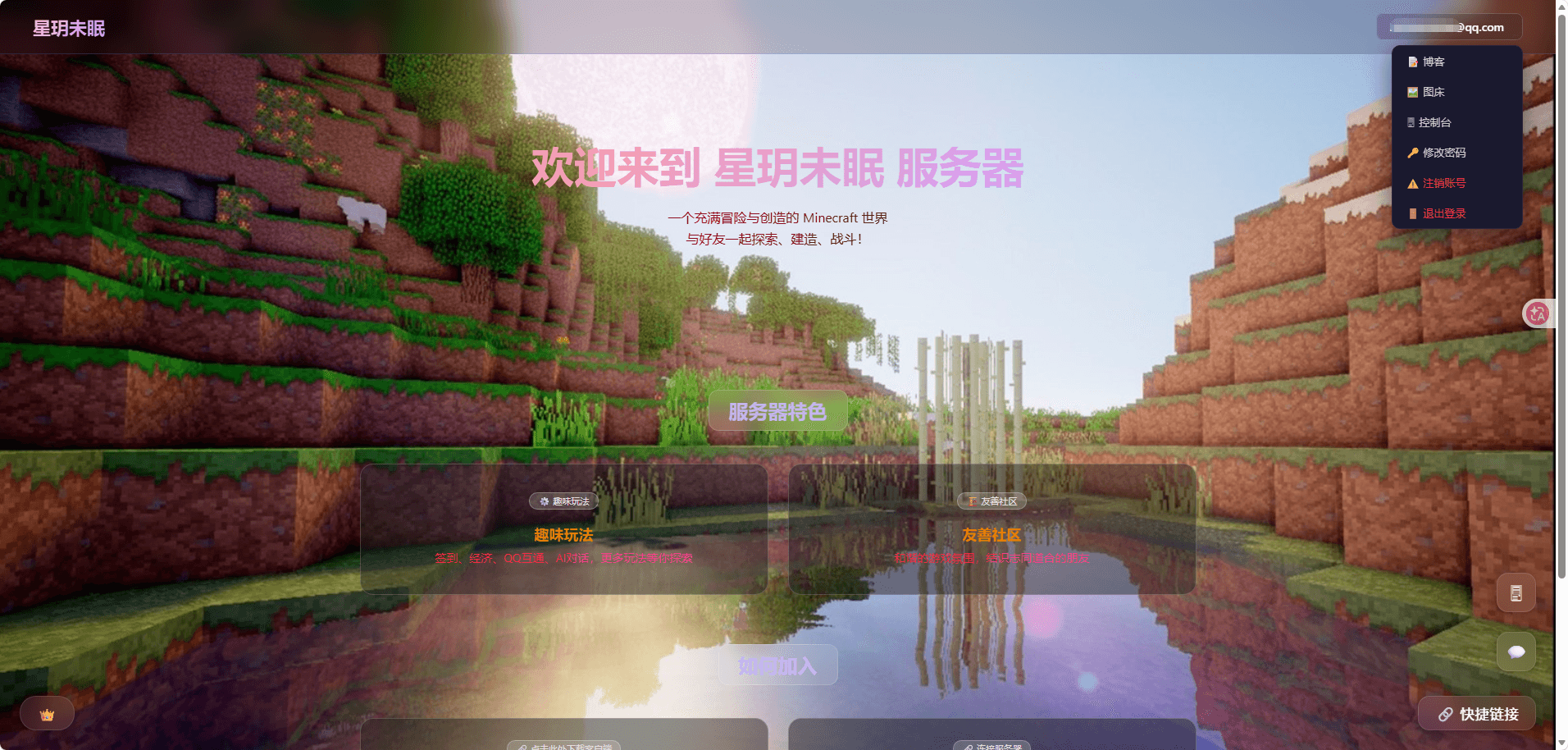 网页主页.png 网页主页.png
 -
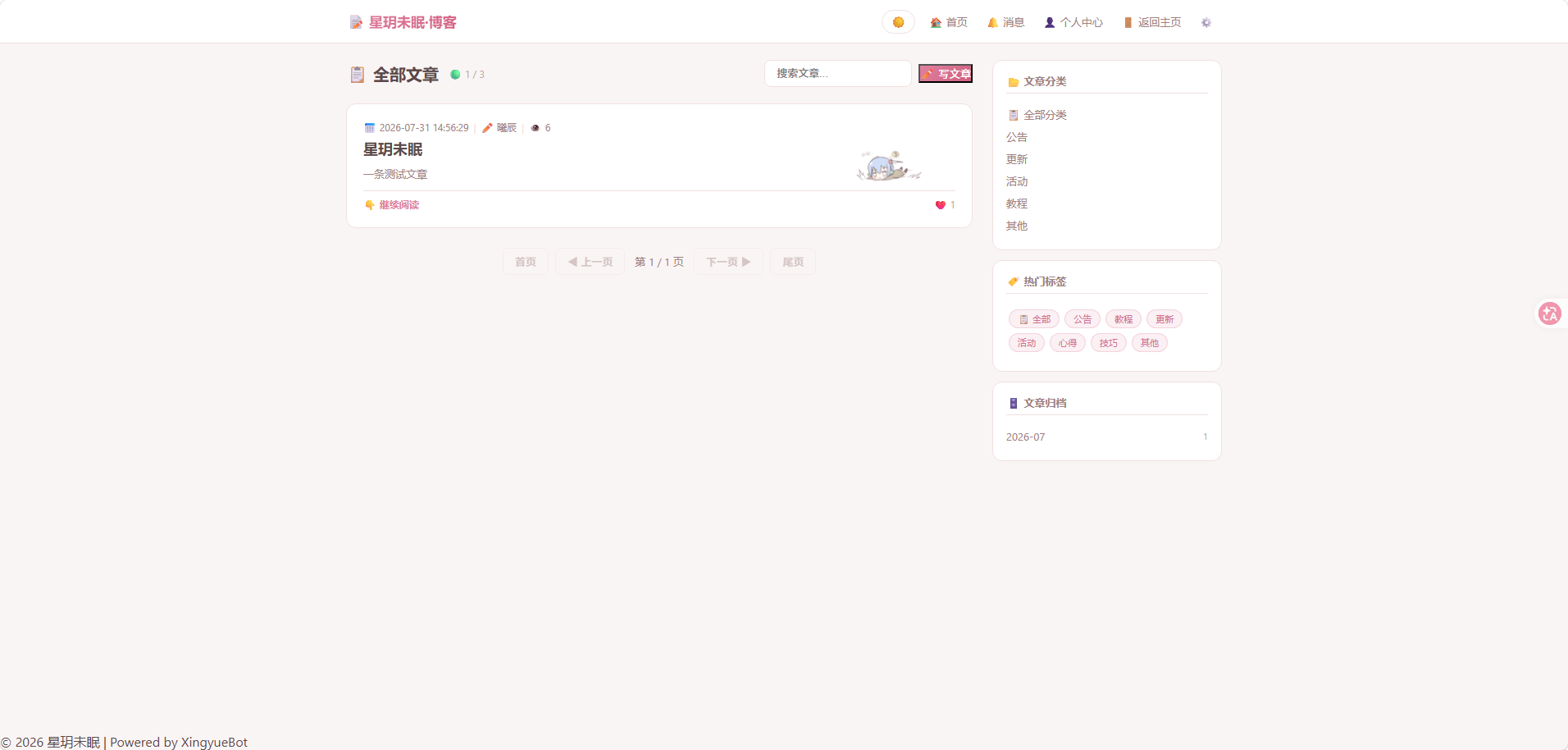 博客.png 博客.png
 -
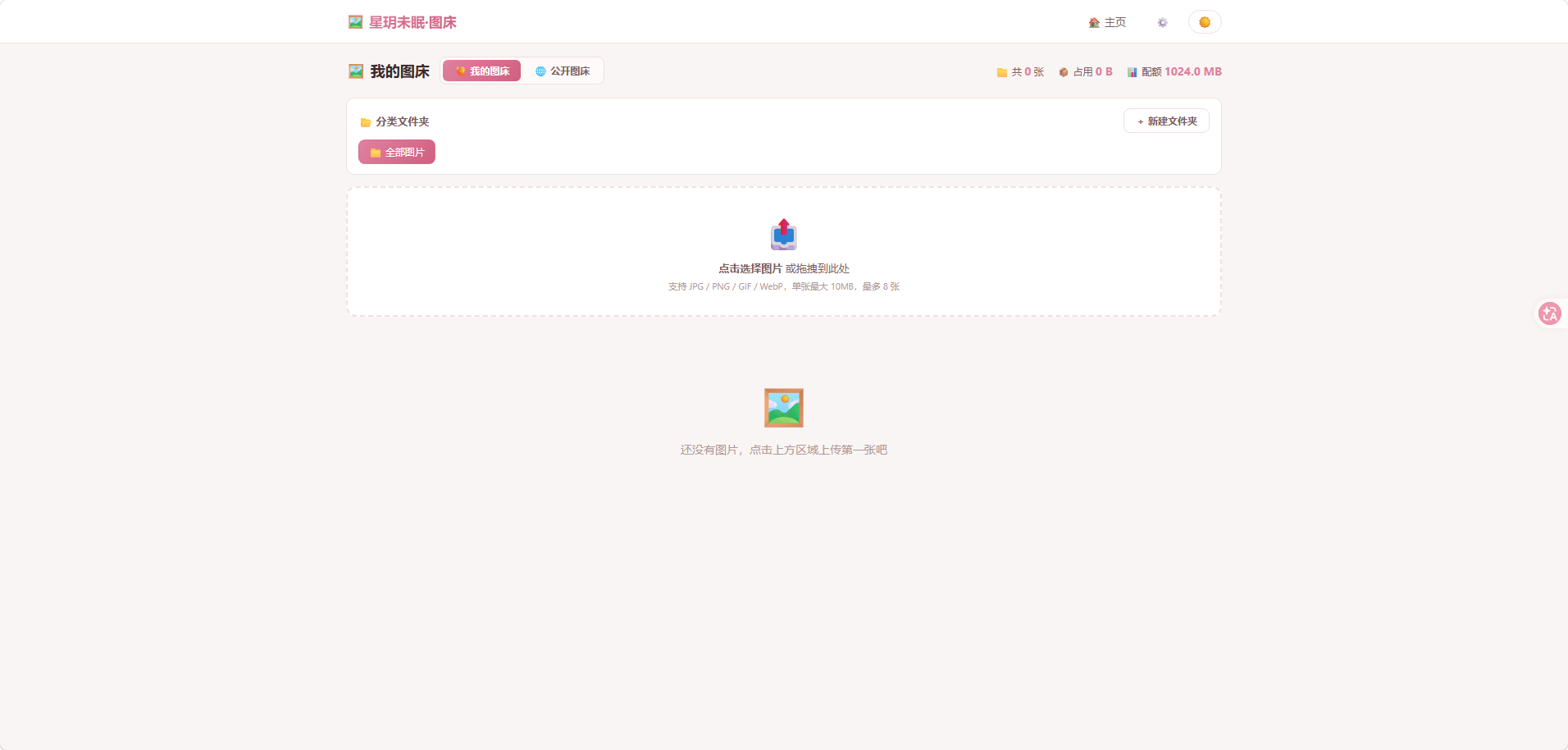 图床.png 图床.png
 -
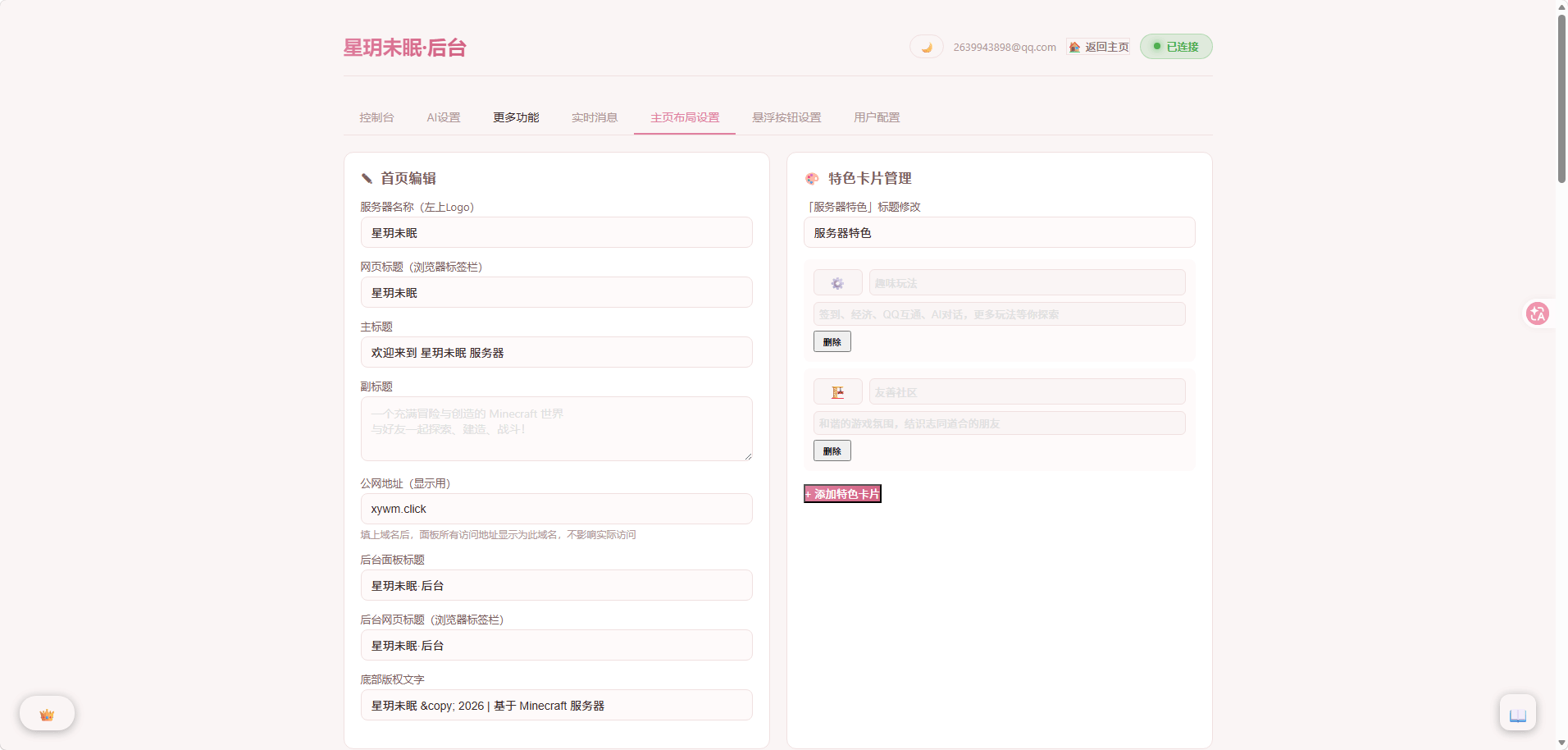 后台2.png 后台2.png
 -
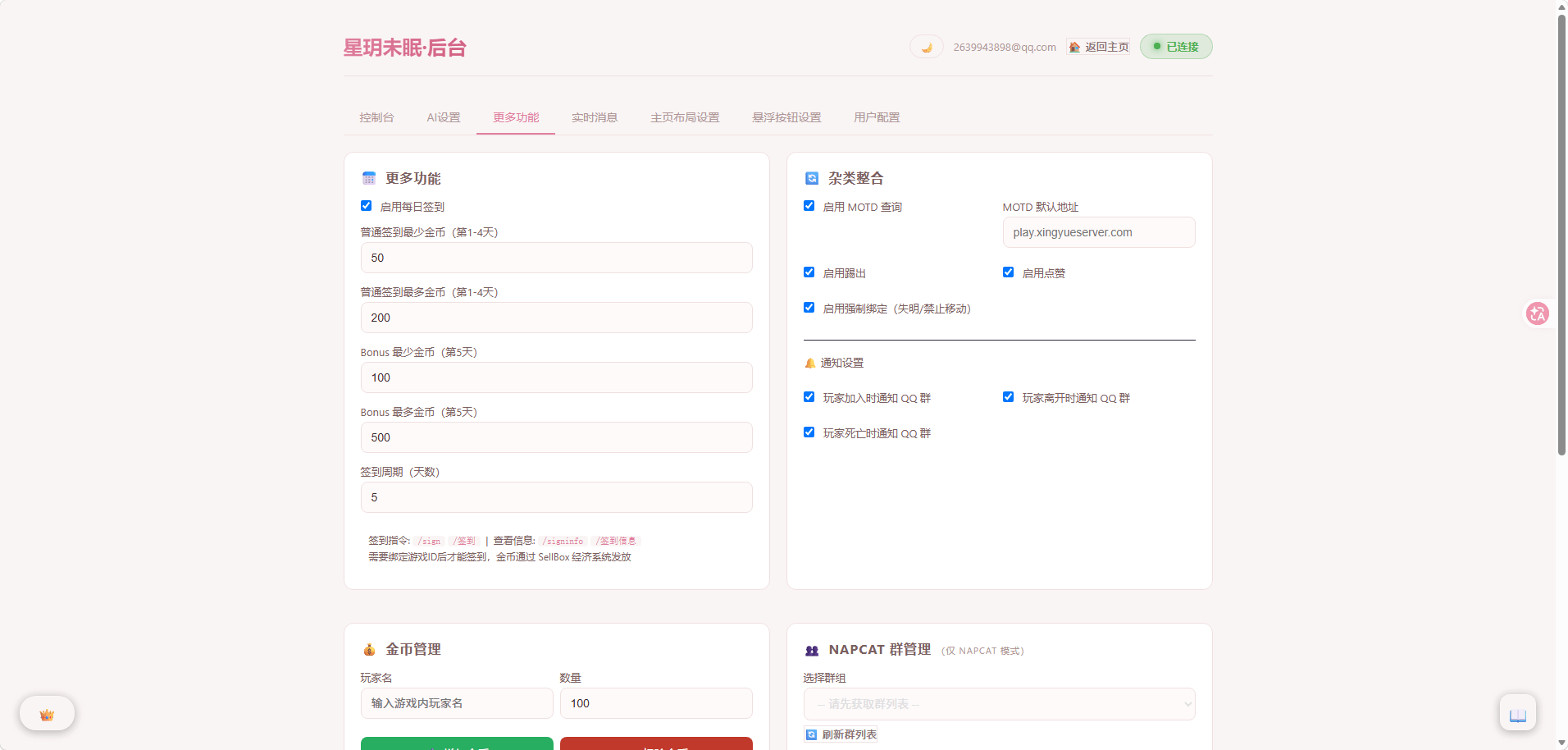 后台1.png 后台1.png
 -
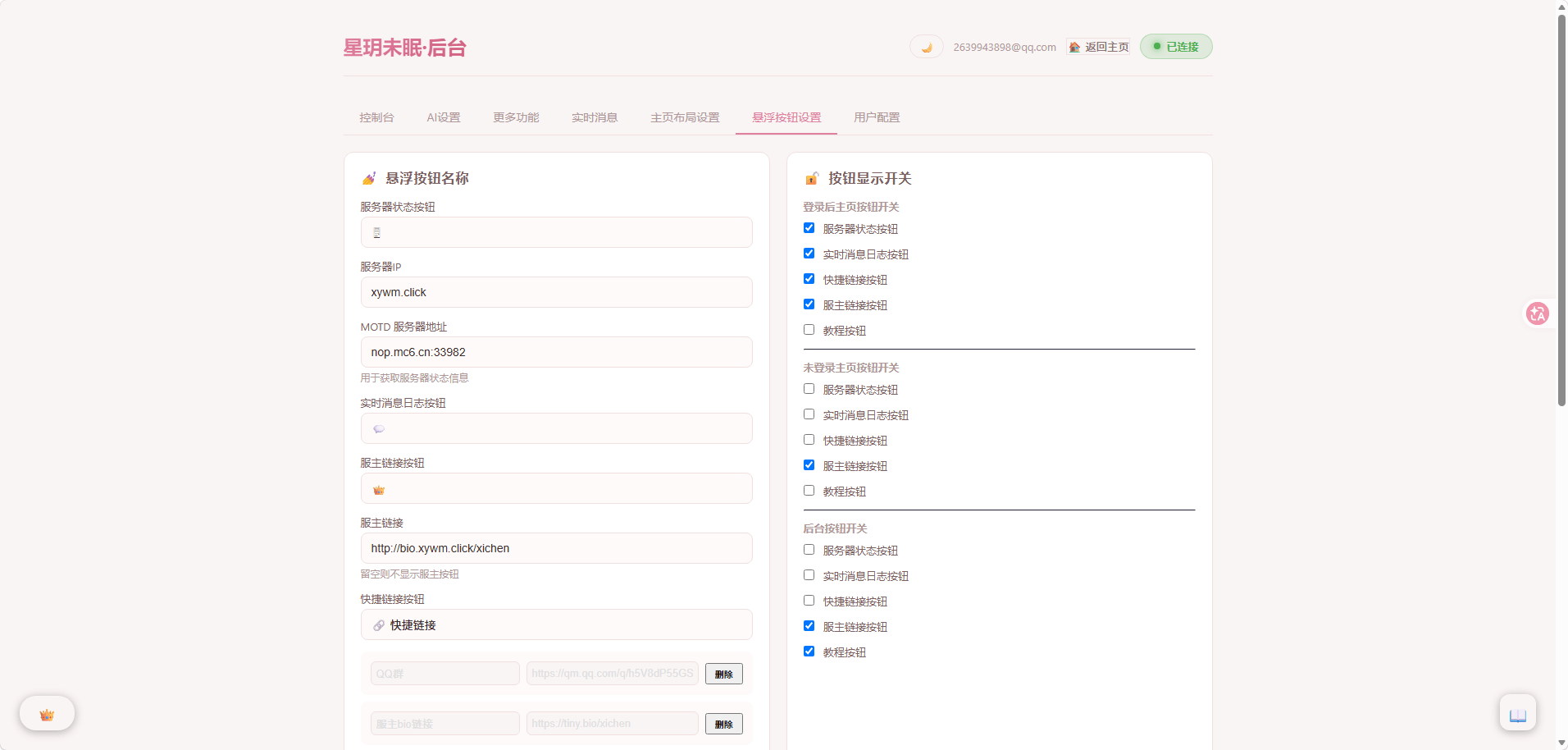 后台.png 后台.png
 -
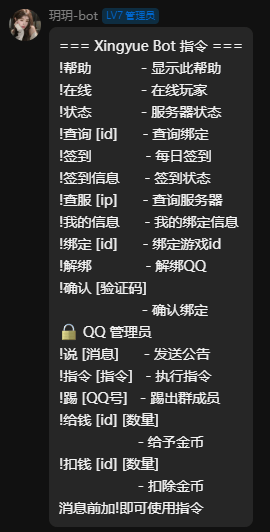 机器人指令.png 机器人指令.png
 -
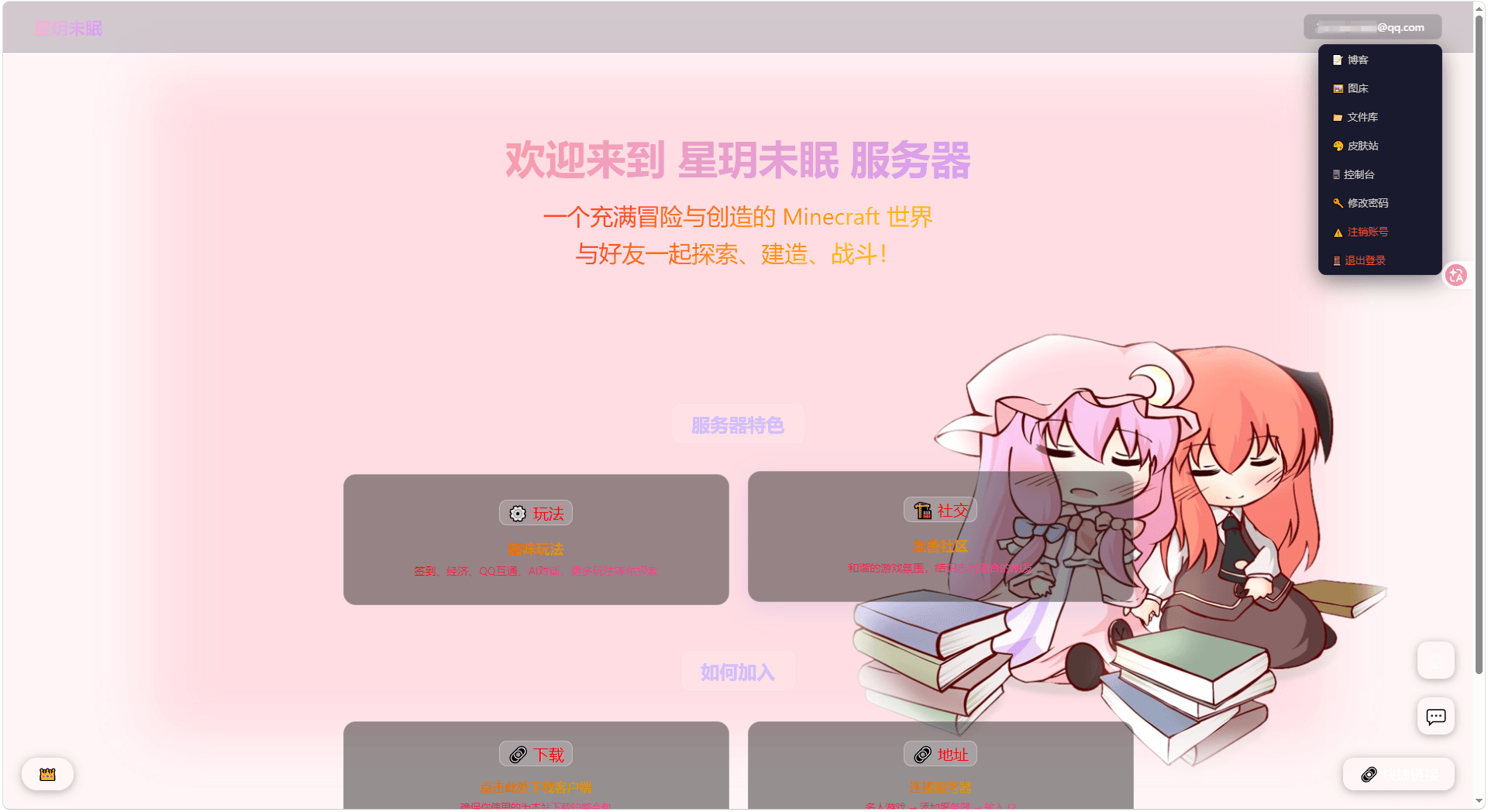 新网页主页
新网页主页
Versions
Files
Relations
Project Relations
More like this
Similar Mods
Suggestions use data such as tags, dependencies, dependents, descriptions, titles, and more to rank how much they overlap with this mod.
On ModDex
Community snapshot
By the numbers
Statistics
Want to reach Minecraft players?
We're looking for a server hosting partner to feature here and other parts of the site. Interested? Send us a message!
Get in touchGet it on
Available Platforms
On ModDex
Community snapshot
By the numbers
Statistics
Resources