
Community listing page, reviews may not be monitored by the author.
ZakeysFPS

No reviews yet
A simple, lightweight and customisable FPS display with adjustable size, colours, custom hex support and automatic F3 hiding.

Community voices
Reviews
No reviews yet. Be the first to review this project!
Get it on
Available Platforms
About
Project Details
For authors
Embed Badge
If you're the author of this project, you can embed a live badge anywhere that supports HTML or Markdown. It updates automatically whenever ratings change.
Use HTML for any page that supports it, or Markdown for README files and Markdown-based descriptions.
Identifiers
Platform IDs
Resources
External Links
About
Description
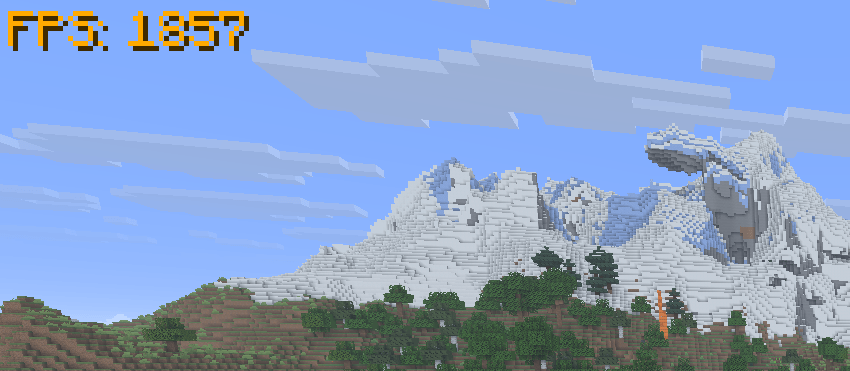
ZakeysFPS is a simple, lightweight and customisable FPS display for Minecraft.
It gives you a clean FPS counter without needing to keep the F3 debug screen open, with built-in options to customise how it looks.
Features
- Live FPS counter – Displays your current FPS directly on screen.
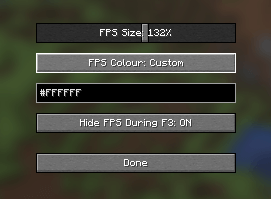
- Adjustable size – Scale the FPS display from 50% to 200%.
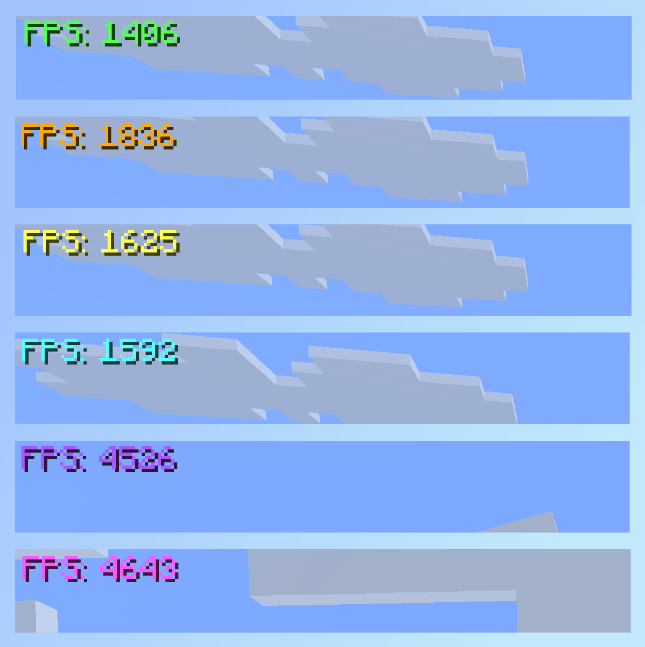
- Colour presets – Quickly choose from a selection of built-in colours.
- Custom colours – Enter your own HEX colour code for full colour customisation.
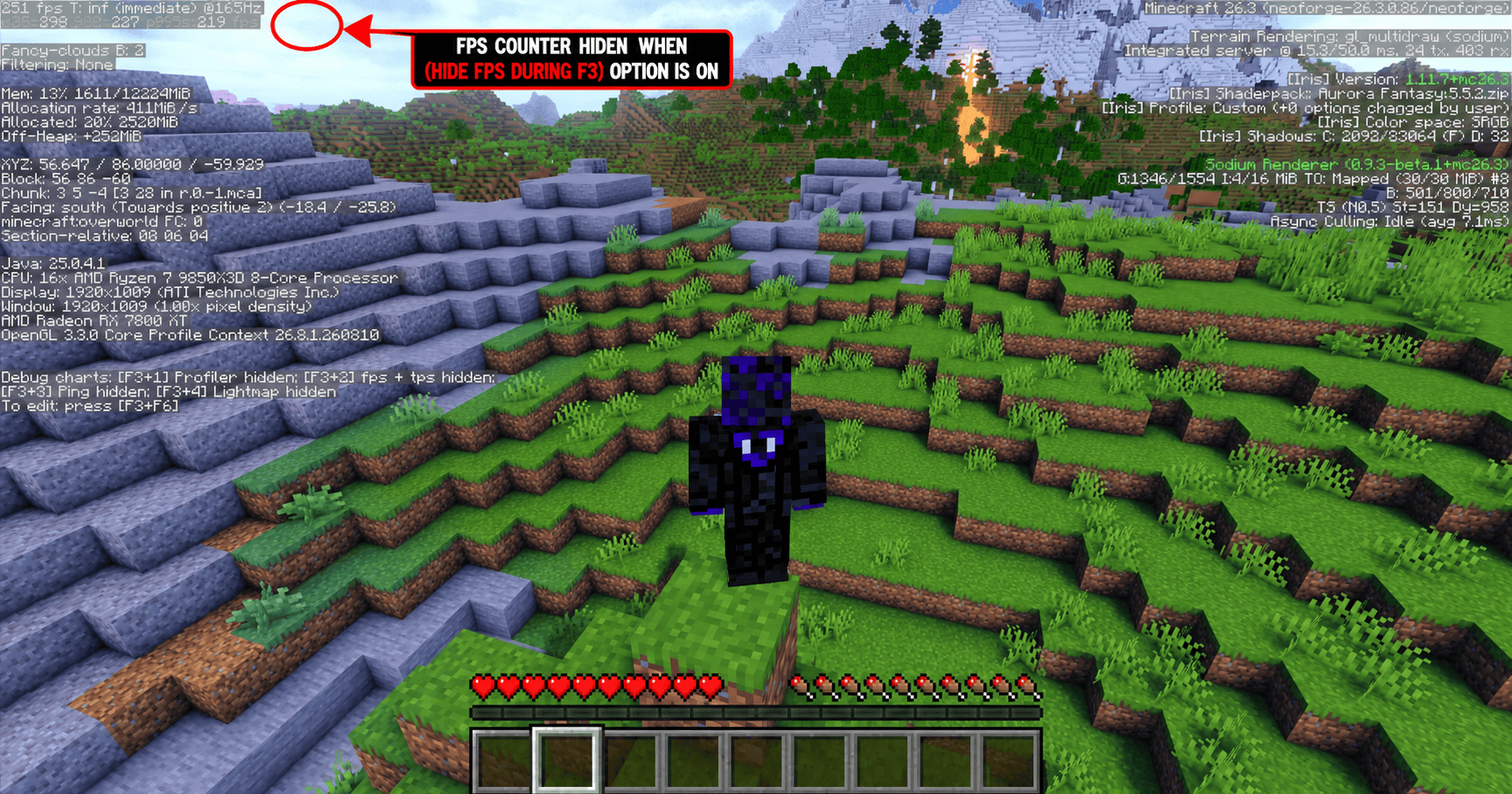
- Automatic F3 hiding – Optionally hides the FPS counter whenever the F3 debug screen is open and automatically shows it again when closed.
- In-game settings menu – Press
]by default to open the ZakeysFPS settings. - Client-side only – No server installation required.
- Lightweight – Designed to do one job without adding unnecessary features or clutter.
Compatibility
Minecraft: 26.3
Mod Loader: NeoForge
Environment: Client-side
ZakeysFPS does not increase or optimise your FPS — it simply provides a lightweight and customisable way to display it.
Keybind
The default keybind for opening the settings menu is:
] – Open ZakeysFPS Settings
This can be changed at any time through Minecraft's normal Controls → Key Binds menu.
Created by Zakey7
Screenshots
Gallery
-
 FPScolourDisplay.png FPScolourDisplay.png
 -
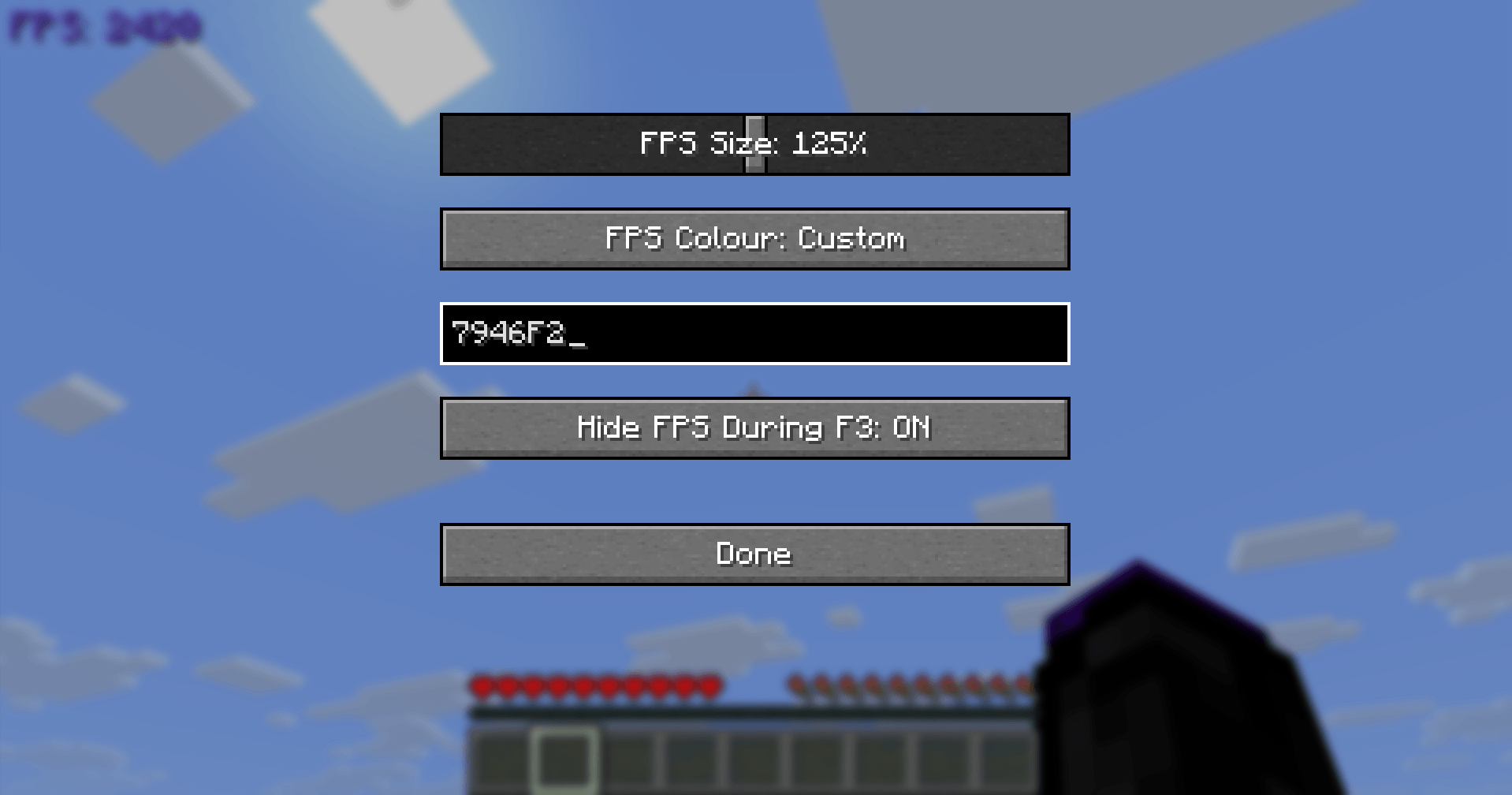 image_2026-10-17_002920881.png image_2026-10-17_002920881.png
 -
 aa0c57b9-3256-4712-90f6-5535485e6d8c (1).png aa0c57b9-3256-4712-90f6-5535485e6d8c (1).png
Versions
Files
Relations
Project Relations
More like this
Similar Mods
Suggestions use data such as tags, dependencies, dependents, descriptions, titles, and more to rank how much they overlap with this mod.
On ModDex
Community snapshot
By the numbers
Statistics

Get it on
Available Platforms
On ModDex
Community snapshot
By the numbers
Statistics
Resources