
Zip To It!
No reviews yet
Zip across the lands in style with a Zippy Sticky Hand! Made for ModFest Toybox!
Fabric is a mod loader for versions 1.14+ of Minecraft, particularly popular for client side and optimization mods.
Community voices
Reviews
Click once to include, again to exclude, again to clear
No reviews yet. Be the first to review this project!
Get it on
Available Platforms
 Modrinth
Compatibility
Supported Environments
About
Project Details
For authors
Embed Badge
If you're the author of this project, you can embed a live badge anywhere that supports HTML or Markdown. It updates automatically whenever ratings change.
Use HTML for any page that supports it, or Markdown for README files and Markdown-based descriptions.
Identifiers
Platform IDs
About
Description
Zip To It!
Zip across the lands in style!
Made for ModFest Toybox!
Use a Zippy Sticky Hand to zip and stick to walls! Upon sticking to a wall, you can jump for some extra height, sneak to simply drop, or zip again to another wall!
You can sneak while zipping to break the sticky hand and cancel the zip. This may be helpful if you get stuck, or want to get some extra height while zipping upwards.
By default, Zippy Sticky hands can zip up to 48 blocks away from your current position. Upon zipping, it reduces fall damage, but doesn't fully negate it!
Crafting
Zippy Sticky Hands can be crafted by combining:
- A slime ball
- A lead
- Any froglight
Depending on the froglight you use, you'll get a different color Zippy Sticky Hand. From there, you can use any colored Zippy Sticky Hand and a dye to change its color.
Gamerules
allowZipcastDuringZipcast - If enabled, players will be able to use their Zippy Sticky Hands while actively zipping to another location. True by default.
Custom/Supported Item Components
Vanilla How-To's
You can give items with specific components by /give @s <item>[<component identifier>={"<field name>":<field value>}]. It's basically just entering NBT or json straight into the item.
Example of the cooldown component with an integer of 20. The "seconds" field is unique to the cooldown component - you can find these by either finding a wiki, or viewing their Codec code, as it's just the codec entry.
/give @s minecraft:ender_pearl[minecraft:use_cooldown={"seconds":20}]
Note: The "seconds" field is actually float, not an integer
You can add more fields by adding a comma after the previous fields' value, and more components by adding a comma after the previous components' ending "}" bracket.
I'm assuming most Vanilla components have each field be required, as that's the case with particles.
Floats can be defined by adding an f after the number, or just by adding a decimal point.
Vector3f's can be defined using [<0f-1f>, <0f-1f>, <0f,1f>]
Zipcaster Item Component
ziptoit:zipcaster has a few fields for customizing a Zippy Sticky Hand. All the fields are optional!
zip_range(int - default: 48) - Determines the amount of blocks a Zippy Sticky Hand can zip from.zip_speed(float - default: 2.25f) - Determines the speed which a player will zip with; there is no relative measurement for this speed, other than bigger number means faster zipcaster. **NOTE: ** Faster speeds are unsupported, and will cause issues sticking to walls if too high!max_zips(int - default: -1) - The maximum amount of zips a Zippy Sticky Hand can make without breaking. Use "-1" for infinite.zipcast_color(ZipcastColor) - The colors used for the Zippy Sticky Hand. Default is the Yellow Zippy Sticky Hand's colors(despite the actual Zippy Sticky Hand item)
ZipcastColor is a custom object which contains colors for the Zippy Sticky Hand to use. All color fields are required!
color(Vector3f or int) - The main color which will be seen when zipping to a location.altColor(Vector3f or int) - The alternative color which will be seen when zipping to a location. Used for a gradient with the "color" on the main zipping line, and as a rarer color for various colored particles(e.g. the speed lines).brightColor(Vector3f or int) - The starting color(for like, 7 ticks) of the zip line when zipping to a location.previewColor(Vector3f or int) - The color shown when aiming a Zippy Sticky Hand.alternate(boolean) - Makes the main color and alternative color alternate along the zip line instead of being a gradient.rainbow(boolean) - If enabled, overrides the main/alternative colors on the zip line, and overrides the preview color with a rainbow animation. The bright color (should) still be usable.
Give Command Examples
You can combine and change the values for each example - none of these examples should conflict with each other.
Max Zip Uses & Cooldowns
Max zips of 3 (no cooldown)
/give @s ziptoit:yellow_zippy_hand[ziptoit:zipcaster={"max_zips":3}]
Cooldown of 5 seconds (no zip limit)
/give @s ziptoit:yellow_zippy_hand[minecraft:use_cooldown={"seconds":5}]
The "seconds" value is a float to allow for specific tick times!
Max zips of 3 with a cooldown of 5 seconds.
/give @s ziptoit:yellow_zippy_hand[ziptoit:zipcaster={"max_zips":3}, minecraft:use_cooldown={"seconds":5}]
Zip Range & Speed
Zip range of 16
/give @s ziptoit:yellow_zippy_hand[ziptoit:zipcaster={"zip_range":16}]
Zip speed of 5f
/give @s ziptoit:yellow_zippy_hand[ziptoit:zipcaster={"zip_speed":5f}]
The speed value has no relationship to any form of measurement, other than higher values means more speed.
Zip range of 32 and speed of 1f
/give @s ziptoit:yellow_zippy_hand[ziptoit:zipcaster={"zip_range":32, "zip_speed":1f}]
Zip Colors
Custom Colors Example with:
- Red as main color
- Green as alt color
- Blue as bright color
- White as preview color
/give @s ziptoit:yellow_zippy_hand[ziptoit:zipcaster={"zipcast_color":{"color":[1f, 0f, 0f], "altColor":[0f, 1f, 0f], "brightColor":[0f, 0f, 1f], "previewColor":[1f, 1f, 1f]}}]
Notes:
- Don't forget the extra "{}" brackets for the field value!
- Vector3fs or integers(in theory) can be used to define the colors. A Vector3f can be defined using
[<0f-1f>, <0f-1f>, <0f,1f>] - Custom colors will be displayed in the Zippy Sticky Hand's tooltip!
The actual Zippy Sticky Hand item doesn't affect the colors, as they all default to yellow unless grabbed from the creative inventory.
You can find a list of give commands for all the default colors in the GitHub README (it's a very long list, towards the bottom, actually impossible to miss).
Screenshots
Gallery
-
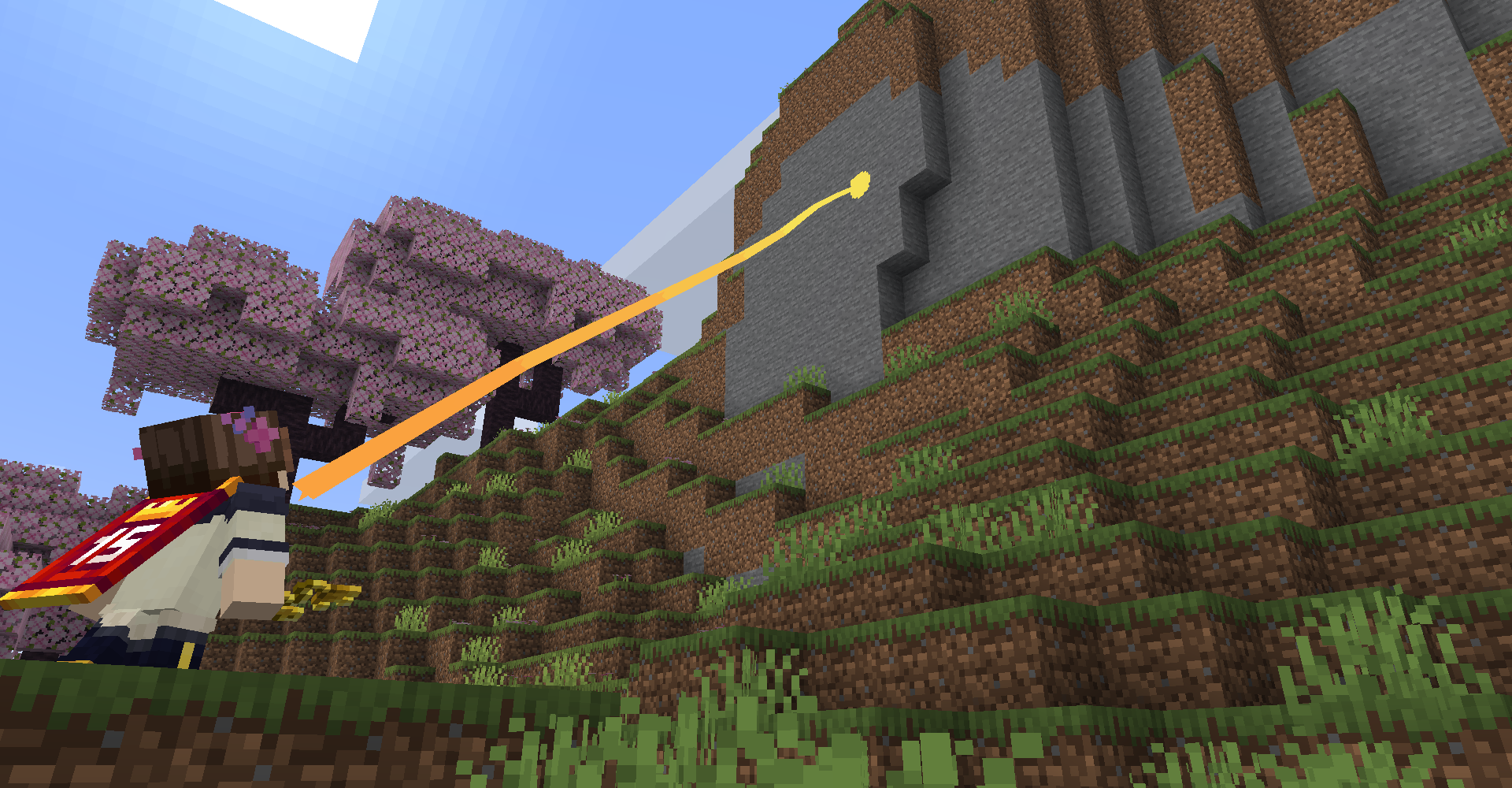 Right Click, Aim, And Zip!
 -
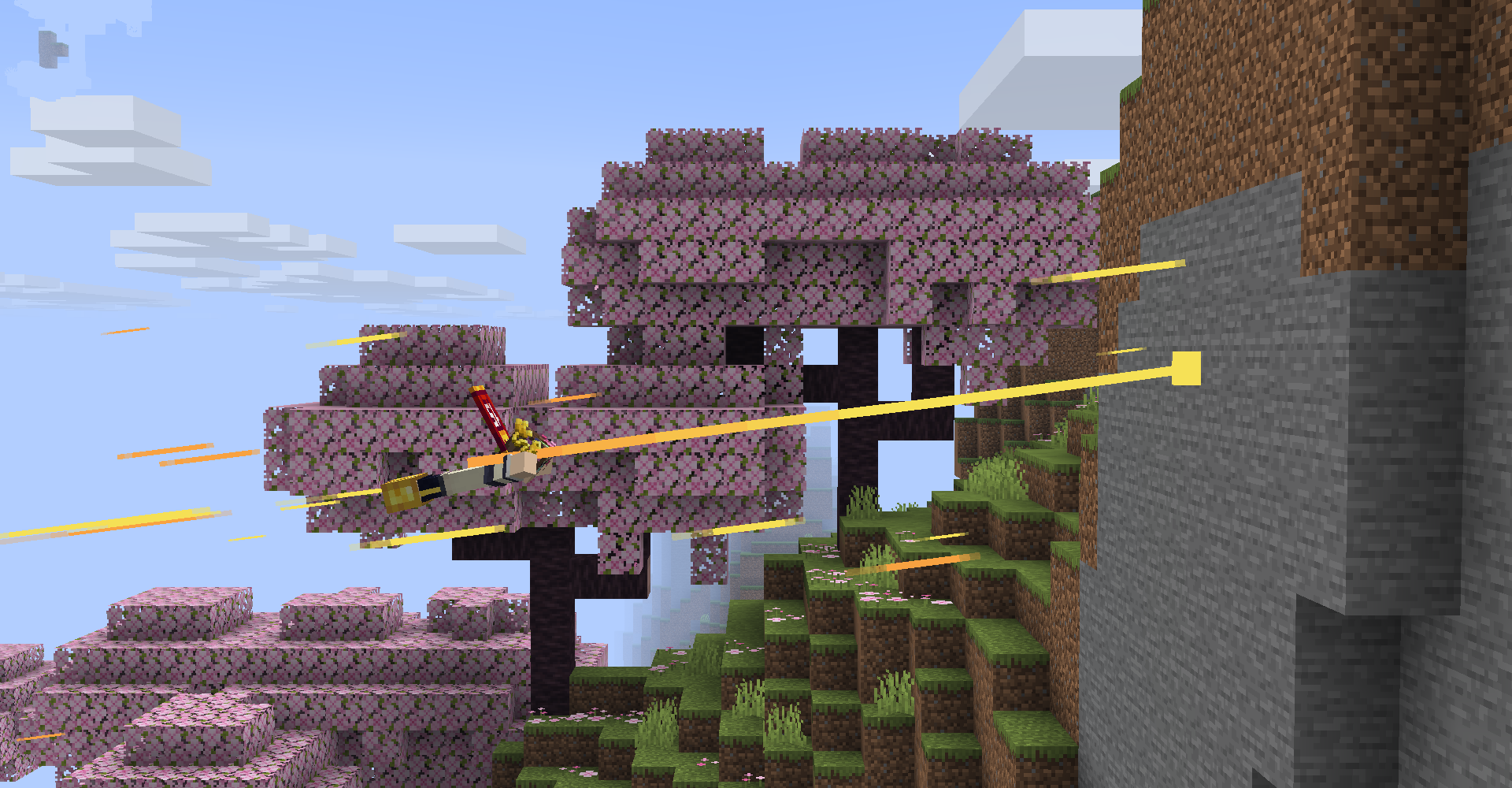 Zipping Through The Sky
 -
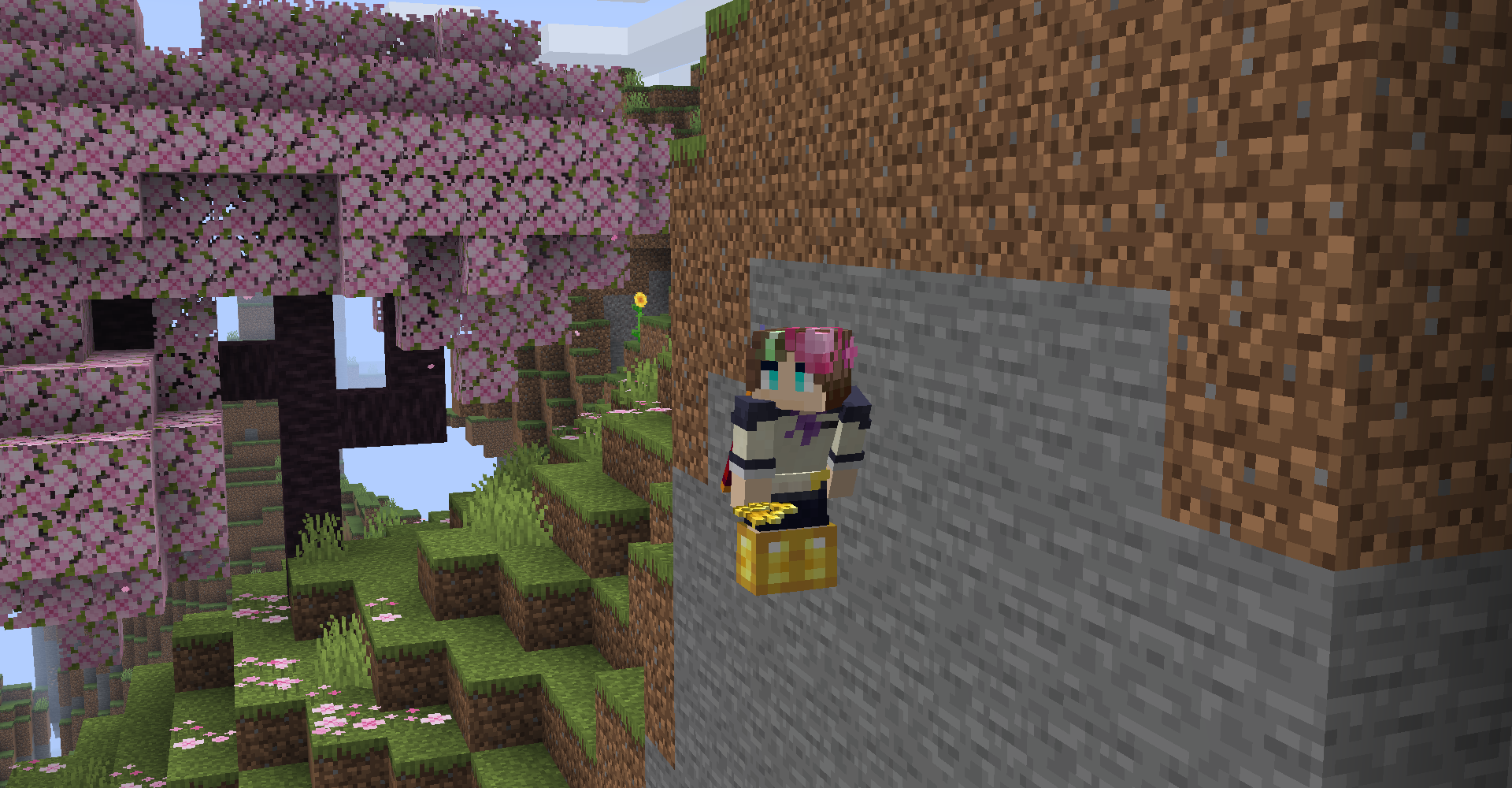 Sticking To The Wall After landing on a wall with the Zippy Sticky Hand, you'll stick there until you either jump off or zip to another wall!
 -
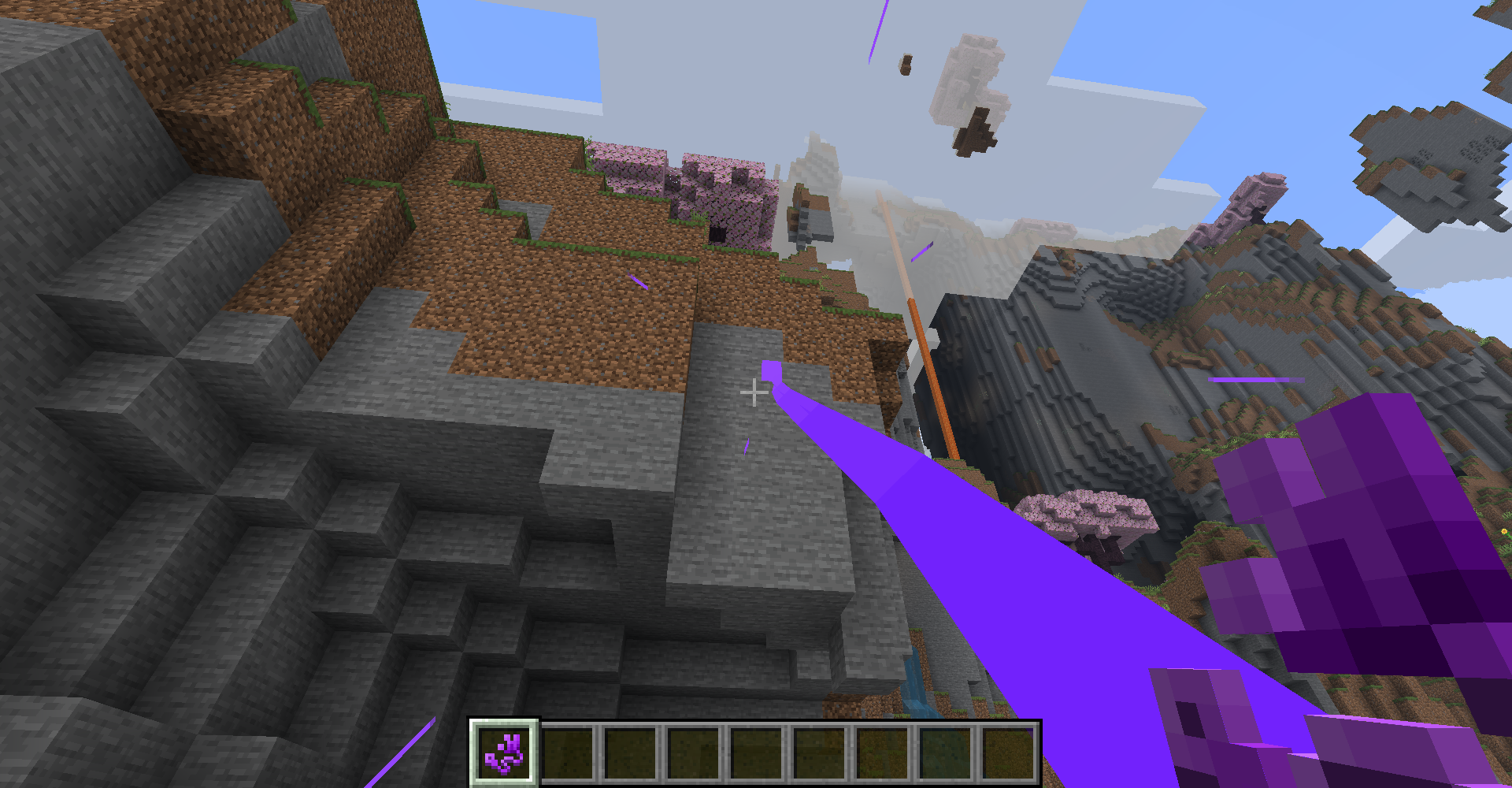 The Start of The Climb
 -
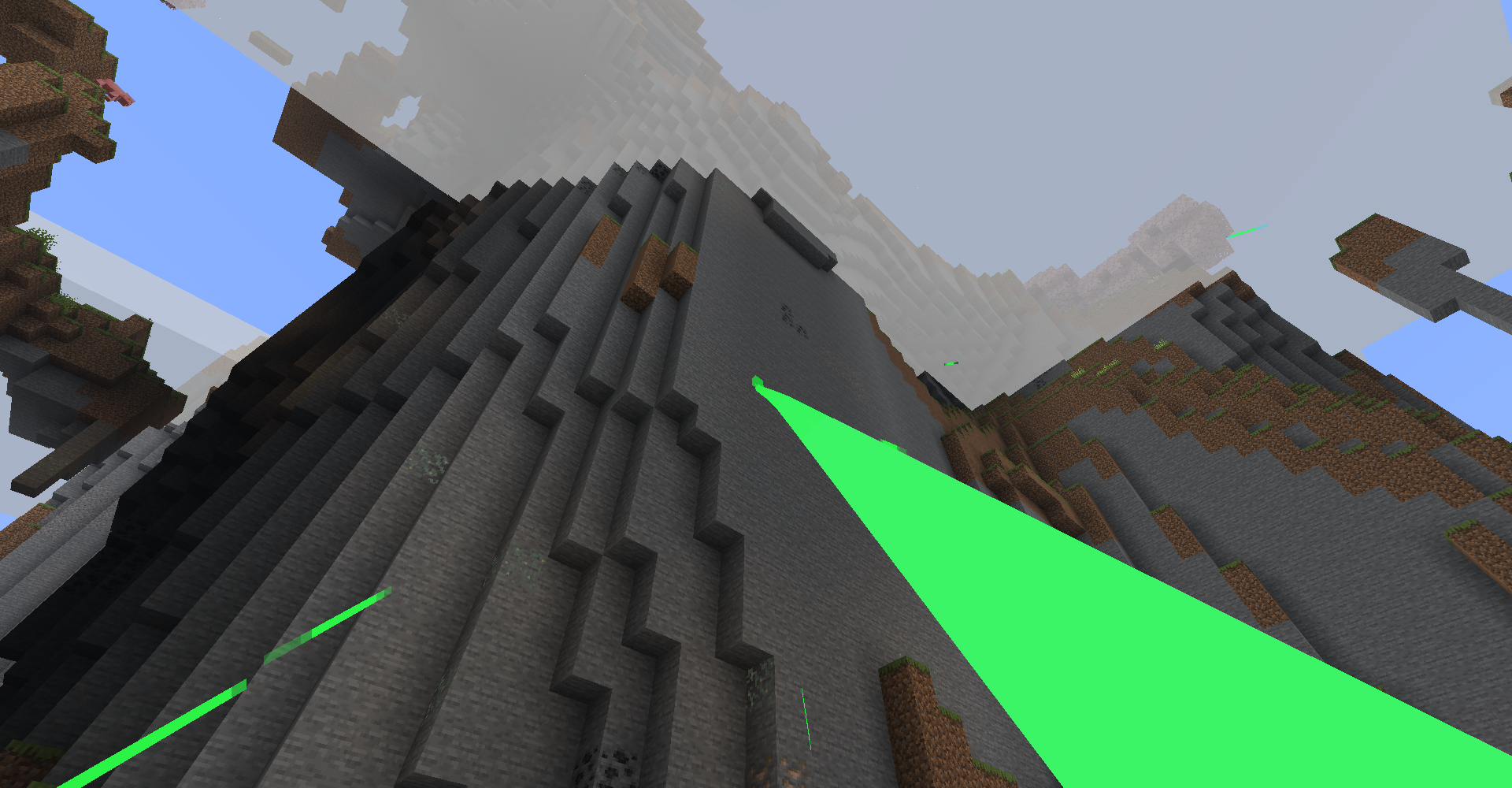 To The Clouds
 -
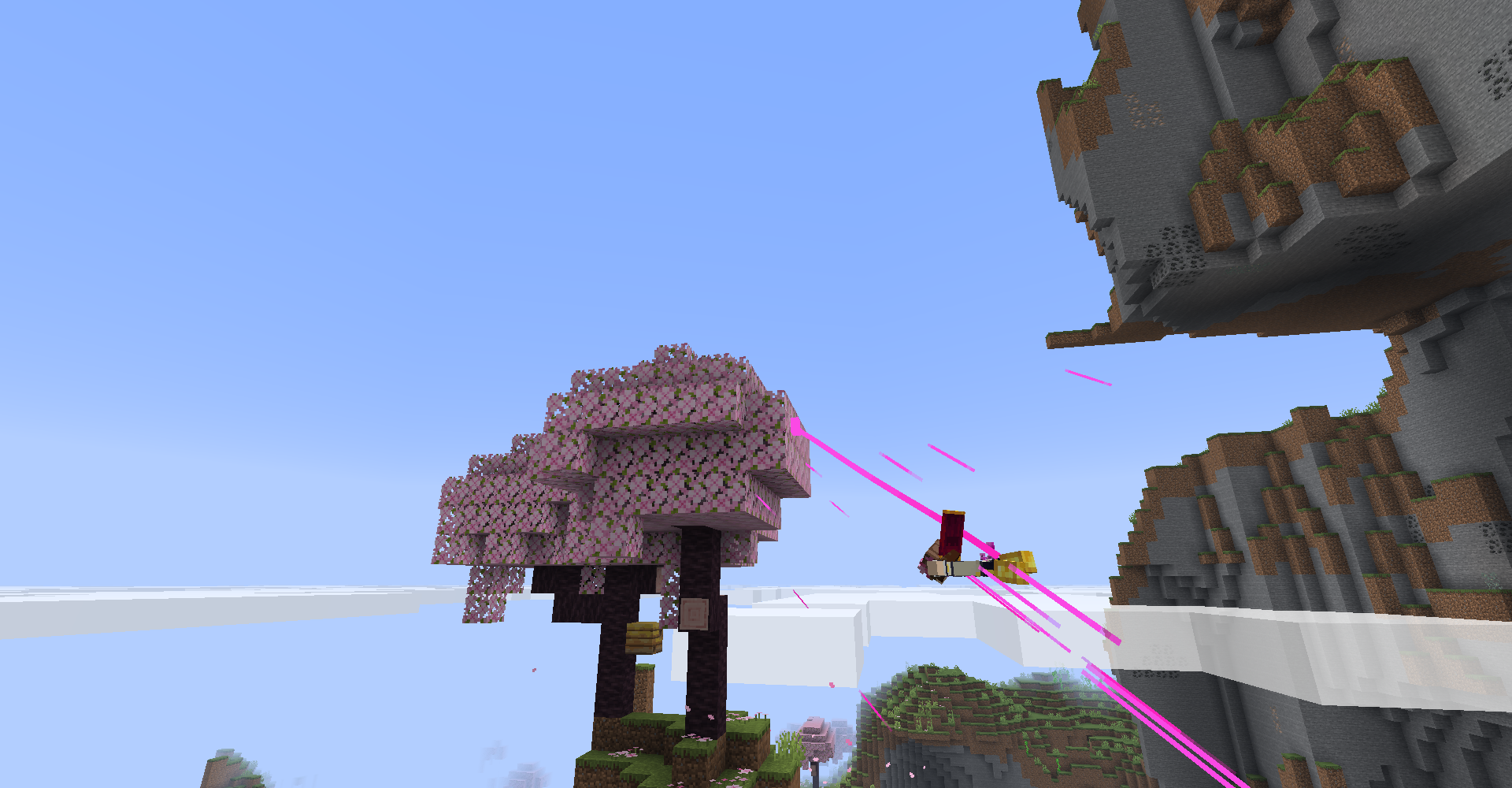 Convient Tree
 -
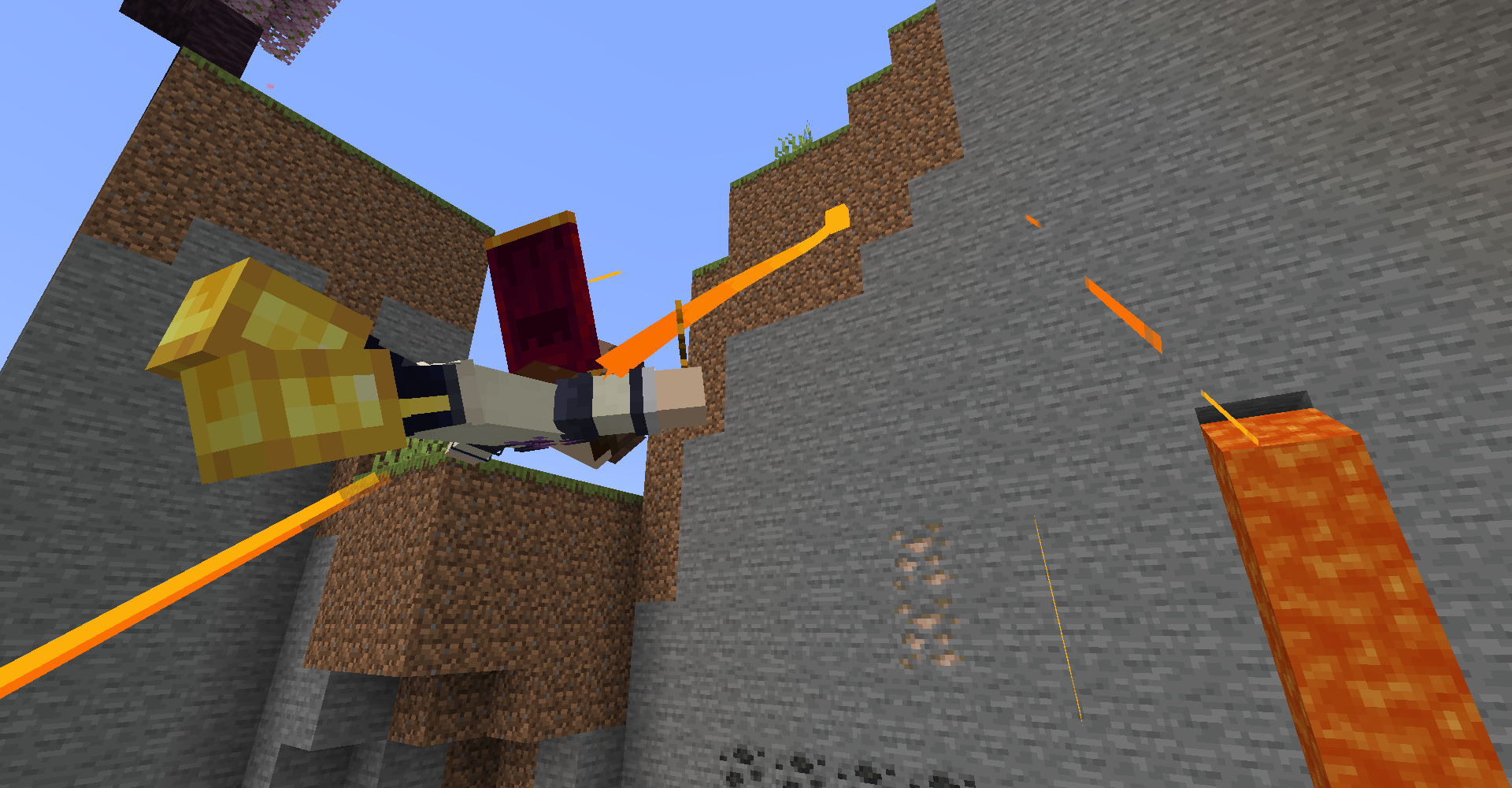 Edge of The Cliff
 -
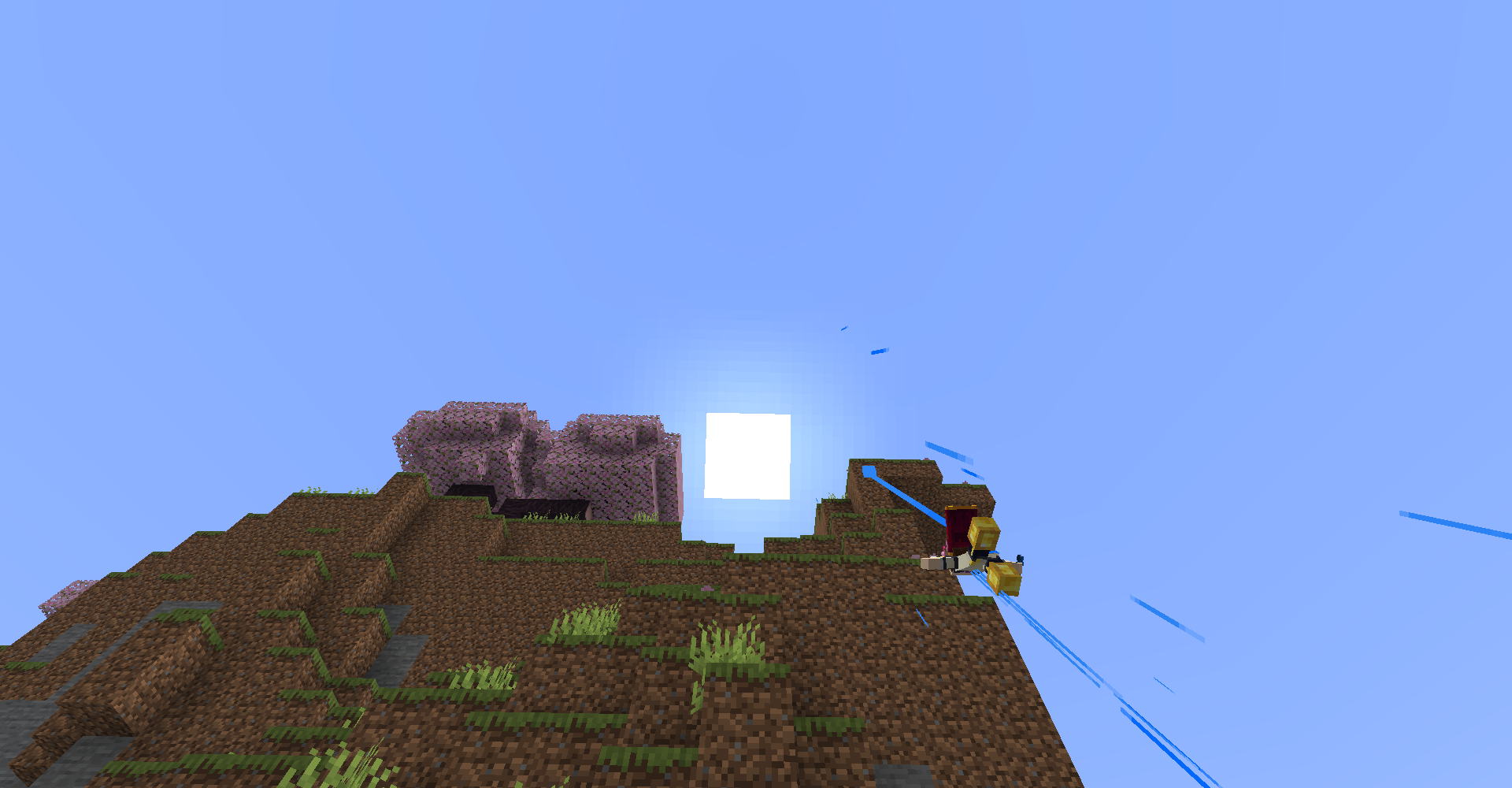 To The Sun
 -
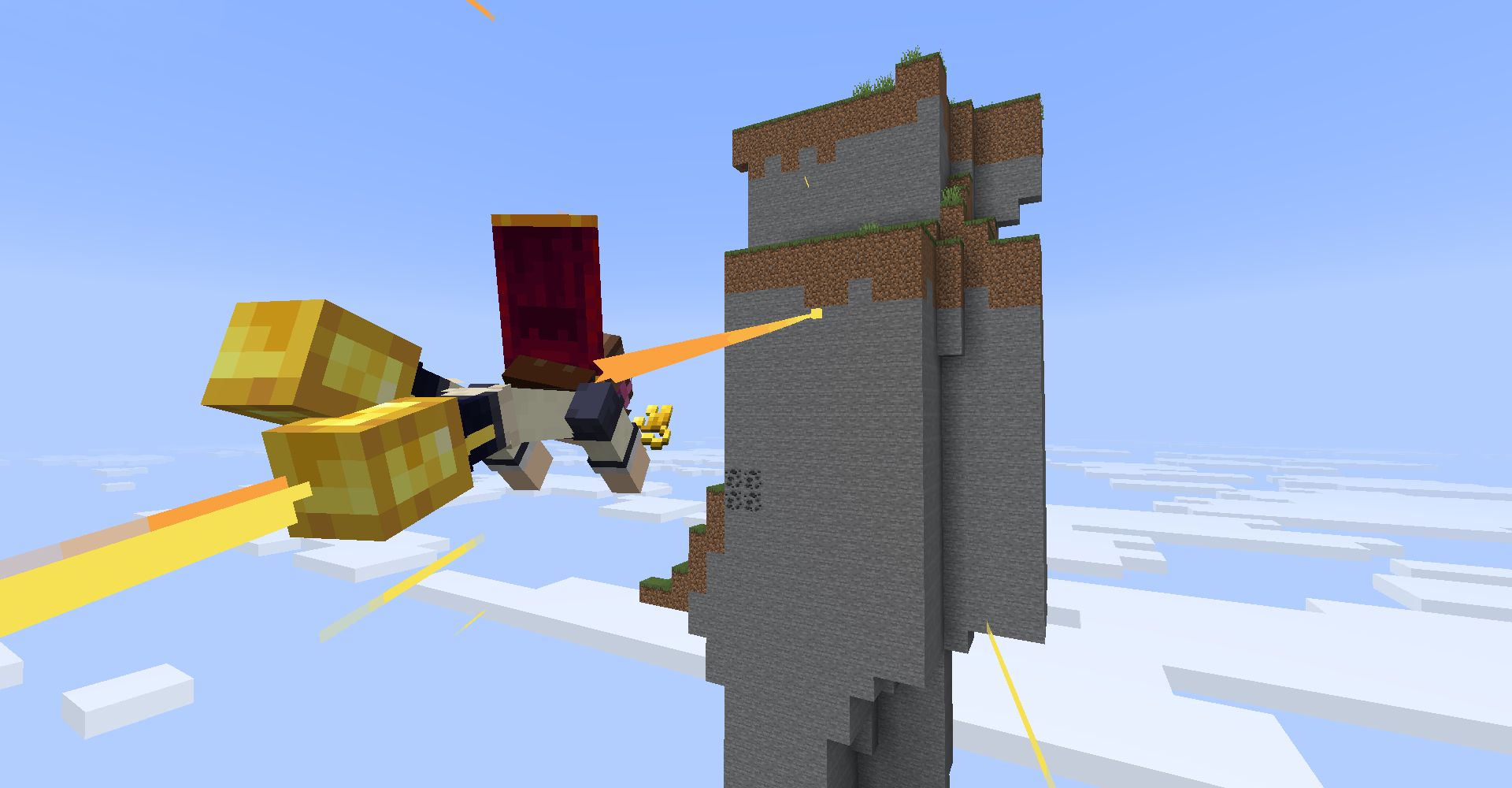 Towards The Viewing Spot
 -
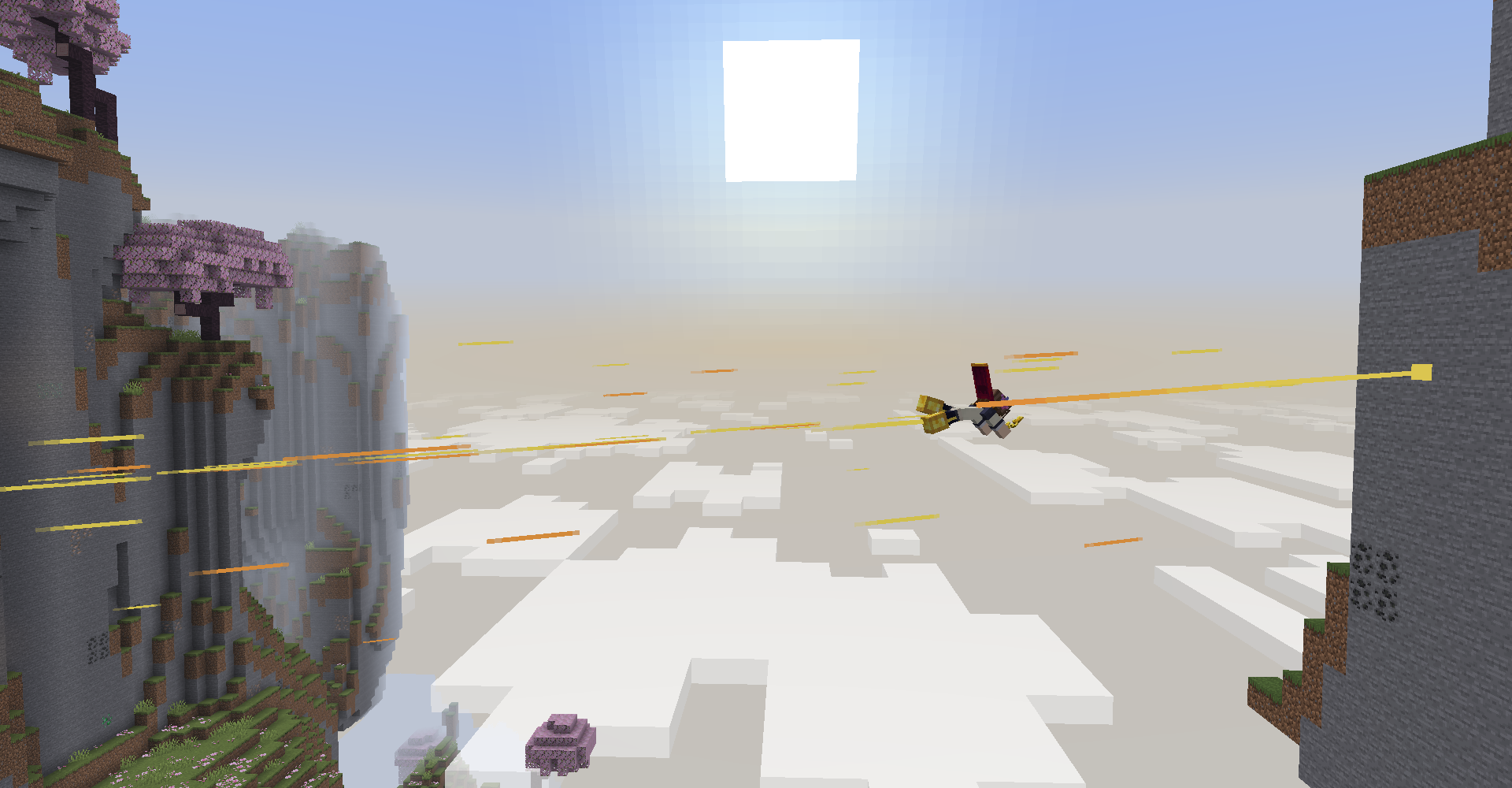 Across The Sky
 -
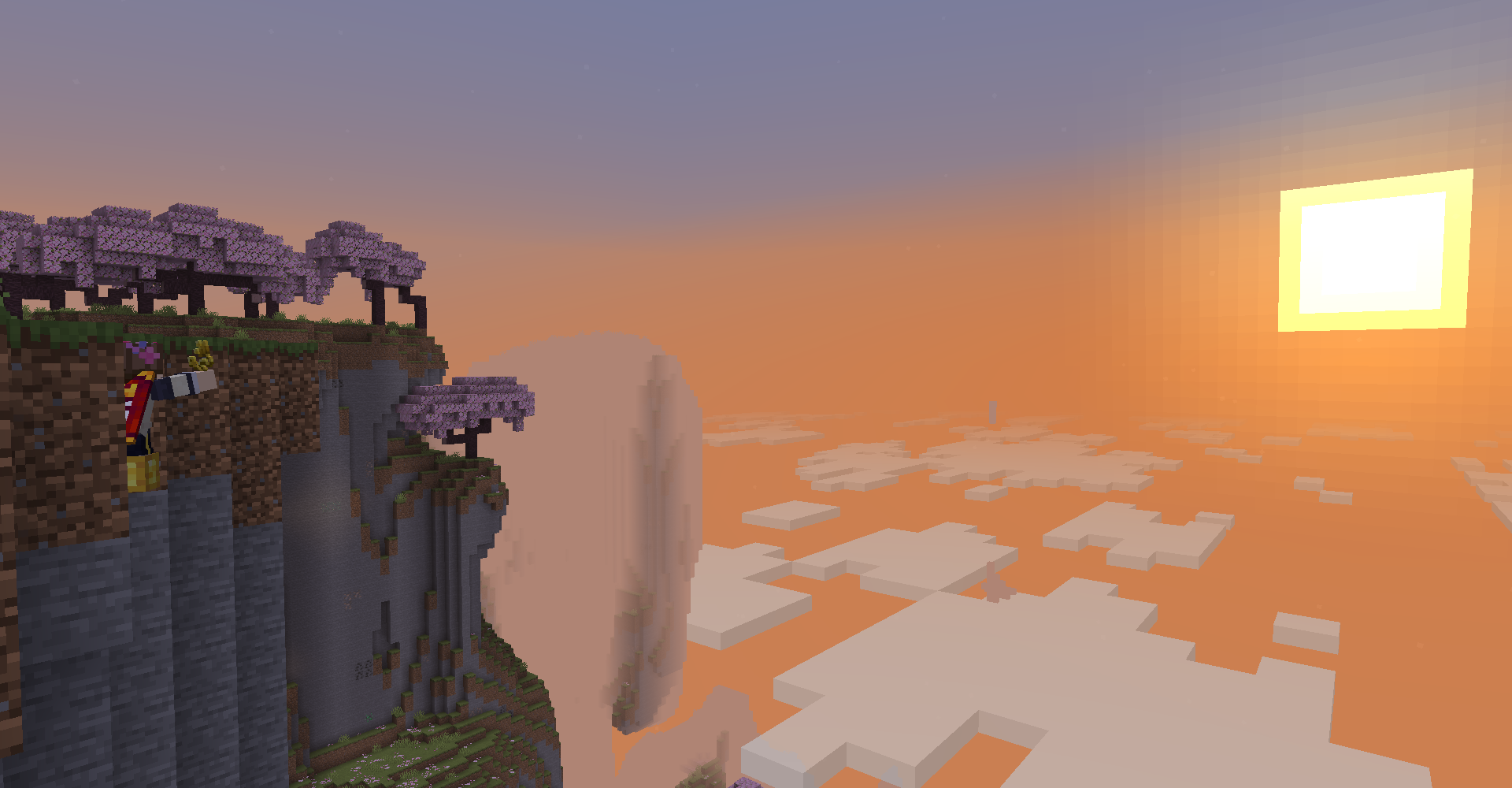 Watching The Sunset
Versions
Files
Relations
Project Relations
More like this
Similar Mods
Suggestions use data such as tags, dependencies, dependents, descriptions, titles, and more to rank how much they overlap with this mod.
On ModDex
Community snapshot
By the numbers
Statistics

Want to reach Minecraft players?
We're looking for a server hosting partner to feature here and other parts of the site. Interested? Send us a message!
Get in touchGet it on
Available Platforms
On ModDex
Community snapshot
By the numbers