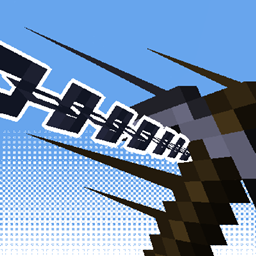
Community listing page, reviews here may not be monitored by the author.
Ziplines: Rezipped!


No reviews yet
A multiloader fork of Zipline: Satisfactory inspired ziplines in Minecraft!
Community voices
Reviews
No reviews yet. Be the first to review this project!
Get it on
Available Platforms
Compatibility
Supported Environments
Must be installed on both the client and the server.
About
Project Details
For authors
Embed Badge
If you're the author of this project, you can embed a live badge anywhere that supports HTML or Markdown. It updates automatically whenever ratings change.
Use HTML for any page that supports it, or Markdown for README files and Markdown-based descriptions.
Identifiers
Platform IDs
About
Description
Zipline: Rezipped!



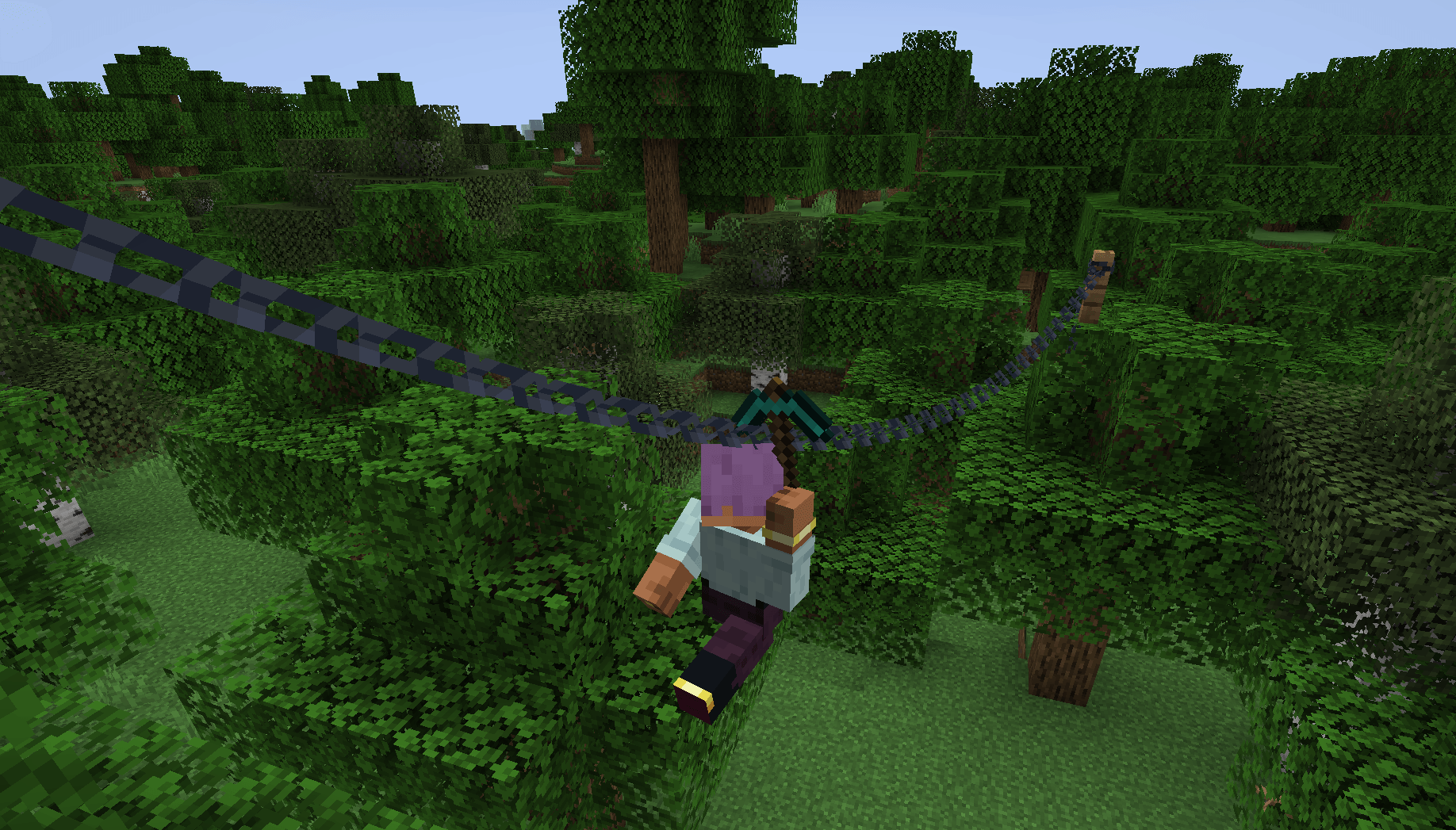
This is a multiloader fork of Tomate0613's Zipline: Ziplines inspired by the hit zipline game Satisfactory!
What's New?
- Momentum-Based Physics! Gain speed going down, lose speed going up. Includes a toggle to disable realistic physics for those who prefer a more arcade-y feel (default).
- Works With Any Tools! Add your modded tools to the item tag
#zipline:attachmentto zip around with them. - Durability! Usage wears down your zipline tool (configurable).
Usage
How to Zip
- Equip a Zipline tool (see compatibility or customization below).
- Aim at a compatible cable, wire, or chain.
- Hold Right-Click to attach and start zipping.
- Look in the direction you want to travel to influence your momentum.
- Jump to detach and launch yourself off the line, or release right-click.
Configuration
This mod uses Cloth Config (optional but recommended) to allow customization of the mechanics. You can access the config screen via Mod Menu or by editing config/zipline.json.
Compatibility
This mod does not add any cables on its own. Instead, it turns existing cables from other mods into ziplines.
Supported mods include:
- Reconnectible Chains
Create Crafts & Additions(temporarily disabled)- Station Decoration (Minecraft Transit Railway addon)
Customization
Adding Zipline Tools
This mod defines the specific tag zipline:attachment. Any item added to this tag will function as a zipline tool. By default, this includes Pickaxes and items tagged as Wrenches.
You can add items to this tag via a Data Pack: data/zipline/tags/item/attachment.json
{
  "replace": false,
  "values": [
    "minecraft:stick",
    "create:red_rose_quartz_pickaxe"
  ]
}
API
Developers can add support for their own cables by implementing the Cable interface and registering a CableProvider via Cables.registerProvider.
License



Zipline: Rezipped!


This is a multiloader fork of Tomate0613's Zipline: Ziplines inspired by the hit zipline game Satisfactory!
What's New?
- Momentum-Based Physics! Gain speed going down, lose speed going up. Includes a toggle to disable realistic physics for those who prefer a more arcade-y feel (default).
- Works With Any Tools! Add your modded tools to the item tag
#zipline:attachmentto zip around with them. - Durability! Usage wears down your zipline tool (configurable).
Usage
How to Zip
- Equip a Zipline tool (see compatibility or customization below).
- Aim at a compatible cable, wire, or chain.
- Hold Right-Click to attach and start zipping.
- Look in the direction you want to travel to influence your momentum.
- Jump to detach and launch yourself off the line, or release right-click.
Configuration
This mod uses Cloth Config (optional but recommended) to allow customization of the mechanics. You can access the config screen via Mod Menu or by editing config/zipline.json.
Compatibility
This mod does not add any cables on its own. Instead, it turns existing cables from other mods into ziplines.
Supported mods include:
- Reconnectible Chains
Create Crafts & Additions(temporarily disabled)- Station Decoration (Minecraft Transit Railway addon)
Customization
Adding Zipline Tools
This mod defines the specific tag zipline:attachment. Any item added to this tag will function as a zipline tool. By default, this includes Pickaxes and items tagged as Wrenches.
You can add items to this tag via a Data Pack: data/zipline/tags/item/attachment.json
{
  "replace": false,
  "values": [
    "minecraft:stick",
    "create:red_rose_quartz_pickaxe"
  ]
}
API
Developers can add support for their own cables by implementing the Cable interface and registering a CableProvider via Cables.registerProvider.
License

Screenshots
Gallery
-
 zippy.png zippy.png
-
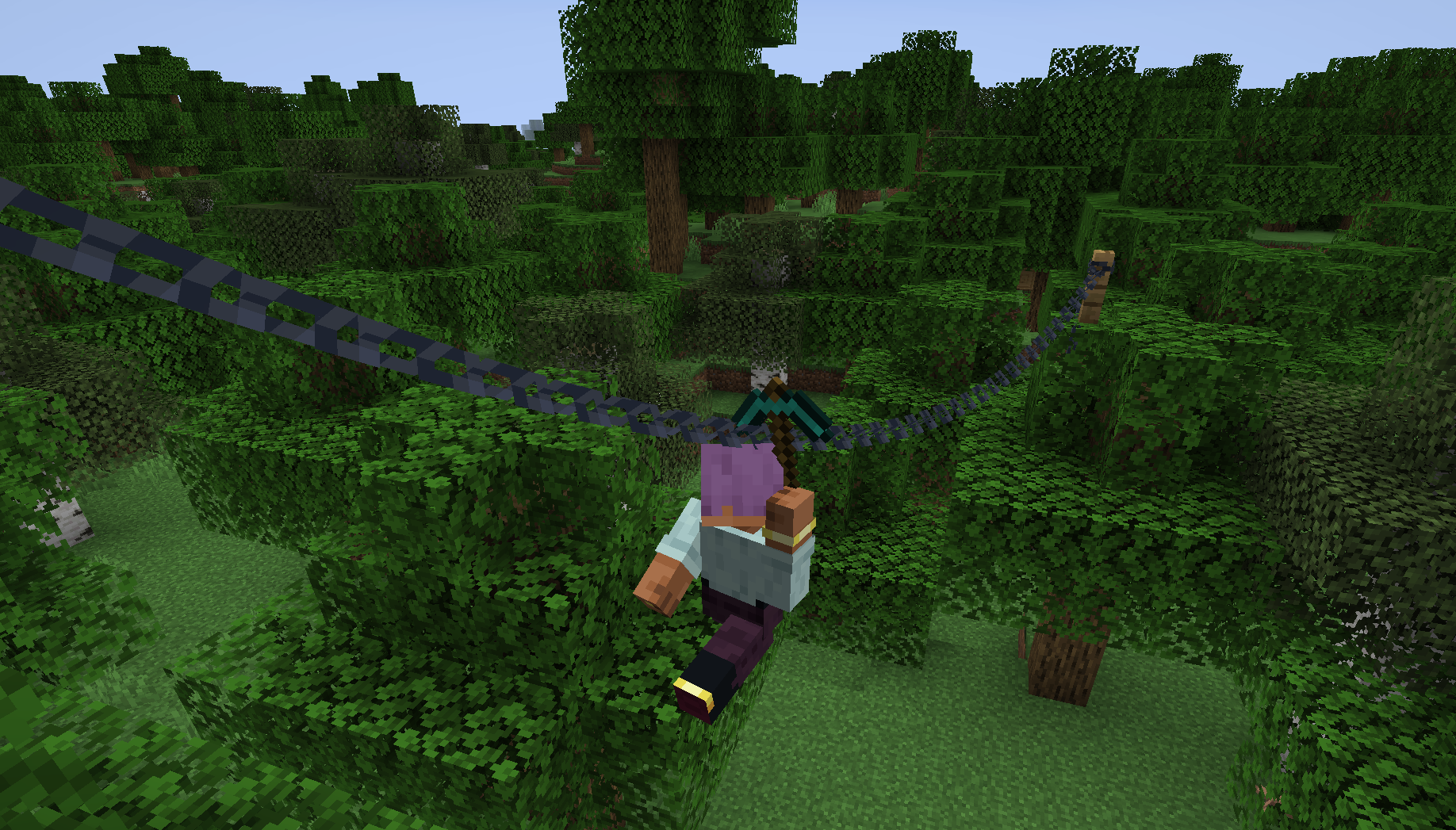 Zip Along Use any tools or items you like!
Versions
Files
Relations
Project Relations
More like this
Similar Mods
Suggestions use data such as tags, dependencies, dependents, descriptions, titles, and more to rank how much they overlap with this mod.
On ModDex
Community snapshot
By the numbers
Statistics
Want to reach Minecraft players?
We're looking for a server hosting partner to feature here and other parts of the site. Interested? Send us a message!
Get in touchGet it on
Available Platforms
On ModDex
Community snapshot
By the numbers